




 here!
here!
I’m your shopping assistant for PC builds, upgrades, and everything tech.
Got questions? Ask away!
Start a conversation
here!
I’m your shopping assistant for PC builds, upgrades, and everything tech.
Got questions? Ask away!
Start a conversation
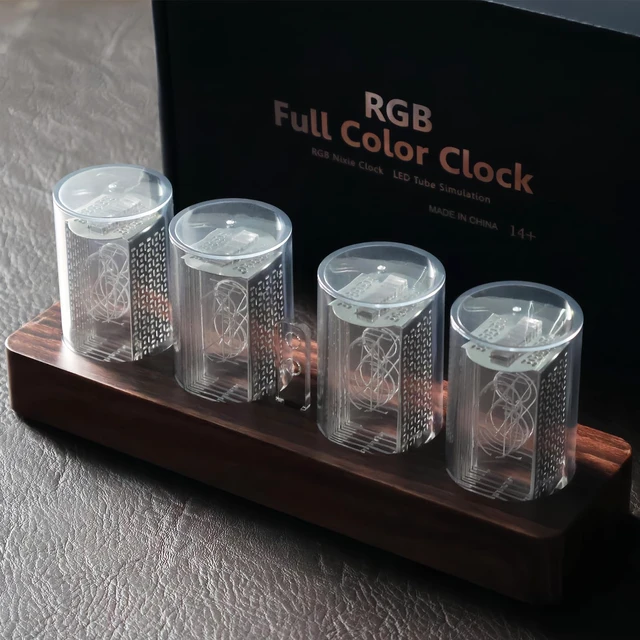



Any questions? Ask CelesteSM will help you find out quickly.
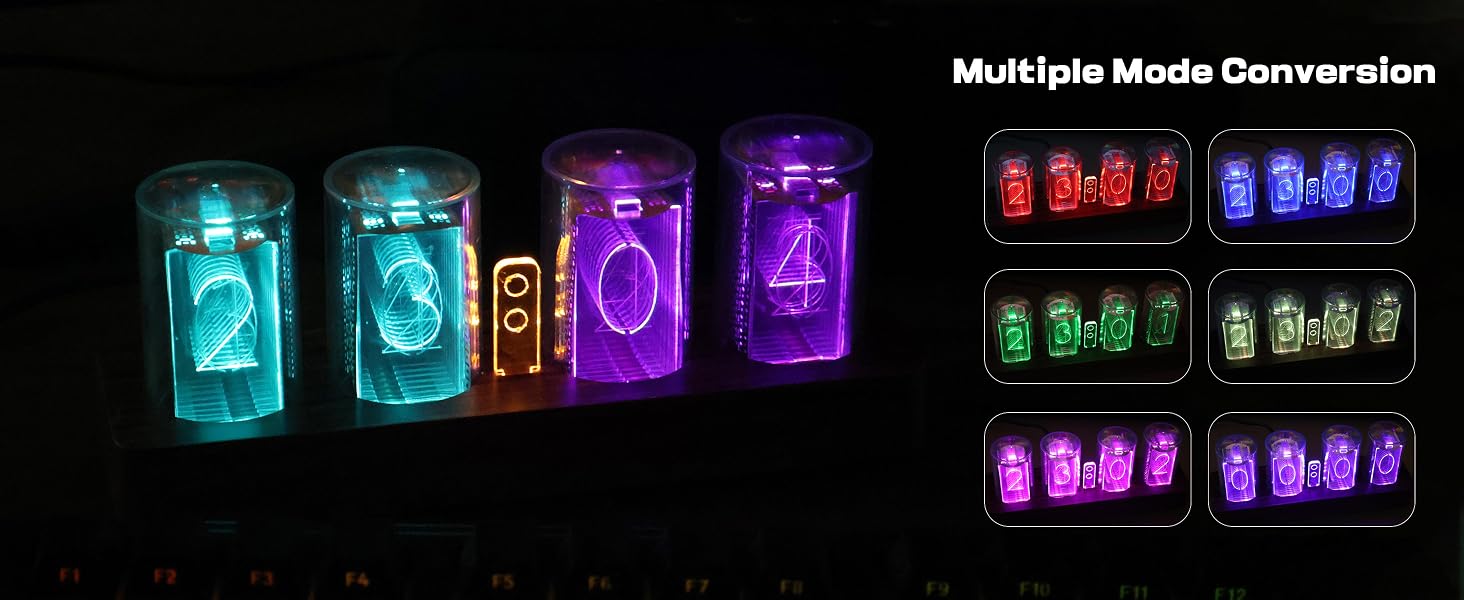
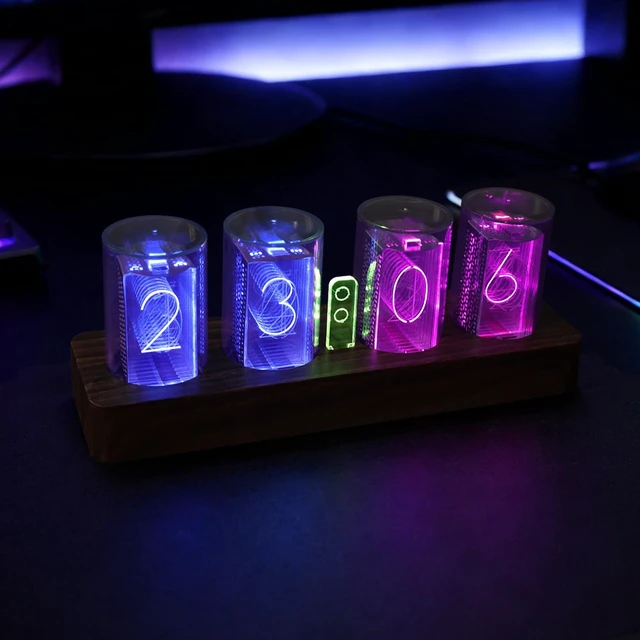
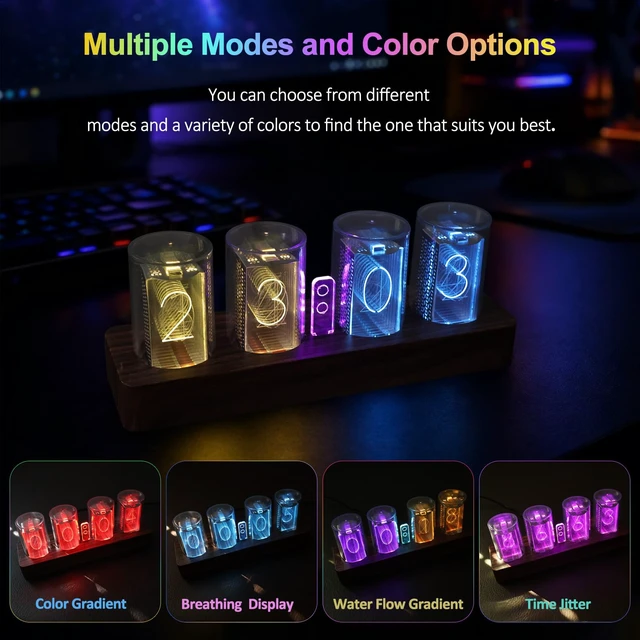
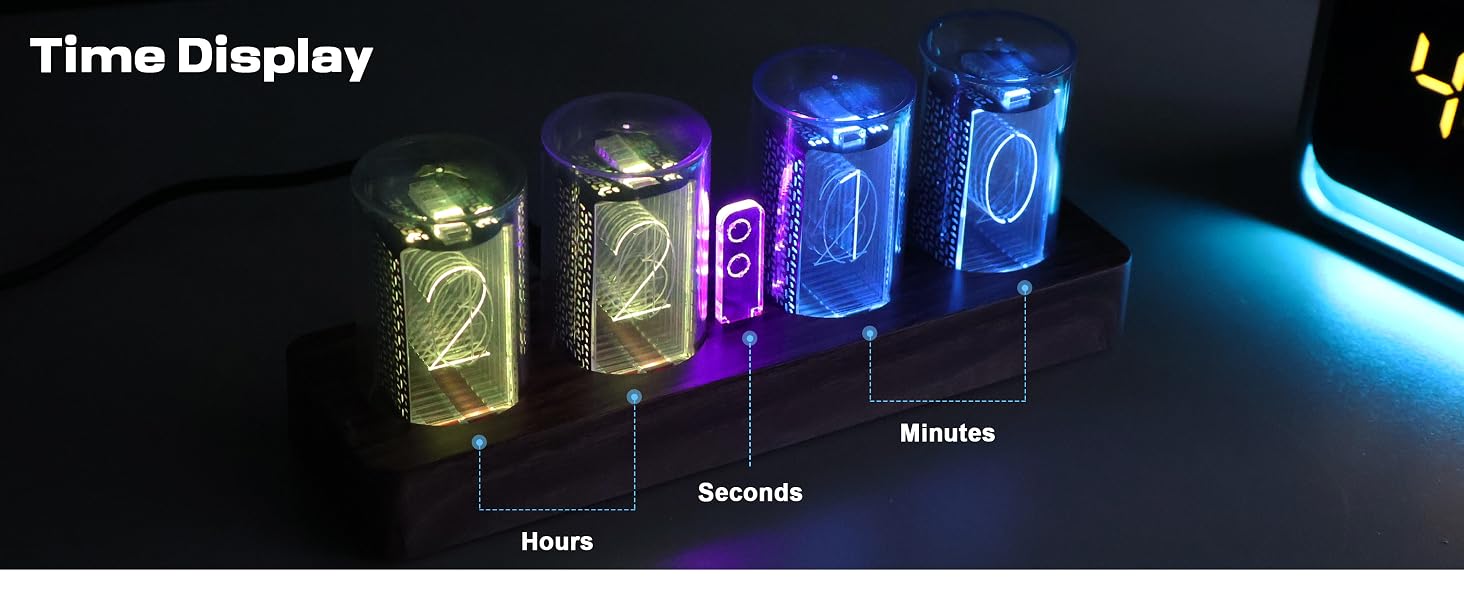
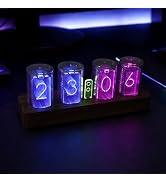
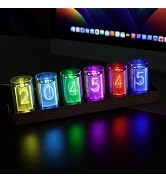
This nixie tube clock offers multiple modes and various colors for selection, allowing you to find the style that suits you best.
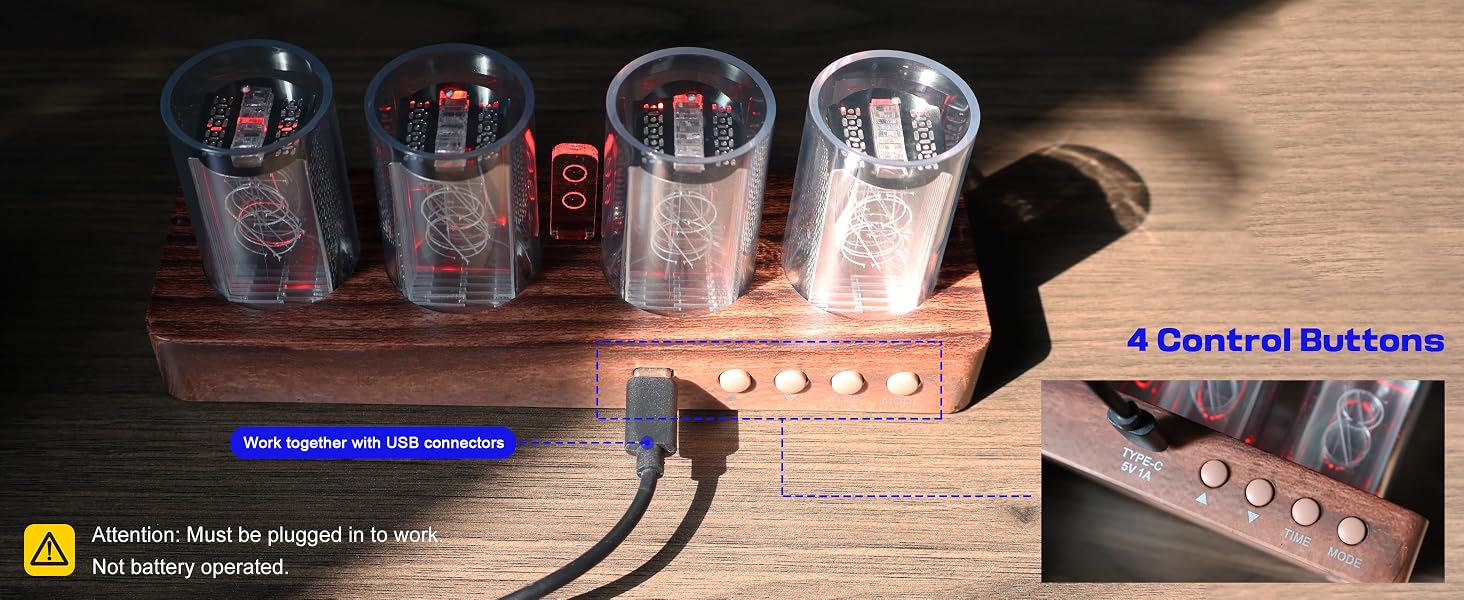
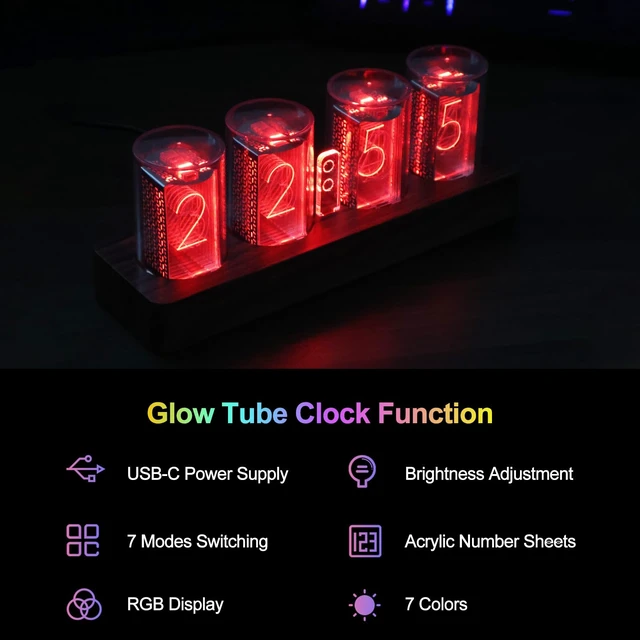
Note: This clock requires a USB cable to function properly (including Type-C cables), and this LED tube clock does not have a memory function. When the clock is reset, all settings must be reconfigured.
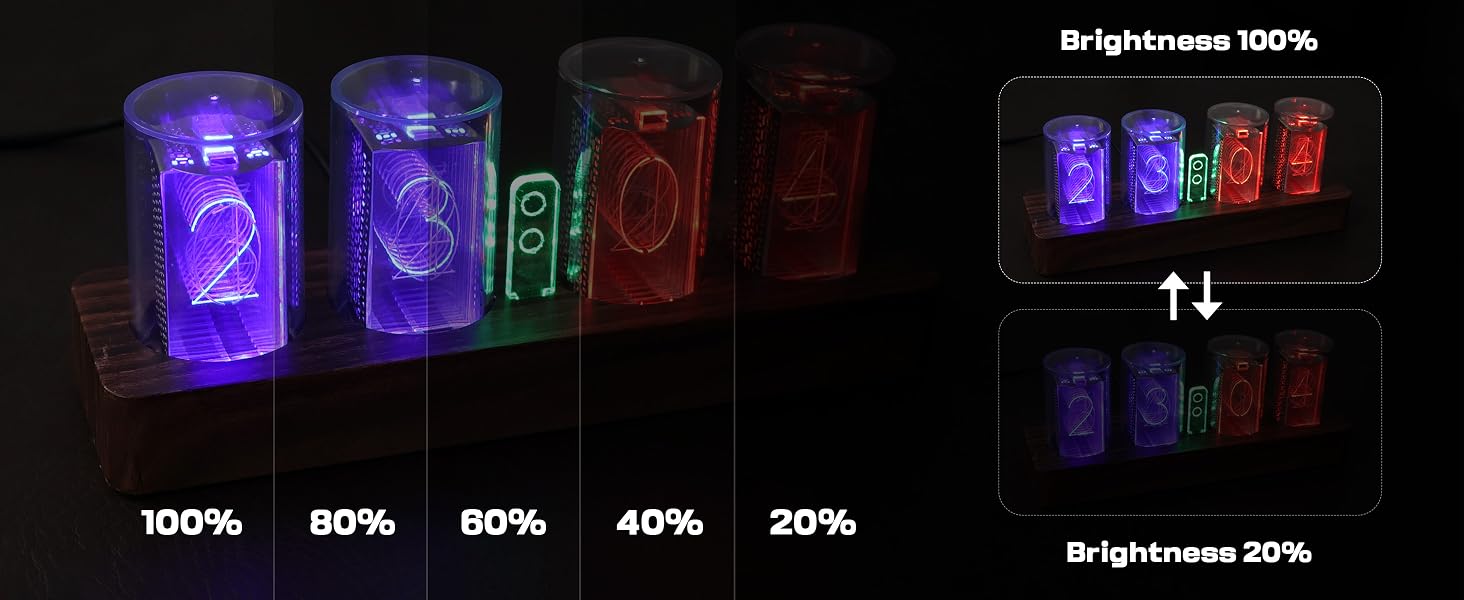
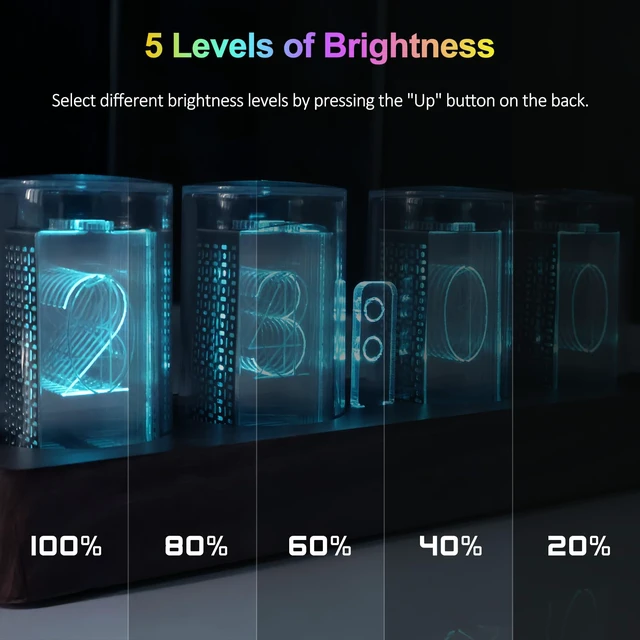
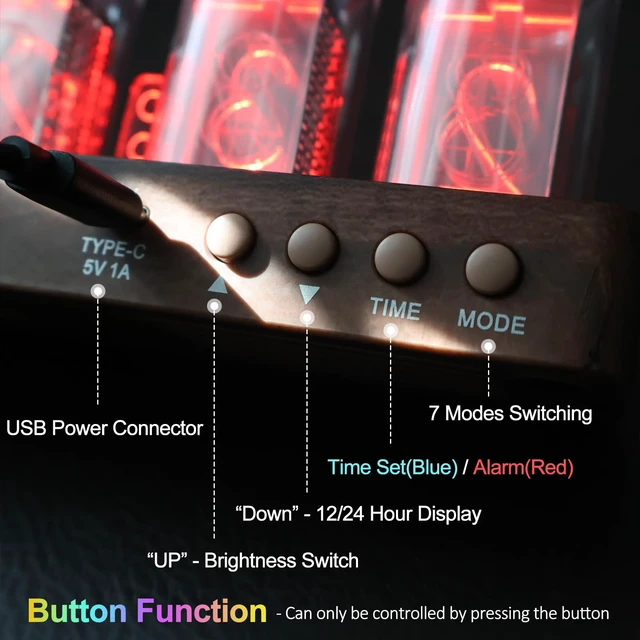
This glow tube clock has 5 adjustable brightness settings. You can switch between the 5 levels of brightness by pressing the "UP" button on the back of the clock.
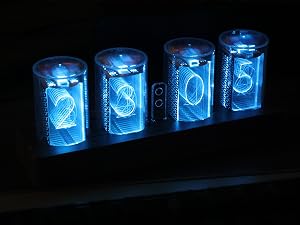
Long press the "TIME" button to enter the time settings (the blue light will be displayed), and then set the hour, minute in sequence.
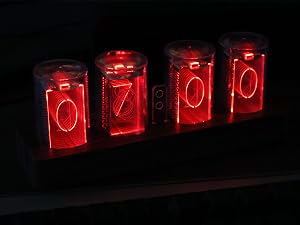
After setting the time, press “Time” again to enter the alarm settings (the red light will be displayed), then set the hours and minutes in sequence.
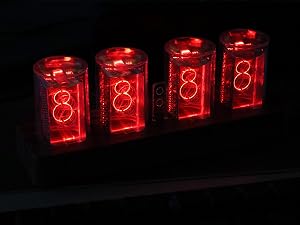
During the setting process of the alarm clock, set the hour to 24, and it will display 8888, indicating that the alarm is turned off.
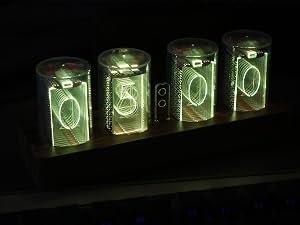
Press the “TIME” button to enter countdown (the yellow light will be displayed. The default time is 5 minutes, with a max setting of 99 minutes).


Tikonir crafts wall clocks where practicality meets style.
Through continuous innovation, we deliver high-quality, beautifully designed timepieces that elevate your space. Dedicated to this craft, we are committed to bringing you even better products and experiences.
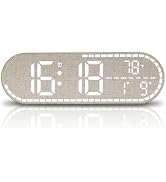
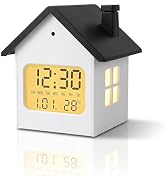

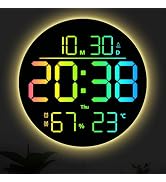
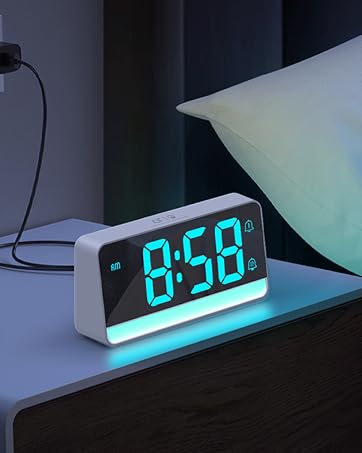
Tikonir crafts wall clocks where practicality meets style.
Through continuous innovation, we deliver high-quality, beautifully designed timepieces that elevate your space. Dedicated to this craft, we are committed to bringing you even better products and experiences.
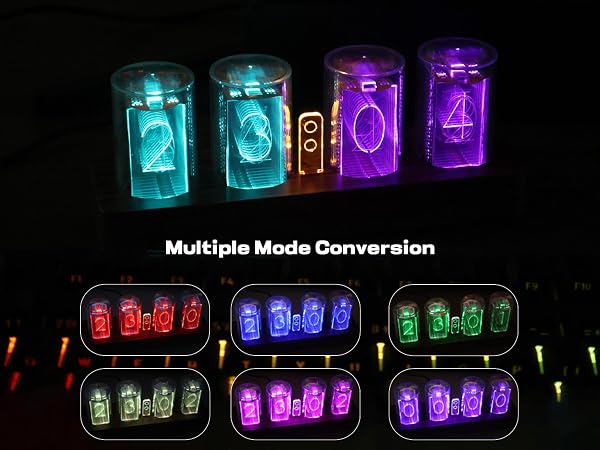
This nixie tube clock offers multiple modes and various colors for selection, allowing you to find the style that suits you best.
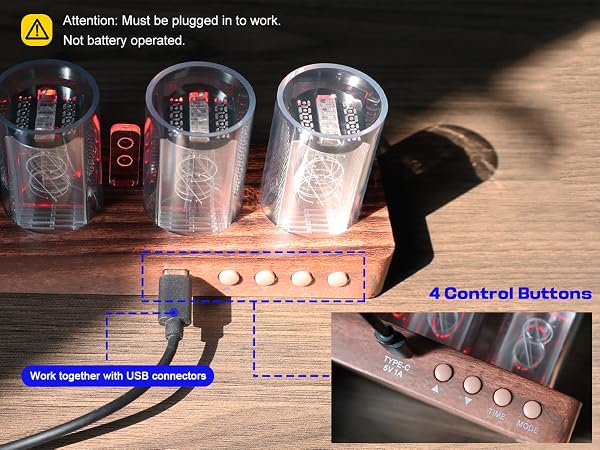
Note: This clock requires a USB cable to function properly (including Type-C cables), and this LED tube clock does not have a memory function. When the clock is reset, all settings must be reconfigured.
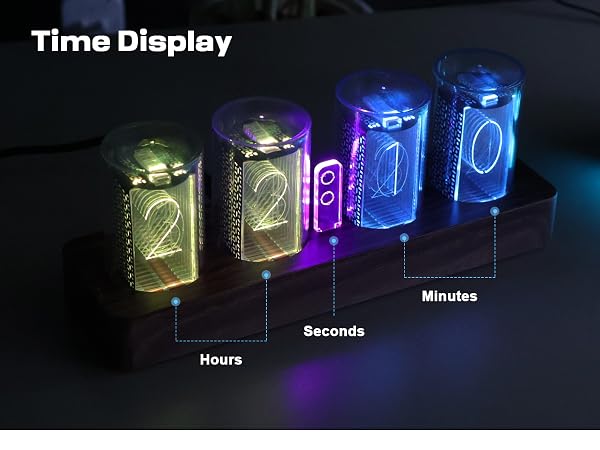
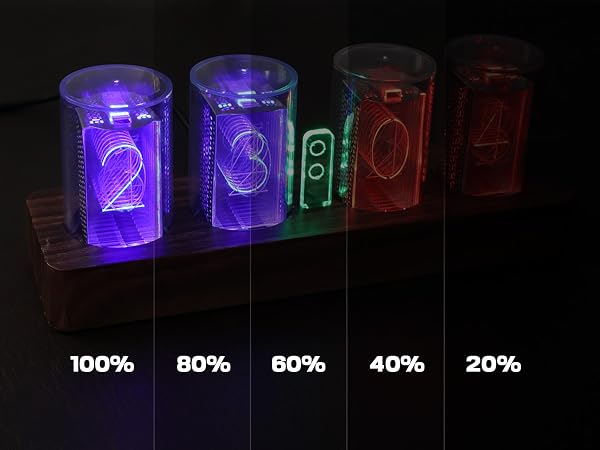
This glow tube clock has 5 adjustable brightness settings. You can switch between the 5 levels of brightness by pressing the "UP" button on the back of the clock.
Long press the "TIME" button to enter the time settings (the blue light will be displayed), and then set the hour, minute in sequence.
After setting the time, press â??Timeâ?? again to enter the alarm settings (the red light will be displayed), then set the hours and minutes in sequence.
During the setting process of the alarm clock, set the hour to 24, and it will display 8888, indicating that the alarm is turned off.
Press the â??TIMEâ?? button to enter countdown (the yellow light will be displayed. The default time is 5 minutes, with a max setting of 99 minutes).


