here!
here!
I’m your shopping assistant for PC builds, upgrades, and everything tech.
Got questions? Ask away!
Start a conversation
here!
I’m your shopping assistant for PC builds, upgrades, and everything tech.
Got questions? Ask away!
Start a conversation



Any questions? Ask CelesteSM will help you find out quickly.
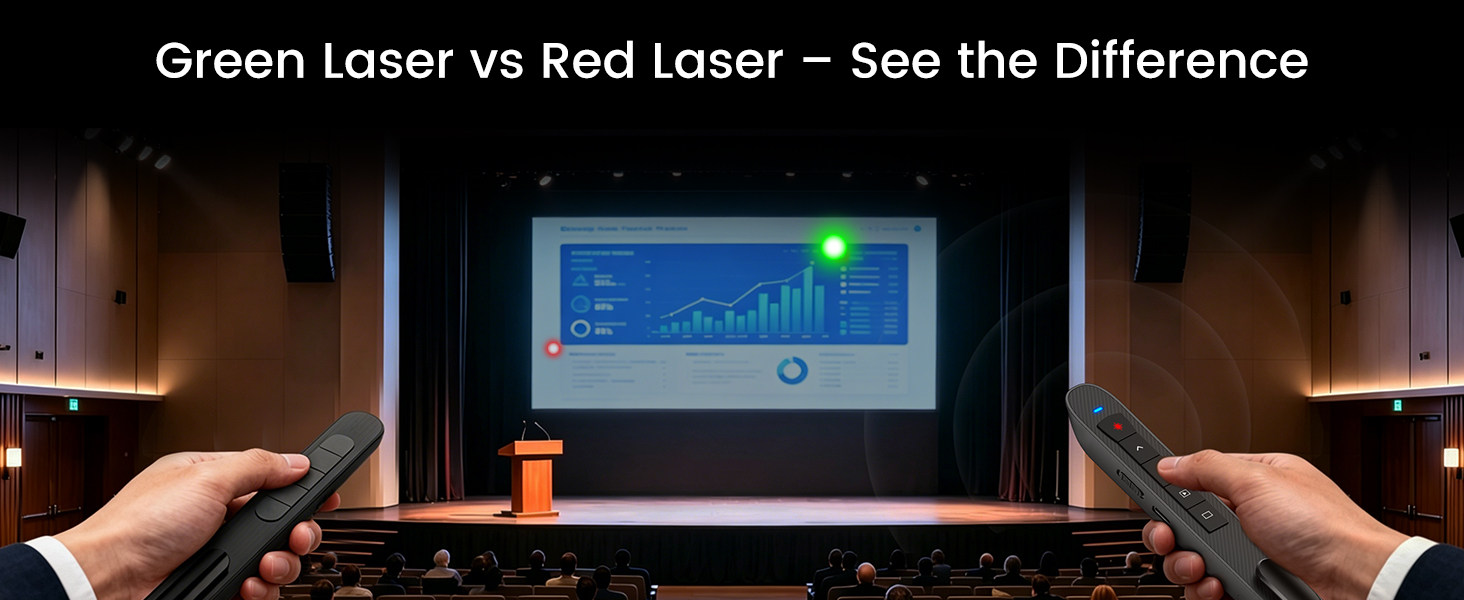

Does the green light work on TV screens and LCD monitors?
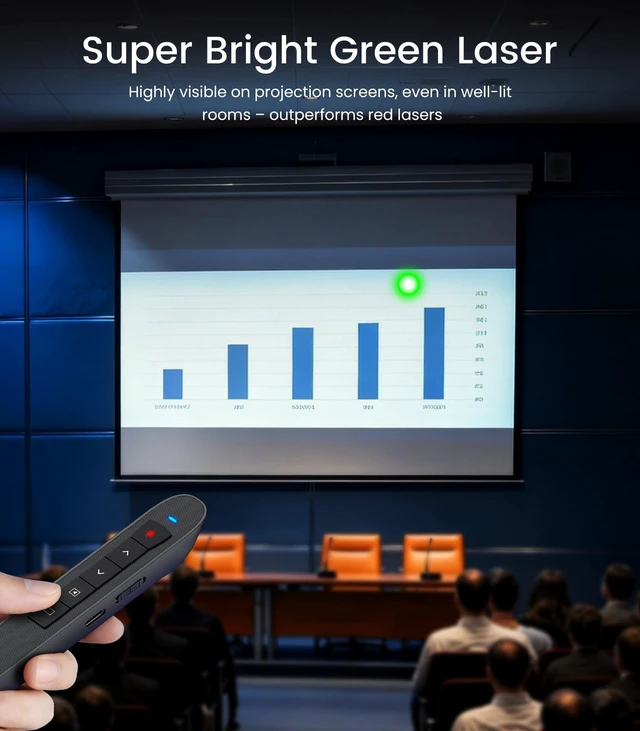
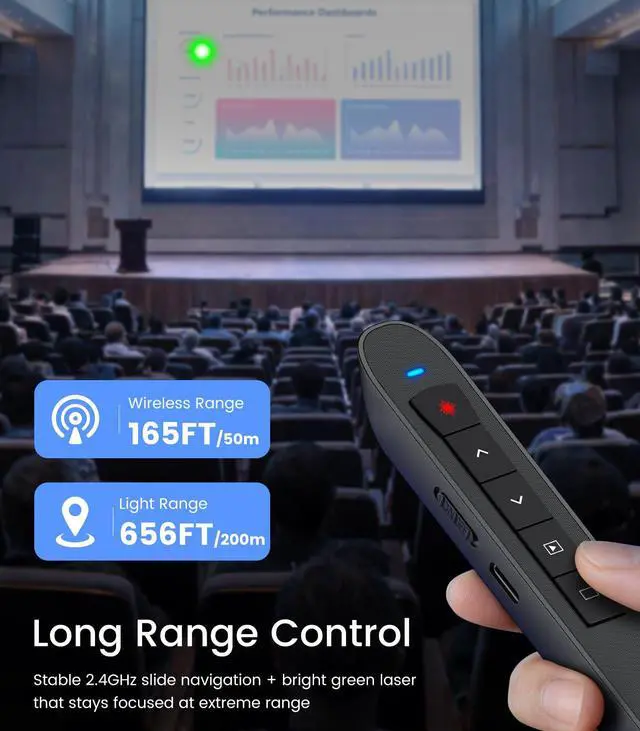
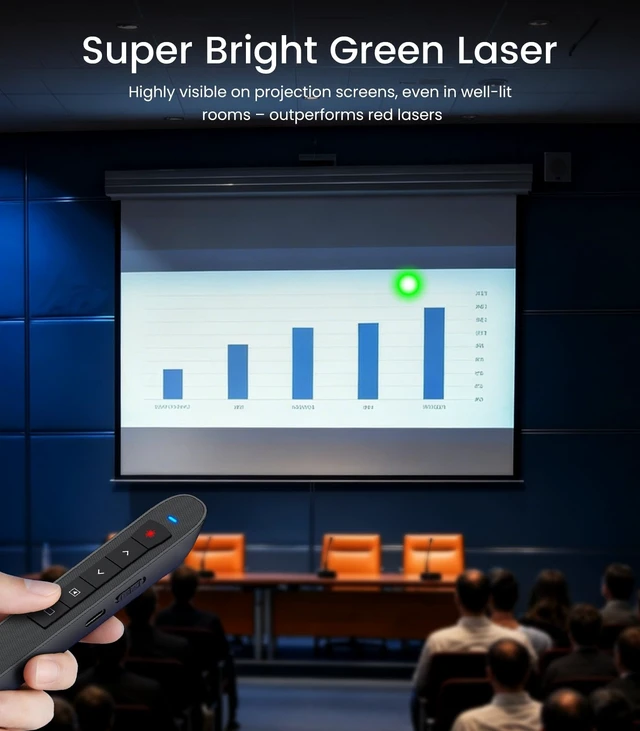
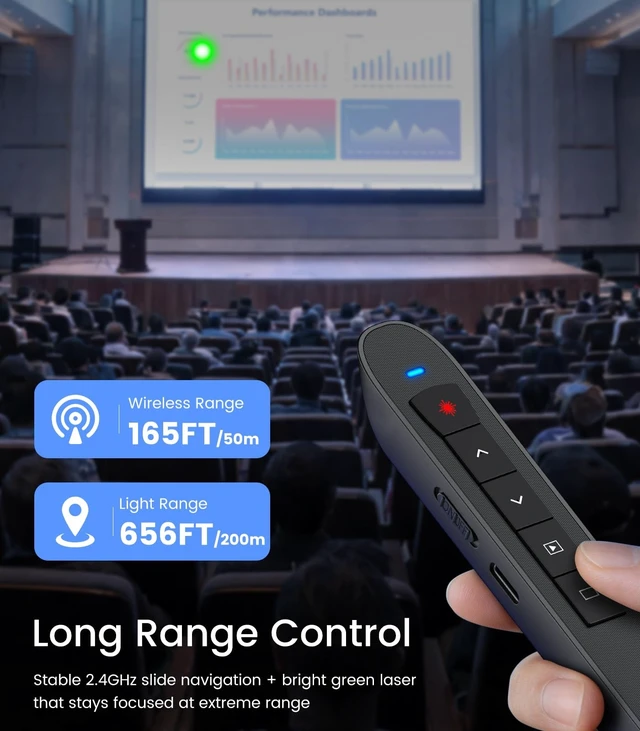
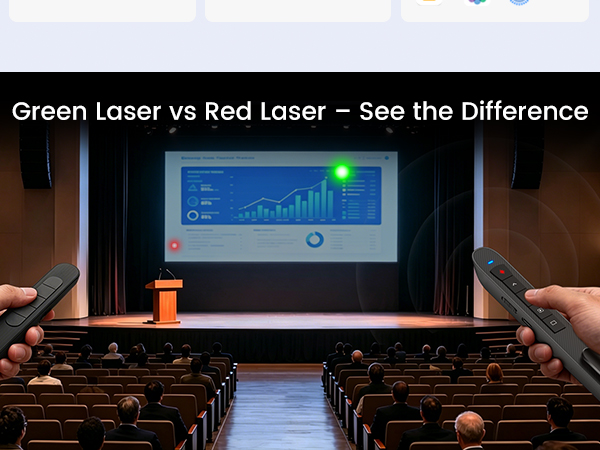
It works best on projection screens and whiteboards. On TV/LCD monitors, visibility varies by screen surface and lighting — it may appear faint. For TV presentations, we recommend using the slide-advance buttons to guide your audience instead.
Is it compatible with Mac? Do I need drivers?
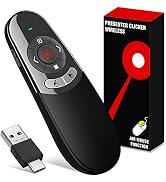
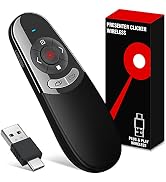
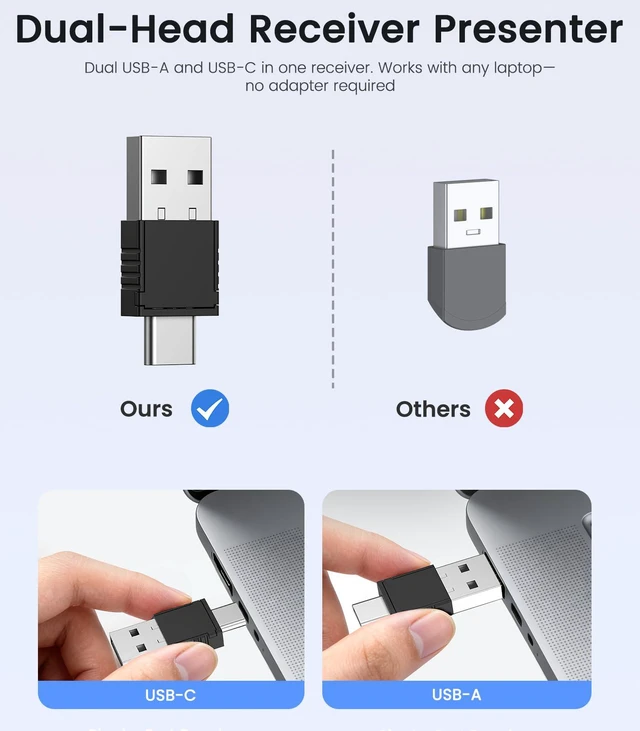
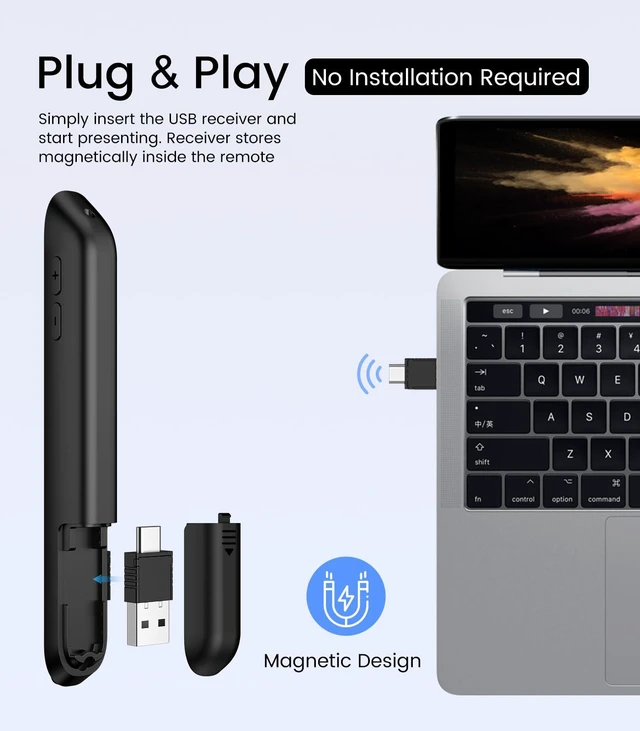
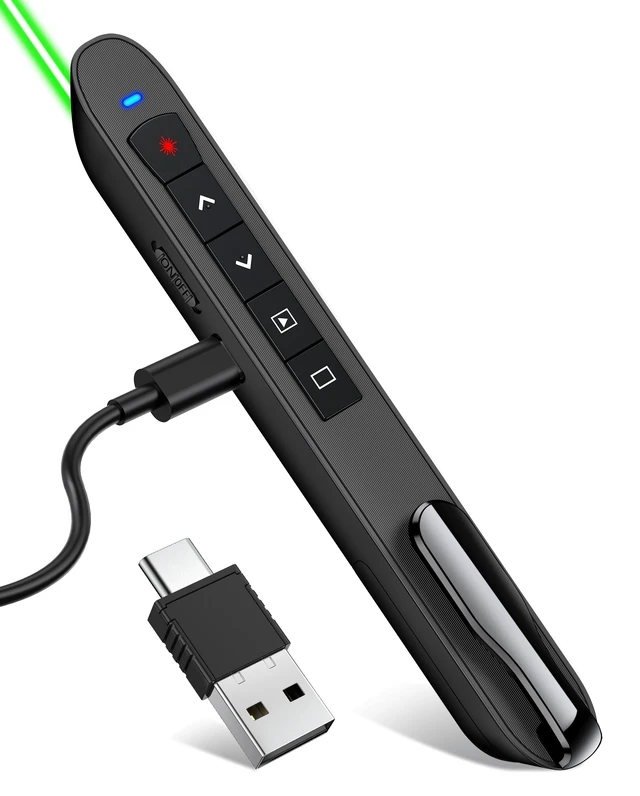
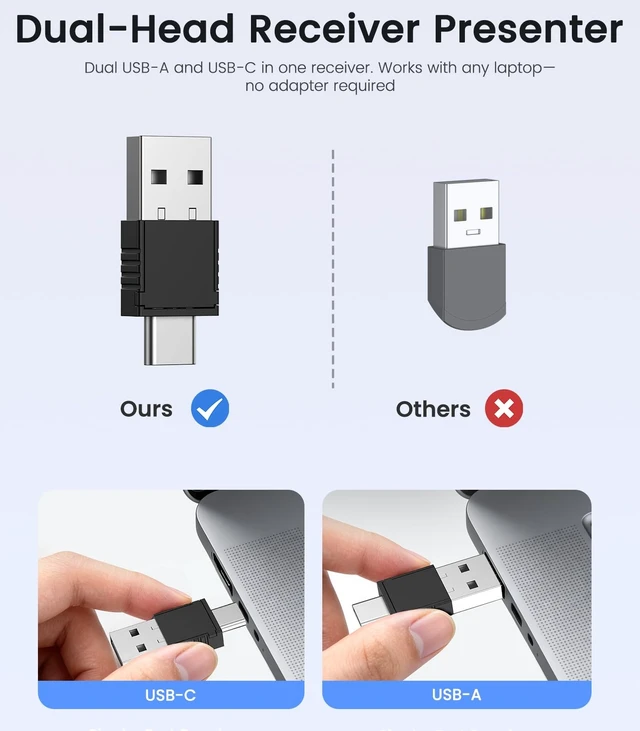
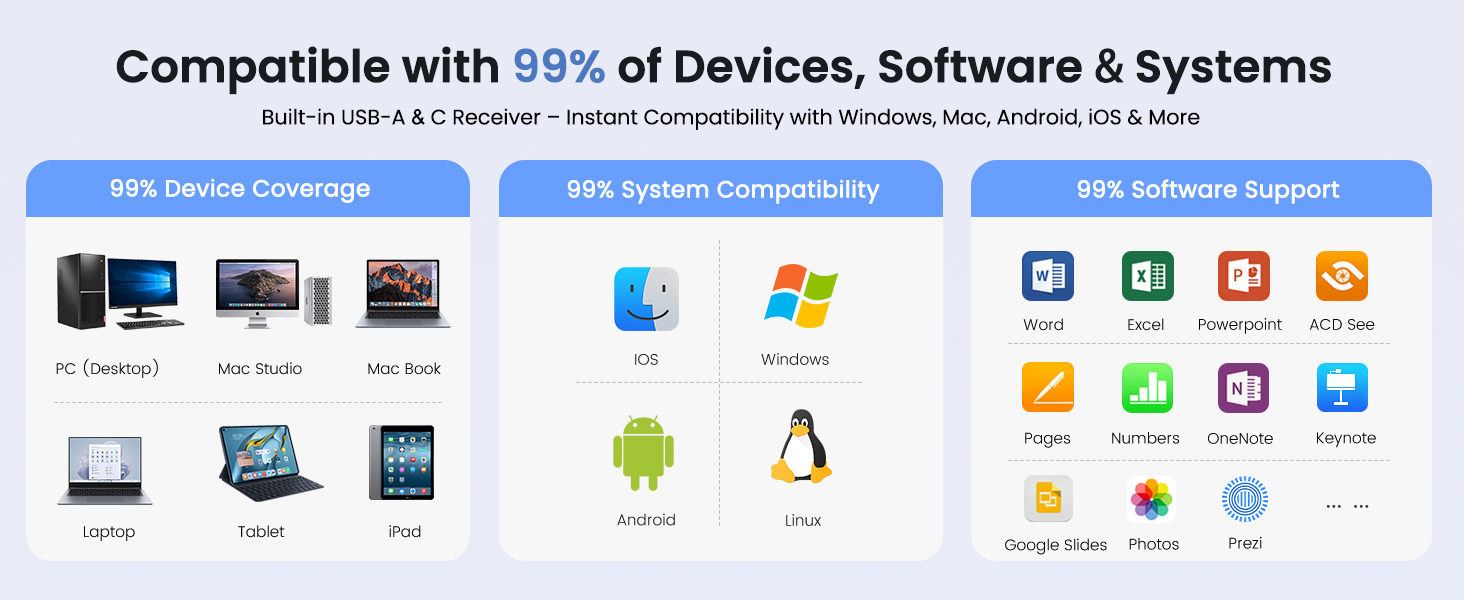
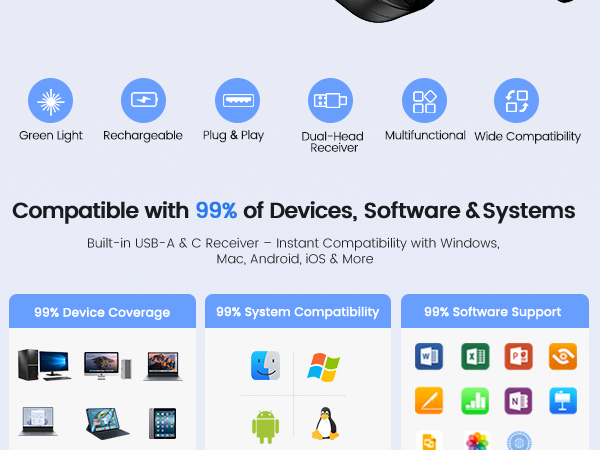
Yes — plug and play on Mac, Windows, and Chromebooks. No drivers, software, or Bluetooth pairing needed. Works instantly with PowerPoint, Keynote, and Google Slides. Just plug the USB receiver in and present.
How long does the battery last and how to charge?
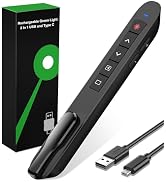
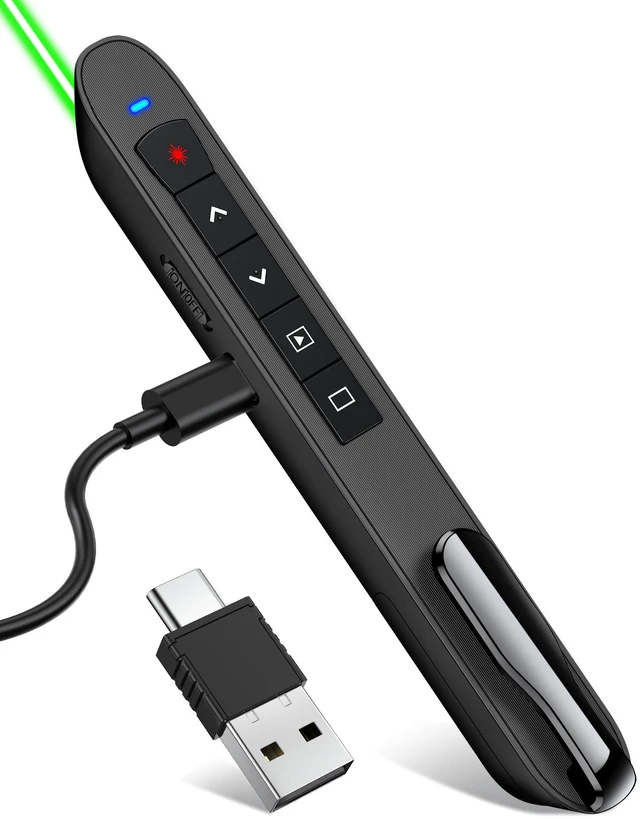
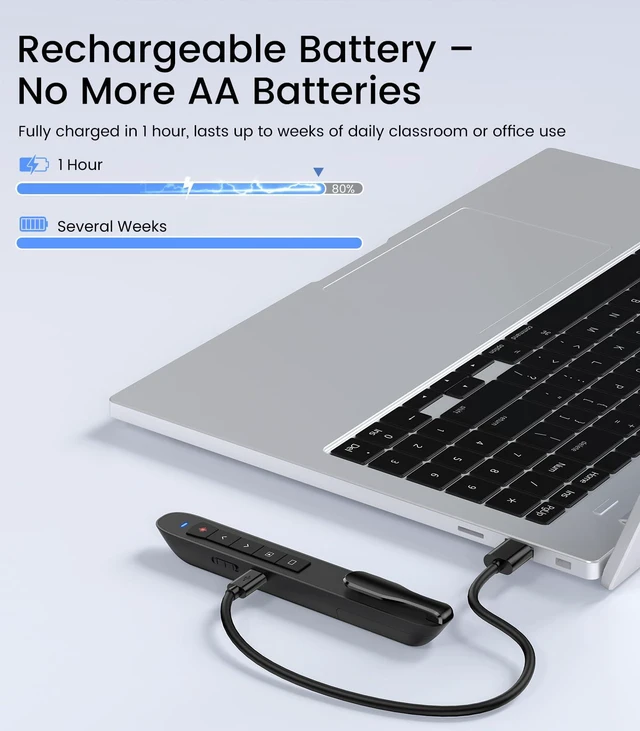
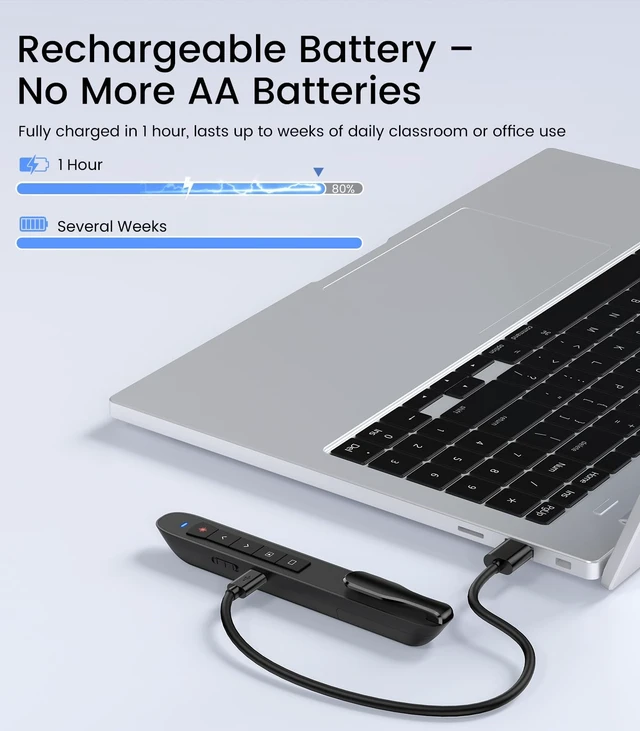
Full charge takes about 1 hour via USB-C. Lasts 2-3 weeks with daily use. Auto-sleep saves power when idle. The included USB-C cable charges quickly — no more outdated Micro USB.
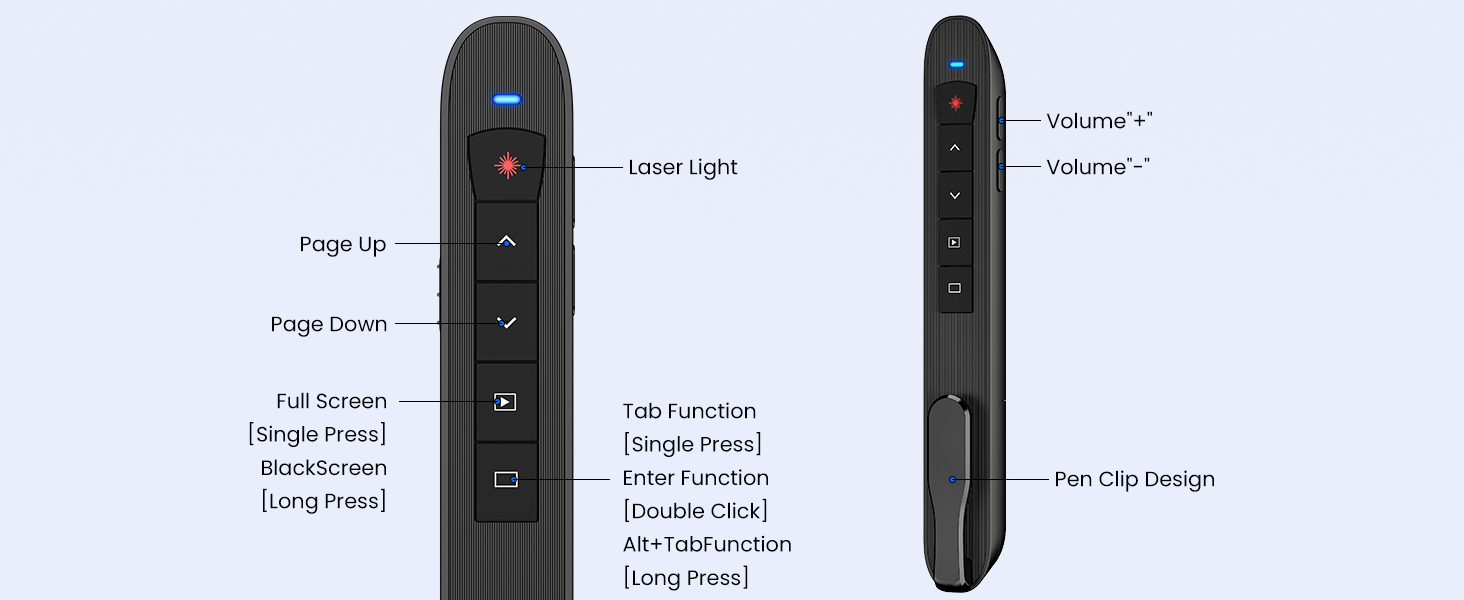
Which button goes forward and which goes backward?
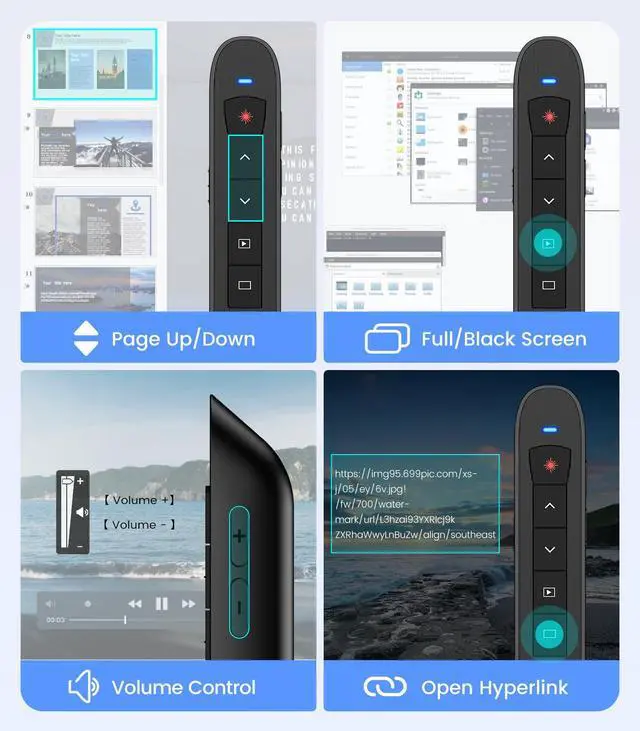
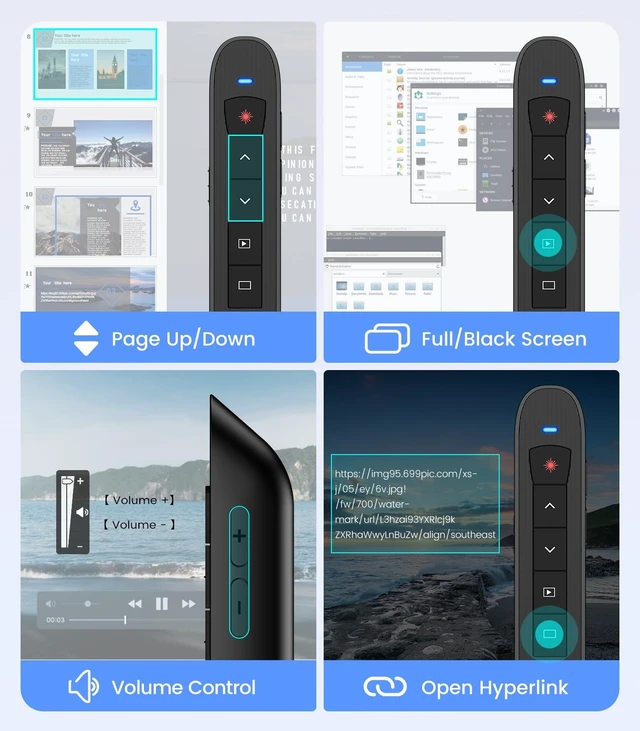
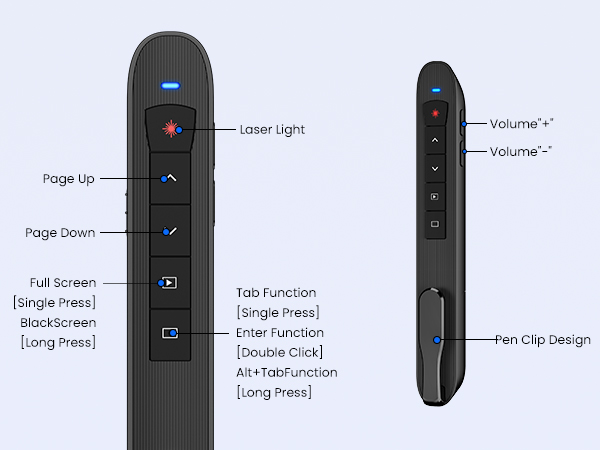
Down arrow advances; up arrow goes back — same as keyboard Page Down/Page Up logic. If you're used to other layouts, do a quick practice run. Most users get comfortable after 1-2 slides.
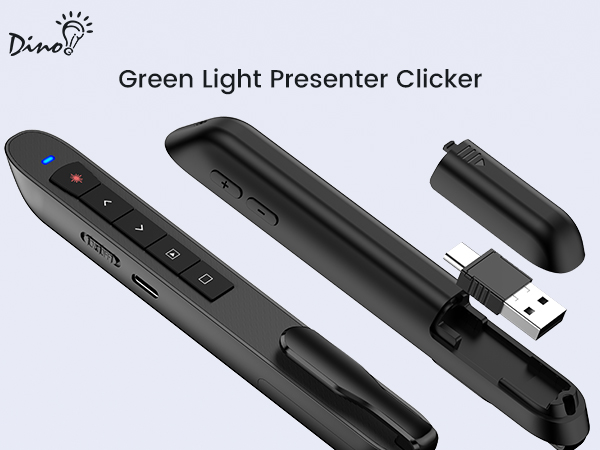
Is the receiver easy to lose?
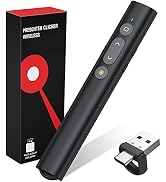
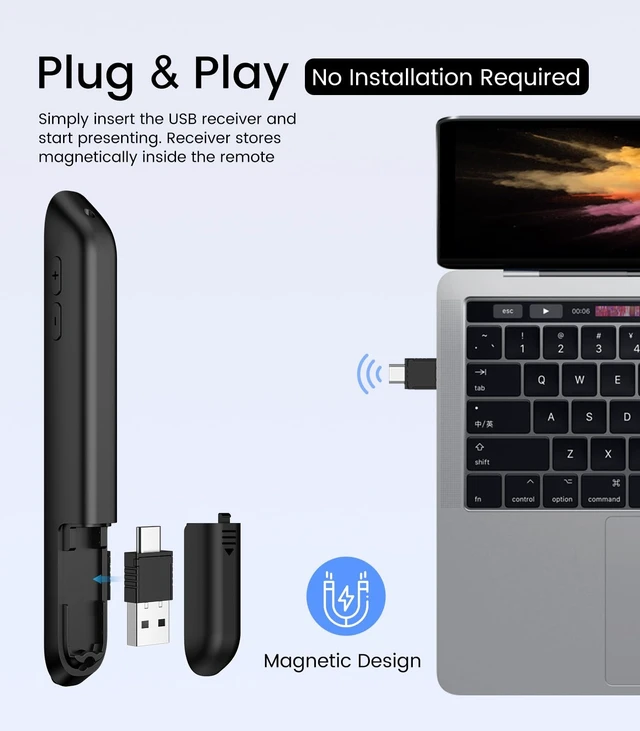
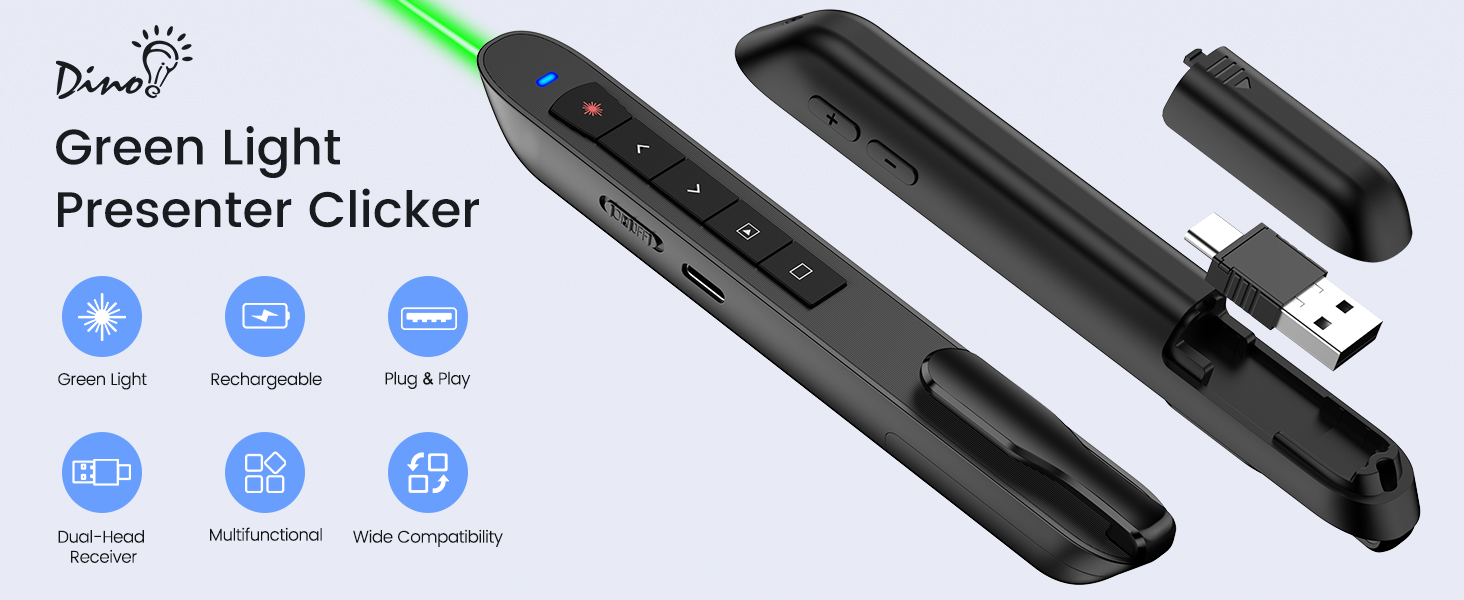
No — the receiver snaps magnetically into the bottom of the clicker when not in use. Secure storage, no loose dongles, no frantic searches before your presentation. Always right where you left it.

Does the green light work on TV screens and LCD monitors?
It works best on projection screens and whiteboards. On TV/LCD monitors, visibility varies by screen surface and lighting — it may appear faint. For TV presentations, we recommend using the slide-advance buttons to guide your audience instead.
Is it compatible with Mac? Do I need drivers?
Yes — plug and play on Mac, Windows, and Chromebooks. No drivers, software, or Bluetooth pairing needed. Works instantly with PowerPoint, Keynote, and Google Slides. Just plug the USB receiver in and present.
How long does the battery last and how to charge?
Full charge takes about 1 hour via USB-C. Lasts 2-3 weeks with daily use. Auto-sleep saves power when idle. The included USB-C cable charges quickly — no more outdated Micro USB.
Which button goes forward and which goes backward?
Down arrow advances; up arrow goes back — same as keyboard Page Down/Page Up logic. If you're used to other layouts, do a quick practice run. Most users get comfortable after 1-2 slides.
Is the receiver easy to lose?
No — the receiver snaps magnetically into the bottom of the clicker when not in use. Secure storage, no loose dongles, no frantic searches before your presentation. Always right where you left it.

TITIANCOOL is a developer of consumer products for the Office Products, Electronics, and more.
Our mission is to provide customers with the best products and services!
Keep your audience in the palm of your hand.
Say goodbye to boring presentations.