




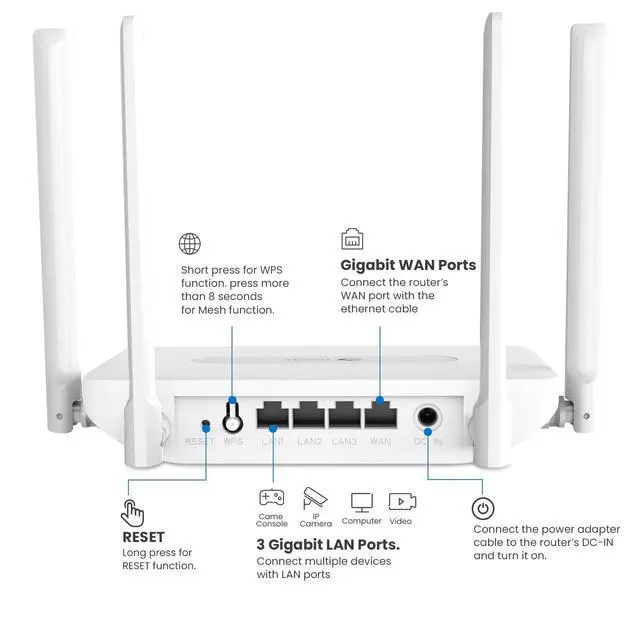


How to set up the WiFi 6 router?
You can visit this web: 192.168.10.1 to change the SSID and Passsword of your router.
Please confirm that your password is entered correctly, the details as follows:
UserName: admin
PassWord: admin
why the ip address is not working?
1. Please make sure your router connects the power correctly
2. Connect the Router's WAN Port and the Modem's LAN Port through an Ethernet cable (RJ45)
3. Enter the password: 123456789 to connect the wifi which name is Router-31F5 or Router-31F5-5G
Is this router compatible with 802.11ac (WiFi5) or earlier? I only see 802.11ax listed
Yes, unless otherwise specified, all current generation standards used by devices are generally backward compatible with previous versions

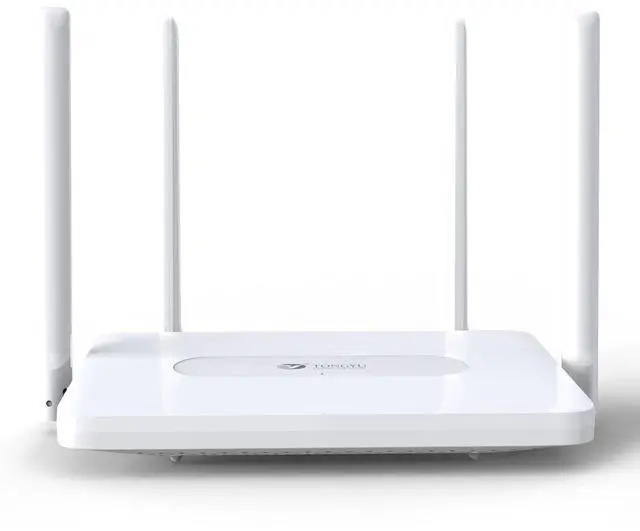
WiFi 6 Router by Tongyu – Stay Connected Anywhere You Are
Tongyu is your trusted supplier of modern networking products, solutions and supplies meant to help you stay connected with the world around you! We are working with the highest quality materials and innovative technologies to bring to your doorstep a wide range of products and solutions that will impress in terms of performance, speed and efficiency! If you encounter any problems with your order, there is no need to worry because we are always at your service to address any issues or concerns.
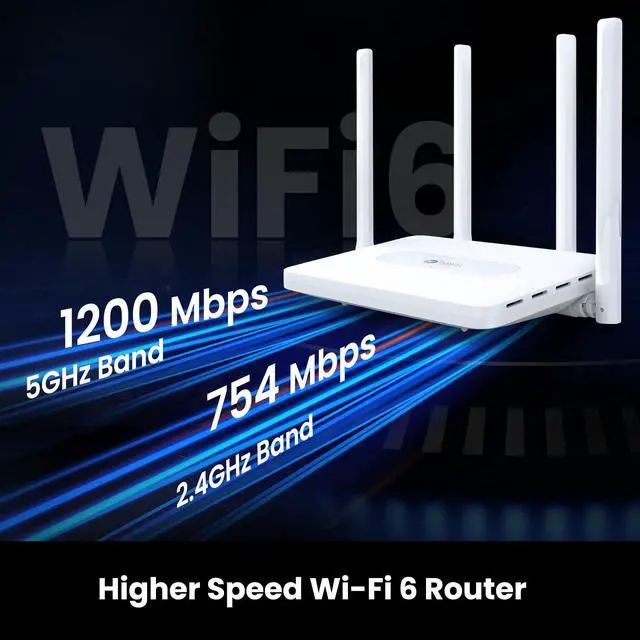
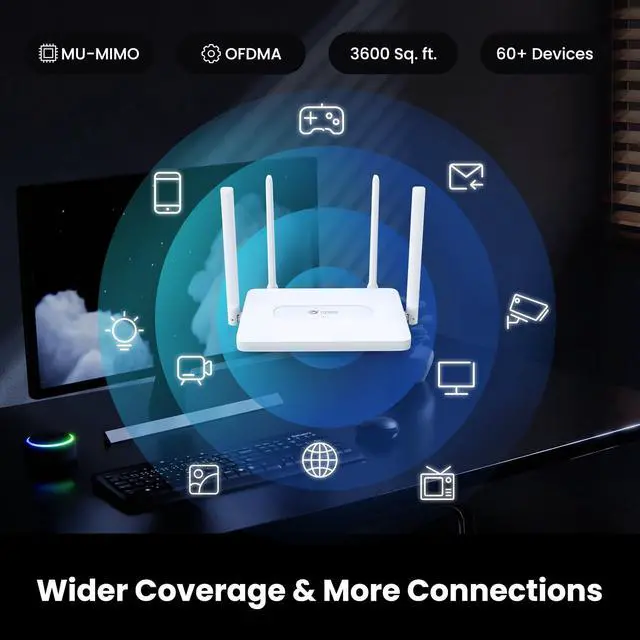
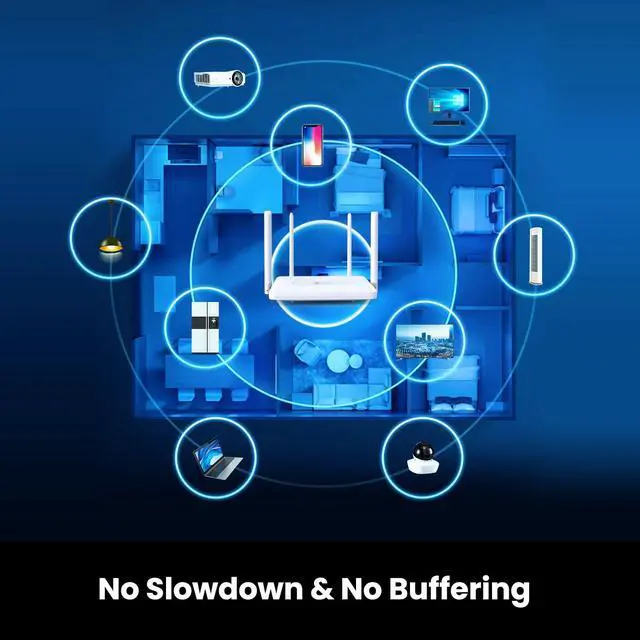
Whether you are setting up your new office or you want to enjoy unrestrained connectivity at home, this wireless router is what you need! Featuring a dual-band 4-stream 5GHz technology, this internet router allows up to 60 devices to be connected at the same time without experiencing any latencies or interruptions! This wifi 6 router is super easy to set up but also highly performant and power-efficient, allowing easy and fast connectivity without sacrificing efficiency or data speed!


Tongyu Communication was founded in 1996.Mainly engaged in the research and development, manufacturing, sales and service of mobile communication antennas, radio frequency devices.
Tongyu is your trusted supplier of modern networking products, solutions and supplies meant to help you stay connected with the world around you!
There is some for your needs
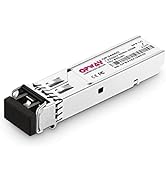
There is some for your needs
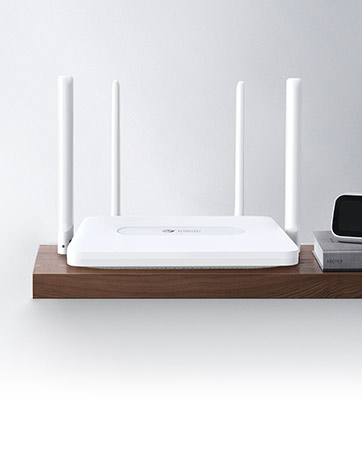
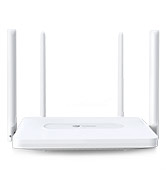
TongYu AX1800 WiFi 6 Router
5Ghz 1.8 Gbps Wireless Internet Router, 4-Stream Smart WiFi Router Easy Setup, Dual Band Gigabit WiFi 6 Router 3600 Sq.ft Coverage.
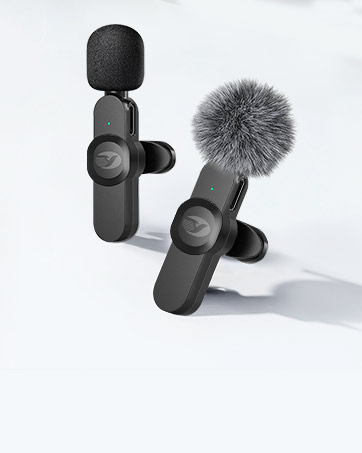
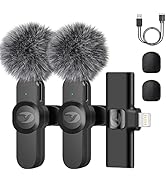
TongYu Wireless Microphone
The lavalier microphone for iPhone is equipped with a high-elastic sponge cover and a pair of furry outdoor microphone windscreen muff.
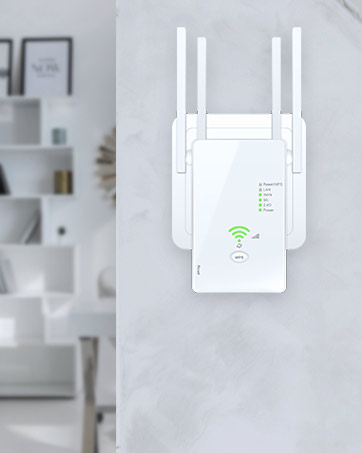
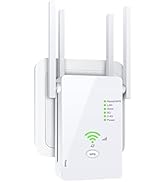
TongYu WiFi Extender
The wifi range extender has 4 high-gain external antennas and combine beam forming technology to extend powerful wifi to entire home.

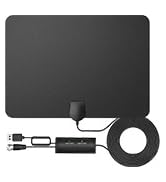
TongYu TV Antenna
The digital antenna for TV can receive all the 4K HD programming channels in your area. You can without paying high cable bills.

TongYu USB WiFi Adapter
AC1200Mbps USB 3.0 Dual Band WiFi Adapter for Desktop PC with Dual 5dBi Antennas, Supports Win11/10/8.1/8/7/XP, Mac OS 10.9-10.15.


How to set up the WiFi 6 router?
You can visit this web: 192.168.10.1 to change the SSID and Passsword of your router.
Please confirm that your password is entered correctly, the details as follows:
UserName: admin
PassWord: admin
why the ip address is not working?
1. Please make sure your router connects the power correctly
2. Connect the Router's WAN Port and the Modem's LAN Port through an Ethernet cable (RJ45)
3. Enter the password: 123456789 to connect the wifi which name is Router-31F5 or Router-31F5-5G
Is this router compatible with 802.11ac (WiFi5) or earlier? I only see 802.11ax listed
Yes, unless otherwise specified, all current generation standards used by devices are generally backward compatible with previous versions
WiFi 6 Router by Tongyu – Stay Connected Anywhere You Are
Tongyu is your trusted supplier of modern networking products, solutions and supplies meant to help you stay connected with the world around you! We are working with the highest quality materials and innovative technologies to bring to your doorstep a wide range of products and solutions that will impress in terms of performance, speed and efficiency! If you encounter any problems with your order, there is no need to worry because we are always at your service to address any issues or concerns.
Whether you are setting up your new office or you want to enjoy unrestrained connectivity at home, this wireless router is what you need! Featuring a dual-band 4-stream 5GHz technology, this internet router allows up to 60 devices to be connected at the same time without experiencing any latencies or interruptions! This wifi 6 router is super easy to set up but also highly performant and power-efficient, allowing easy and fast connectivity without sacrificing efficiency or data speed!
Tongyu Communication was founded in 1996.Mainly engaged in the research and development, manufacturing, sales and service of mobile communication antennas, radio frequency devices.
Tongyu is your trusted supplier of modern networking products, solutions and supplies meant to help you stay connected with the world around you!
There is some for your needs
There is some for your needs
TongYu AX1800 WiFi 6 Router
5Ghz 1.8 Gbps Wireless Internet Router, 4-Stream Smart WiFi Router Easy Setup, Dual Band Gigabit WiFi 6 Router 3600 Sq.ft Coverage.
TongYu Wireless Microphone
The lavalier microphone for iPhone is equipped with a high-elastic sponge cover and a pair of furry outdoor microphone windscreen muff.
TongYu WiFi Extender
The wifi range extender has 4 high-gain external antennas and combine beam forming technology to extend powerful wifi to entire home.
TongYu TV Antenna
The digital antenna for TV can receive all the 4K HD programming channels in your area. You can without paying high cable bills.
TongYu USB WiFi Adapter
AC1200Mbps USB 3.0 Dual Band WiFi Adapter for Desktop PC with Dual 5dBi Antennas, Supports Win11/10/8.1/8/7/XP, Mac OS 10.9-10.15.