


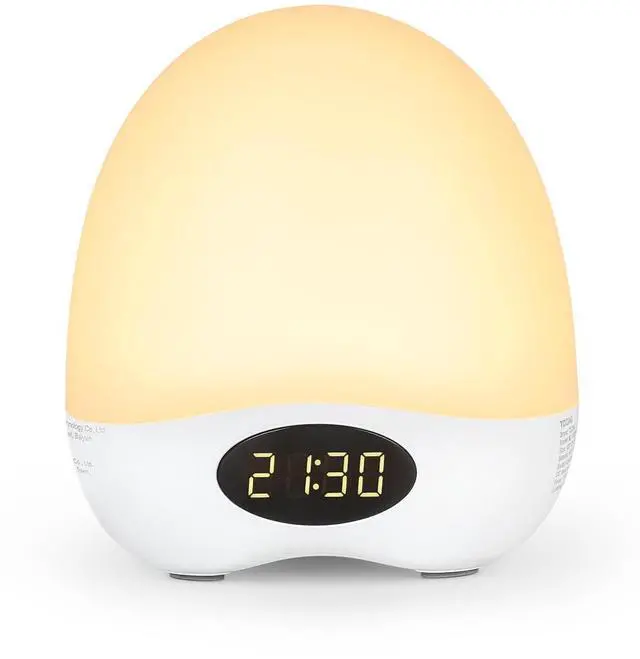



Baby Night Lights for Nursery
Merchant Video


How do I use the lamp’s touch control?
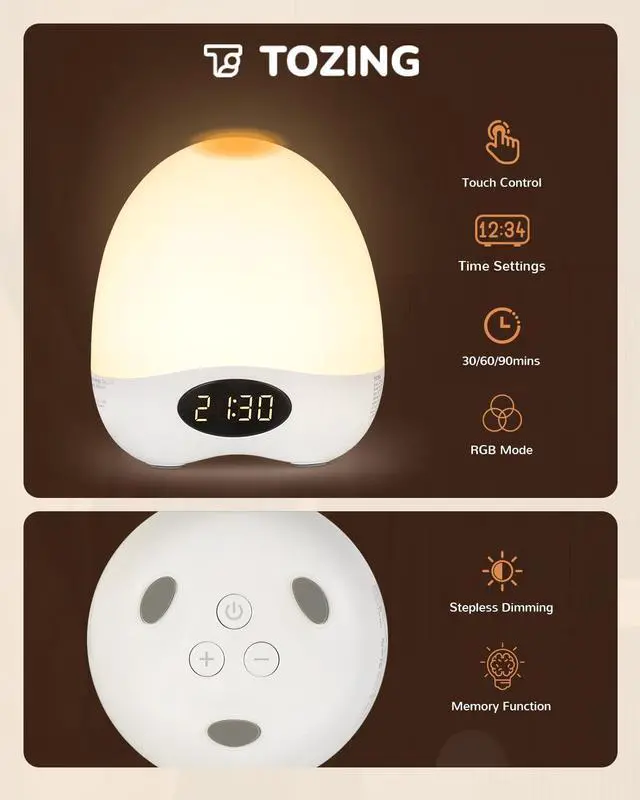
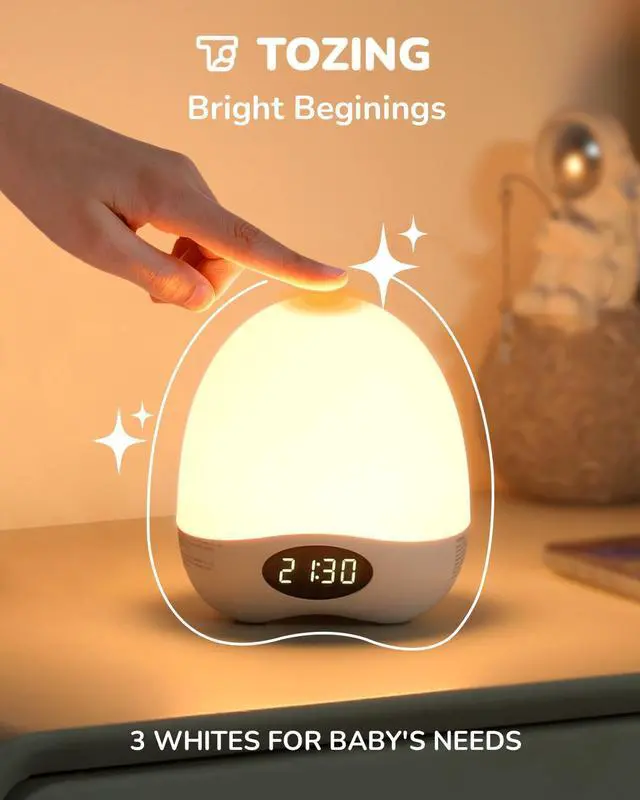
Touch Control:Press the top of the lamp to change the light colors. Long-press for stepless dimming, with intuitive observation of light changes.
What color temperatures does the Daily Light Mode have, and how do I switch them?
Daily Light Mode:Touch the top of the lamp to change color temperature. Warm (1800K) / Soft (2700K) / Natural (3500K)
How do I set the time? Can I do it when the lamp is on standby?
Time Setting Mode: Same steps on/off/standby! Long-press [+]; hour digits blink. Adjust hour via [+]/[-], press [Power] to confirm; minutes digits blink. Adjust minutes via [+]/[-], wait for double blink. Time saved auto.
How do I activate RGB mode? What fun features does it have, and how to adjust the brightness?
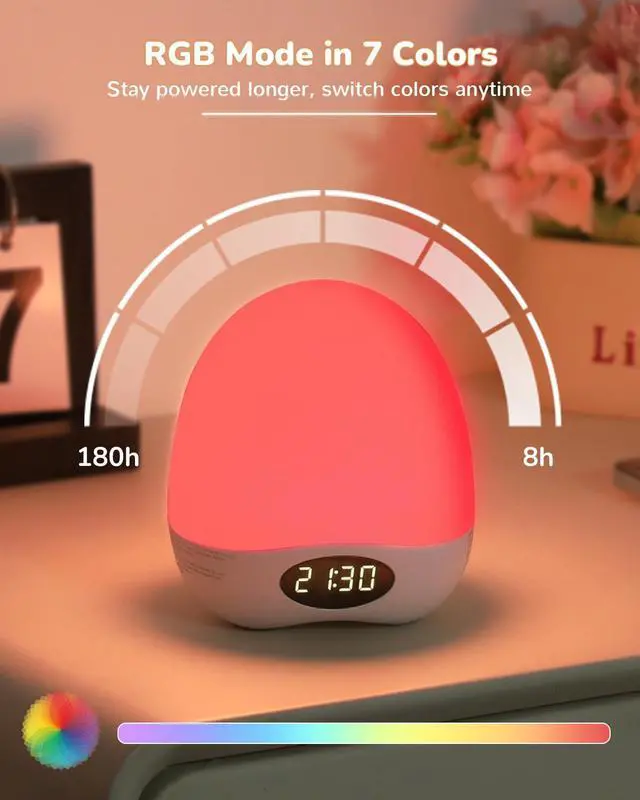
RGB Mode : Long-press [Power] on (red light); 8 effects – 6 colors (tap top) + 2 pulse (Gentle Slow/Fast Wave). Brightness syncs Daily Mode: Long-press [Power] off ? Tap wake ? Press & hold top dim/brighten ? Long-press [Power] return.
How to set the delayed shut-off? What duration options are there?
Delayed Shut-off: Press [+] once – 1 flash indicates 30min delay; twice – 2 flashes for 60min; thrice – 3 flashes for 90min.
Baby Night Lights for Nursery
Merchant Video
Three-Level Delayed Shut-Off
- Press the [+] button once (light flashes 1x) ? Auto-off after 30 mins
- Press the [+] button twice (light flashes 2x) ? Auto-off after 60 mins
- Press the [+] button three times (light flashes 3x) ? Auto-off after 90 mins
It only takes a few simple steps to set up—once you fall asleep, the night light will turn off automatically, so you’ll never have to worry about leaving it on all night again!
Versatile Design Night Light
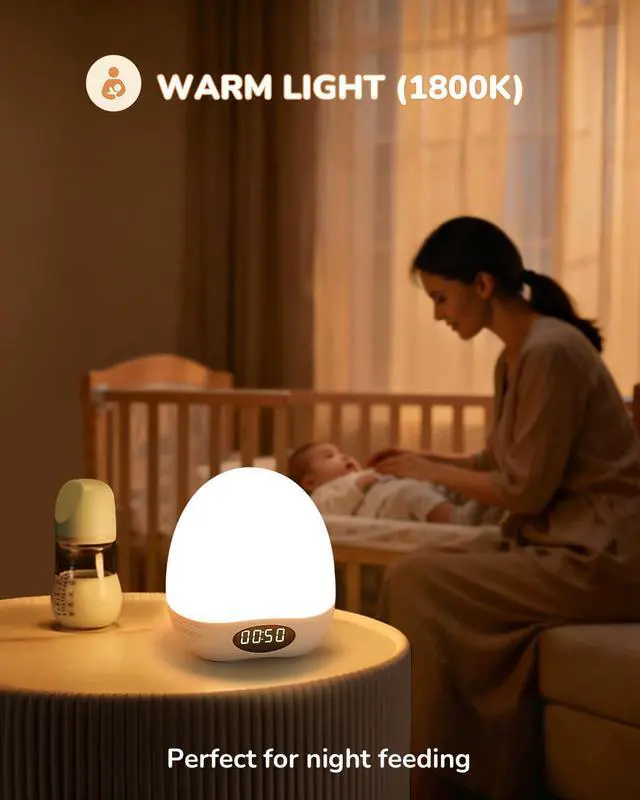
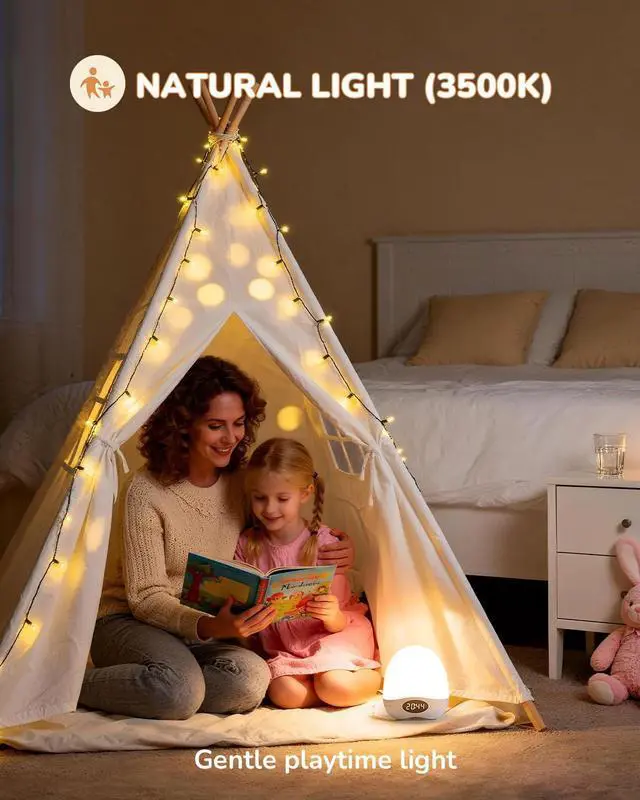
Tap the top of the lamp to switch color temperatures, featuring three options — Warm Light (1800K) / Soft Light (2700K) / Natural Light (3500K). Moreover, stepless dimming is supported in each color temperature mode by long-pressing the top of the lamp, meeting various daily needs such as feeding, diaper changing, and night lighting.


How do I use the lamp’s touch control?
Touch Control:Press the top of the lamp to change the light colors. Long-press for stepless dimming, with intuitive observation of light changes.
What color temperatures does the Daily Light Mode have, and how do I switch them?
Daily Light Mode:Touch the top of the lamp to change color temperature. Warm (1800K) / Soft (2700K) / Natural (3500K)
How do I set the time? Can I do it when the lamp is on standby?
Time Setting Mode: Same steps on/off/standby! Long-press [+]; hour digits blink. Adjust hour via [+]/[-], press [Power] to confirm; minutes digits blink. Adjust minutes via [+]/[-], wait for double blink. Time saved auto.
How do I activate RGB mode? What fun features does it have, and how to adjust the brightness?
RGB Mode : Long-press [Power] on (red light); 8 effects – 6 colors (tap top) + 2 pulse (Gentle Slow/Fast Wave). Brightness syncs Daily Mode: Long-press [Power] off ? Tap wake ? Press & hold top dim/brighten ? Long-press [Power] return.
How to set the delayed shut-off? What duration options are there?
Delayed Shut-off: Press [+] once – 1 flash indicates 30min delay; twice – 2 flashes for 60min; thrice – 3 flashes for 90min.