





Compatibility & Uses
Works With
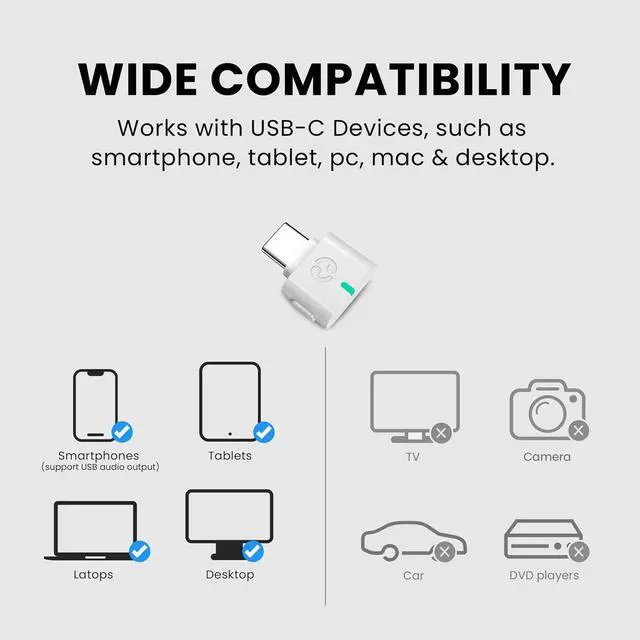
PCs, Macs, laptops, desktops, and other devices with USB-C audio output.
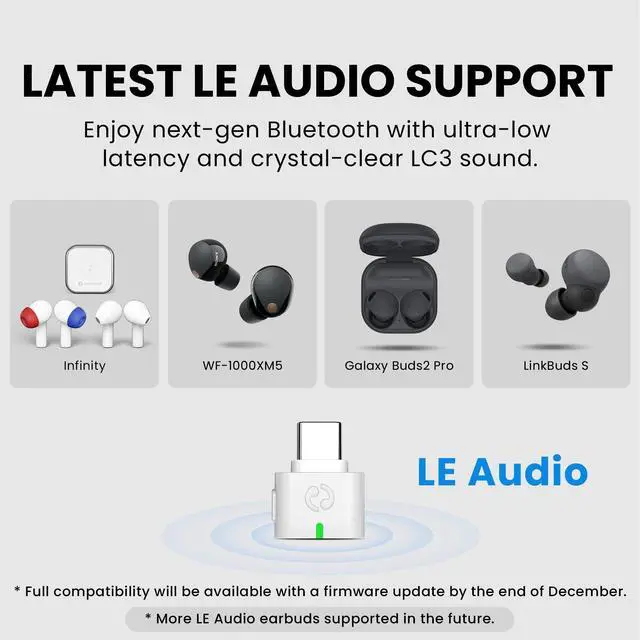
? LE Audio earbuds & LE Audio hearing aids (e.g. Galaxy Buds2 Pro, Sony LinkBuds S, WF-1000XM5, Avantalk Infinity). Please check compatibility before purchase.
? Classic Bluetooth headphones (e.g. AirPods, Bose, Sony, Beats).
? Not compatible with 2.4GHz wireless gaming headsets (such as Pulse 3D), game controllers, PS5 Portal, keyboards, mice, printers, projectors, TVs, car audio systems, DVD players, or cameras.
C82 LEA is designed for wireless audio listening only. It does NOT support gaming chat, voice calls, headset microphone use on consoles, or multipoint connections.
Frequently Asked Question
Q1 What devices does the C82 LEA work with?
C82 LEA works with PCs, Macs, laptops, desktops, and other devices that support USB-C audio output. It is designed to add LE Audio or classic Bluetooth audio for compatible headphones.
Q2 What headphones or hearing aids are compatible?
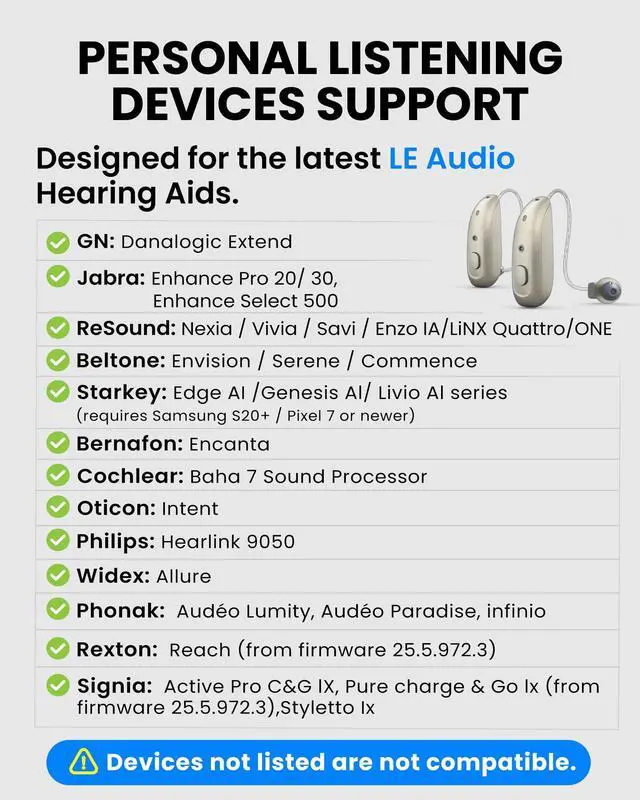
C82 LEA supports LE Audio headphones and LE Audio hearing aids. It also works with classic Bluetooth headphones. Traditional hearing aids or devices that do not support LE Audio are not compatible. Please check compatibility before purchasing.
Q3 Can I use this for gaming chat or voice calls on consoles like PS5?
No. C82 LEA is designed for wireless audio listening only. It does not support gaming chat, voice calls, or headset microphone use on consoles or gaming platforms.
Q4 What are the benefits of using LE Audio with C82 LEA?
When used with compatible devices, LE Audio provides lower latency and more stable wireless sound than classic Bluetooth, helping improve audio sync and listening reliability for videos and everyday use.
Q5 Can I use classic Bluetooth headphones if I don’t have LE Audio yet?
Yes. C82 LEA also supports classic Bluetooth headphones, allowing you to use existing headphones now and upgrade to LE Audio devices later without replacing the adapter.
EASY SETUP

Scan the Code
Find the code on the device package.

Access the User Guide
Follow simple, step-by-step instructions to pair and set up your device.

#1 - Avoid Signal Interference
Turn off your phone’s Bluetooth to prevent connection conflicts.

#2 – Pairing Success
Make sure your headphones are in pairing mode first—this resolves 95% of setup issues.
SPECIFICATIONS
COMPARISON TABLE
 Avantalk C82 |  Avantree C81-Gaming |  Avantree C81-PC |  Avantree DG80-Gaming | |
|---|---|---|---|---|
Customer Reviews | — | — | — | — |
Price | — | — | — | — |
USB Port Type | USB-C | USB-C | USB-C | USB-A |
Bluetooth Version | 5.4 | 5.3 | 5.3 | 5.3 |
Compatible Devices | PC, Mac | PS5, PS4 | PC, Mac | PS5, PS4 |
Supported Codecs | LC3, aptX Adaptive, aptX, SBC | aptX-Adaptive/HD/LL, aptX, SBC | aptX-Adaptive/HD/LL, aptX, SBC | aptX-Adaptive/HD/LL, aptX, SBC |
Primary Use | Calls, Music | Gaming | Calls, Music | Gaming |
Operating Range | Up to 30m / 100 ft | Up to 30m / 100 ft | Up to 30m / 100 ft | Up to 30m / 100 ft |



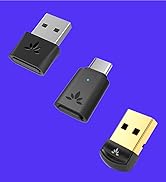

Compatibility & Uses
Works With
PCs, Macs, laptops, desktops, and other devices with USB-C audio output.
? LE Audio earbuds & LE Audio hearing aids (e.g. Galaxy Buds2 Pro, Sony LinkBuds S, WF-1000XM5, Avantalk Infinity). Please check compatibility before purchase.
? Classic Bluetooth headphones (e.g. AirPods, Bose, Sony, Beats).
? Not compatible with 2.4GHz wireless gaming headsets (such as Pulse 3D), game controllers, PS5 Portal, keyboards, mice, printers, projectors, TVs, car audio systems, DVD players, or cameras.
C82 LEA is designed for wireless audio listening only. It does NOT support gaming chat, voice calls, headset microphone use on consoles, or multipoint connections.
Frequently Asked Question
Q1 What devices does the C82 LEA work with?
C82 LEA works with PCs, Macs, laptops, desktops, and other devices that support USB-C audio output. It is designed to add LE Audio or classic Bluetooth audio for compatible headphones.
Q2 What headphones or hearing aids are compatible?
C82 LEA supports LE Audio headphones and LE Audio hearing aids. It also works with classic Bluetooth headphones. Traditional hearing aids or devices that do not support LE Audio are not compatible. Please check compatibility before purchasing.
Q3 Can I use this for gaming chat or voice calls on consoles like PS5?
No. C82 LEA is designed for wireless audio listening only. It does not support gaming chat, voice calls, or headset microphone use on consoles or gaming platforms.
Q4 What are the benefits of using LE Audio with C82 LEA?
When used with compatible devices, LE Audio provides lower latency and more stable wireless sound than classic Bluetooth, helping improve audio sync and listening reliability for videos and everyday use.
Q5 Can I use classic Bluetooth headphones if I don’t have LE Audio yet?
Yes. C82 LEA also supports classic Bluetooth headphones, allowing you to use existing headphones now and upgrade to LE Audio devices later without replacing the adapter.
EASY SETUP
Scan the Code
Find the code on the device package.
Access the User Guide
Follow simple, step-by-step instructions to pair and set up your device.
#1 - Avoid Signal Interference
Turn off your phone’s Bluetooth to prevent connection conflicts.
#2 – Pairing Success
Make sure your headphones are in pairing mode first—this resolves 95% of setup issues.
SPECIFICATIONS
| Bluetooth Version | v5.4 |
|---|---|
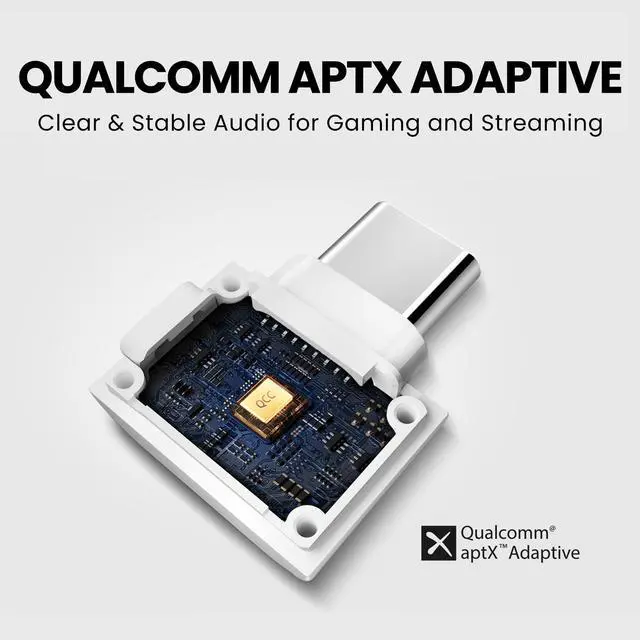
| Chipset | Qualcomm QCC Series (LE Audio SoC) |
| Supported Audio Codecs | LC3, aptX Adaptive, aptX, SBC |
| Supported Profiles | A2DP, AVRCP, HFP, HSP |
| Interface | USB-C |
| Latency | LC3: 30–50ms; aptX Adaptive: 40–80ms; aptX: ~120ms; SBC: ~220ms |
| Microphone Support | Yes – works with Bluetooth earbuds and headsets that support mic over Classic or LE Audio. |
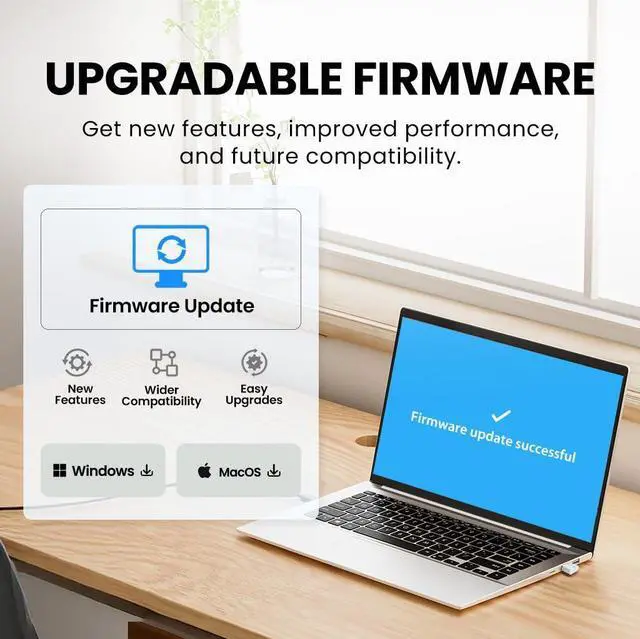
| Firmware Upgrade | Supported via official website (no app required) |
| Frequency Range | 2.4 GHz – 2.48 GHz |
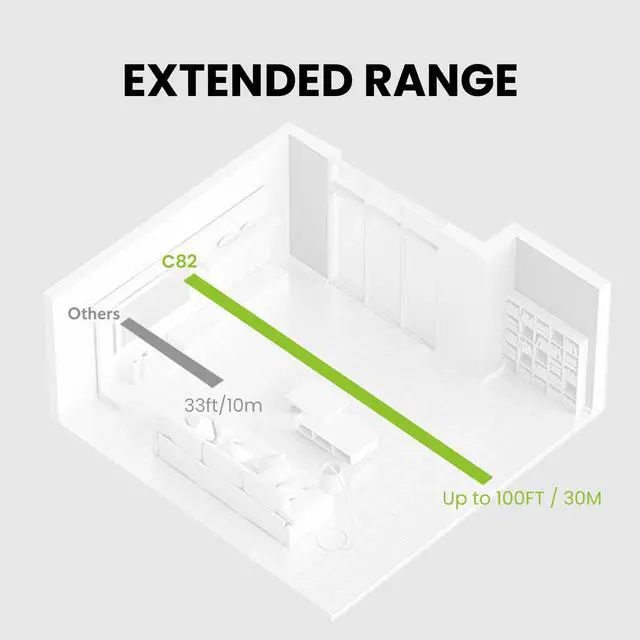
| Operating Range | Up to 100 ft (30 m) |
| Size | 17 mm × 21 mm × 7 mm |
| Net Weight | 2g |
COMPARISON TABLE
Avantalk C82 | Avantree C81-Gaming | Avantree C81-PC | Avantree DG80-Gaming |
|---|---|---|---|
| Customer Reviews | |||
| — | — | — | — |
| Price | |||
| — | — | — | — |
| USB Port Type | |||
| USB-C | USB-C | USB-C | USB-A |
| Bluetooth Version | |||
| 5.4 | 5.3 | 5.3 | 5.3 |
| Compatible Devices | |||
| PC, Mac | PS5, PS4 | PC, Mac | PS5, PS4 |
| Supported Codecs | |||
| LC3, aptX Adaptive, aptX, SBC | aptX-Adaptive/HD/LL, aptX, SBC | aptX-Adaptive/HD/LL, aptX, SBC | aptX-Adaptive/HD/LL, aptX, SBC |
| Primary Use | |||
| Calls, Music | Gaming | Calls, Music | Gaming |
| Operating Range | |||
| Up to 30m / 100 ft | Up to 30m / 100 ft | Up to 30m / 100 ft | Up to 30m / 100 ft |
Headphones with Mic for Calls
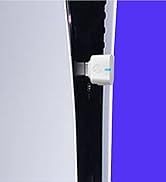
Bluetooth Adapter for PS5 & PC
