






RX Mode
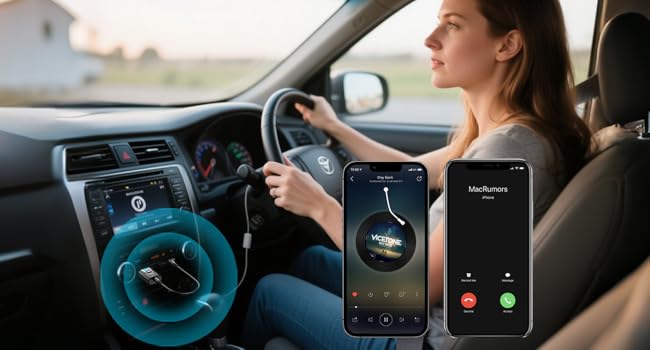
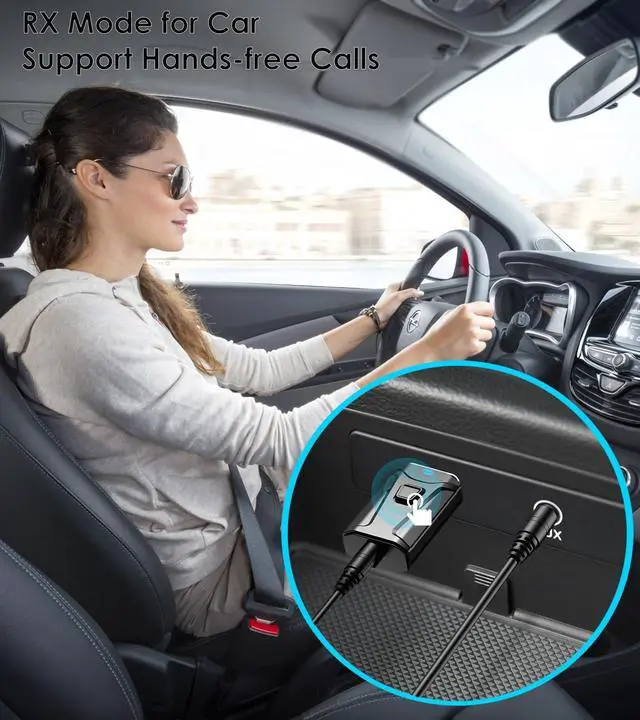
Bluetooth Receiver for Car
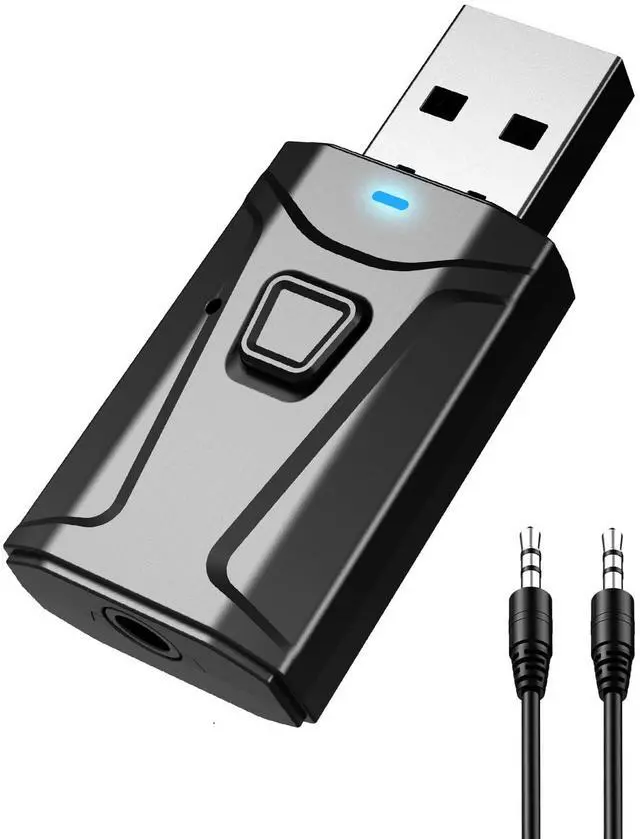
Built-in Microphone for Hands-free Calls. Press the button to answer or hang up the call.
If your car’s USB port doesn’t support audio transmission, please use it with the 3.5mm AUX cable we’ve included.
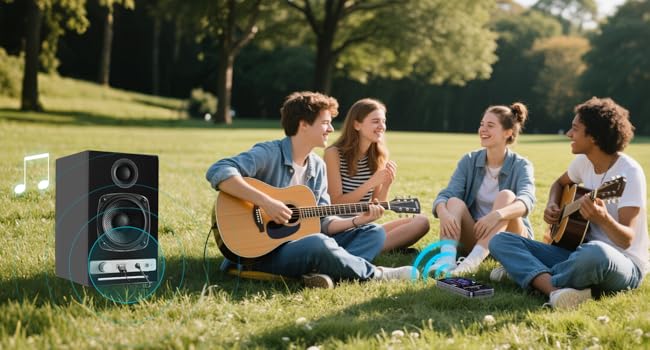
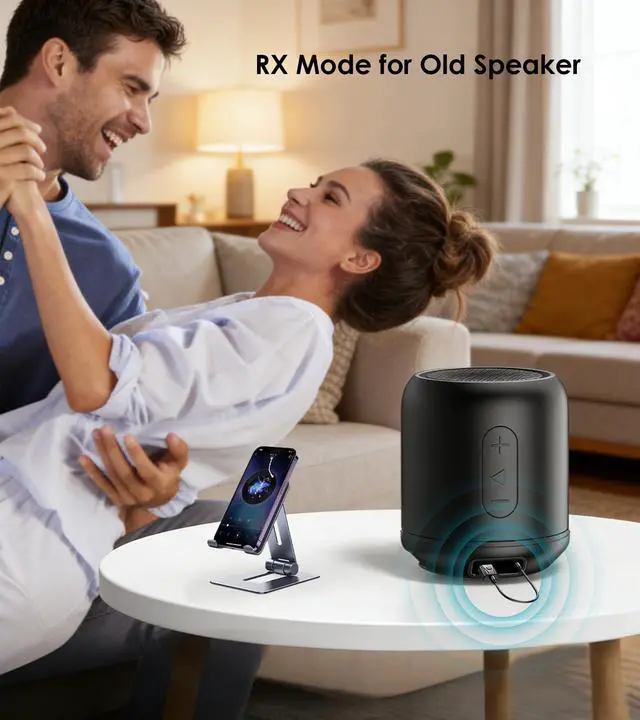
Bluetooth Adapter for Stereo
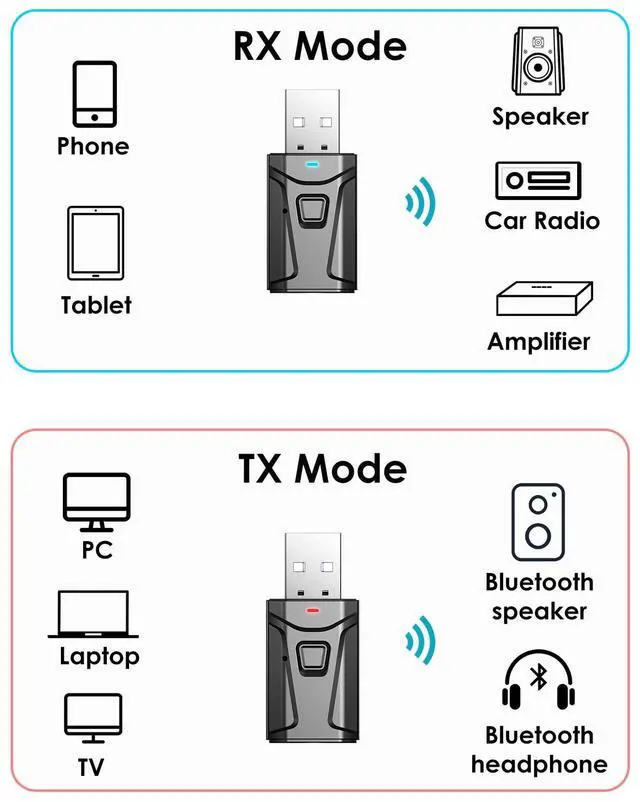
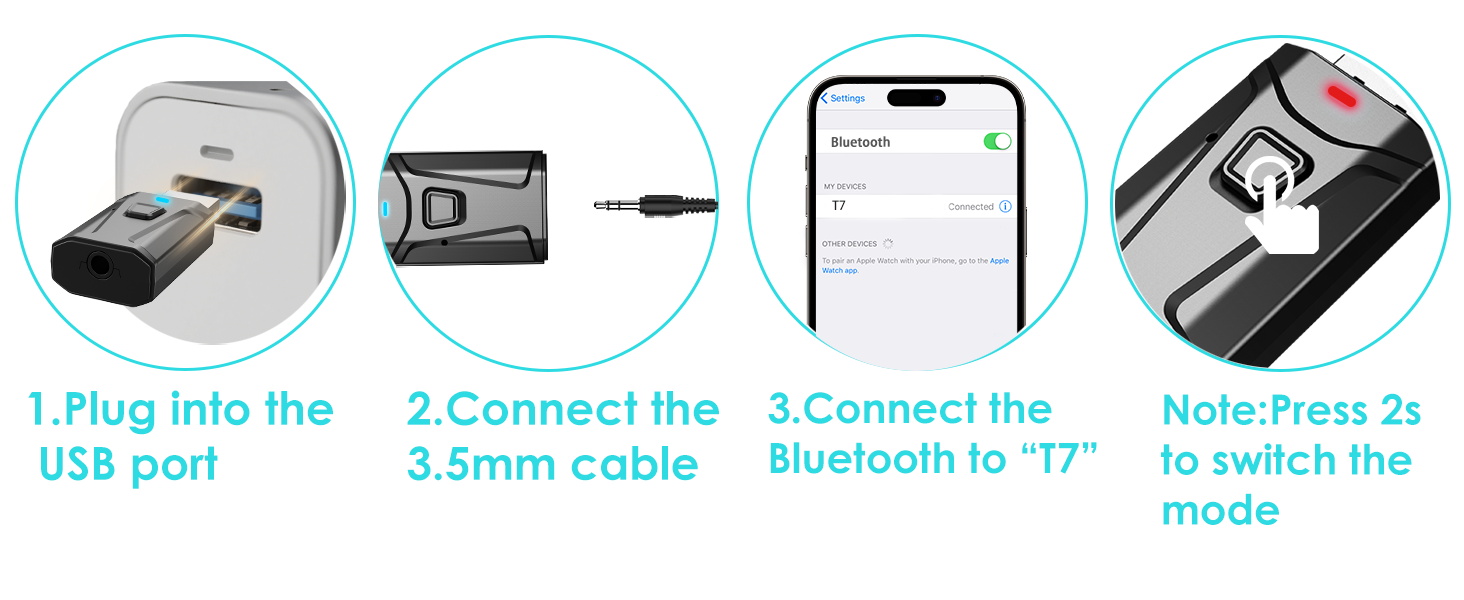
In RX mode, our Bluetooth transmitter receiver can turn non-Bluetooth devices like old speakers, wired speakers, and home stereos into wireless ones.
TX Mode
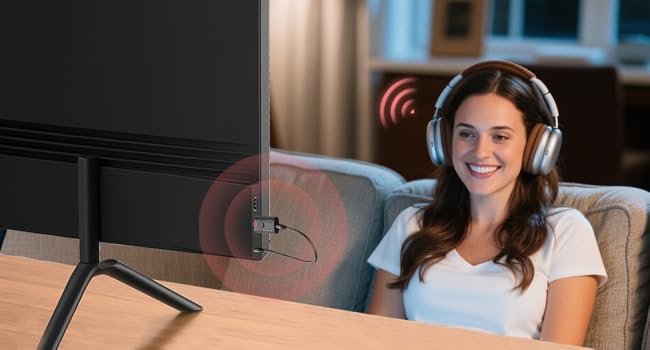
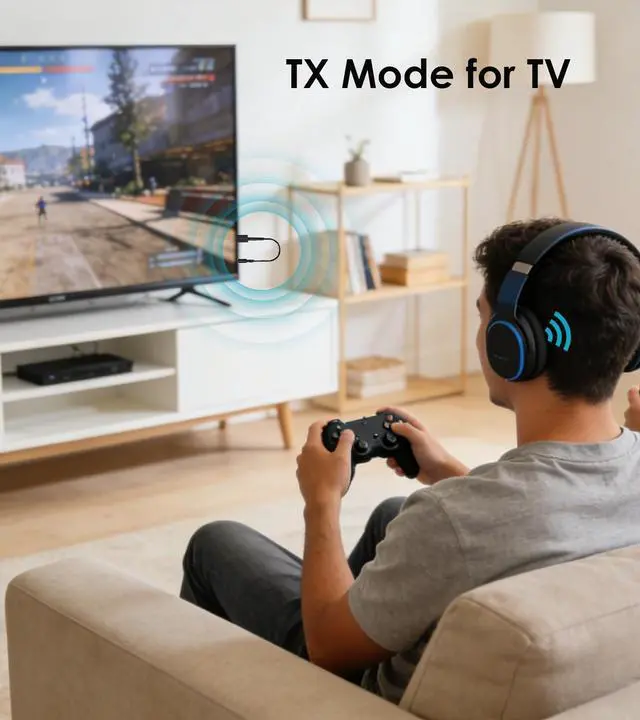
Bluetooth Transmitter for TV
The Bluetooth adapter transmits audio from the TV to your Bluetooth headphone/speaker.
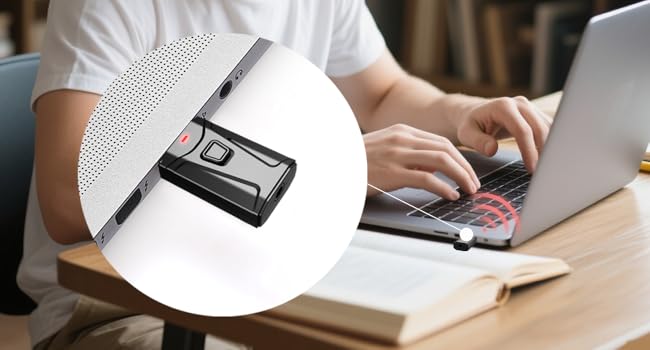
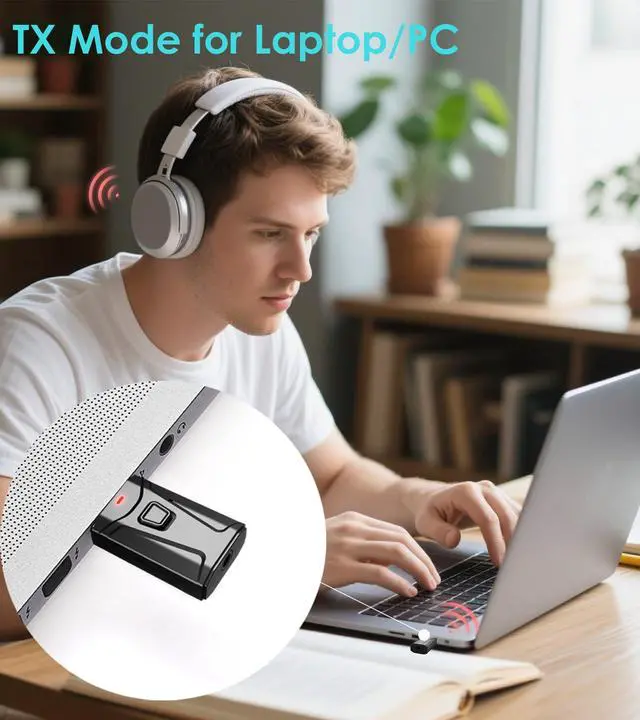
Bluetooth Dongle for PC
This USB Bluetooth adapter is compatible with laptop and desktop. Plug and play to enjoy CD-level sound quality.
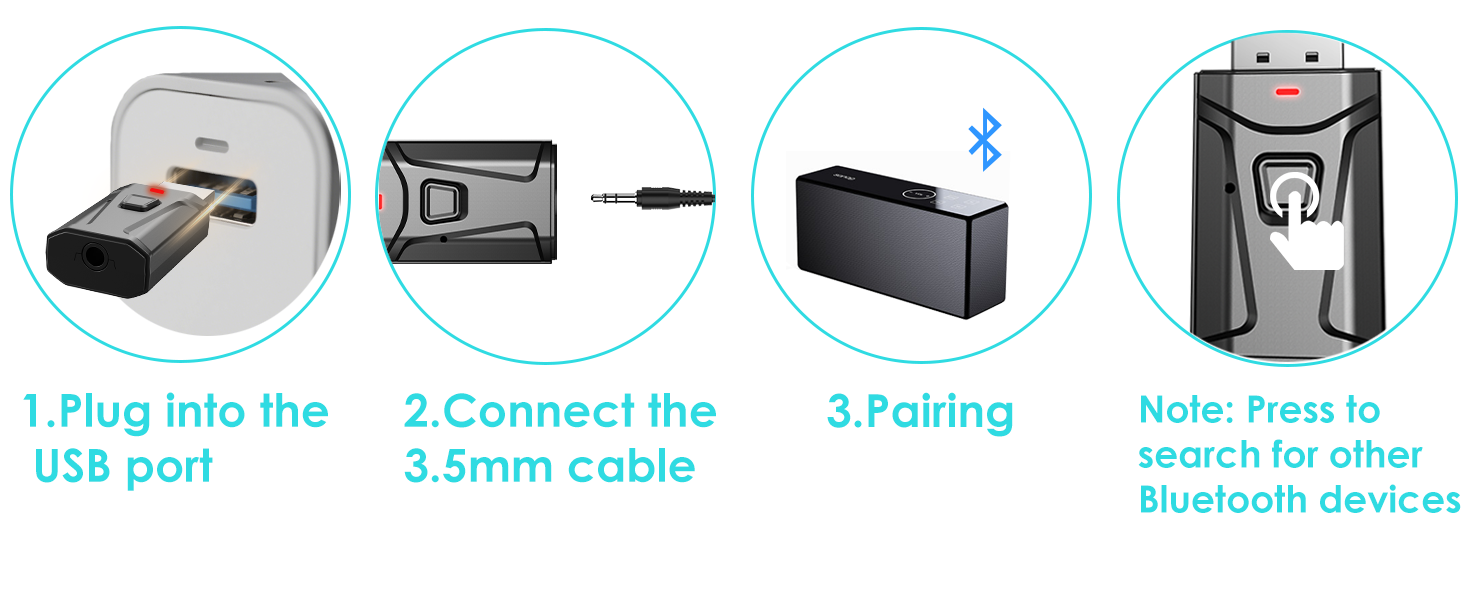
3 Steps to Pair TX Mode
3 Steps to Pair RX Mode
HOW TO PAIR WITH TV
- Plug the device into your TV’s USB port for power. The Bluetooth adapter will turn on automatically, with a flashing RED light indicating it’s in wireless search mode. (Press the multi-function button for 2 seconds to switch mode.)
- Connect the 3.5mm aux cable to the adapter’s 3.5mm port, then plug the other end into your TV's "AUDIO OUT" or headphone jack.
- Put your Bluetooth headphones in pairing mode. The adapter will pair automatically—once successful, the red light stays solid.
- If you can't hear the sound of the TV, make sure the headphones are paired successfully. Then, change the TV sound settings from "TV speaker" to "Audio out".
- To switch to another wireless audio device, quickly press the adapter’s function button. For a fast connection, make sure no other Bluetooth devices are nearby.

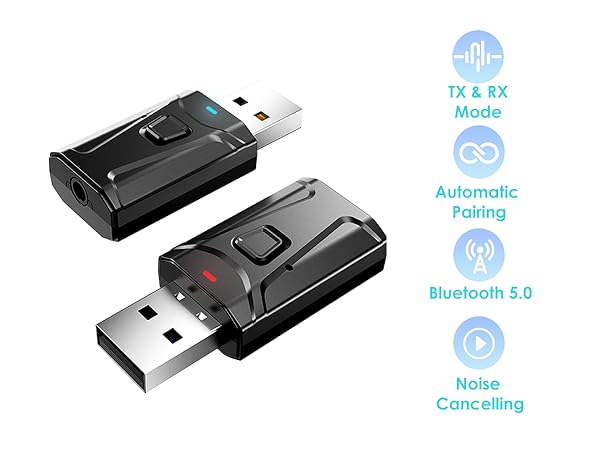
RX Mode
Bluetooth Receiver for Car
Built-in Microphone for Hands-free Calls. Press the button to answer or hang up the call.
If your car’s USB port doesn’t support audio transmission, please use it with the 3.5mm AUX cable we’ve included.
Bluetooth Adapter for Stereo
In RX mode, our Bluetooth transmitter receiver can turn non-Bluetooth devices like old speakers, wired speakers, and home stereos into wireless ones.
TX Mode
Bluetooth Transmitter for TV
The Bluetooth adapter transmits audio from the TV to your Bluetooth headphone/speaker.
Bluetooth Dongle for PC
This USB Bluetooth adapter is compatible with laptop and desktop. Plug and play to enjoy CD-level sound quality.
3 Steps to Pair TX Mode
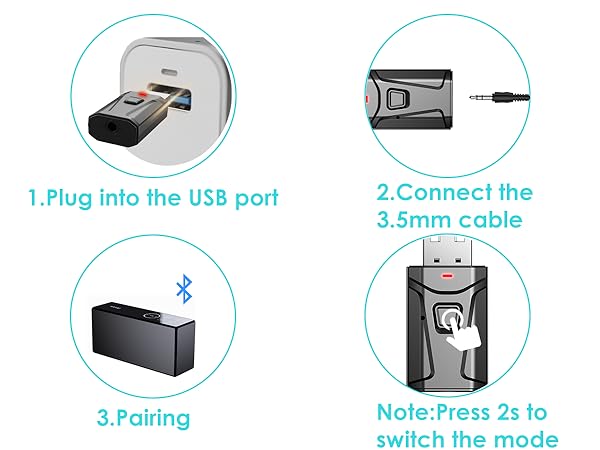
3 Steps to Pair RX Mode
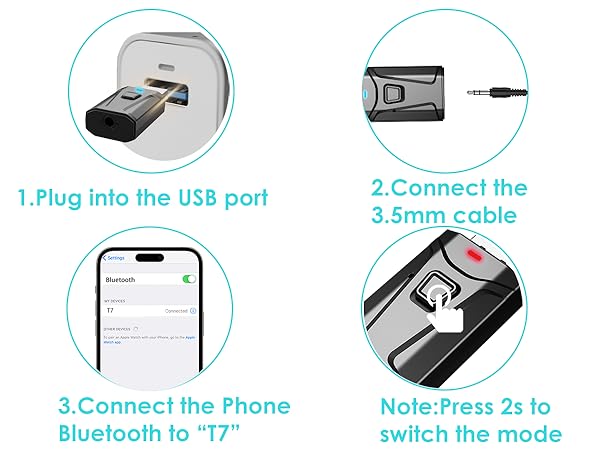
HOW TO PAIR WITH TV
- Plug the device into your TV’s USB port for power. The Bluetooth adapter will turn on automatically, with a flashing RED light indicating it’s in wireless search mode. (Press the multi-function button for 2 seconds to switch mode.)
- Connect the 3.5mm aux cable to the adapter’s 3.5mm port, then plug the other end into your TV's "AUDIO OUT" or headphone jack.
- Put your Bluetooth headphones in pairing mode. The adapter will pair automatically—once successful, the red light stays solid.
- If you can't hear the sound of the TV, make sure the headphones are paired successfully. Then, change the TV sound settings from "TV speaker" to "Audio out".
- To switch to another wireless audio device, quickly press the adapter’s function button. For a fast connection, make sure no other Bluetooth devices are nearby.
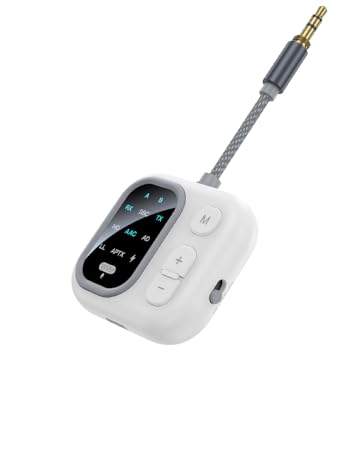
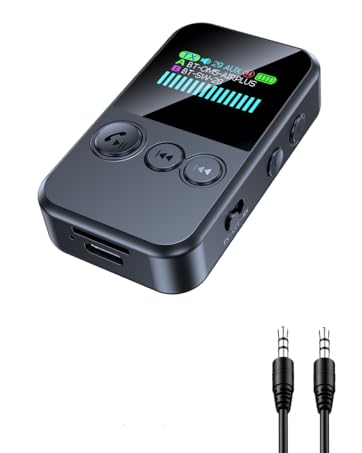
JS5
AptX Bluetooth Transmitter Receiver
C82-1
Airplane Bluetooth adapter for Headphones
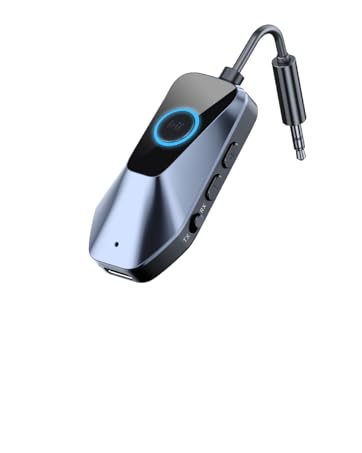
JS7
Clip Style - Bluetooth Transmitter Receiver
C49-1
Airplane Bluetooth Adapter
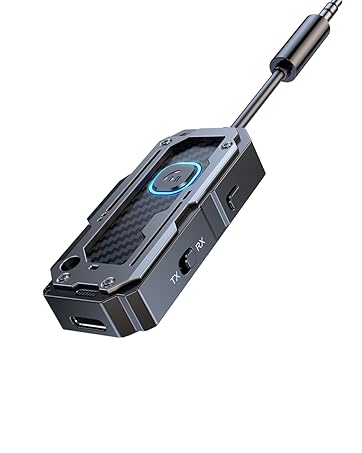
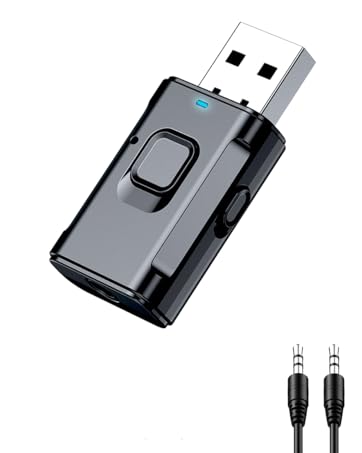
T9
Bluetooth USB Dongle
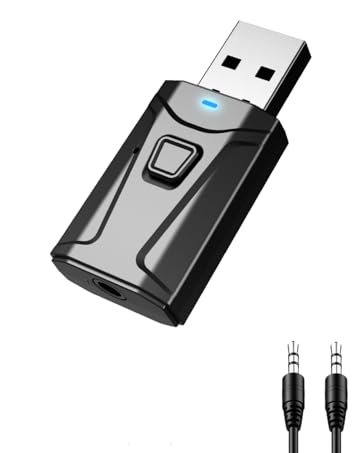
T7-6
USB Bluetooth Adapter