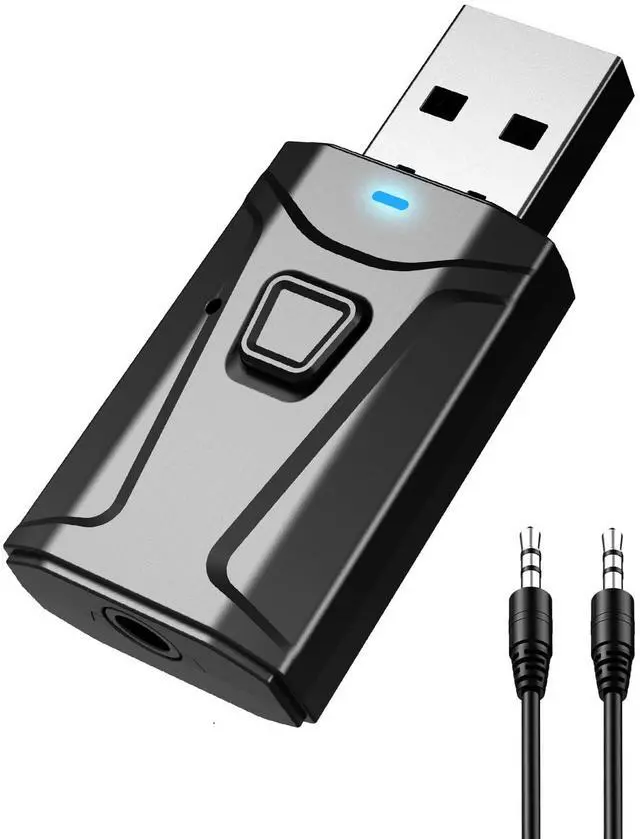
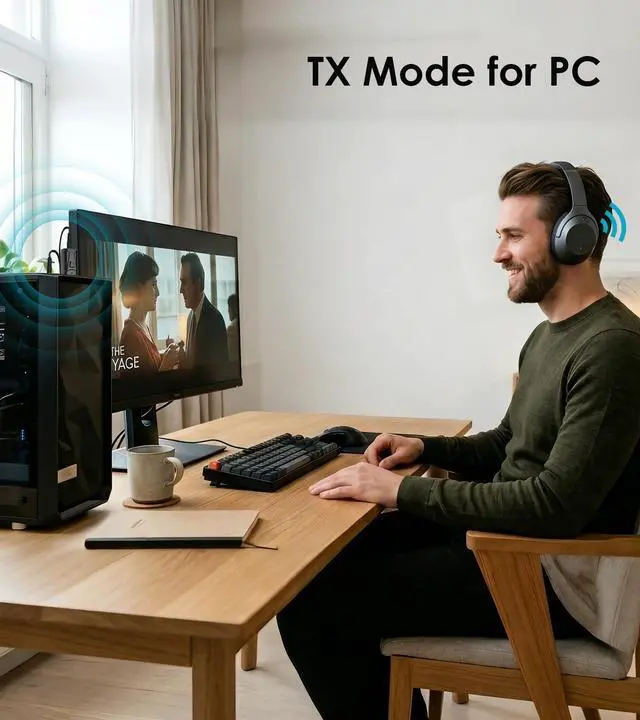
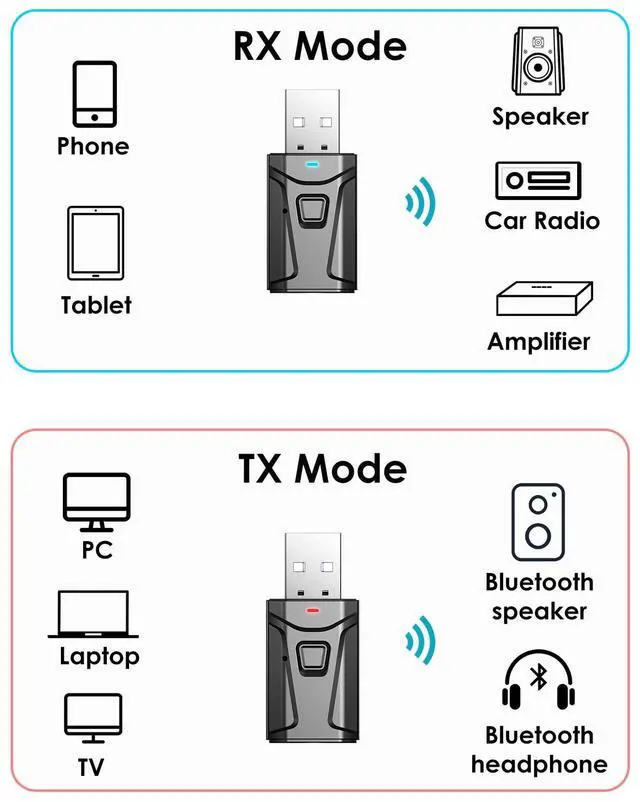
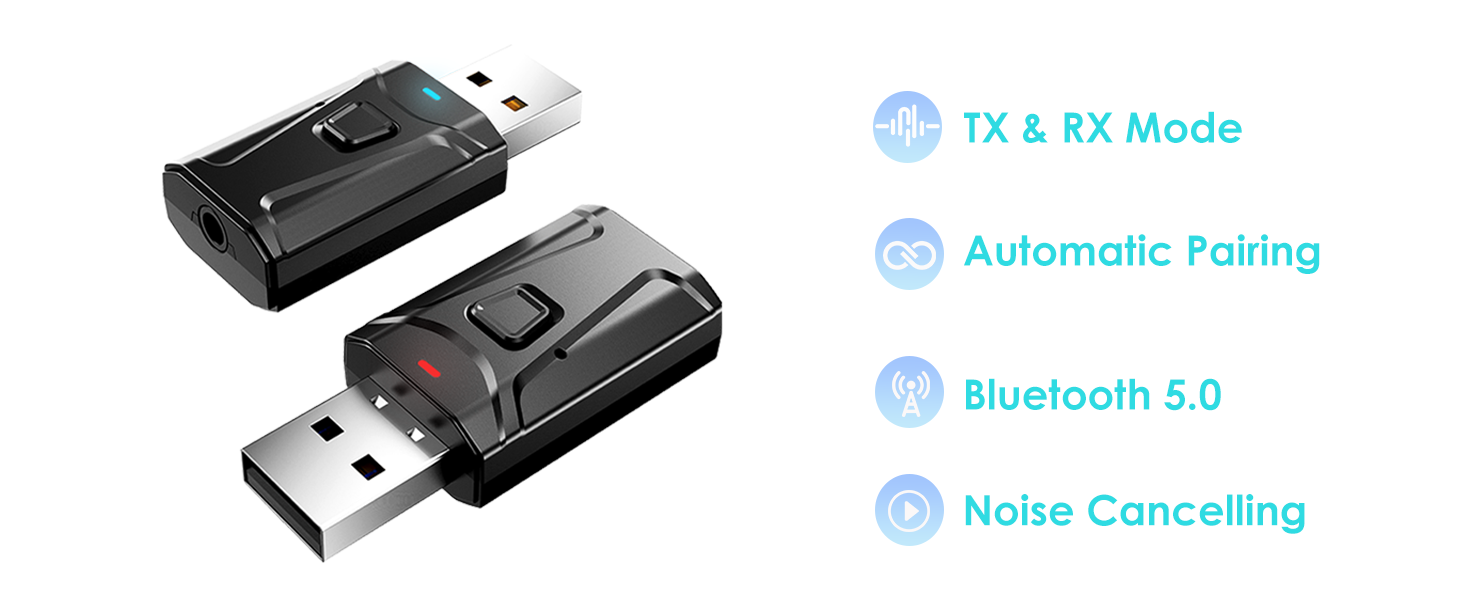
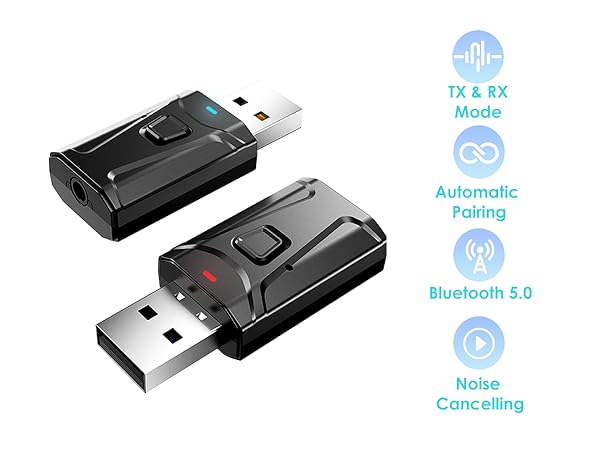
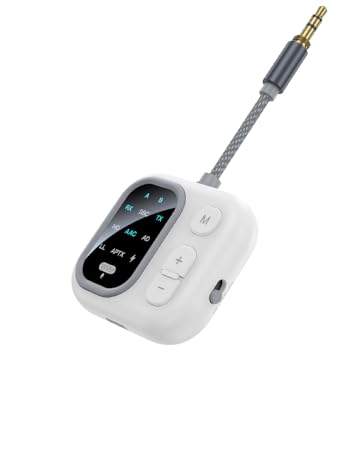
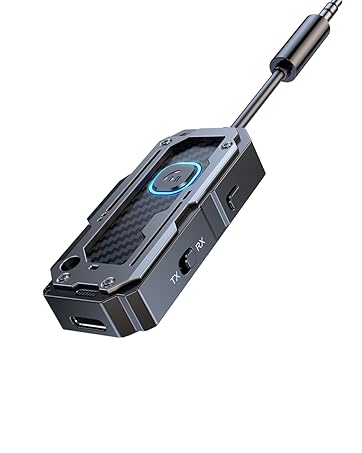
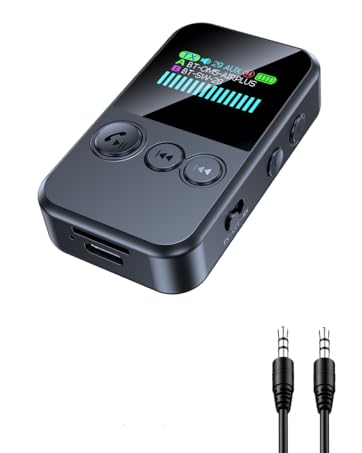
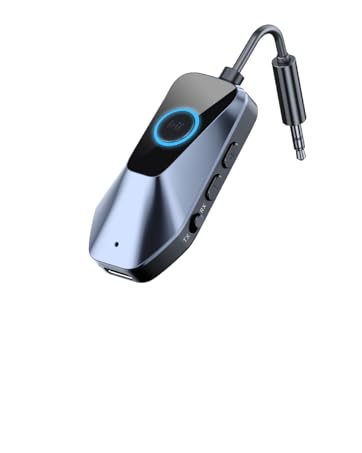
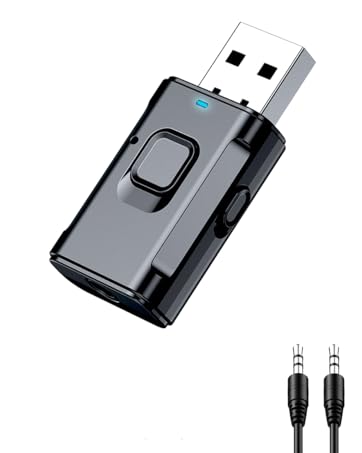
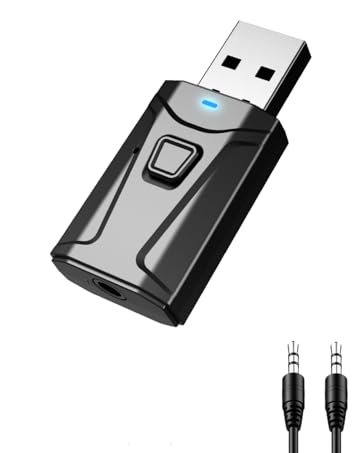
BLUETOOTH TRANSMITTER RECEIVER: In TX mode, the Bluetooth TV adapter streams audio from your PC, MP3, TV, etc to Bluetooth headphone or speaker. In RX mode, our USB Bluetooth receiver lets you receive audio from your phone or tablet and play it through non-Bluetooth devices, such as wired speaker, car stereo, home stereo, and more
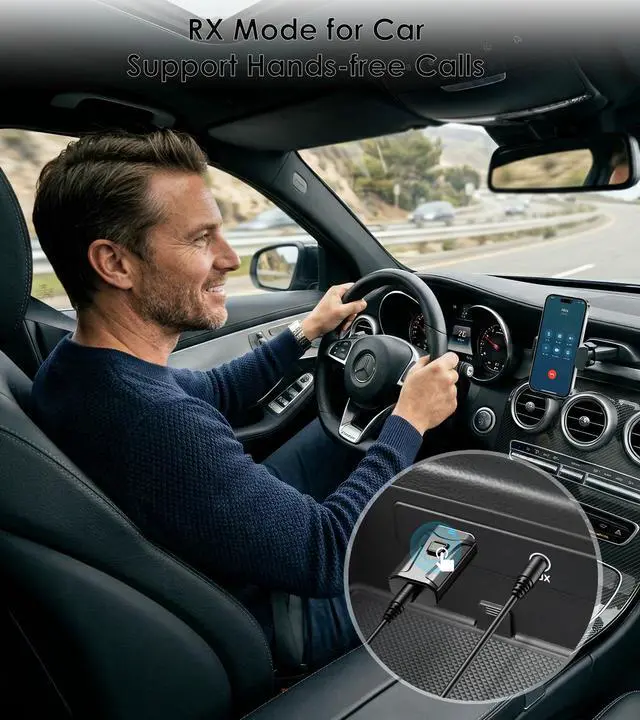
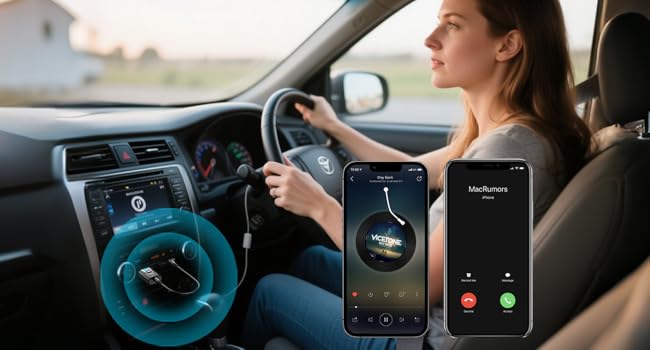
UPGRADE YOUR CAR AUDIO & SAFETY: Use our aux Bluetooth adapter to stream your favorite playlists wirelessly. Featuring a built-in microphone, it effortlessly handles hands-free calls, keeping your eyes safely on the road
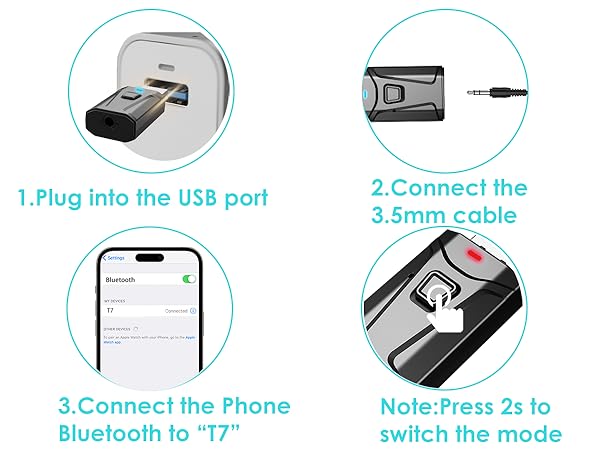
EASY TO USE: Plug the USB Bluetooth transmitter for TV or PC into a USB port, connect the 3.5mm aux cable to your audio device, and it instantly powers on and enters pairing mode
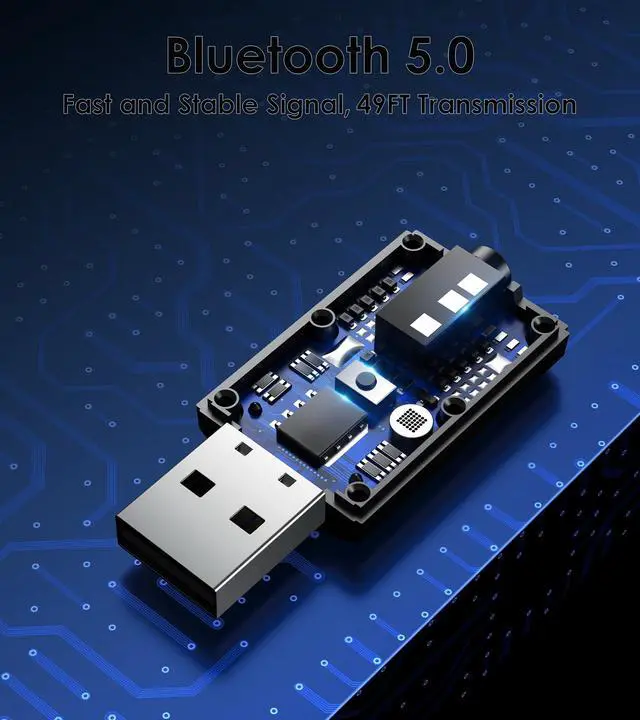
BLUETOOTH 5.0 TECHNOLOGY: Level up your audio with our USB Bluetooth adapter. Enjoy instant pairing and seamless streaming from up to 33 feet away with Bluetooth 5.0 connectivity
WIDE COMPATIBILITY: This Bluetooth adapter for TV and car compatible with almost any device featuring a USB power port and a 3.5mm AUX audio output jack
+
+
Overview
Specs
Reviews
Any questions? Ask CelesteSM will help you find out quickly.
Try me now
RX Mode
Bluetooth Receiver for Car
Built-in Microphone for Hands-free Calls. Press the button to answer or hang up the call.
If your car’s USB port doesn’t support audio transmission, please use it with the 3.5mm AUX cable we’ve included.
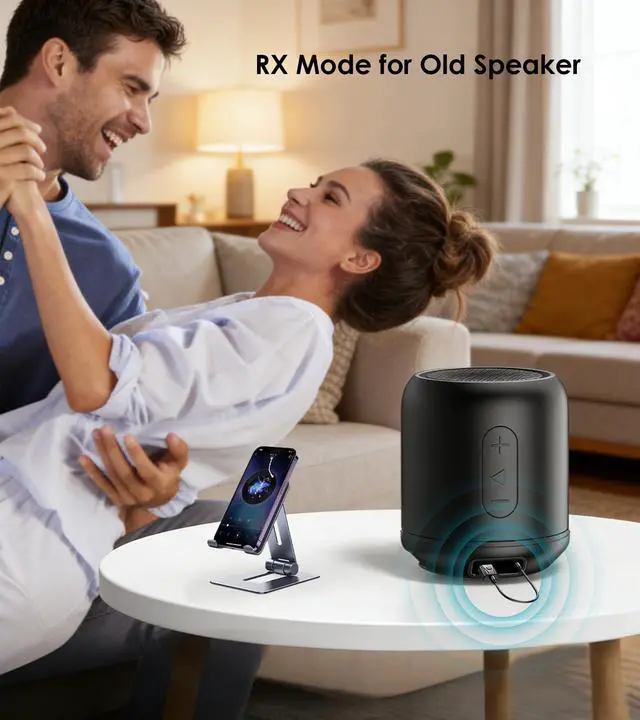
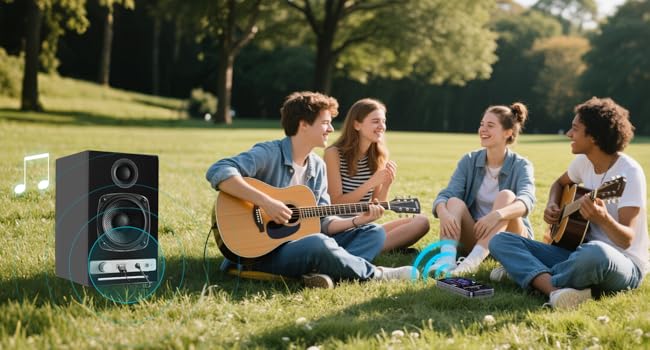
Bluetooth Adapter for Stereo
In RX mode, our Bluetooth transmitter receiver can turn non-Bluetooth devices like old speakers, wired speakers, and home stereos into wireless ones.
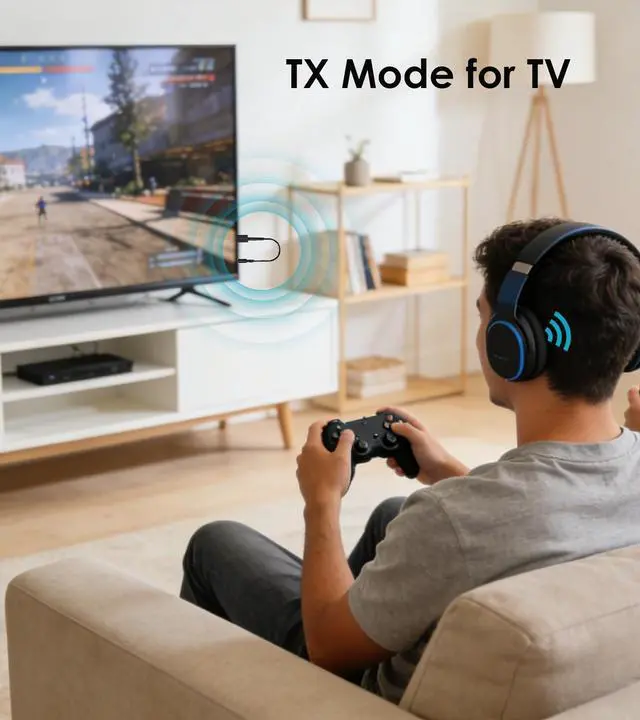
TX Mode
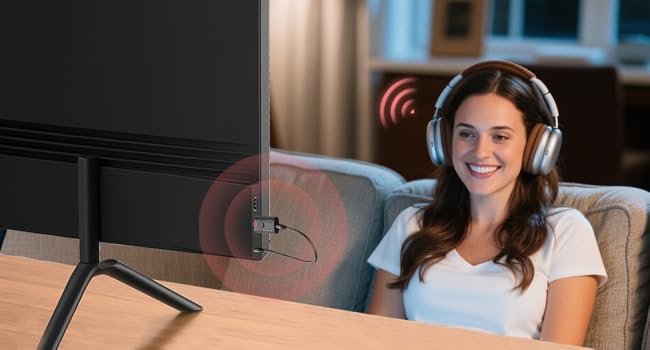
Bluetooth Transmitter for TV
The Bluetooth adapter transmits audio from the TV to your Bluetooth headphone/speaker.
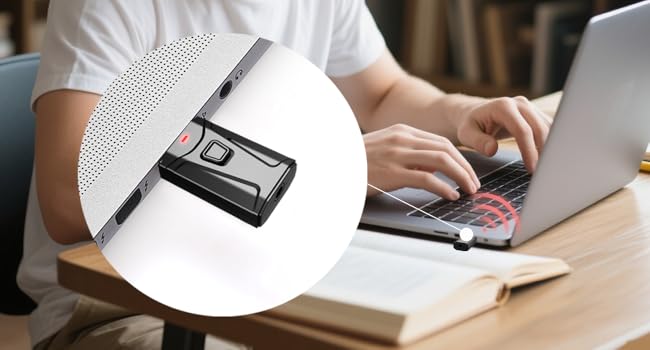
Bluetooth Dongle for PC
This USB Bluetooth adapter is compatible with laptop and desktop. Plug and play to enjoy CD-level sound quality.
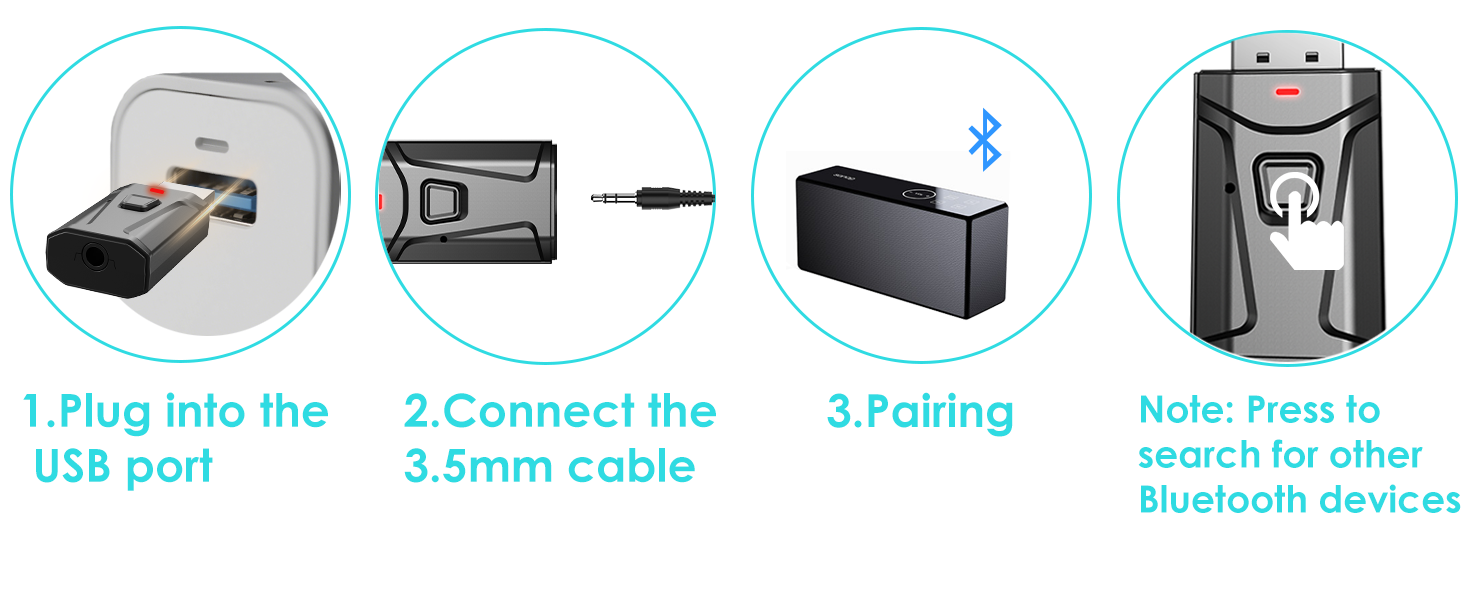
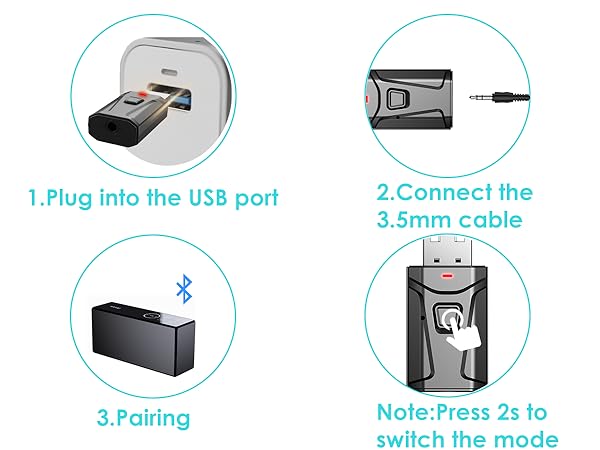
3 Steps to Pair TX Mode
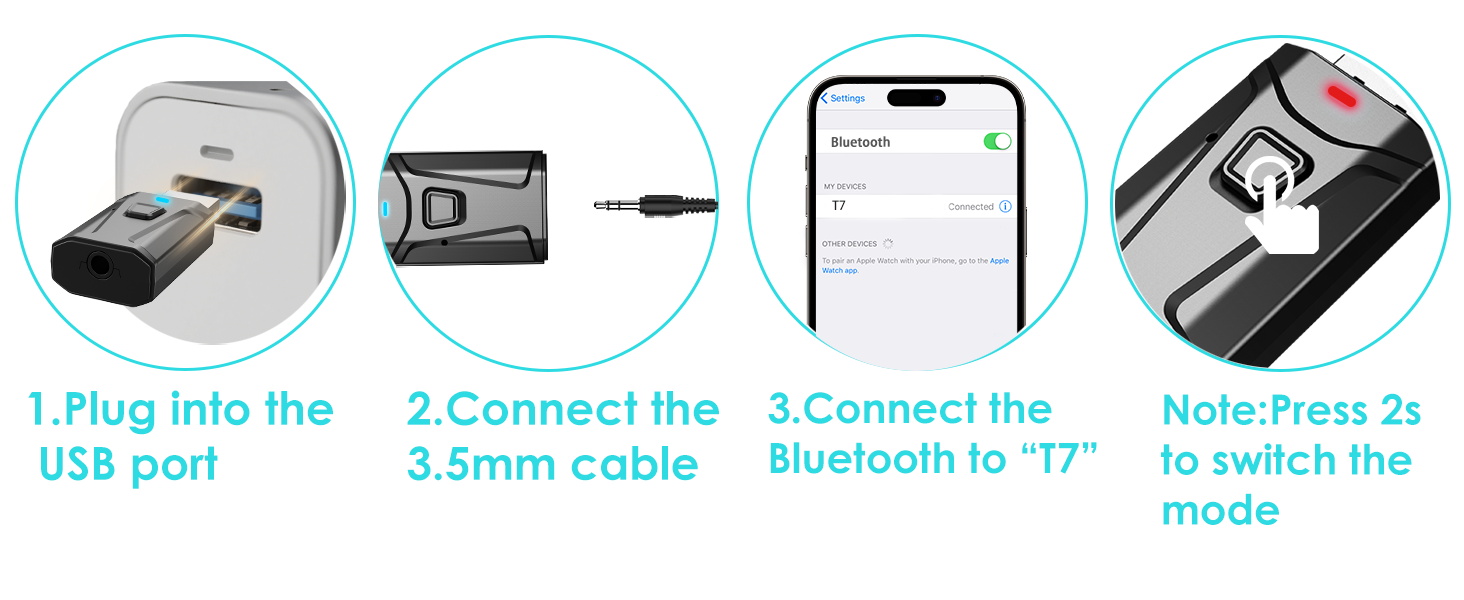
3 Steps to Pair RX Mode
HOW TO PAIR WITH TV
Plug the device into your TV’s USB port for power. The Bluetooth adapter will turn on automatically, with a flashing RED light indicating it’s in wireless search mode. (Press the multi-function button for 2 seconds to switch mode.)
Connect the 3.5mm aux cable to the adapter’s 3.5mm port, then plug the other end into your TV's "AUDIO OUT" or headphone jack.
Put your Bluetooth headphones in pairing mode. The adapter will pair automatically—once successful, the red light stays solid.
If you can't hear the sound of the TV, make sure the headphones are paired successfully. Then, change the TV sound settings from "TV speaker" to "Audio out".
To switch to another wireless audio device, quickly press the adapter’s function button. For a fast connection, make sure no other Bluetooth devices are nearby.
HOW TO USE WITH SPEAKER
For Bluetooth Speaker (TX Mode): Plug the adapter into your TV or PC's USB port for power. Connect the adapter to your device using the included 3.5mm AUX cable. Hold the Multi-function button for 2 seconds to enter TX Mode (the indicator will flash red). Put your Bluetooth speaker into pairing mode, and the adapter will automatically detect and pair with it. Once connected, the light will turn solid red.
For Wired/Old Speaker (RX Mode): Plug the adapter into the speaker's USB port for power. Connect the adapter to your wired speaker using the included 3.5mm AUX cable. Hold the Multi-function button for 2 seconds to enter RX Mode (the indicator will flash blue). On your phone, open the Bluetooth settings and select "T7" to connect. Once paired, the indicator light will turn solid blue.
JS5
AptX Bluetooth Transmitter Receiver
C82-1
Airplane Bluetooth adapter for Headphones
JS7
Clip Style - Bluetooth Transmitter Receiver
C49-1
Airplane Bluetooth Adapter
T9
Bluetooth USB Dongle
T7-6
USB Bluetooth Adapter
RX Mode
Bluetooth Receiver for Car
Built-in Microphone for Hands-free Calls. Press the button to answer or hang up the call.
If your car’s USB port doesn’t support audio transmission, please use it with the 3.5mm AUX cable we’ve included.
Bluetooth Adapter for Stereo
In RX mode, our Bluetooth transmitter receiver can turn non-Bluetooth devices like old speakers, wired speakers, and home stereos into wireless ones.
TX Mode
Bluetooth Transmitter for TV
The Bluetooth adapter transmits audio from the TV to your Bluetooth headphone/speaker.
Bluetooth Dongle for PC
This USB Bluetooth adapter is compatible with laptop and desktop. Plug and play to enjoy CD-level sound quality.
3 Steps to Pair TX Mode
3 Steps to Pair RX Mode
HOW TO PAIR WITH TV
Plug the device into your TV’s USB port for power. The Bluetooth adapter will turn on automatically, with a flashing RED light indicating it’s in wireless search mode. (Press the multi-function button for 2 seconds to switch mode.)
Connect the 3.5mm aux cable to the adapter’s 3.5mm port, then plug the other end into your TV's "AUDIO OUT" or headphone jack.
Put your Bluetooth headphones in pairing mode. The adapter will pair automatically—once successful, the red light stays solid.
If you can't hear the sound of the TV, make sure the headphones are paired successfully. Then, change the TV sound settings from "TV speaker" to "Audio out".
To switch to another wireless audio device, quickly press the adapter’s function button. For a fast connection, make sure no other Bluetooth devices are nearby.
HOW TO USE WITH SPEAKER
For Bluetooth Speaker (TX Mode): Plug the adapter into your TV or PC's USB port for power. Connect the adapter to your device using the included 3.5mm AUX cable. Hold the Multi-function button for 2 seconds to enter TX Mode (the indicator will flash red). Put your Bluetooth speaker into pairing mode, and the adapter will automatically detect and pair with it. Once connected, the light will turn solid red.
For Wired/Old Speaker (RX Mode): Plug the adapter into the speaker's USB port for power. Connect the adapter to your wired speaker using the included 3.5mm AUX cable. Hold the Multi-function button for 2 seconds to enter RX Mode (the indicator will flash blue). On your phone, open the Bluetooth settings and select "T7" to connect. Once paired, the indicator light will turn solid blue.
JS5
AptX Bluetooth Transmitter Receiver
C82-1
Airplane Bluetooth adapter for Headphones
JS7
Clip Style - Bluetooth Transmitter Receiver
C49-1
Airplane Bluetooth Adapter
T9
Bluetooth USB Dongle
T7-6
USB Bluetooth Adapter
USB Bluetooth Adapter for Car, Bluetooth Transmitter Receiver Plug & Play, 3.5 mm AUX Wireless Audio Adapter for TV, Headphone, PC, Stereo





 here!
here!