• $66.99
  • Free 30-day Returns
  • Ships from China.
    Price alert
    Shop it at NeweggBusiness.

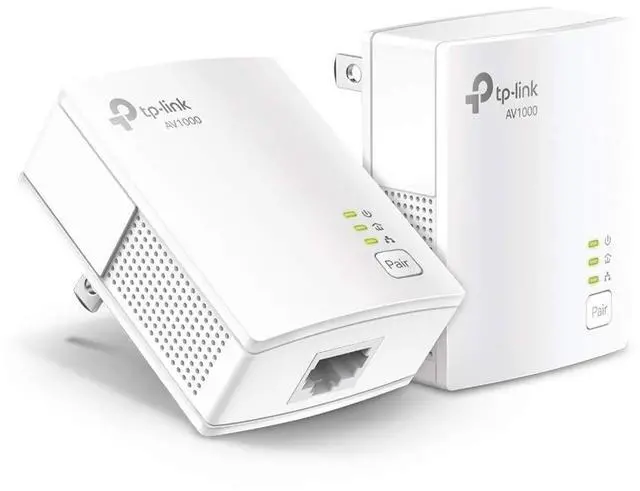
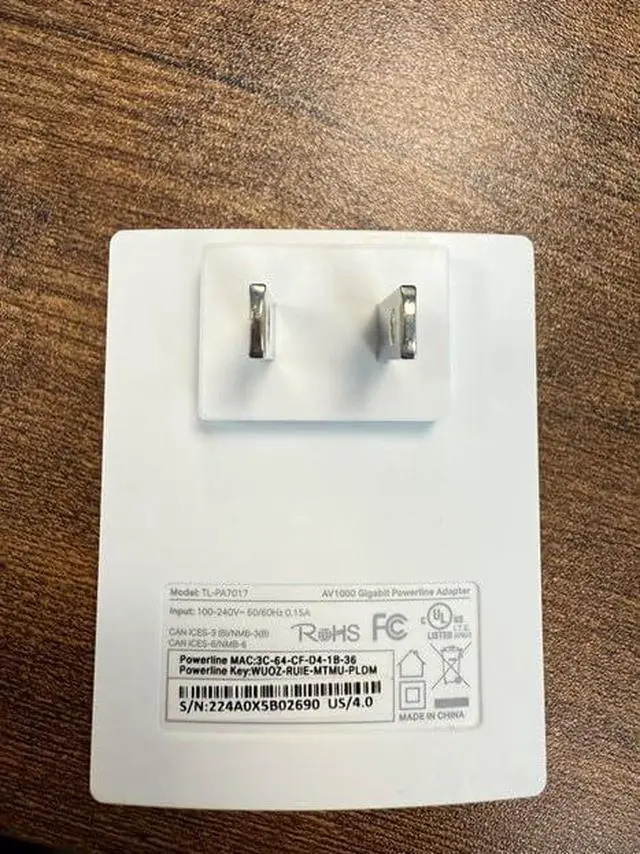
    AV1000 Powerline Ethernet Adapter KIT - Gigabit Port, Plug Pair &Play, Ethernet Over Power, Nano Size, Power Saving Mode, Network Adapter, Free Expert Help (TL-PA7017 KIT)

    Limited time offer, ends 01/18 By kui bai Automobile supplies store

    • - This device is meant for individuals that are not able to extend their Ethernet connections where routers or range extenders do not work. Speeds cannot exceed your internet plans limit.
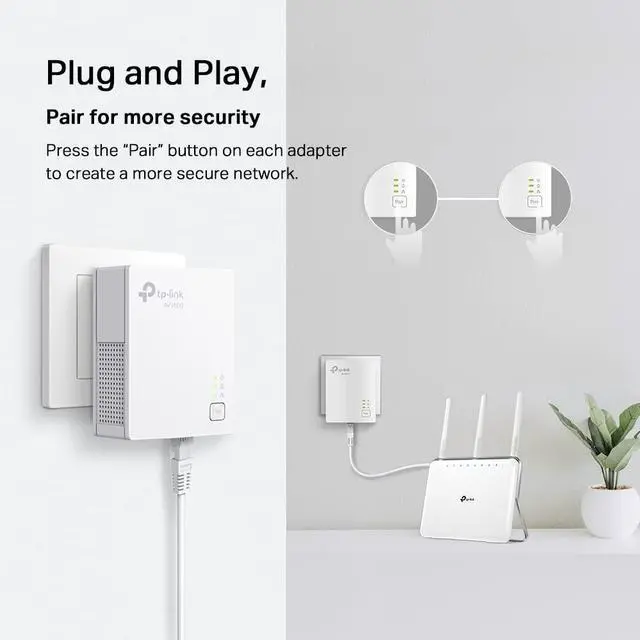
    • - Delivers AV1000 powerline speeds over existing electrical wiring, extending home network wired connectivity by up to 750 ft through thick walls and other barriers. Compatible with all TP-Link powerline adapters.
    • Ideal for multi-story homes, basements, attics, and garages.
    • - provides secure wired networks for desktops, smart TVs or games consoles. Ethernet cables are included.
    • - Adapters must be on the same electrical circuit for connectivity. Requires direct outlet plug in. Does not work with surge protectors. Speeds may be lower due to wiring quality, adapter distance, and network interference and conditions.
    • - TP-Link is a signatory of the U.S. Cybersecurity and Infrastructure Security Agencys (CISA) Secure-by-Design pledge. This device is designed, built, and maintained, with advanced security as a core requirement.
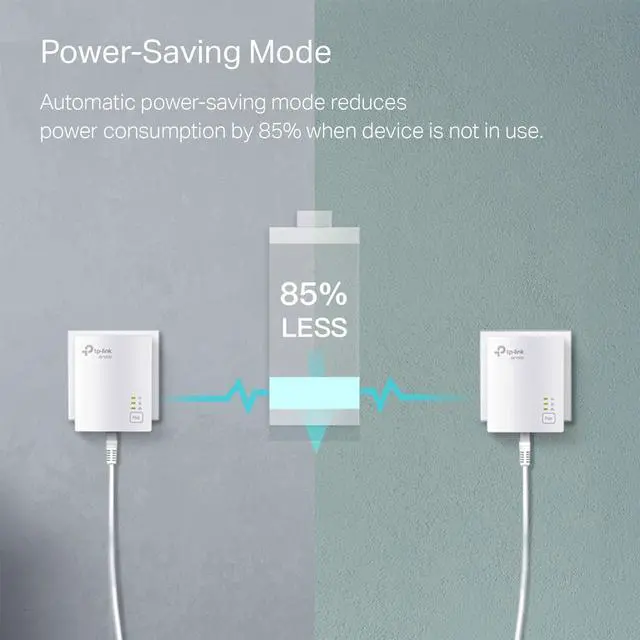
    • - Power saving mode automatically reduces power consumption by up to 85 percent*** affect powerline performance.
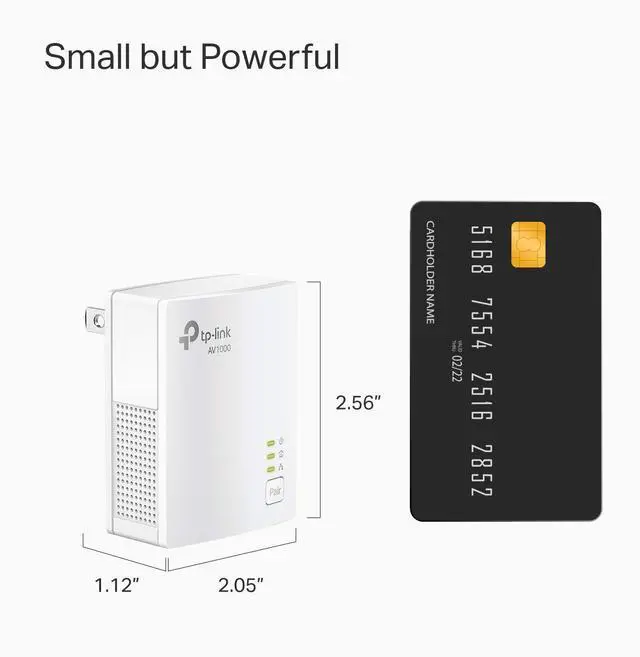
    • Item dimensions L x W x H 2.6 x 2 x 1.1 inches
    +
    +
    Overview
    Specs
    Reviews
    avatar

    Any questions? Our AI beta will help you find out quickly.

    TL-PA7017 KIT uses HomePlug AV2 technology to extend your wired internet. With Gigabit Ethernet port, it ensures high speed wired connection, providing data transmissions of up to 1000Mbps and allowing smooth transmission of Ultra HD video streaming. This makes the TL-PA7017 KIT the perfect home entertainment companion.

    Power line products in general, transmit data through the power line of your house. The power line rate is mainly decided by the quality of power line environment its operating in. When your power line rate is low, you may try the steps below to improve the quality of service.

    Step 1:

    Please check whether your powerline adapters are plugged directly into a wall outlet. If not, please move the adapters to an outlet on the wall.

    Step 2:

    Please check if there are electrical devices, which have a motor inside them, around the powerline adapters. Such equipment can be air-conditioners, washing-machines, electric-fans etc.. Please move such equipment to another location if possible, or move powerline adapters away from such equipment. You may also buy a surge protector and plug such equipments to its outlets to avoid any interference they may cause.

    Step 3:

    Please check if there are AC power adapters, such as those used for mobile phones, laptops or something else around the adapters. If the quality of AC power adapter is not good, it may cause noise on the power line circuit. Please move it to another place away from the powerline adapters.

    Step 4:

    Please check if the distance between the adapters is too long. In theory, the maximum distance is 300 meters. However, with interference and line quality, it will be hard to reach the full 300 meters.

    Product information

    Brand
    Hardware InterfaceEthernet
    Colorwhite
    Compatible DevicesDesktop, Laptop
    Product Dimensions2.56"L x 2.05"W x 1.12"H
    Data Link ProtocolEthernet
    Data Transfer Rate1000 Megabits Per Second
    Item Weight13.6 Ounces
    UPC845973089054
    Manufacturer
    Item model numberTL-PA7017 KIT
    Date First AvailableDecember 26, 2019

    Additional Features

    • & - Set up the two included powerline adapters for a secure Powerline network, providing wired connections. Please note powerline adapters must be installed in sets of two or more. No new wires and no configuration required.
    • TL-PA7017 KIT does not have Wi-Fi capabilities.

    Warranty & Returns

    Warranty, Returns, And Additional Information

    Warranty

    • Please contact the Seller directly for warranty information. Warranty information may also be found on the Manufacturer's website.
    • CONTACT

    Return Policies

    Manufacturer Contact Info

    LOADING...