


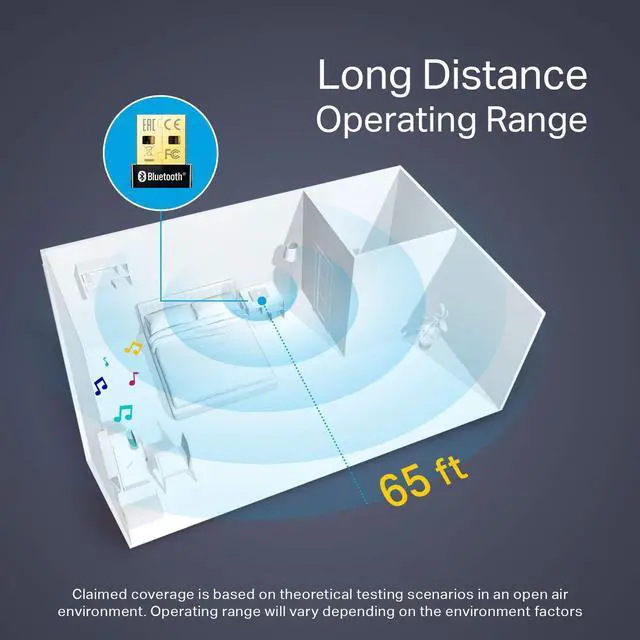


Long Distance Operating Range
With a transmission distance of up to 65 ft, you can enjoy music, print documents, and so much more from your Bluetooth-enabled devices without hovering around your computer.*

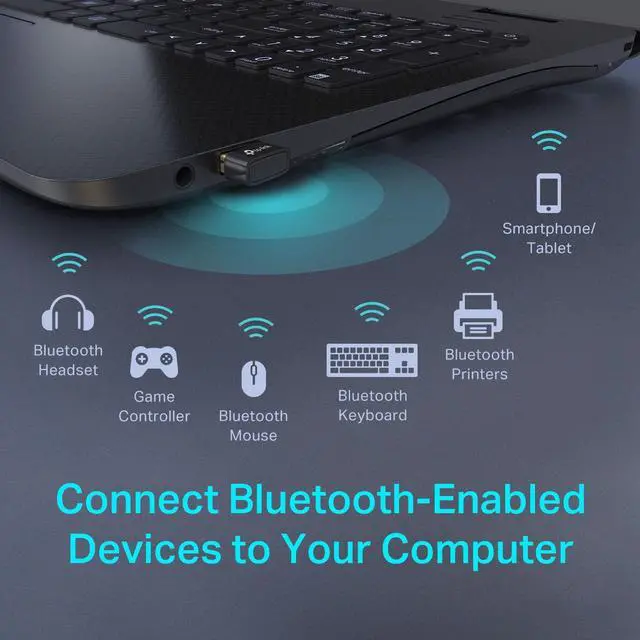
Connect Bluetooth-Enabled Devices to Your Computer
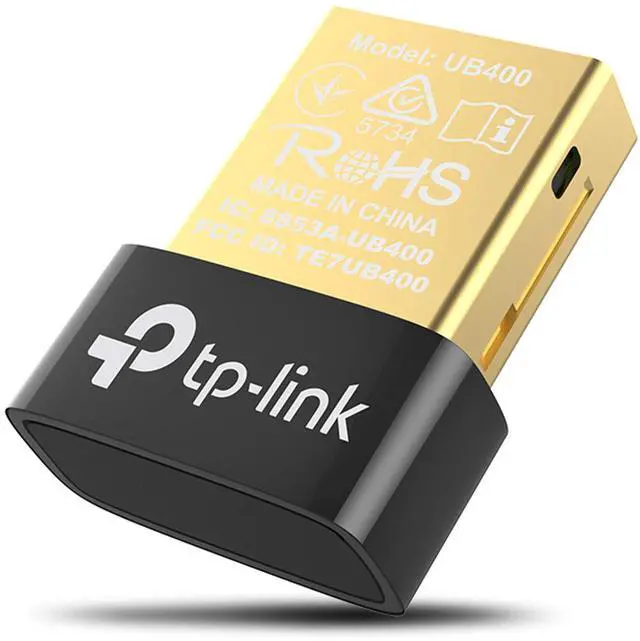
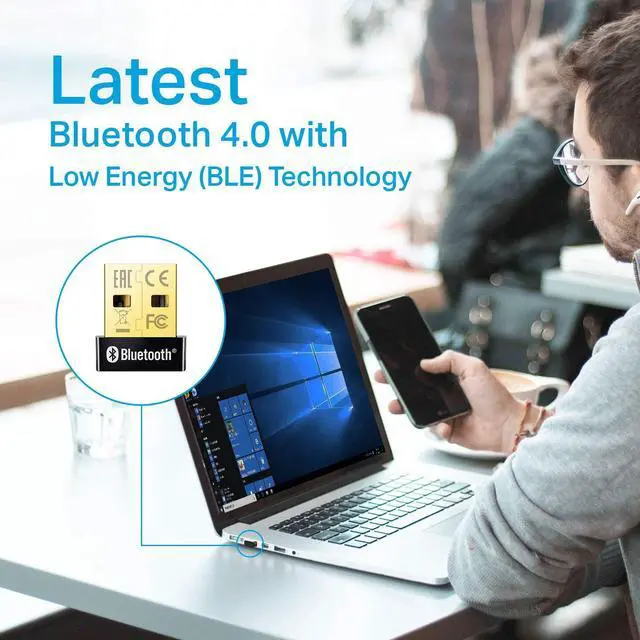
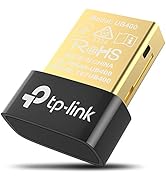
UB400 makes Non-Bluetooth PCs and Laptops Bluetooth-capable. Simply plug in the UB400 to wirelessly connect Bluetooth-enabled headsets, game controllers, keyboards, and more.

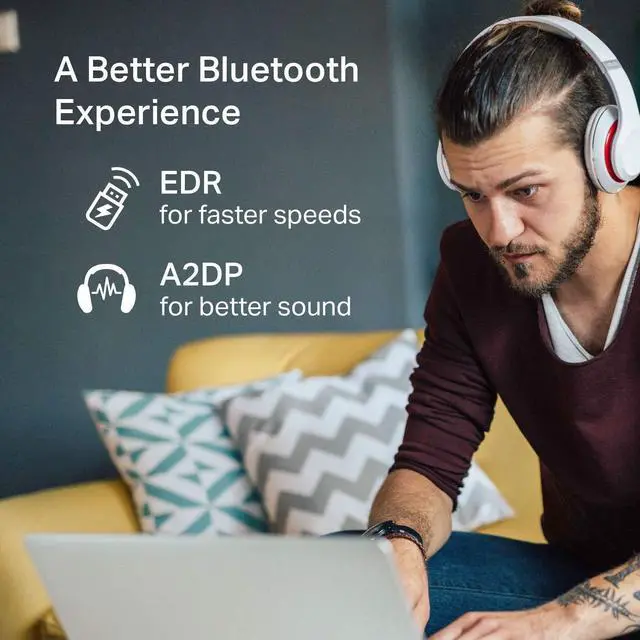
EDR and A2DP Technology
Featuring EDR and A2DP technology, UB400 enhances your wireless experience by giving you faster speeds up to 3 Mbps for data transfer and better sounds to ensure high-quality audio when streaming your favorite music via a Bluetooth device.

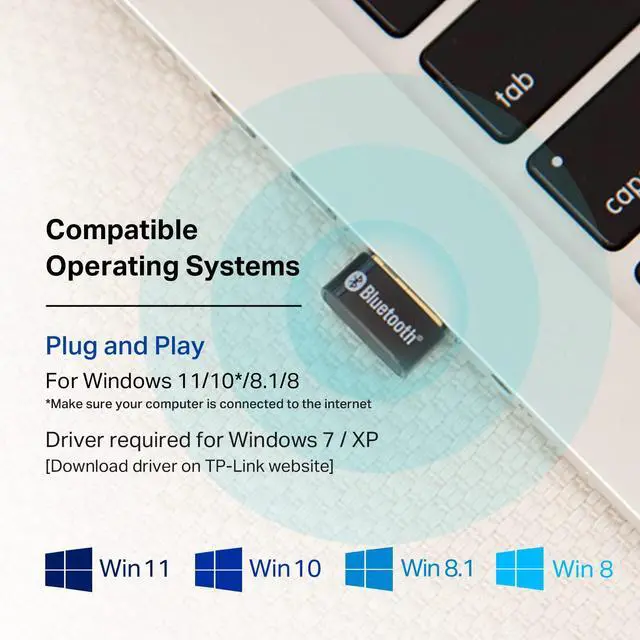
Plug N' Play for Windows 11, 10, 8.1, and 8
For Windows 11,10, 8.1, and 8, just plug UB400 into your computer to enjoy a fast, convenient Bluetooth connection.
Windows XP and 7 are also supported by installing the driver from TP-Link's website*

Plug it in and Forget about it
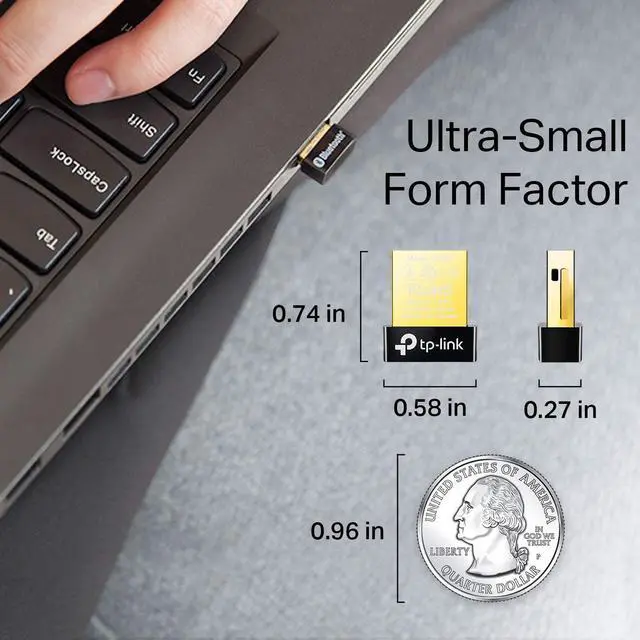
A sleek, ultra-small design means you can insert the nano adapter into any USB port and simply keep it there, no matter where you go.
Can the UB400 support more than one device at a time?
Yes, the Bluetooth adapter can support up to 7 devices at a time.
What operating systems are compatible with the UB400?
a. Current supported operating systems include Windows 11/10/8.1/8/7/XP, driver needed for WIndows 7/XP.
b. Does not support Mac OS and Linux.
How do I install the driver for Windows 7 and XP?
a. To install the driver, visit the TP-Link website, search “UB400” and download the driver in the "Support" section
d. Open file "UB400_Driver.zip", click through the following “Windows” file and click on “setup.exe” and finish the installation
How do i connect to PS4 controller?
Try 2 things,
1. Unpair the controller from your playstation
2. Hook the controller to your computer via the USB cable and then hit the PS Button. Once the controller is detected you can disconnect the usb charging cable.
What is A2DP and EDR technology?
A2DP, a Bluetooth standard that allows for high-quality audio streaming when using Bluetooth enabled devices.
EDR, Enhanced Data Rate, is a Bluetooth specification that provides faster data rates.



![TP-Link USB C To Ethernet Adapter(UE300C), RJ45 To USB C [Thunderbolt 3/4 Compatible] Type-C Giga...](http://c1.neweggimages.com/sellingpilot/modules/product/a-plus/d3b73d1080ba871b9ce33dfcd472bc379173170d5eda27b171fb3093b95419fc.jpg)


Long Distance Operating Range
With a transmission distance of up to 65 ft, you can enjoy music, print documents, and so much more from your Bluetooth-enabled devices without hovering around your computer.*

Connect Bluetooth-Enabled Devices to Your Computer
UB400 makes Non-Bluetooth PCs and Laptops Bluetooth-capable. Simply plug in the UB400 to wirelessly connect Bluetooth-enabled headsets, game controllers, keyboards, and more.

EDR and A2DP Technology
Featuring EDR and A2DP technology, UB400 enhances your wireless experience by giving you faster speeds up to 3 Mbps for data transfer and better sounds to ensure high-quality audio when streaming your favorite music via a Bluetooth device.

Plug N' Play for Windows 11, 10, 8.1, and 8
For Windows 11,10, 8.1, and 8, just plug UB400 into your computer to enjoy a fast, convenient Bluetooth connection.
Windows XP and 7 are also supported by installing the driver from TP-Link's website*

Plug it in and Forget about it
A sleek, ultra-small design means you can insert the nano adapter into any USB port and simply keep it there, no matter where you go.
Can the UB400 support more than one device at a time?
Yes, the Bluetooth adapter can support up to 7 devices at a time.
What operating systems are compatible with the UB400?
a. Current supported operating systems include Windows 11/10/8.1/8/7/XP, driver needed for WIndows 7/XP.
b. Does not support Mac OS and Linux.
How do I install the driver for Windows 7 and XP?
a. To install the driver, visit the TP-Link website, search “UB400” and download the driver in the "Support" section
d. Open file "UB400_Driver.zip", click through the following “Windows” file and click on “setup.exe” and finish the installation
How do i connect to PS4 controller?
Try 2 things,
1. Unpair the controller from your playstation
2. Hook the controller to your computer via the USB cable and then hit the PS Button. Once the controller is detected you can disconnect the usb charging cable.
What is A2DP and EDR technology?
A2DP, a Bluetooth standard that allows for high-quality audio streaming when using Bluetooth enabled devices.
EDR, Enhanced Data Rate, is a Bluetooth specification that provides faster data rates.
Wi-Fi 7 Mesh
Wi-Fi 7 Routers
Mesh Wi-Fi
Wi-Fi Routers
Access Points
Range Extenders
WiFi USB Adapters
PCIe Cards
Network Switches
![TP-Link USB C To Ethernet Adapter(UE300C), RJ45 To USB C [Thunderbolt 3/4 Compatible] Type-C Giga...](//c1.neweggimages.com/sellingpilot/modules/product/a-plus/d3b73d1080ba871b9ce33dfcd472bc379173170d5eda27b171fb3093b95419fc.jpg)
USB BT + Ethernet
Festa Networking