
Your Browsing History




Any questions? Our AI beta will help you find out quickly.
How to use?
1) Wireless connection to Switch host:
A. Connecting to a Switch console for the first time:
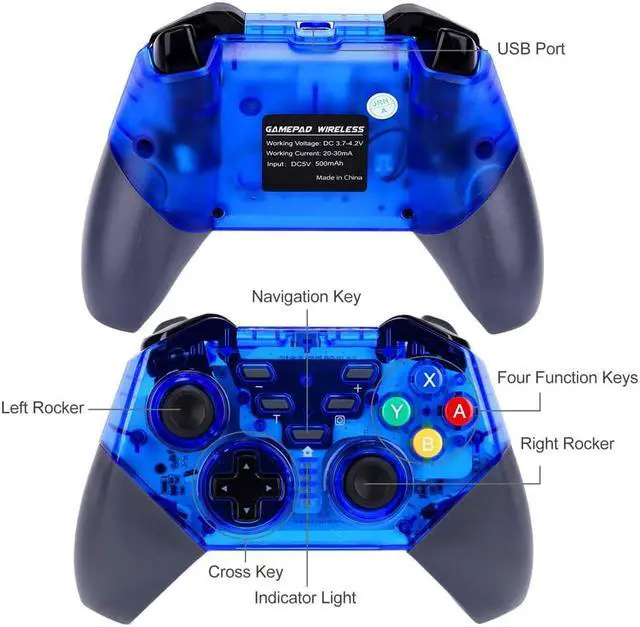
Power on a Switch console, on the main interface of the console click (by using your finger) “Controllers” ? “Change Grip/order” to come to pairing mode interface; press “HOME” key and hold for 4s to power a controller on, four LEDs in the controller start blinking slowly and circularly then blinking quickly and circularly after 4s, when one (or more) of the four LEDs is solid bright, it means that the controller is paired with the console successfully; press “B” key to return to the main interface of the console.
B. Connecting to a paired Switch console:
If a controller was paired with a Switch console ever before, just press “HOME” key shortly to power the controller on, the controller will be connected to the console automatically again.
C. Connecting controller back to Switch console:
a. If a controller is in sleeping mode, press “HOME” key shortly to wake it up, it will be connected to the console again automatically.
b. If a Switch console is in sleeping mode, first press the power button of the console to wake the console up then shortly press “HOME” key of the controller to connect it back to the console (If a Switch console is in sleeping mode, the console can’t be woken up by directly pressing any key of the controller.).
2) Connecting to Switch Console via USB cable
On the main interface of a Switch console, click “Settings” ? “Controllers and Sensors” ? “Pro Controller Wired Communication” ? “ON” to open Pro controller wired connection; connect a controller to the USB port of the console holder through a USB cable, LED 4 in the controller starts blinking slowly then LED 1 in the controller will be blinking slowly after the controller is connected to the console.
3) Connecting to Windows PC via USB cable
X-360 driver is required to be downloaded and installed to a Windows PC at first; connect a controller to the Windows PC through a USB cable, four LEDs in the controller start blinking slowly then LED 1 and LED 4 will be blinking slowly after controller driver is installed to the PC automatically and successfully, the controller is ready for use. Games of X-360 mode are supported. X-360 driver can be gotten from internet.
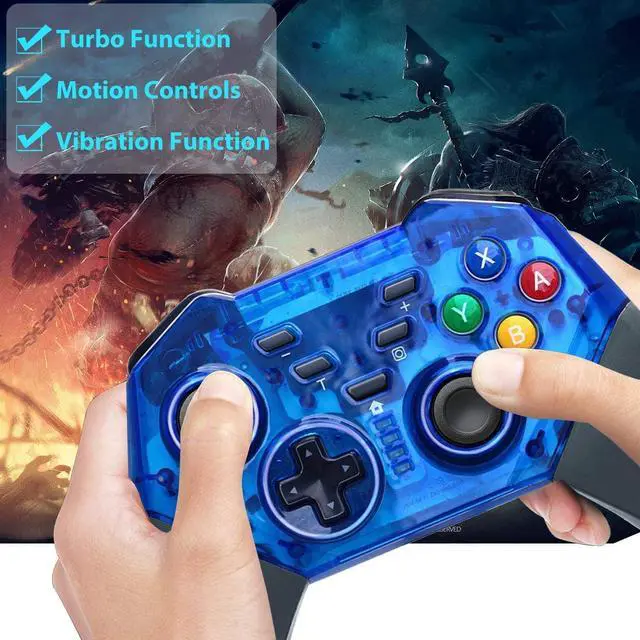
Note: With vibration function but without motion sensing function under X-360 mode wired connection.
Specifications
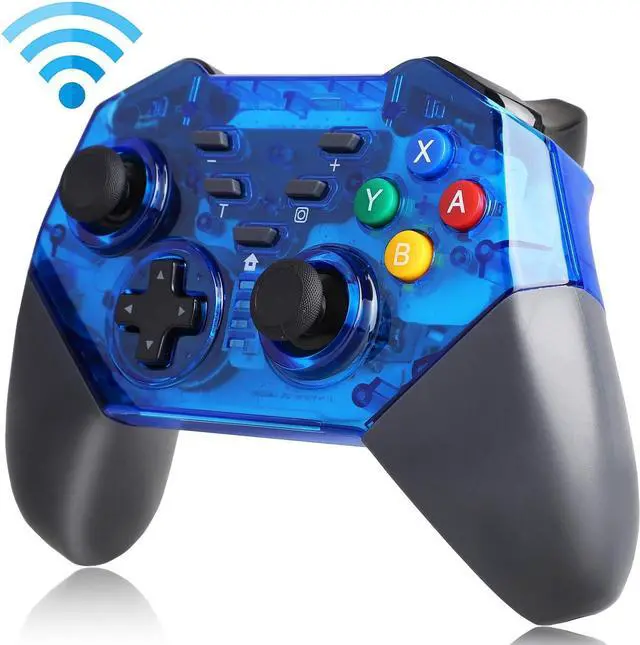
Type: Wireless Controller
Color: Black
Material: Plastic
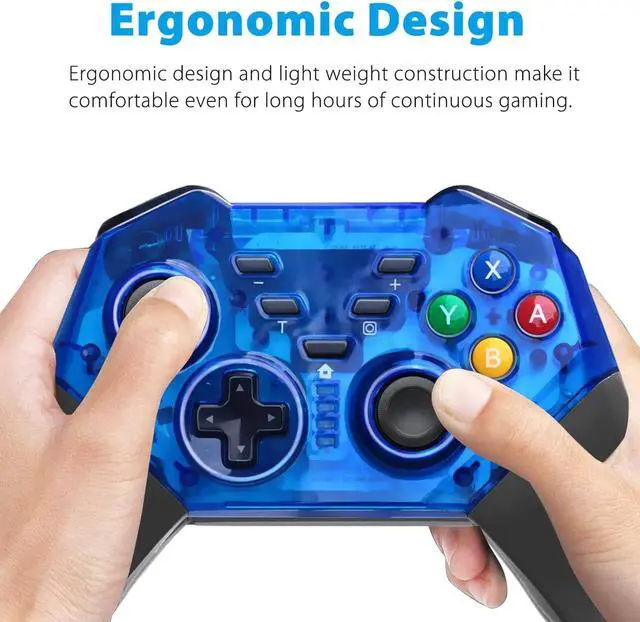
Dimensions: 155*106*60mm / 6.1*4.17*2.36inches
Weight: 0.21kg / 0.46lbs
Wireless distance: about 8 meters
Input voltage: DC 5V
Lithium battery capacity: 400mAh
Lithium battery weight: 10g
Working voltage: DC 3.6-4.2V
Working current: 20-40mA
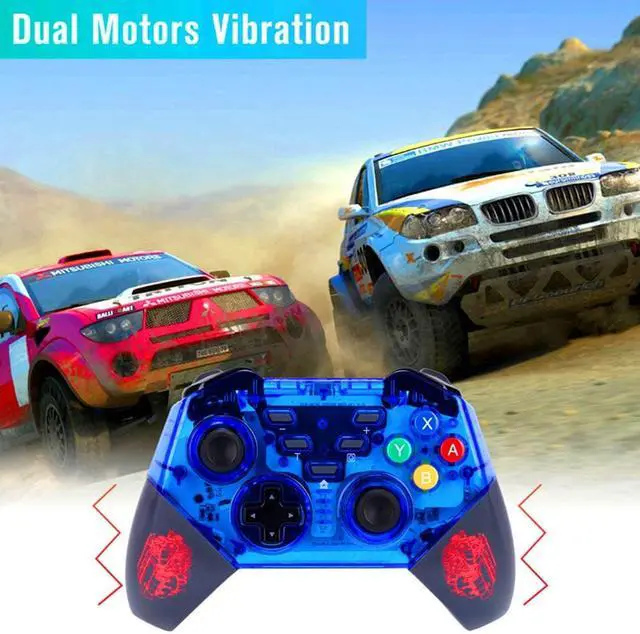
Vibration current: 50-140mA