


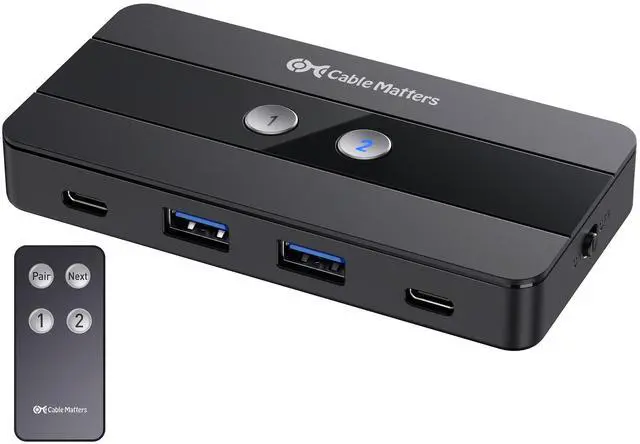
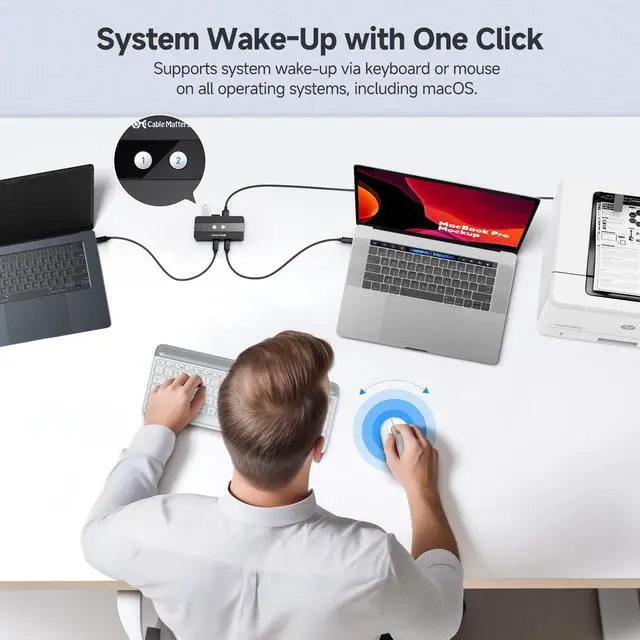
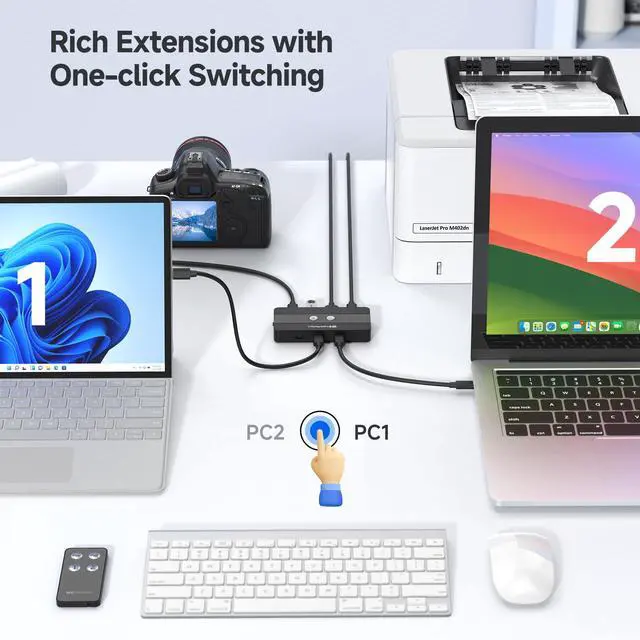
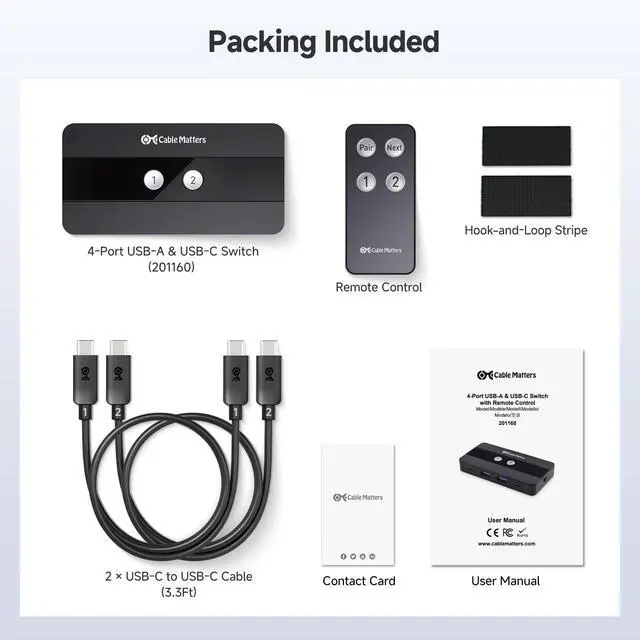


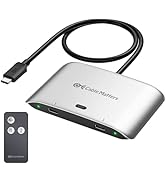
10Gbps 4-Port USB and USB C Switch
Merchant Video


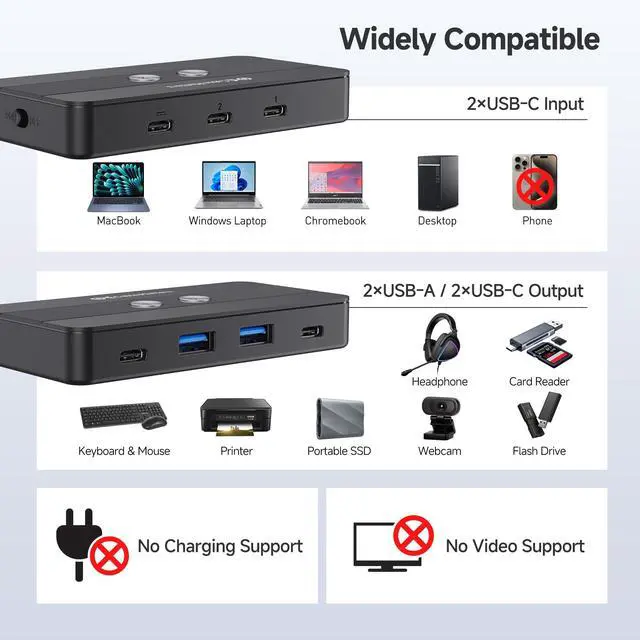
Does the USB-C port on this switch support video output?
No, the USB-C ports on this switch are for data transfer only. It does not support video output.
What is the purpose of the optional power port? Can I connect it to my laptop’s power supply to charge my computer?
The optional power port enhances performance when using power-hungry peripherals like external hard drives. However, it cannot charge laptops or other devices, as this switch does not support host device charging.
My device is not working or unresponsive. What should I do?
Ensure the power switch is ON and all cables are securely connected. The host computers must be connected to the USB-C ports labeled "1" and "2". If the issue persists, try reconnecting the cables or using different USB ports on your computer.
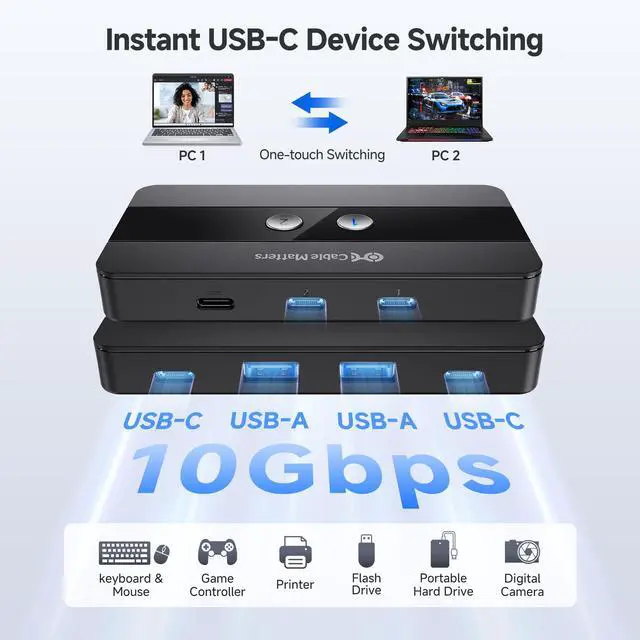
What is the data transfer bandwidth of the USB-C and USB-A ports on this switch?
Both the USB-C and USB-A ports on this switch support high-speed data transfer of up to 10Gbps.
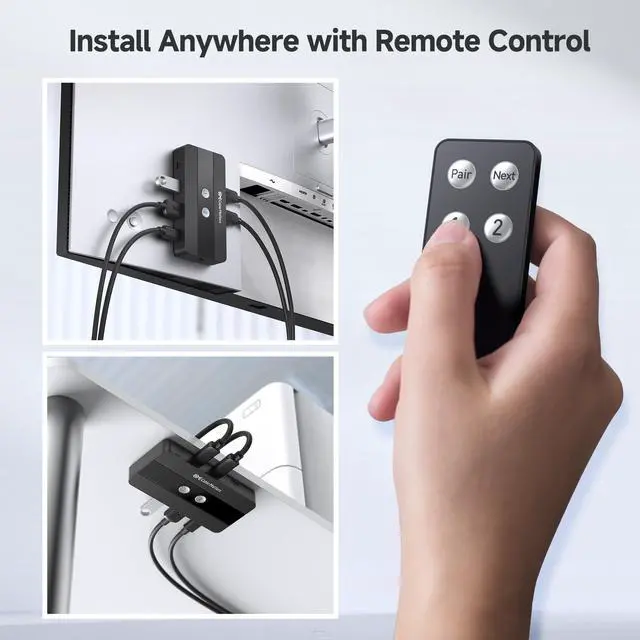
How do I pair the remote if it isn’t working?
To pair a new remote, connect the switch to the computer, then press and hold the Pair button for 5 seconds until the LED stops flashing.
Comparison Products
 4-Port USB-A&USB-C Switch |  4 Port USB 3.0 Switch Hub |  USB Switch with DP 1.4 |  20Gbps USB C Switch |  20Gbps USB-C Cable | |
|---|---|---|---|---|---|
Customer Reviews | — | — | — | — | — |
Price | — | — | — | — | — |
USB Type | USB 3.0 | USB 3.0 | USB 3.0 | USB4 | USB-C 3.2 |
Transfer Speed | 10Gbps | 5Gbps | 5Gbps | 20Gbps | 20Gbps |
Hosts Support | 2 | 4 | 2 | 2 | N/A |
Max # of Shared USB Devices | 2 USB-C/2 USB-A | 4 | 3 | N/A | N/A |
Video Ports | Data Only | Data Only | DisplayPort | Video + Data + Charging | Video + Data + Charging |
Model Number | 201160 | 202060 | 202070 | 201352-B | 201045 |


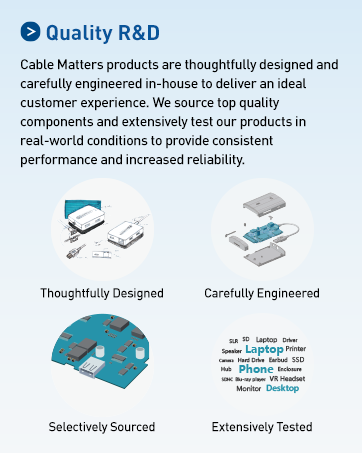
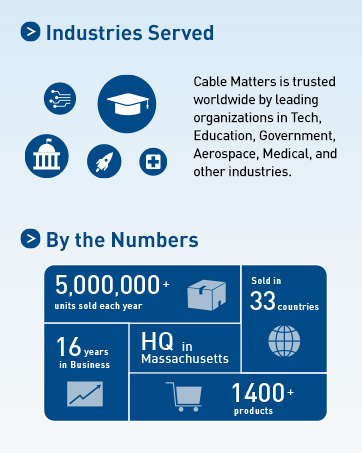
Cable Matters, with headquarters in Southborough, Massachusetts, offers a complete line of cables, adapters, docking stations, and networking products for the home, office, and data center. Cable Matters offers first-class, quality, and affordable products backed by an exceptional customer experience.
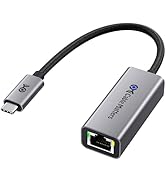
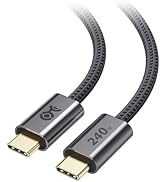
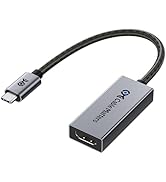
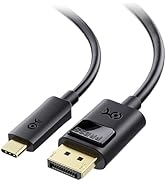
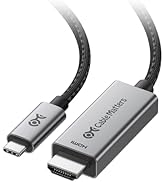
USB-C Cables & Hubs & Adapters
![Cable Matters Braided USB C to Micro USB Cable - 3.3ft, [3A/15W Charging, 480Mbps Data] MicroUSB ...](//c1.neweggimages.com/sellingpilot/modules/product/a-plus/5c7d39516f75c8fb4e9a6d3b07bc6c64b8998e2247630b6cee6e0c8da4baf719.jpg)
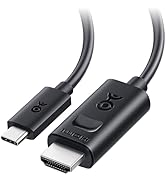
USB-C Cables & Hubs & Adapters
![Cable Matters Braided USB C to Micro USB Cable - 3.3ft, [3A/15W Charging, 480Mbps Data] MicroUSB ...](http://c1.neweggimages.com/sellingpilot/modules/product/a-plus/5c7d39516f75c8fb4e9a6d3b07bc6c64b8998e2247630b6cee6e0c8da4baf719.jpg)
10Gbps 4-Port USB and USB C Switch
Merchant Video


Does the USB-C port on this switch support video output?
No, the USB-C ports on this switch are for data transfer only. It does not support video output.
What is the purpose of the optional power port? Can I connect it to my laptop’s power supply to charge my computer?
The optional power port enhances performance when using power-hungry peripherals like external hard drives. However, it cannot charge laptops or other devices, as this switch does not support host device charging.
My device is not working or unresponsive. What should I do?
Ensure the power switch is ON and all cables are securely connected. The host computers must be connected to the USB-C ports labeled "1" and "2". If the issue persists, try reconnecting the cables or using different USB ports on your computer.
What is the data transfer bandwidth of the USB-C and USB-A ports on this switch?
Both the USB-C and USB-A ports on this switch support high-speed data transfer of up to 10Gbps.
How do I pair the remote if it isn’t working?
To pair a new remote, connect the switch to the computer, then press and hold the Pair button for 5 seconds until the LED stops flashing.
Comparison Products
4-Port USB-A&USB-C Switch | 4 Port USB 3.0 Switch Hub | USB Switch with DP 1.4 | 20Gbps USB C Switch | 20Gbps USB-C Cable |
|---|---|---|---|---|
| Customer Reviews | ||||
| — | — | — | — | — |
| Price | ||||
| — | — | — | — | — |
| USB Type | ||||
| USB 3.0 | USB 3.0 | USB 3.0 | USB4 | USB-C 3.2 |
| Transfer Speed | ||||
| 10Gbps | 5Gbps | 5Gbps | 20Gbps | 20Gbps |
| Hosts Support | ||||
| 2 | 4 | 2 | 2 | N/A |
| Max # of Shared USB Devices | ||||
| 2 USB-C/2 USB-A | 4 | 3 | N/A | N/A |
| Video Ports | ||||
| Data Only | Data Only | DisplayPort | Video + Data + Charging | Video + Data + Charging |
| Model Number | ||||
| 201160 | 202060 | 202070 | 201352-B | 201045 |
Cable Matters, with headquarters in Southborough, Massachusetts, offers a complete line of cables, adapters, docking stations, and networking products for the home, office, and data center. Cable Matters offers first-class, quality, and affordable products backed by an exceptional customer experience.
USB-C Cables & Hubs & Adapters
USB-C Cables & Hubs & Adapters