


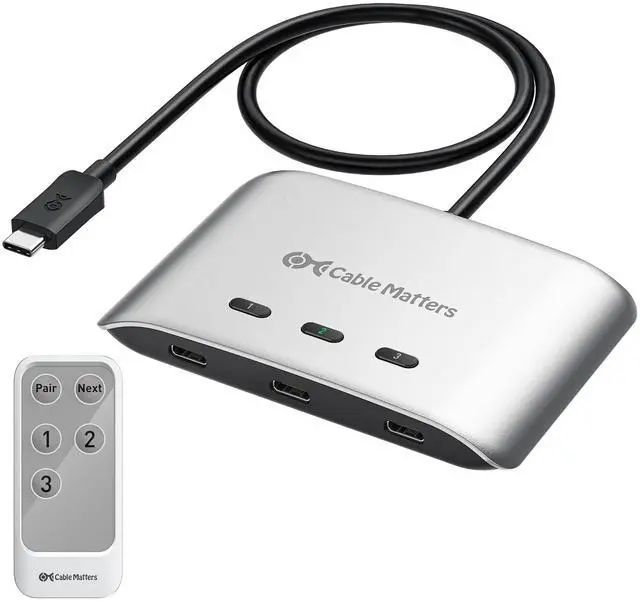
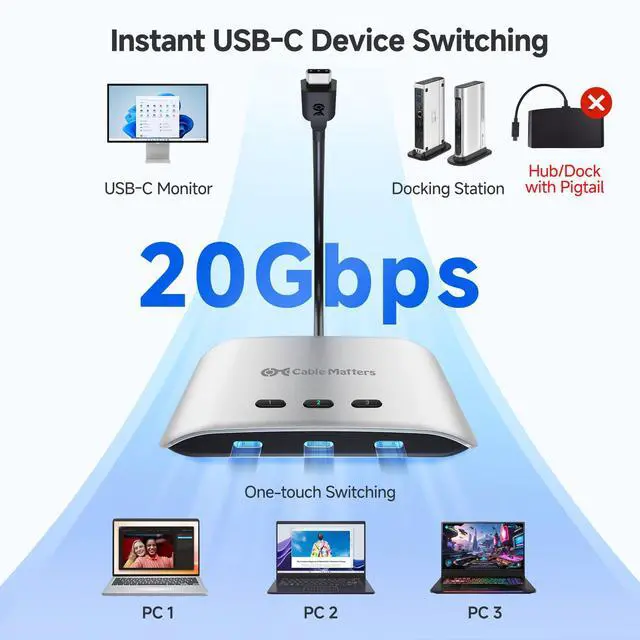
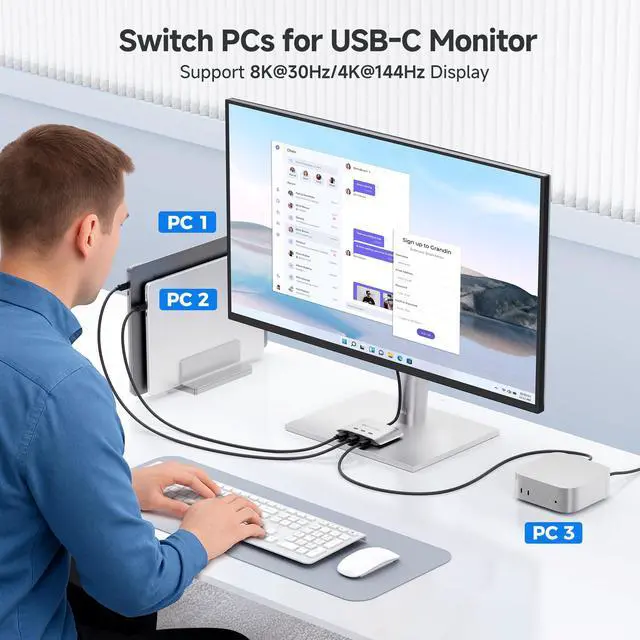
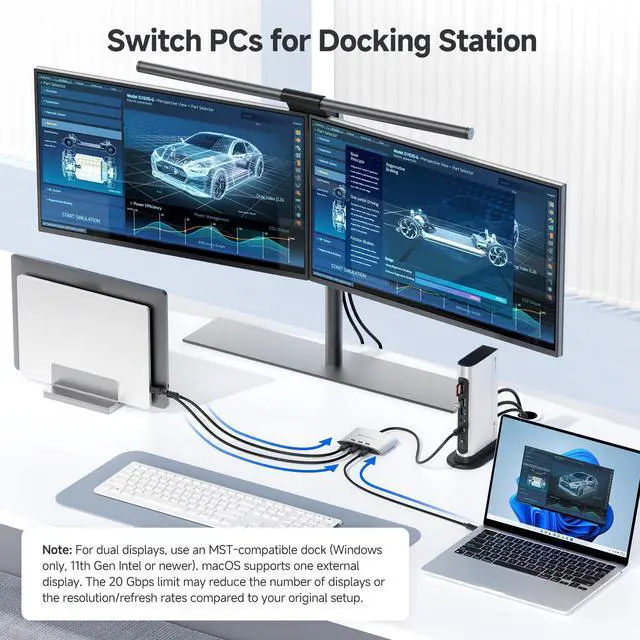


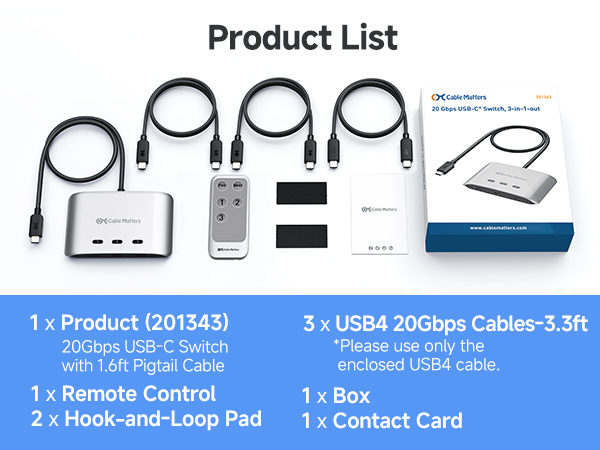
Cable Matters 20 Gbps USB-C Switch, 3-in-1-out
Merchant Video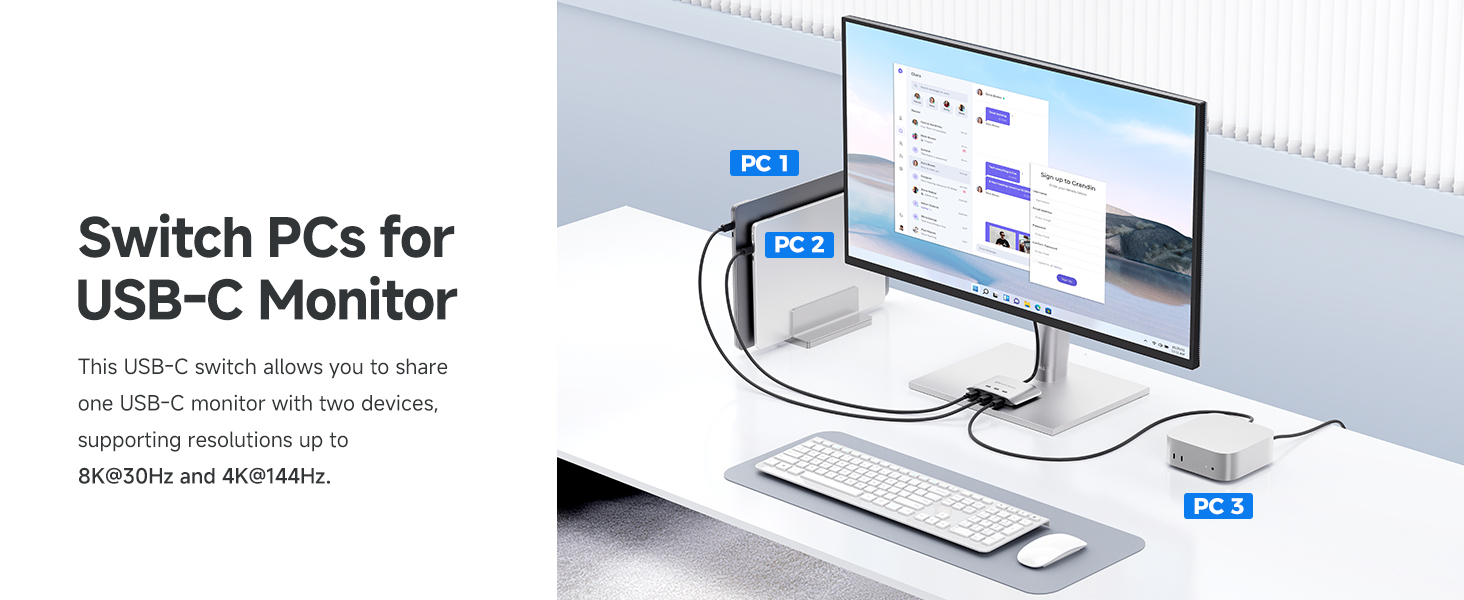
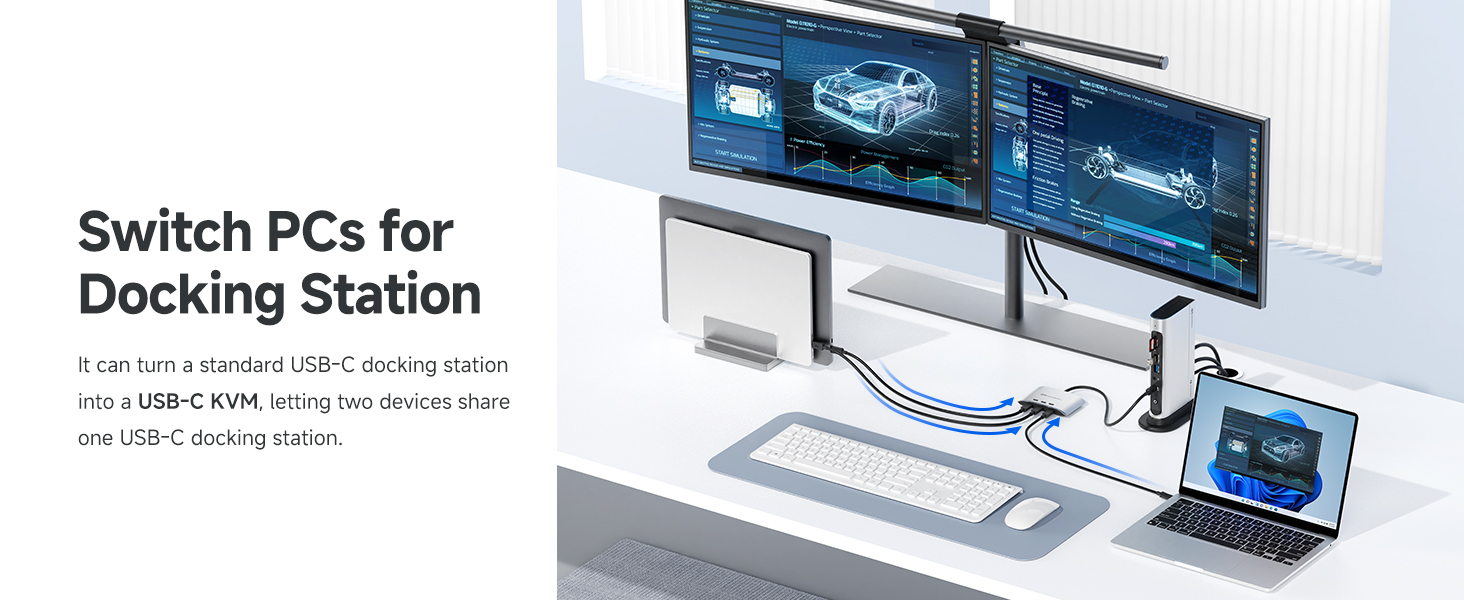
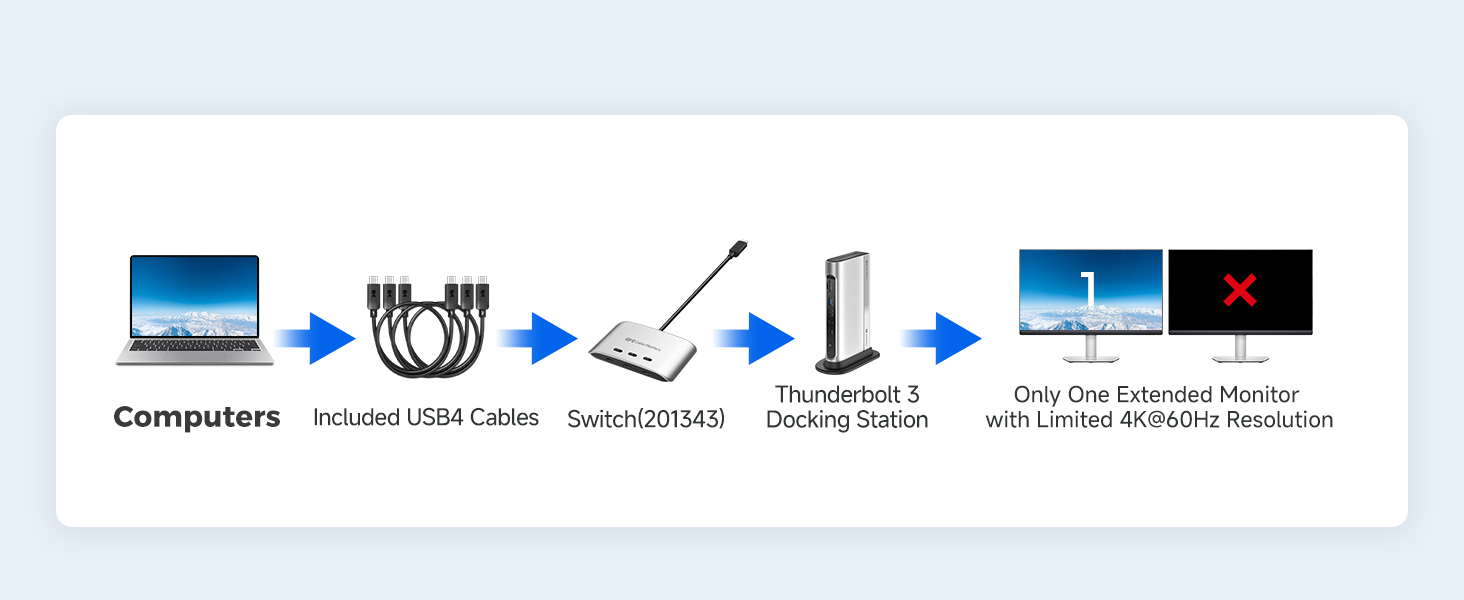
Supported Monitor Models: (This is not a complete list)*
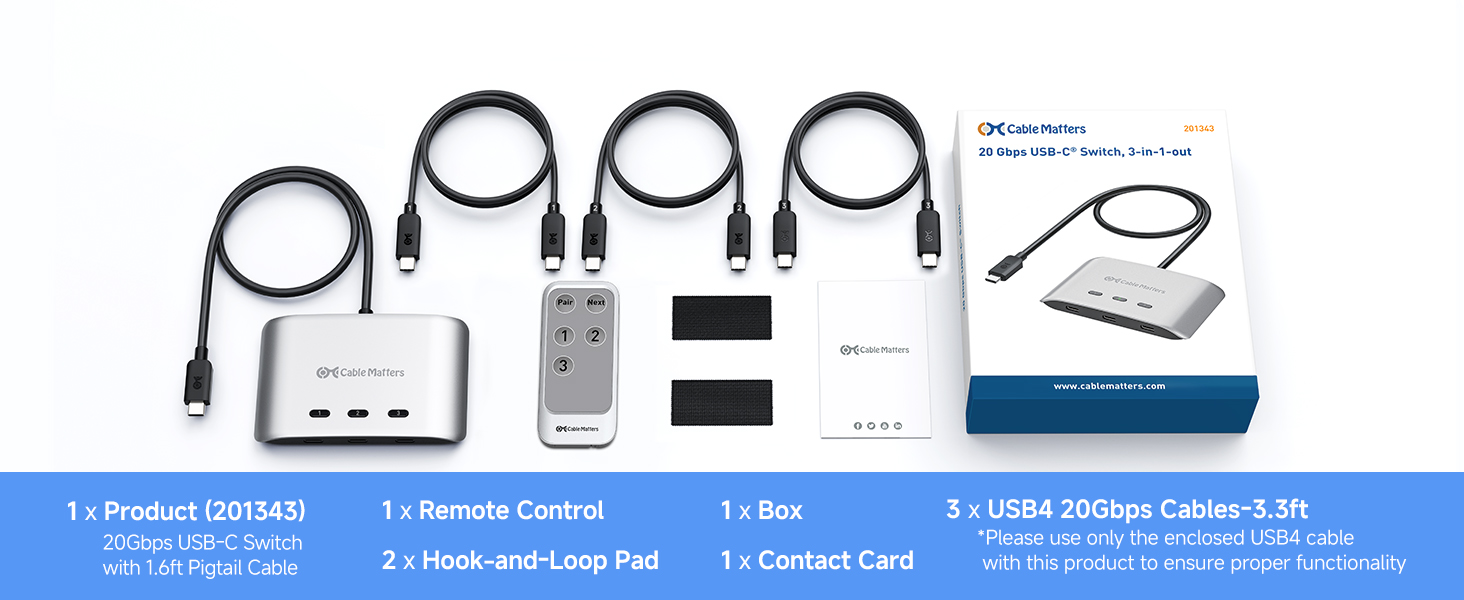
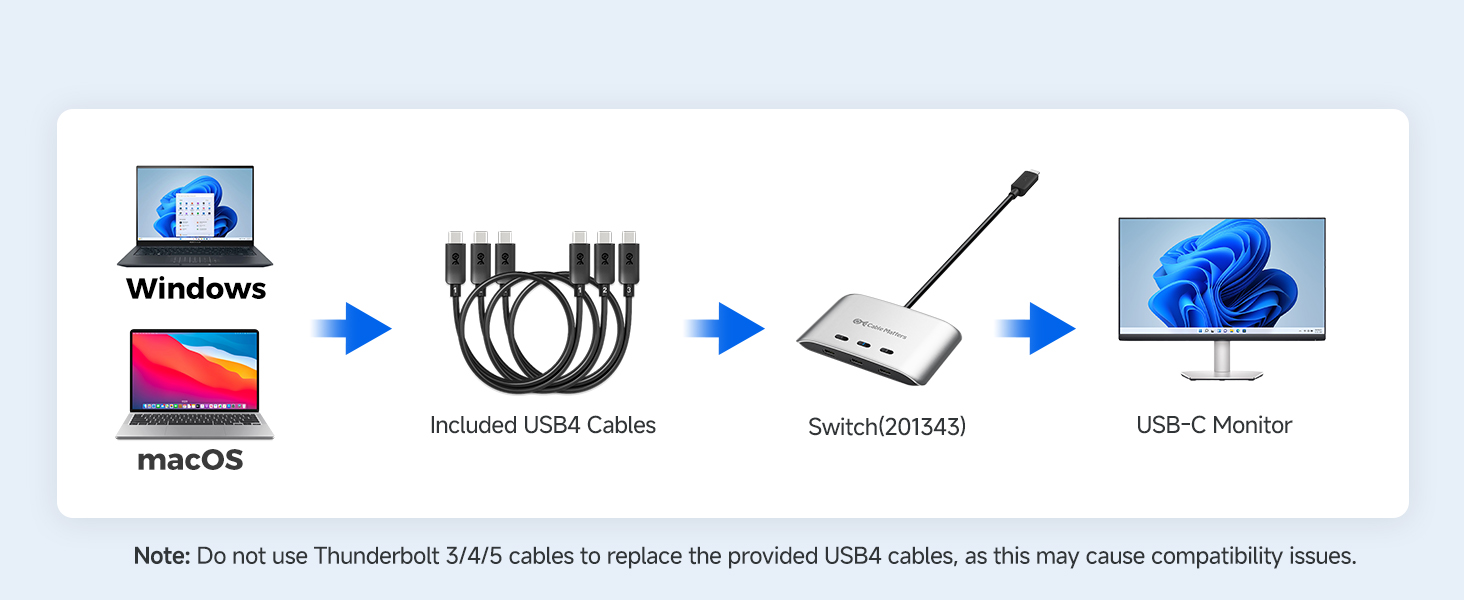
Can I use my own Thunderbolt 3/4/5 cables instead of the included USB4 cables?
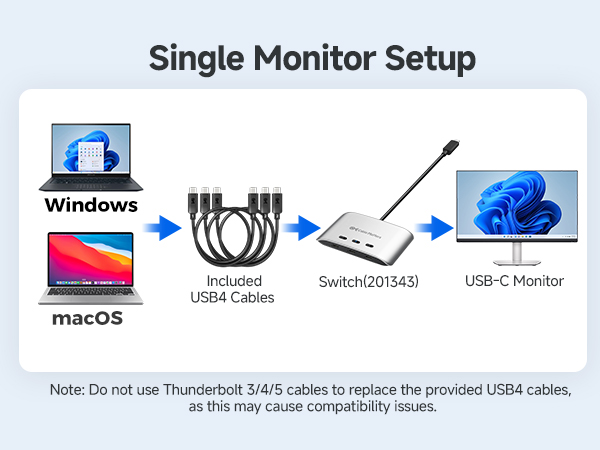
No. Use only the included USB4 20Gbps cable. Thunderbolt 3/4/5 cables are not supported. For longer cables, see ASIN B0CCF99VZ9 or B0C9P3RVTH.
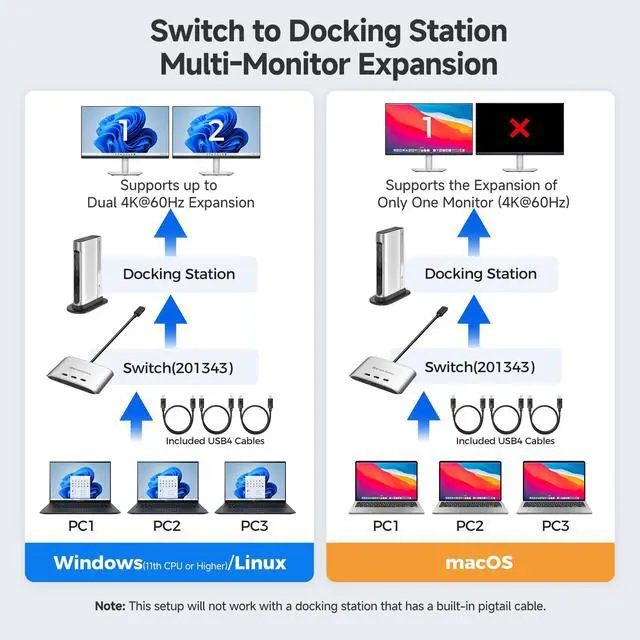
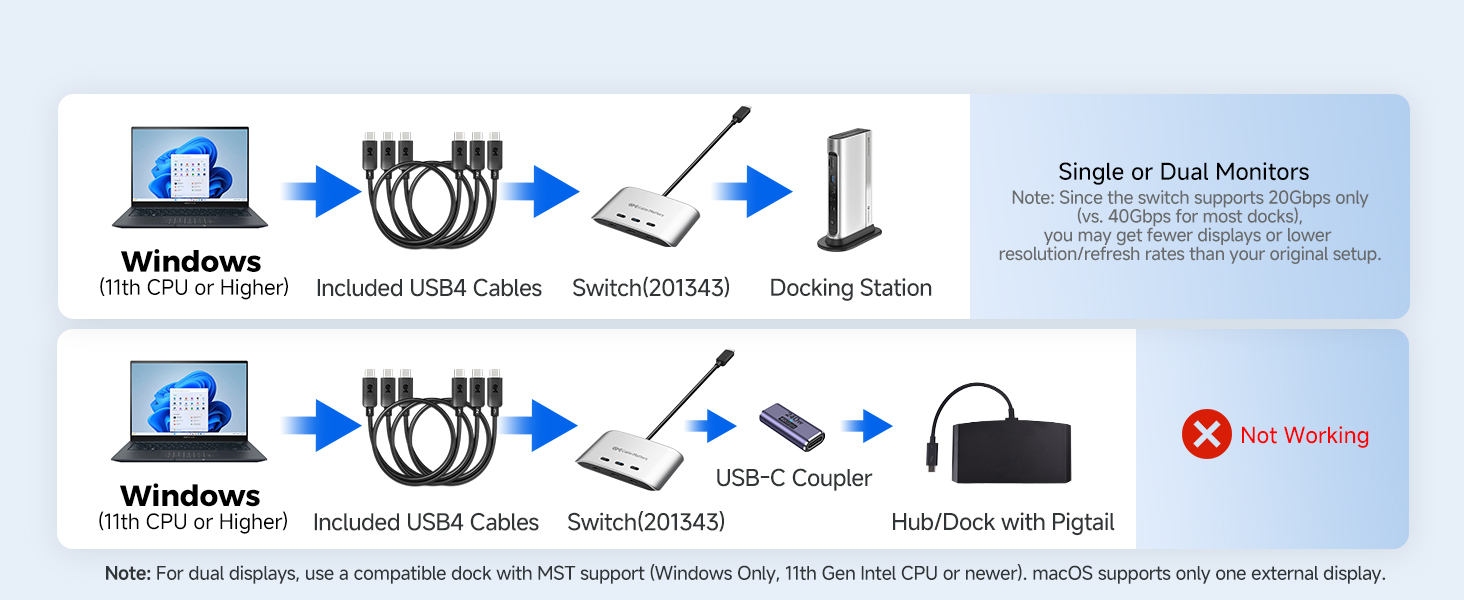
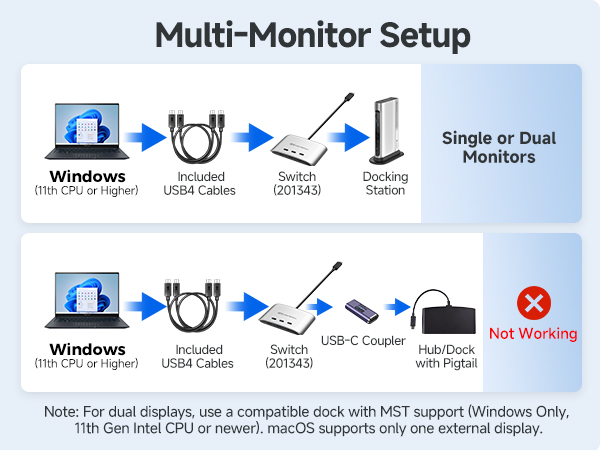
Can this switch support dual monitors?
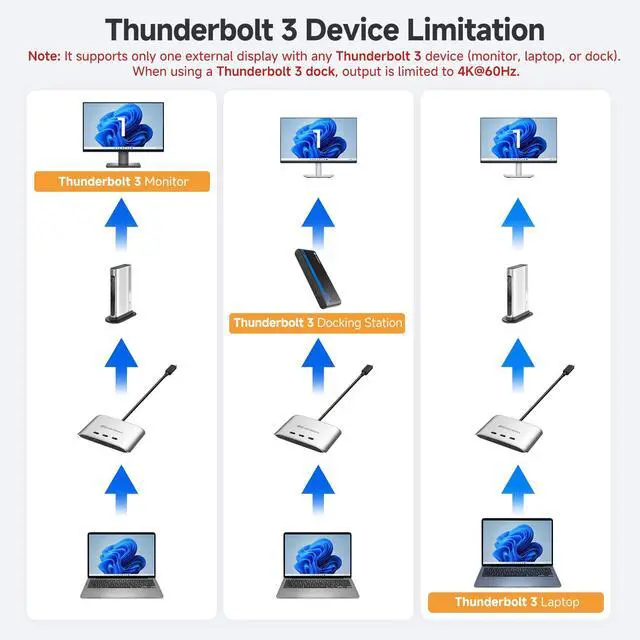
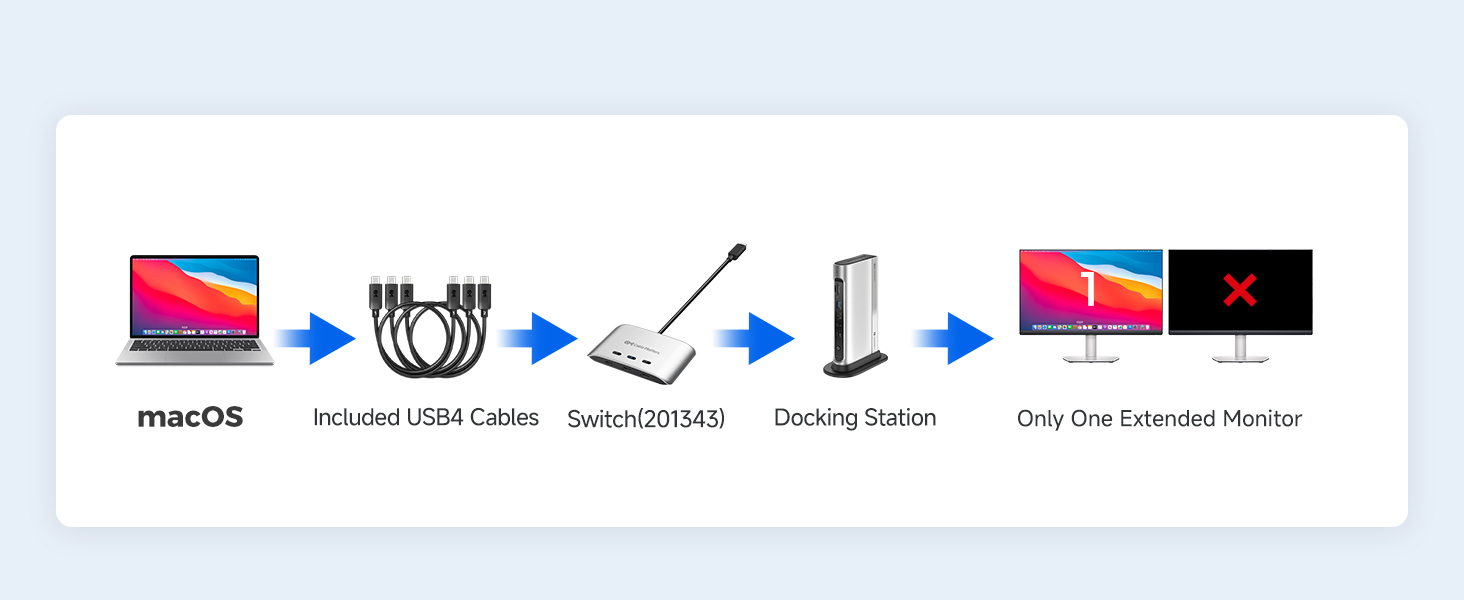
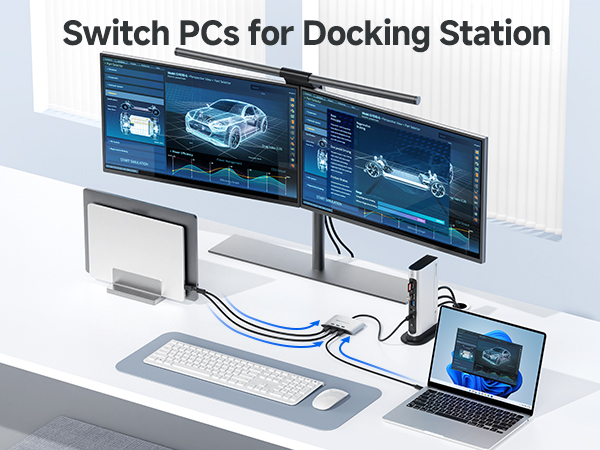
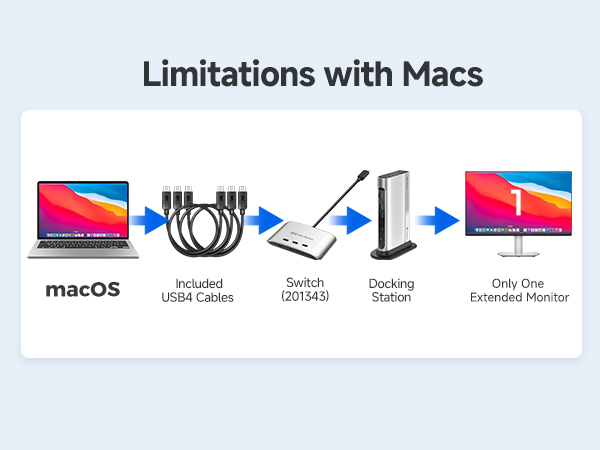
The switch itself supports one USB-C monitor only. Dual displays require a compatible USB-C or Thunderbolt 4/5 dock without captive cable (Windows only, MST supported). macOS and Thunderbolt 3 docks support one external display only.
Can I connect this switch to a dock with a built-in pigtail cable?
No. Docks with captive (built-in) cables are incompatible. Connect directly to the dock’s USB-C upstream port. Using a USB-C coupler to a captive cable dock will not work.
My wireless keyboard/mouse lags or disconnects—how can I fix this?
USB 3.0 can interfere with 2.4GHz signals. Use a USB extension to move the receiver away, or use a USB 2.0 port if available.
My display or dock isn’t detected — what should I do?
Use only the included USB4 20 Gbps cables. Connect the switch directly to your USB-C monitor or the dock’s upstream USB-C/USB4/Thunderbolt 4 port. If the issue continues, reach out with your setup details for support.
Comparison Products
 20G USB C Switch for 3 PC | 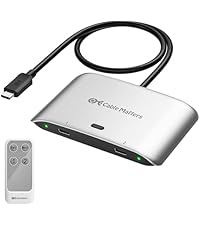 20G USB C Switch for 2 PC |  USB C KVM Switch for 2 PC | 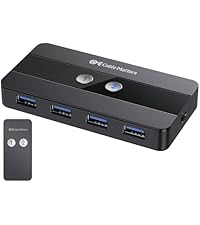 USB-C Switch with HDMI DP | 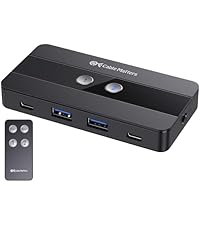 10Gbps USB-A/USB-C Switch | 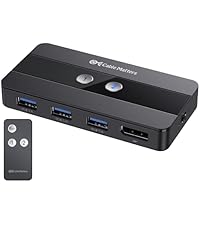 USB 3.0 Switch with DP | 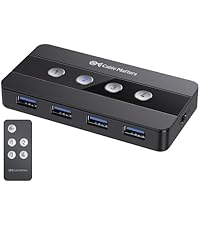 4 Port USB 3.0 Switch Hub | |
|---|---|---|---|---|---|---|---|
Customer Reviews | — | — | — | — | — | — | — |
Price | — | — | — | — | — | — | — |
Hosts Support | 3 | 2 | 2 | 2 | 2 | 2 | 4 |
Video Ports | USB-C | USB-C | 1x HDMI | HDMI + DisplayPort | N/A | DisplayPort | N/A |
Video Output Ports | 8K@30Hz or 4K@144Hz | 8K@30Hz or 4K@144Hz | 4K@60Hz | dual 4K@60Hz | N/A | 8K@60Hz / 4K@120Hz | N/A |
USB Ports | 3x USB-C | 2x USB-C | 2x USB-C/4x USB-A | 2x USB-C/4x USB-A | 2x USB-C/2x USB-A | 3x USB-A | 4x Micro B / 4x USB-C |
PD Charging | 140W | 140W | — | N/A | N/A | No Charging | — |
Model Number | 201343 | 201352-B | 201478 | 201085 | 201160 | 202070 | 202060 |


Cable Matters, with headquarters in Southborough, Massachusetts, offers a complete line of cables, adapters, docking stations, and networking products for the home, office, and data center. Cable Matters offers first-class, quality, and affordable products backed by an exceptional customer experience.
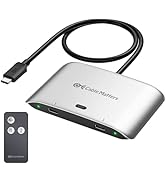
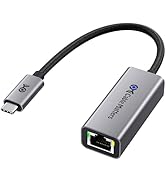
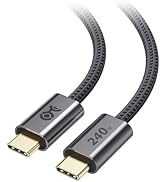
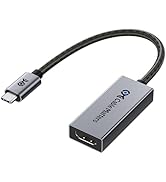
USB-C Cables & Hubs & Adapters
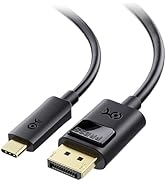
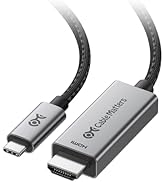
![Cable Matters Braided USB C to Micro USB Cable - 3.3ft, [3A/15W Charging, 480Mbps Data] MicroUSB ...](//c1.neweggimages.com/sellingpilot/modules/product/a-plus/5c7d39516f75c8fb4e9a6d3b07bc6c64b8998e2247630b6cee6e0c8da4baf719.jpg)
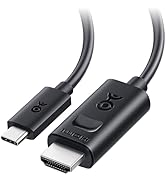
USB-C Cables & Hubs & Adapters

![Cable Matters Braided USB C to Micro USB Cable - 3.3ft, [3A/15W Charging, 480Mbps Data] MicroUSB ...](http://c1.neweggimages.com/sellingpilot/modules/product/a-plus/5c7d39516f75c8fb4e9a6d3b07bc6c64b8998e2247630b6cee6e0c8da4baf719.jpg)
Cable Matters 20 Gbps USB-C Switch, 3-in-1-out
Merchant Video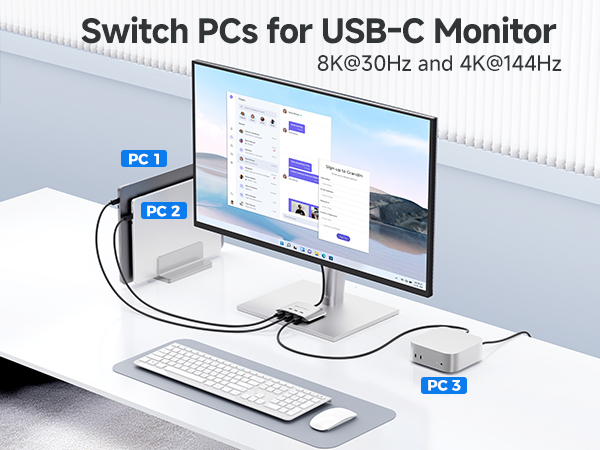
Supported Monitor Models: (This is not a complete list)*
| Acer | Nitro XV275K P3biipruzx, Nitro XV282K KVbmiipruzx, SH272U Ebmiphux |
|---|---|
| ASUS | ProArt PA278CV, ProArt PA279CRV, ProArt PA34VC |
| BenQ | PD3220U, PD3225U, PD3420Q, SW271C PhotoVue |
| Dell | S2722QC, UltraSharp U2720Q, UltraSharp U2723QE, UltraSharp U3224KB, UltraSharp U3425WE, UltraSharp U4025QW |
| HP | E27m G4 QHD USB-C Conferencing Monitor, Z32k G3 4K USB-C Monitor, Z43 42.5-inch 4K UHD Display |
| Lenovo | ThinkVision P27h-20, ThinkVision P34w-20, ThinkVision T32p-20 |
| LG | 27UN850-W, 32UN880-B |
| Samsung | CJ791, S60UA, S80UA, ViewFinity S80PB |
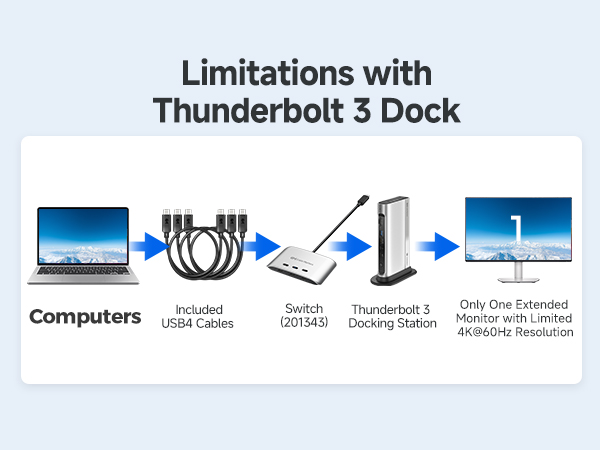
| *Important | When using the USB-C switch to a Thunderbolt 3 dock, it will support only ONE display with a max resolution of 4K@60Hz. |
| Note#1 | Do not use a USB-C coupler to connect the Switch to a USB-C hub or dock with a built-in pigtail cable. |
| Note#2 | Do not use Thunderbolt 3/4/5 cables for connection. Only use the included USB4 cables to avoid compatibility issues. |
| Note#3 | The switch is designed to connect to a single monitor with a USB-C input. For multi-monitor setups or monitors with DisplayPort / HDMI inputs, a USB-C docking station is required. |
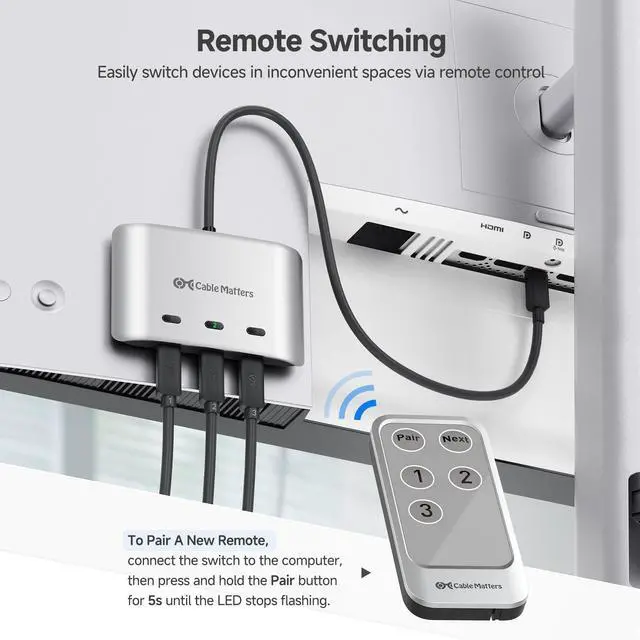
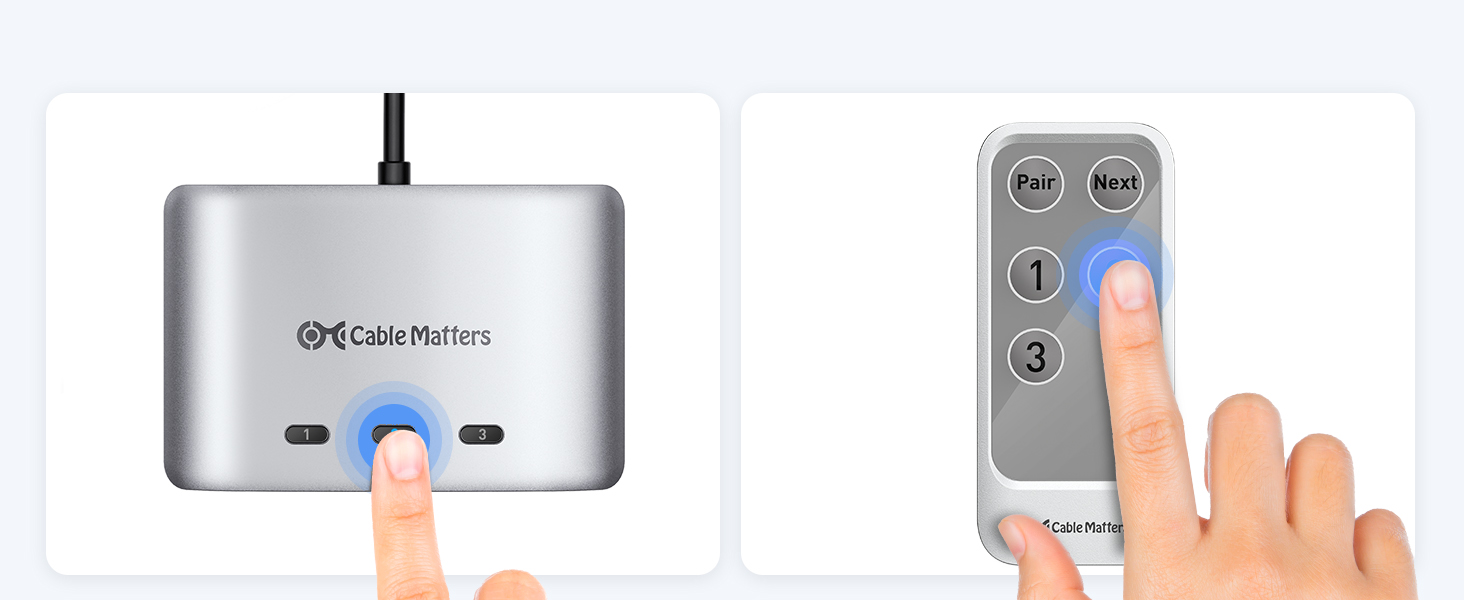
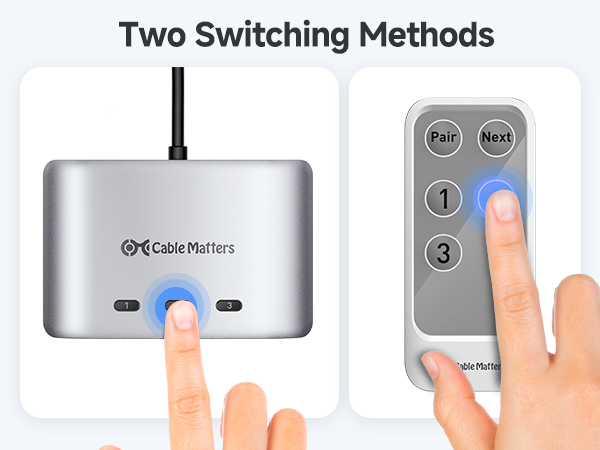
| Note#4 | The remote control is pre-paired with the switch. To pair a new remote, connect the switch to the computer, then press and hold the Pair button for 5s until the LED stops flashing. |
Can I use my own Thunderbolt 3/4/5 cables instead of the included USB4 cables?
No. Use only the included USB4 20Gbps cable. Thunderbolt 3/4/5 cables are not supported. For longer cables, see ASIN B0CCF99VZ9 or B0C9P3RVTH.
Can this switch support dual monitors?
The switch itself supports one USB-C monitor only. Dual displays require a compatible USB-C or Thunderbolt 4/5 dock without captive cable (Windows only, MST supported). macOS and Thunderbolt 3 docks support one external display only.
Can I connect this switch to a dock with a built-in pigtail cable?
No. Docks with captive (built-in) cables are incompatible. Connect directly to the dock’s USB-C upstream port. Using a USB-C coupler to a captive cable dock will not work.
My wireless keyboard/mouse lags or disconnects—how can I fix this?
USB 3.0 can interfere with 2.4GHz signals. Use a USB extension to move the receiver away, or use a USB 2.0 port if available.
My display or dock isn’t detected — what should I do?
Use only the included USB4 20 Gbps cables. Connect the switch directly to your USB-C monitor or the dock’s upstream USB-C/USB4/Thunderbolt 4 port. If the issue continues, reach out with your setup details for support.
Comparison Products
20G USB C Switch for 3 PC | 20G USB C Switch for 2 PC | USB C KVM Switch for 2 PC | USB-C Switch with HDMI DP | 10Gbps USB-A/USB-C Switch | USB 3.0 Switch with DP | 4 Port USB 3.0 Switch Hub |
|---|---|---|---|---|---|---|
| Customer Reviews | ||||||
| — | — | — | — | — | — | — |
| Price | ||||||
| — | — | — | — | — | — | — |
| Hosts Support | ||||||
| 3 | 2 | 2 | 2 | 2 | 2 | 4 |
| Video Ports | ||||||
| USB-C | USB-C | 1x HDMI | HDMI + DisplayPort | N/A | DisplayPort | N/A |
| Video Output Ports | ||||||
| 8K@30Hz or 4K@144Hz | 8K@30Hz or 4K@144Hz | 4K@60Hz | dual 4K@60Hz | N/A | 8K@60Hz / 4K@120Hz | N/A |
| USB Ports | ||||||
| 3x USB-C | 2x USB-C | 2x USB-C/4x USB-A | 2x USB-C/4x USB-A | 2x USB-C/2x USB-A | 3x USB-A | 4x Micro B / 4x USB-C |
| PD Charging | ||||||
| 140W | 140W | — | N/A | N/A | No Charging | — |
| Model Number | ||||||
| 201343 | 201352-B | 201478 | 201085 | 201160 | 202070 | 202060 |
Cable Matters, with headquarters in Southborough, Massachusetts, offers a complete line of cables, adapters, docking stations, and networking products for the home, office, and data center. Cable Matters offers first-class, quality, and affordable products backed by an exceptional customer experience.
USB-C Cables & Hubs & Adapters
USB-C Cables & Hubs & Adapters