






Product performance comparison
 HDMI KVM 2 PC 2 Monitor |  DP KVM 2PC 2 Monitor | 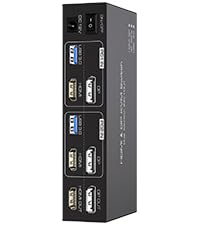 HDMI DP KVM 2PC 2 Monitor | 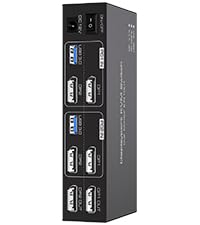 DP KVM 2PC 2 Monitor | 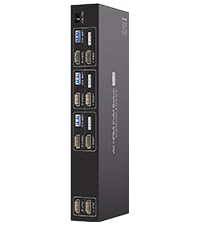 HDMI KVM 3PC 2 Monitor | 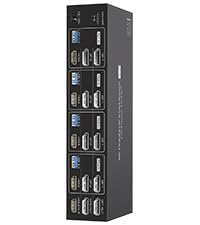 HDMI DP KVM Switch 4 PC | 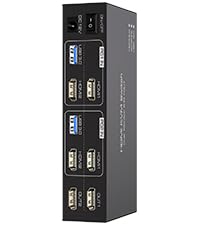 HDMI KVM 2PC 2 Monitor | |
|---|---|---|---|---|---|---|---|
Customer Reviews | — | — | — | — | — | — | — |
Price | — | — | — | — | — | — | — |
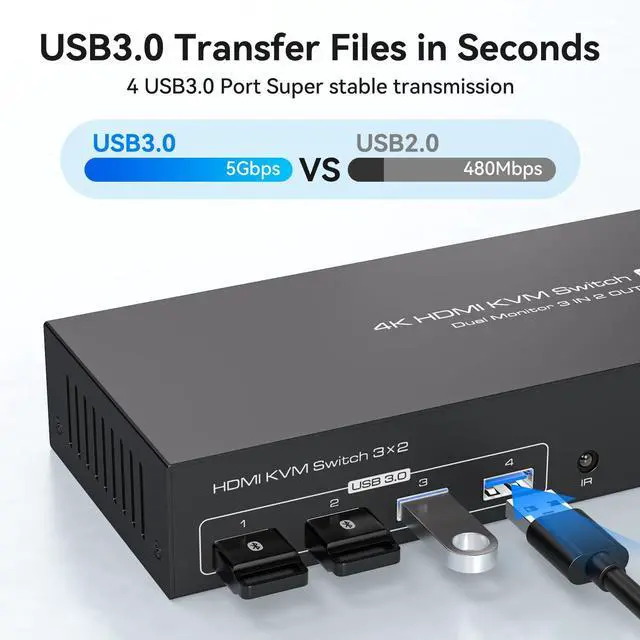
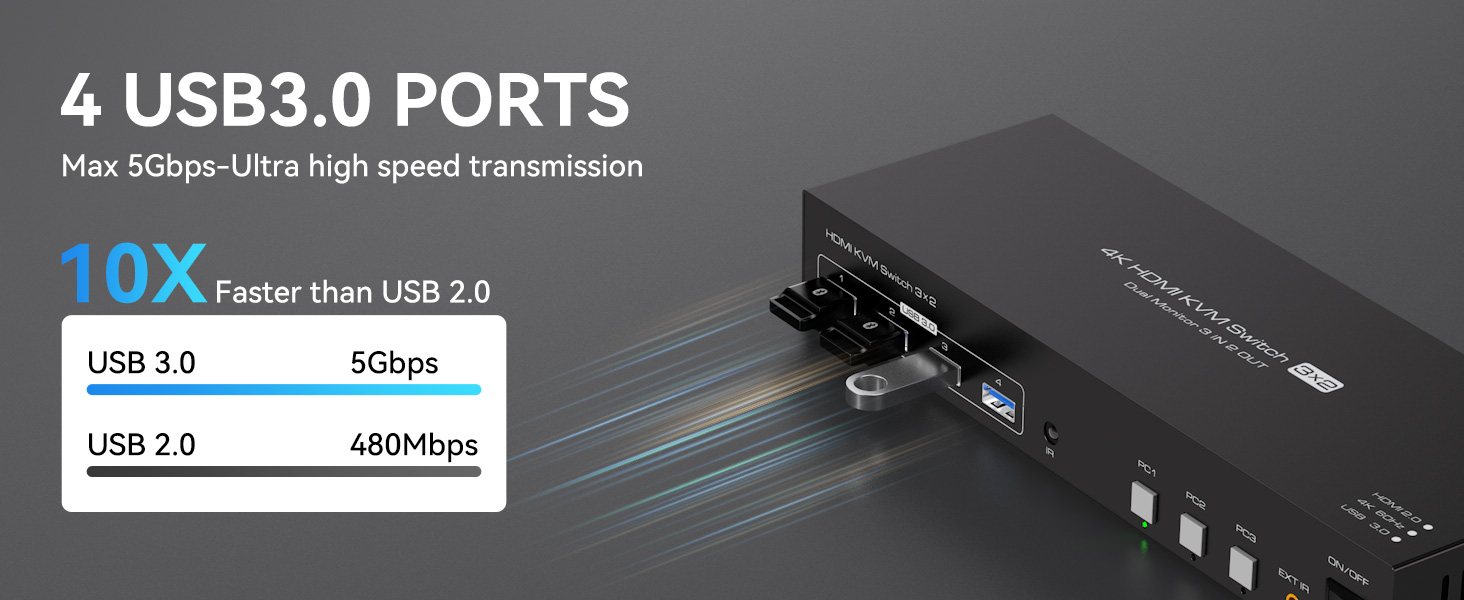
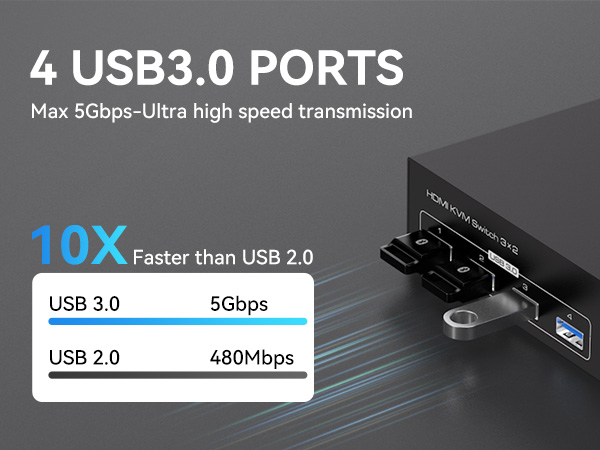
USB standard | USB3.0*4 | USB3.0*4 | USB3.0*4 | USB3.0*4 | USB3.0*4 | USB3.0*4 | USB3.0*4 |
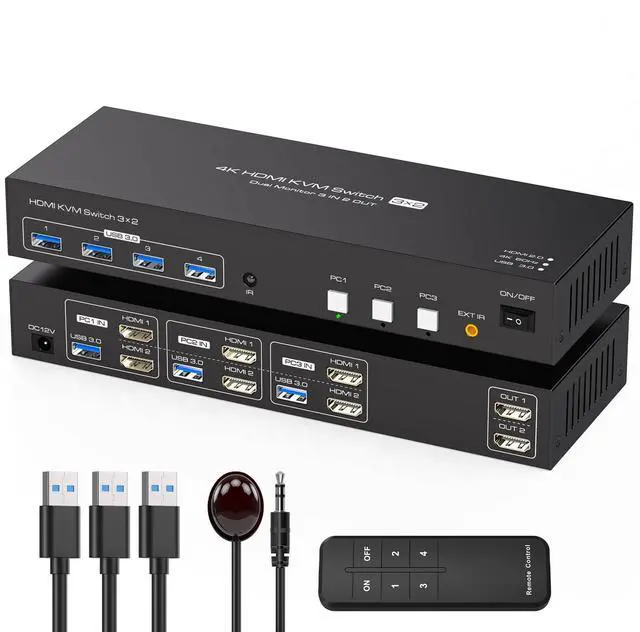
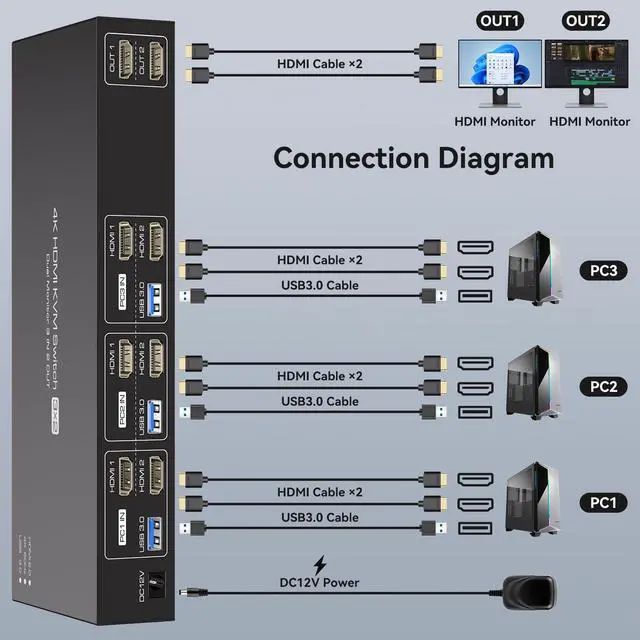
Input | Per Pc :HDMI*2+USB | Per Pc :DP*2+USB | Per Pc :HDMI*1+DP*1+USB | Per Pc :DP*2+USB | Per Pc :HDMI*3+USB | Per Pc :HDMI*1+DP*2+USB | Per Pc :HDMI*2+USB |
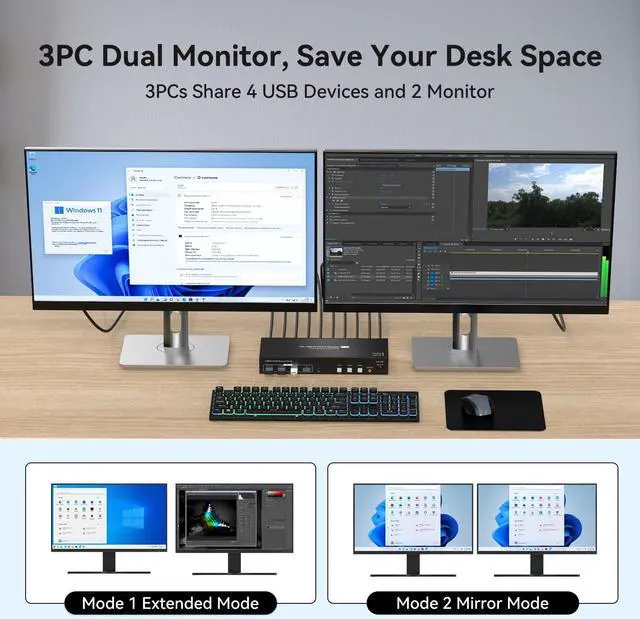
Output | HDMI*2 | DP*2 | HDMI*1+DP*1 | DP*2 | HDMI*3 | HDMI*1+DP*2 | HDMI*2 |
Quantity of signal sources | 2 Computers | 2 Computers | 2 Computers | 2 Computers | 3 Computers | 4 Computers | 2 Computers |
Maximum resolution | 4K@60Hz | 4K@120Hz | 4K@60Hz | 4K@144Hz | 4K@60Hz | 4K@144Hz | 4K@120Hz |
Hotkey Switching Support | × | × | × | × | × | × | × |
Plug and Play | ? | ? | ? | ? | ? | ? | ? |
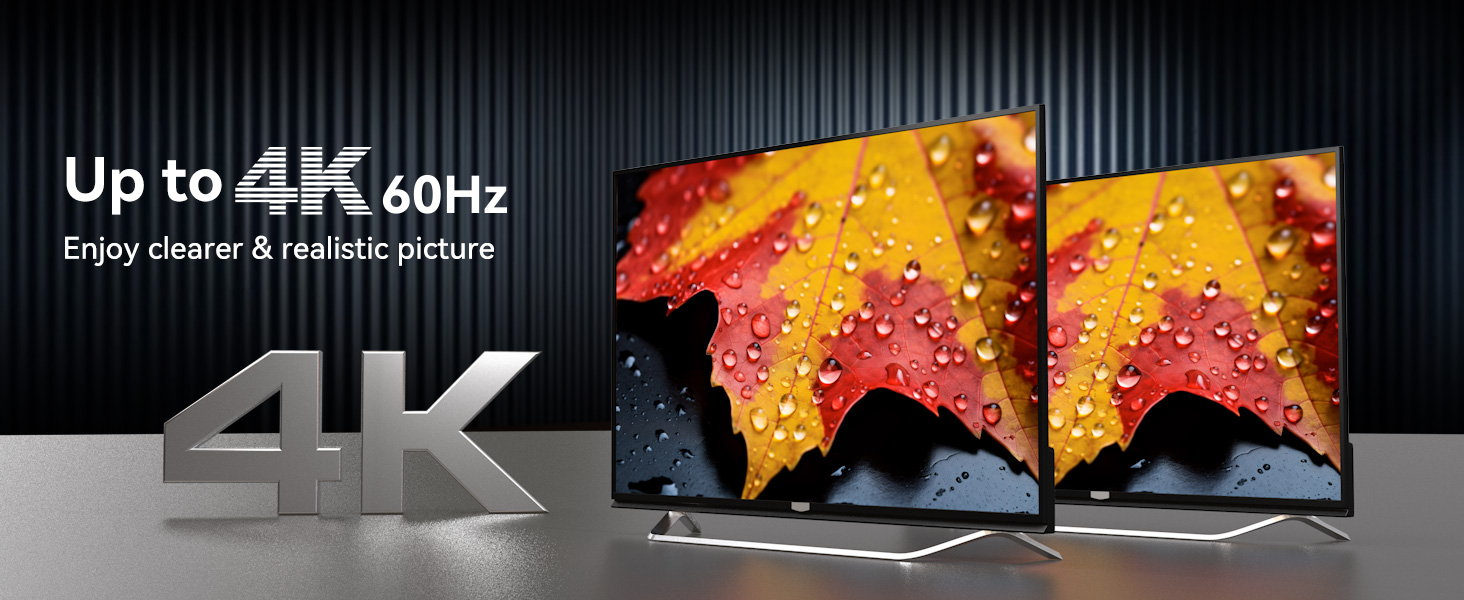
Can KVM switches support up to 4K@60Hz?
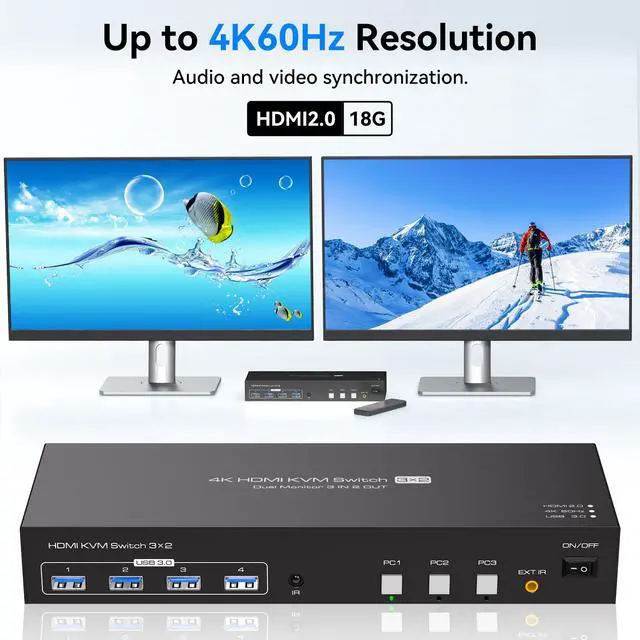
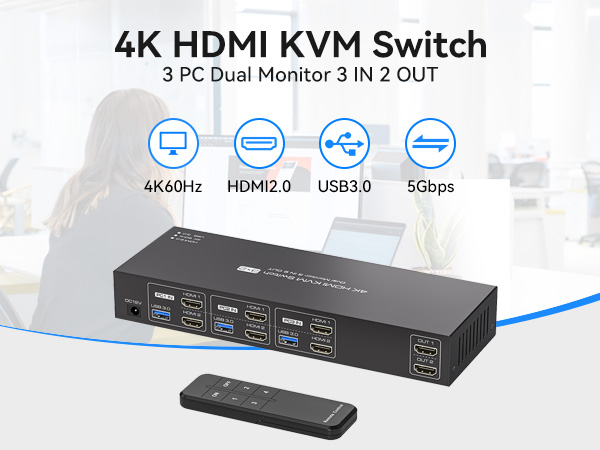
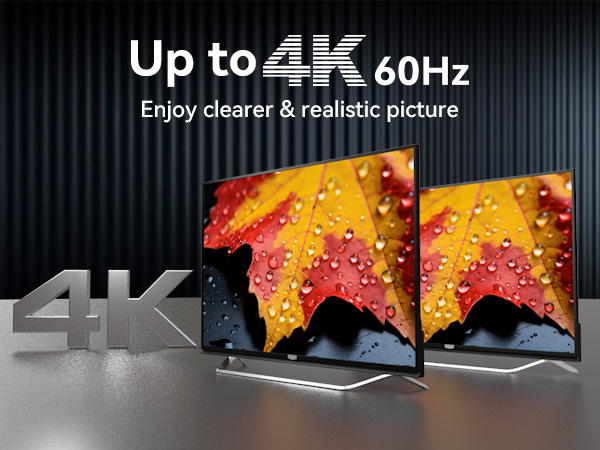
The HDMI KVM Switch 3 Computers 2 Monitors can support up to 4K@60Hz,but the prerequisite is that the cable and monitor you use must support 4K@60Hz.
Can the two functions of USB Switch and HDMI Switch be used independently?
Yes,you can think of the KVM switch as a USB+HDMI Switch. These two functions not only support simultaneous use,but can also be used separately
How many HDMI and USB cables are required for a complete setup?
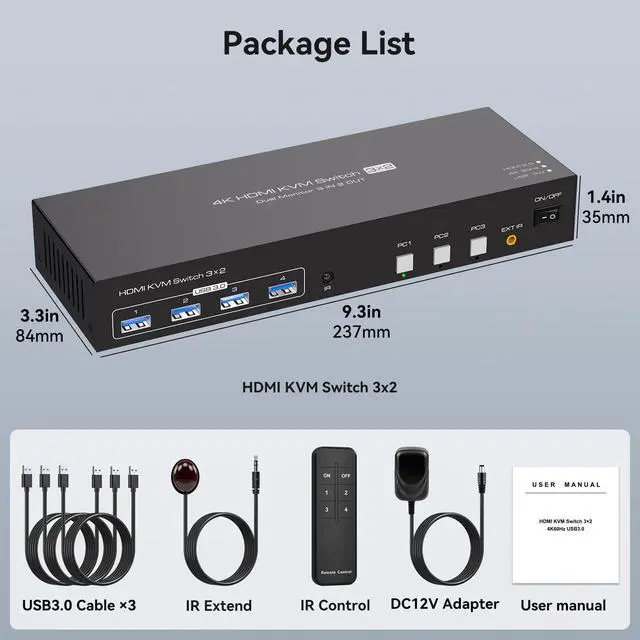
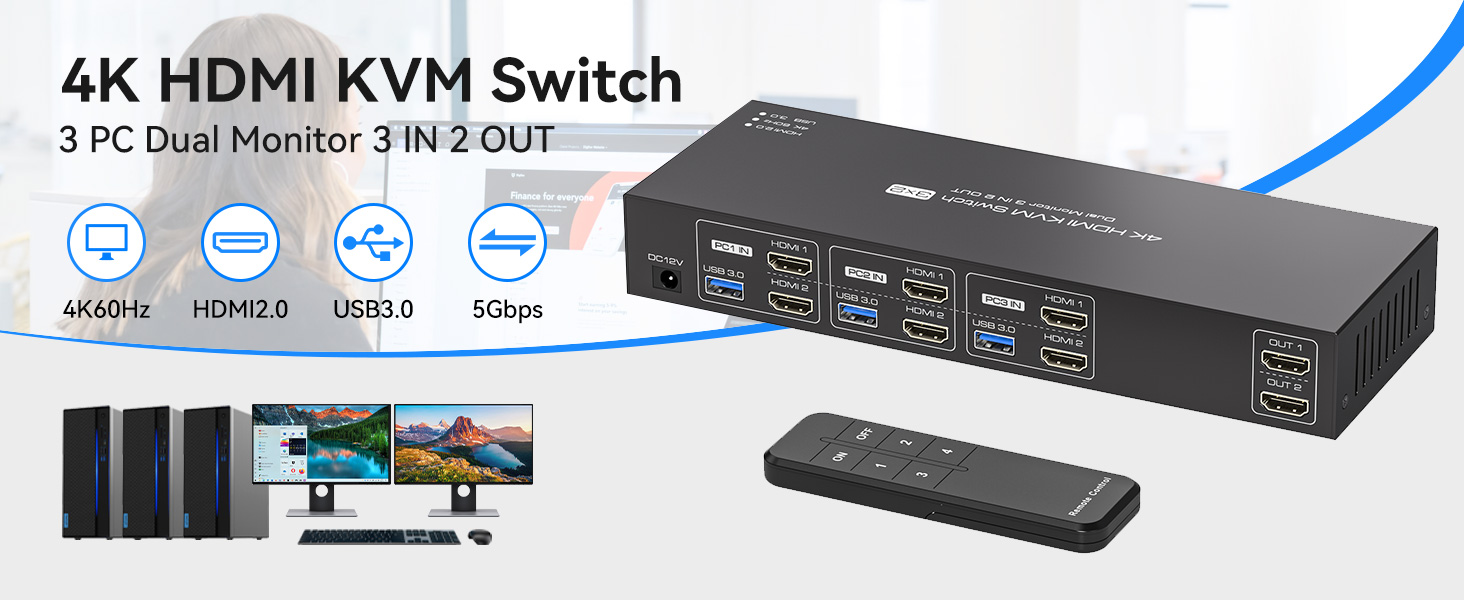
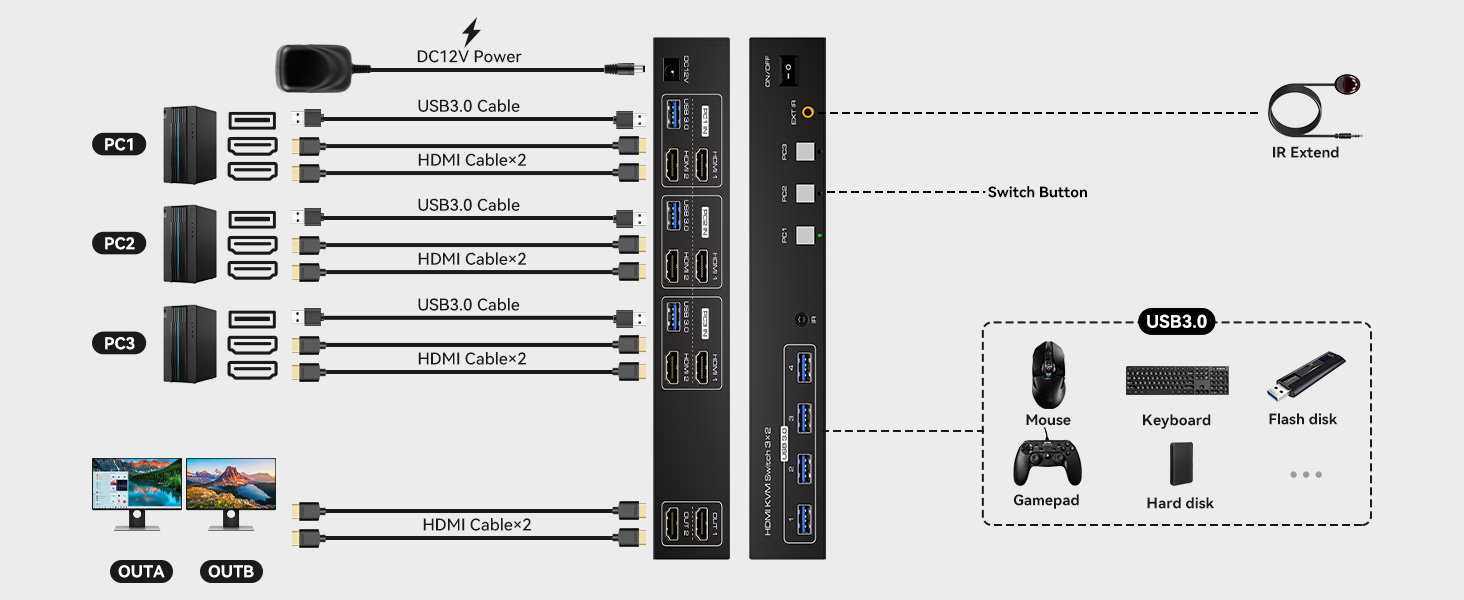
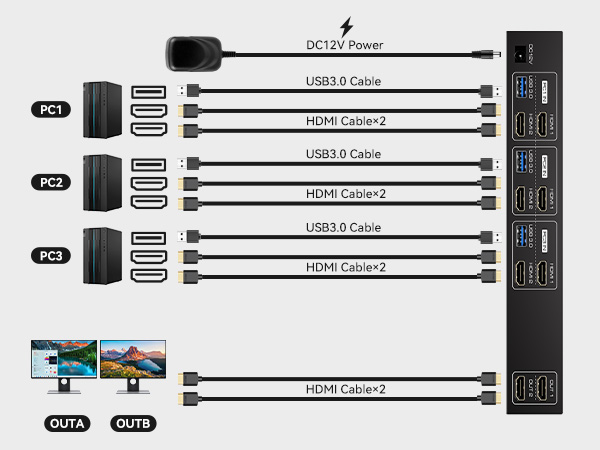
A total of 8 HDMI cables and 2 USB cables are required,plus one power cable.Please use a 5V power adapter for power supply(HDMI cables not included)
What is the maximum power of peripherals it can drive?
To drive peripherals witha maximum power of 10W,we use a 12V/1A power adapter,which can provide a more powerful and stable drive.
Is it really possible to replace a new product within two years?
Yes,if there are any problem swith the product within two years,we wil solve it for you,including replacing it with a new KVM.

Product performance comparison
HDMI KVM 2 PC 2 Monitor | DP KVM 2PC 2 Monitor | HDMI DP KVM 2PC 2 Monitor | DP KVM 2PC 2 Monitor | HDMI KVM 3PC 2 Monitor | HDMI DP KVM Switch 4 PC | HDMI KVM 2PC 2 Monitor |
|---|---|---|---|---|---|---|
| Customer Reviews | ||||||
| — | — | — | — | — | — | — |
| Price | ||||||
| — | — | — | — | — | — | — |
| USB standard | ||||||
| USB3.0*4 | USB3.0*4 | USB3.0*4 | USB3.0*4 | USB3.0*4 | USB3.0*4 | USB3.0*4 |
| Input | ||||||
| Per Pc :HDMI*2+USB | Per Pc :DP*2+USB | Per Pc :HDMI*1+DP*1+USB | Per Pc :DP*2+USB | Per Pc :HDMI*3+USB | Per Pc :HDMI*1+DP*2+USB | Per Pc :HDMI*2+USB |
| Output | ||||||
| HDMI*2 | DP*2 | HDMI*1+DP*1 | DP*2 | HDMI*3 | HDMI*1+DP*2 | HDMI*2 |
| Quantity of signal sources | ||||||
| 2 Computers | 2 Computers | 2 Computers | 2 Computers | 3 Computers | 4 Computers | 2 Computers |
| Maximum resolution | ||||||
| 4K@60Hz | 4K@120Hz | 4K@60Hz | 4K@144Hz | 4K@60Hz | 4K@144Hz | 4K@120Hz |
| Hotkey Switching Support | ||||||
| × | × | × | × | × | × | × |
| Plug and Play | ||||||
| ? | ? | ? | ? | ? | ? | ? |
Can KVM switches support up to 4K@60Hz?
The HDMI KVM Switch 3 Computers 2 Monitors can support up to 4K@60Hz,but the prerequisite is that the cable and monitor you use must support 4K@60Hz.
Can the two functions of USB Switch and HDMI Switch be used independently?
Yes,you can think of the KVM switch as a USB+HDMI Switch. These two functions not only support simultaneous use,but can also be used separately
How many HDMI and USB cables are required for a complete setup?
A total of 8 HDMI cables and 2 USB cables are required,plus one power cable.Please use a 5V power adapter for power supply(HDMI cables not included)
What is the maximum power of peripherals it can drive?
To drive peripherals witha maximum power of 10W,we use a 12V/1A power adapter,which can provide a more powerful and stable drive.
Is it really possible to replace a new product within two years?
Yes,if there are any problem swith the product within two years,we wil solve it for you,including replacing it with a new KVM.