• $94.99
  • Free 30-day Returns
  • Price alert
    Shop it at NeweggBusiness.

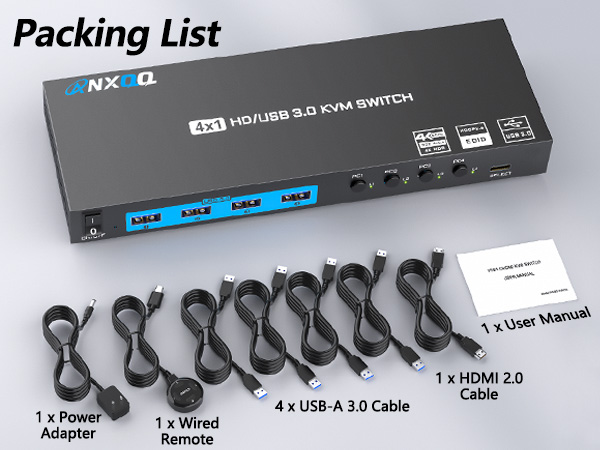
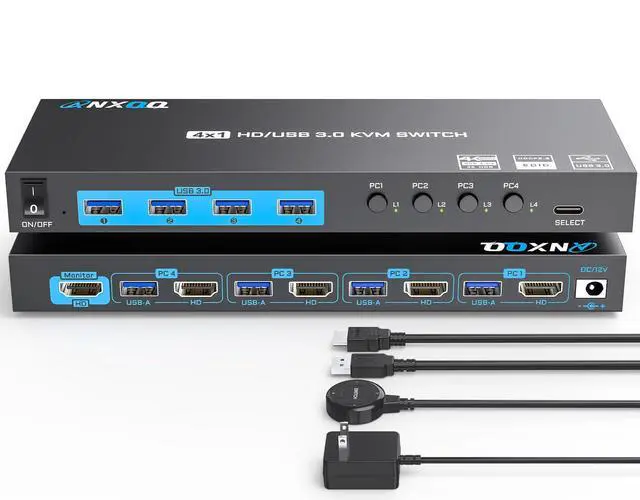
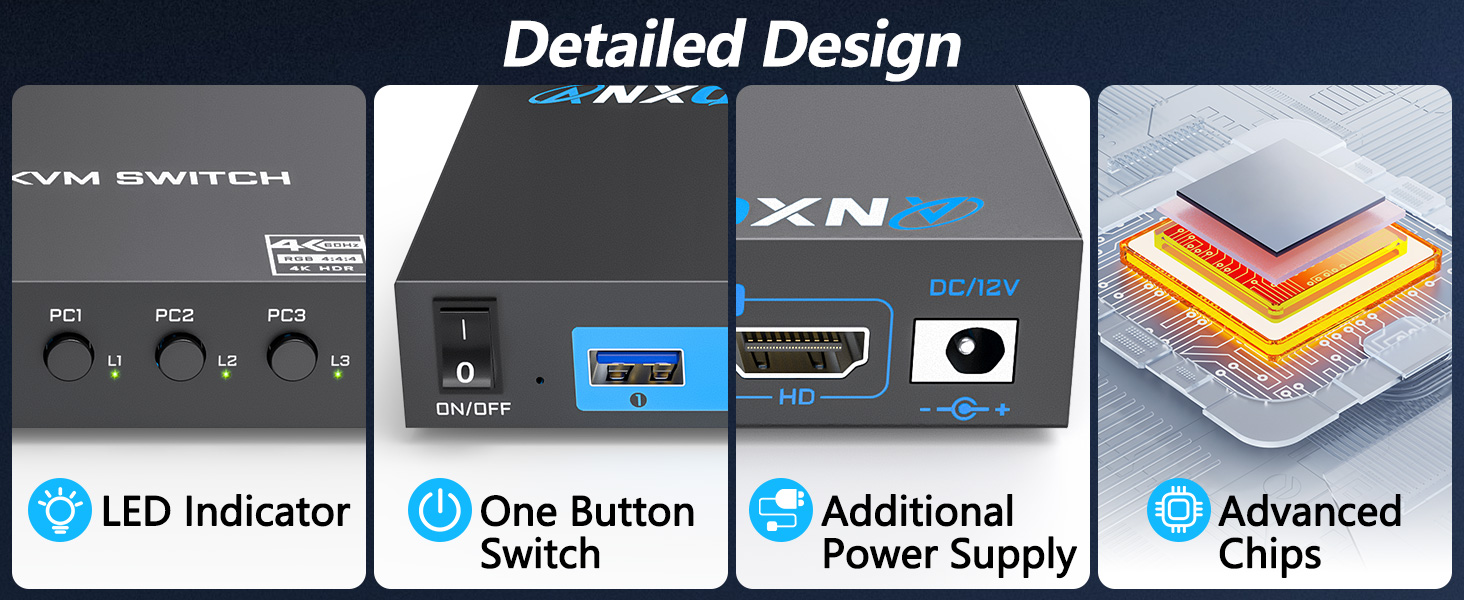
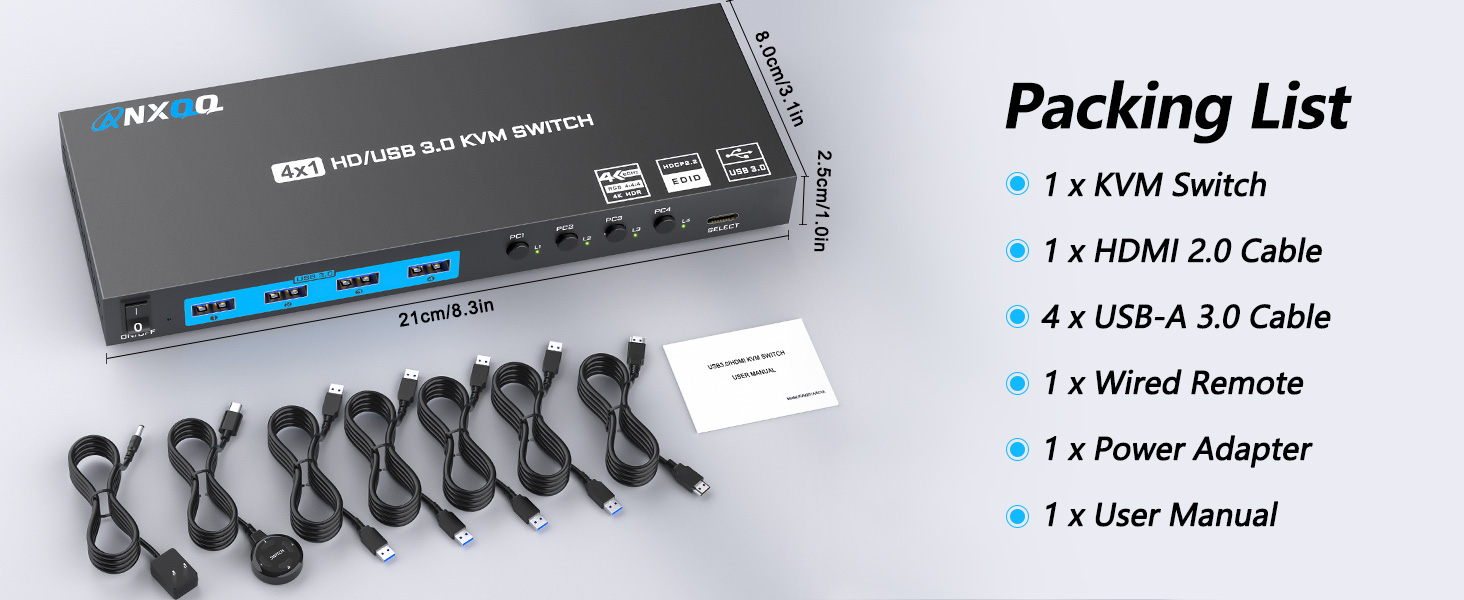
    4K HDMI KVM Switch 4 Computers 1 Monitor, 4 Port KVM Switch EDID Function Share 4 USB 3.0 Ports for Use with Keyboard Mouse Printer, Included Wired Remote, Power Adapter, HDMI Cable, USB Cable

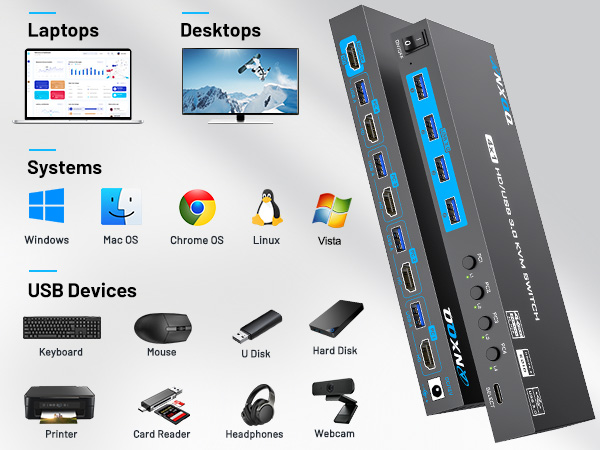
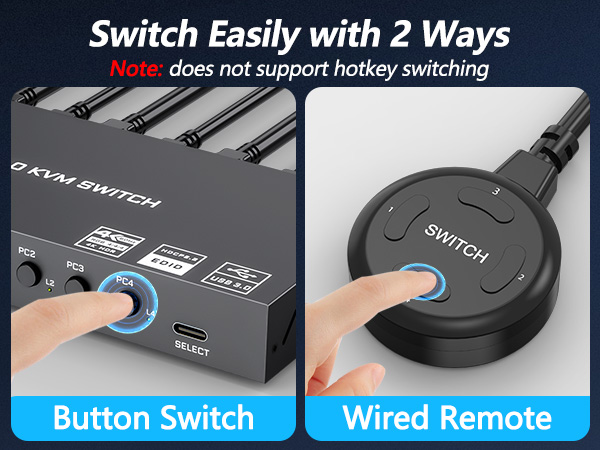
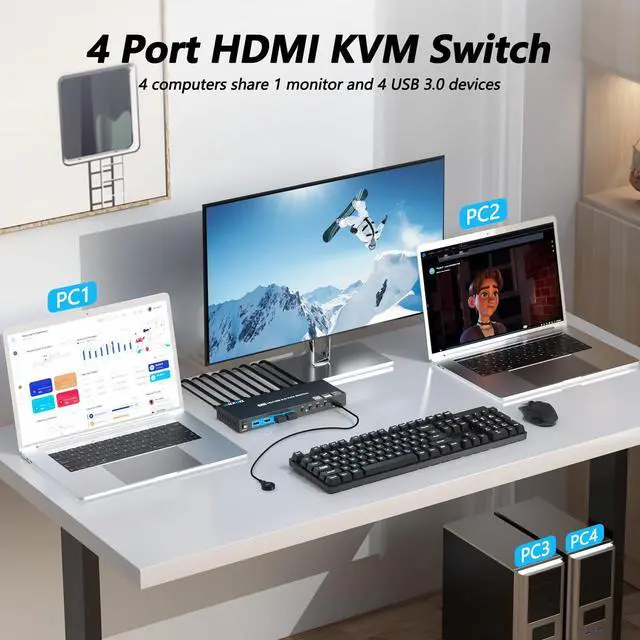
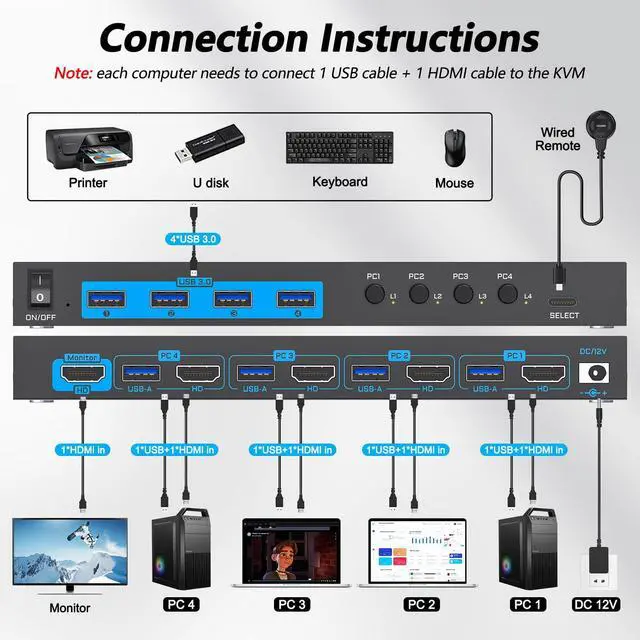
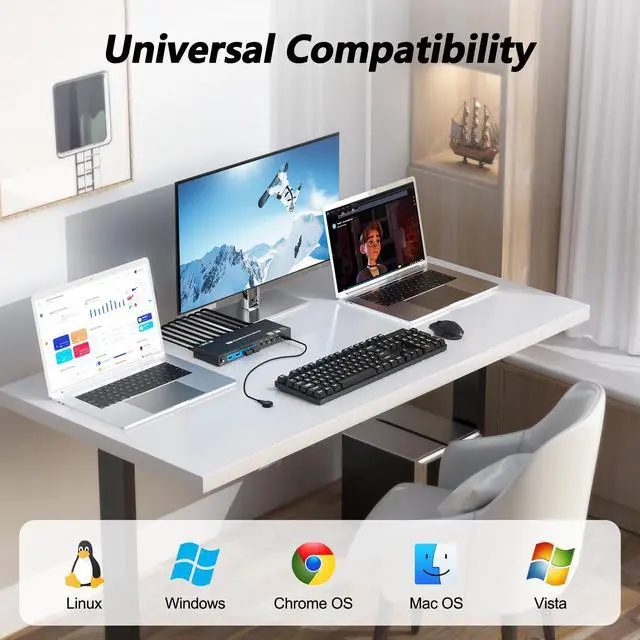
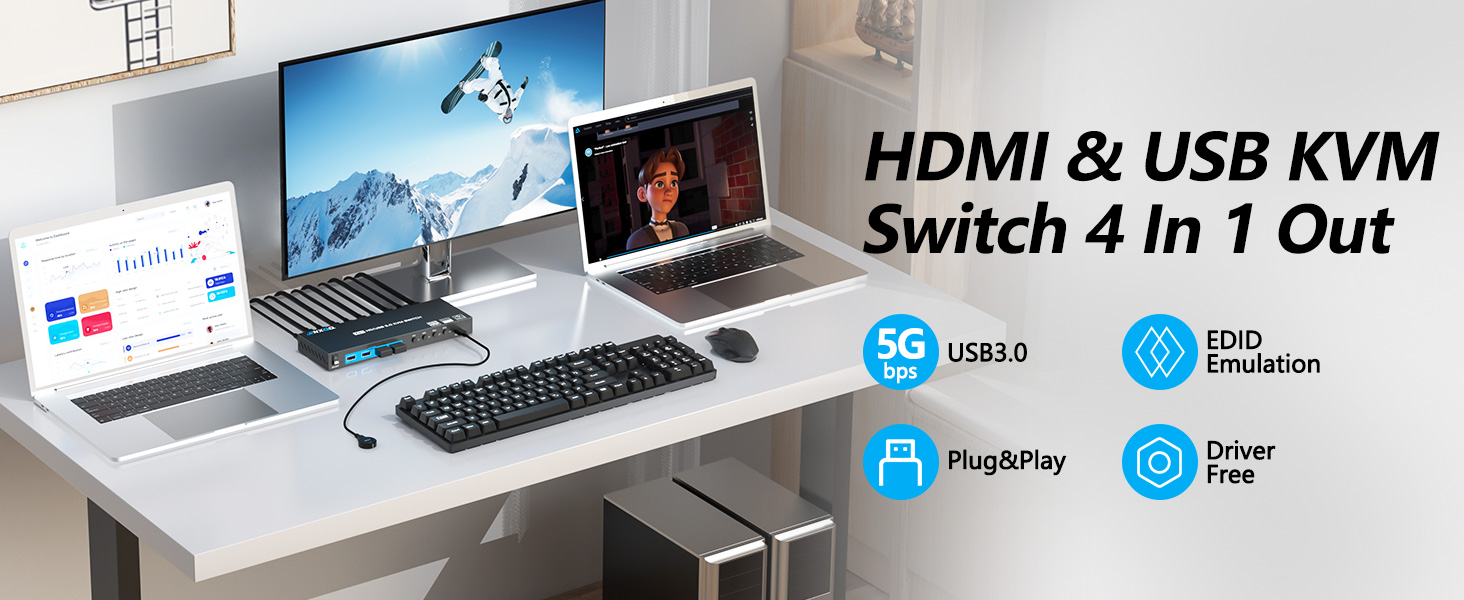
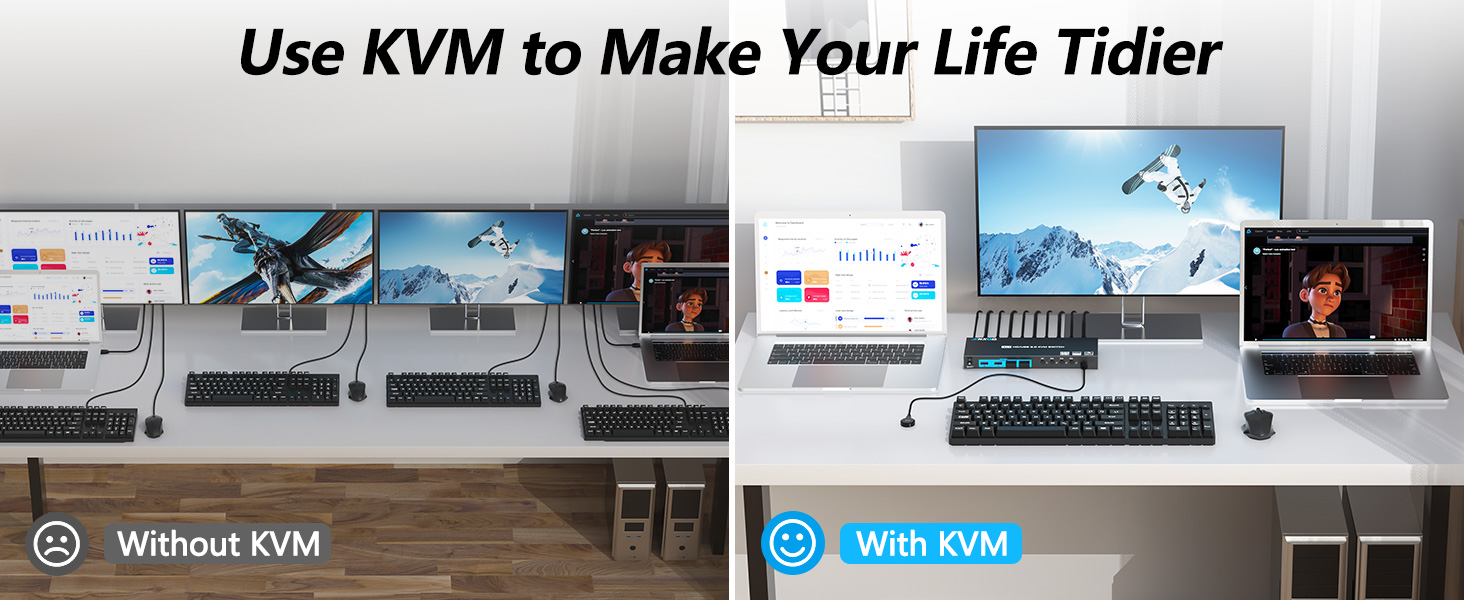
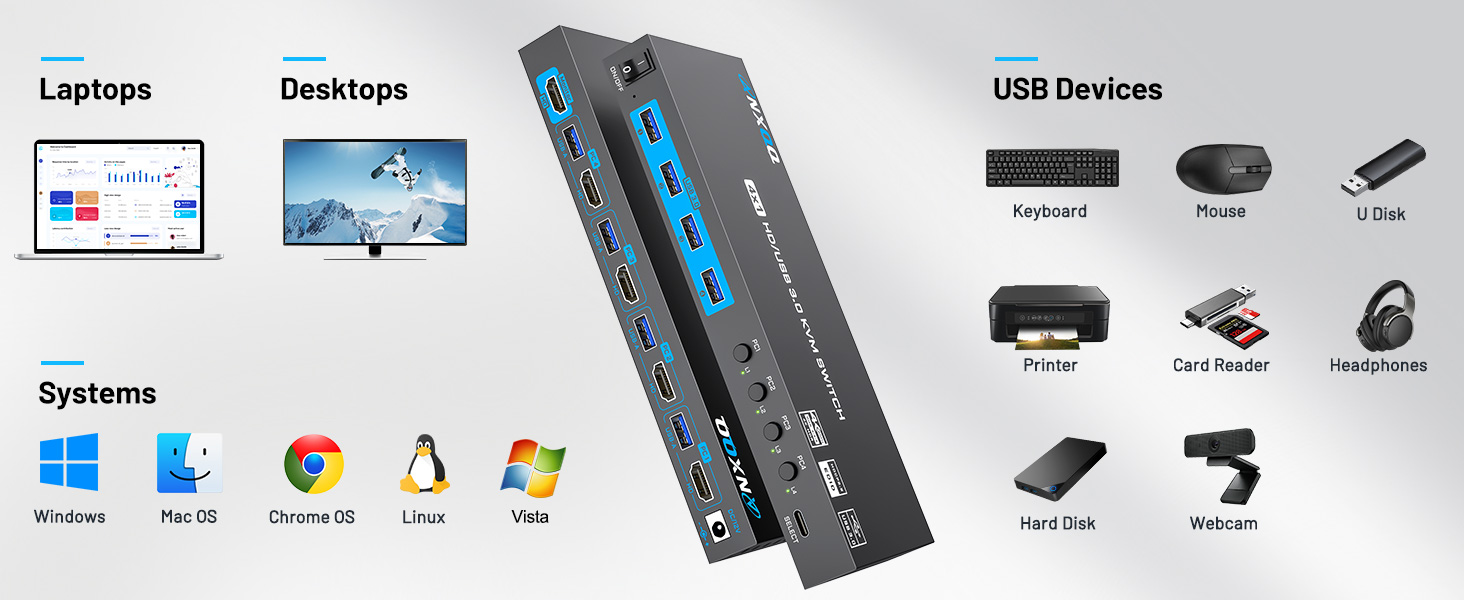
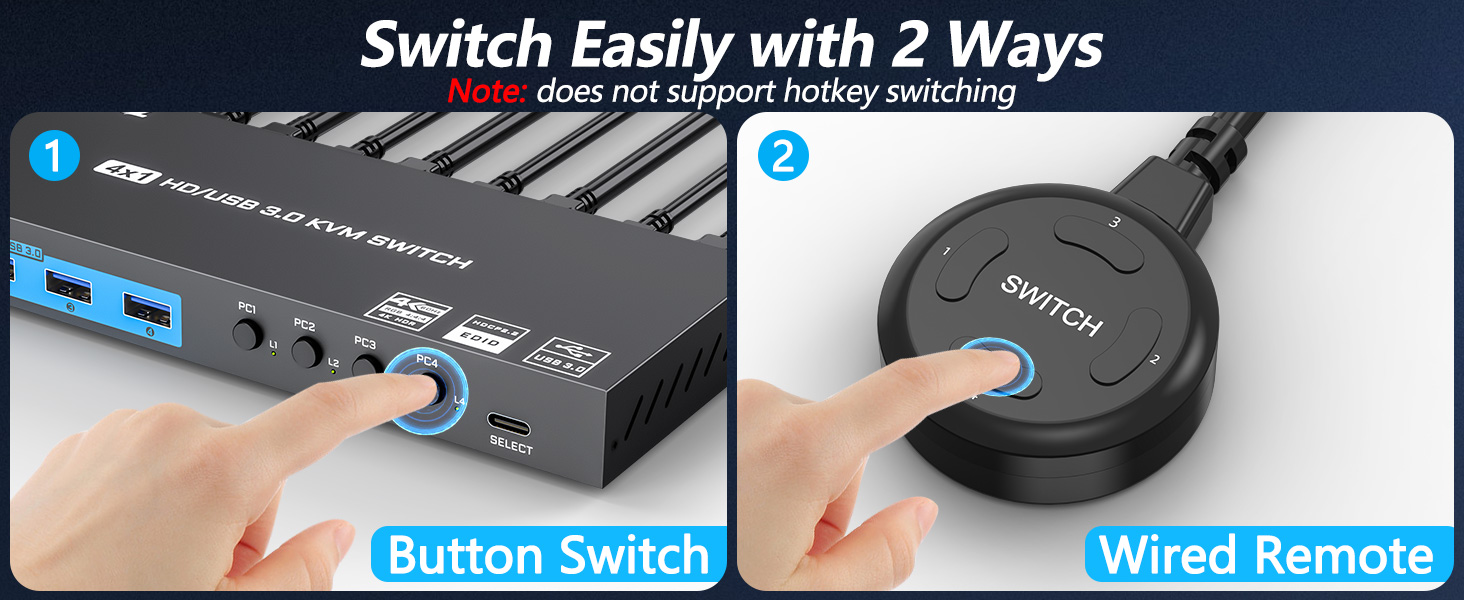
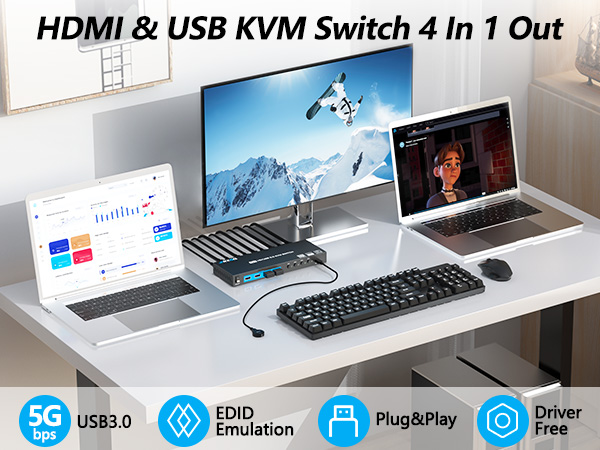
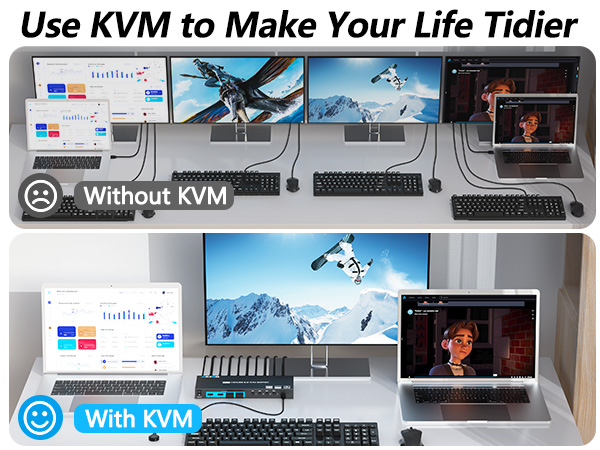
    • KVM Switch 4 ComputersThis KVM Switch HDMI allows users to control 4 computers to share 1 monitor and 4 USB 3.0 peripheral devices together. It's both a monitor switcher and a USB switcher in one. Say goodbye to preparing multiple devices or repeatedly plugging and unplugging them, life could be easier!
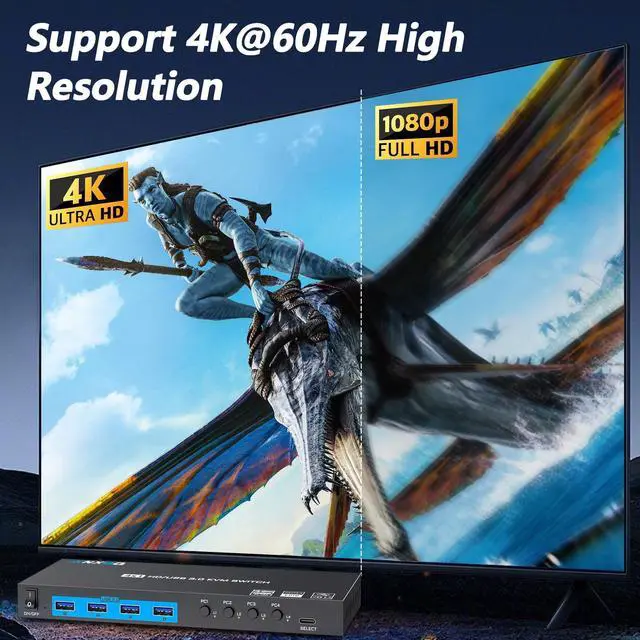
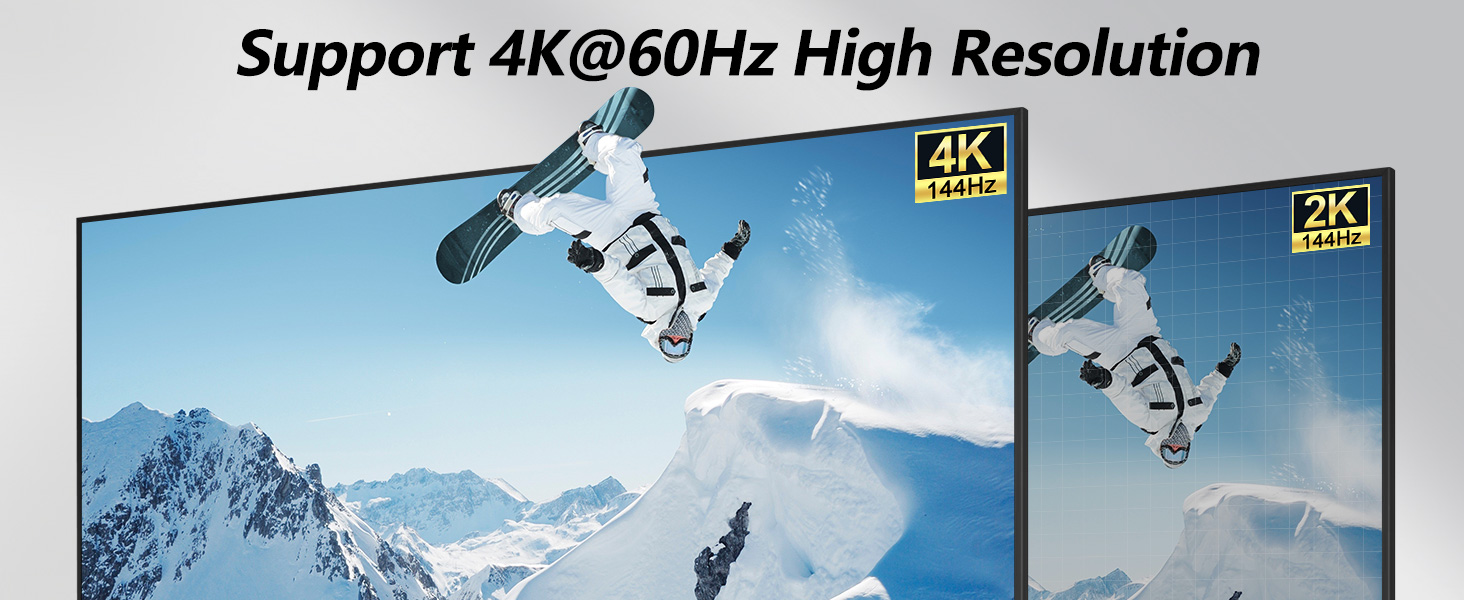
    • Enjoy 4k@60Hz Visual ExperienceANQXX 4K KVM switch is a high-level product that supports resolutions up to 4K@60Hz and is backward compatible. It meets the needs of a large number of customers. Note: the final resolution achieved depends on the computer graphics card, the monitor and the cables used. Say goodbye to screens with blurring effects, life could be clearer!
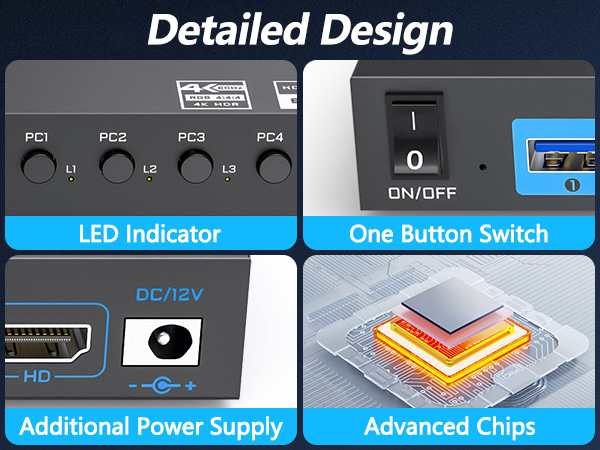
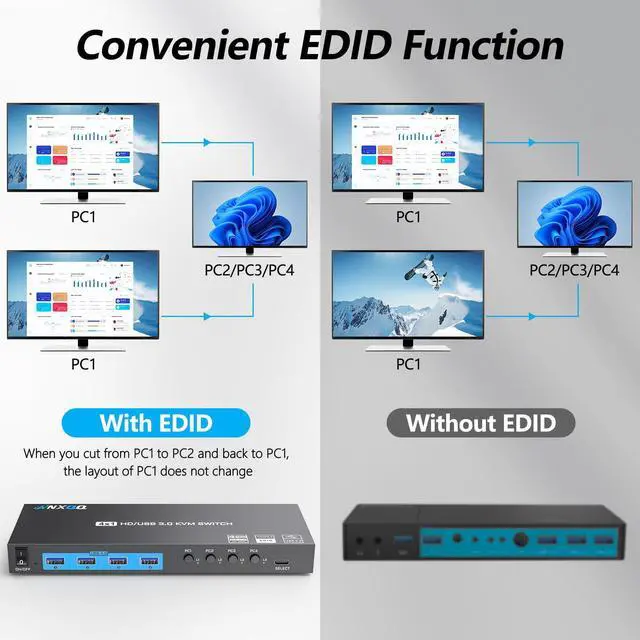
    • Humanized EDID FunctionThis USB 3.0 HDMI KVM Switch has EDID Function: when you switch from PC1 to PC2 and back to PC1, PC1 is still connected to the monitor by default, so the desktop layout does not change. Say goodbye to repeatedly and annoyingly adjusting the screen layout, life could be smarter!
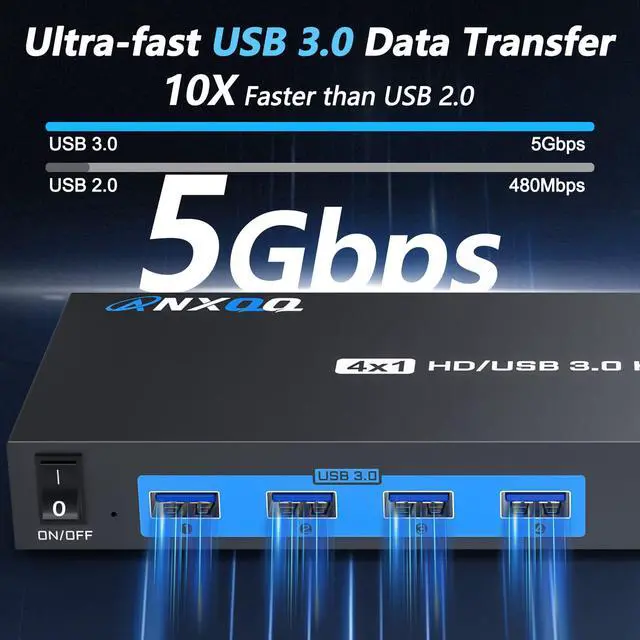
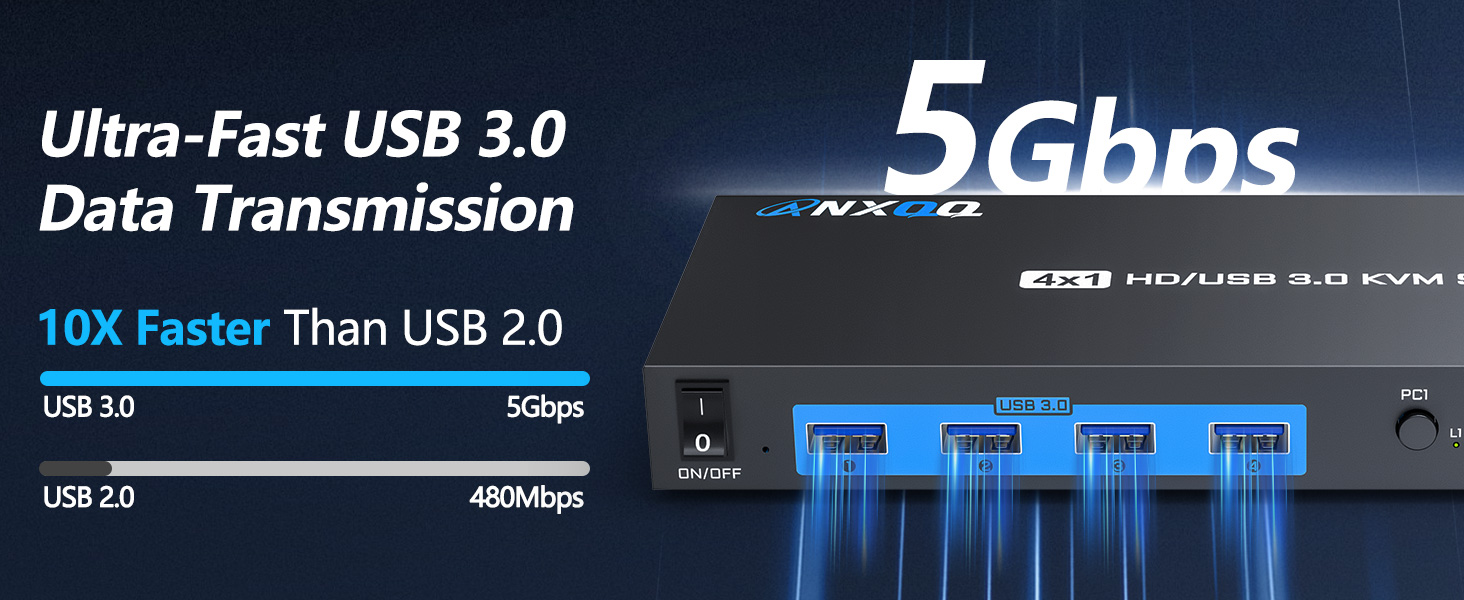
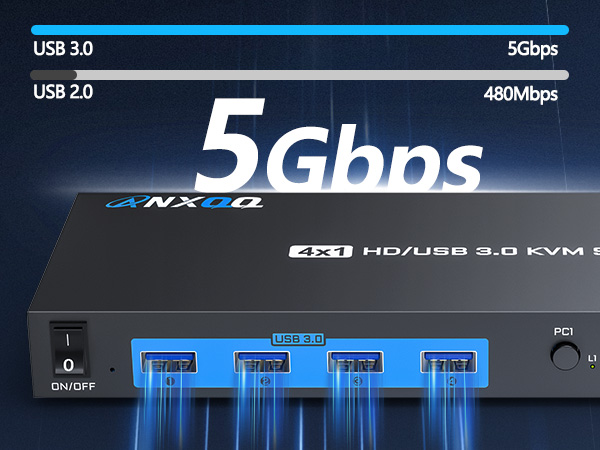
    • 5Gbps USB 3.0 Data Transmission With a USB 3.0 data transfer speed of 5Gbps, which is ten times faster than USB 2.0, this USB KVM Switch greatly improves work efficiency. It works perfectly with cameras, camcorders, printers and more, backward compatible with USB 2.0 devices. Note: To ensure that the USB function works properly, each computer needs to be connected to the KVM with a USB cable (no cross-connections). Say goodbye to endless waiting and anxiety, life can be swifter!
    +
    +
    Overview
    Specs
    Reviews
    avatar

    Any questions? Our AI beta will help you find out quickly.

    KVM
    kvm switch
    kvm switches
    HDMI KVM Switch
    • In most cases this is due to a mismatch between the resolution set and the resolution supported by the cable used. Please try lowering the resolution/refresh rate, or use the recommended 8K 1.5 long HDMI cable.

    • Please make sure you connect the KVM to each computer using a USB cable (no cross-connections), and you'll also need to plug in the additional power supply to ensure adequate power. Updating your computer's USB driver is also one of the solutions.

    • It is possible that the device has been used for a long time and disconnected internally, please try to unplug the cable first (as well as turn the switch of the KVM panel to OFF), wait for ten minutes and then reconnect it.
    KVM
    kvm switch
    kvm switches
    HDMI KVM Switch
    • In most cases this is due to a mismatch between the resolution set and the resolution supported by the cable used. Please try lowering the resolution/refresh rate, or use the recommended 8K 1.5 long HDMI cable.

    • Please make sure you connect the KVM to each computer using a USB cable (no cross-connections), and you'll also need to plug in the additional power supply to ensure adequate power. Updating your computer's USB driver is also one of the solutions.

    • It is possible that the device has been used for a long time and disconnected internally, please try to unplug the cable first (as well as turn the switch of the KVM panel to OFF), wait for ten minutes and then reconnect it.
    4K HDMI KVM Switch 4 Computers 1 Monitor, 4 Port KVM Switch EDID Function Share 4 USB 3.0 Ports for Use with Keyboard Mouse Printer, Included Wired Remote, Power Adapter, HDMI Cable, USB Cable

    Warranty & Returns

    Warranty, Returns, And Additional Information

    Warranty

    • Please contact the Seller directly for warranty information. Warranty information may also be found on the Manufacturer's website.
    • CONTACT

    Return Policies

    Manufacturer Contact Info

    LOADING...