

Your Browsing History

Meet Your Seller

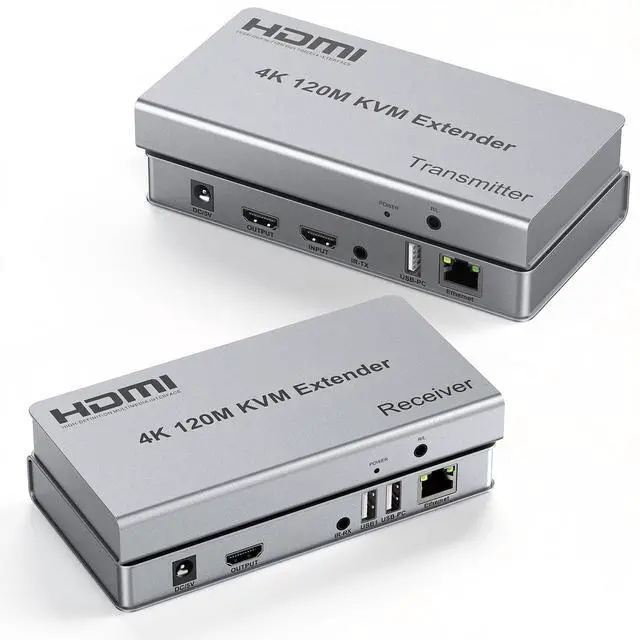



4K HDMI KVM USB Extender, 393ft Over Cat6, with Both Audio Port, Loop Out, IR, HDMI Over Ethernet, Keyboard Mouse Extension for PC, DVR, NVR, TV, Monitor, Projector
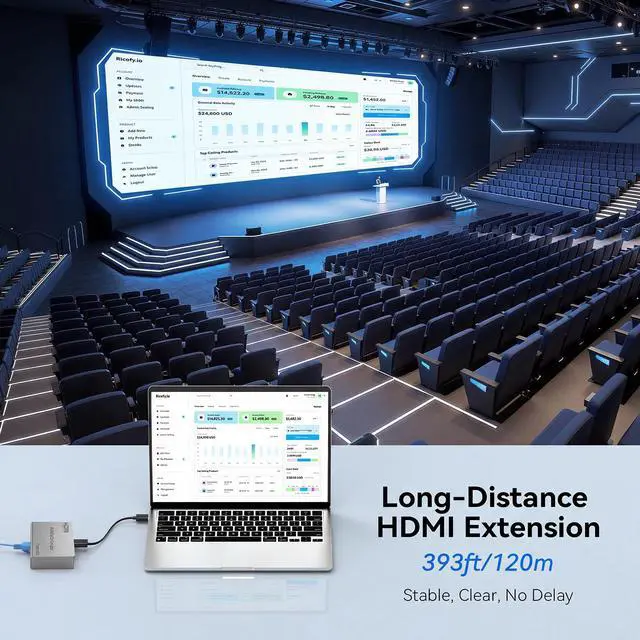
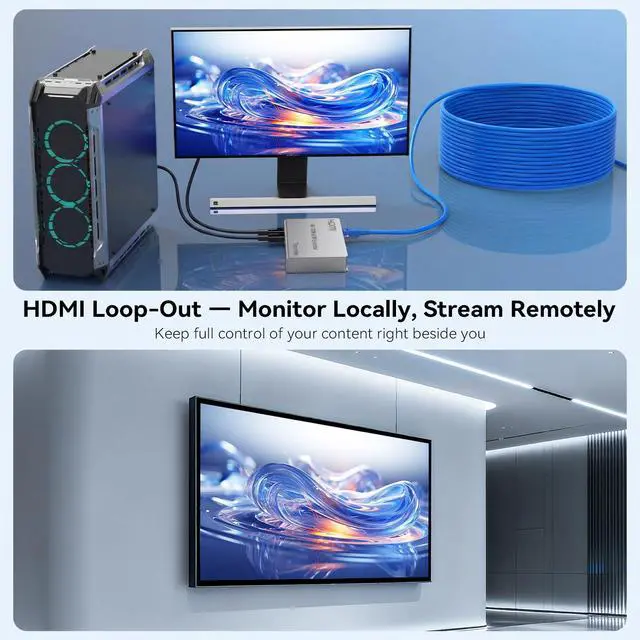
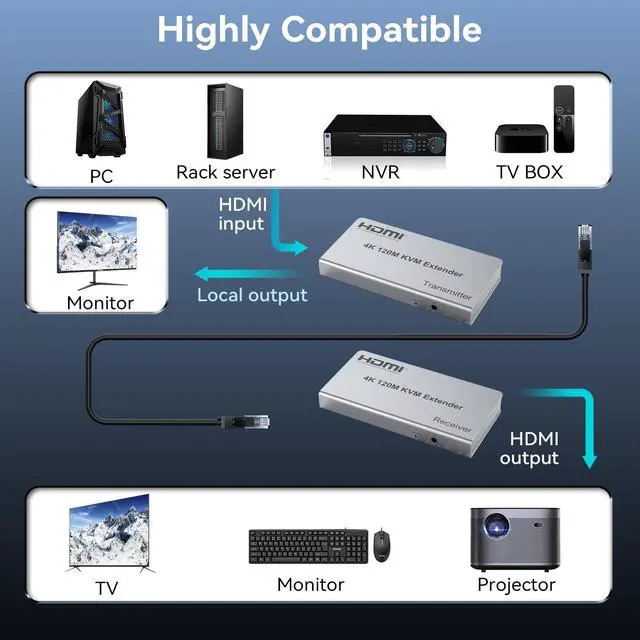
- This HDMI KVM Extender supports resolutions up to 4K@30Hz and extends HDMI signals up to 393ft (120m) over a single Cat6/Cat6a/Cat7 cable. The HDMI Loop Out on the transmitter (TX) allows you to connect a local monitor while sending the signal to a remote display simultaneously.
- KVM/USB allows you to control your computer from the receiver side using a keyboard and mouse. Easily manage a PC or server located in another room, improving workspace efficiency and convenience.
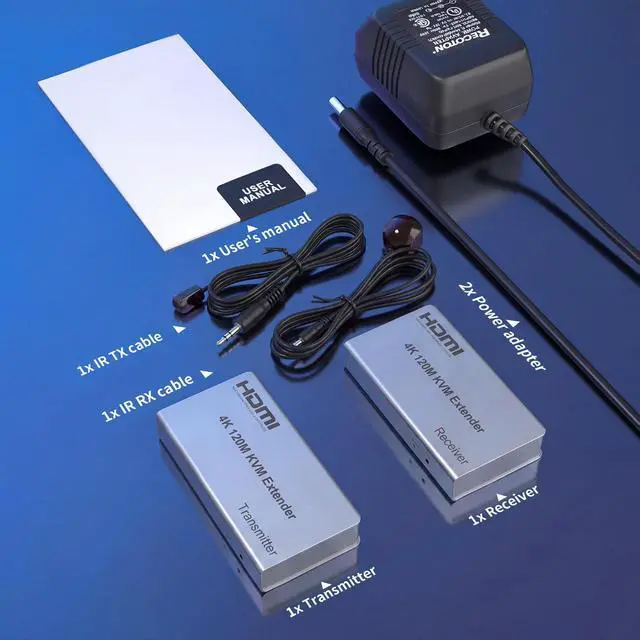
- Both the transmitter (TX) and receiver (RX) feature independent 3.5mm audio output, allowing you to connect speakers or headphones at either end for flexible audio extraction.
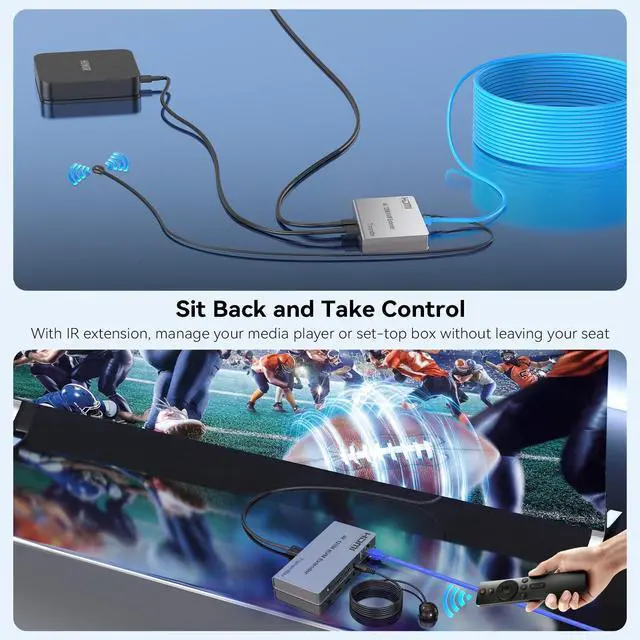
- Equipped with IR transmitter and receiver cables, enabling you to control the HDMI source device from the remote display location without being near the source equipment.
- Compatible with PC, Laptop, DVR, NVR, TV Box, Blu-ray Player, PS5, Xbox, TV, Monitor, and Projector. Ideal for home theater, surveillance systems, conference rooms, offices, and classrooms.
+
+
Overview
Specs
Reviews

Any questions? Our AI beta will help you find out quickly.
Try me now
4k HDMI KVM USB Extender
Warranty & Returns
Warranty, Returns, And Additional Information
Warranty
- Please contact the Seller directly for warranty information. Warranty information may also be found on the Manufacturer's website.
- CONTACT
Return Policies
- Return for refund within: 30 days
- Return for replacement within: 30 days
- This item is covered by Marniker Return Policy
Manufacturer Contact Info
- For a directory of all our manufacturers, please click below.
- Manufacturers Directory
LOADING...