


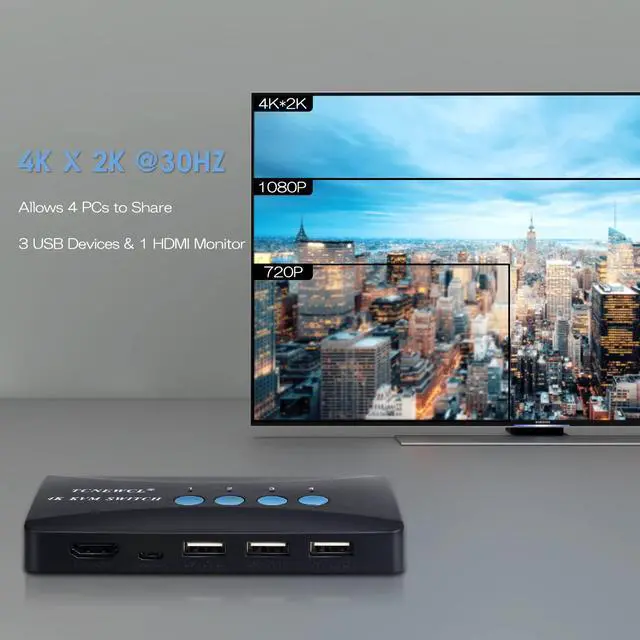


TCNEWCL HDMI USB KVM Switch 4 PC 1 Monitor

High Definition 4K@30Hz / 1080P@60Hz

Note:This product supports a maximum resolution of 4K@30Hz and can only be displayed normally when both the computer and monitor support 4K. Please check if your device supports 4k@30hz and adjust the resolution of the system to 4096*2160 or 3840*2160.

Note: USB devices are only supported for Version 2.0, not gaming keyboards, mice, etc.
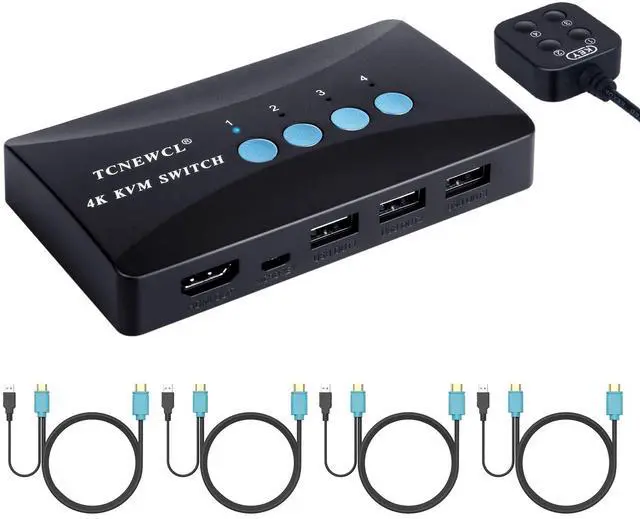
Comes with 4 Professional 2-in-1 Cables(HDMI + USB to HDMI)
No external power required.
No driver required.

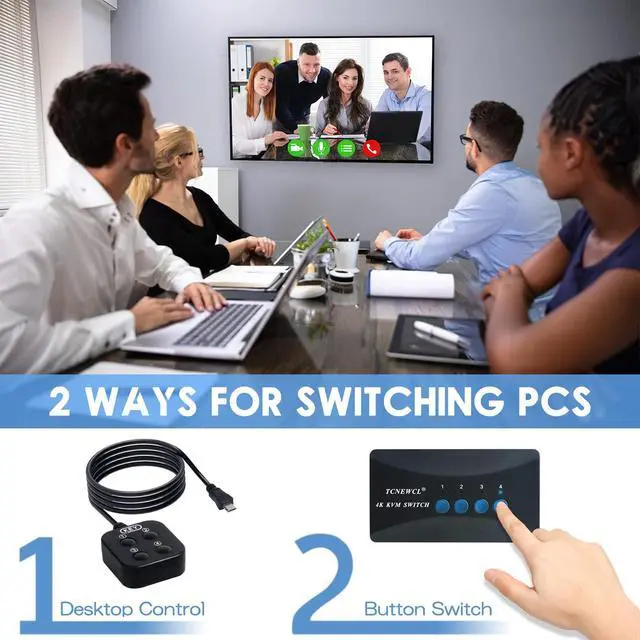
2 Switching Modes
- Press the button on the surface of the product to switch the corresponding input device.
- Use the included wired desktop controller (1.5m) to remotely switch output devices. Convenient !
- LED indicators will show the active computer.
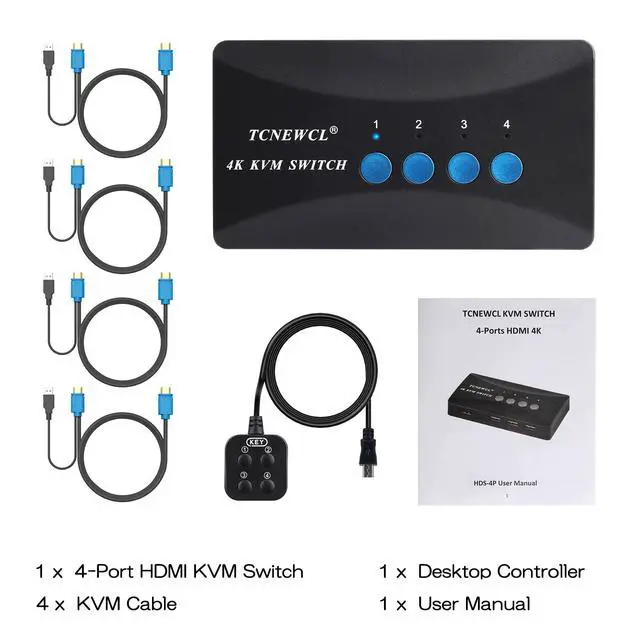
Package Include:
- 4 Port HDMI KVM Switch *1
- KVM Cables(2 in 1) *4
- Desktop Controller *1
- User Manual *1

Does the product not support 4K/2K displays?
This product supports a maximum resolution of 4K 30Hz and can only be displayed normally when both the computer and monitor support 4K. Please check if your device supports 4k@30hz and adjust the resolution of the system to 4096*2160 or 3840*2160.
Why is my USB disconnected or not detected?
1. Please check if your USB device cable is loose.
2. Please check if you are connecting a USB3.0 device, this product only supports USB2.0 devices with a maximum transmission bandwidth of 480Mbps, and does not support mechanical mice and keyboards.
What should I do when my monitor doesn't work?
1. Check that your cables are connected correctly and that there are no loose connections.
2. Check if your device supports 4K@30Hz.
3.Check if you have set the high resolution, you can adjust the system resolution to 4096*2160 or 3840*2160.
Is my computer compatible with this KVM Switch?
This product supports Windows 11/10/8/8.1/7/Vista/XP, Mac OS, and Linux systems. Please check if your computer is using the above systems.
Trouble Shooting Steps
1. Make sure the cable is properly connected and the input resolution is below 4K@30Hz or 1080P@60Hz.
2. Wait 10 seconds for the operating system to recognize the device.
3. Plug in the mouse and keyboard again.
4. Reinstall the KVM switch.
Specification

Professional Video Product:
4K@30Hz HDMI KVM Switch/4K@60Hz HDMI KVM Switch/8K@60Hz HDMI KVM Switch

TCNEWCL focuses on providing efficient and convenient multi-computer management solutions, providing high-quality accessories for computers and helping you easily realize fast and stable switching between multiple computers. TCNEWCL is your reliable choice to make your work and entertainment more relaxed and enjoy the convenience and comfort brought by technology.
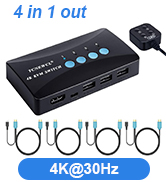
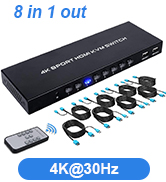
4K@30Hz KVM Switch
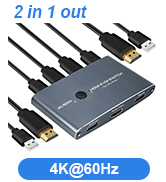
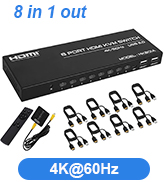
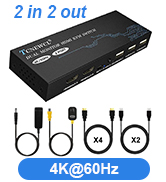
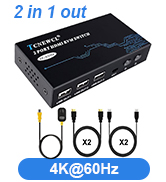
4K@60Hz HDMI KVM Switch
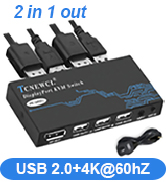
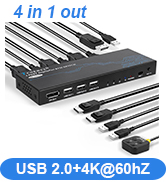
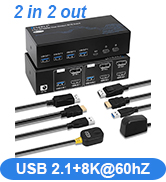
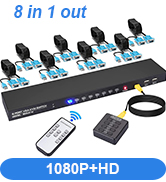
DP/VGA KVM Switch
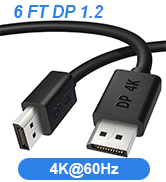
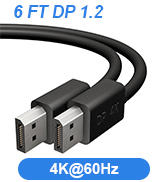
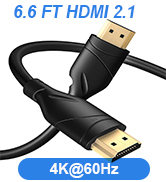
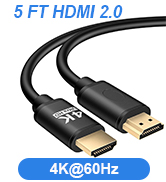
4K/8K HDMI/DP Cable
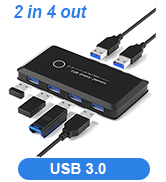
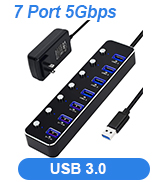
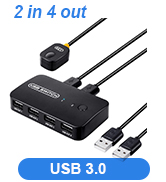
USB Switch/Selector
TCNEWCL HDMI USB KVM Switch 4 PC 1 Monitor

High Definition 4K@30Hz / 1080P@60Hz

Note:This product supports a maximum resolution of 4K@30Hz and can only be displayed normally when both the computer and monitor support 4K. Please check if your device supports 4k@30hz and adjust the resolution of the system to 4096*2160 or 3840*2160.

Note: USB devices are only supported for Version 2.0, not gaming keyboards, mice, etc.
Comes with 4 Professional 2-in-1 Cables(HDMI + USB to HDMI)
No external power required.
No driver required.
with Desktop Controller
2 Switching Modes
- Press the button on the surface of the product to switch the corresponding input device.
- Use the included wired desktop controller (1.5m) to remotely switch output devices. Convenient !
- LED indicators will show the active computer.
Package Include:
- 4 Port HDMI KVM Switch *1
- KVM Cables(2 in 1) *4
- Desktop Controller *1
- User Manual *1
Does the product not support 4K/2K displays?
This product supports a maximum resolution of 4K 30Hz and can only be displayed normally when both the computer and monitor support 4K. Please check if your device supports 4k@30hz and adjust the resolution of the system to 4096*2160 or 3840*2160.
Why is my USB disconnected or not detected?
1. Please check if your USB device cable is loose.
2. Please check if you are connecting a USB3.0 device, this product only supports USB2.0 devices with a maximum transmission bandwidth of 480Mbps, and does not support mechanical mice and keyboards.
What should I do when my monitor doesn't work?
1. Check that your cables are connected correctly and that there are no loose connections.
2. Check if your device supports 4K@30Hz.
3.Check if you have set the high resolution, you can adjust the system resolution to 4096*2160 or 3840*2160.
Is my computer compatible with this KVM Switch?
This product supports Windows 11/10/8/8.1/7/Vista/XP, Mac OS, and Linux systems. Please check if your computer is using the above systems.
Trouble Shooting Steps
1. Make sure the cable is properly connected and the input resolution is below 4K@30Hz or 1080P@60Hz.
2. Wait 10 seconds for the operating system to recognize the device.
3. Plug in the mouse and keyboard again.
4. Reinstall the KVM switch.
Specification
| Name | TCNEWCL 4 ports KVM Switch box |
|---|---|
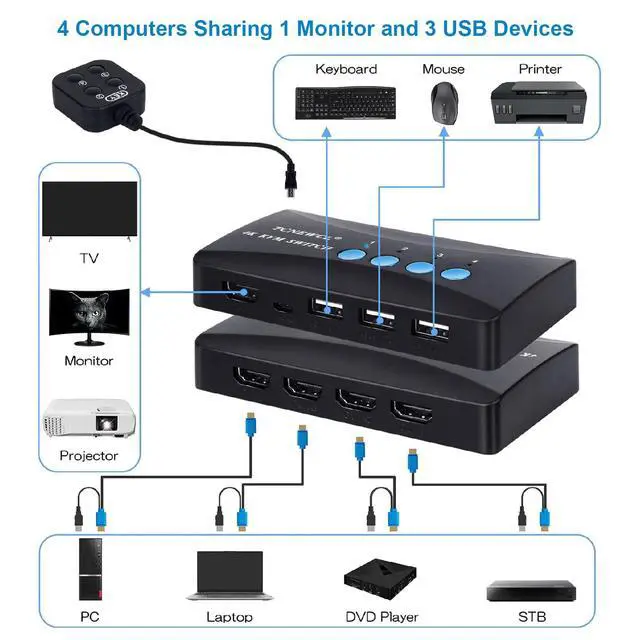
| Input | 4 PC MAX with 4 HDMI&USB (2 in 1) cables |
| Output | 1* HDMI + 3* USB |
| Switching Mode | Panel button / External controller |
| Resolution Supported | 4K(3840*2160)@30Hz, 1080P@60Hz/ 720P / 480P, compatible with lower resolution |
| Systems Supported | Windows / Mac / Linux |
| Operating Temperature | -58? to 176?(-50? to 80?) |
| Color | Black |
| Material | ABS |
Professional Video Product:
4K@30Hz HDMI KVM Switch/4K@60Hz HDMI KVM Switch/8K@60Hz HDMI KVM Switch

TCNEWCL focuses on providing efficient and convenient multi-computer management solutions, providing high-quality accessories for computers and helping you easily realize fast and stable switching between multiple computers. TCNEWCL is your reliable choice to make your work and entertainment more relaxed and enjoy the convenience and comfort brought by technology.
4K@30Hz KVM Switch
4K@60Hz HDMI KVM Switch
DP/VGA KVM Switch
4K/8K HDMI/DP Cable
USB Switch/Selector
