




 4-Ports HDMI KVM Switch |  2-Ports HDMI KVM Switch |  2-Ports HDMI KVM Switch |  4-Ports VGA KVM Switch |  2-Ports VGA KVM Switch |  2-Ports DP KVM Switch | |
|---|---|---|---|---|---|---|
| Customer Reviews | — | — | — | — | — | — |
| Price | — | — | — | — | — | — no data |
| Monitor Connection Type | HDMI | HDMI | HDMI | VGA | VGA | DP |
| Maximum Resolution | 4K@30Hz | 4K@30Hz | 4K@60Hz | 1920*1440 | 1920*1440 | 4K@60Hz |
| Input Ports | Max 4 Computers | Max 2 Computers | Max 2 Computers | Max 4 Computers | Max 2 Computers | Max 2 Computers |
| Output Ports | 1*HDMI + 3*USB | 1*HDMI + 3*USB | 1*HDMI + 3*USB | 1*VGA + 3*USB | 1*VGA + 3*USB | 1*DP + 3*USB |
| Wired Desktop Controller | ? | ? | ? | ? | ? | ? |
| Button Switch | ? | ? | ? | ? | ? | ? |
| Cable Included | 4*HDMI KVM Cables | 2*HDMI KVM Cables | 2*USB Cables and 1*Power Cables | 4*VGA KVM Cables | 2*VGA KVM Cables | 2*DP Cables and 2*USB Cables |
| Feature | 4 Computers Share 1 monitor and 3 USB devices | 2 Computers Share 1 monitor and 3 USB devices | 2 Computers Share 1 monitor and 3 USB devices | 4 Computers Share 1 monitor and 3 USB devices | 2 Computers Share 1 monitor and 3 USB devices | 2 Computers Share 1 monitor and 3 USB devices |


4 Port HDMI KVM Switch - 4K@30Hz
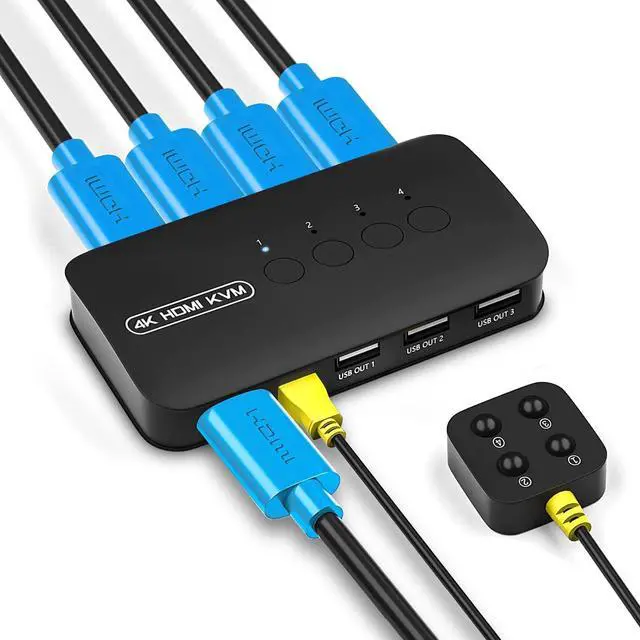
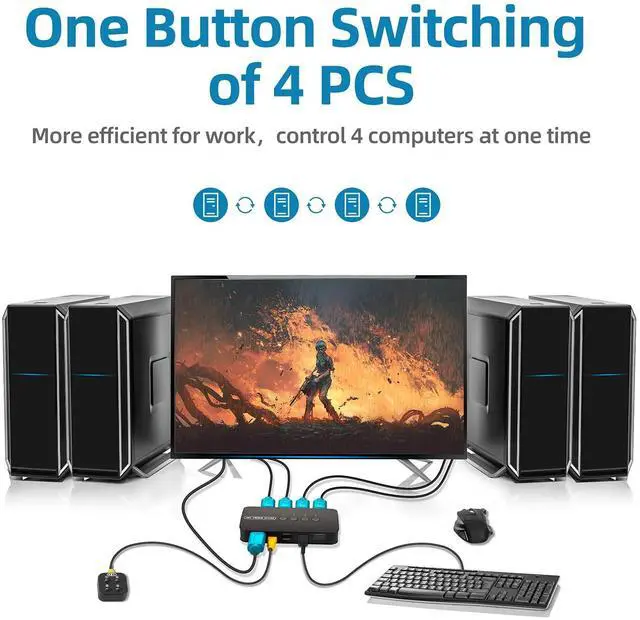
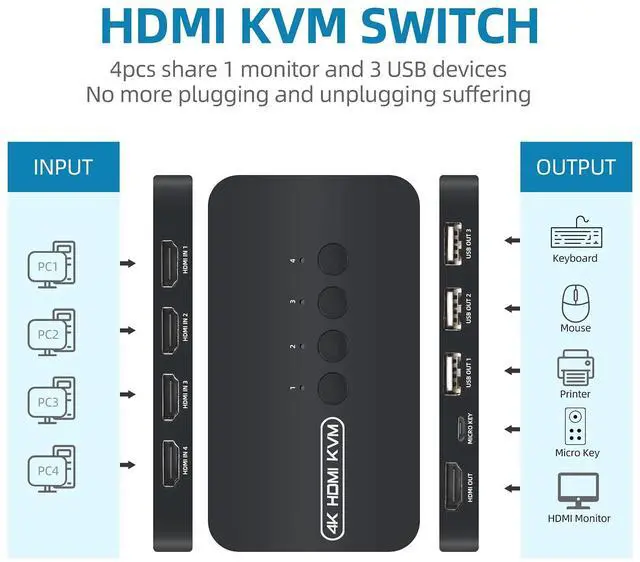
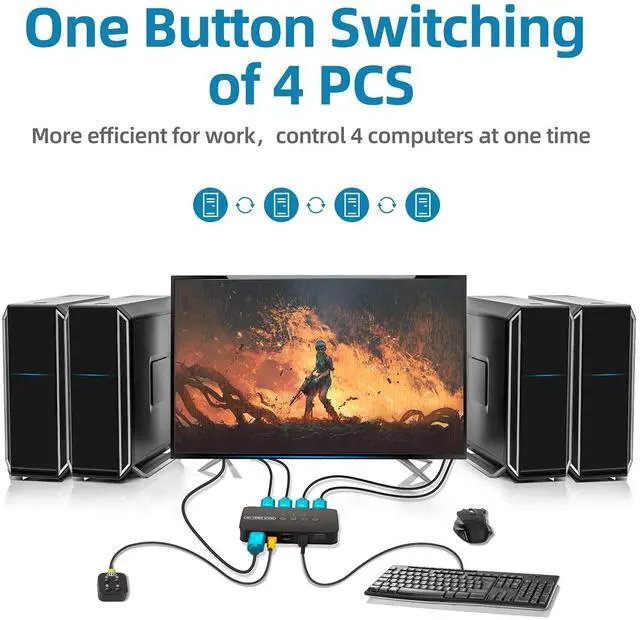
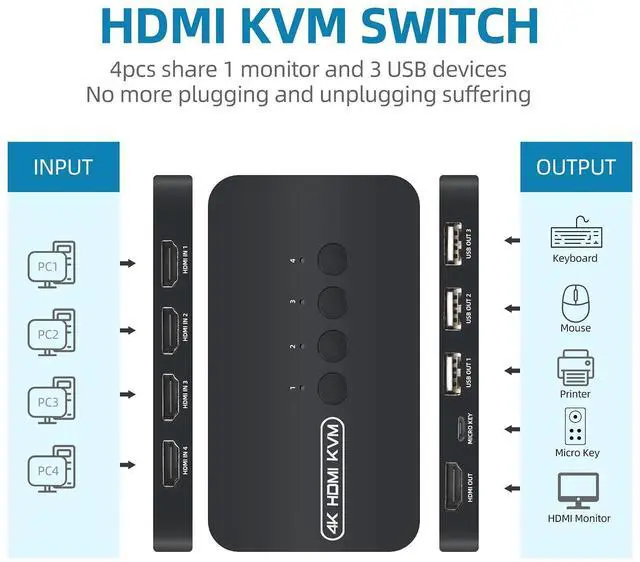
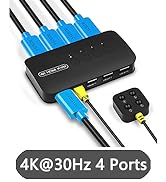
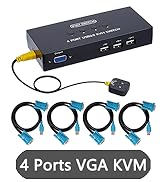
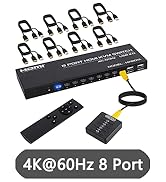
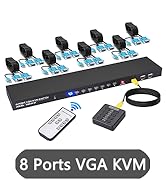
The HDMI KVM Switch allows you to control up to 4 computers through 1 monitor and 3 USB devices(keyboard, mouse, printer or scanner).
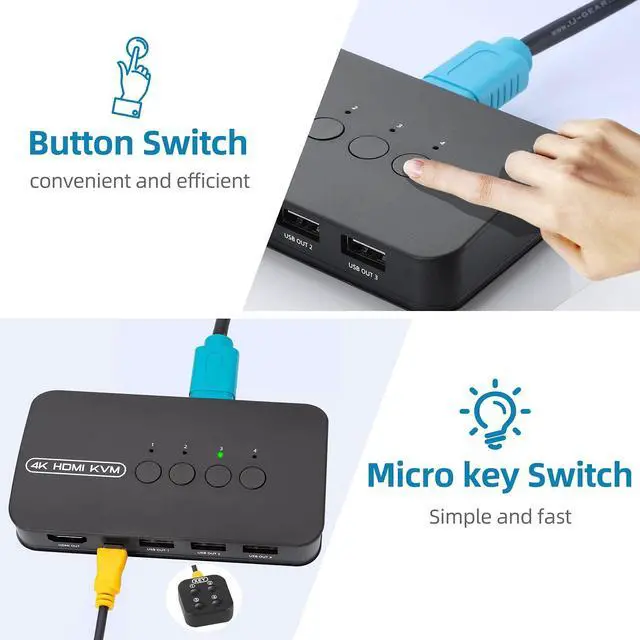
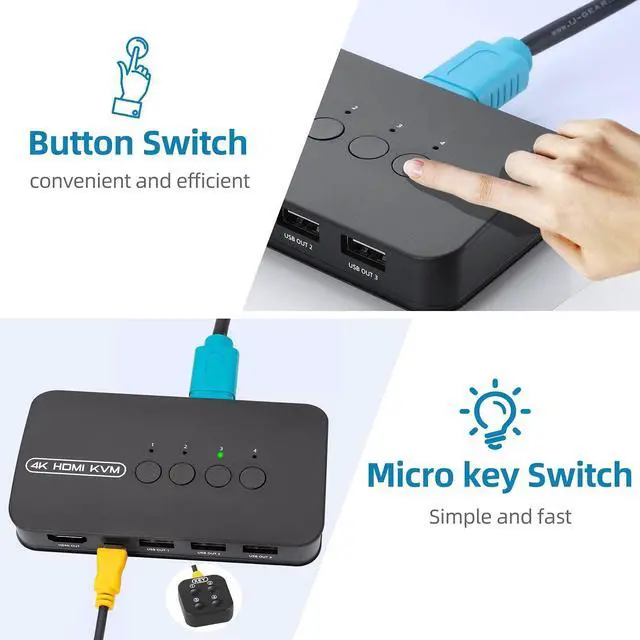
And you can use the wired desktop controller or panel button to switch between computers.
It can widely used in video conference, working office, media teaching and game room.


2-in-1 KVM cable
Take notes:
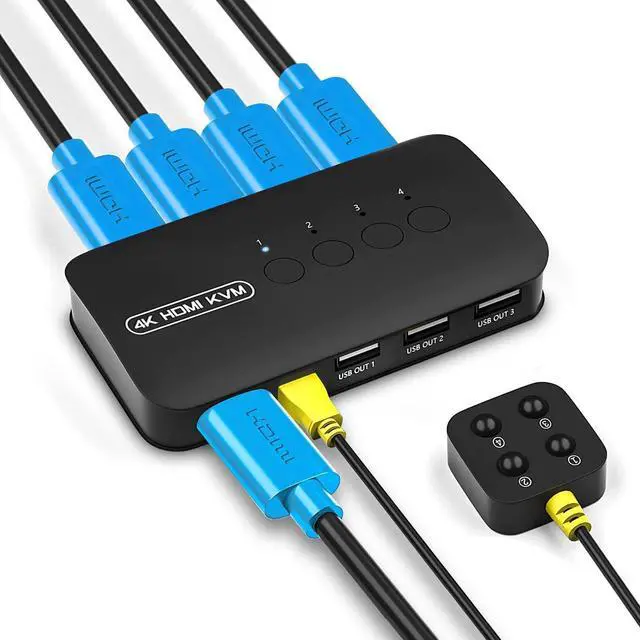
1. Connect the KVM cables to the computer ports of KVM switch. KVM Cable: Plug the HOST Port (HDMI & USB connector)of KVM cable into the computer.
2. Plug the KVM Port (HDMI connector only) of KVM cable into the KVM Switch. The HOST Port and KVM port can not be connected in reverse.

Specification:
Interface Protocols ------ USB 2.0
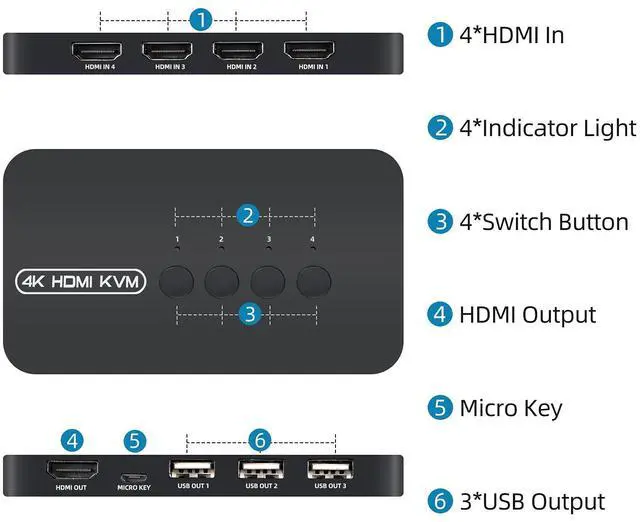
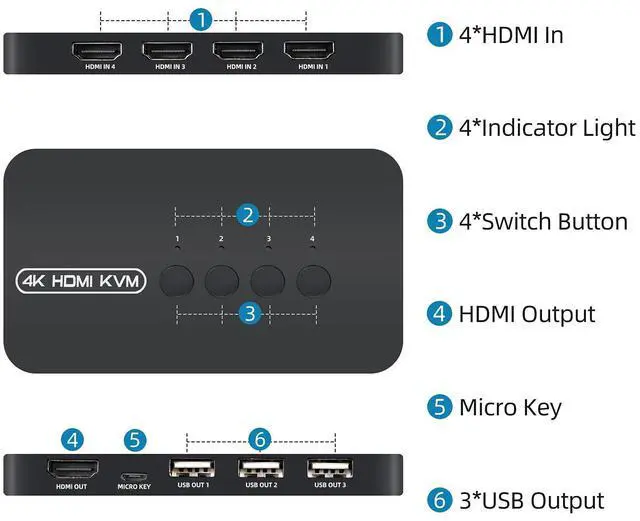
Entry: 4 PC Max (HDMI + USB 2-In-1)
Exit: HDMI * 1 + USB * 3
Switching Mode: Panel Button, Wired Desktop Controller
Resolution: 3840 * 2160@30Hz
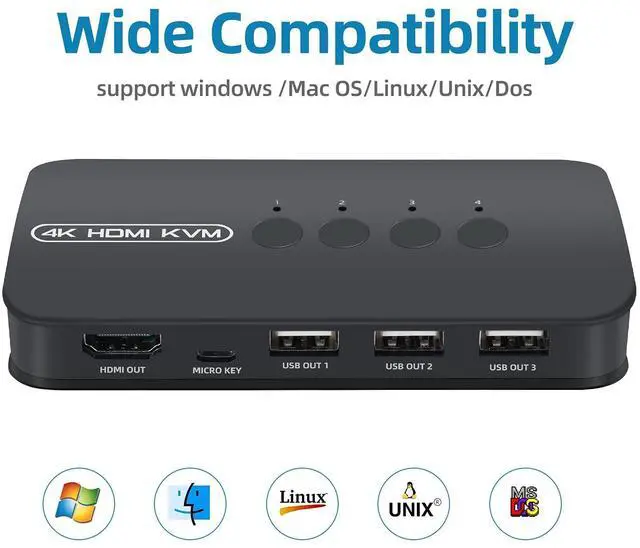
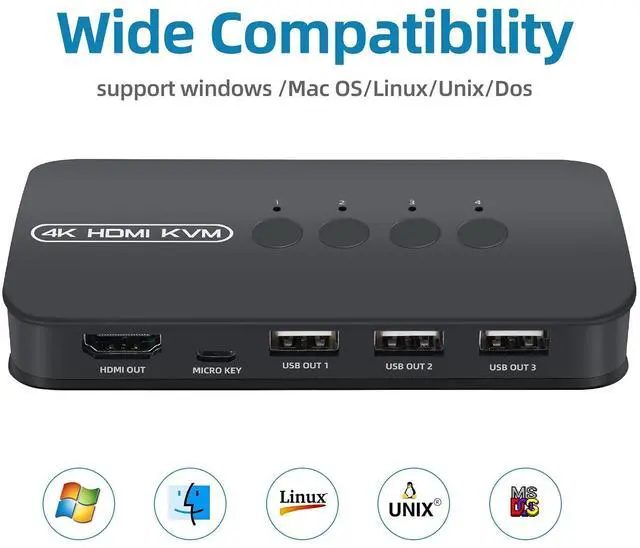
Support system: Windows / Mac OS / Linux / UNIX / DOS
Content of the package:
- KVM Switch * 1
- KVM Cable * 4
- Wired Switch Button * 1
- User Manual * 1

DGODRT offer product with superior feature at affordable prices.
With the philosophy we have obtained customers' trust from all market.
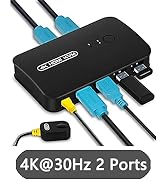
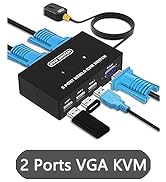
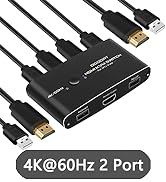
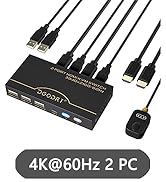
2 Port KVM Switch
4/8 Port KVM Switch
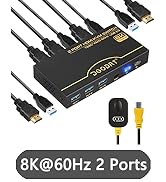
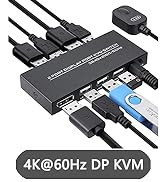
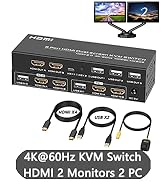
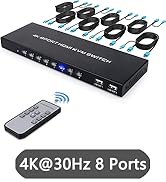
4K/8K KVM Switch
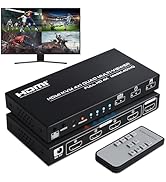
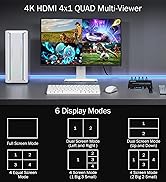
4 Port HDMl KVM Multiviewer
As a professional audio video products manufacturer, DGODRT was established in 2012.
We have been pursuing to provide products with excellent functions at reasonable prices.
With this philosophy, we have obtained the trust of most customers in the market.
4-Ports HDMI KVM Switch | 2-Ports HDMI KVM Switch | 2-Ports HDMI KVM Switch | 4-Ports VGA KVM Switch | 2-Ports VGA KVM Switch | 2-Ports DP KVM Switch | |
|---|---|---|---|---|---|---|
| Customer Reviews | — | — | — | — | — | — |
| Price | — | — | — | — | — | — no data |
| Monitor Connection Type | HDMI | HDMI | HDMI | VGA | VGA | DP |
| Maximum Resolution | 4K@30Hz | 4K@30Hz | 4K@60Hz | 1920*1440 | 1920*1440 | 4K@60Hz |
| Input Ports | Max 4 Computers | Max 2 Computers | Max 2 Computers | Max 4 Computers | Max 2 Computers | Max 2 Computers |
| Output Ports | 1*HDMI + 3*USB | 1*HDMI + 3*USB | 1*HDMI + 3*USB | 1*VGA + 3*USB | 1*VGA + 3*USB | 1*DP + 3*USB |
| Wired Desktop Controller | ? | ? | ? | ? | ? | ? |
| Button Switch | ? | ? | ? | ? | ? | ? |
| Cable Included | 4*HDMI KVM Cables | 2*HDMI KVM Cables | 2*USB Cables and 1*Power Cables | 4*VGA KVM Cables | 2*VGA KVM Cables | 2*DP Cables and 2*USB Cables |
| Feature | 4 Computers Share 1 monitor and 3 USB devices | 2 Computers Share 1 monitor and 3 USB devices | 2 Computers Share 1 monitor and 3 USB devices | 4 Computers Share 1 monitor and 3 USB devices | 2 Computers Share 1 monitor and 3 USB devices | 2 Computers Share 1 monitor and 3 USB devices |
4 Port HDMI KVM Switch - 4K@30Hz
The HDMI KVM Switch allows you to control up to 4 computers through 1 monitor and 3 USB devices(keyboard, mouse, printer or scanner).
And you can use the wired desktop controller or panel button to switch between computers.
It can widely used in video conference, working office, media teaching and game room.
2-in-1 KVM cable
Take notes:
1. Connect the KVM cables to the computer ports of KVM switch. KVM Cable: Plug the HOST Port (HDMI & USB connector)of KVM cable into the computer.
2. Plug the KVM Port (HDMI connector only) of KVM cable into the KVM Switch. The HOST Port and KVM port can not be connected in reverse.
Specification:
Interface Protocols ------ USB 2.0
Entry: 4 PC Max (HDMI + USB 2-In-1)
Exit: HDMI * 1 + USB * 3
Switching Mode: Panel Button, Wired Desktop Controller
Resolution: 3840 * 2160@30Hz
Support system: Windows / Mac OS / Linux / UNIX / DOS
Content of the package:
- KVM Switch * 1
- KVM Cable * 4
- Wired Switch Button * 1
- User Manual * 1
DGODRT offer product with superior feature at affordable prices.
With the philosophy we have obtained customers' trust from all market.
2 Port KVM Switch
4/8 Port KVM Switch
4K/8K KVM Switch
4 Port HDMl KVM Multiviewer
As a professional audio video products manufacturer, DGODRT was established in 2012.
We have been pursuing to provide products with excellent functions at reasonable prices.
With this philosophy, we have obtained the trust of most customers in the market.