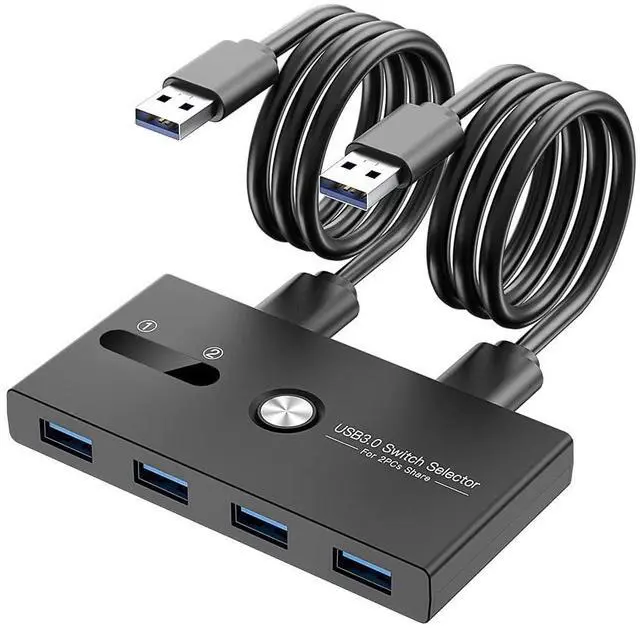
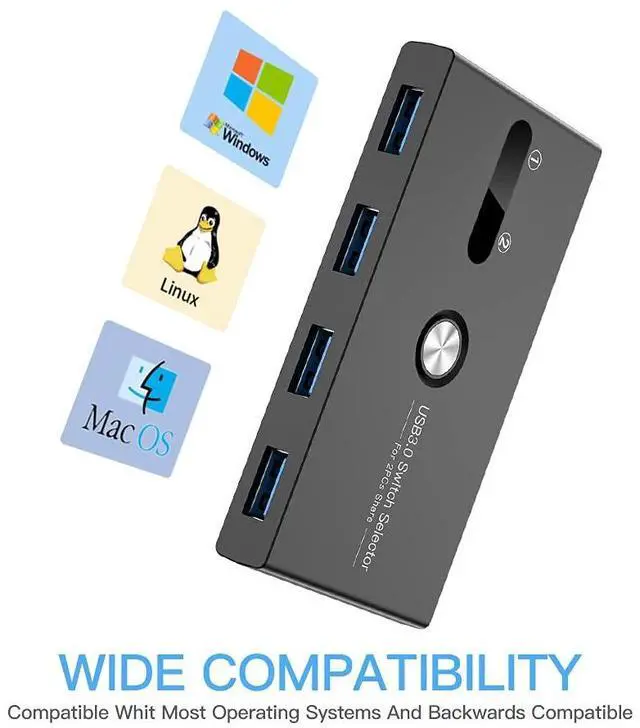
USB Switch, USB 3.0 Switcher 2 Computers Share 4 USB for PC Mouse Keyboard Printer Scanner, USB KVM Switch Selector Compatible with Windows, Mac, Linux
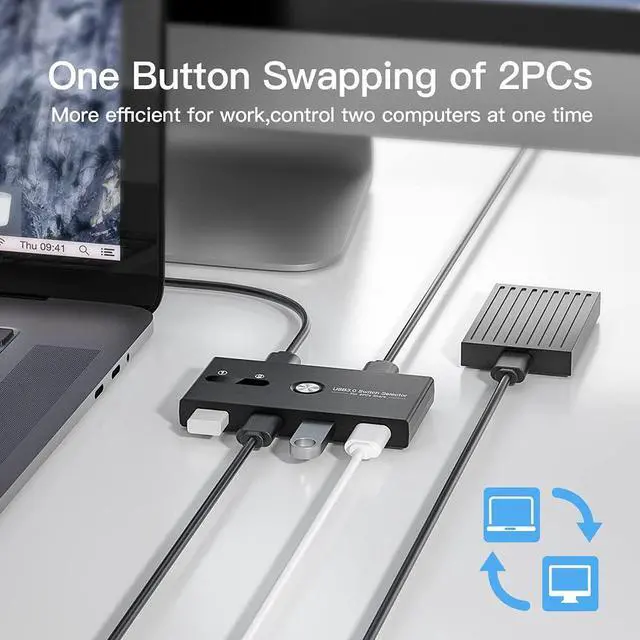
What is it: With the help of two independent USB 3.0 transmission circuits, The USB kvm switch can switch multiple devices between two computers at the same time with one button and without plugging or unplugging any cables. If you need to work or play on two computers but don't want to prepare two sets of input and output devices, then this KVM switch is a good choice for you.
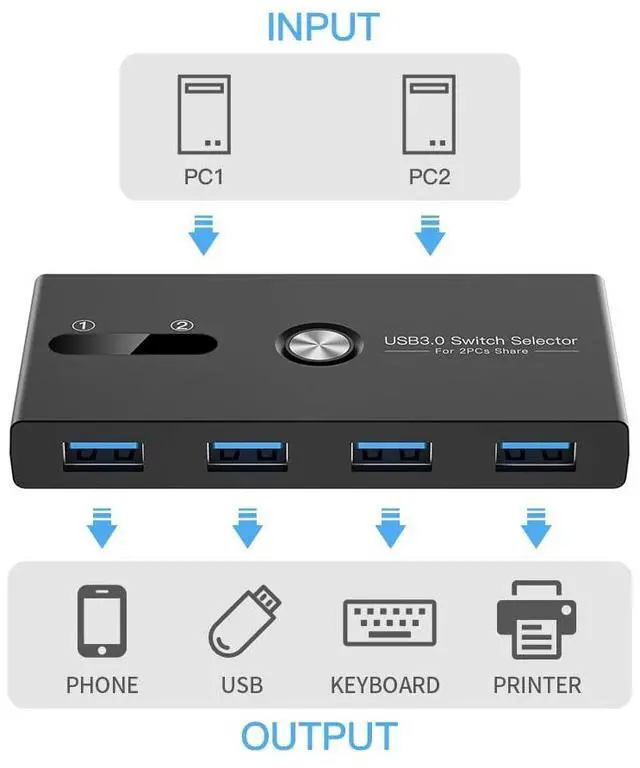
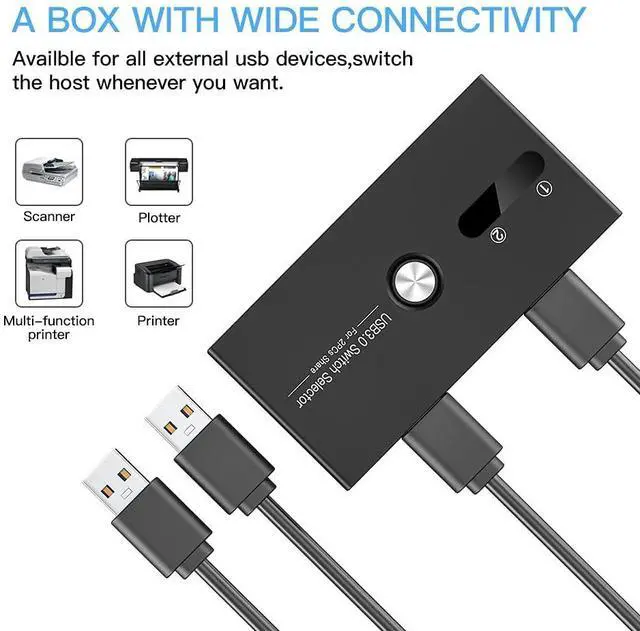
What can it do: This USB 3.0 Sharing Swither can Share your input and output devices between two computers, not only mouse and keyboard, but also printers, mobile hard drives, USB flash drives, game controllers, bluetooth adapter and wireless adapter or other devices that require USB connection.
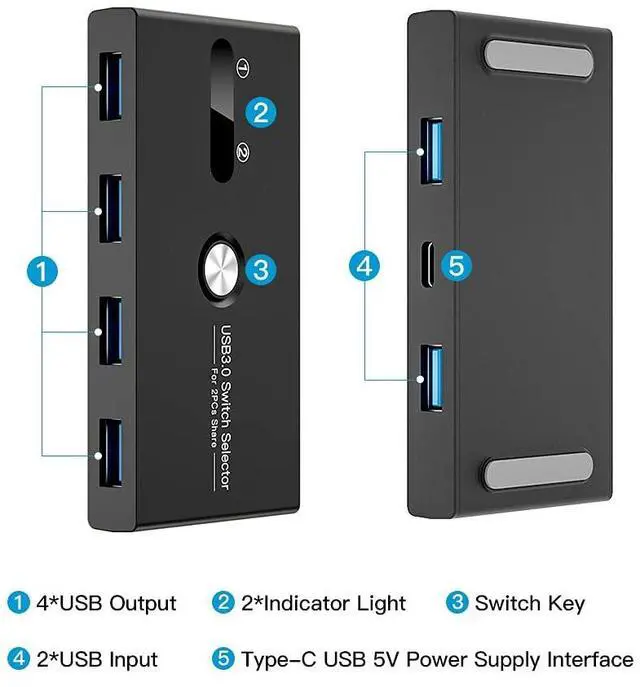
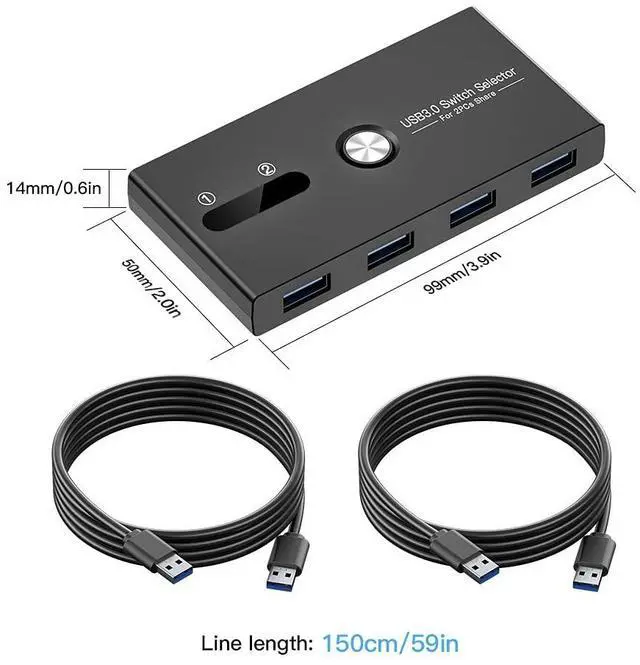
How it works: Simple, you only need to connect the devices that need to be shared to the 4 front USB ports, and then connect the supplied USB cables from your computers to the two USB ports on the back of the switch, and the setting is complete. After the switch works, there will be an indicator light showing the currently connected channel. default output is channel 2. When you need to switch, press the button, and the switch will be completed within 1 to 2 seconds.
+
+
Overview
Specs
Reviews
Any questions? Our AI beta will help you find out quickly.
Try me now
on hold
Learn more about the Generic Brand KVM-01
Model
Brand
TRENDnet
Series
USB 3.0 SWITCH
Model
KVM-01
Part Number
KVM-01
Details
Monitor Connections
4 Ports
PC Selection
Push Buttons
Monitors Supported
VGA DDC, DDC2, DDC2B
Features
Audio Features
Offers audio and microphone switching
SplitterOnly
VGA Monitor Splitter only
Application
Usb, touch
Features
Usb, touch, 1, IP00, Push Button
Dimensions & Weight
Dimensions
14.33in W x 12.83in H x 9.06in D
Package Contents
Package Contents
with Built-in Cables
Additional Information
First Listed on Newegg
May 08, 2026
Customer Reviews of the Generic Brand KVM-01
There are no reviews yet.
Do you own this product?
Warranty & Returns
Warranty, Returns, And Additional Information
Warranty
Please contact the Seller directly for warranty information. Warranty information may also be found on the Manufacturer's website.