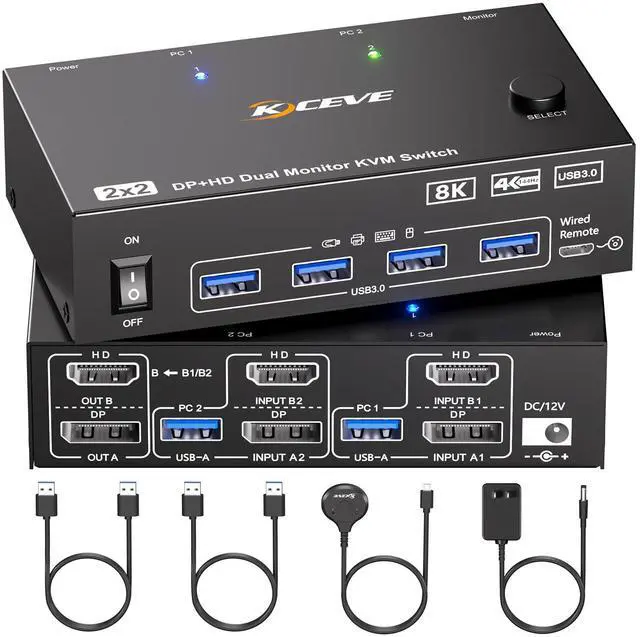
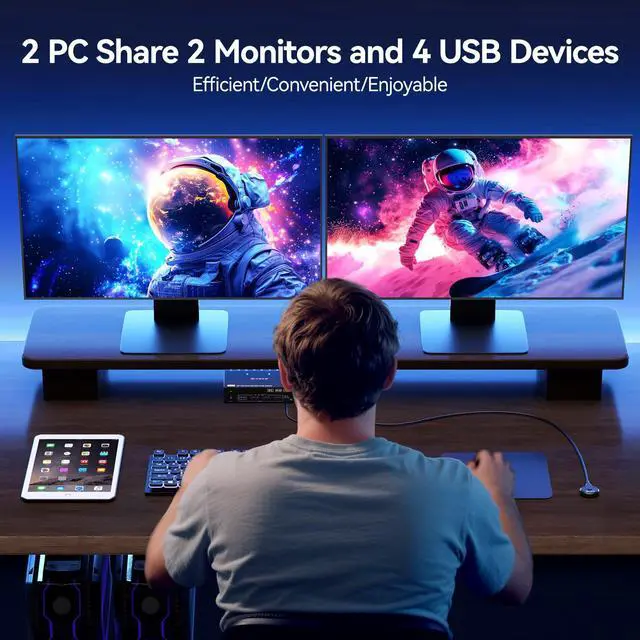
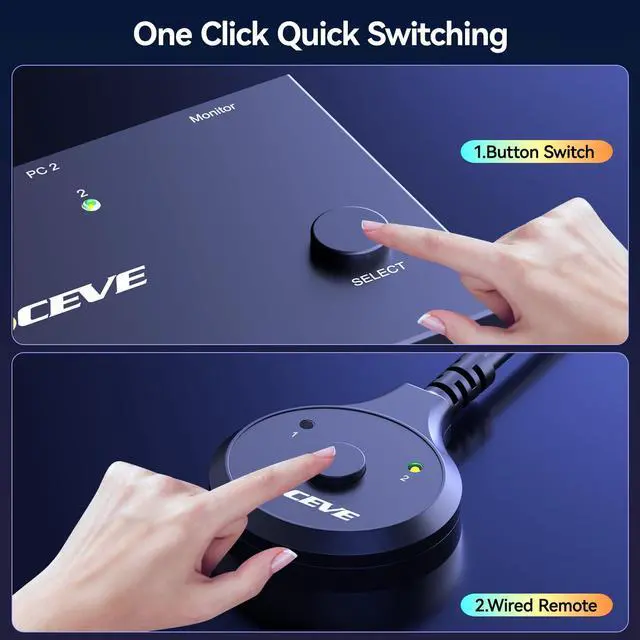


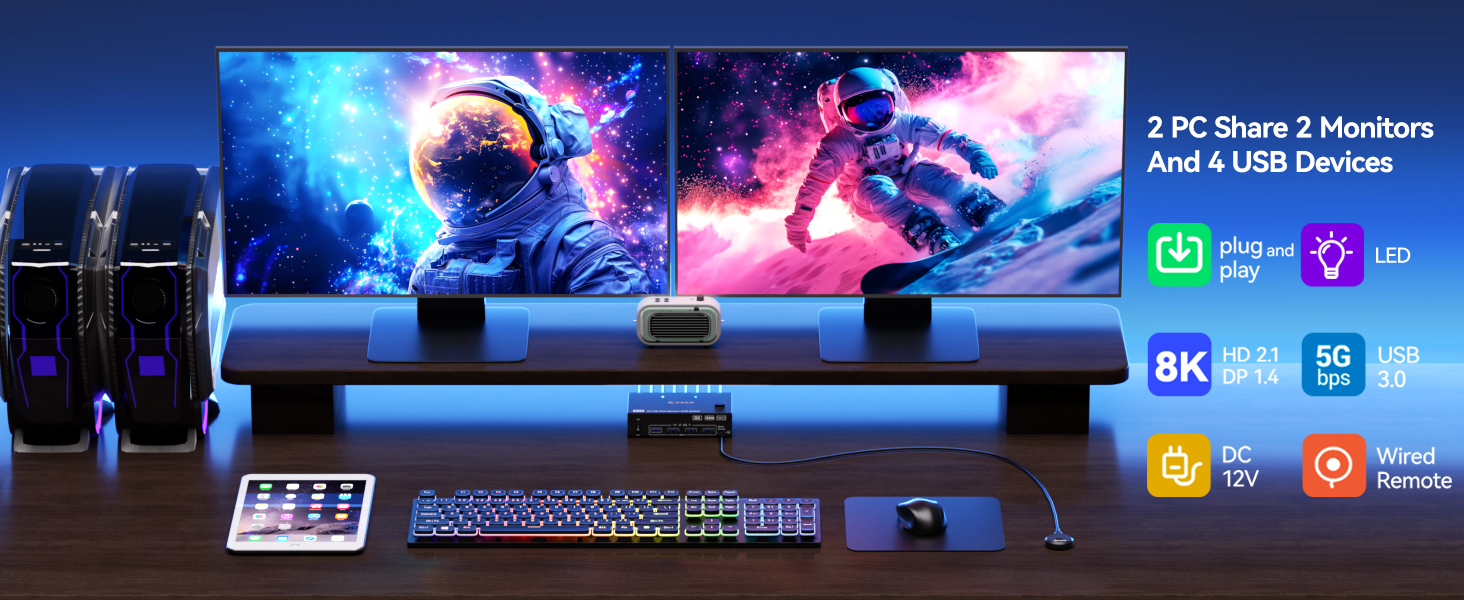
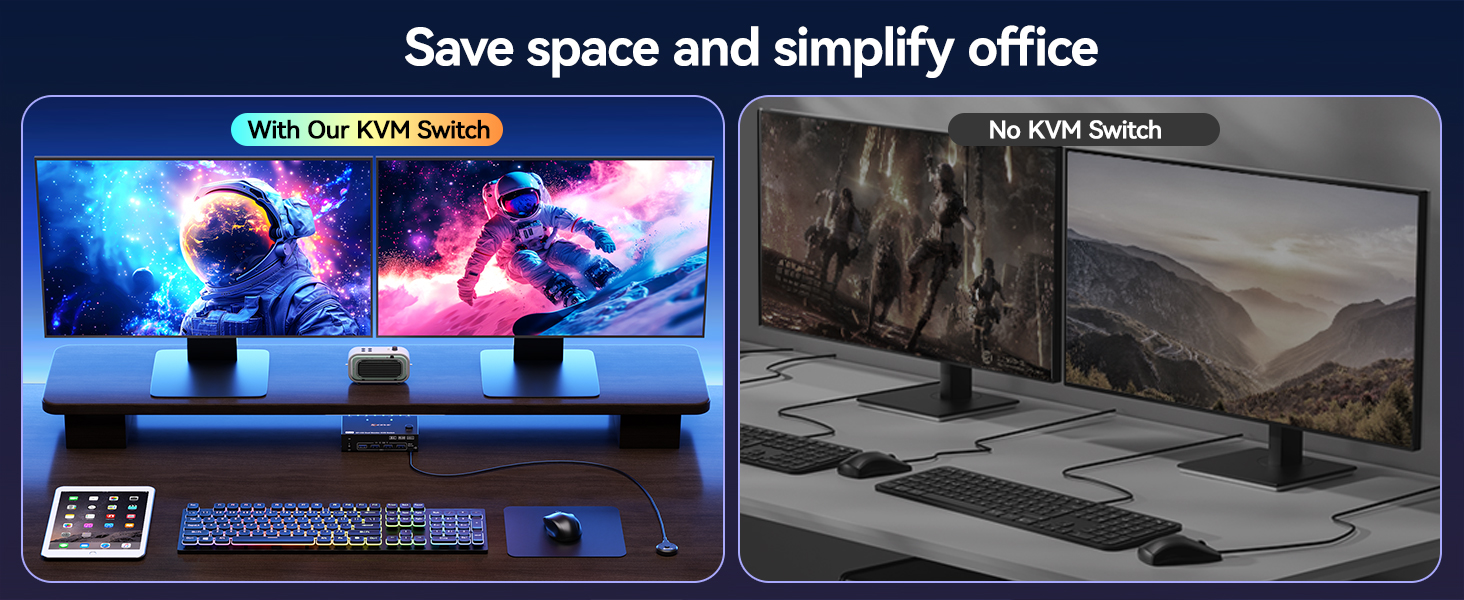
One-click easy switching between 2 computers, with 2 monitors running both PCs simultaneously. Eliminate the hassle of frequent device swapping and double your work efficiency in office or gaming setups.
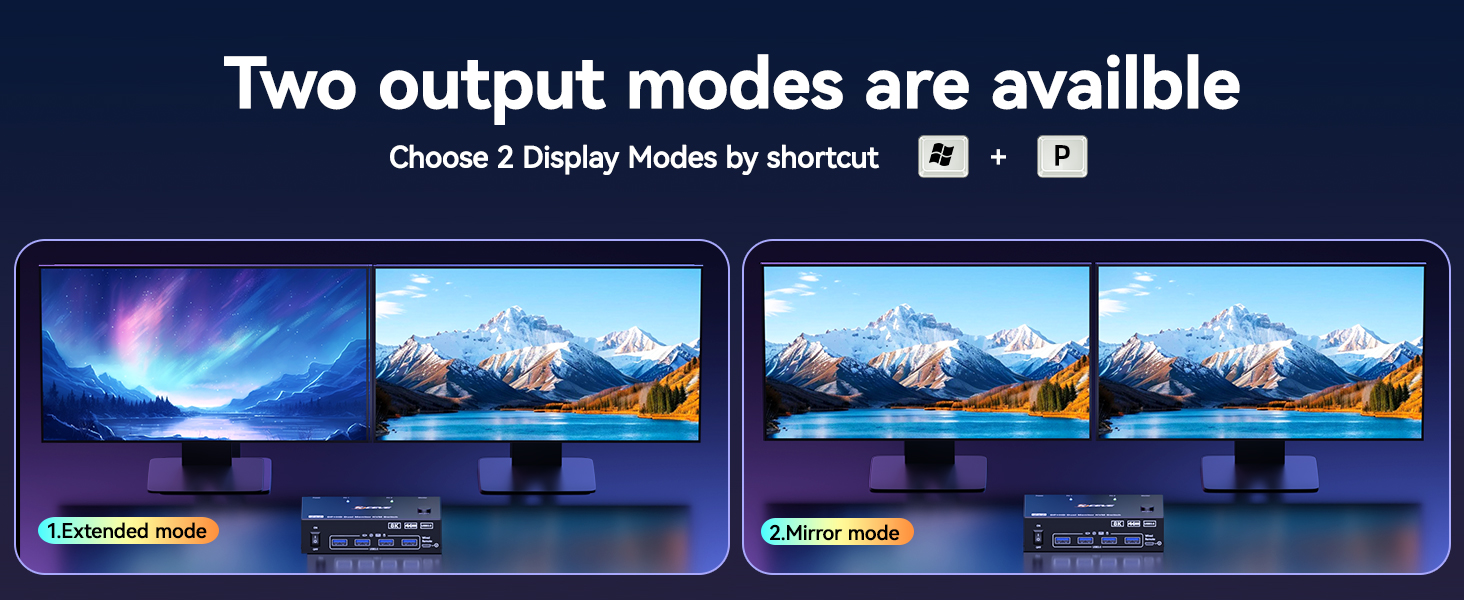
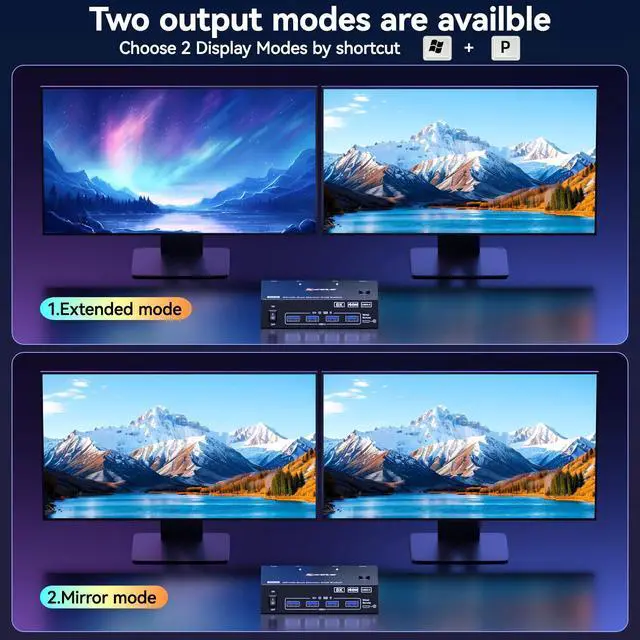
Extended Mode: Both monitors display different content — ideal for presentations and data sharing; Mirror Mode: Both monitors display identical content — perfect for multitasking like editing videos on one screen and checking emails on the other.
Select the Right Version According to Your GPU and Monitors Port Configuration
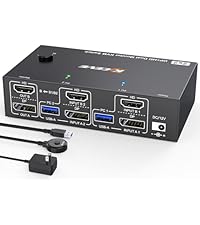 HDMI+DP 2 Monitors KVM | 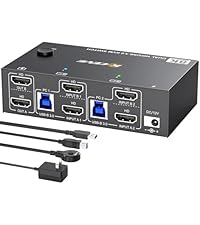 HDMI+HDMI 2 Monitors KVM | 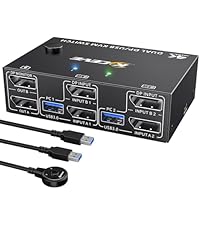 DP+DP 2 Monitors KVM | 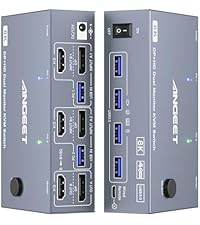 HDMI+DP 2 Monitor KVM | 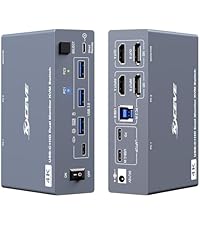 HDMI+USB C 2 Monitor KVM | 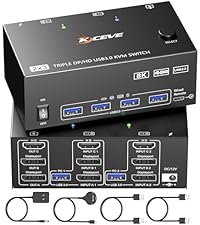 HDMI+DP 3 Monitor KVM | 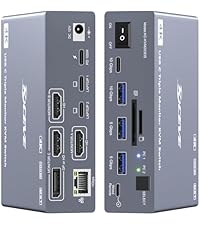 USB C 3 Monitors KVM | |
|---|---|---|---|---|---|---|---|
Customer Reviews | — | — | — | — | — | — | — |
Price | — | — | — | — | — | — | — |
USB 3.0 | ? | ? | ? | ? | ? | ? | ? |
USB Ports | 3 USB-A Ports +1 USB-C Port | 3 USB-A Ports +1 USB-C Port | 4 USB-A Ports | 3 USB-A Ports +1 USB-C Port | 3 USB-A Ports +1 USB-C Port | 4 USB-A Ports | 3 USB-A Ports +1 USB-C Port |
Max Supported Resolution | 8K | 8K | 8K | 8K | 4K | 8K | 4K |
Works with 2 PCs | Use for 2 Desktops | Use for 2 Desktops | Use for 2 Desktops | Use for 2 Desktops | Use for 1 Desktop 1 Laptop | Use for 2 Desktops | Use for 2 Laptops |
Compatible Graphics Card Ports | Minimum 1*HDMI + 1*DP | Minimum 2*HDMI | Minimum 2*DP | Minimum 1*HDMI + 1*DP | Minimum 2*HDMI or USB C | Minimum 1*HDMI + 2*DP | USB C (DP Alt mode) |
Monitor Ports (OUTPUT) | 1 HDMI+1 DP | 2 HDMI | 2 DP | 1 HDMI+1 DP | 2 HDMI | 1 HDMI+2 DP | 3 HDMI or 2 HDMI+1 DP |
Switch Way | Button & Controller | Button & Controller | Button & Controller | Button & Controller | Button & Controller | Button & Controller | Button & Controller |
Material | Metal | Metal | Metal | Aluminum | Aluminum | Metal | Aluminum |
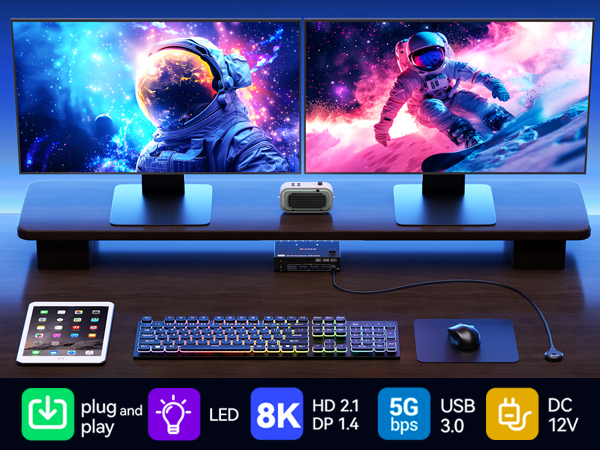
One-click easy switching between 2 computers, with 2 monitors running both PCs simultaneously. Eliminate the hassle of frequent device swapping and double your work efficiency in office or gaming setups.
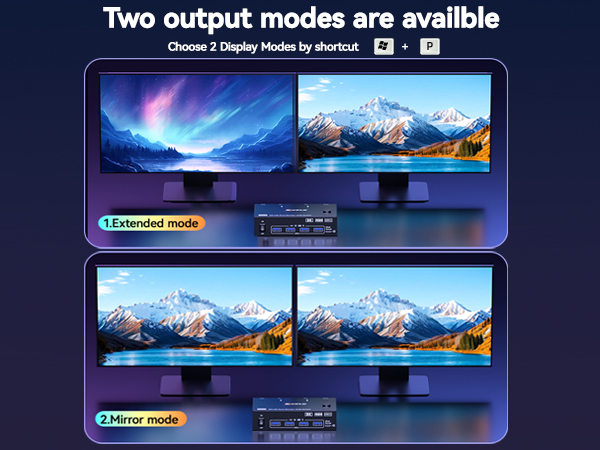
Extended Mode: Both monitors display different content — ideal for presentations and data sharing; Mirror Mode: Both monitors display identical content — perfect for multitasking like editing videos on one screen and checking emails on the other.
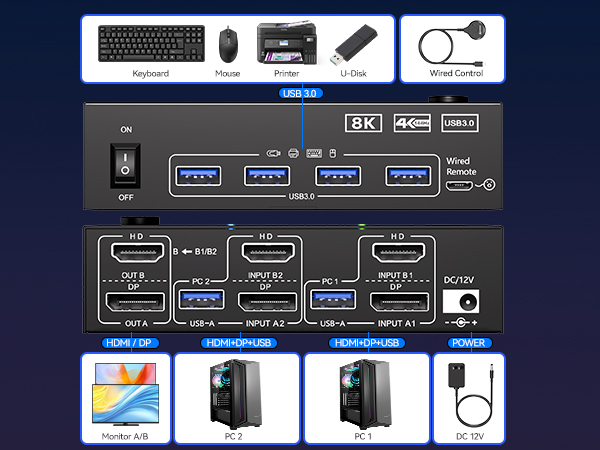
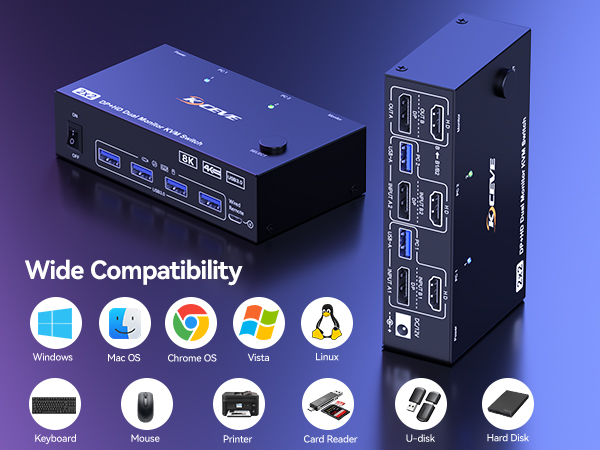
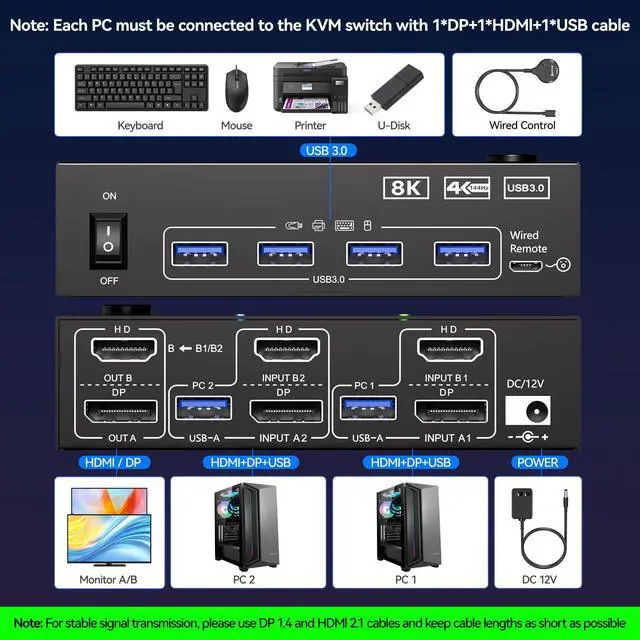
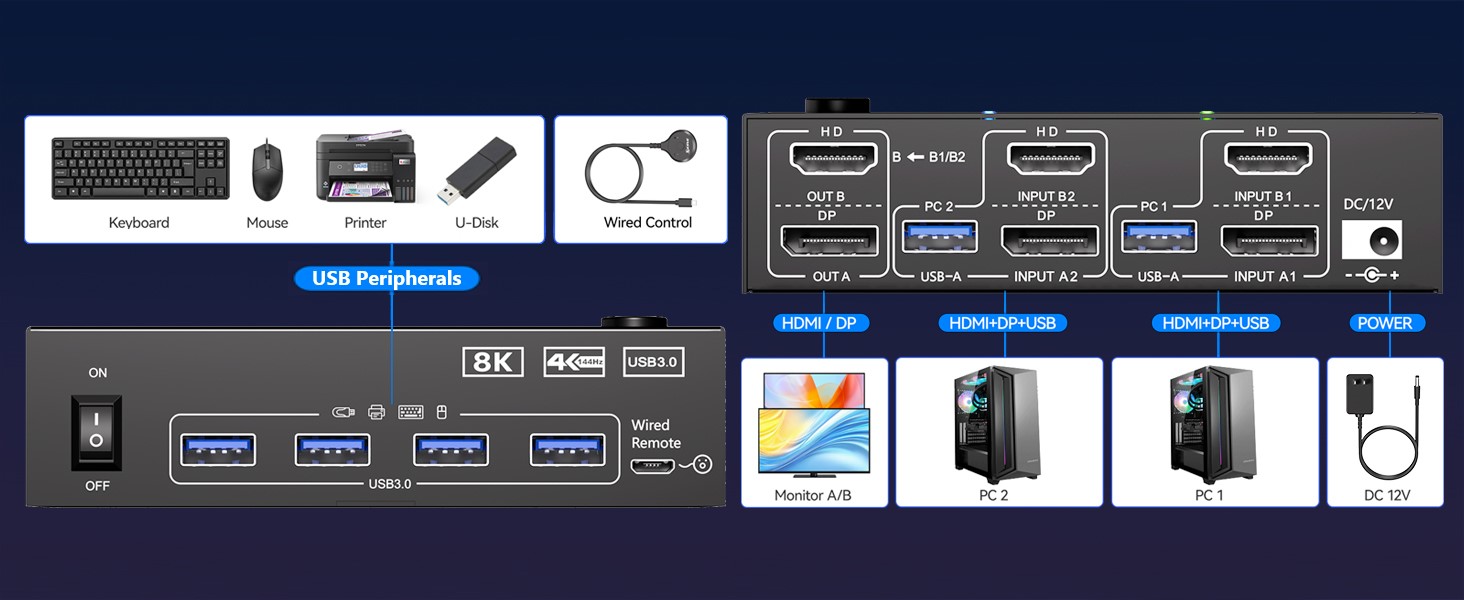
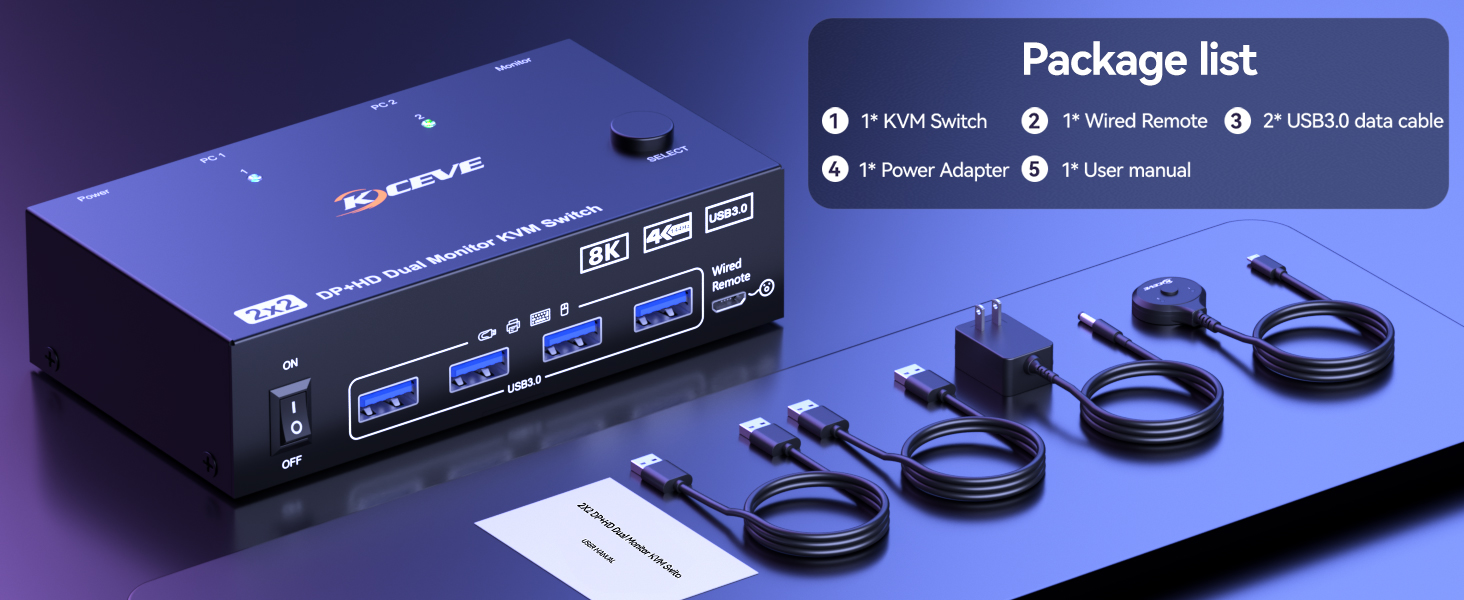
Each computer requires simultaneous connection of 1 DP + 1 HDMI + 1 USB cable to the 2 monitors KVM switch.
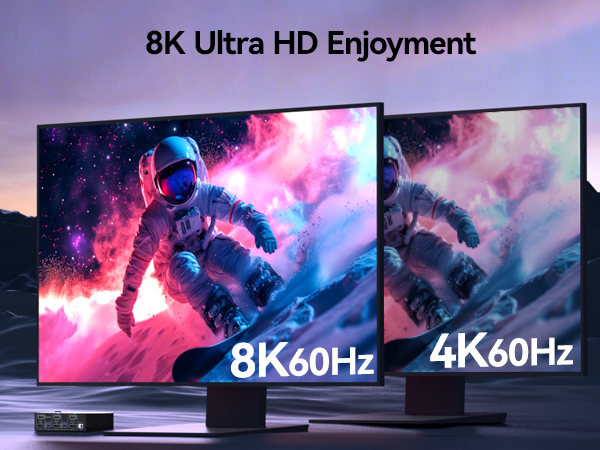
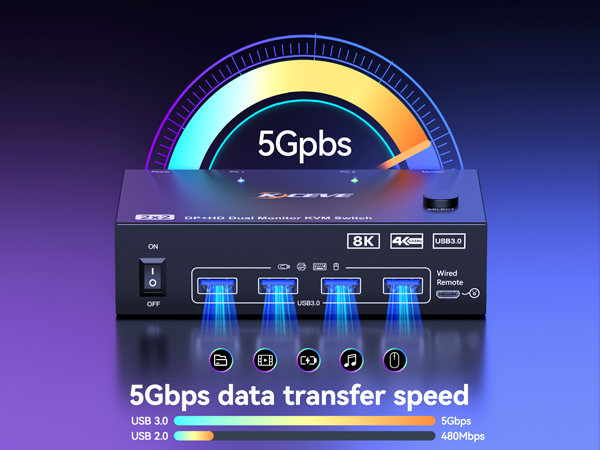
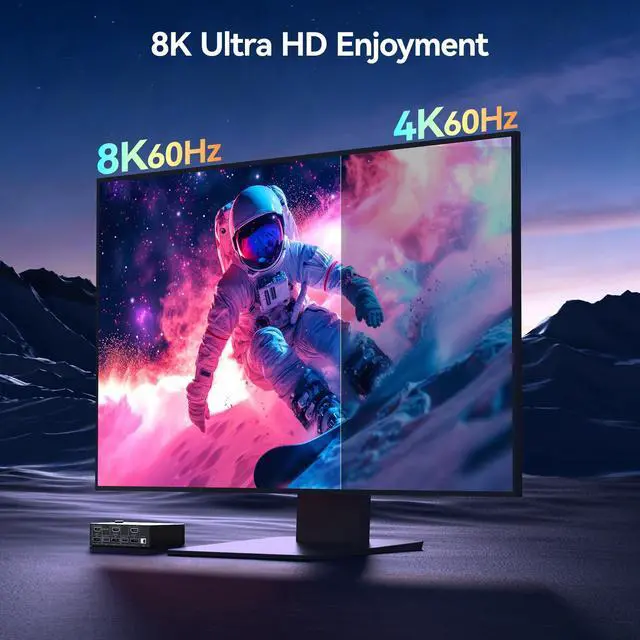
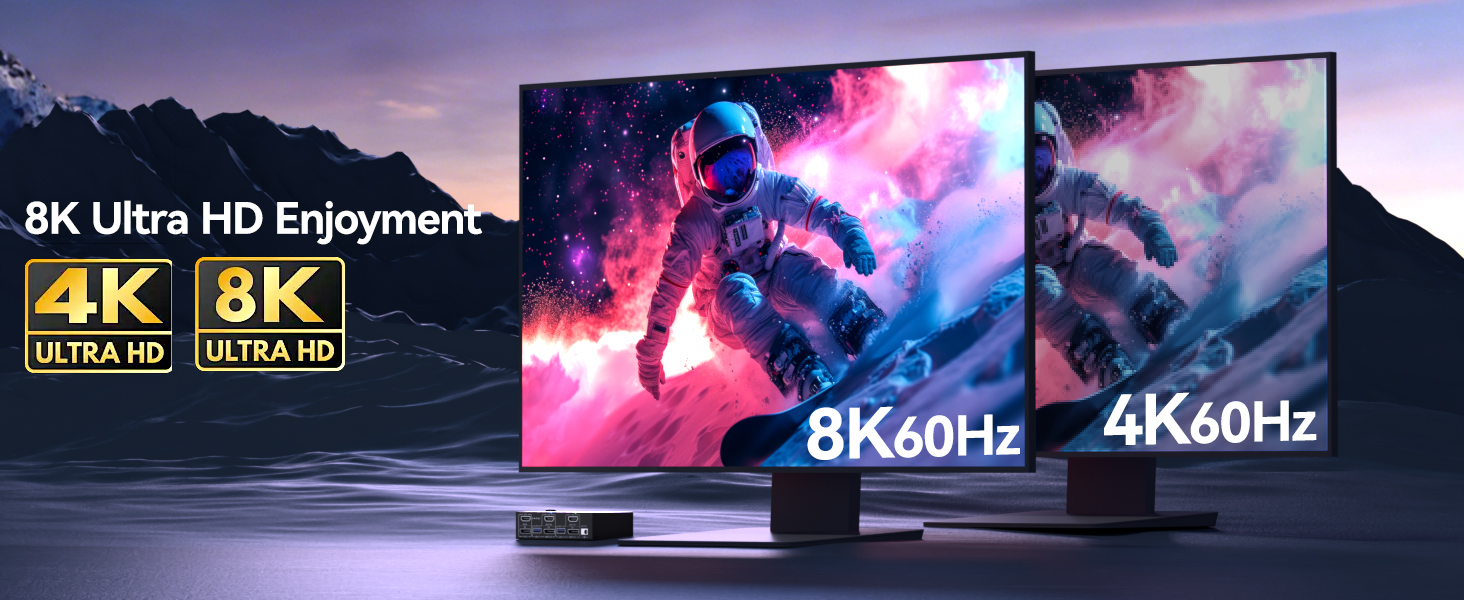
- keeping both monitors active at full resolution. The 8K@60Hz support is no joke — the picture quality is stunning, and there’s zero lag or signal drop.
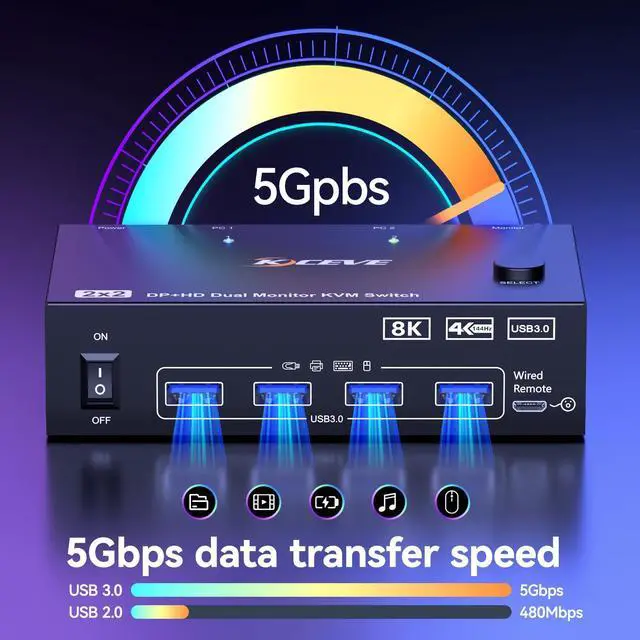
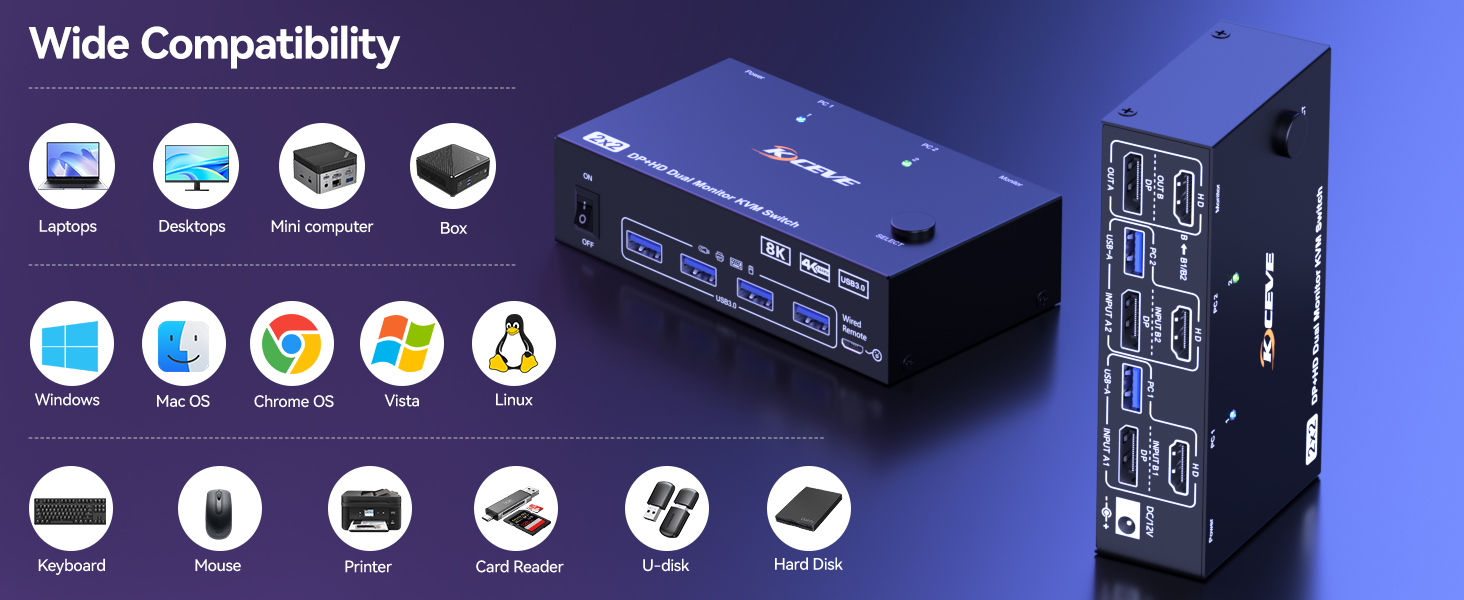
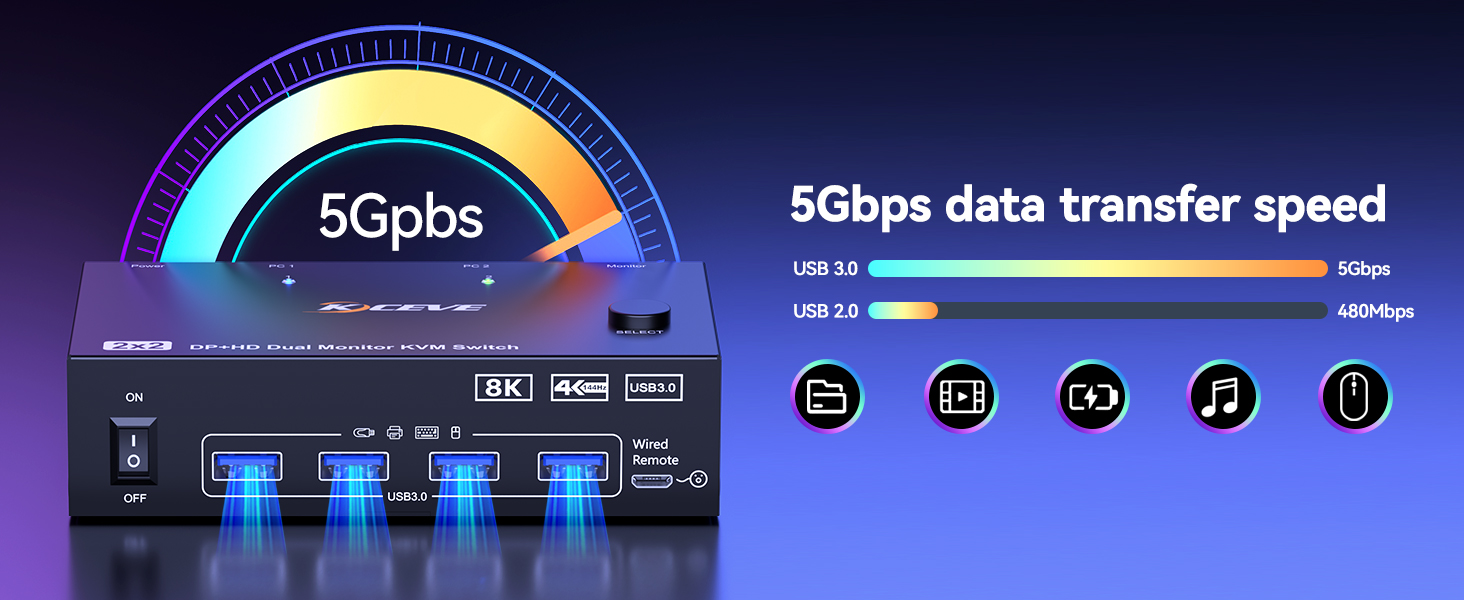
- The 4 USB 3.0 ports are incredibly convenient for sharing peripherals like webcam, external SSD, and keyboard/mouse without any hiccups.
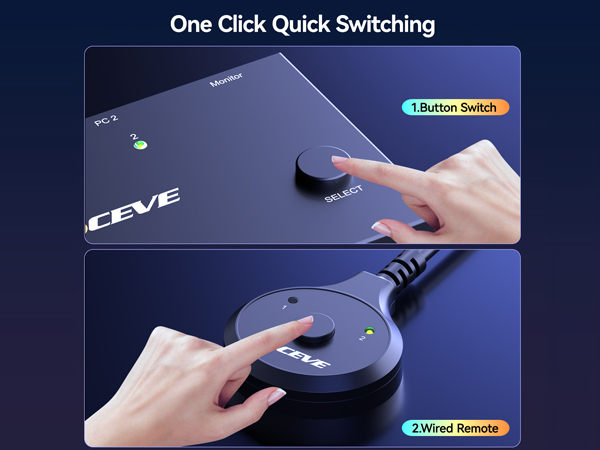
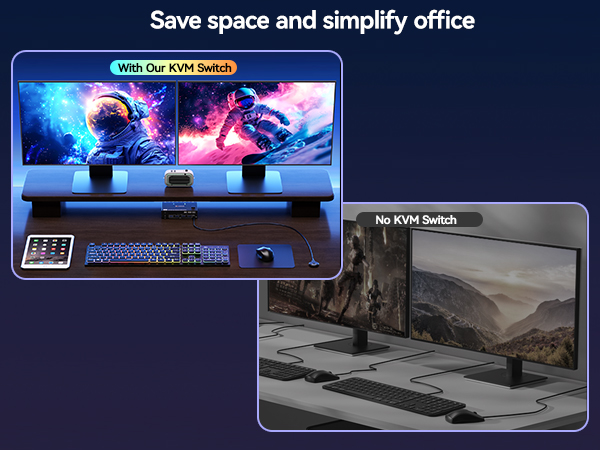
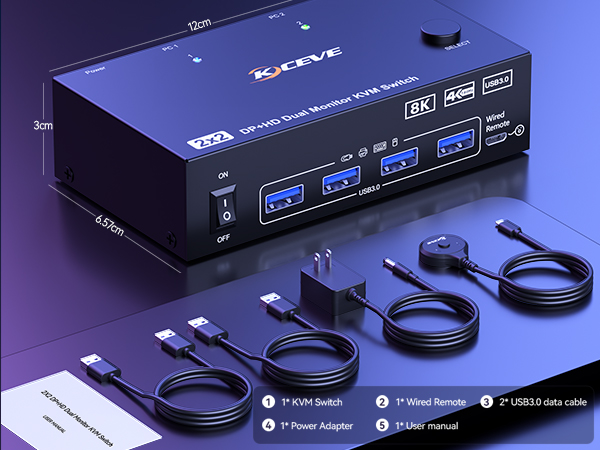
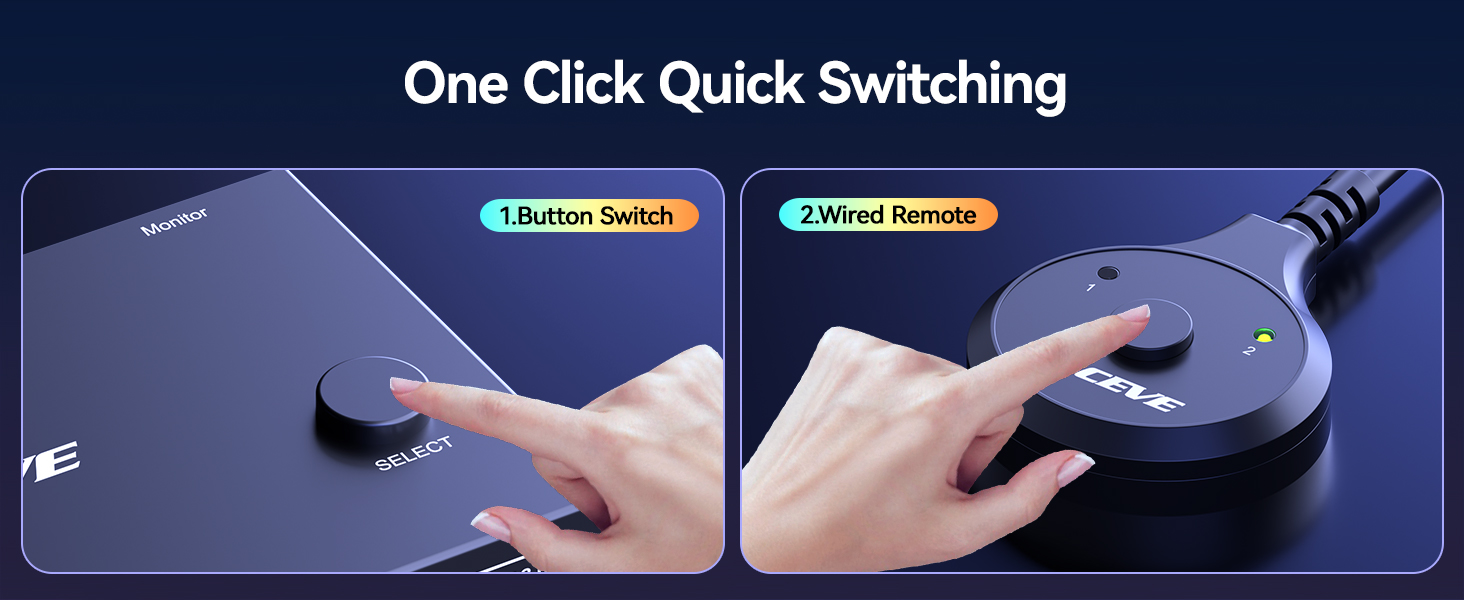
Button Switching/Wired Remote Control (Hides cables easily for a tidy desktop) — No more messy wires cluttering your desk.
Select the Right Version According to Your GPU and Monitors Port Configuration
HDMI+DP 2 Monitors KVM | HDMI+HDMI 2 Monitors KVM | DP+DP 2 Monitors KVM | HDMI+DP 2 Monitor KVM | HDMI+USB C 2 Monitor KVM | HDMI+DP 3 Monitor KVM | USB C 3 Monitors KVM |
|---|---|---|---|---|---|---|
| Customer Reviews | ||||||
| — | — | — | — | — | — | — |
| Price | ||||||
| — | — | — | — | — | — | — |
| USB 3.0 | ||||||
| ? | ? | ? | ? | ? | ? | ? |
| USB Ports | ||||||
| 3 USB-A Ports +1 USB-C Port | 3 USB-A Ports +1 USB-C Port | 4 USB-A Ports | 3 USB-A Ports +1 USB-C Port | 3 USB-A Ports +1 USB-C Port | 4 USB-A Ports | 3 USB-A Ports +1 USB-C Port |
| Max Supported Resolution | ||||||
| 8K | 8K | 8K | 8K | 4K | 8K | 4K |
| Works with 2 PCs | ||||||
| Use for 2 Desktops | Use for 2 Desktops | Use for 2 Desktops | Use for 2 Desktops | Use for 1 Desktop 1 Laptop | Use for 2 Desktops | Use for 2 Laptops |
| Compatible Graphics Card Ports | ||||||
| Minimum 1*HDMI + 1*DP | Minimum 2*HDMI | Minimum 2*DP | Minimum 1*HDMI + 1*DP | Minimum 2*HDMI or USB C | Minimum 1*HDMI + 2*DP | USB C (DP Alt mode) |
| Monitor Ports (OUTPUT) | ||||||
| 1 HDMI+1 DP | 2 HDMI | 2 DP | 1 HDMI+1 DP | 2 HDMI | 1 HDMI+2 DP | 3 HDMI or 2 HDMI+1 DP |
| Switch Way | ||||||
| Button & Controller | Button & Controller | Button & Controller | Button & Controller | Button & Controller | Button & Controller | Button & Controller |
| Material | ||||||
| Metal | Metal | Metal | Aluminum | Aluminum | Metal | Aluminum |