






USB 3.0 HDMI KVM Switch 1 Monitors 2 Computers
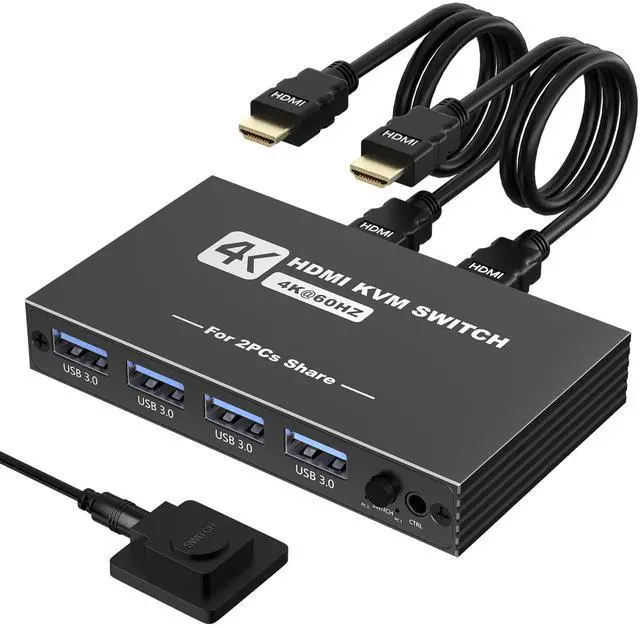
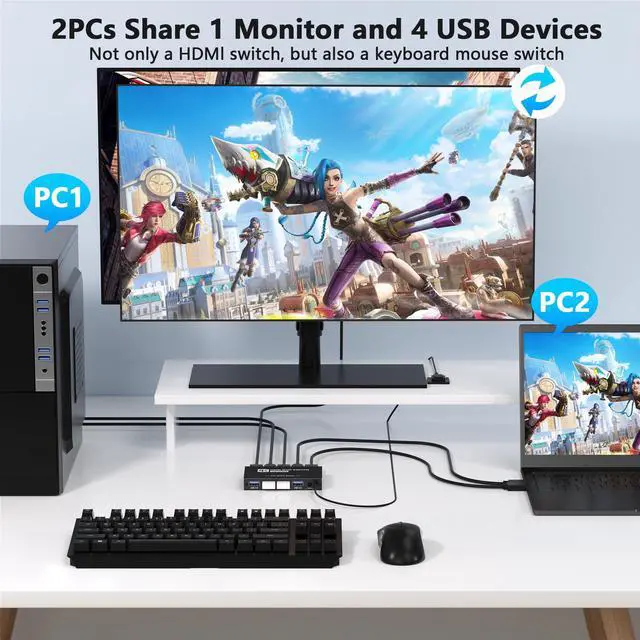
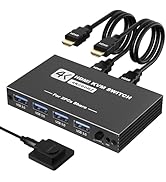
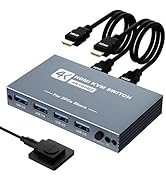
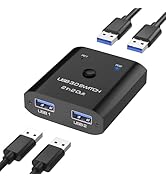
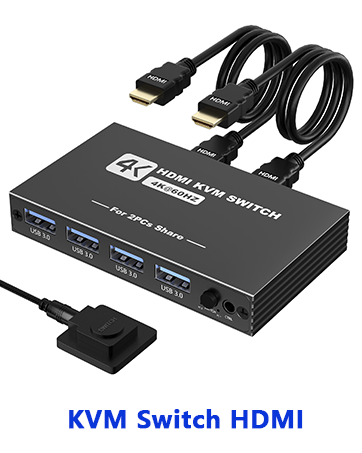
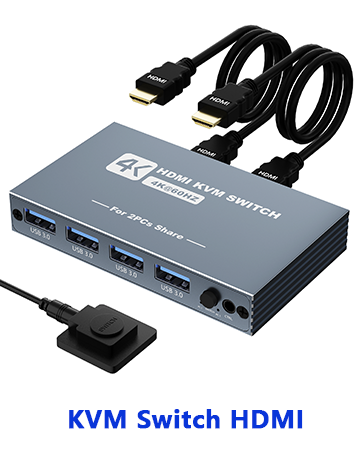
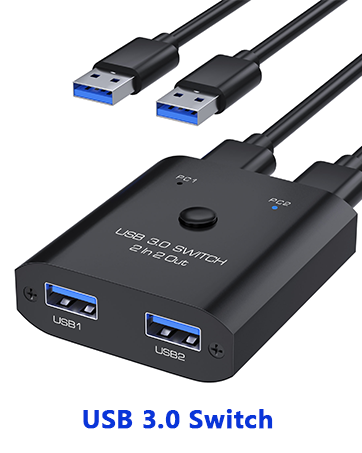
This USB 3.0 KVM switch allows 2 computers to share 1 monitor and four USB 3.0 devices. You can switch between 2 computers through a button or the wired remote control. Compatible with multiple systems, such as Windows, Mac, Unix, etc.
KVM Switch Features
- Plug-and-play, no software installation required.
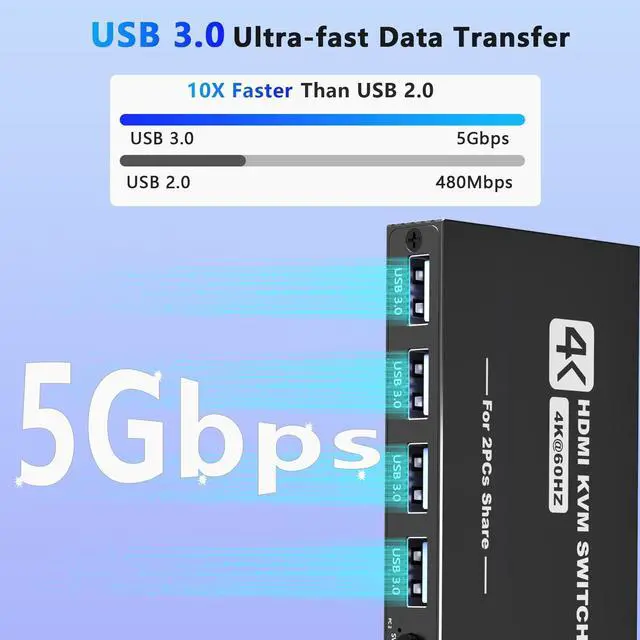
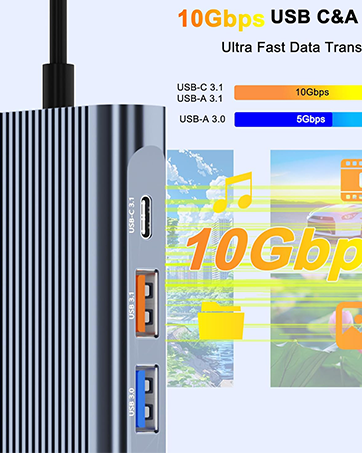
- 4 USB 3.0 ports for ultra-fast data transfer speeds up to 5Gbps
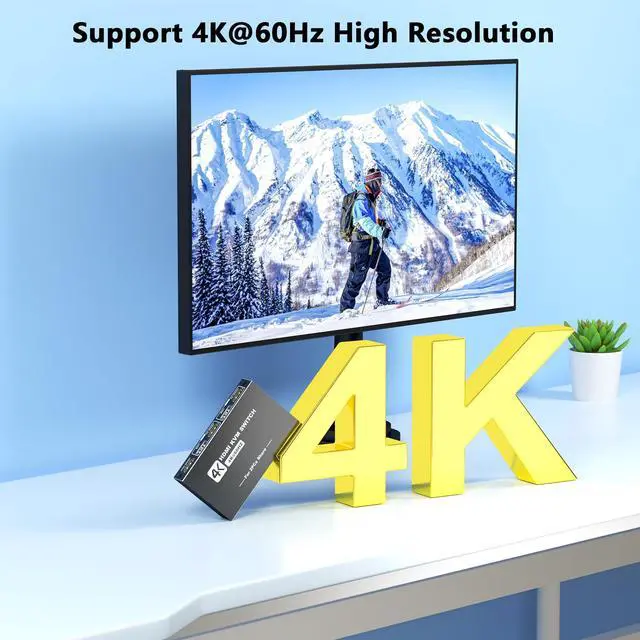
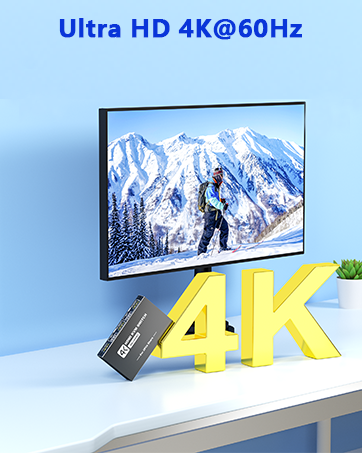
- Supports 4K@60Hz resolution and widescreen output.
- Includes a wired remote control for easy operation.
- No AC adapter is required as it is powered by the USB port of the computer.

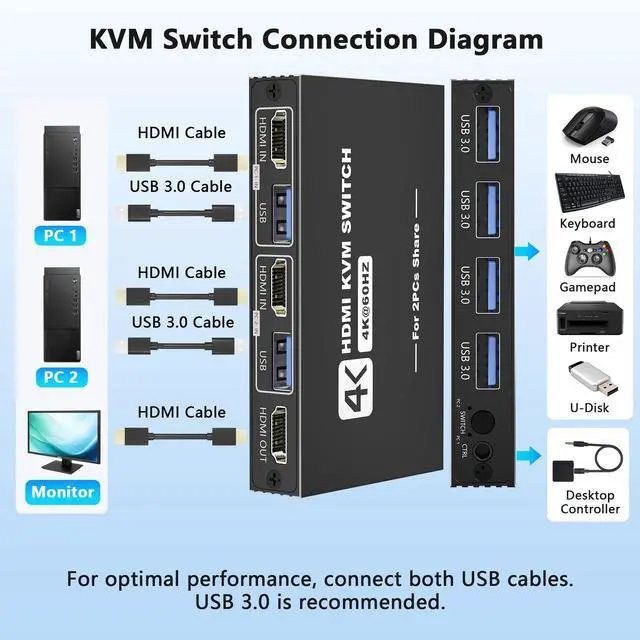
It comes with 2 HDMI cables and 2 USB 3.0 cables, ready to use when you receive the product. Please ensure both computers are properly connected via HDMI and USB cables.

[Usage Examples 1]: Used as an HDMI switch
Two HDMI devices are connected to one monitor.
[Usage Examples 2]: Used as a KVM switch
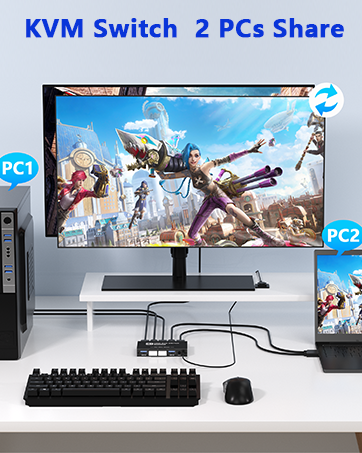
Two computers share one monitor and four USB devices.

4-Port USB 3.0 KVM switches
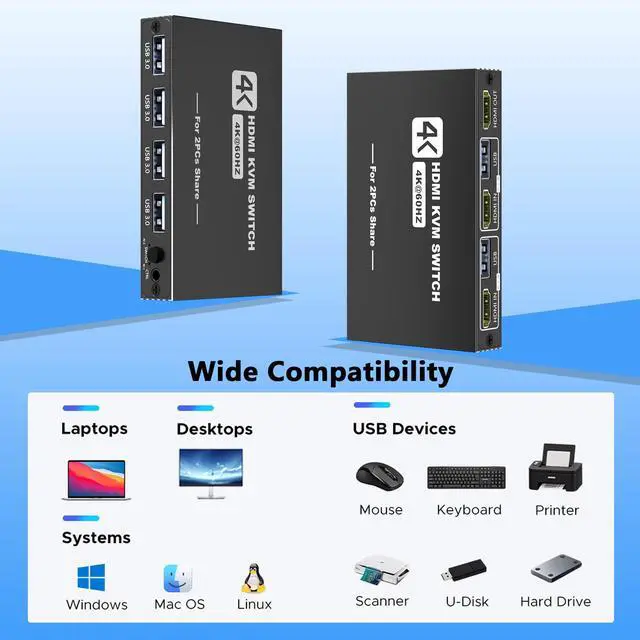
Share up to 4 USB devices, including keyboards, mouse, printers, U-Disk and more.
USB 3.0 port offers fast data transfer speeds up to 5 Gbps and supports USB 2.0/1.1 devices.

Support multiple operating systems
Two computers one monitor switch support smooth switching between two computers with different operating systems, such as Windows and Mac. They also work flexibly with desktop and laptop combinations, including ?Win/Win??Win/Mac??Mac/Mac?.

One-Button Easy Switching
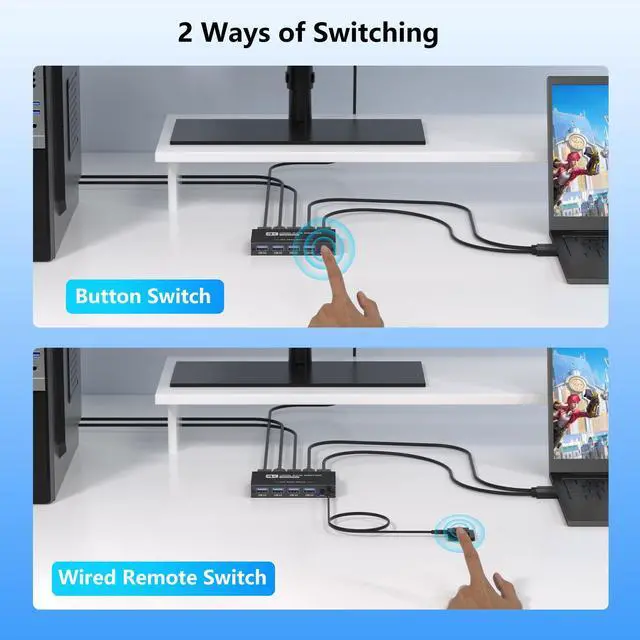
Switch between two computers using the PC switcher's button or wired remote. You can share your private desktop setup with your work laptop for efficient home or remote work.

Please Note:
1. Why does only one of the two computers have video output?
The most common reason for only one video output is incorrect connection. Ensure both computers are properly connected via HDMI and USB cables.
2.No image even when connected via HDMI
1) Connect only one PC to the monitor with an HDMI cable without connecting two PCs, and check if it works normally.
2) Replace the remaining two HDMI cables one by one and check if the HDMI signal is output.
3) Check if the remaining one PC works normally. Please connect your PC to the monitor with an HDMI cable without going through the product and check if it works properly.
4) Connect the HDMI output ports of the two PCs to the HDMI input ports of the product, and connect the HDMI input ports of the monitors to the output ports of the product. Press the toggle button and check if the toggle works properly and the monitor displays an image.
3. USB terminal not responding? Is input from the keyboard (mouse) not reflected correctly?
1) Check the USB devices connected to this product. Try connecting only the keyboard and mouse to see if it works properly.
2) Need to reset KVM switch.
(1) Turn off your PC and disconnect all cables. If you are using a model that continues to supply bus power even when the power is turned off, turn off the power supply unit or unplug the power cable. (2) Connect the keyboard, mouse, and display cables to the KVM switch, and turn on the display. (3) Connect your PC to the PC 1 port of the KVM switch and then turn on PC 1. (5) Connect the PC to the port of PC 2, switch the ports, and then turn on the PC.
4.HDMI 2.0 cable supports resolutions above 1080p or 4K. Using HDMI 1.4 cables may affect resolutions higher than 1080p.
5.Does not support hotkey switching
6.The "Ctrl" port is limited to connecting a wired remote control and does not support audio output.
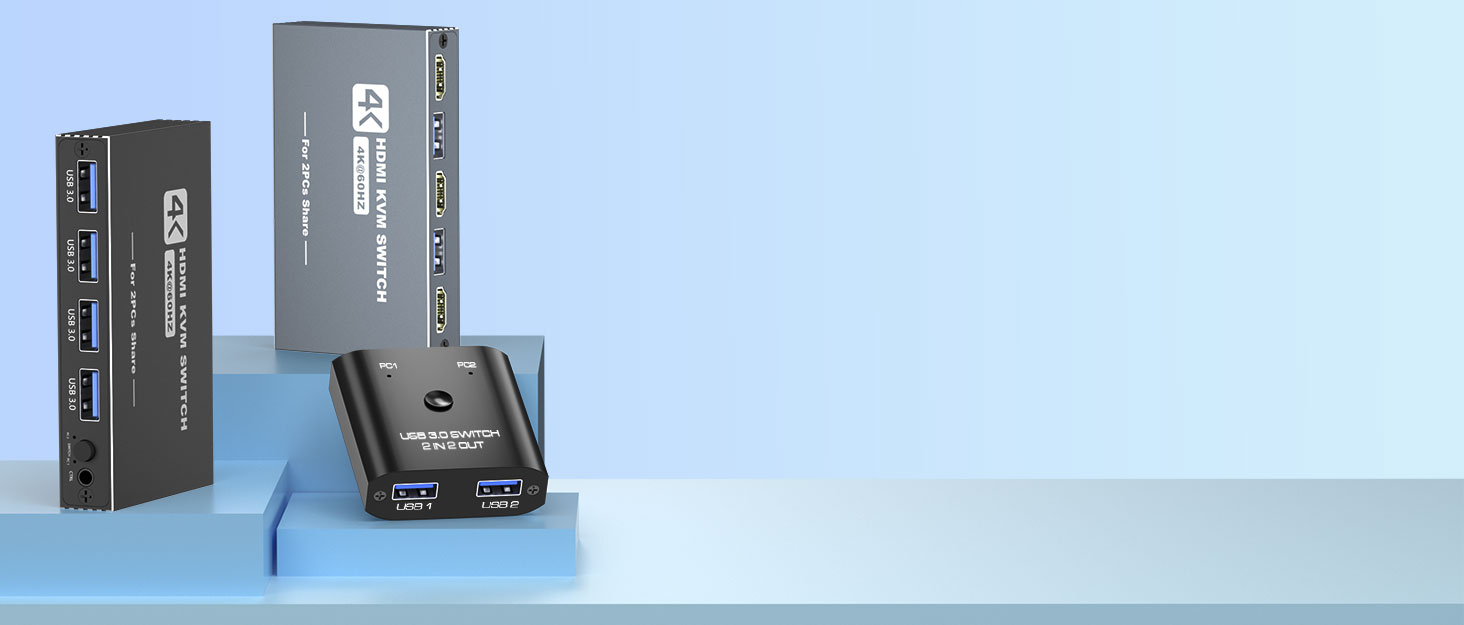

Aoyvsktv specializes in manufacturing KVM switch HDMI, USB switch, PoE Splitter, USB C dcoking station and a series of products related to audio and video conversion, data transmission, etc.
With an independent R&D team, we focus on high-quality HDMI products and computer peripherals device.
Our products are suitable for home, office, meeting, malls, schools, TV stations and more.
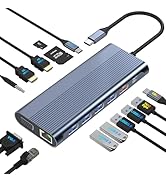
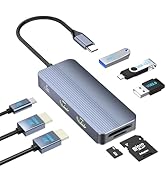
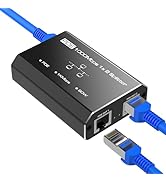
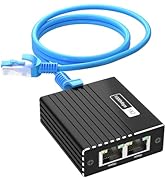
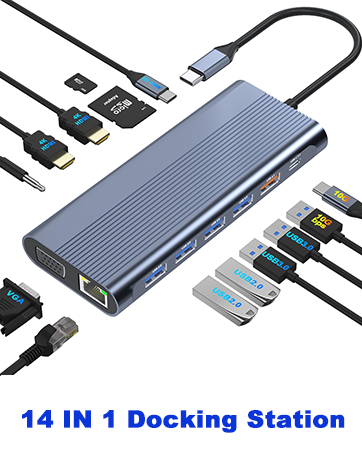
Docking Station/ LAN Splitter
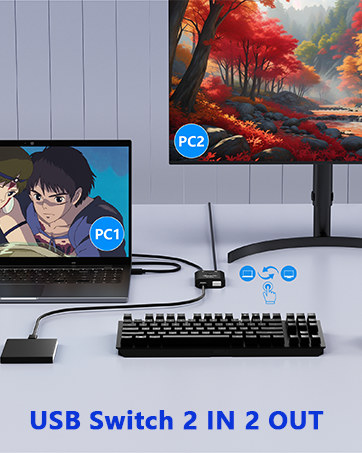
USB Switch/KVM Switch
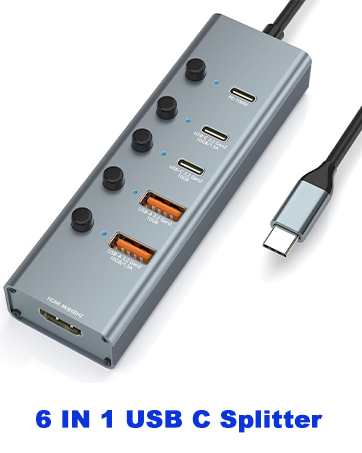
PoE Splitter/USB C Hub

USB 3.0 HDMI KVM Switch 1 Monitors 2 Computers
This USB 3.0 KVM switch allows 2 computers to share 1 monitor and four USB 3.0 devices. You can switch between 2 computers through a button or the wired remote control. Compatible with multiple systems, such as Windows, Mac, Unix, etc.
KVM Switch Features
- Plug-and-play, no software installation required.
- 4 USB 3.0 ports for ultra-fast data transfer speeds up to 5Gbps
- Supports 4K@60Hz resolution and widescreen output.
- Includes a wired remote control for easy operation.
- No AC adapter is required as it is powered by the USB port of the computer.
It comes with 2 HDMI cables and 2 USB 3.0 cables, ready to use when you receive the product. Please ensure both computers are properly connected via HDMI and USB cables.
[Usage Examples 1]: Used as an HDMI switch
Two HDMI devices are connected to one monitor.
[Usage Examples 2]: Used as a KVM switch
Two computers share one monitor and four USB devices.
4-Port USB 3.0 KVM switches
Share up to 4 USB devices, including keyboards, mouse, printers, U-Disk and more.
USB 3.0 port offers fast data transfer speeds up to 5 Gbps and supports USB 2.0/1.1 devices.
Support multiple operating systems
Two computers one monitor switch support smooth switching between two computers with different operating systems, such as Windows and Mac. They also work flexibly with desktop and laptop combinations, including ?Win/Win??Win/Mac??Mac/Mac?.
One-Button Easy Switching
Switch between two computers using the PC switcher's button or wired remote. You can share your private desktop setup with your work laptop for efficient home or remote work.
Please Note:
1. Why does only one of the two computers have video output?
The most common reason for only one video output is incorrect connection. Ensure both computers are properly connected via HDMI and USB cables.
2.No image even when connected via HDMI
1) Connect only one PC to the monitor with an HDMI cable without connecting two PCs, and check if it works normally.
2) Replace the remaining two HDMI cables one by one and check if the HDMI signal is output.
3) Check if the remaining one PC works normally. Please connect your PC to the monitor with an HDMI cable without going through the product and check if it works properly.
4) Connect the HDMI output ports of the two PCs to the HDMI input ports of the product, and connect the HDMI input ports of the monitors to the output ports of the product. Press the toggle button and check if the toggle works properly and the monitor displays an image.
3. USB terminal not responding? Is input from the keyboard (mouse) not reflected correctly?
1) Check the USB devices connected to this product. Try connecting only the keyboard and mouse to see if it works properly.
2) Need to reset KVM switch.
(1) Turn off your PC and disconnect all cables. If you are using a model that continues to supply bus power even when the power is turned off, turn off the power supply unit or unplug the power cable. (2) Connect the keyboard, mouse, and display cables to the KVM switch, and turn on the display. (3) Connect your PC to the PC 1 port of the KVM switch and then turn on PC 1. (5) Connect the PC to the port of PC 2, switch the ports, and then turn on the PC.
4.HDMI 2.0 cable supports resolutions above 1080p or 4K. Using HDMI 1.4 cables may affect resolutions higher than 1080p.
5.Does not support hotkey switching
6.The "Ctrl" port is limited to connecting a wired remote control and does not support audio output.
Aoyvsktv specializes in manufacturing KVM switch HDMI, USB switch, PoE Splitter, USB C dcoking station and a series of products related to audio and video conversion, data transmission, etc.
With an independent R&D team, we focus on high-quality HDMI products and computer peripherals device.
Our products are suitable for home, office, meeting, malls, schools, TV stations and more.
Docking Station/ LAN Splitter
USB Switch/KVM Switch
PoE Splitter/USB C Hub