




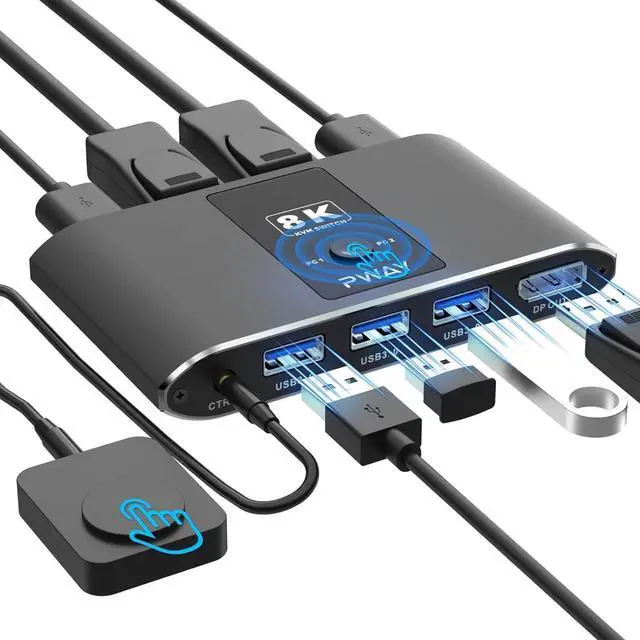
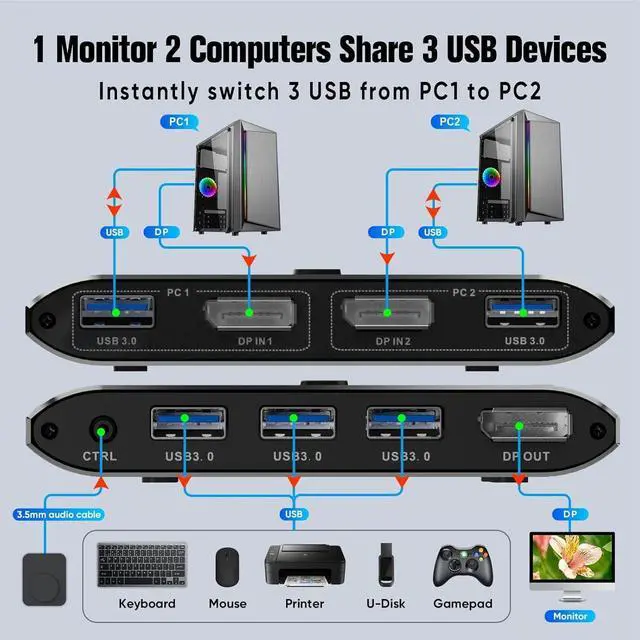
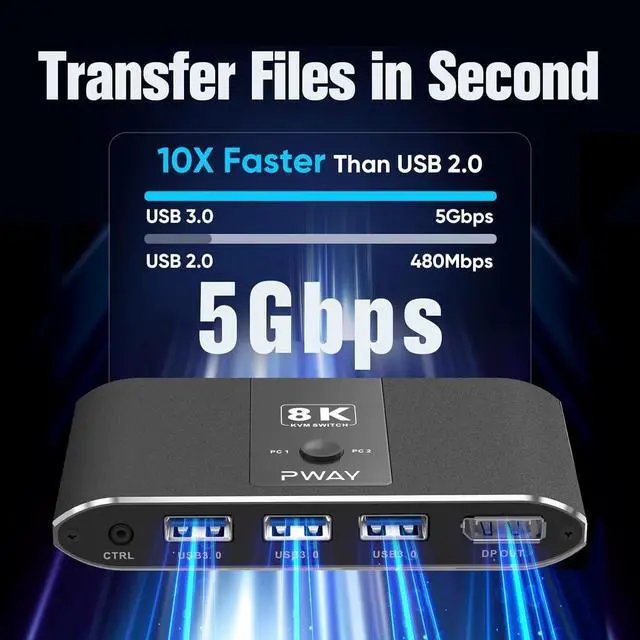
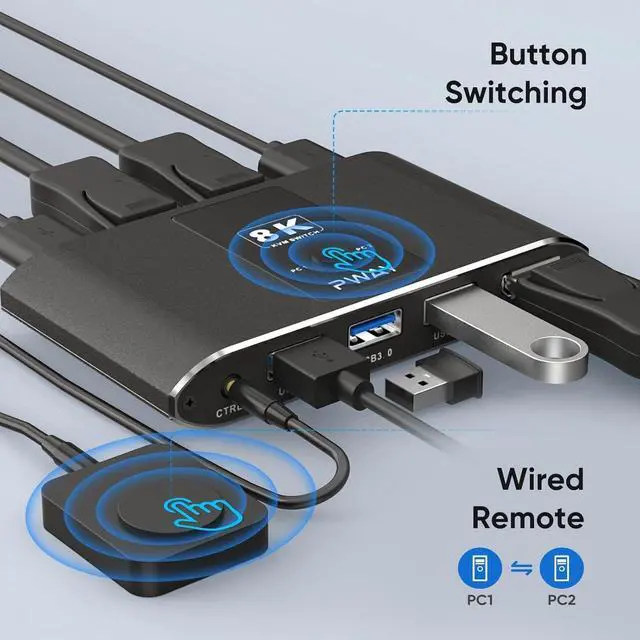


Is there keyboard short cut for switching?
This KVM switch does not support hotkey switching, but it does support button switching for quick switching between 2 computers/laptops.
Does this switch support wireless keyboard and mouse?
Yes, this device supports wireless keyboard and mouse.
Does this unit have EDID capability? Does this kvm switch require any additional drivers for installation?
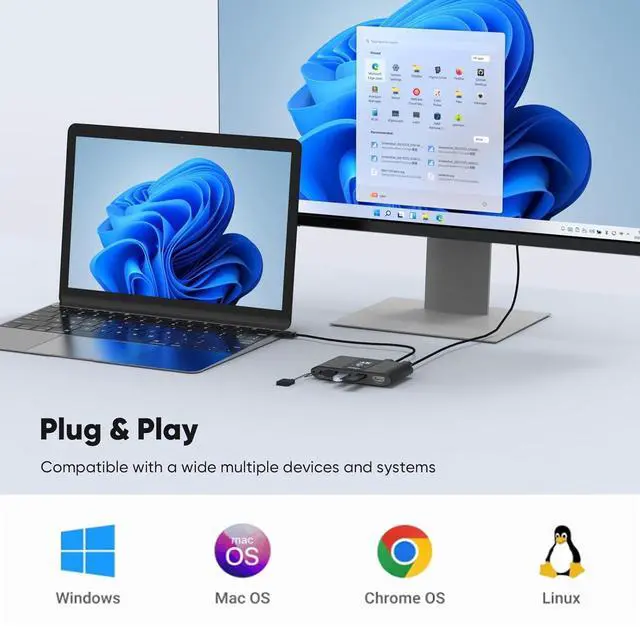
This DP KVM Switch seamlessly adapts to EDID,Just plug and play.
Why does the screen turn black for a few seconds when switching?
The specific time depends on the computer speed and the response time of the display. If the monitor is 4K@60Hz, the screen will be about 5-7s after switching, and when the monitor is 1080P@60Hz, the screen time will be about 3-5 s after switching.
Can KVM switches support up to 8K@60Hz?
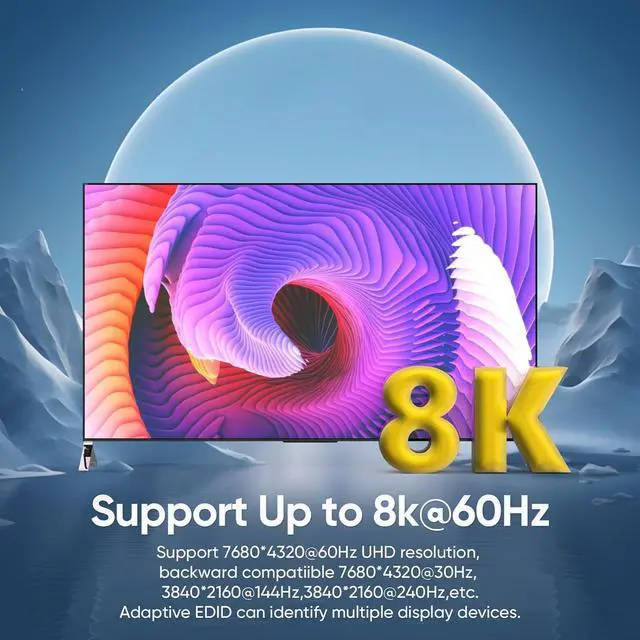
The KVM switch supports resolutions up to 8k@60Hz, and is also backward compatible with 8k@30Hz, 4k@144Hz, 4k@240Hz and 1080P. Note: Only when both your computer Graphics card, monitor and DP cable support 8K@60Hz then you can get 8K@60Hz effect.

| Monitor Compatibility-8K | 7680*4320@60Hz, 7680*4320@30Hz. |
|---|---|
| Monitor Compatibility-4K | 3840*2160@144Hz, 3840*2160@240Hz, 3840*2160@120Hz, 3840*2160@60Hz, 3840*2160@30Hz. |
| Monitor Compatibility-2K | 2560x1440@60Hz, 2560x1440@30Hz. |
| Monitor Compatibility-Under 2K | 1920*1200@60Hz, 1920*1080P@120Hz, 1920*1080P@60Hz, 1920*1080P@30Hz, 1600*1200@60Hz, 1440*900@60Hz,1280*1024@60Hz,1280*720P@60Hz,1280*720P@30Hz,1024*768P@60Hz,800*600P@60Hz,720*480P@60Hz. |


Is there keyboard short cut for switching?
This KVM switch does not support hotkey switching, but it does support button switching for quick switching between 2 computers/laptops.
Does this switch support wireless keyboard and mouse?
Yes, this device supports wireless keyboard and mouse.
Does this unit have EDID capability? Does this kvm switch require any additional drivers for installation?
This DP KVM Switch seamlessly adapts to EDID,Just plug and play.
Why does the screen turn black for a few seconds when switching?
The specific time depends on the computer speed and the response time of the display. If the monitor is 4K@60Hz, the screen will be about 5-7s after switching, and when the monitor is 1080P@60Hz, the screen time will be about 3-5 s after switching.
Can KVM switches support up to 8K@60Hz?
The KVM switch supports resolutions up to 8k@60Hz, and is also backward compatible with 8k@30Hz, 4k@144Hz, 4k@240Hz and 1080P. Note: Only when both your computer Graphics card, monitor and DP cable support 8K@60Hz then you can get 8K@60Hz effect.