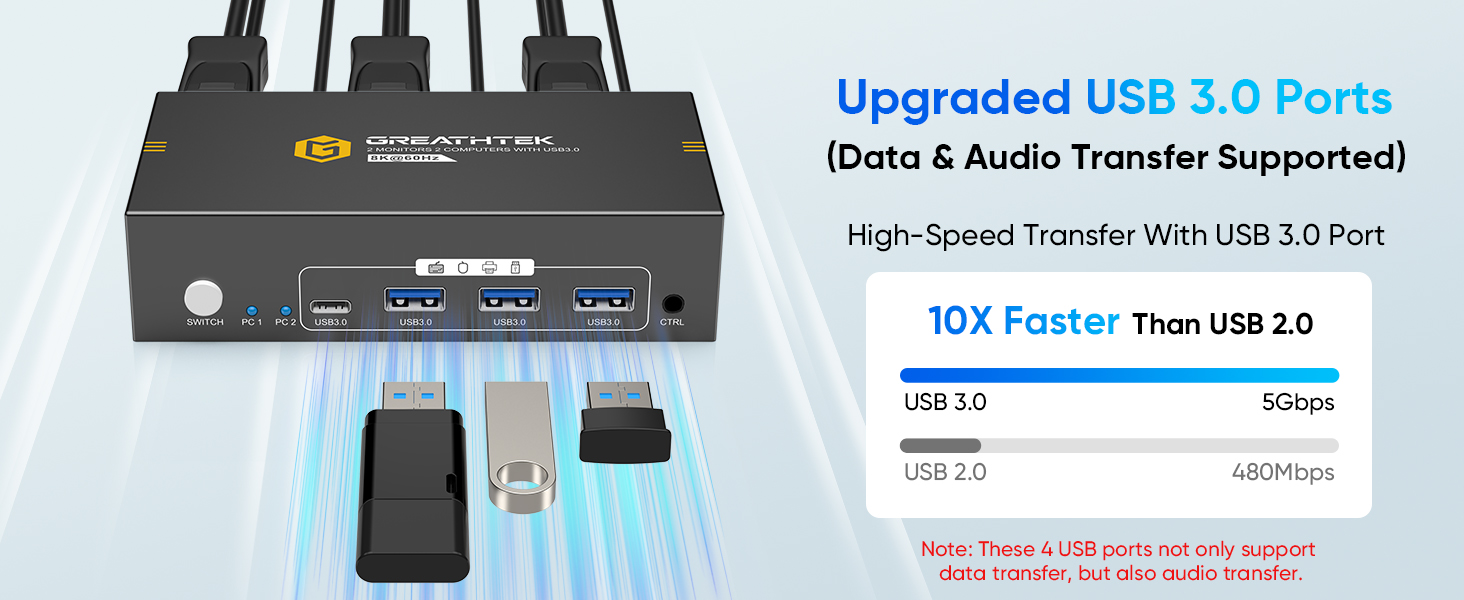
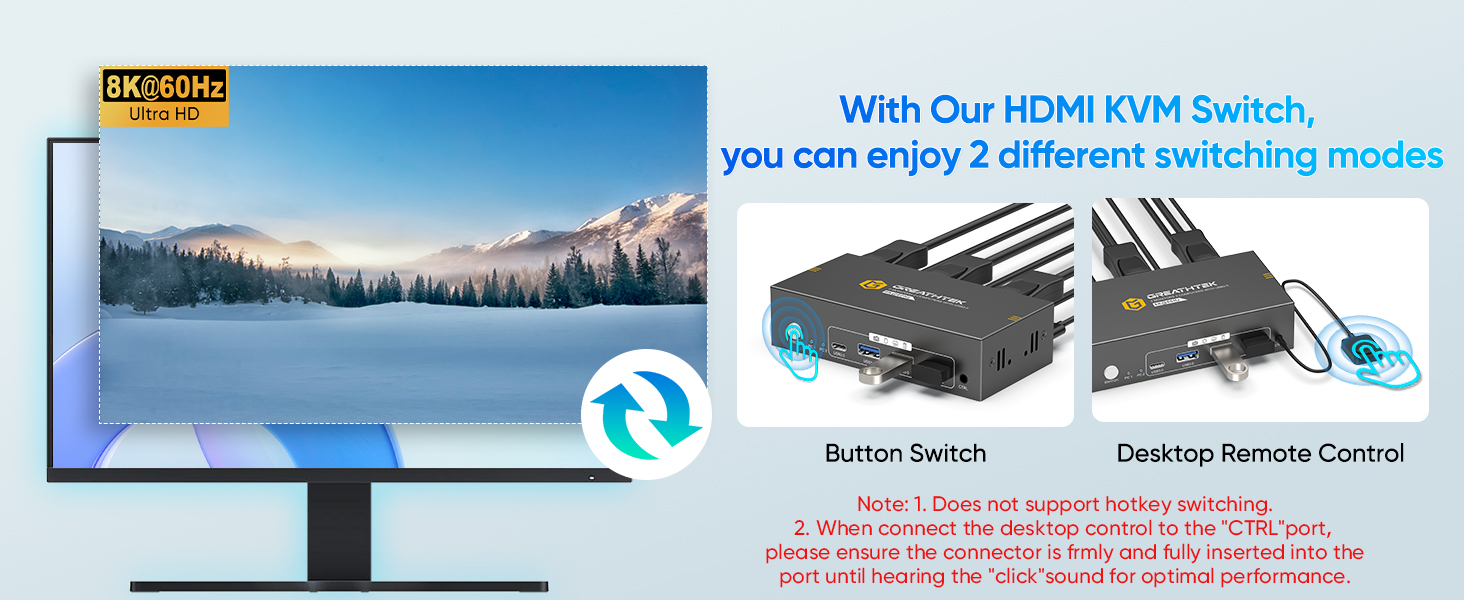
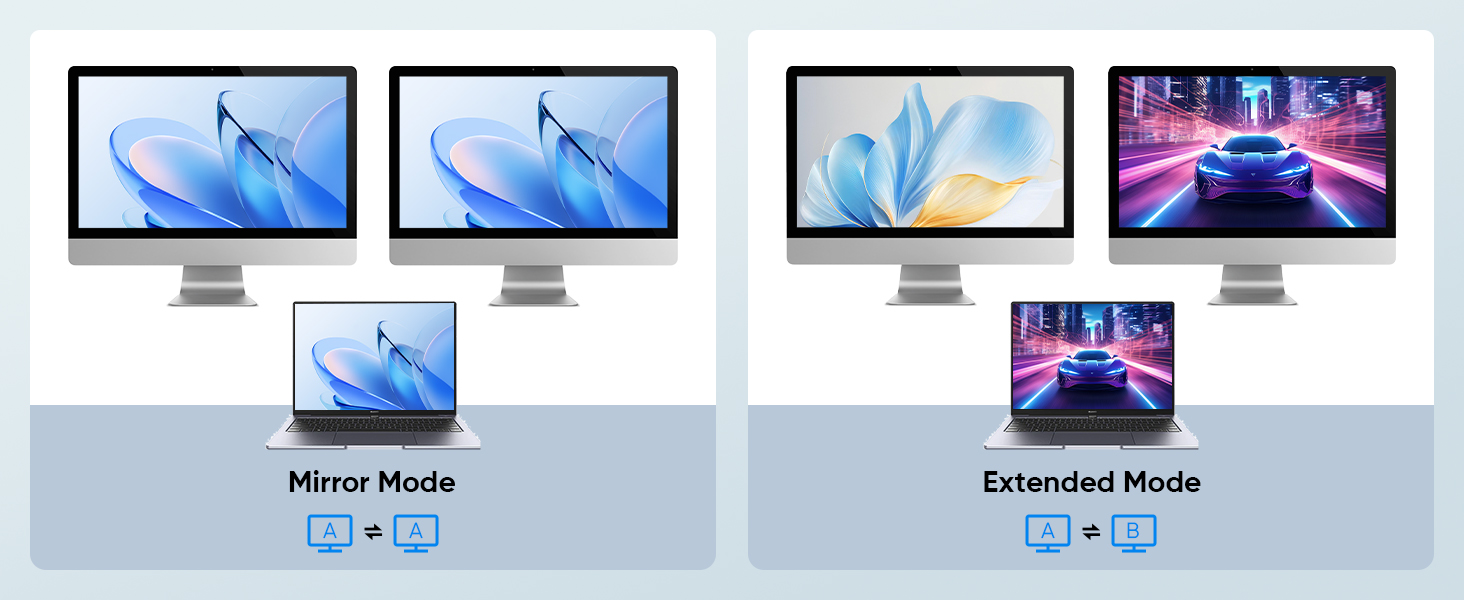
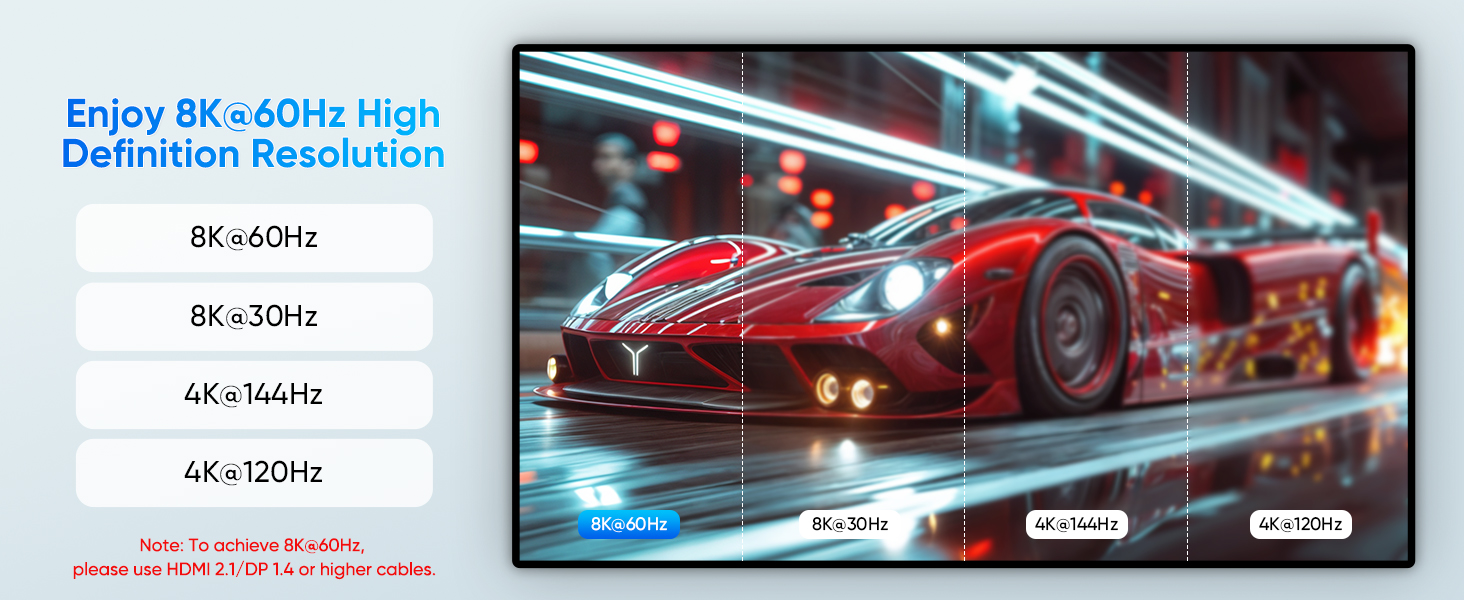
here!
here!
I’m your shopping assistant for PC builds, upgrades, and everything tech.
Got questions? Ask away!
Start a conversation
here!
I’m your shopping assistant for PC builds, upgrades, and everything tech.
Got questions? Ask away!
Start a conversation
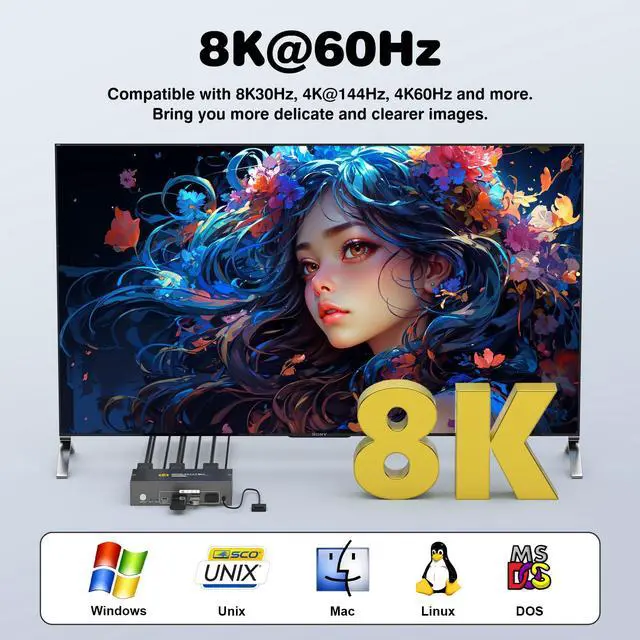
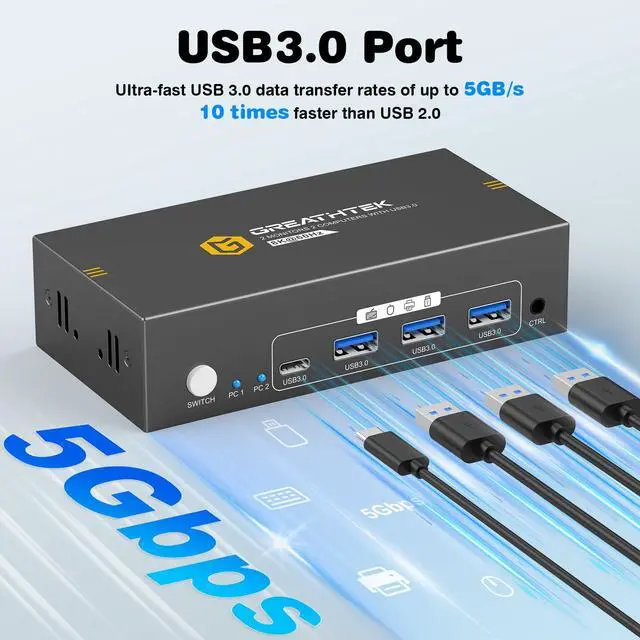
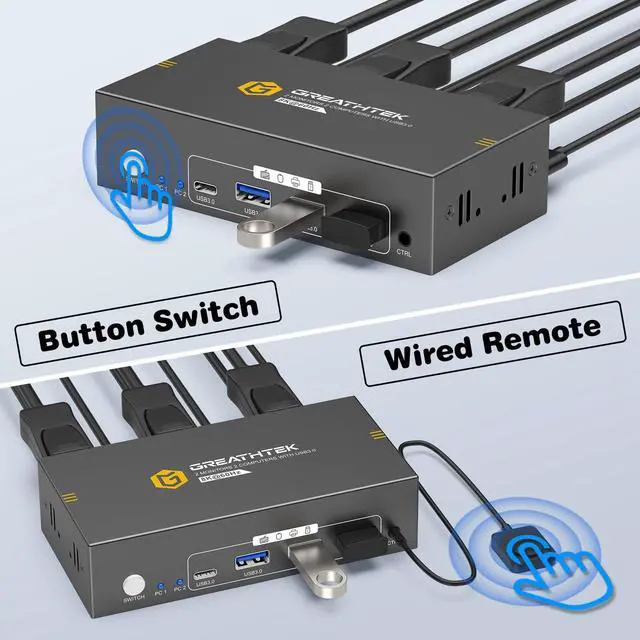
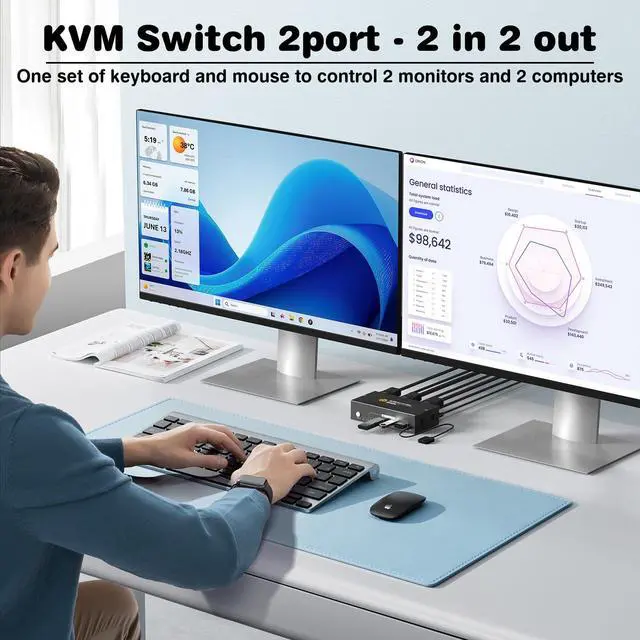



Any questions? Ask CelesteSM will help you find out quickly.
How many HDMI and USB cables are required for a complete setup?
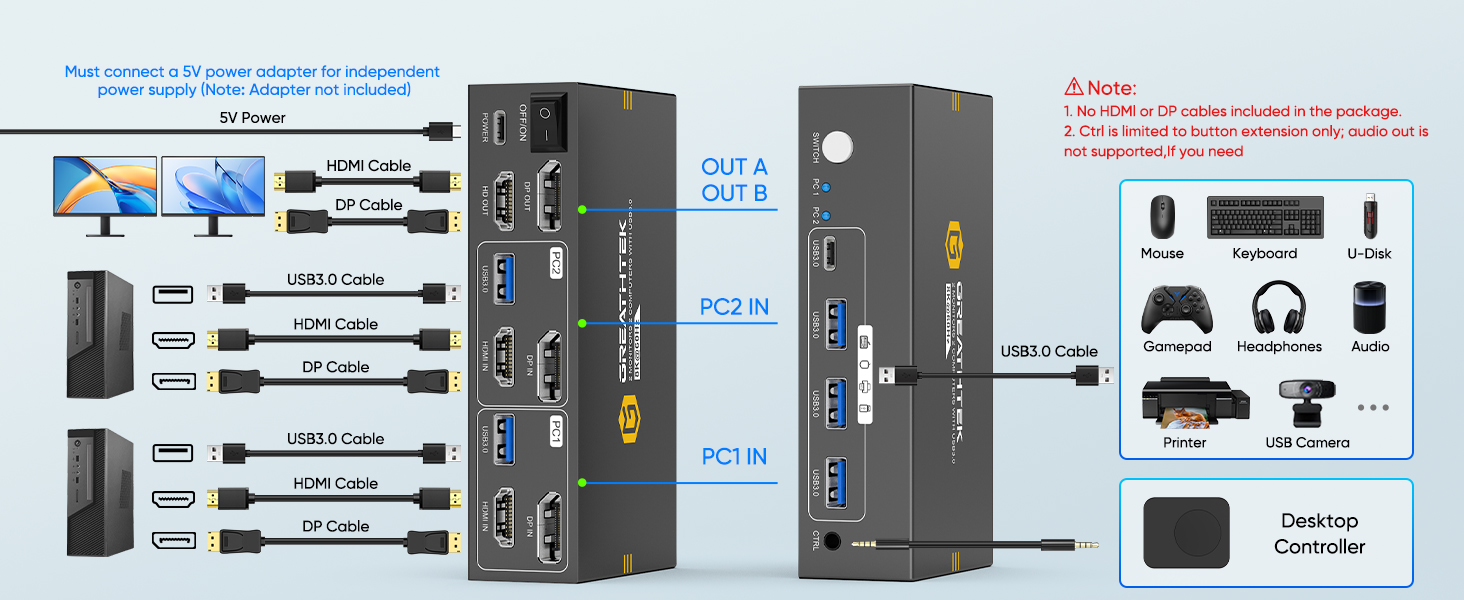
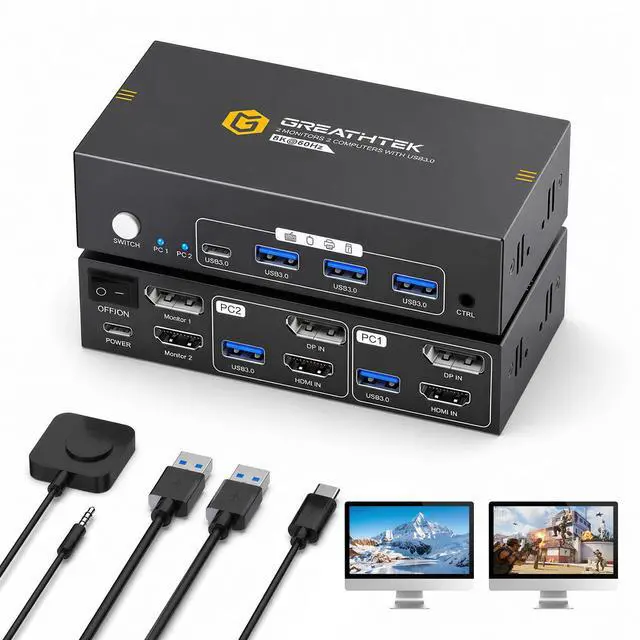
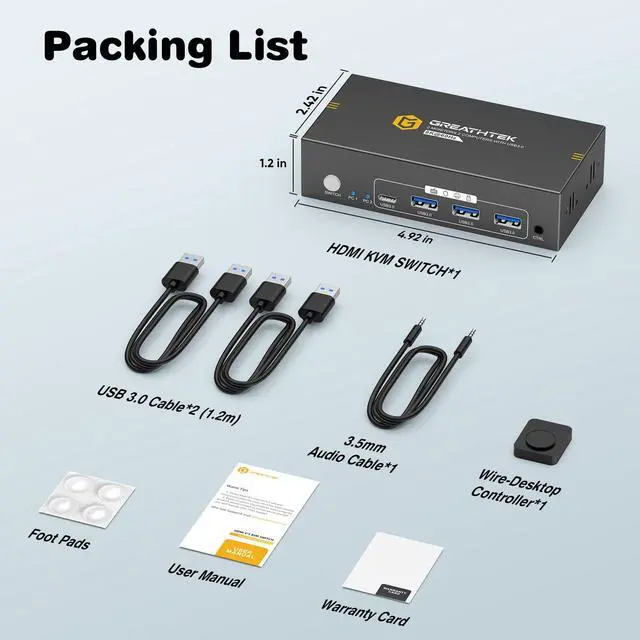
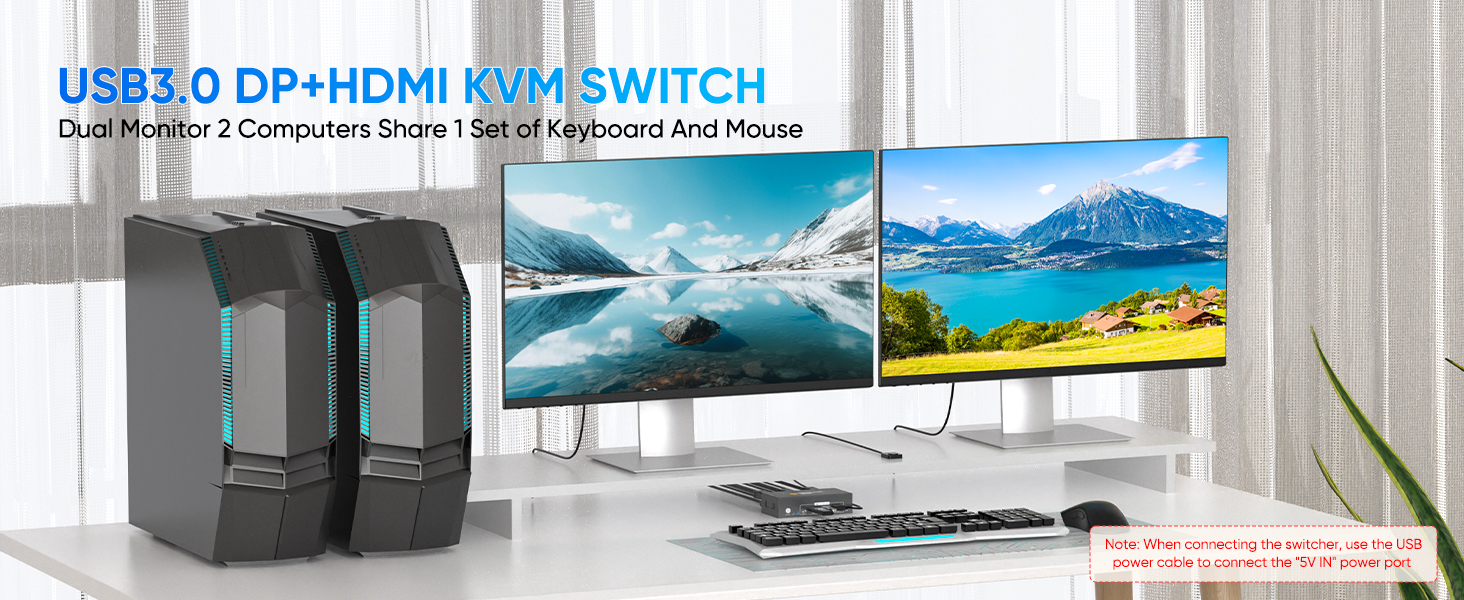
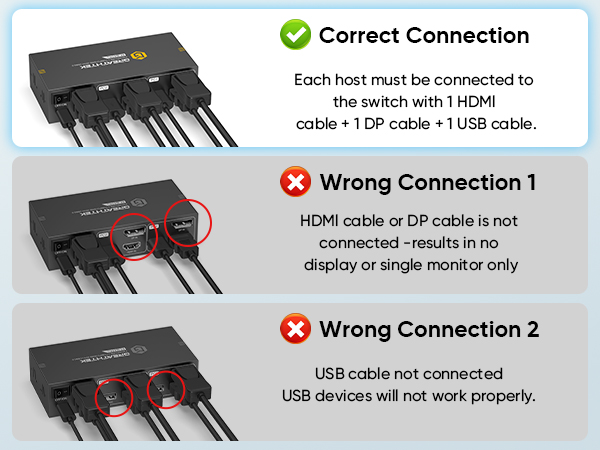
A total of 3 HDMI cables and 3 Displayport cables and 2 USB cables are required, plus one power cable. Please use a 5V power adapter for power supply (power adapter and HDMI&Displayport cables not included).
Only One Monitor Displays
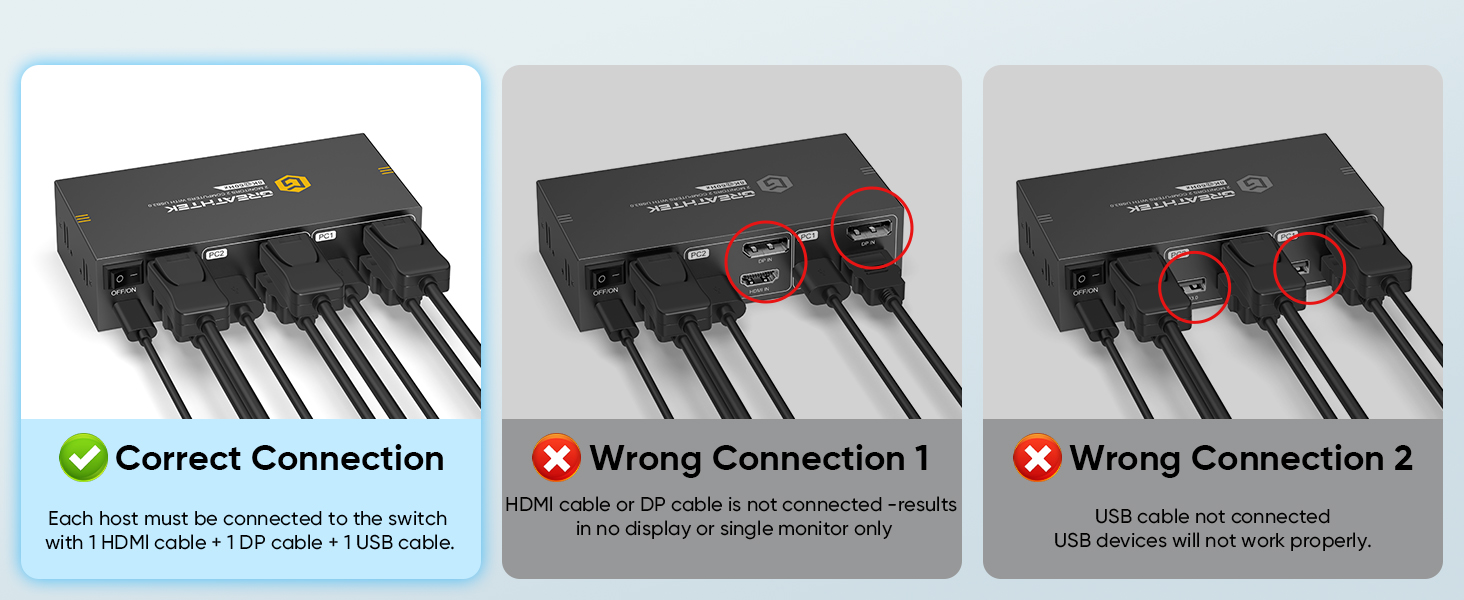
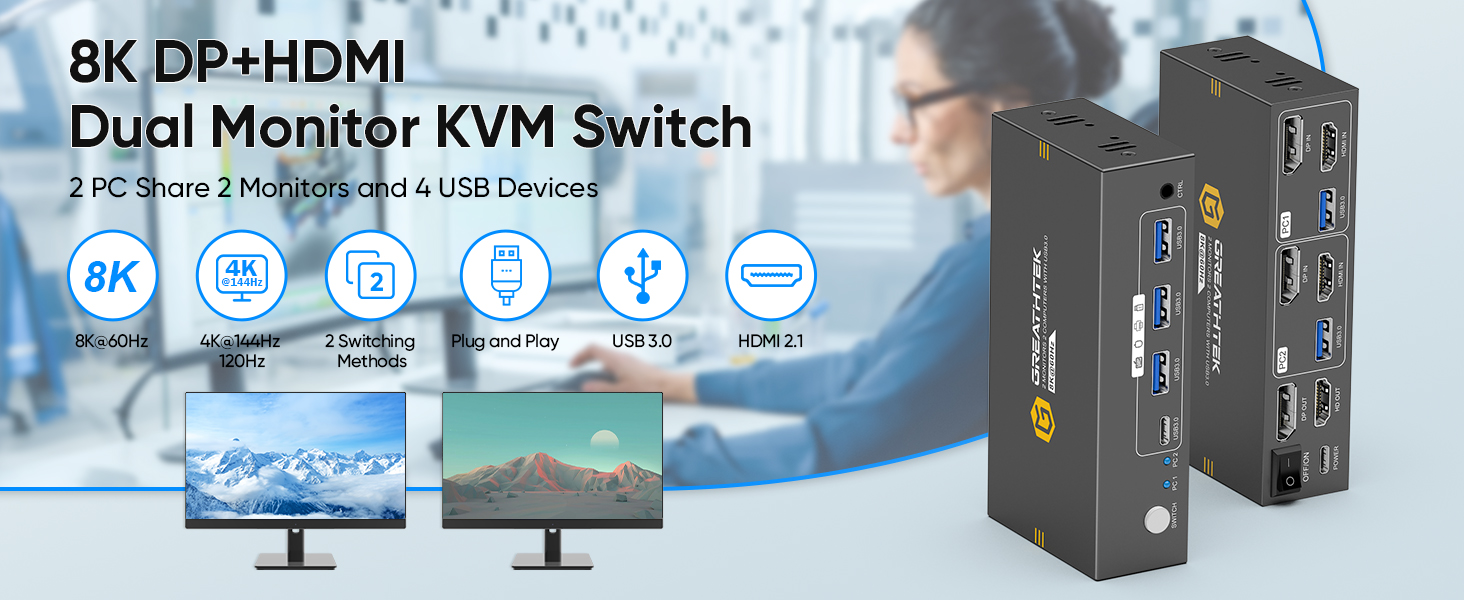
1)Please check the HDMI&Displayport cables connections. Make sure both PC1 and PC2 are each connected to the switch with one HDMI cable and one Displayport cable.
2) Ensure the switch is powered properly using a 5V power adapter.
No Display on Both Monitors
1)Please check the HDMI&Displayport cables connections. Make sure both PC1 and PC2 are each connected to the switch with one HDMI cable and one Displayport cable.
2) Ensure the switch is powered properly using a 5V power adapter.
USB Not Working
1)Make sure both USB cables between each PC and the KVM switch are securely connected. Missing connections may cause the USB devices not to be recognized.
Can I connect a headset to the front USB port of the KVM switch?
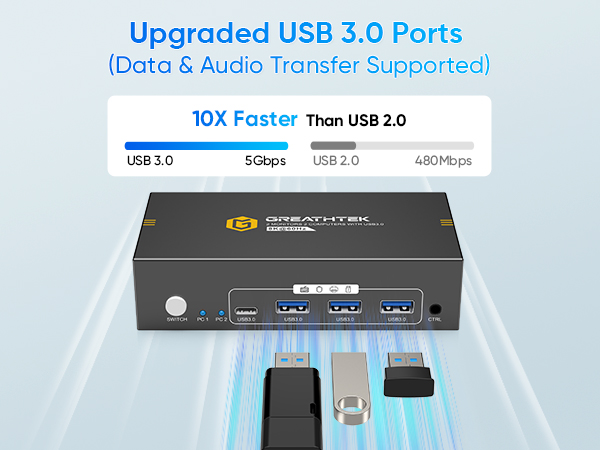
Yes, you can. The front USB port of this KVM switch supports audio output, allowing you to connect USB-C or USB-A headsets or other audio output devices.
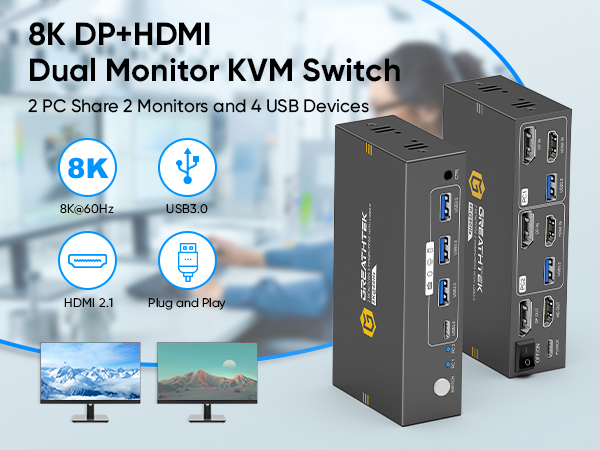
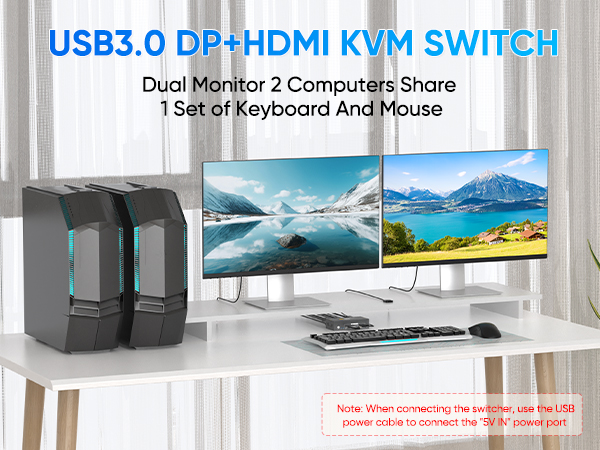
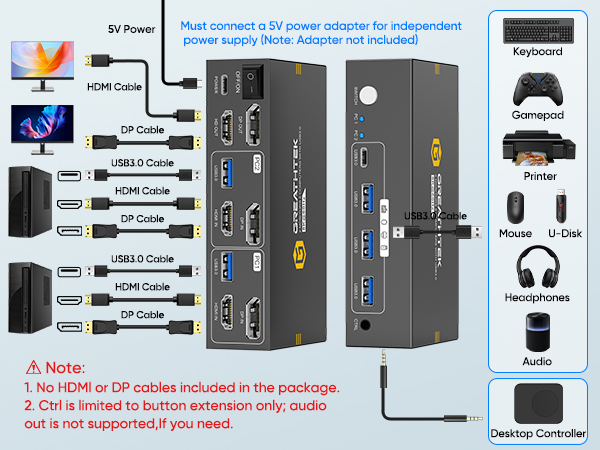
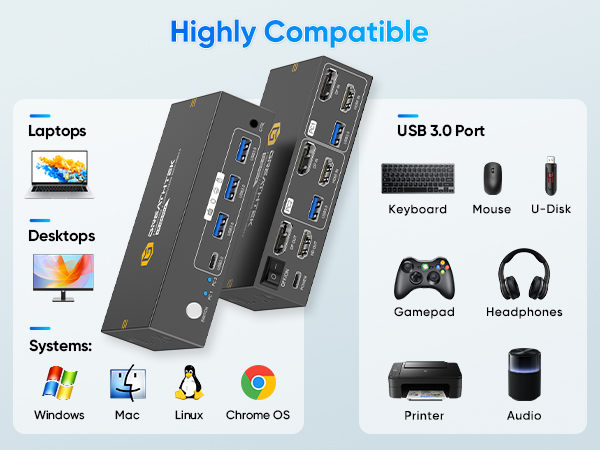
How many HDMI and USB cables are required for a complete setup?
A total of 3 HDMI cables and 3 Displayport cables and 2 USB cables are required, plus one power cable. Please use a 5V power adapter for power supply (power adapter and HDMI&Displayport cables not included).
Only One Monitor Displays
1)Please check the HDMI&Displayport cables connections. Make sure both PC1 and PC2 are each connected to the switch with one HDMI cable and one Displayport cable.
2) Ensure the switch is powered properly using a 5V power adapter.
No Display on Both Monitors
1)Please check the HDMI&Displayport cables connections. Make sure both PC1 and PC2 are each connected to the switch with one HDMI cable and one Displayport cable.
2) Ensure the switch is powered properly using a 5V power adapter.
USB Not Working
1)Make sure both USB cables between each PC and the KVM switch are securely connected. Missing connections may cause the USB devices not to be recognized.
Can I connect a headset to the front USB port of the KVM switch?
Yes, you can. The front USB port of this KVM switch supports audio output, allowing you to connect USB-C or USB-A headsets or other audio output devices.

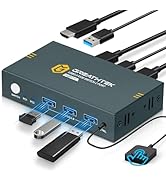
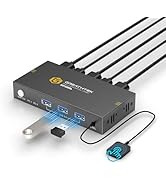
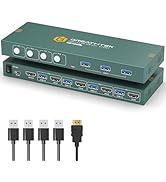
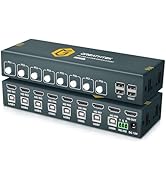
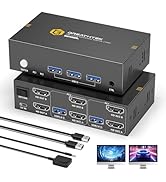
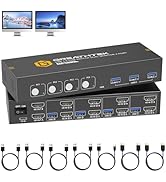
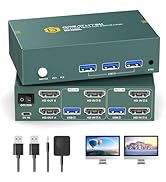
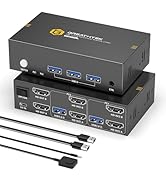
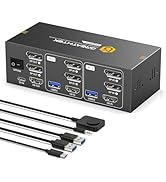
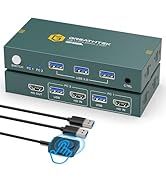
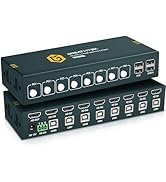
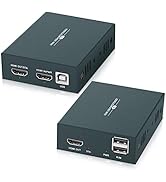
| Operation Mode | Manual |
| Connector Type | Hdmi, Displayport |
| Brand | GREATHTEK |
| Circuit Type | 2-way |
| Number of Positions | 2 |
| Control Method | Remote |
| Connectivity Protocol | Wired |
| Color | Jet Black |
| Unit Count | 1.0 Count |
| Number of Items | 1 |
| Control Type | full |
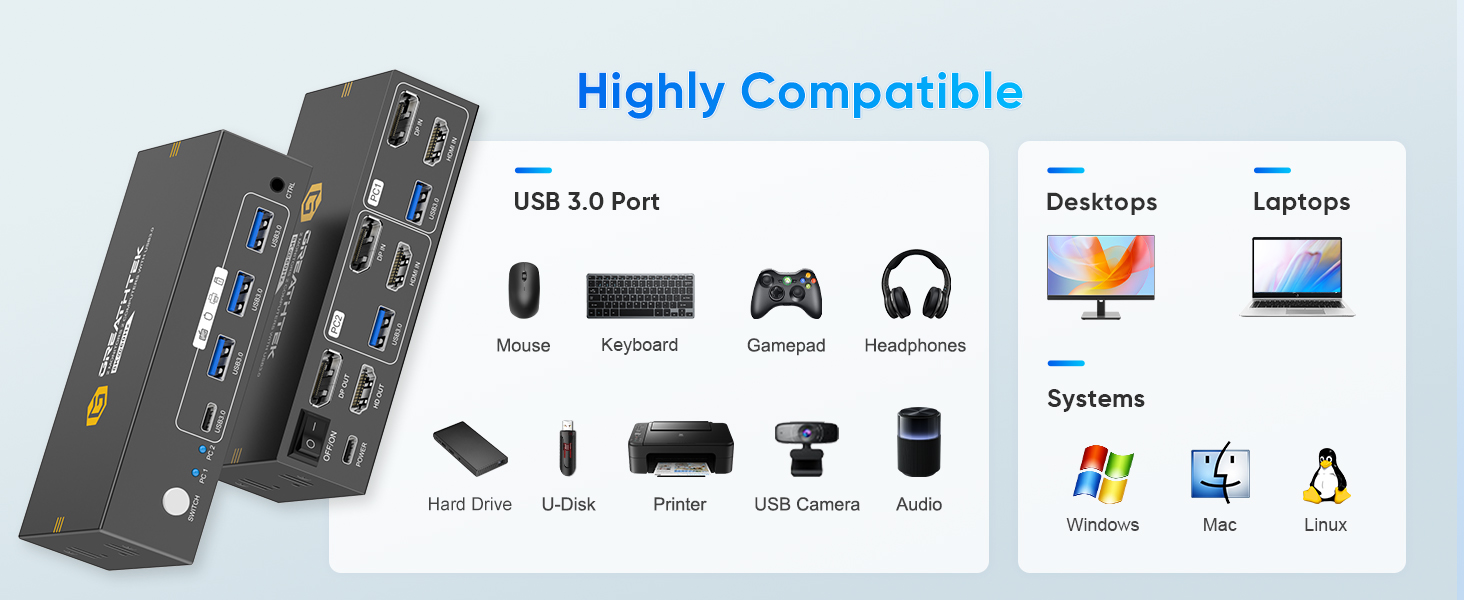
| Compatible Devices | Windows, macOS, Linux computers |
| Smart Home Compatibility | Not Smart Home Compatible |
| Brand Name | GREATHTEK |
| Model | S7240PH2 |
| Manufacturer | GREATHTEK |
| Part Number | S7240PH2 |