




4-Port USB Switch 2 Computers
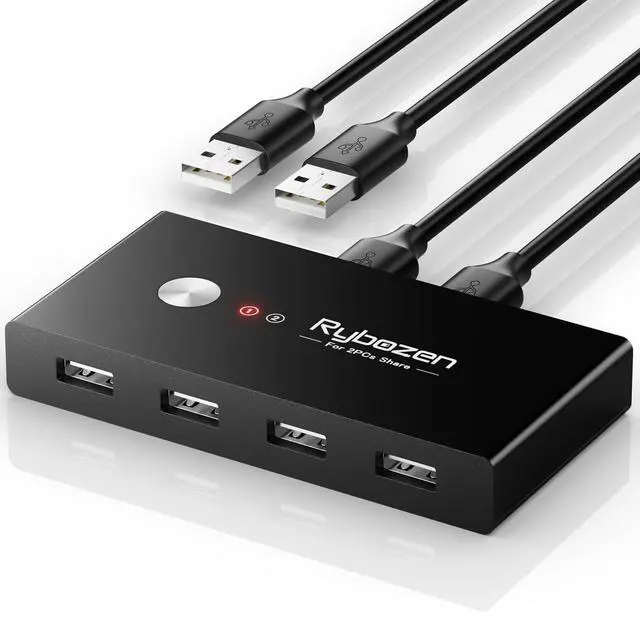
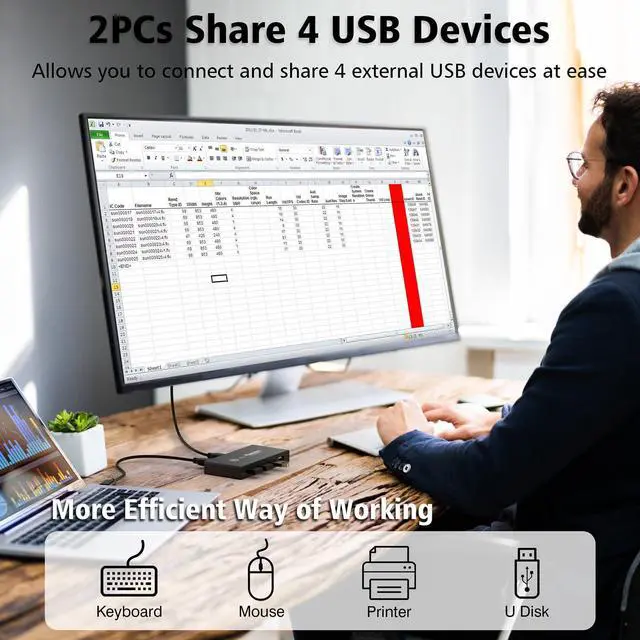
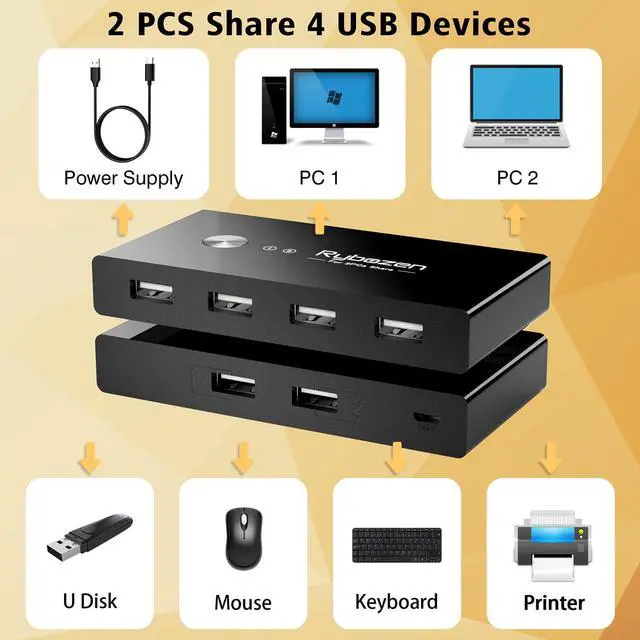
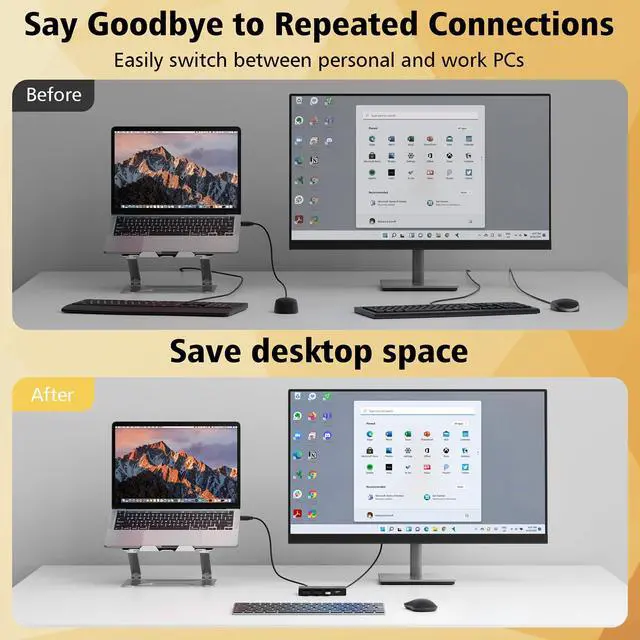
- Excellent choice to share 4 USB devices between two PCs, saving time and space!
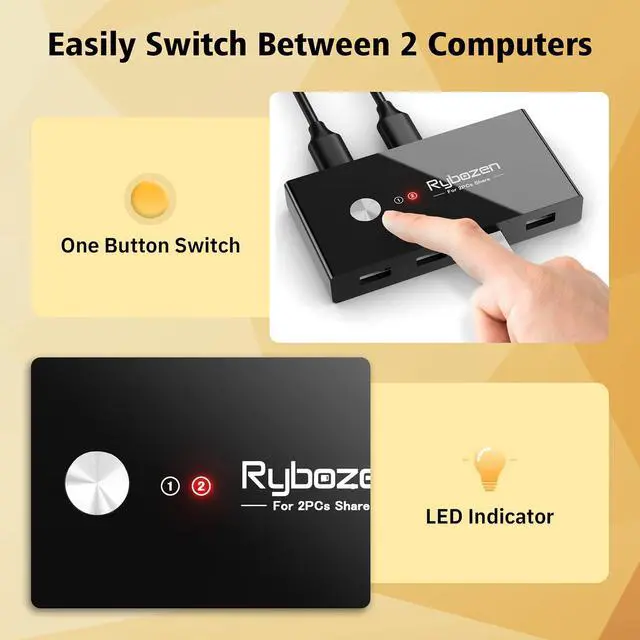
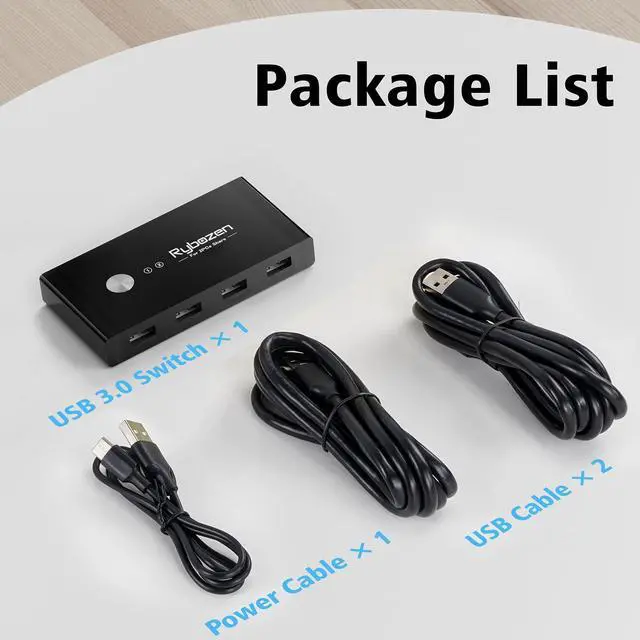
- Button and LED Indicator Design. Easily switches between systems via push ONE button with LED indicating the active computer.
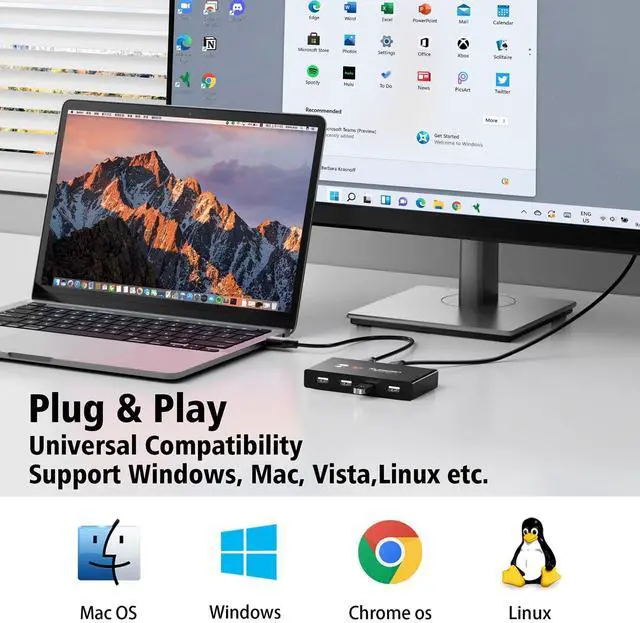
- Easy Installation. This KVM USB switcher is plug-and-play, without additional driver installation needed. No power adapter is required.
- USB 2.0 sharing switch with a separate micro USB Receptacle for option power, which optimizing its compatibility with more devices, such as HDD, Digital Video Cameras, SSD etc.
Applications
- Great for PC test/burn-in computer control, saving the desk space required for two monitors, hard disk, U disk, scanner, printer, wireless/wired keyboard and mouse;
- Perfect for sharing computers and attached peripherals in the home or home office;
- Dual system control for single-user workstations increases user productivity in the office, home, Soho, entrepreneur, investment banker, education classes;

Important Note:
- Please use Standard 5V Adapter (Not Included, sold separately) for powering.
- Any charger with higher voltage output is NOT allowed and may affect the product performance.


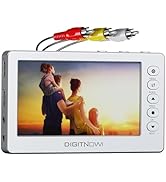
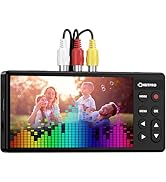
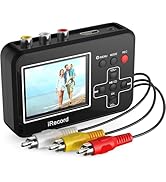
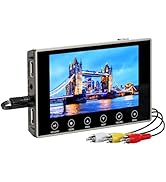
VHS to Digital Converter
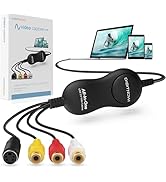
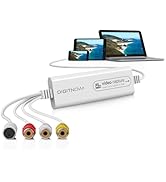
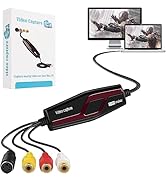
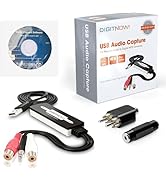
Video Capture Card
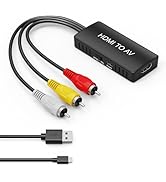
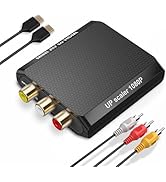
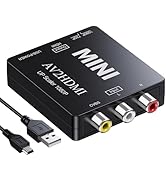
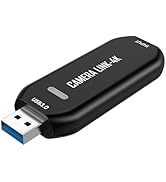
HDMI Converter
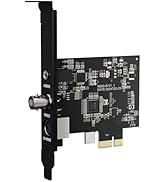
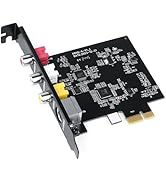
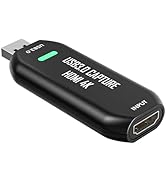
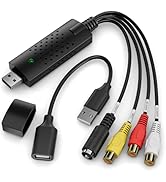
Capture Card
DigitPro: Connecting the Future
DigitPro offers innovative video converters and capture cards designed for seamless TV connectivity. Whether for home entertainment, gaming, or professional video production, our reliable products ensure smooth video conversion. With superior technology, rigorous quality control, and dedicated service, DigitPro is the trusted choice for users worldwide. Enhance your viewing experience with DigitPro now!
4-Port USB Switch 2 Computers
- Excellent choice to share 4 USB devices between two PCs, saving time and space!
- Button and LED Indicator Design. Easily switches between systems via push ONE button with LED indicating the active computer.
- Easy Installation. This KVM USB switcher is plug-and-play, without additional driver installation needed. No power adapter is required.
- USB 2.0 sharing switch with a separate micro USB Receptacle for option power, which optimizing its compatibility with more devices, such as HDD, Digital Video Cameras, SSD etc.
Applications
- Great for PC test/burn-in computer control, saving the desk space required for two monitors, hard disk, U disk, scanner, printer, wireless/wired keyboard and mouse;
- Perfect for sharing computers and attached peripherals in the home or home office;
- Dual system control for single-user workstations increases user productivity in the office, home, Soho, entrepreneur, investment banker, education classes;
Important Note:
- Please use Standard 5V Adapter (Not Included, sold separately) for powering.
- Any charger with higher voltage output is NOT allowed and may affect the product performance.
VHS to Digital Converter
Video Capture Card
HDMI Converter
Capture Card
DigitPro: Connecting the Future
DigitPro offers innovative video converters and capture cards designed for seamless TV connectivity. Whether for home entertainment, gaming, or professional video production, our reliable products ensure smooth video conversion. With superior technology, rigorous quality control, and dedicated service, DigitPro is the trusted choice for users worldwide. Enhance your viewing experience with DigitPro now!