• $66.99
  • Free 30-day Returns
  • Shipped by halongzhiUKshop

    Price alert
    Shop it at NeweggBusiness.

    Meet Your Seller

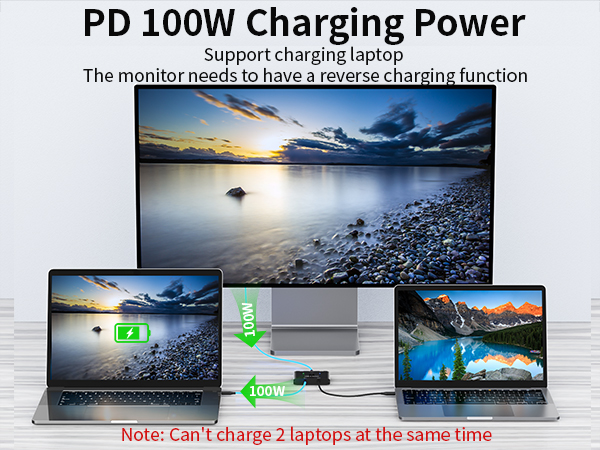
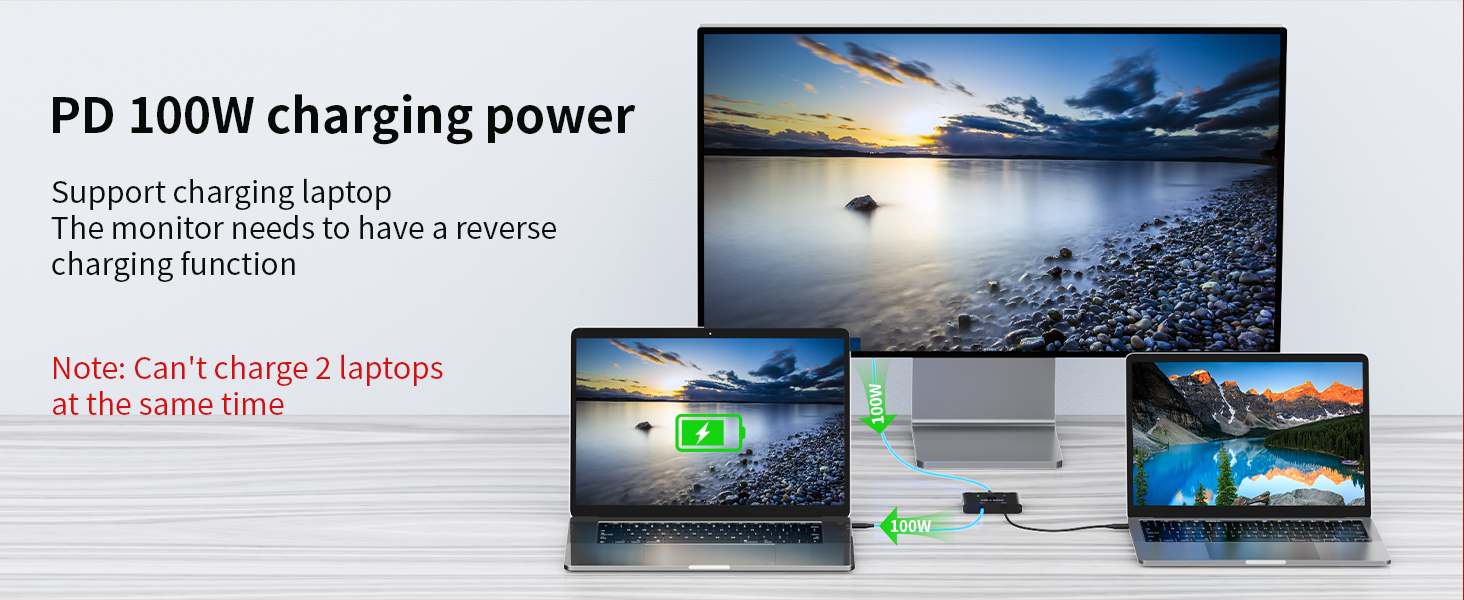
    USB C Switch,Bi-Directional USB C Switcher 2 Computers,MLEEDA USB Type C KVM Switch 8K@60Hz 4K@120Hz Video/10Gbps Data Transfer/100W Charging,Compatible with Thunderbolt Device,USB-C Cables Included

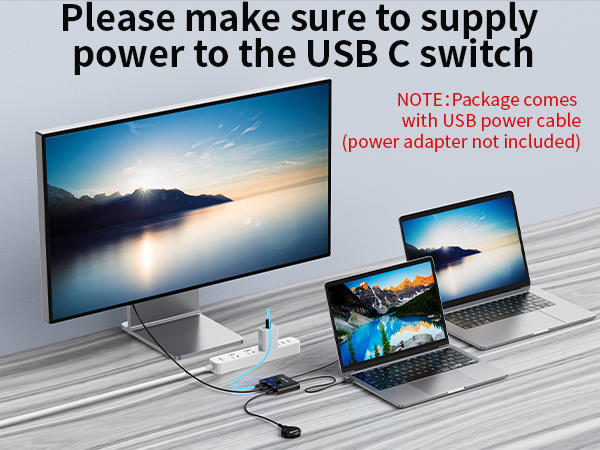
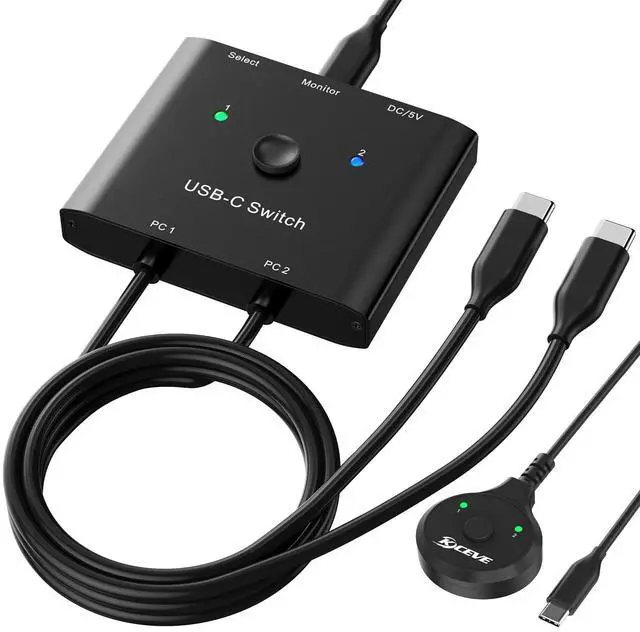
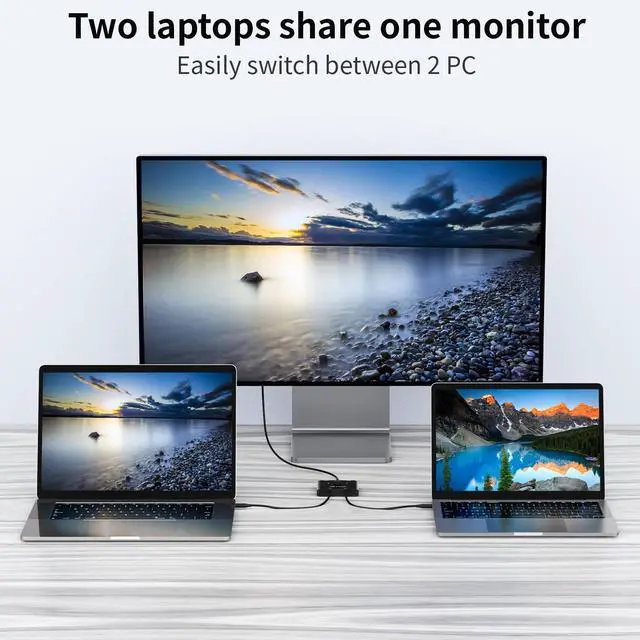
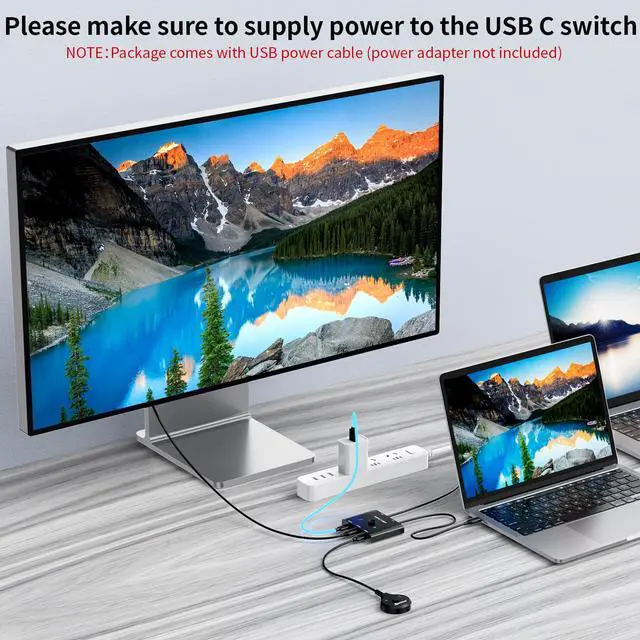
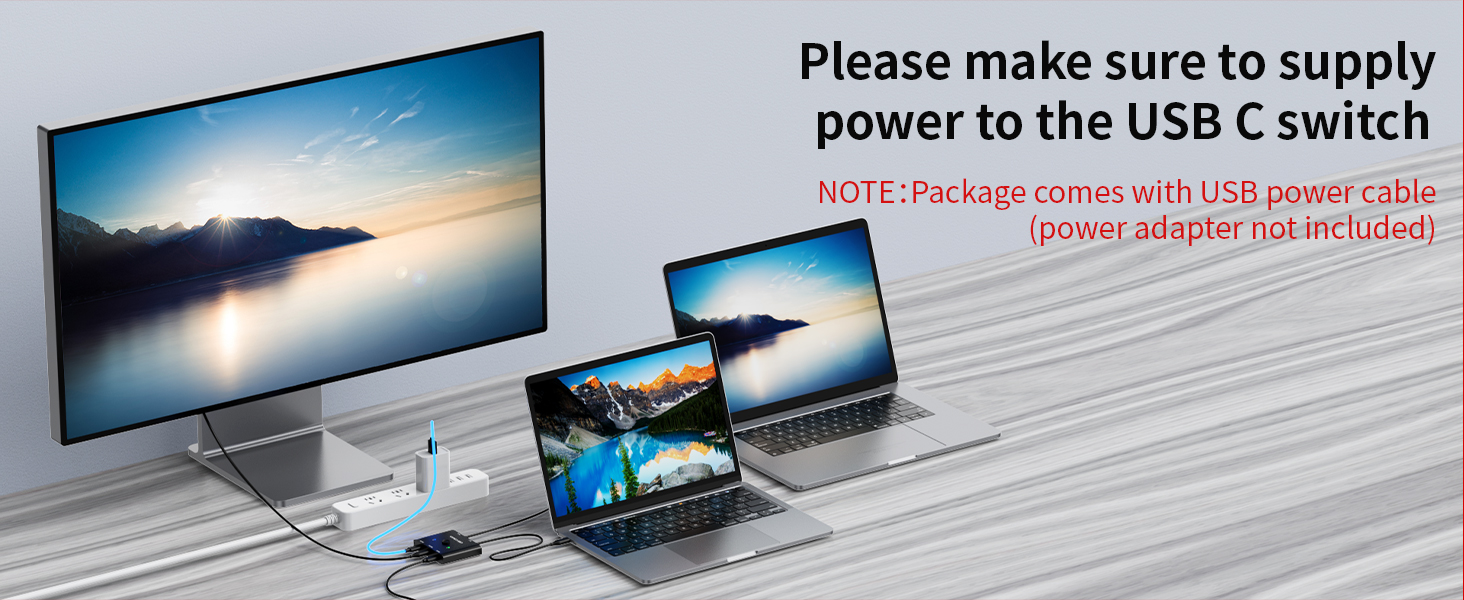
    • USB C Switch This USB-C switch allow 2 Laptops share 1 monitor. The USB-C port requires compatible with USB C ALT DP (alternative display port mode). Note: You must use standard USB-C USB3.1 Gen2 cable and use USB cable to power the switch.
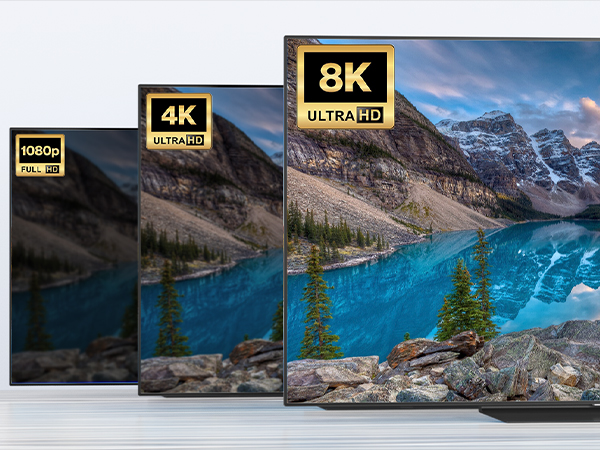
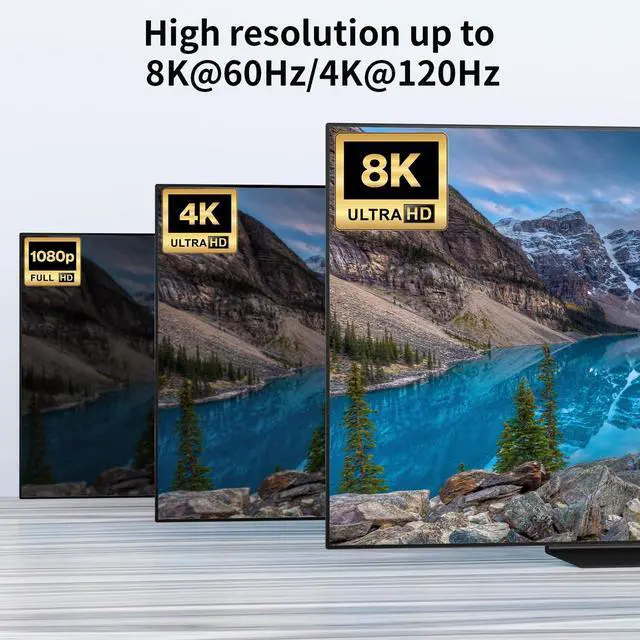
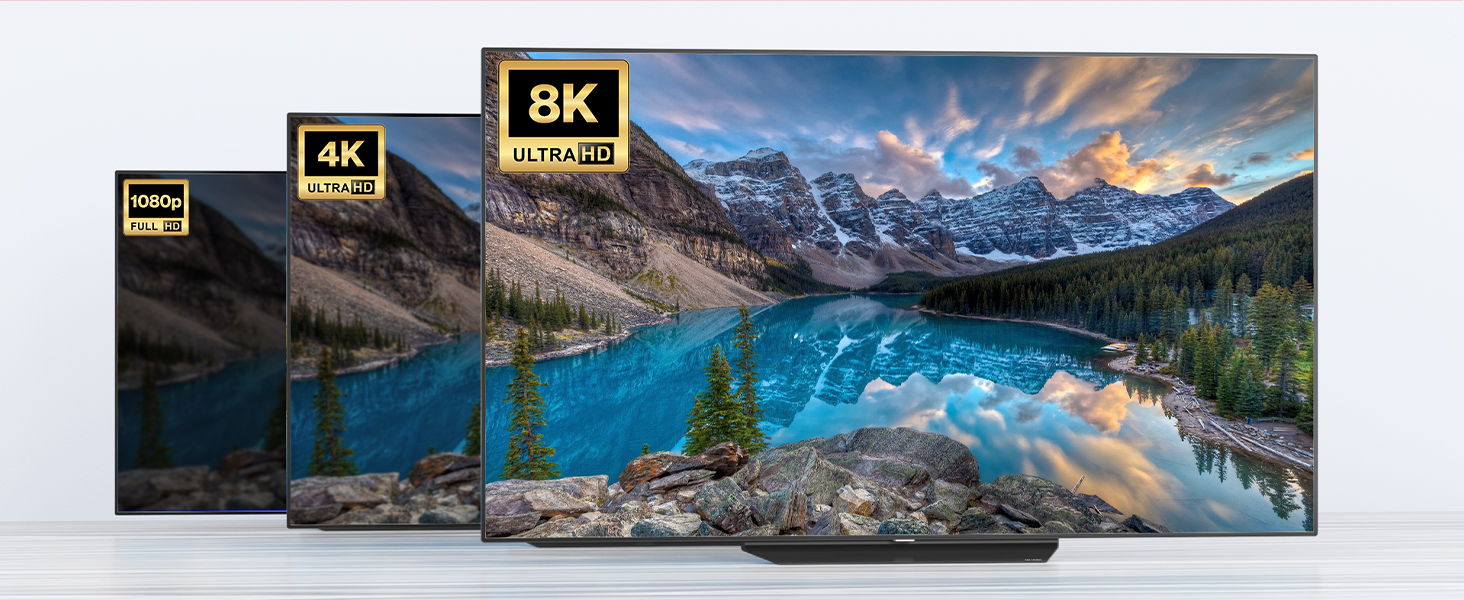
    • 8K Ultra HD You can output max 8K@60Hz 4K@120Hz 1080P@165Hz via our USB C Switch to your USB-C or HDMI Displays. Support ultra-wide screen output (3440*1440, etc.).
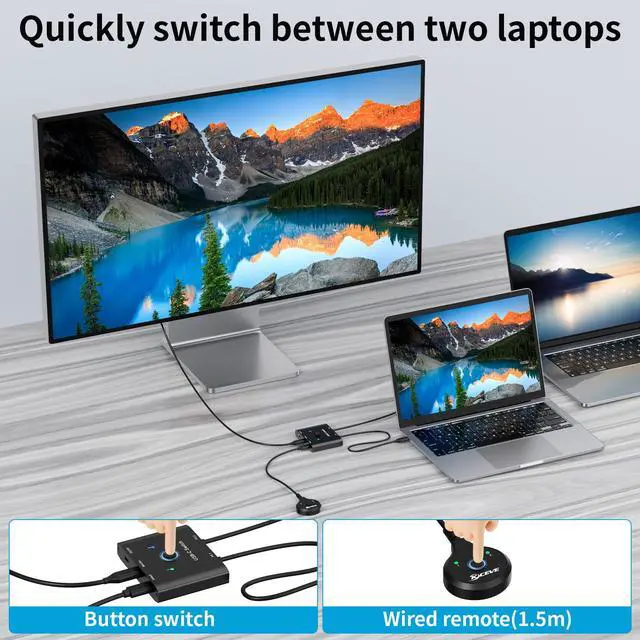
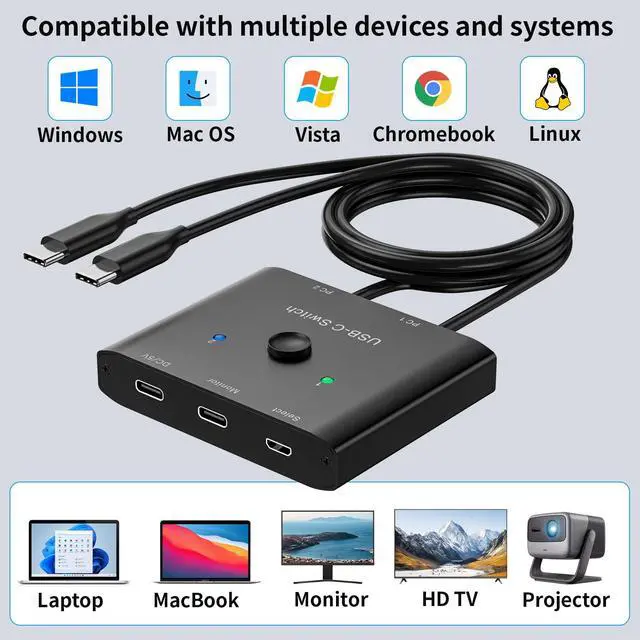
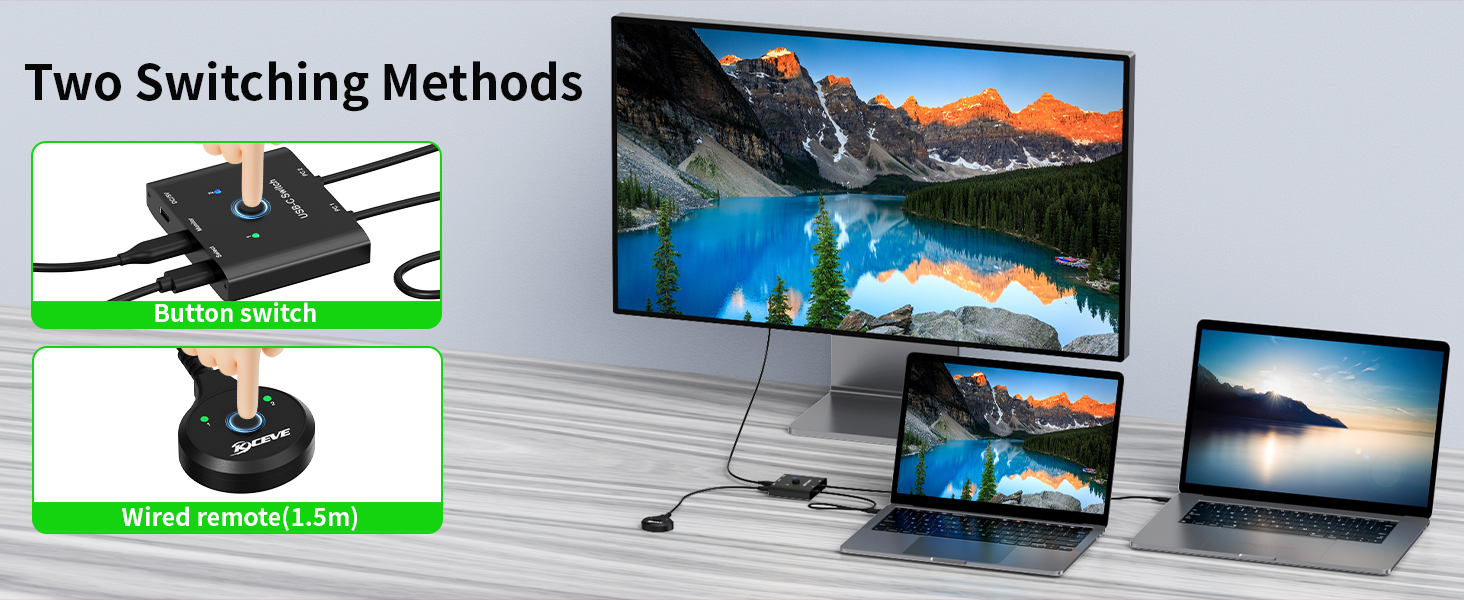
    • Great Compatibility & Button SwitchingMLEEDA USB C switcher driver-free for Windows, Mac OS and Linux,Compatible with most Thunderbolt 3 devices,Not compatible with MacBook Pro.plug and play.You can press the button or wired remote to switch the laptops.LED indicate the active laptop.
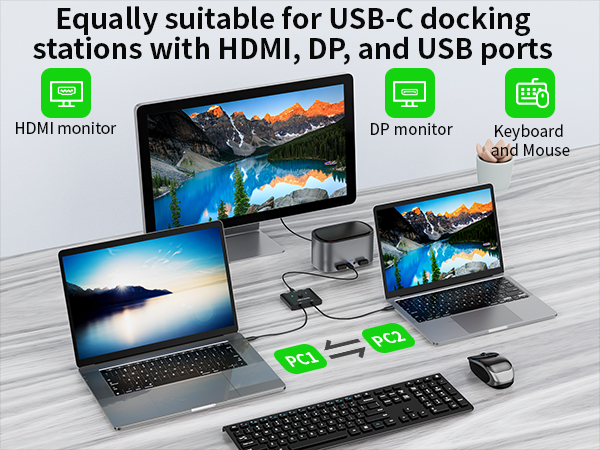
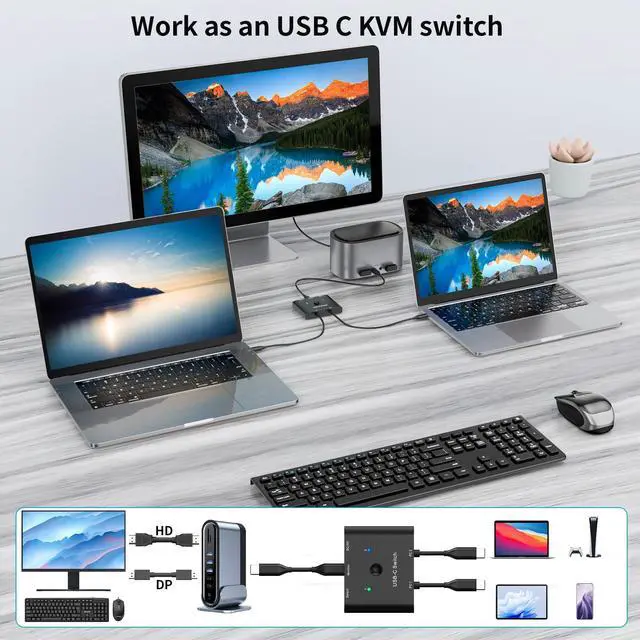
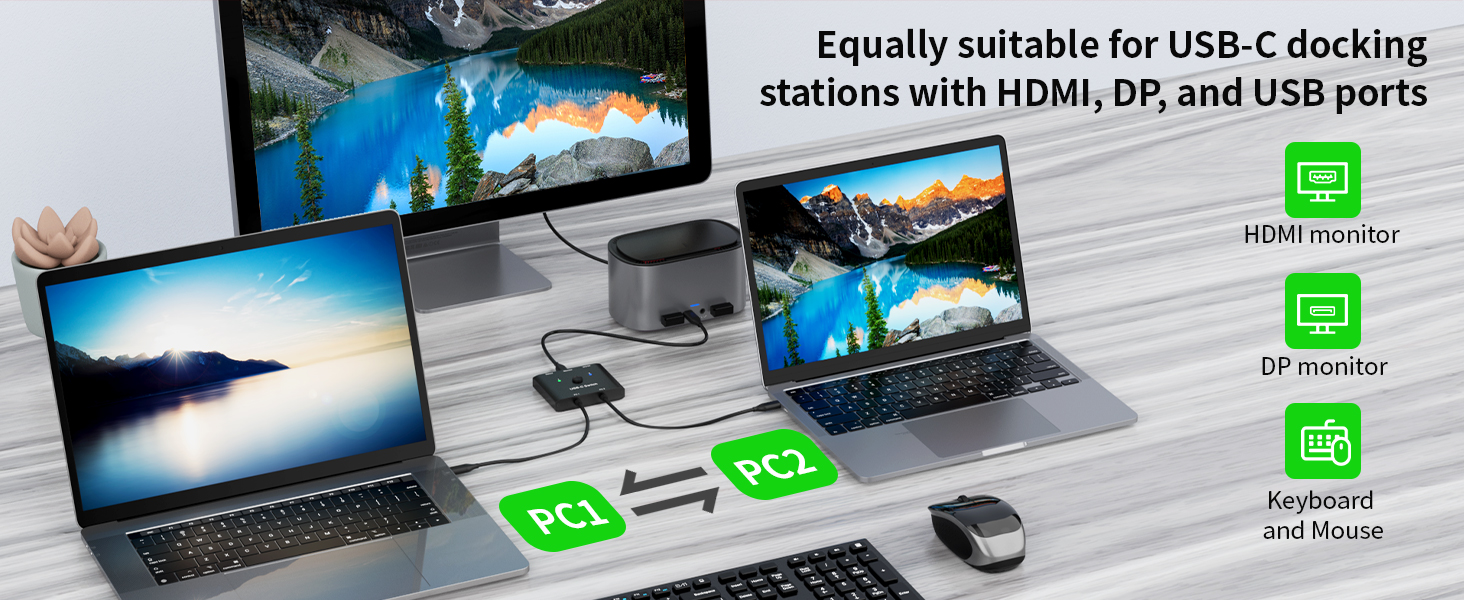
    • Suitable for USB-C docking stationIf your monitor has HDMI or DP ports, you can connect a docking station with HDMI/DP ports to the USB-C switch. You can also connect USB devices such as keyboard and mouse to the USB port of the docking station by using the USB-C Switch as a USB C KVM Switch.
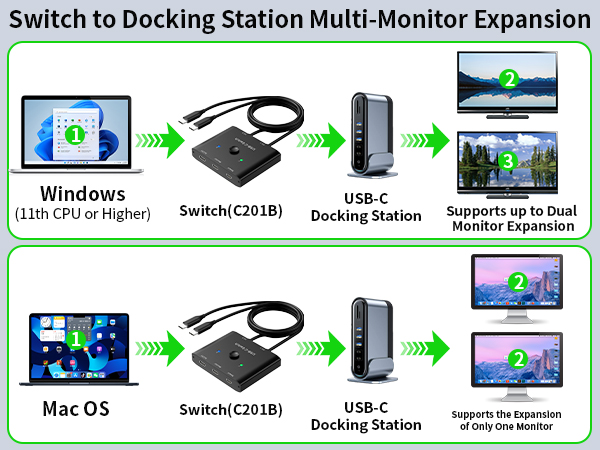
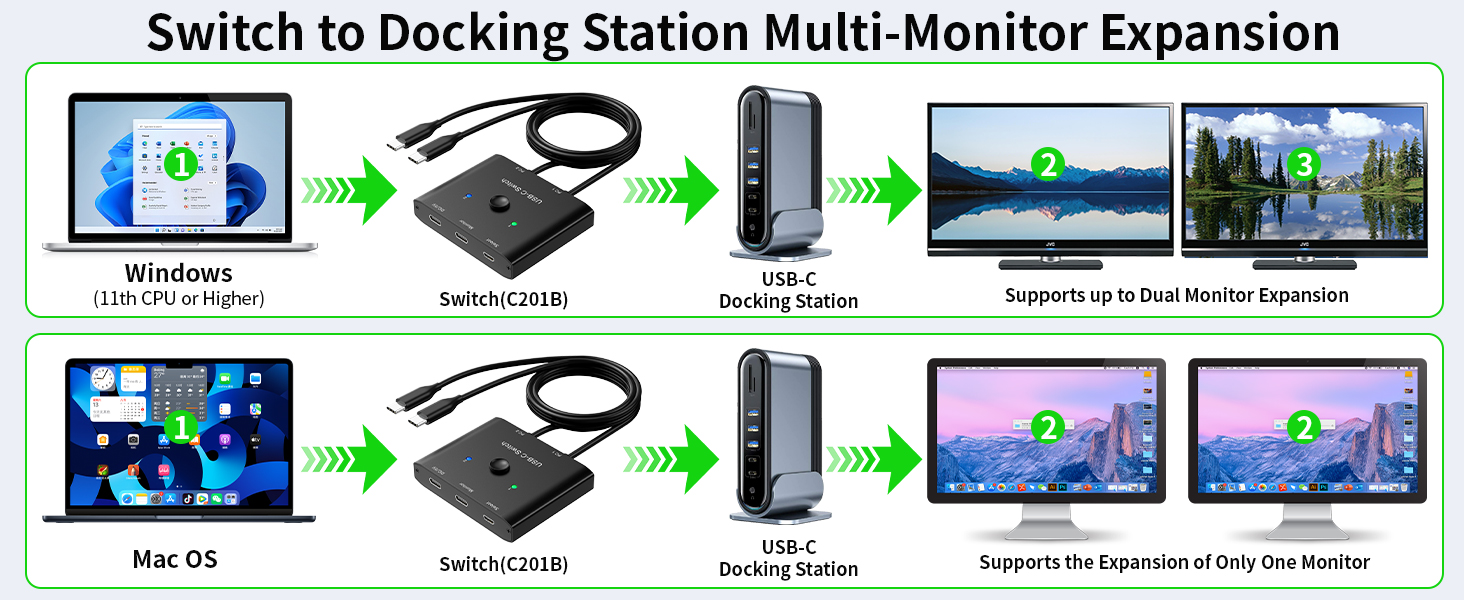
    • Supports dual monitor expansionIf you have two HDMI or DP monitors, use this USB C switcher with USB C docking station (with HDMI/DP), you can get dual display expansion output. Note that Windows can extend two different screens, while Mac OS can extend two identical screens.1-year warr-anty (including replacement), 24-hour service.
    +
    +
    Overview
    Specs
    Reviews
    avatar

    Any questions? Our AI beta will help you find out quickly.

    usb c switch 2 COMPUTERS

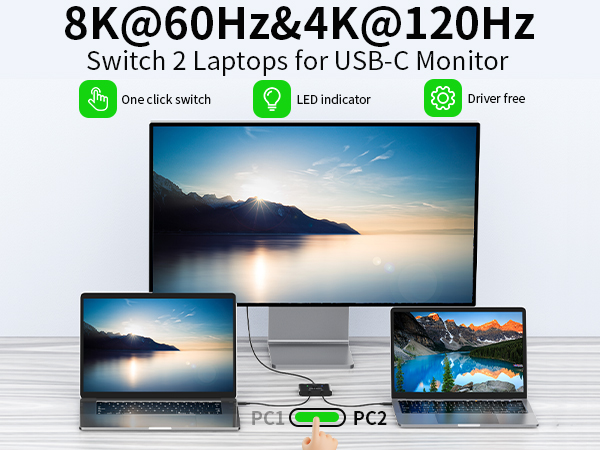
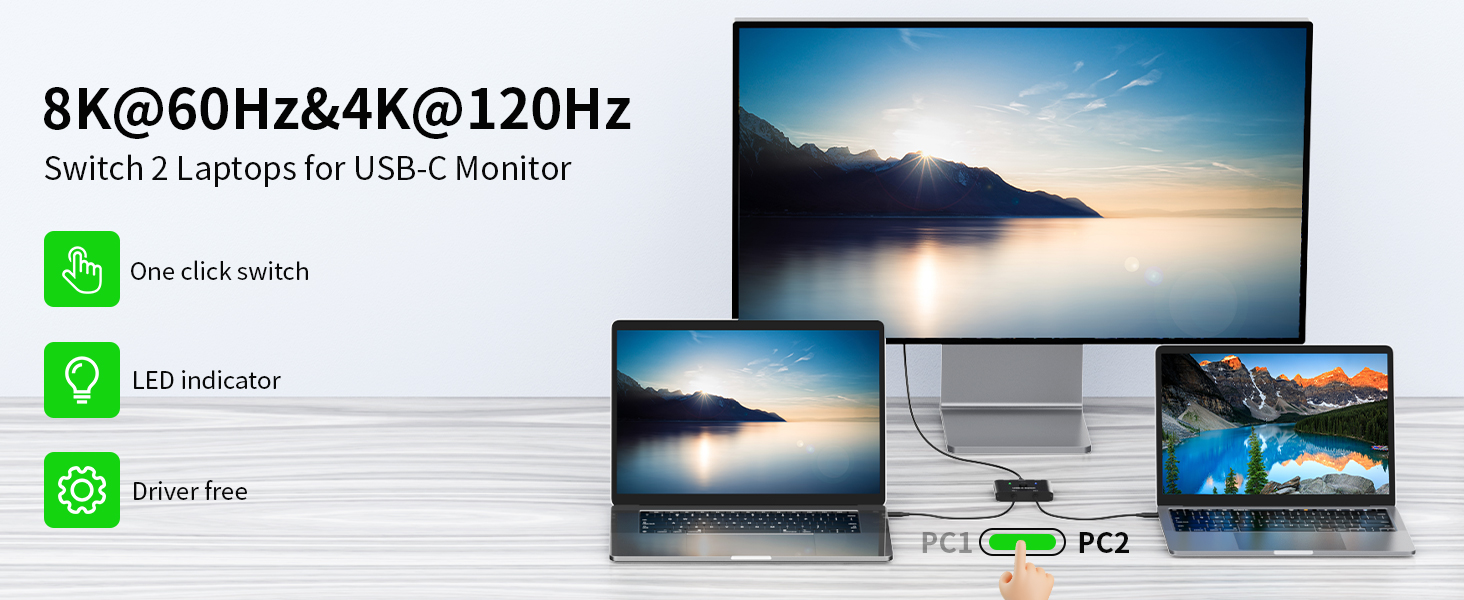
    MLEEDA USB C Switch allows you to share 1 monitor between 2 laptops. Easily switch between two computers with just one click, without unplug or plug cables.
    usb c switchER 2 computers

    If your monitor only has HDMI or DP ports, you will need a USB-C docking station with HDMI/DP ports.
    usb-c switch 2 computers

    If your docking station supports dual monitors, you can get multi-screen extension output with this USB C switch (this USB C switcher supports mirror and expansion modes). Note: MAC OS can only extend up to two identical screens.
    usb type c switcher

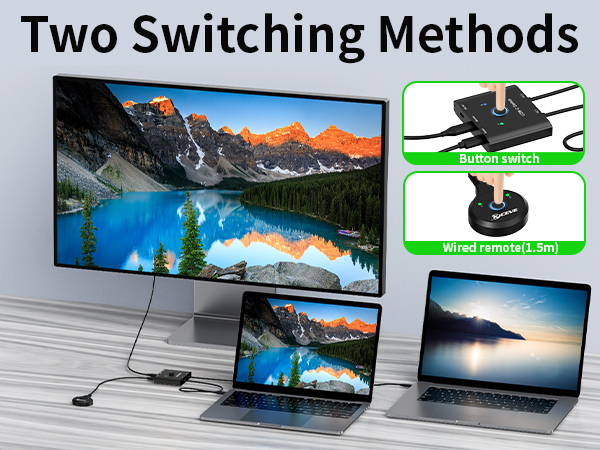
    Supports button switch and wired remote(1.5 meters), switching between 2 laptops takes approximately 4-7 seconds.
    usb c switch kvm usb c

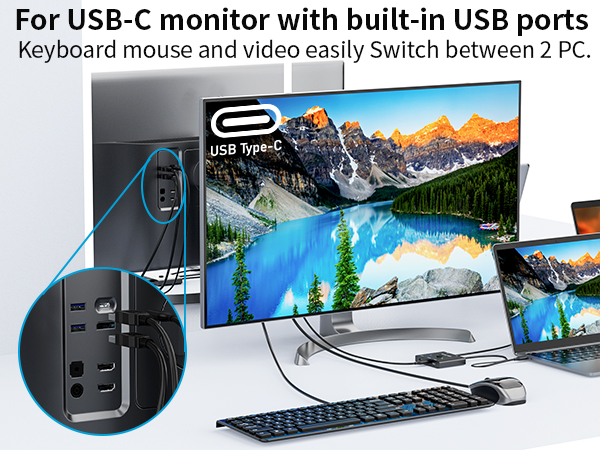
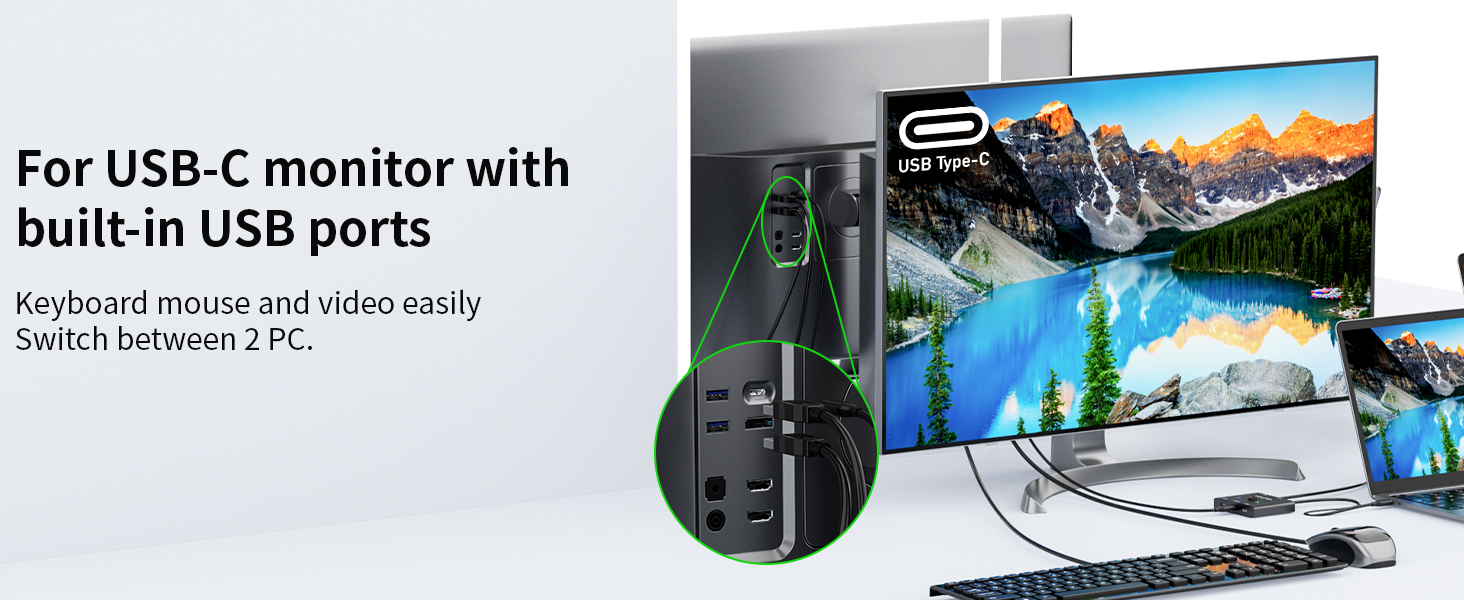
    For USB-C monitor with built-in USB ports, simply plug the keyboard and mouse into the monitor, and the keyboard mouse can switch between laptops along with the video.
    usb-c switcher 2 pc

    Supports resolutions up to 8K@60Hz,4K@120Hz and backward compatibility.
    usb c switch 2 COMPUTERS

    MLEEDA USB C Switch allows you to share 1 monitor between 2 laptops. Easily switch between two computers with just one click, without unplug or plug cables.

    usb c switchER 2 computers

    If your monitor only has HDMI or DP ports, you will need a USB-C docking station with HDMI/DP ports.

    usb-c switch 2 computers

    If your docking station supports dual monitors, you can get multi-screen extension output with this USB C switch (this USB C switcher supports mirror and expansion modes). Note: MAC OS can only extend up to two identical screens.

    usb type c switcher

    Supports button switch and wired remote(1.5 meters), switching between 2 laptops takes approximately 4-7 seconds.

    usb c switch kvm usb c

    For USB-C monitor with built-in USB ports, simply plug the keyboard and mouse into the monitor, and the keyboard mouse can switch between laptops along with the video.

    usb-c switcher 2 pc

    Supports resolutions up to 8K@60Hz,4K@120Hz and backward compatibility.
    USB C Switch, Bi-Directional USB C Switcher 2 Computers, MLEEDA USB Type C KVM Switch 8K@60Hz 4K@120Hz Video/10Gbps Data Transfer/100W Charging, Compatible with Thunderbolt Device, USB-C Cables Included

    Warranty & Returns

    Warranty, Returns, And Additional Information

    Warranty

    • Please contact the Seller directly for warranty information. Warranty information may also be found on the Manufacturer's website.
    • CONTACT

    Return Policies

    Manufacturer Contact Info

    LOADING...