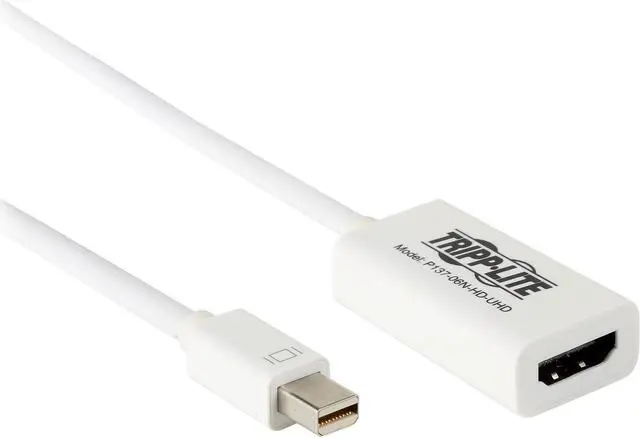
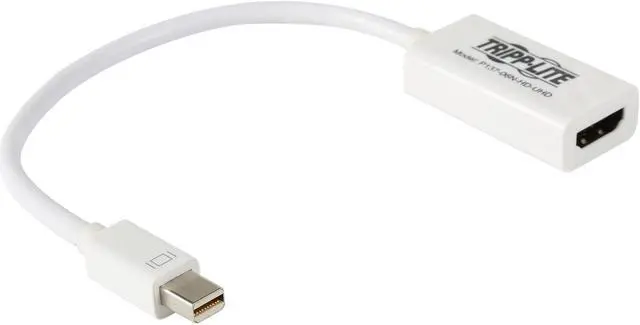
Connect a UHD HDMI monitor to a Mac or PC with a Mini Displayport (or Thunderbolt) output -MDP2HDMI
Supports Ultra High Definition (UHD) video resolutions up to 4Kx2K, 3840 x 2160 (24Hz or 30Hz)
Active adapter that converts both Single-Mode and Dual Mode (DP++) Displayport output
Ideal for use with graphics cards, such as AMD Eyefinity, that do not output Dual Mode (DP++) signals
Plug-and-play convenience; no drivers or software needed
1-Year Limited Warranty
+
+
Overview
Specs
Reviews (20)
Any questions? Our AI beta will help you find out quickly.
Try me now
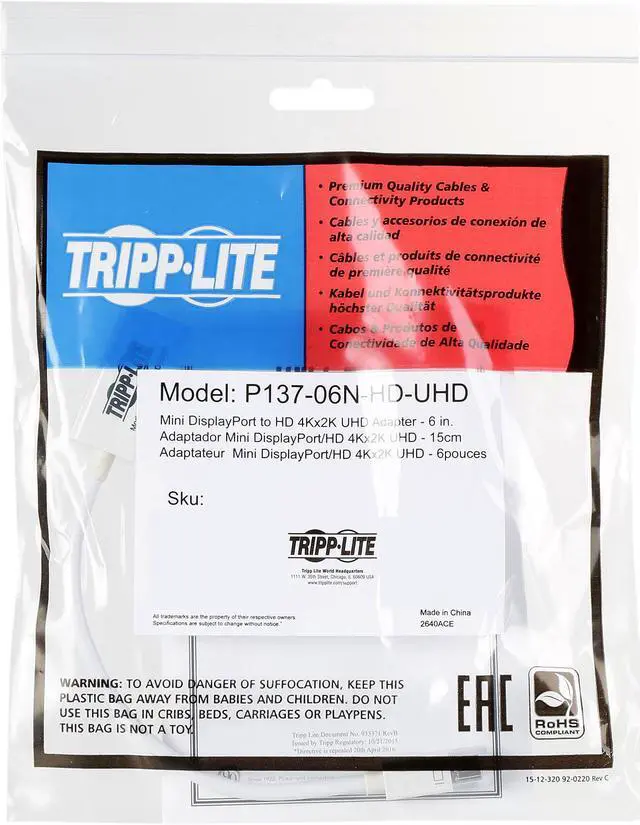
Mini DisplayPort to UHD HDMI Adapter Video Converter Mac/PC 6IN
Learn more about the Tripp Lite P137-06N-HD-UHD
Model
Brand
Tripp Lite
Model
P137-06N-HD-UHD
Details
Type
DP to HDMI
Changer Type
HDMI Active 4K (DP 1.2)
Color
White
Cable Length
6"
Specifications
System Requirements Computer with a Mini Displayport (or Thunderbolt) port Monitor with a HDMI port. Both monitor and source must support 4Kx2K (24Hz or 30Hz) in order to display 4Kx2K video resolutions Audio is supported as long as it is supported by the source. Check your Mini Displayport source documentation for compatibility. The P137-06N-HD-UHD is an Active adapter, and requires that the connected computer has a DP++ ( Displayport ++ ) port, which allows HDMI and DVI signals to be passed through; check the documentation for your Mini Displayport source for compatibility.
Connectors
Connector A
1x HDMI 19pin female
Connector B
1x Mini DisplayPort male
Features
Features
Connect a UHD HDMI monitor to a Mac or PC with a Mini Displayport output Active adapter for use with any Mini Displayport (or Thunderbolt) port Plug-and-play convenience - no drivers or software needed Supports Ultra High Definition (UHD) video resolutions up to 4Kx2K, 3840 x 2160 (24Hz or 30Hz) HDCP compliant
Additional Information
First Listed on Newegg
December 01, 2018
Customer Reviews of the Tripp Lite P137-06N-HD-UHD
There are no reviews yet.
Do you own this product?
Warranty & Returns
Warranty, Returns, And Additional Information
Warranty
Please contact the Seller directly for warranty information. Warranty information may also be found on the Manufacturer's website.