


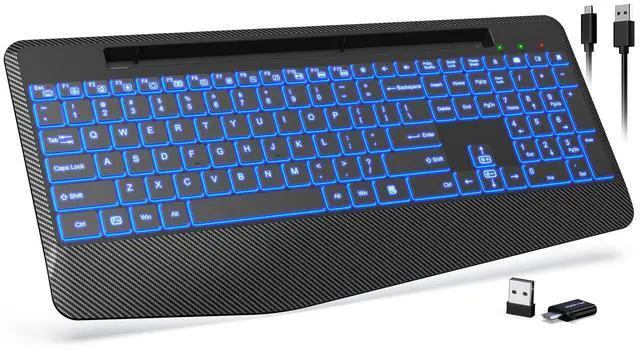




Exceptional Comfort
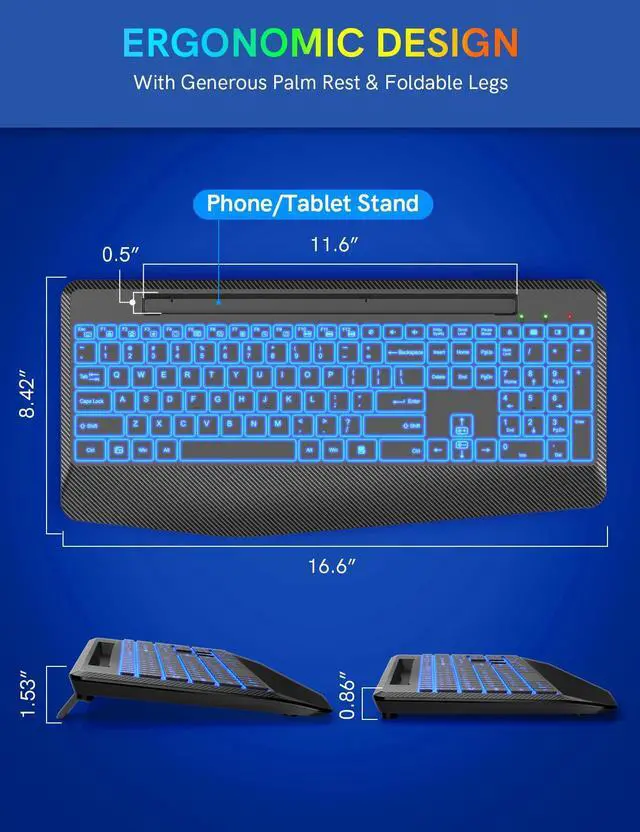
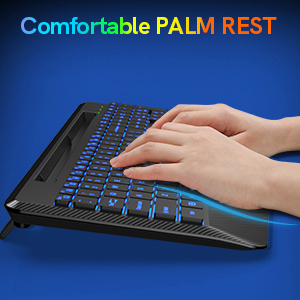
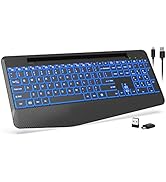
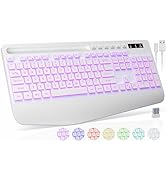
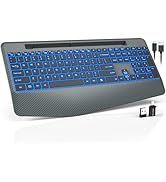
The ergonomic wireless keyboard has comfortable wrist rest so you can place your wrist on the cushioned palm to reduce the risk of fatigue and injury and enjoy natural, relaxed typing.
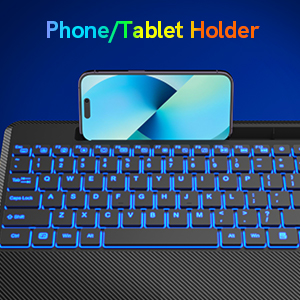
Phone/Tablet Holder
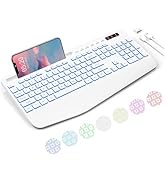
Our computer keyboard provides an extra place to put your phone, iPad or other gadgets without cluttering up your desk. It is very convenient and allows you to easily check your phone for incoming text messages or other things without having to pick it up.
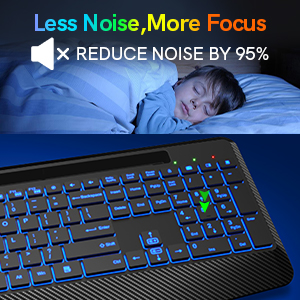
Quiet Scissor Mechanism
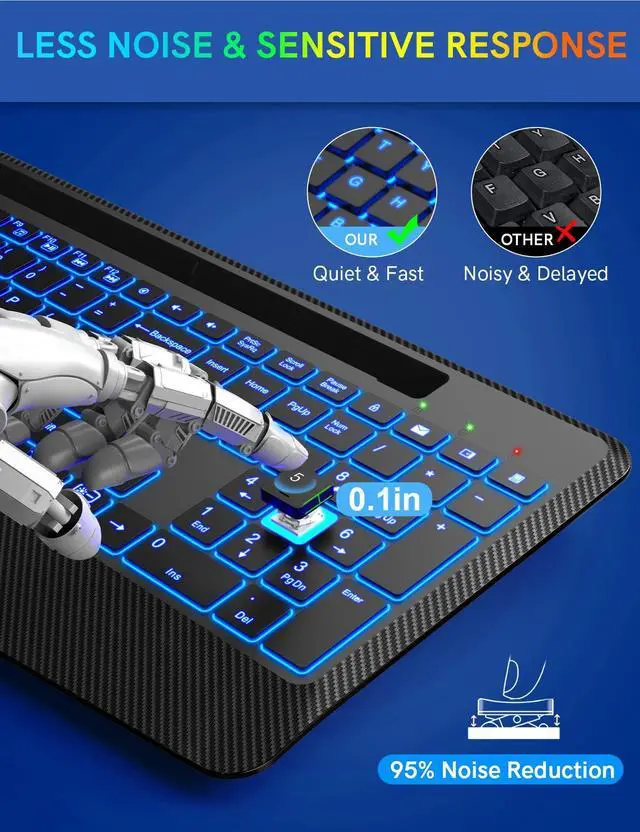
We use a scissor-leg structure membrane lighted keyboard and can effectively reduce noise by 95%, which must be the perfect choice for office work.
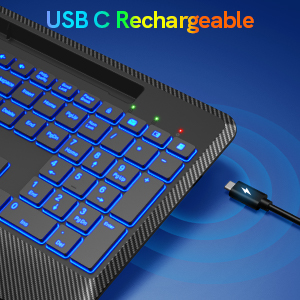
Rechargeable and Long-lasting
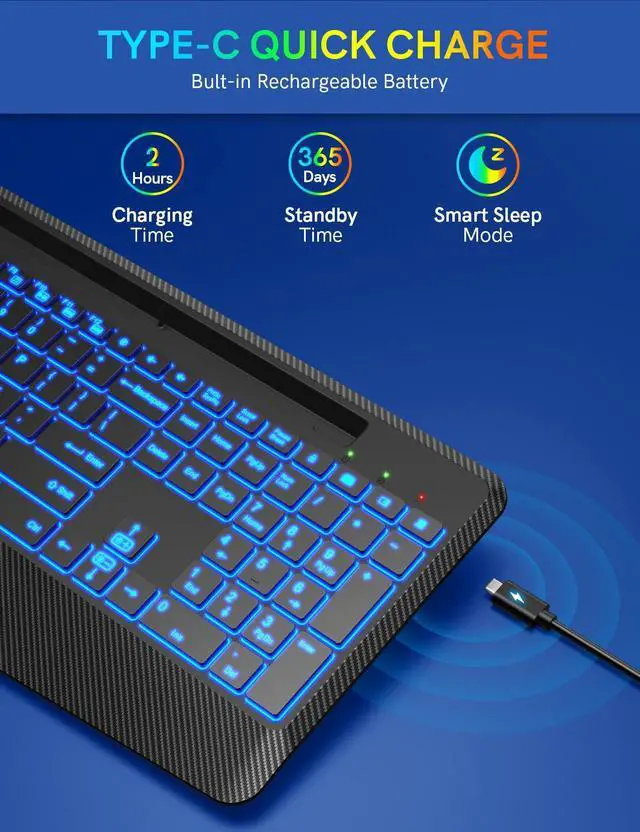
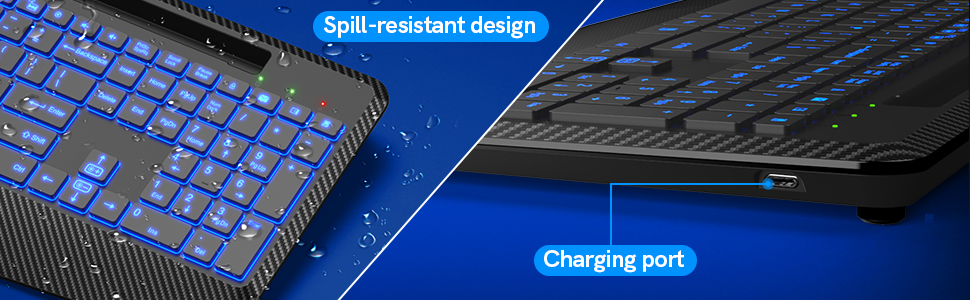
Built in 1600mAh battery, standby time is up to 3000 hours. The wireless keyboard comes with a Type-C charging cable to make charging easier. You can directly use PC, power bank, wall charger for keyboard charging.
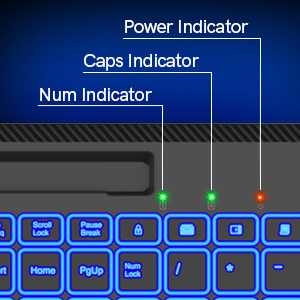
Smart LED Indicators
This backlit wireless computer keyboard is designed with 3 indicators which can help you to know the status of your keyboard. When there is low power, the power indicator will flash and be green.(Note: The backlight cannot be turned on when the battery is low.)
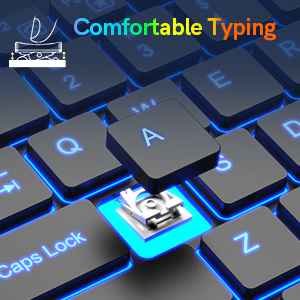
Low-profile Responsive Key
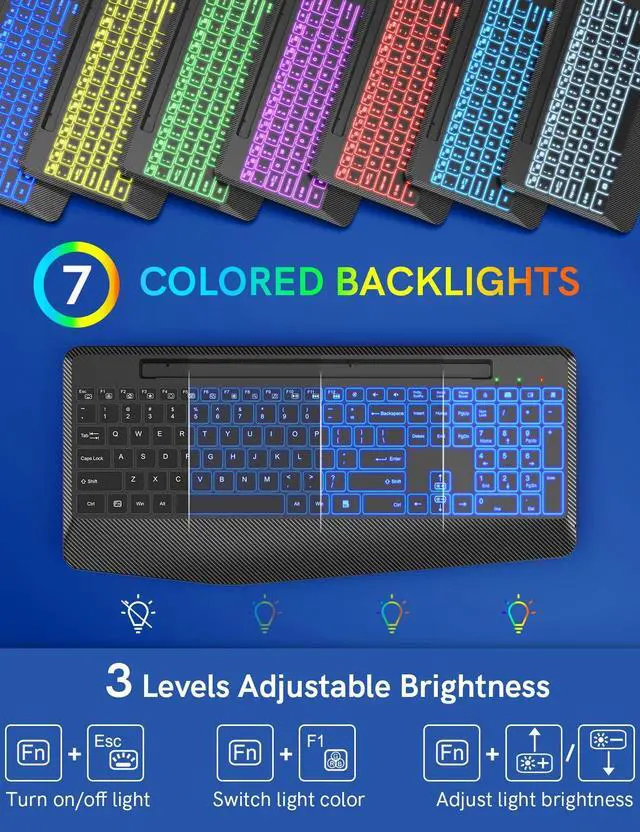
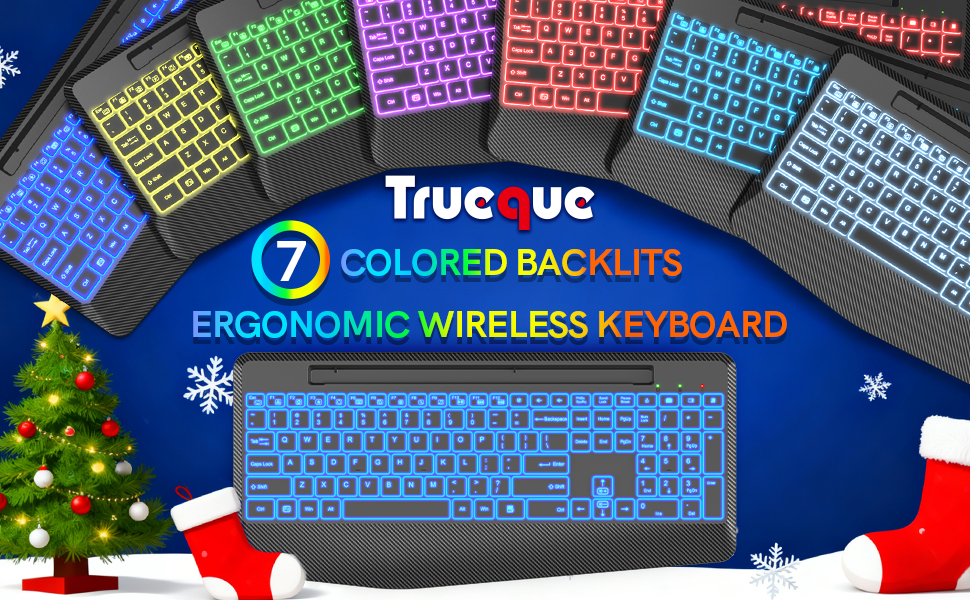
Every low-profile key of the ergonomic keyboard is fast responsive and tactile, which is also comfortable and easy to type.7 color backlit design, make you can typing in the dark easily.

Know More About Trueque Backlit Wireless Keyboard with Wrist Support
Q1:Where is my USB receiver?
A1:The USB receiver is placed on top of the keyboard inside the package, please look for it carefully.
Q2:What should I do if the keyboard gets delayed or stuck?
A2:Please check there is no 2.4GHz device (e.g. router) nearby to interfere with the connection. check the keyboard has been fully charged. check there is no full metal case that may block the signal.
Q3:What should I do if the keyboard and mouse cannot be charged?
A3:Please check whether the charging port is connected. try to replace the charging cable.Try to change the USB port.
Q4:What should I do if the backlight stops working?
A4: Please charge for half an hour and then re-insert the USB. try to restart the keyboard and mouse.
Q5: What should I do if the keyboard can not be connected?
A5: Switch on the keyboard, press [Esc] + [+], the light flashes quickly. Plug the 2.4GHz USB receiver into the computer. Within 10 seconds, put the keyboard at 10 cm from the receiver for pairing. When the light turn off, the keyboard pairing is successful.
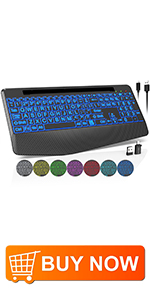 7 Colored Backlits Rechargeable Ergonomic Wireless Keyboard with Phone Holder | 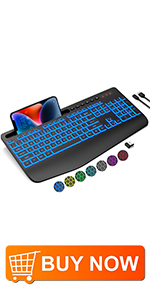 7 Colored Backlits Rechargeable Ergonomic Wireless Keyboard with Phone Holder | 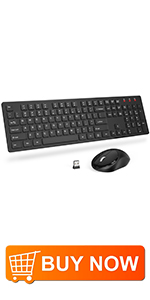 Silent & Plug and Plays & Power SavingWireless Keyboard and Mouse | 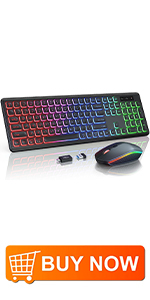 Rainbow Backlit Rechargeable Ergonomic Wireless Keyboard and Mouse Combo | |
|---|---|---|---|---|
| Customer Reviews | — | — | — | — |
| Price | — | — no data | — no data | — |
| Connection | 2.4GHz Wireless | 2.4GHz Wireless | 2.4GHz Wireless | 2.4GHz Wireless |
| Features | 7 Backlit Effects & Wrist Rest & Rechargeable & Shorcut Keys & Plug and Plays &Ergonomic & Silent & Phone Holder | 7 Backlit Effects & Wrist Rest & Rechargeable & Shorcut Keys & Plug and Plays &Ergonomic & Silent & Phone Holder | Ergonomic & Shorcut Keys & Silent & Plug and Plays & Power Saving & 800-1200-1600DPI Mouse & Low Profile Computer Keyboard | Rainbow Backlit Effects & Rechargeable & Shorcut Keys & Plug and Plays &Ergonomic & Silent |
| Power | Rechargeable (Included Battery & Charging Cable ) | Rechargeable (Included Battery & Charging Cable ) | 2*AAA Batteries+1*AA Battery(Not included) | Rechargeable (Included Battery & Charging Cable ) |


Your Trusted Partner of Work Duo
About Trueque:
- We’re a keyboard and mouse brand focused on innovation and quality.
- Each of our teams is committed to providing customers with sincere service and a meaningful product experience.
- We will always keep in mind the opinions of our customers to make the office convenient and comfortable.



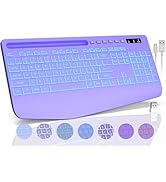
MORE CHOICE
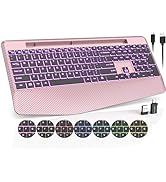
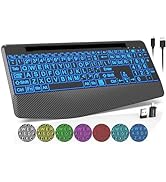
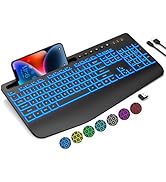
MORE CHOICE
Exceptional Comfort
The ergonomic wireless keyboard has comfortable wrist rest so you can place your wrist on the cushioned palm to reduce the risk of fatigue and injury and enjoy natural, relaxed typing.
Phone/Tablet Holder
Our computer keyboard provides an extra place to put your phone, iPad or other gadgets without cluttering up your desk. It is very convenient and allows you to easily check your phone for incoming text messages or other things without having to pick it up.
Quiet Scissor Mechanism
We use a scissor-leg structure membrane lighted keyboard and can effectively reduce noise by 95%, which must be the perfect choice for office work.
Rechargeable and Long-lasting
Built in 1600mAh battery, standby time is up to 3000 hours. The wireless keyboard comes with a Type-C charging cable to make charging easier. You can directly use PC, power bank, wall charger for keyboard charging.
Smart LED Indicators
This backlit wireless computer keyboard is designed with 3 indicators which can help you to know the status of your keyboard. When there is low power, the power indicator will flash and be green.(Note: The backlight cannot be turned on when the battery is low.)
Low-profile Responsive Key
Every low-profile key of the ergonomic keyboard is fast responsive and tactile, which is also comfortable and easy to type.7 color backlit design, make you can typing in the dark easily.
Know More About Trueque Backlit Wireless Keyboard with Wrist Support
Q1:Where is my USB receiver?
A1:The USB receiver is placed on top of the keyboard inside the package, please look for it carefully.
Q2:What should I do if the keyboard gets delayed or stuck?
A2:Please check there is no 2.4GHz device (e.g. router) nearby to interfere with the connection. check the keyboard has been fully charged. check there is no full metal case that may block the signal.
Q3:What should I do if the keyboard and mouse cannot be charged?
A3:Please check whether the charging port is connected. try to replace the charging cable.Try to change the USB port.
Q4:What should I do if the backlight stops working?
A4: Please charge for half an hour and then re-insert the USB. try to restart the keyboard and mouse.
Q5: What should I do if the keyboard can not be connected?
A5: Switch on the keyboard, press [Esc] + [+], the light flashes quickly. Plug the 2.4GHz USB receiver into the computer. Within 10 seconds, put the keyboard at 10 cm from the receiver for pairing. When the light turn off, the keyboard pairing is successful.
7 Colored Backlits Rechargeable Ergonomic Wireless Keyboard with Phone Holder | 7 Colored Backlits Rechargeable Ergonomic Wireless Keyboard with Phone Holder | Silent & Plug and Plays & Power SavingWireless Keyboard and Mouse | Rainbow Backlit Rechargeable Ergonomic Wireless Keyboard and Mouse Combo | |
|---|---|---|---|---|
| Customer Reviews | — | — | — | — |
| Price | — | — no data | — no data | — |
| Connection | 2.4GHz Wireless | 2.4GHz Wireless | 2.4GHz Wireless | 2.4GHz Wireless |
| Features | 7 Backlit Effects & Wrist Rest & Rechargeable & Shorcut Keys & Plug and Plays &Ergonomic & Silent & Phone Holder | 7 Backlit Effects & Wrist Rest & Rechargeable & Shorcut Keys & Plug and Plays &Ergonomic & Silent & Phone Holder | Ergonomic & Shorcut Keys & Silent & Plug and Plays & Power Saving & 800-1200-1600DPI Mouse & Low Profile Computer Keyboard | Rainbow Backlit Effects & Rechargeable & Shorcut Keys & Plug and Plays &Ergonomic & Silent |
| Power | Rechargeable (Included Battery & Charging Cable ) | Rechargeable (Included Battery & Charging Cable ) | 2*AAA Batteries+1*AA Battery(Not included) | Rechargeable (Included Battery & Charging Cable ) |
Your Trusted Partner of Work Duo
About Trueque:
- We’re a keyboard and mouse brand focused on innovation and quality.
- Each of our teams is committed to providing customers with sincere service and a meaningful product experience.
- We will always keep in mind the opinions of our customers to make the office convenient and comfortable.
MORE CHOICE
MORE CHOICE