








How do I check my tablet model?
Method 1: Open your tablet's Settings > About Tablet > tap "Model" to display the Model Number
Which tablet models are compatible?
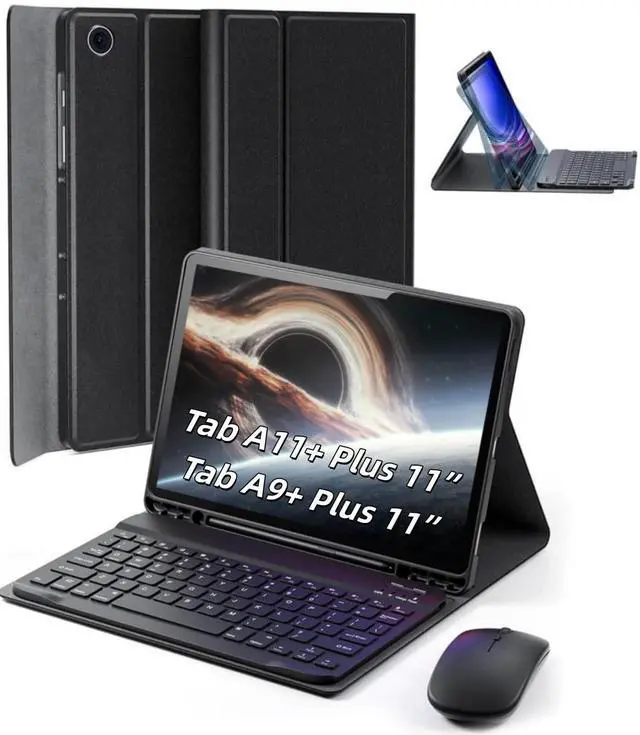
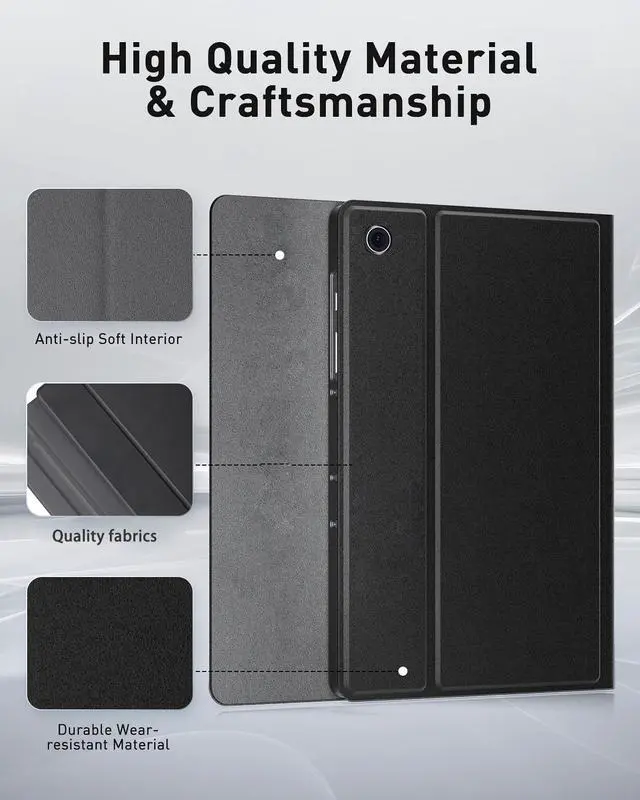
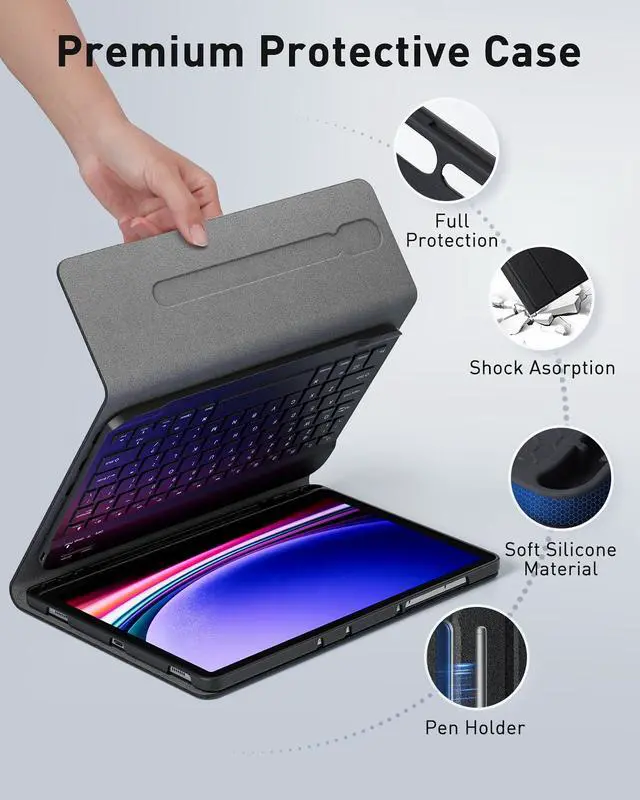
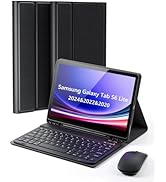
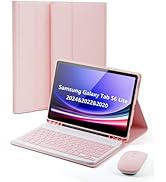
for Samsung Galaxy Tab A9 Plus 11 inch (Model: SM-X210 /SM-X215 /SM-X216B)
How do I use a wireless keyboard and mouse?
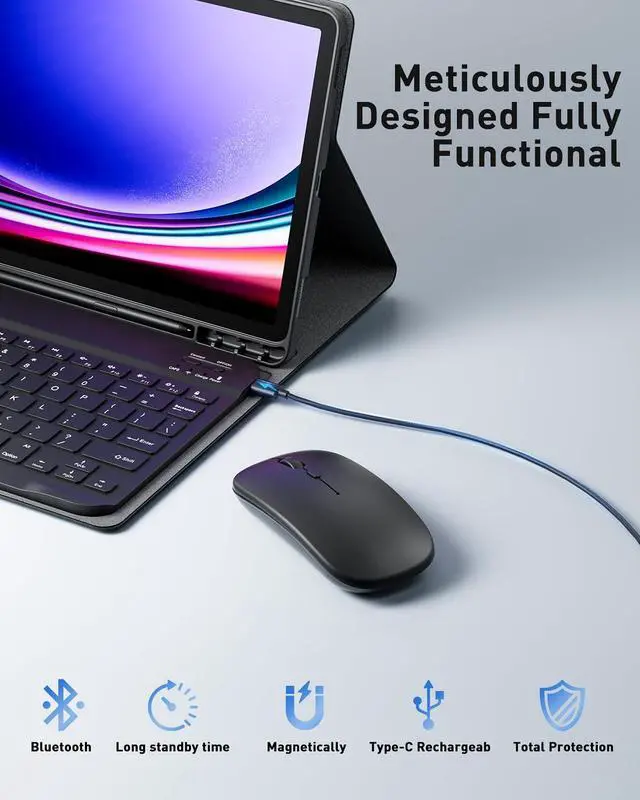
Before use, charge the keyboard and mouse for two hours using the provided cables, Ensure product performance.
The keyboard and mouse are wireless Bluetooth devices and can be used immediately after successful Bluetooth connection
How to solve the problem that the keyboard and mouse cannot connect to Bluetooth and keyboard typing delay and not work?
Please use the Type-C power cable that comes with the product to charge the keyboard and mouse for more than 2 hours.
If the keyboard and mouse are low on power, the connection signal will become weak and unable to connect.
My keyboard won't charge, what should I do?
The keyboard's charging power is compatible with 5V 2A.
Please use the Type-C power cable and the charging head we provide to charge the keyboard.
Please note: Do not use a high-power charging head, as it will cause the keyboard to not charge.
Samsung A9 Plus 11 inch


How do I check my tablet model?
Method 1: Open your tablet's Settings > About Tablet > tap "Model" to display the Model Number
Which tablet models are compatible?
for Samsung Galaxy Tab A9 Plus 11 inch (Model: SM-X210 /SM-X215 /SM-X216B)
How do I use a wireless keyboard and mouse?
Before use, charge the keyboard and mouse for two hours using the provided cables, Ensure product performance.
The keyboard and mouse are wireless Bluetooth devices and can be used immediately after successful Bluetooth connection
How to solve the problem that the keyboard and mouse cannot connect to Bluetooth and keyboard typing delay and not work?
Please use the Type-C power cable that comes with the product to charge the keyboard and mouse for more than 2 hours.
If the keyboard and mouse are low on power, the connection signal will become weak and unable to connect.
My keyboard won't charge, what should I do?
The keyboard's charging power is compatible with 5V 2A.
Please use the Type-C power cable and the charging head we provide to charge the keyboard.
Please note: Do not use a high-power charging head, as it will cause the keyboard to not charge.
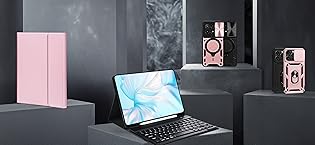
TUNKARMOR -- Aims to provide total protection for your electronic devices.
We are committed to providing high quality accessories for electronic products, our main products are cell phone cases and tablet cases.
TUNKARMOR Phone Pad Case
