here!
here!
I’m your shopping assistant for PC builds, upgrades, and everything tech.
Got questions? Ask away!
Start a conversation
here!
I’m your shopping assistant for PC builds, upgrades, and everything tech.
Got questions? Ask away!
Start a conversation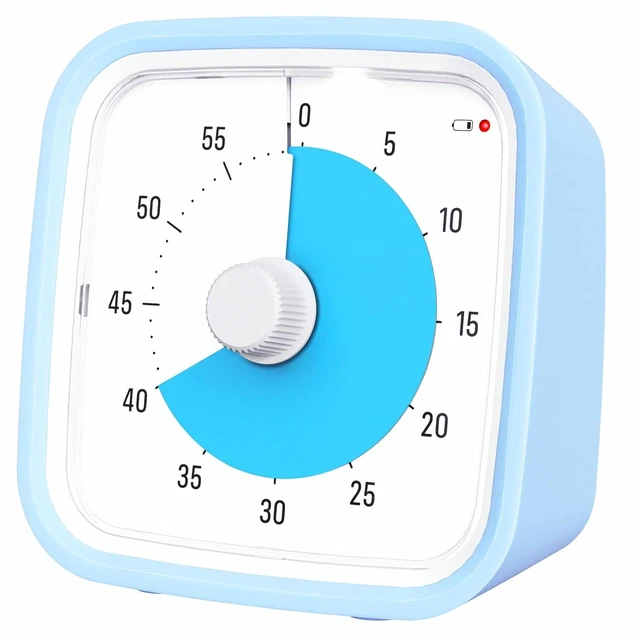

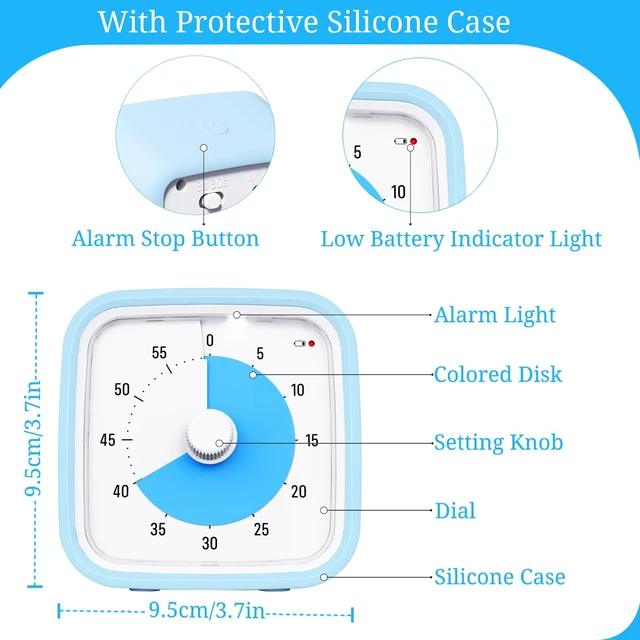




Any questions? Ask CelesteSM will help you find out quickly.
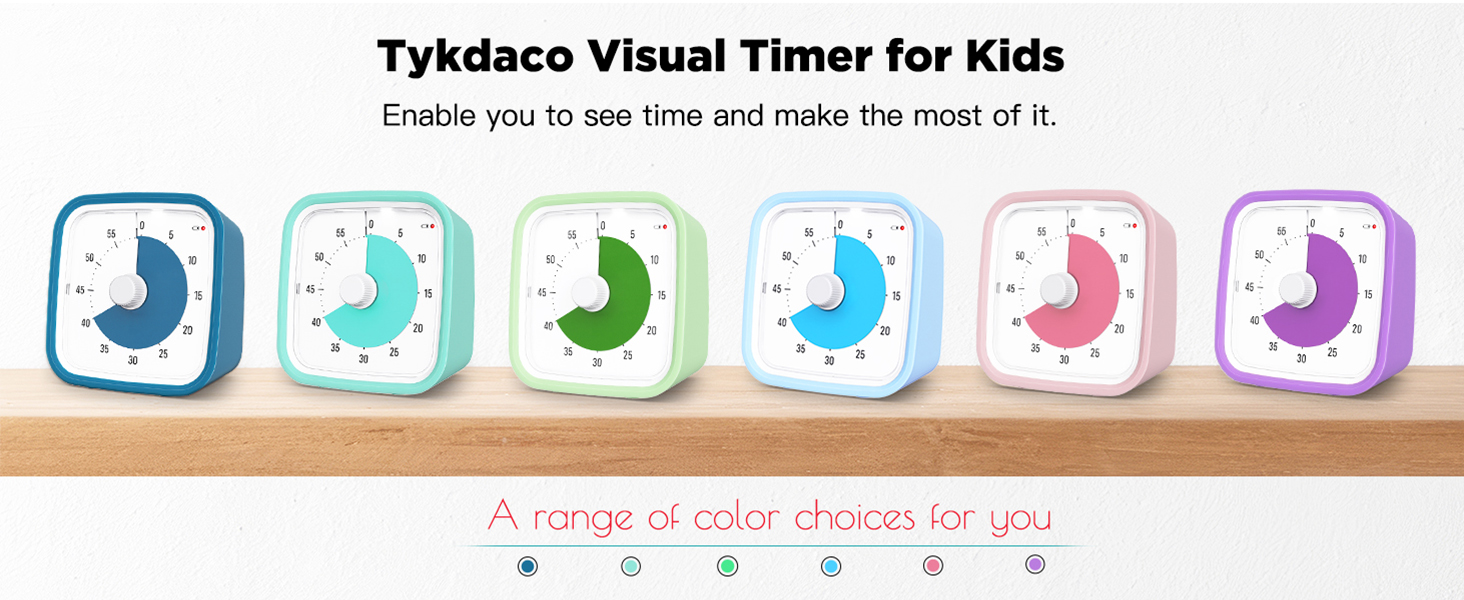
Tykdaco visual timer enable kids to see time instead of feeling it. It can effectively help children develop a sense of time, cultivate good daily habits and improve learning efficiency. Adults can also use it to improve time management and work efficiency.
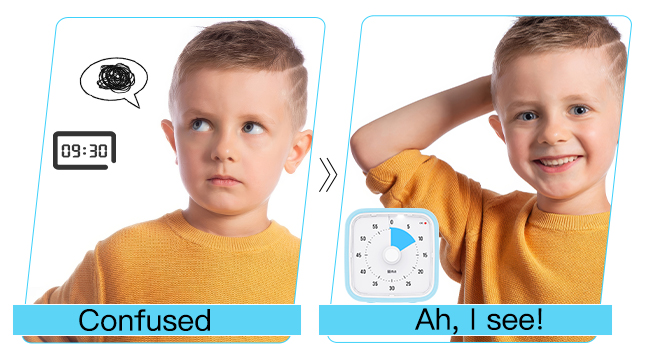
This visual timer for kids enables kids to see "how long", it can effectively help children establish a concept of time. Parents will no longer have to keep answering questions such as ‘How much longer?’, ‘How much time is left?’ or ‘How long is 10 minutes?’.

Are you frustrated by your child taking too long to eat? Are you worried that your child spends too much time on different E-screens? Try this kids timer—it helps foster your child’s self-discipline and independence, guiding them from being “managed by others” to “managing themselves.”

Use this 60 minute visual timer in conjunction with the Pomodoro Technique (25 minutes of study or work + 5-minute break) to stay within your optimal focus window, enhance your concentration, and thereby effectively improve your study or work efficiency.

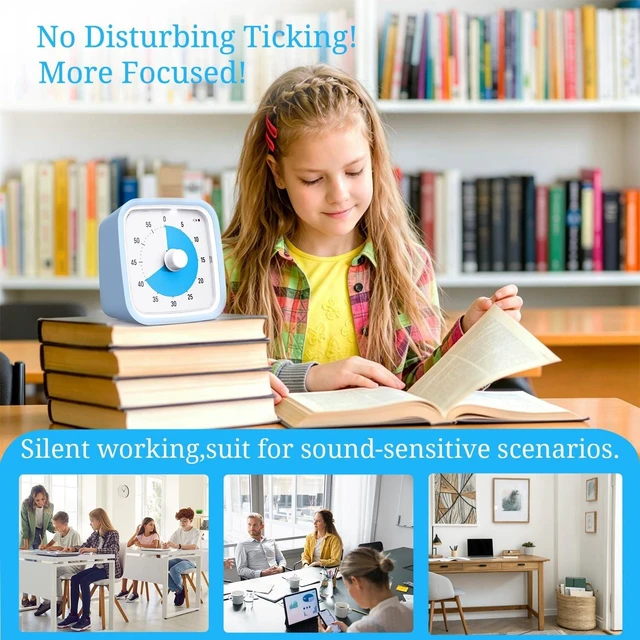
This visual timer can be widely used in many daily situations, such as cooking in the kitchen, teaching in the classroom, working in the office, studying at home, or playing games for fun, helping you manage your time effectively in every aspect and making your life better.
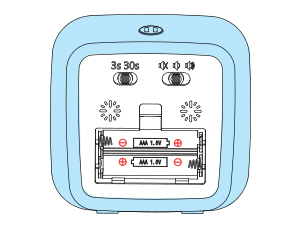
Please make sure batteries are correctly installed and tight the battery cover.
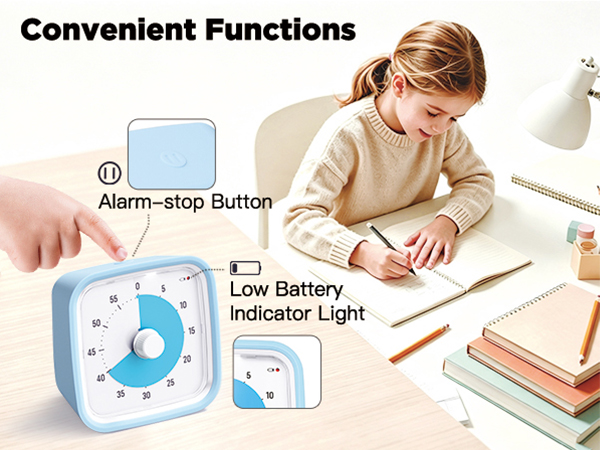
Once it stops working, please replace new batteries first.
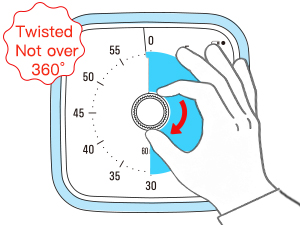
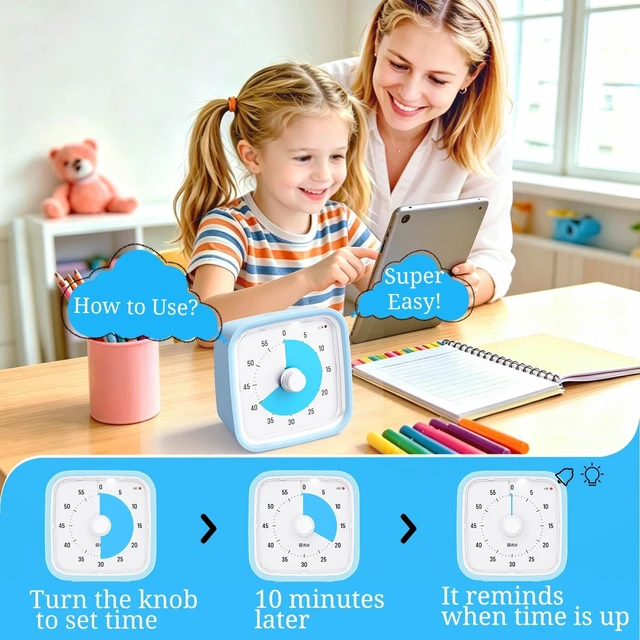
Adjust the knob to set expected time, then it will count down.
Please do not damage the timer by turning the knob over "0" from 2 directions.
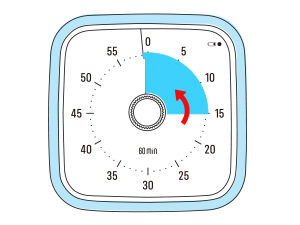
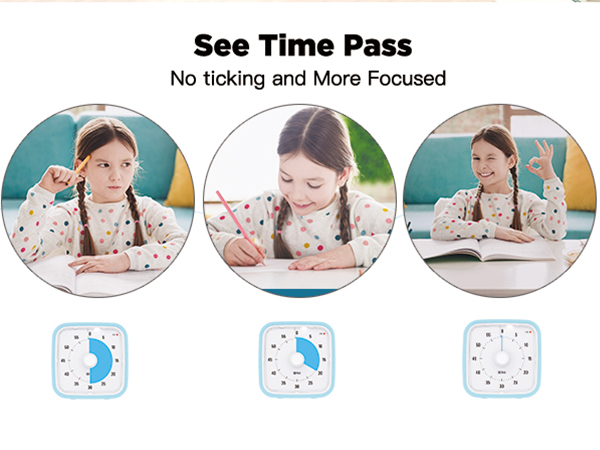
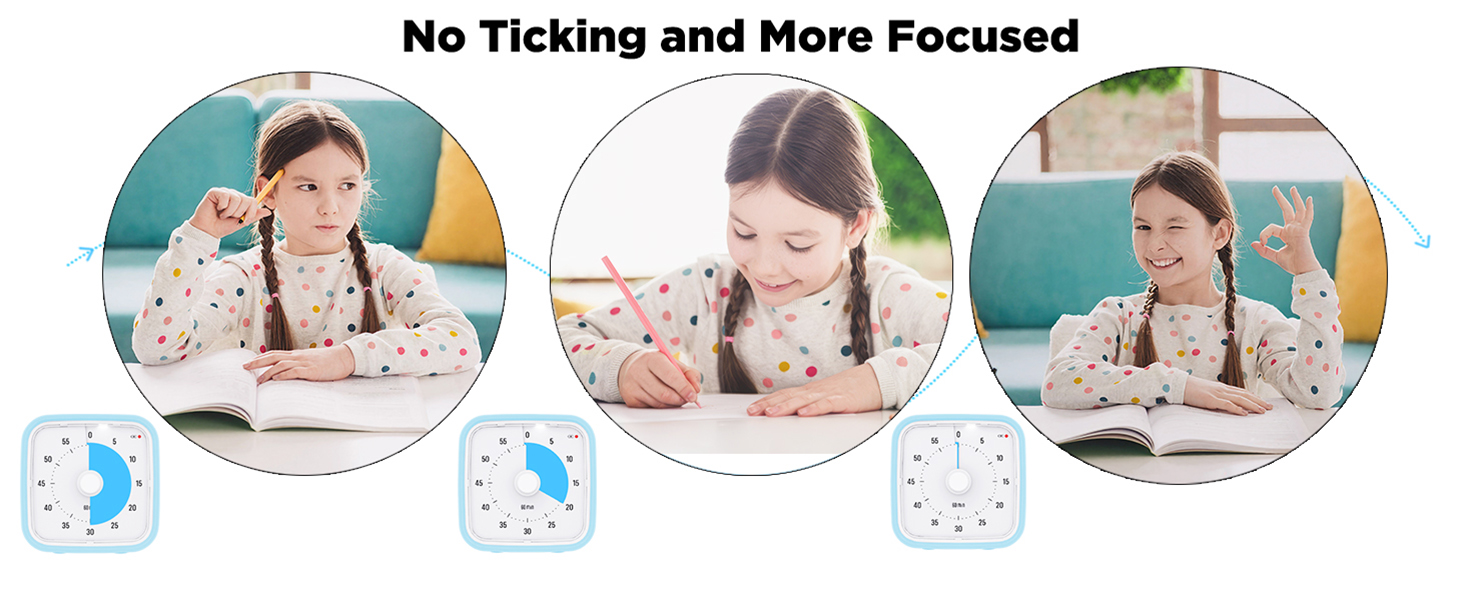
The colored disk of the visual timer will disappear counterclockwise as time passes,
It enables people to see time and how long time it left.
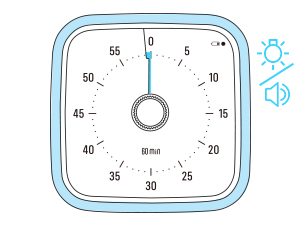
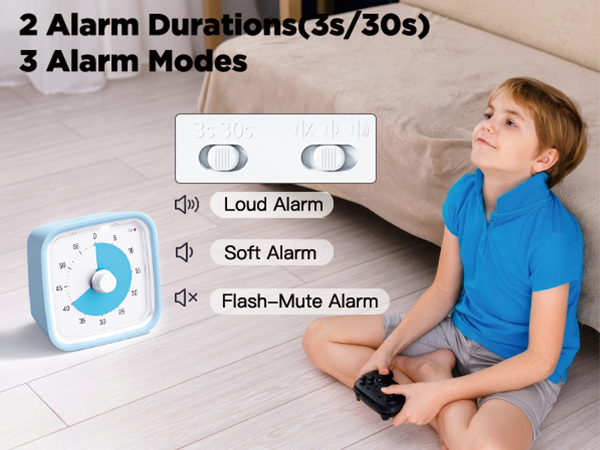
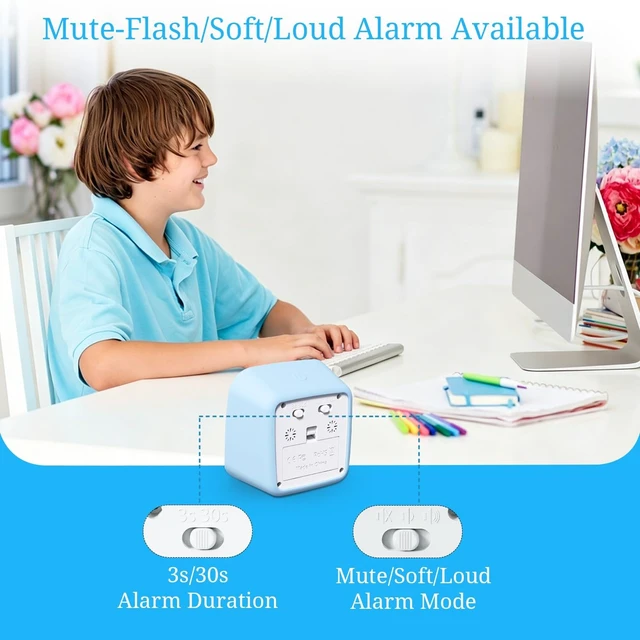
When time is up, it will flash light or ring, depends on your choice.
Here again, please do not turn it over 360° to damage the timer.



Tykdaco visual timer enable kids to see time instead of feeling it. It can effectively help children develop a sense of time, cultivate good daily habits and improve learning efficiency. Adults can also use it to improve time management and work efficiency.
This visual timer for kids enables kids to see "how long", it can effectively help children establish a concept of time. Parents will no longer have to keep answering questions such as ‘How much longer?’, ‘How much time is left?’ or ‘How long is 10 minutes?’.
Are you frustrated by your child taking too long to eat? Are you worried that your child spends too much time on different E-screens? Try this kids timer—it helps foster your child’s self-discipline and independence, guiding them from being “managed by others” to “managing themselves.”
Use this 60 minute visual timer in conjunction with the Pomodoro Technique (25 minutes of study or work + 5-minute break) to stay within your optimal focus window, enhance your concentration, and thereby effectively improve your study or work efficiency.
This visual timer can be widely used in many daily situations, such as cooking in the kitchen, teaching in the classroom, working in the office, studying at home, or playing games for fun, helping you manage your time effectively in every aspect and making your life better.
Please make sure batteries are correctly installed and tight the battery cover.
Once it stops working, please replace new batteries first.
Adjust the knob to set expected time, then it will count down.
Please do not damage the timer by turning the knob over "0" from 2 directions.
The colored disk of the visual timer will disappear counterclockwise as time passes,
It enables people to see time and how long time it left.
When time is up, it will flash light or ring, depends on your choice.
Here again, please do not turn it over 360° to damage the timer.