





TYYWGD focuses on providing people with high-quality products and services. We value user experience to produce products that are popular with people.
If you have any problems with our products, please let us know. We would like to express our sincere gratitude to all of you for coming to the exhibition.
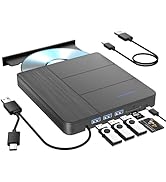
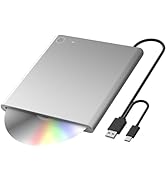
External BD CD DVD Drive
If the dvd driver can't be recognized by computer or it can't play well?
(1)Ensure your cd/dvd is placed well and not scratched ;
(2)If your devices don't have enough power to support the external drive, it is better to use the external power adapter to increase the power and ensure more stable work (USB charging cable included in some product packages) ;
(3)Make sure your computer has a driver before using the external drive and your computer has an available media player (such as VideoLAN VLC player).
The dvd drive is suitable for?
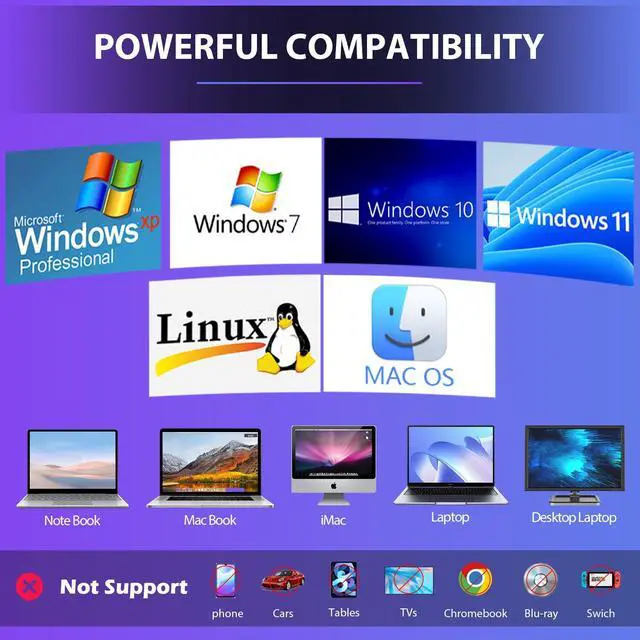
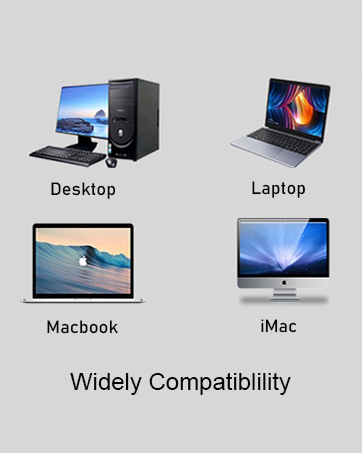
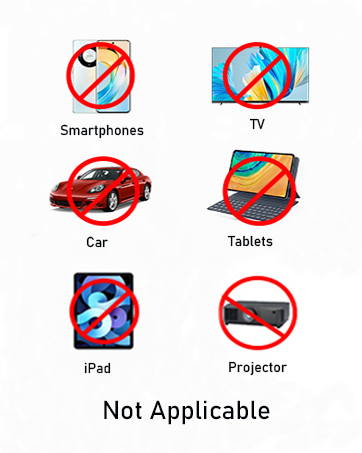
Windows 10 /8 /7 /XP , Vista 7 / 8, Linux, Mac OS 10.6 or above
Precautions:
1. Because it is a multi-functional product, the power consumption is large, in order to prevent the disc can not play normally in the middle of the recorder must be connected to the power supply, do not unplug in the middle.
What does the package contain?
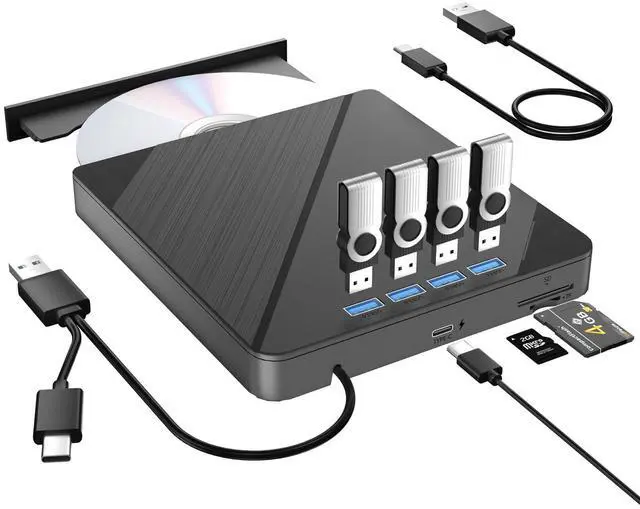
External CD DVD Drive
USB3.0/TYPE C Cable
TYPE-C charger
User Manual
For Mac OS
For Mac OS, use the drutil eject command to eject a disc. If the eject button or software command fails, insert a straightened paperclip into the manual eject hole to force the disc out.


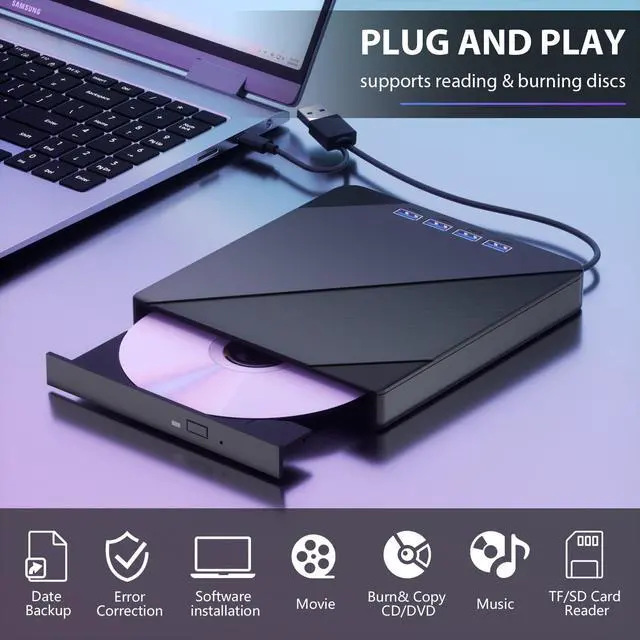
POP-UP BUTTON
If the tray cannot eject properly, you can use a pin to eject the tray.

FREE CHARGING CABLE
connect to more laptops and desktop computers. Plug and Play

EMBEDDED CABLE DESIGN
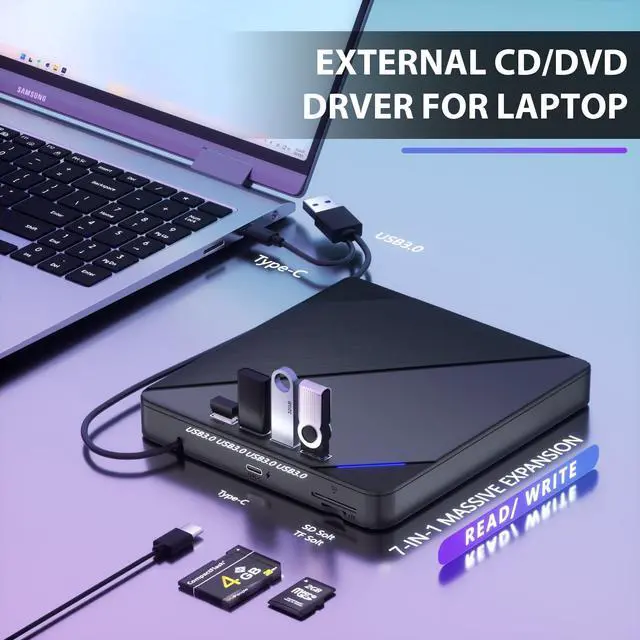
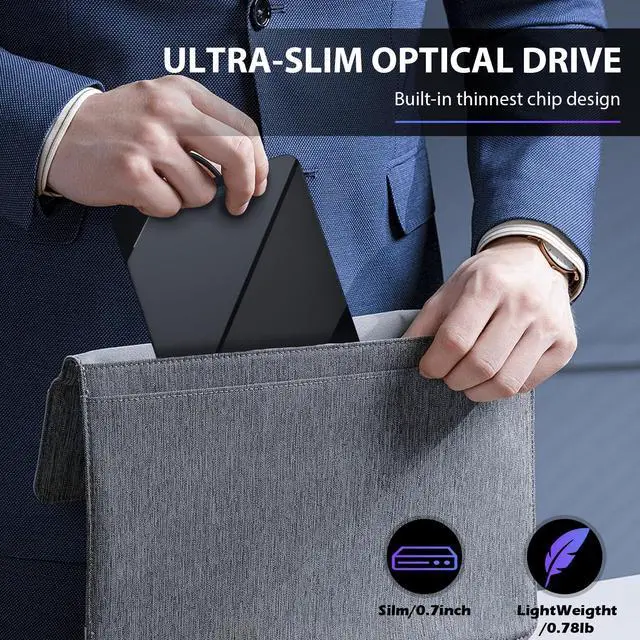
The embedded cable design makes it easy to carry and use with most laptops and desktop computers.

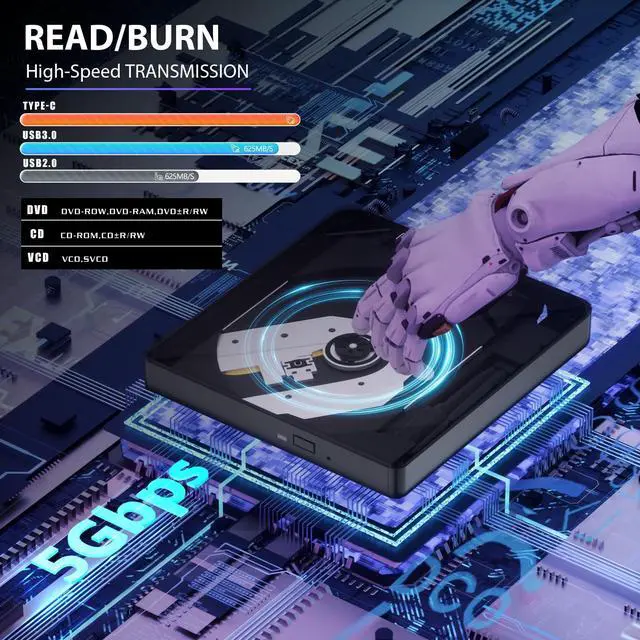
FAST DATA TRANSFER
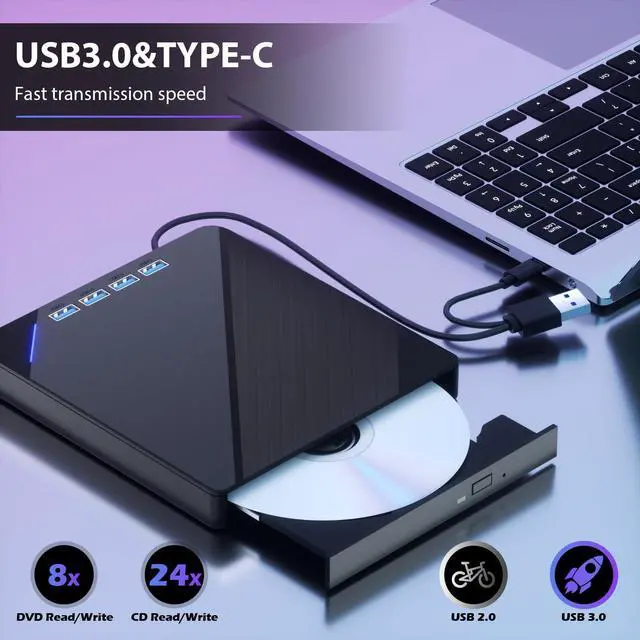
Equipped with USB-C and USB-A connectors make it easier to connect to more laptops and desktop computers. Plug and Play
What does the package contain?
External CD DVD drive, USB cable for charging, multilingual manual.
What should be done if the product suddenly stops running midway?
Because it is a multi-functional product, the power consumption is large, in order to prevent the disc can not play normally in the middle of the recorder must be connected to the power supply, do not unplug in the middle.
What should I do if the tray does not pop out normally?
There is a reset hole next to the pop-up button. If the tray of the external optical drive cannot be ejected correctly, a pin can be used to eject the tray through the reset hole.
Which port should I plug the burning device into on my desktop computer?
Desktop computers need to plug the drive into a USB port at the back of the host.


POP-UP BUTTON
If the tray cannot eject properly, you can use a pin to eject the tray.
FREE CHARGING CABLE
connect to more laptops and desktop computers. Plug and Play
EMBEDDED CABLE DESIGN
The embedded cable design makes it easy to carry and use with most laptops and desktop computers.
FAST DATA TRANSFER
Equipped with USB-C and USB-A connectors make it easier to connect to more laptops and desktop computers. Plug and Play
What does the package contain?
External CD DVD drive, USB cable for charging, multilingual manual.
What should be done if the product suddenly stops running midway?
Because it is a multi-functional product, the power consumption is large, in order to prevent the disc can not play normally in the middle of the recorder must be connected to the power supply, do not unplug in the middle.
What should I do if the tray does not pop out normally?
There is a reset hole next to the pop-up button. If the tray of the external optical drive cannot be ejected correctly, a pin can be used to eject the tray through the reset hole.
Which port should I plug the burning device into on my desktop computer?
Desktop computers need to plug the drive into a USB port at the back of the host.

TYYWGD focuses on providing people with high-quality products and services. We value user experience to produce products that are popular with people.
If you have any problems with our products, please let us know. We would like to express our sincere gratitude to all of you for coming to the exhibition.
External BD CD DVD Drive
If the dvd driver can't be recognized by computer or it can't play well?
(1)Ensure your cd/dvd is placed well and not scratched ;
(2)If your devices don't have enough power to support the external drive, it is better to use the external power adapter to increase the power and ensure more stable work (USB charging cable included in some product packages) ;
(3)Make sure your computer has a driver before using the external drive and your computer has an available media player (such as VideoLAN VLC player).
The dvd drive is suitable for?
Windows 10 /8 /7 /XP , Vista 7 / 8, Linux, Mac OS 10.6 or above
Precautions:
1. Because it is a multi-functional product, the power consumption is large, in order to prevent the disc can not play normally in the middle of the recorder must be connected to the power supply, do not unplug in the middle.
What does the package contain?
External CD DVD Drive
USB3.0/TYPE C Cable
TYPE-C charger
User Manual
For Mac OS
For Mac OS, use the drutil eject command to eject a disc. If the eject button or software command fails, insert a straightened paperclip into the manual eject hole to force the disc out.