




 here!
here!
I’m your shopping assistant for PC builds, upgrades, and everything tech.
Got questions? Ask away!
Start a conversation
here!
I’m your shopping assistant for PC builds, upgrades, and everything tech.
Got questions? Ask away!
Start a conversation


Any questions? Ask CelesteSM will help you find out quickly.

Send an Uber E-gift card to the people you care about via email. The gift of Uber provides them reliable rides and meals from their favorite local restaurants.
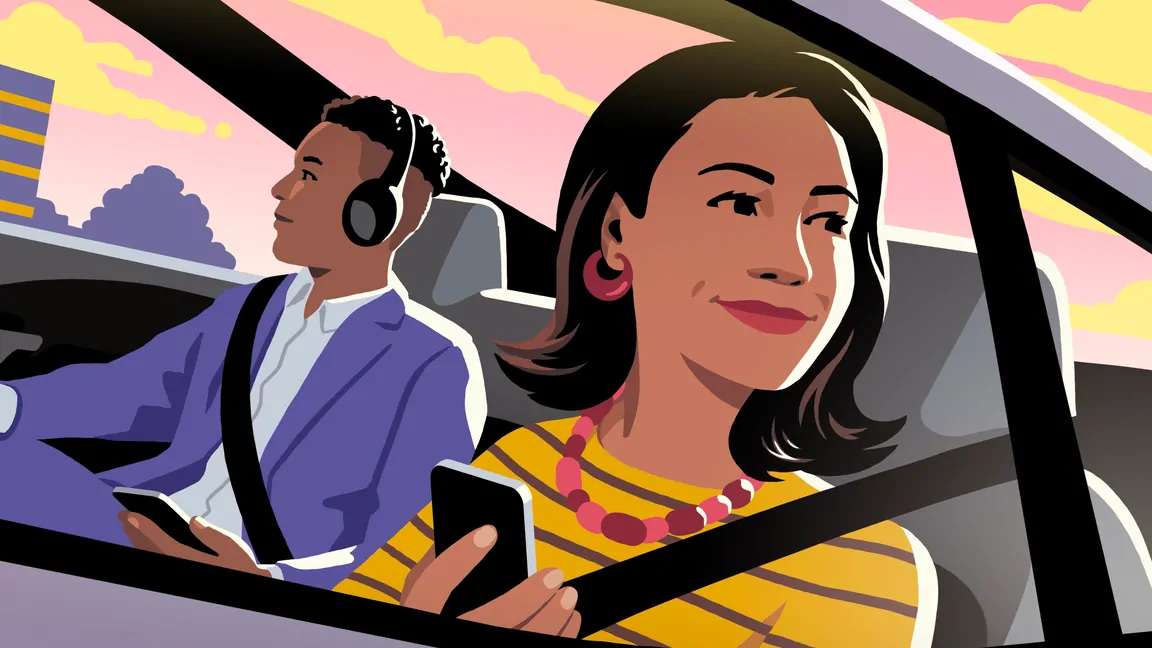
Give friends and family the gift of tapping a button and getting a ride—any time of the day, any day of the year—in 10,000+ cities globally.

Uber gift cards can also be used for Uber Eats orders. Enjoy food from thousands of restaurants in cities around the world.
Step 1: Download the Uber or Uber Eats app if you're not currently an Uber user.
Step 2: Open the Account section and select Wallet.
Step 3: Choose + Add Funds in the Uber Cash card.
Step 4: Select Gift card.
Step 5: Enter your gift code and choose Add.
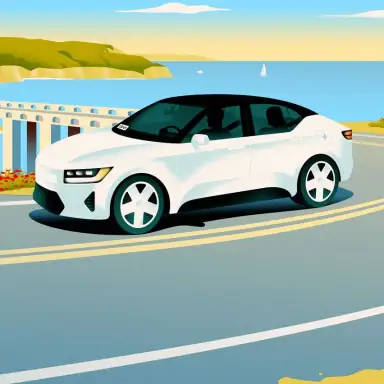
There’s more than one way to move with Uber, no matter where you are or where you’re headed next.
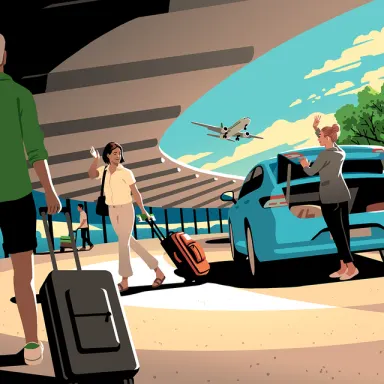
You can request a ride to and from most major airports. Schedule a ride to the airport for one less thing to worry about.
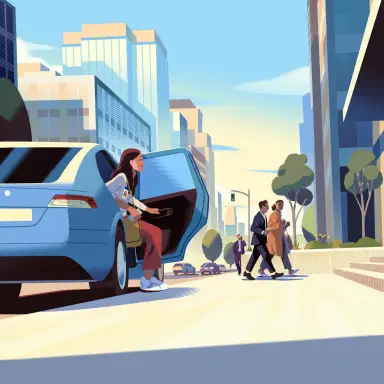
The app is available in thousands of cities worldwide, so you can request a ride even when you’re far from home.
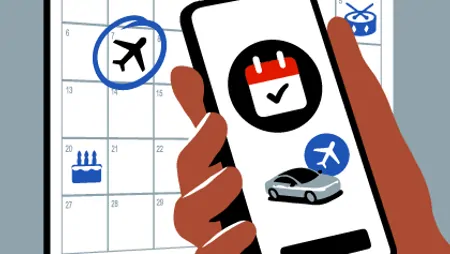
Now more than ever, reservations are a way of life. Reserve a premium Uber experience, up to 90 days in advance, for whenever you’re ready to ride.
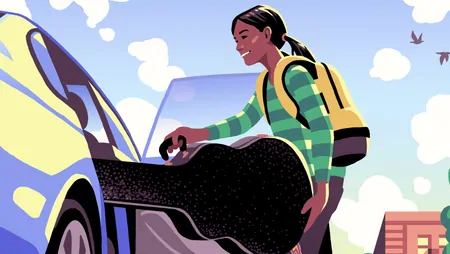
Peace of mind for you, independence for them. With a teen account, they’ll have the freedom to request their own rides—and you’ll be notified every time they do. Plus, with live safety features and real-time updates, you can follow along from pickup to dropoff. Currently available only in select locations.
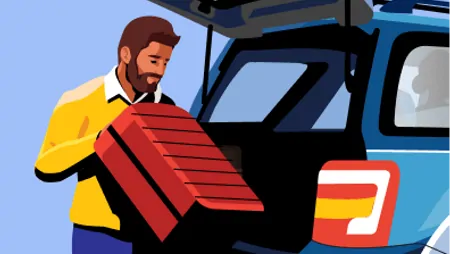
Whether you need a car today or in the future, Uber’s online booking experience will help you find the right vehicle for a family vacation, a weekend getaway, a road trip, airport travel, and more. With Uber Rent, your car rental needs are prioritized.

Uber Eats has hundreds of restaurants to choose from. When you open the app, you can scroll through for inspiration or search for a particular restaurant or cuisine. When you find something you like, tap to add it to your order.
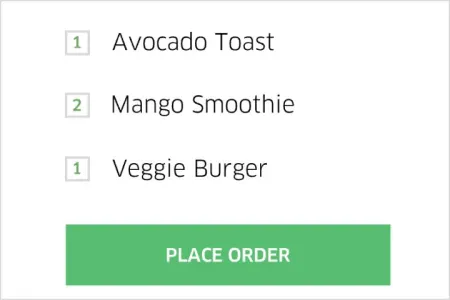
When you’re ready to check out, you’ll see your address, an estimated delivery time, and the price of the order including tax and delivery fee. When everything looks right, just tap Place order—and that’s it. You can use the same payment methods you use on Uber trips.
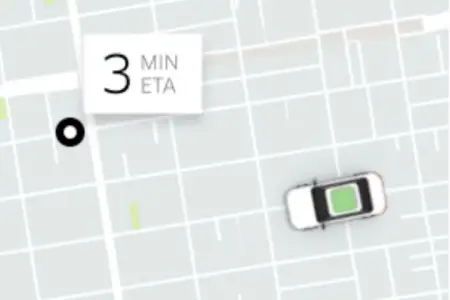
Follow your order in the app. First you’ll see the restaurant accept and start prepping. Then, when the order’s almost ready, a nearby delivery person—in a car, on a bike, or on a scooter—will go to the restaurant to pick it up. Next, they’ll drive or ride to you. You’ll be able to see their name and photo and track their progress on the map.
The ride options on this page are a sample of Uber’s products, and some might not be available where you use the Uber app. If you check your city’s web page or look in the app, you’ll see what rides you can request.
** Uber for Teens availability may vary by location. Must be at least 13 years old to hold an Uber for Teens account. Check the Uber app for availability in your area.
Certain requirements and features vary by country, region, and city.




