| System Requirements | 1. Open the Uplay client and log in.*
2. Click on GAMES tab.
3. Click on the ACTIVATE PRODUCT button.
4. Enter your code in the "Activation Product" field.
5. Click OK at the bottom of the Uplay Product Activation page. This will activate the game on your Ubisoft account.
*If you are new to Uplay please download the client and create an account at HTTPS://ACCOUNT.UBISOFT.COM.
MINIMUM REQUIREMENTS:
OS: Windows 7 SP1, Windows 8.1, Windows 10 (64bit versions only)
Processor: Intel Core i5 2400s @ 2.5 GHz, AMD FX 6120 @ 3.5 GHz or better
Memory: 6 GB RAM
Graphics: NVIDIA GeForce GTX 660 with 2 GB VRAM or AMD Radeon HD 7870, with 2 GB VRAM or better - See supported List*
Network: Broadband Internet connection
Storage: 27 GB available space
Sound Card: DirectX compatible using the latest drivers
Additional Notes: Periphericals: Microsoft Xbox One Controller, DUALSHOCK® 4 Controller, Windows-compatible keyboard, mouse, optional controller / Multiplayer: 256 kbps or faster broadband connection / Note: This product supports 64-bit operating systems only. Laptop versions of these cards may work, but are not officially supported. For the most up-to-date requirement listings, please visit the FAQ on our support website at support.ubi.com. High speed internet access and a valid Ubisoft account are required to activate the game after installation, to authenticate your system and continue gameplay after any re-activation, access online features, play online or unlock exclusive content. |
|---|
| Supported Language | Spoken Languages: English, French, German, Italian, Japanese, Portuguese-Brazil, Russian, Spanish
Subtitle Languages: Arabic, Czech, Dutch, English, French, German, Hungarian, Italian, Japanese, Korean, Polish, Portuguese-Brazil, Russian, Spanish, Traditional Chinese
Menu Languages: Czech, Dutch, English, French, German, Hungarian, Italian, Japanese, Korean, Polish, Portuguese-Brazil, Russian, Spanish, Traditional Chinese |
|---|

![Main image of WATCH_DOGS® 2 - Deluxe Edition - PC Digital [Ubisoft Connect]](https://c1.neweggimages.com/productimage/nb640/32-149-347-01.jpg)
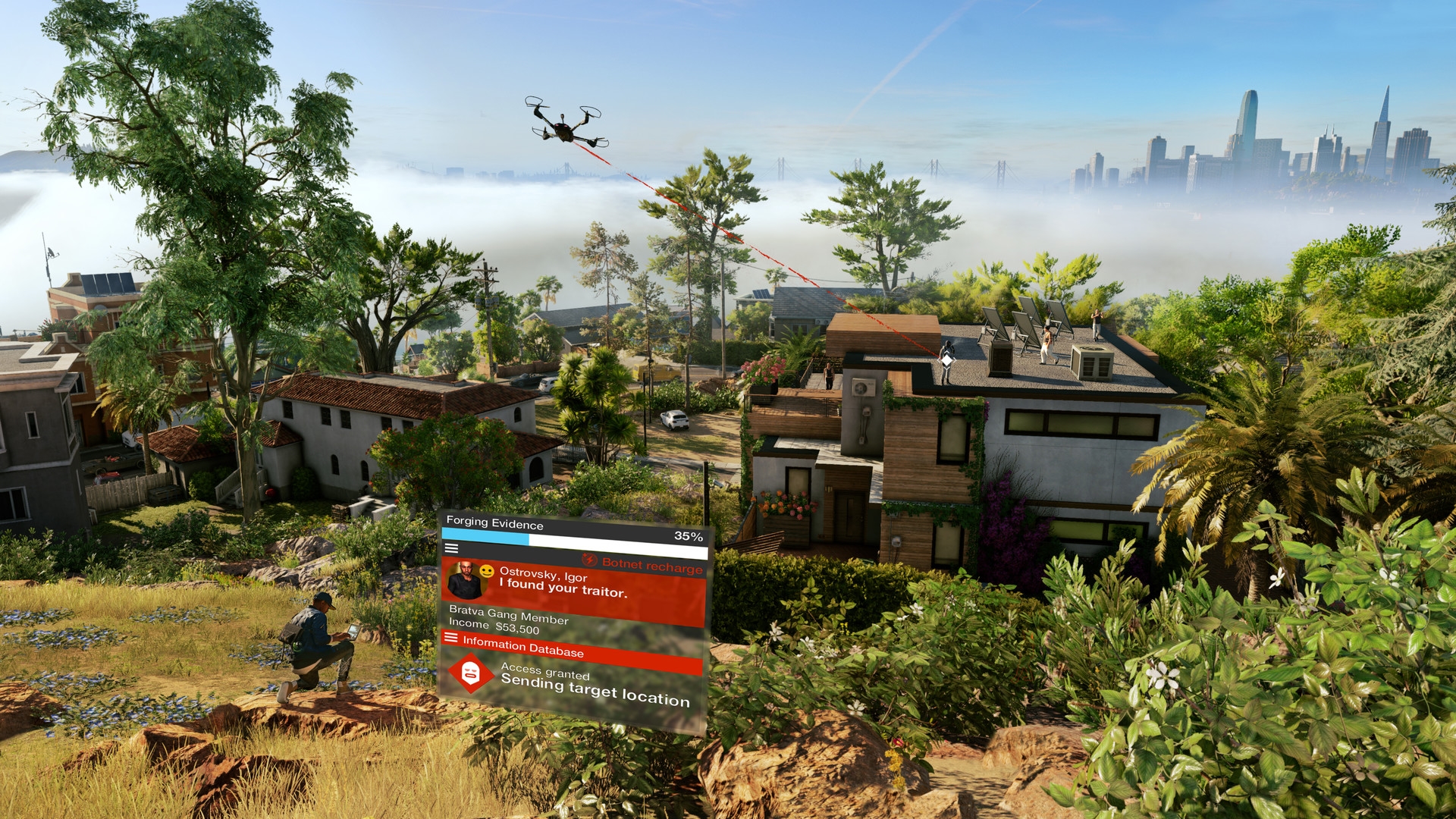
![Alt view image 2 of 6 - WATCH_DOGS® 2 - Deluxe Edition - PC Digital [Ubisoft Connect]](https://c1.neweggimages.com/productimage/nb640/32-149-347-02.jpg)
![Alt view image 3 of 6 - WATCH_DOGS® 2 - Deluxe Edition - PC Digital [Ubisoft Connect]](https://c1.neweggimages.com/productimage/nb640/32-149-347-03.jpg)
![Alt view image 4 of 6 - WATCH_DOGS® 2 - Deluxe Edition - PC Digital [Ubisoft Connect]](https://c1.neweggimages.com/productimage/nb640/32-149-347-04.jpg)
![Alt view image 5 of 6 - WATCH_DOGS® 2 - Deluxe Edition - PC Digital [Ubisoft Connect]](https://c1.neweggimages.com/productimage/nb640/32-149-347-05.jpg)
![Alt view image 6 of 6 - WATCH_DOGS® 2 - Deluxe Edition - PC Digital [Ubisoft Connect]](https://c1.neweggimages.com/productimage/nb640/32-149-347-06.jpg)