



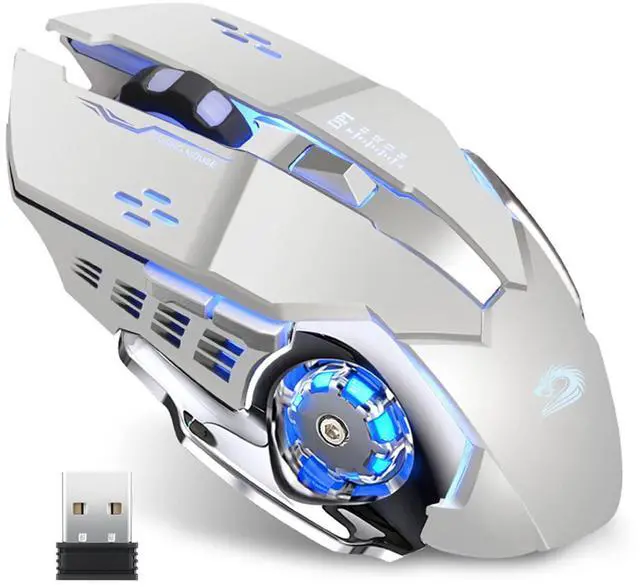


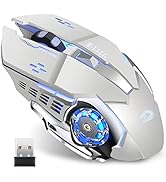
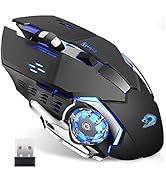


Cool Breathing LED Light
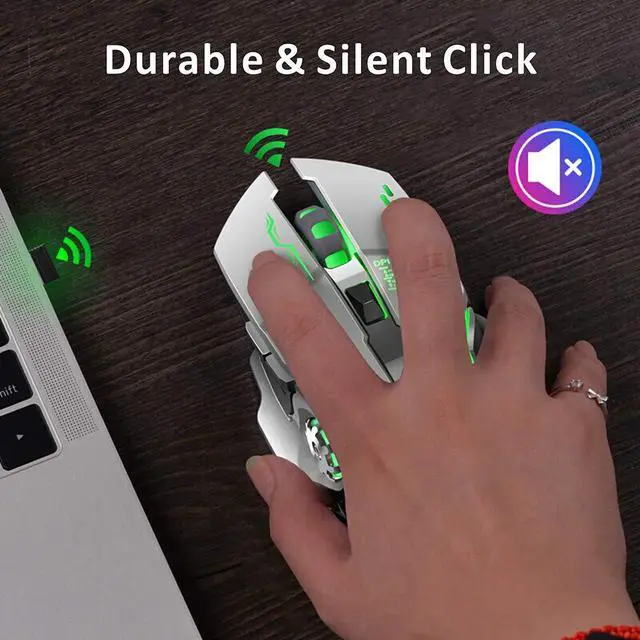
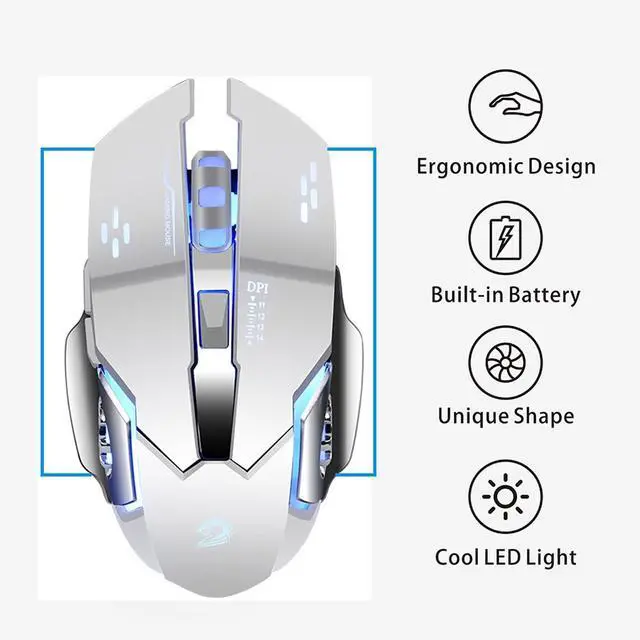
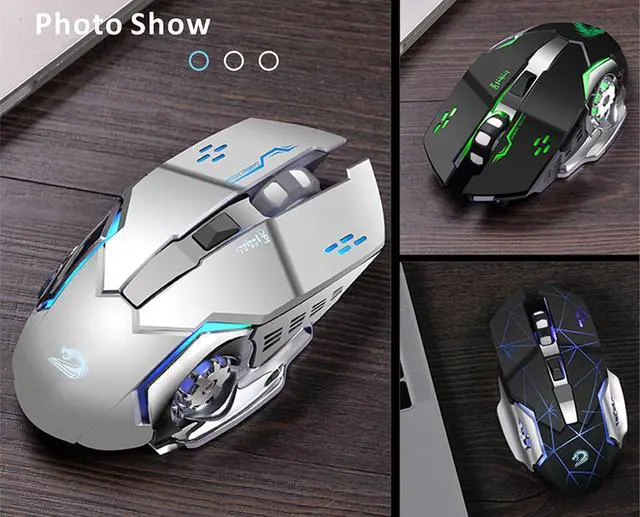
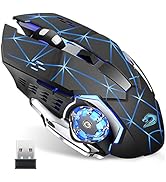
4 different color changes randomly while in use, offering soothing ambient lighting, creating cool and fancy atmosphere for working and gaming.
Energy-saving
(1)The LED light can be turned off by the bottom light switch.
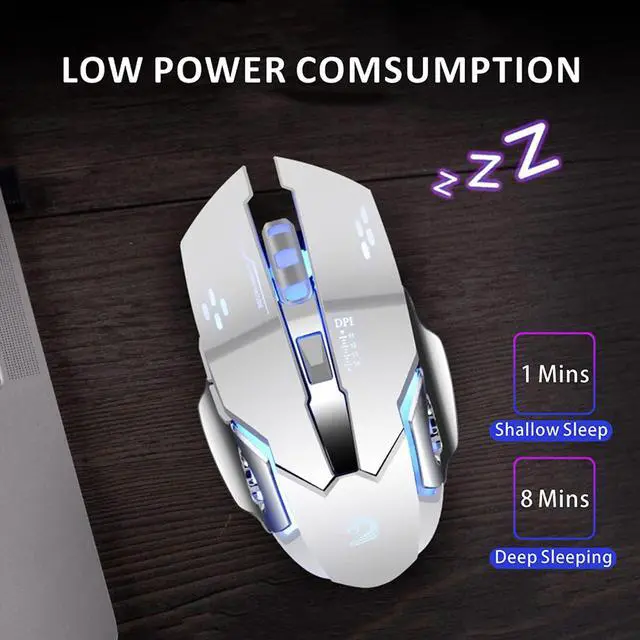
(2)It will auto sleep after 8 minutes of inactivity for power saving.
Stable Connection & Accurate Tracking
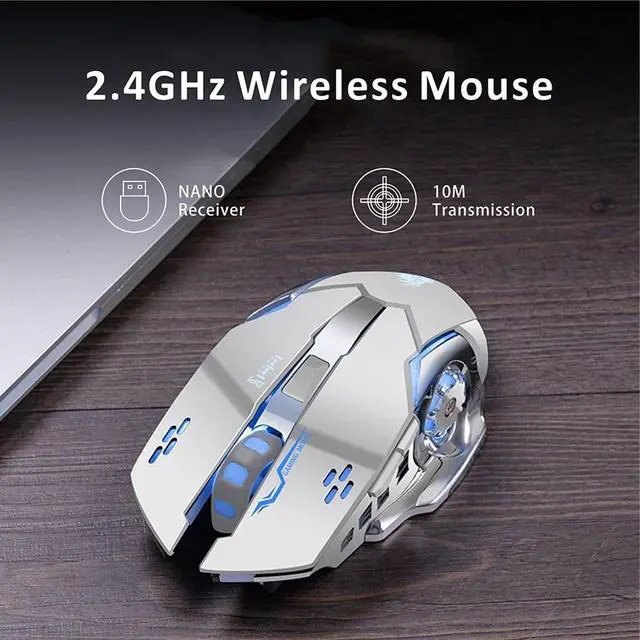
The 2.4GHz wireless mouse provides a powerful, reliable connection, effective up to 10 meters of range.
3 adjustable DPI Level (1200-1600-2400), change the mouse speed freely.
Ergonomic Design
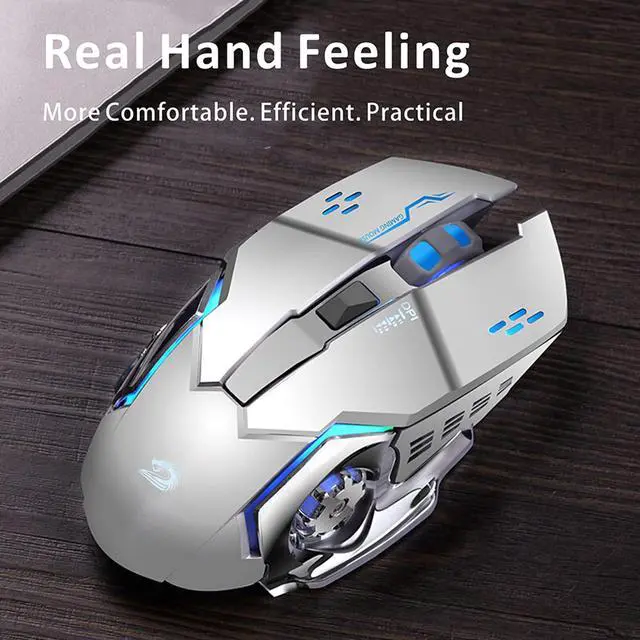
The heightened mouse cover with matting finish fits your palm perfectly. The symmetrical design allows it to fit both hands.
6 Buttons Design
Left, right, scroll wheel, DPI switch, forward and backward is more convenient for working. Side buttons enables you to go to the previous or next page quickly.
How to use
1. Charge the mouse for about 2 hours before using it for the first time.
2. Take the dongle out, which is stored under the back of the mouse.
3. Insert the dongle into the USB port of your PC.
4. Turn on the mouse, the switch is at the bottom of the mouse.
5. Allow a few seconds for installing, no action needed, just wait. Then you can use it.
Note
1. It's out of power if the mouse cursor moves slowly or stop moving.
2. The blue light beside the scroll wheel will be on while charging, and then goes off when the mouse is fully charged.
3. Please use computer's USB interface to charging the wireless mouse.
[The charging current of the mobile phone charger or other chargers is large, which will burn the charging IC and reduce the battery life and the mouse life.]
 Q5 Pink Wireless Computer Mouse |  Q85 Black Rechargeable Wireless Mouse |  Q5 Rose Gold Wireless Mouse |  Q5 Black Wireless Computer Mouse |  Q5 Blue Wireless Computer Mouse |  Q5 White Wireless Mouse | |
|---|---|---|---|---|---|---|
| Customer Reviews | — | — | — | — | — | — |
| Price | — | — | — | — | — | — |
| 2.4G Wireless | ? | ? | ? | ? | ? | ? |
| DPI Level | 1000/1200/1600 | 1200/1600/2400 | 1000/1200/1600 | 1000/1200/1600 | 1000/1200/1600 | 1000/1200/1600 |
| Breathing Light | No LED Light | LED Light | No LED Light | No LED Light | No LED Light | No LED Light |
| Buttons | 4 | 6 | 4 | 4 | 4 | 4 |
| Rechargeable | ? | ? | ? | ? | ? | ? |
Cool Breathing LED Light
4 different color changes randomly while in use, offering soothing ambient lighting, creating cool and fancy atmosphere for working and gaming.
Energy-saving
(1)The LED light can be turned off by the bottom light switch.
(2)It will auto sleep after 8 minutes of inactivity for power saving.
Stable Connection & Accurate Tracking
The 2.4GHz wireless mouse provides a powerful, reliable connection, effective up to 10 meters of range.
3 adjustable DPI Level (1200-1600-2400), change the mouse speed freely.
Ergonomic Design
The heightened mouse cover with matting finish fits your palm perfectly. The symmetrical design allows it to fit both hands.
6 Buttons Design
Left, right, scroll wheel, DPI switch, forward and backward is more convenient for working. Side buttons enables you to go to the previous or next page quickly.
How to use
1. Charge the mouse for about 2 hours before using it for the first time.
2. Take the dongle out, which is stored under the back of the mouse.
3. Insert the dongle into the USB port of your PC.
4. Turn on the mouse, the switch is at the bottom of the mouse.
5. Allow a few seconds for installing, no action needed, just wait. Then you can use it.
Note
1. It's out of power if the mouse cursor moves slowly or stop moving.
2. The blue light beside the scroll wheel will be on while charging, and then goes off when the mouse is fully charged.
3. Please use computer's USB interface to charging the wireless mouse.
[The charging current of the mobile phone charger or other chargers is large, which will burn the charging IC and reduce the battery life and the mouse life.]
Q5 Pink Wireless Computer Mouse | Q85 Black Rechargeable Wireless Mouse | Q5 Rose Gold Wireless Mouse | Q5 Black Wireless Computer Mouse | Q5 Blue Wireless Computer Mouse | Q5 White Wireless Mouse | |
|---|---|---|---|---|---|---|
| Customer Reviews | — | — | — | — | — | — |
| Price | — | — | — | — | — | — |
| 2.4G Wireless | ? | ? | ? | ? | ? | ? |
| DPI Level | 1000/1200/1600 | 1200/1600/2400 | 1000/1200/1600 | 1000/1200/1600 | 1000/1200/1600 | 1000/1200/1600 |
| Breathing Light | No LED Light | LED Light | No LED Light | No LED Light | No LED Light | No LED Light |
| Buttons | 4 | 6 | 4 | 4 | 4 | 4 |
| Rechargeable | ? | ? | ? | ? | ? | ? |
Uciefy
Wireless Computer Mouse
Wireless Mouse for Laptop
Wireless Computer Mouse
Q5 Wireless Mouse