



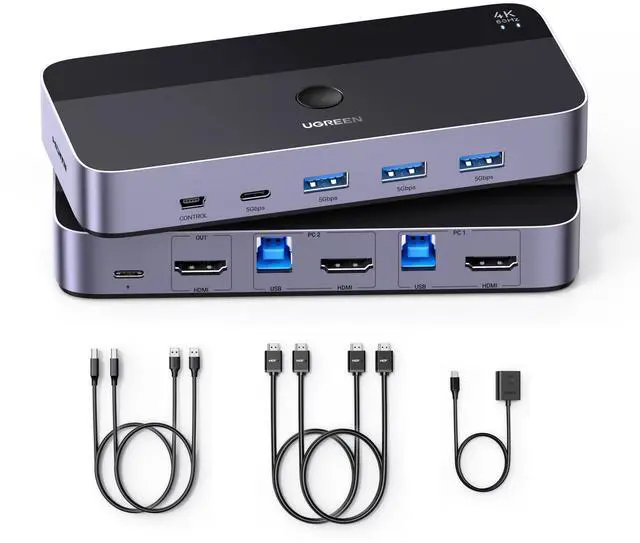
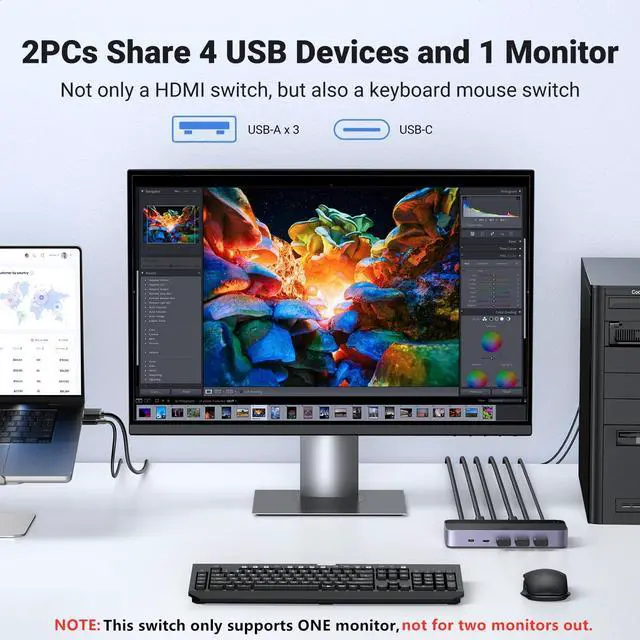
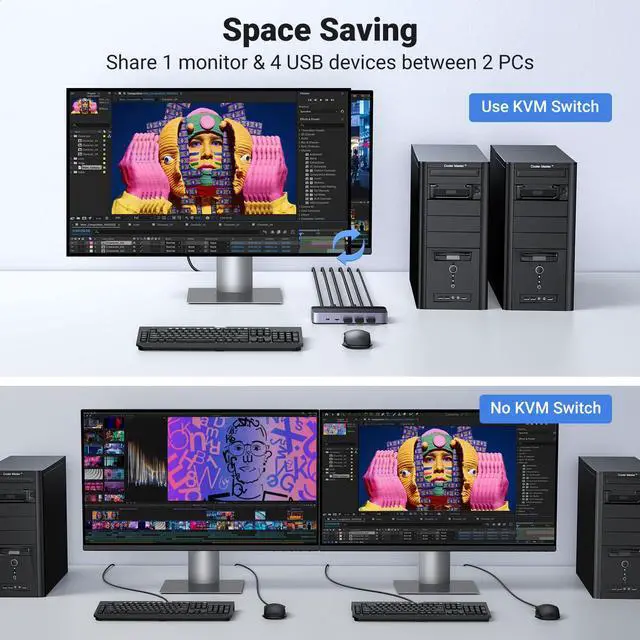
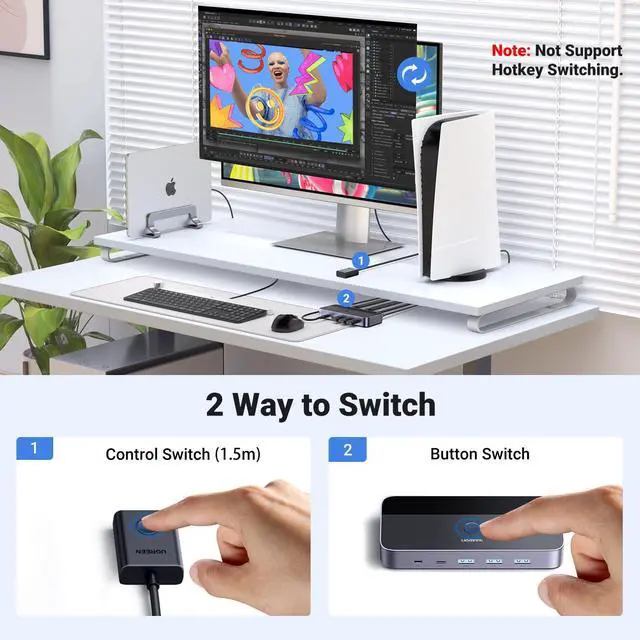
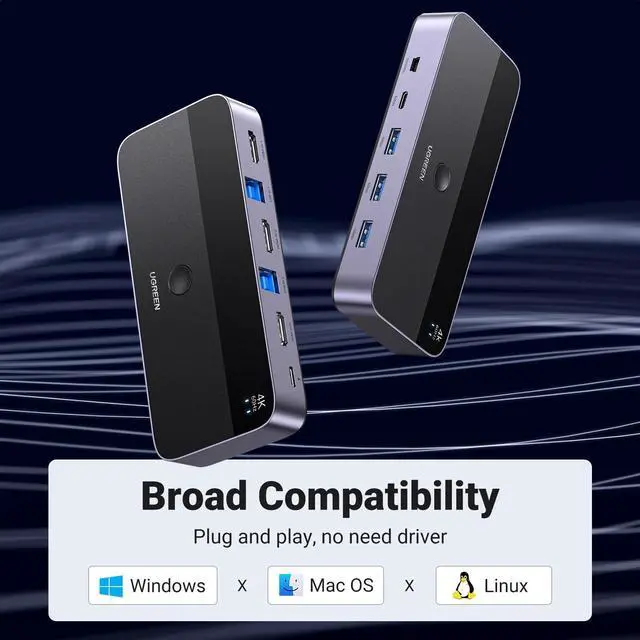
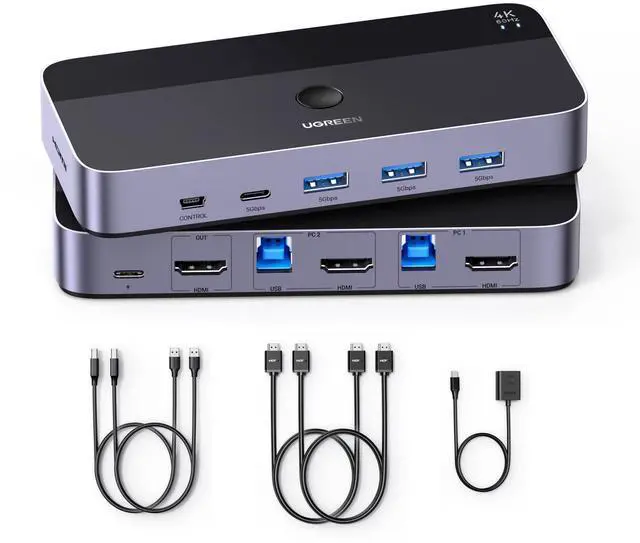
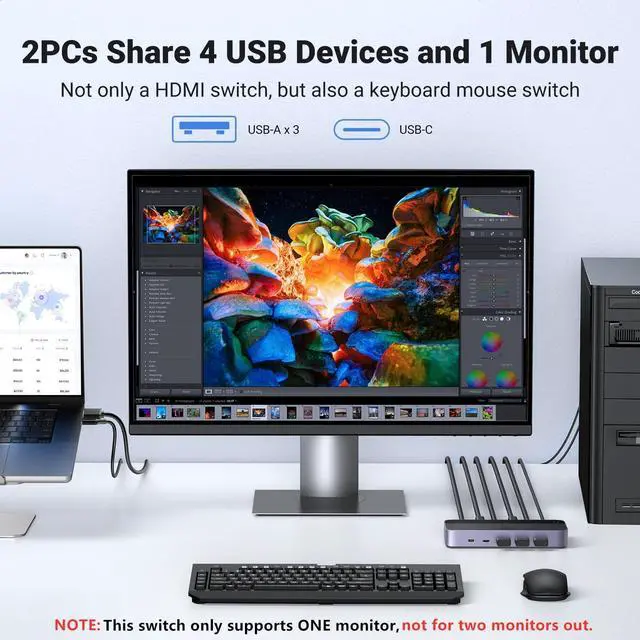
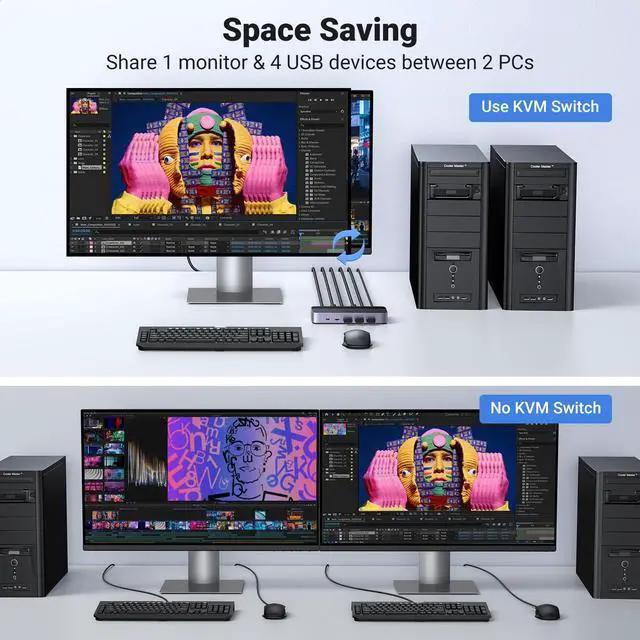
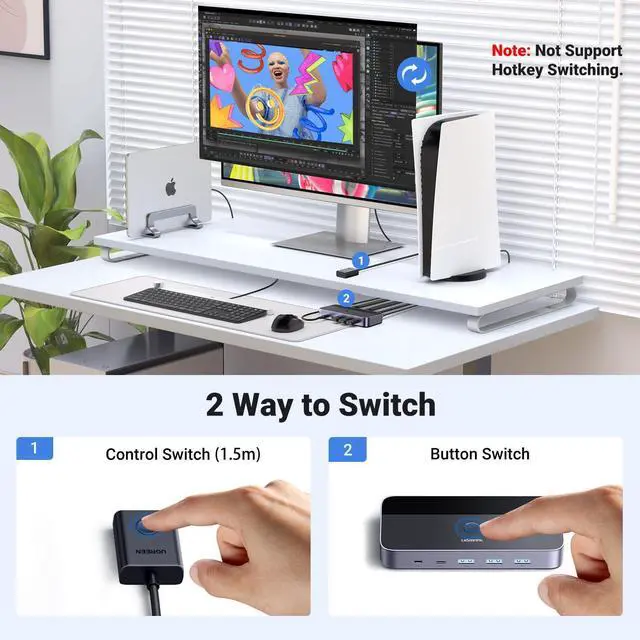
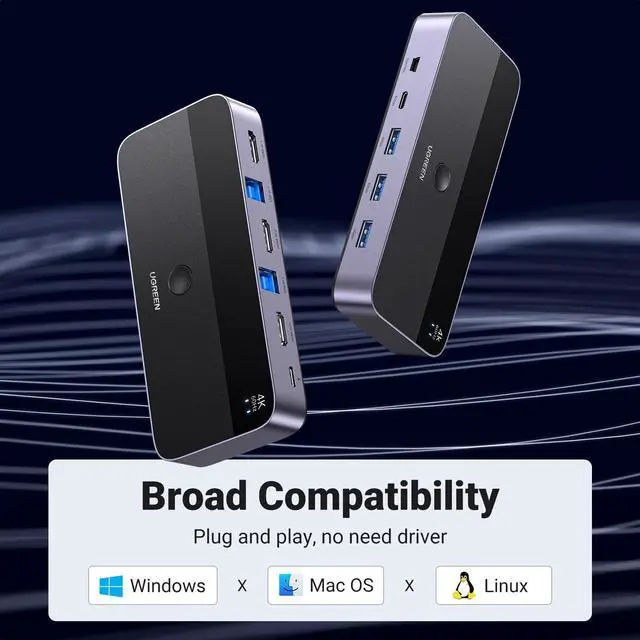


KVM switch 1 monitors 2 computers
Merchant Video


What can I do if KVM switch doesn't work?
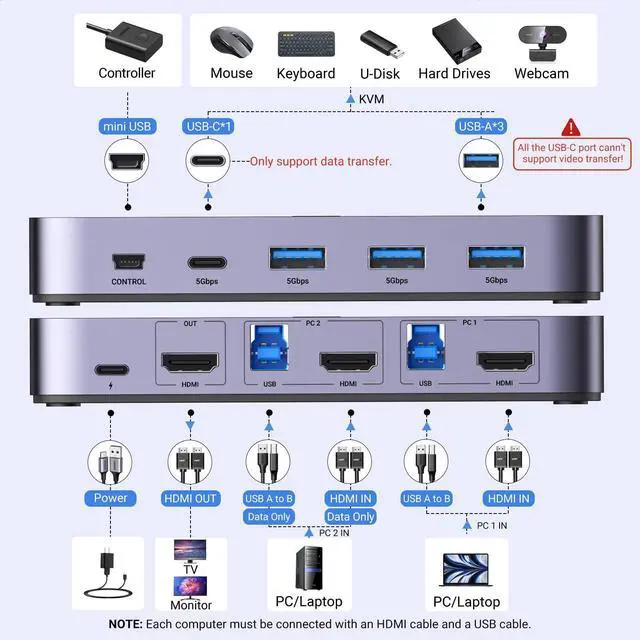
You need to try connect it again. The HDMI input cables, USB cables, and power supply cable connected to the switch must be unplugged and replugged to restore.
Does this USB KVM HDMI Switch need power?
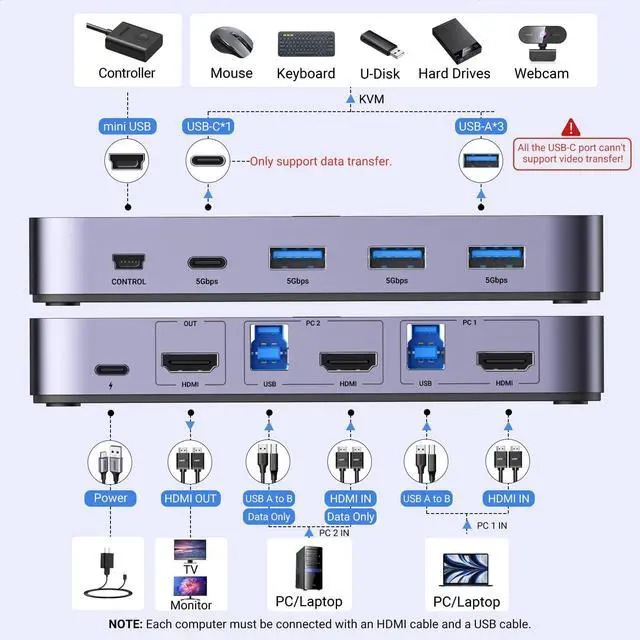
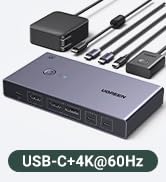
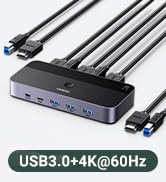
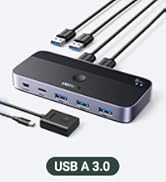
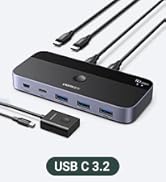
Yes, please Must connect two USB A to B cables for the Power Supply and Data Transfer. If you connect high-power equipments like Hard Disk Drives, please connect the USB C power cable to work more stably.
Why does the screen turn black for a few seconds when switching?
The specific time depends on the computer speed and the response time of the display. If the monitor is 4K@60Hz, the screen will be about 5-7s after switching, and when the monitor is 1080P@60Hz, the screen time will be about 3-5 s after switching.
Can I connect the wireless keyboard and mouse with the USB interface?
It is possible to connect a Bluetooth mouse and keyboard. However, since the computer needs to re-identify the Bluetooth device each time it is switched, it is necessary to wait several seconds after switching before using the mouse or keyboard.
Can HDMI switch or USB switch be used separately?
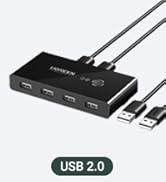
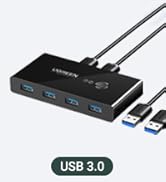
Yes, when HDMI switch function is used alone, it is necessary to connect any USB-A to B cable to the USB power supply or Type-c power supply port for power supply. The power supply requires a current of more than 5V/500mA.

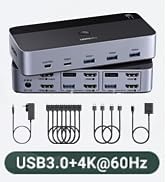
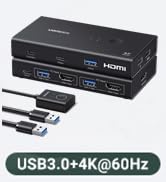
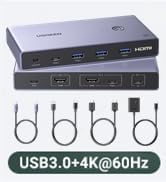
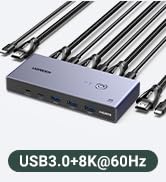
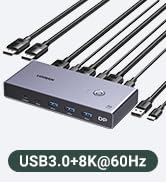
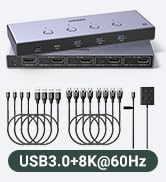
KVM switch 1 monitors 2 computers
Merchant Video


What can I do if KVM switch doesn't work?
You need to try connect it again. The HDMI input cables, USB cables, and power supply cable connected to the switch must be unplugged and replugged to restore.
Does this USB KVM HDMI Switch need power?
Yes, please Must connect two USB A to B cables for the Power Supply and Data Transfer. If you connect high-power equipments like Hard Disk Drives, please connect the USB C power cable to work more stably.
Why does the screen turn black for a few seconds when switching?
The specific time depends on the computer speed and the response time of the display. If the monitor is 4K@60Hz, the screen will be about 5-7s after switching, and when the monitor is 1080P@60Hz, the screen time will be about 3-5 s after switching.
Can I connect the wireless keyboard and mouse with the USB interface?
It is possible to connect a Bluetooth mouse and keyboard. However, since the computer needs to re-identify the Bluetooth device each time it is switched, it is necessary to wait several seconds after switching before using the mouse or keyboard.
Can HDMI switch or USB switch be used separately?
Yes, when HDMI switch function is used alone, it is necessary to connect any USB-A to B cable to the USB power supply or Type-c power supply port for power supply. The power supply requires a current of more than 5V/500mA.
HDMI/DP KVM Switch
HDMI/DP/USB-C KVM Switch
HDMI Switch
HDMI Switch/KVM Switch
USB Switch/USB-C Switch
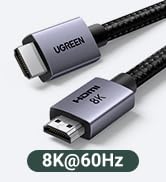
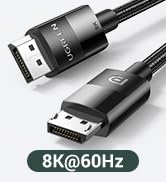
HDMI Cables and DP Cables