• $75.99
  • Free 30-day Returns
  • Price alert
    Shop it at NeweggBusiness.

    Meet Your Seller

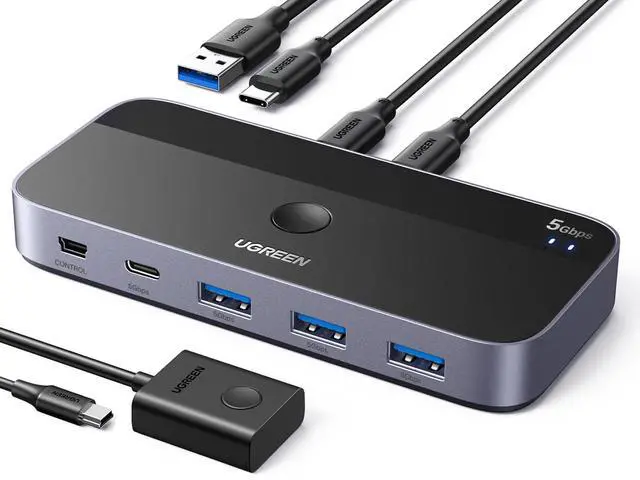
    USB Switch A & C Input for Computers - Share 4 Ports, Switcher Selector for PC, Laptop, Keyboard, Mouse, Webcam, Microphone - Adapter With 2 USB-C Data Cables and Remote

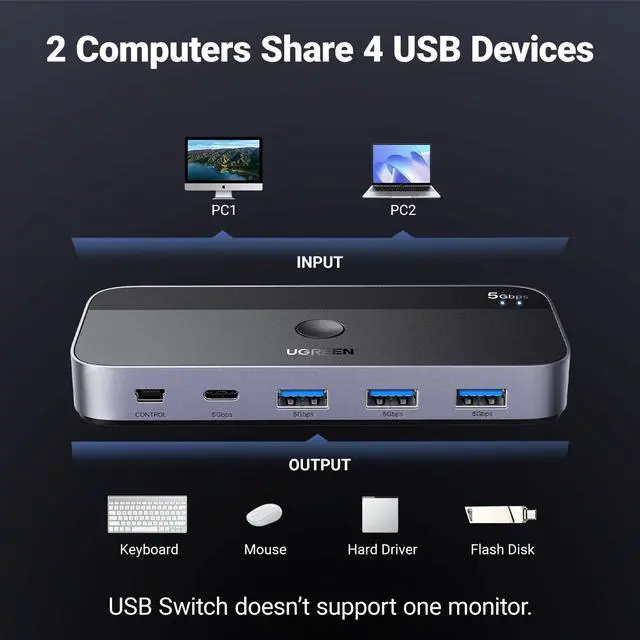
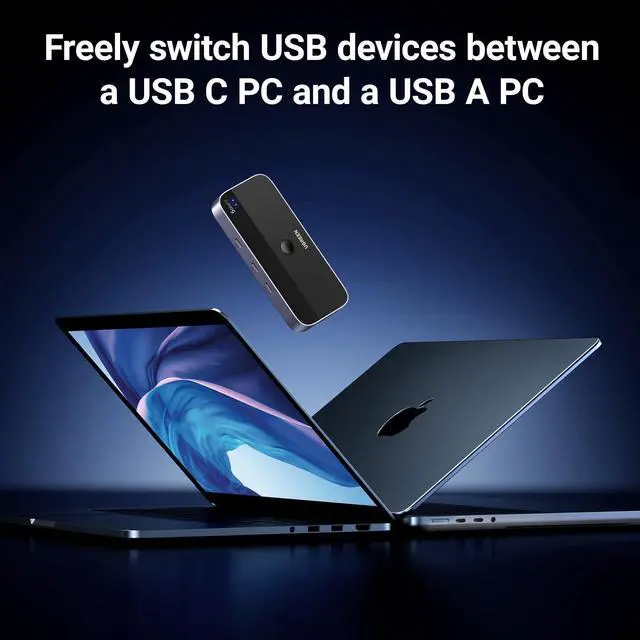
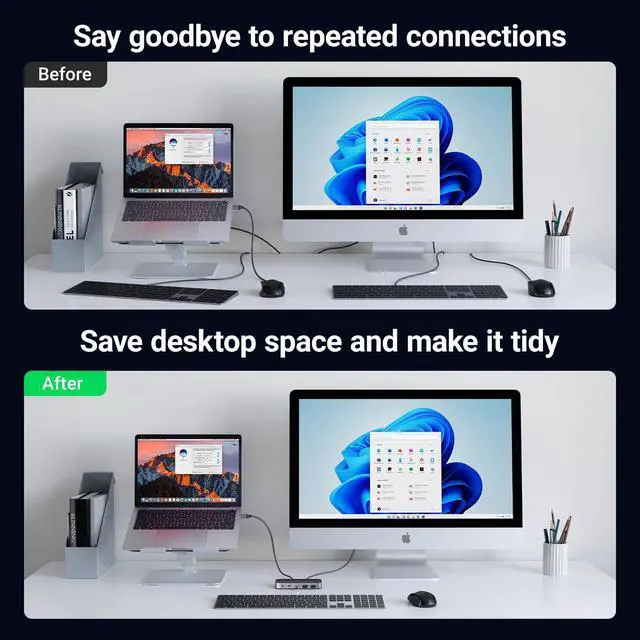
    • 2 USB-C PCs Share Multiple Devices: UGREEN 2-In 4-Out USB-C switcher supports sharing 4 USB devices like a keyboard, mouse, and headphones between 2 computers. Switch freely between work computer and personal laptop to boost work efficiency. (*Not a KVM switch and does not support a monitor or video transmission.*)
    • Connect USB C & USB A Devices: The USB 3.0 switch provides 1 USB C port and 3 USB A ports to support connecting various USB devices. USB C ports can be connected to a USB C hub or other USB C devices, extending more ports for two computers. (*It is recommended to power supply when using multiple devices simultaneously to avoid disconnection due to insufficient power.*)
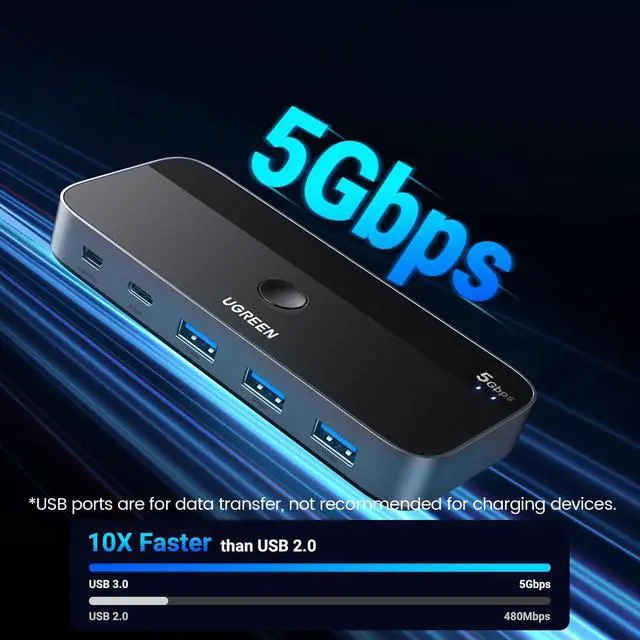
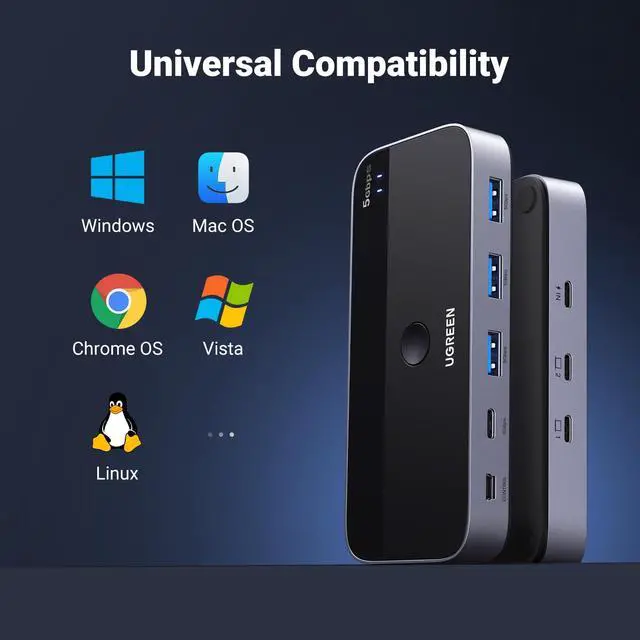
    • 5 Gbps Data Transfer / Plug & Play: With 4 USB 3.0 ports, the USB 3.0 switcher supports data transfer up to 5Gbps and is backward compatible with USB 2.0; simple plug and play for any modern operating system: Windows, macOS, Chrome OS, and Linux computers. (*The USB ports are primarily for data transfer and are not recommended for charging devices.*)
    • USB-C Power Supply: The USB switch is designed with a optional power supply for high-power devices like Hard Disk Drives, headsets, and other USB devices to work more stably; The upgraded USB-C Power port avoids the trouble of not finding a micro cable.
    +
    +
    Overview
    Specs
    Reviews
    avatar

    Any questions? Our AI beta will help you find out quickly.

    2
    USB switch
    USB switch

    Attention

    Input Tip: This is a USB C switch not a KVM switch and doesn't support a monitor; the USB-C input does not support video and there is no HDMI input.
    This device is designed for data transmission and does not support video transmission.
    Output Tip: The USB port at the output is only used for data transfer and does not support power supply for a laptop/USB devices or video transmission.
    Not suggested to connect wireless devices to USB 3.0 switch due to 2.4Ghz co-channel interference (industry problem).
    If your wireless network is affected, please set your router frequency from 2.4GHz to 5GHz.
    Other: Connect to USB-C IN1 and USB-C IN2 simultaneously, PC 1 will be given priority to share USB devices.
    1
    USB switch
    USB switch

    Attention

    Input Tip: This is a USB C switch not a KVM switch and doesn't support a monitor; the USB-C input does not support video and there is no HDMI input.
    This device is designed for data transmission and does not support video transmission.
    Output Tip: The USB port at the output is only used for data transfer and does not support power supply for a laptop/USB devices or video transmission.
    Not suggested to connect wireless devices to USB 3.0 switch due to 2.4Ghz co-channel interference (industry problem).
    If your wireless network is affected, please set your router frequency from 2.4GHz to 5GHz.
    Other: Connect to USB-C IN1 and USB-C IN2 simultaneously, PC 1 will be given priority to share USB devices.

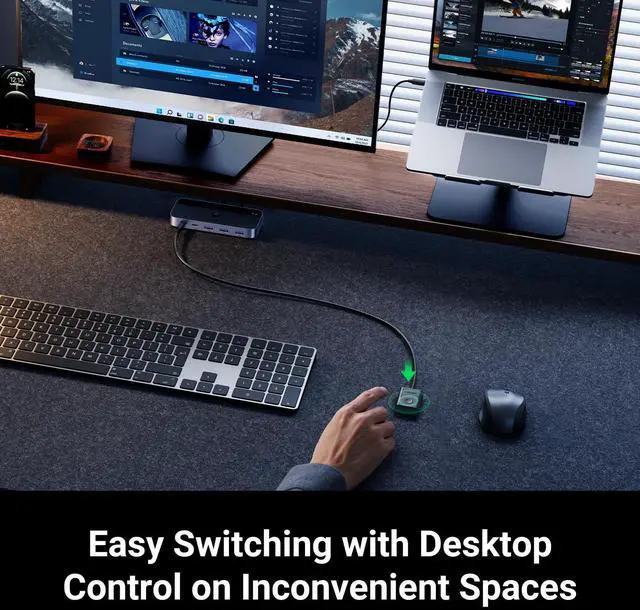
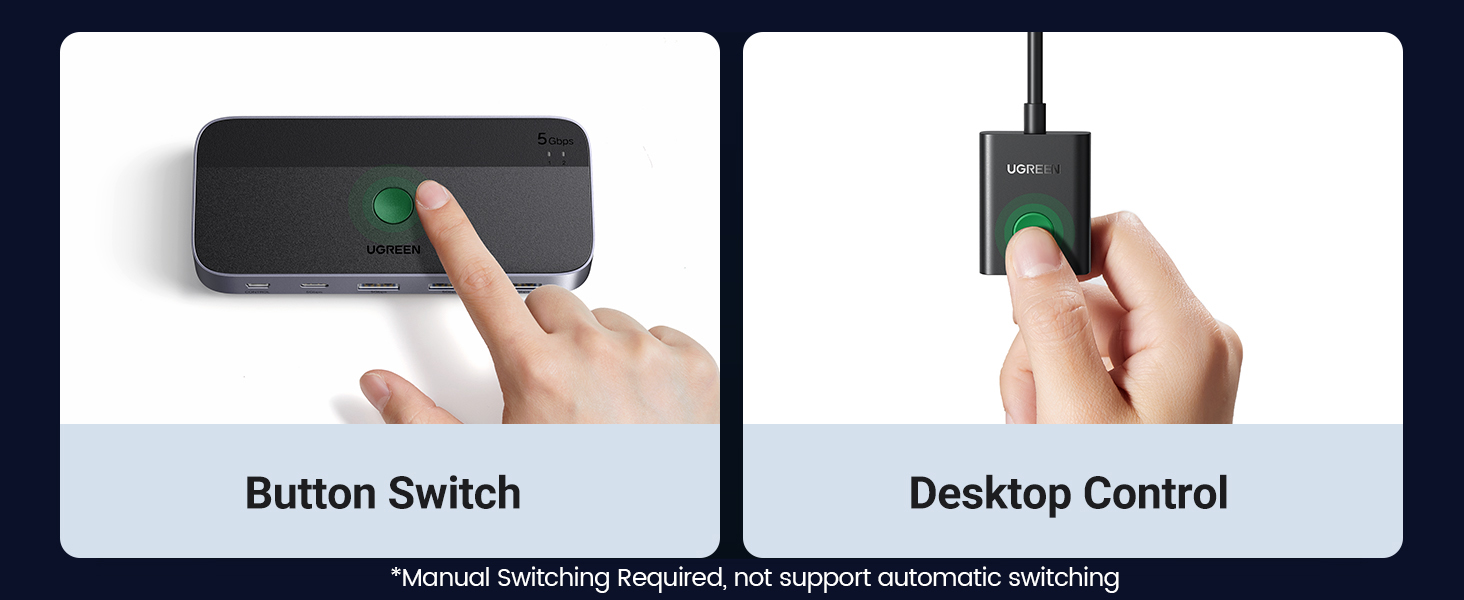
    2 USB-C PCs Share Multiple Devices: UGREEN 2-In 4-Out USB-C switcher supports sharing 4 USB devices like a keyboard, mouse, and headphones between 2 computers. Switch freely between work computer and personal laptop to boost work efficiency. (Not a KVM switch and Not support a monitor) Connect USB C & USB A Devices: The USB 3.0 switch provides 1 USB C port and 3 USB A ports to support connecting various USB devices. USB C ports can be connected to a USB C hub or other USB C devices, extending more ports for two computers. 5Gbps Data Transfer / Plug & Play: With 4 USB 3.0 ports, the USB 3.0 switcher supports data transfer up to 5Gbps and is backward compatible with USB 2.0; Simple plug and play for any modern operating system: Windows, macOS, Chrome OS, and Linux computers. USB-C Power Supply: The USB switch is designed with a optional power supply for high-power devices like Hard Disk Drives, headsets, and other USB devices to work more stably; The upgraded USB-C Power port avoids the trouble of not finding a micro cable. Two Switching Modes: The USB switcher has two switching modesRemote control and button, switch devices freely as you like.You can hide the USB switch to tidy up the desktop and save space, and then use the remote to switch devices.



    Product information

    Operation Mode manual
    Current Rating 2 Amps
    Operating Voltage 5 Volts
    Contact Type Normally Open
    Connector Type Plug In
    Brand UGREEN
    Switch Type Push Button
    Terminal Plug in
    Material Aluminum
    Item dimensions L x W x H 4.84 x 2.13 x 0.67 inches
    Circuit Type 2-way
    Actuator Type Push Button
    Contact Material Aluminum
    International Protection Rating IP40
    Number of Positions 2
    Upper Temperature Rating 45 Kelvin
    Controller Type Remote control
    Control Method Remote
    Connectivity Protocol USB
    Color Black
    Wattage 30 watts
    Unit Count 1.0 Count
    Number of Items 1
    Manufacturer Ugreen Group Limited
    Item model number 25098
    Item Weight 12 ounces
    Product Dimensions 4.84 x 2.13 x 0.67 inches
    Item Dimensions LxWxH 4.84 x 2.13 x 0.67 inches
    Date First Available June 18, 2024

    Additional Features

    • Two Switching Modes: The USB switcher has two switching modesRemote control and button, switch devices freely as you like.You can hide the USB switch to tidy up the desktop and save space, and then use the remote to switch devices.

    Warranty & Returns

    Warranty, Returns, And Additional Information

    Warranty

    • Please contact the Seller directly for warranty information. Warranty information may also be found on the Manufacturer's website.
    • CONTACT

    Return Policies

    • Return for refund within: 30 days
    • Return for replacement within: 30 days
    • This item is covered by BelTie Return Policy

    Manufacturer Contact Info

    LOADING...