


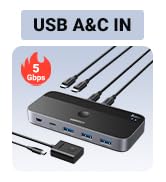
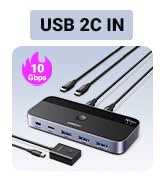
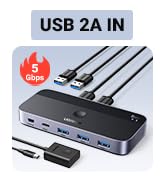
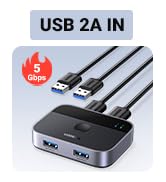
• $49.99
  • Free 30-day Returns
  • Price alert
    Shop it at NeweggBusiness.

    Meet Your Seller

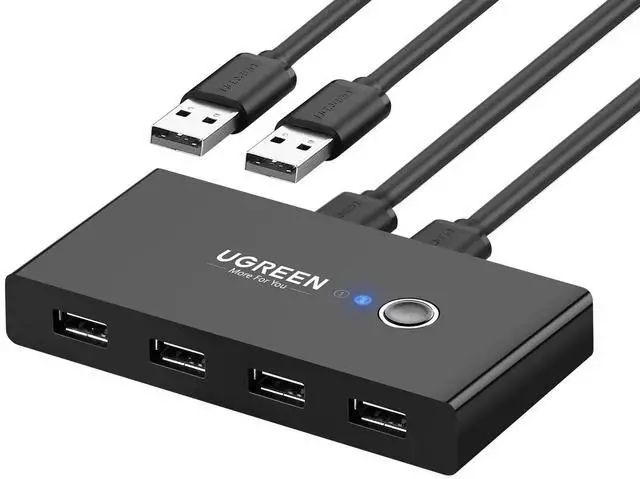
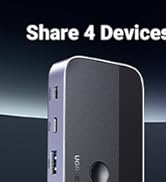
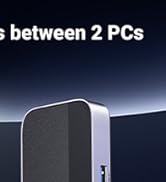
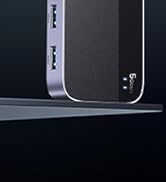
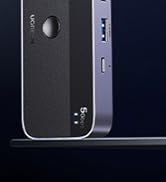
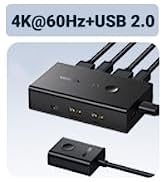
    USB Switch Selector 2 Computers Sharing 4 USB Devices USB 2.0 Peripheral Switcher Box Hub for Mouse Keyboard Scanner Printer PCs with One-Button Swapping and 2 Pack USB A to A Cable

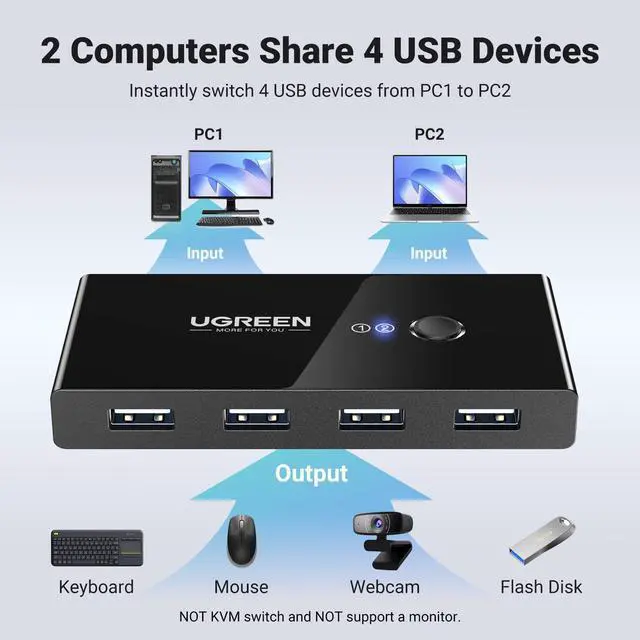
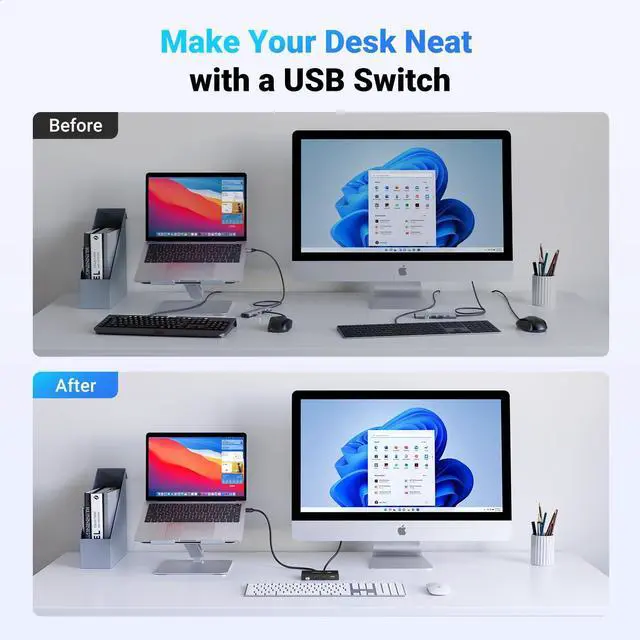
    • 2 in 4 Out USB Switch Box: UGREEN 4 port USB sharing switch allows one button swapping between 2 computers to share 4 USB 2.0 peripheral devices without constantly swapping cables or setting up complicated network sharing software. (*Not a KVM switch and does not support a monitor or video transmission.*)
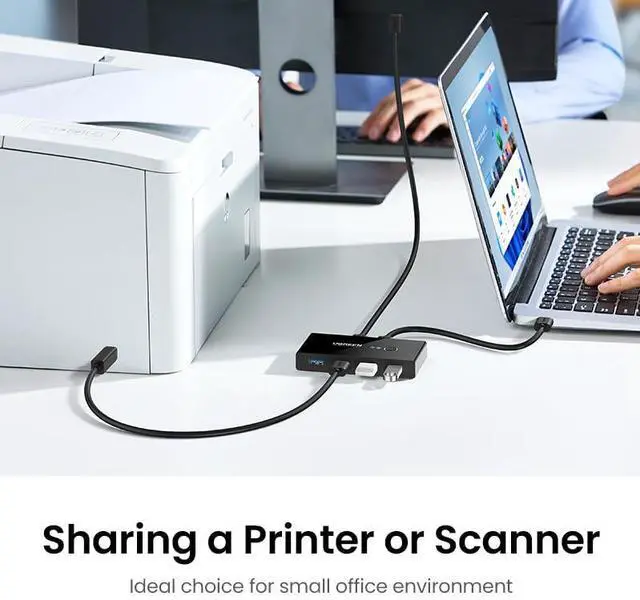
    • Ideal for Sharing Multiple Devices: This USB Switch can share USB devices such as printers, scanners, mouse, keyboards, card readers, flash drives, etc. between 2 computers.(*It is recommended to power supply when using multiple devices simultaneously to avoid disconnection due to insufficient power.*)
    • Wide Compatible System: 4 port USB switch works flawlessly with Windows 10/8/8.1/7/Vista/XP, Mac OS X, Linux, and Chrome OS. Driver-free, simply plug and play. (If the input PC only has a USB C port, please use a USB C to A adapter instead of a USB C to A cable, directly using the cable may not work.)
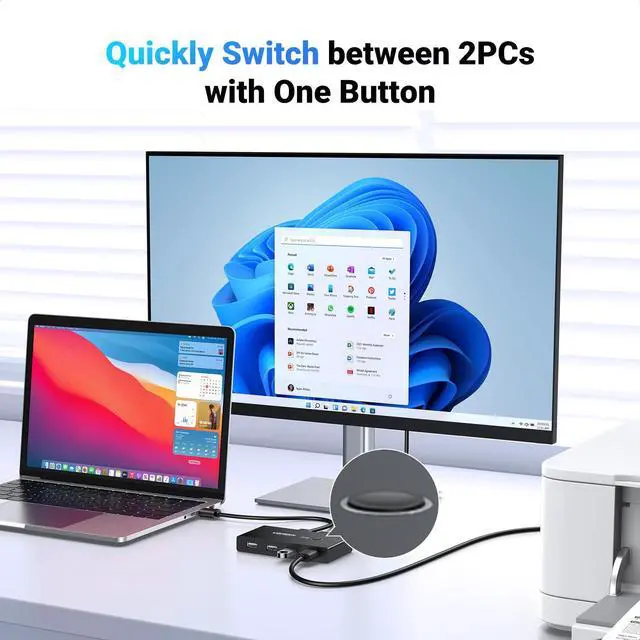
    • One-Botton Switch & LED Light Indicator: You can easily switch between 2 computers with a single click on the button with LED indicating the active computer. UGREEN USB Switcher make switch effortless.
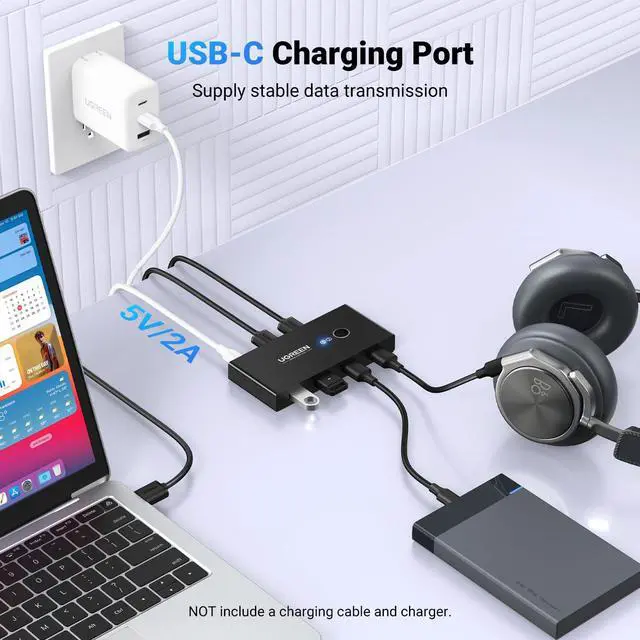
    • Stable Connection: USB 2.0 sharing switch with a separate micro USB female port for option power, which optimizes its compatibility with more devices, such as HDD, Digital Video Cameras, SSD, etc. (The device doesn't include a charging cable and charger. Please use a Standard 5V charger, too high voltage output is not allowed.)
    +
    +
    Overview
    Specs
    Reviews
    avatar

    Any questions? Our AI beta will help you find out quickly.

    USB Switch
    usb switch
    usb switch
    usb switch

    Need Attention

    For USB C device: If you want to work with USB C host devices, you'll need a USB C to A adapter, as it won't work directly with a USB C to A cable.
    Input Tip: It is a USB switch without an hdmi port and it does not support two computers sharing a single display.
    Please do not connect the device through a hub instead of directly connecting it to the USB port on the computer motherboard, as this may cause unstable signal transmission, the device may not be recognized or the connection may be interrupted.
    Output Tip: Not suggested to connect wireless devices to USB 3.0 switch due to 2.4Ghz co-channel interference (industry problem). If the wireless network is affected, please set your router from 2.4GHz to 5GHz.
    The product is designed for data transmission and does not support video transmission.
    Package Content: USB 2.0 Switch * 1 USB A to A Cable * 2 (5FT/1.5M)
    To ensure the stable operation of the device, please try to use the 1.5M USB A to USB A cable included in the package to connect the device. If third-party low-quality cable or too long cable may cause unstable signal transmission and lead to disconnection
    About Power Supply: Under normal circumstances, the device can be used normally without an additional power supply. However, when using high-power devices such as printers and mechanical keyboards, please connect the device to an additional power supply to ensure that the device will not fail to work properly due to insufficient power supply.
    The product charging port is a UBS C and the package does not include a USB-C charging cable and a power adapter. If power is required, please use a 5V 2 A power adapter to power the device. Other non-standard charging adapters may cause the device to not work properly even after being powered.
    About PC is sleeping: If the USB device is disconnected after the PC is awakened from sleep mode, it may be caused by the energy saving mode. Please turn off energy saving and try again.
    [Windows] 1. Control Panel > System and Security > Power Options > Select the "Change Plan Setting" option next to your current power plan > Select "Change advanced power settings"> "Power Options"> "Expand the USB Settings section and double-click USB selective suspend setting."> Select "disable".
    2. Device Manager > Universal Serial Bus controllers > right-click all hubs that have been detected > select "Properties"> Power Management > deselect "Allow the computer to turn off this device to save power."
    [Mac] Please follow the below steps to disable the Mac into auto-sleep to see if the issue can be solved: System Performace > Battery > Disable "Prevent computer from sleeping automatically when the display is off", and disable "Enable Power Nap while plugged into a power adapter".
    USB SWITCH
    usb switch
    usb switch
    usb switch

    Need Attention

    For USB C device: If you want to work with USB C host devices, you'll need a USB C to A adapter, as it won't work directly with a USB C to A cable.
    Input Tip: It is a USB switch without an hdmi port and it does not support two computers sharing a single display.
    Please do not connect the device through a hub instead of directly connecting it to the USB port on the computer motherboard, as this may cause unstable signal transmission, the device may not be recognized or the connection may be interrupted.
    Output Tip: Not suggested to connect wireless devices to USB 3.0 switch due to 2.4Ghz co-channel interference (industry problem). If the wireless network is affected, please set your router from 2.4GHz to 5GHz.
    The product is designed for data transmission and does not support video transmission.
    Package Content: USB 2.0 Switch * 1 USB A to A Cable * 2 (5FT/1.5M)
    To ensure the stable operation of the device, please try to use the 1.5M USB A to USB A cable included in the package to connect the device. If third-party low-quality cable or too long cable may cause unstable signal transmission and lead to disconnection
    About Power Supply: Under normal circumstances, the device can be used normally without an additional power supply. However, when using high-power devices such as printers and mechanical keyboards, please connect the device to an additional power supply to ensure that the device will not fail to work properly due to insufficient power supply.
    The product charging port is a UBS C and the package does not include a USB-C charging cable and a power adapter. If power is required, please use a 5V 2 A power adapter to power the device. Other non-standard charging adapters may cause the device to not work properly even after being powered.
    About PC is sleeping: If the USB device is disconnected after the PC is awakened from sleep mode, it may be caused by the energy saving mode. Please turn off energy saving and try again.
    [Windows] 1. Control Panel > System and Security > Power Options > Select the "Change Plan Setting" option next to your current power plan > Select "Change advanced power settings"> "Power Options"> "Expand the USB Settings section and double-click USB selective suspend setting."> Select "disable".
    2. Device Manager > Universal Serial Bus controllers > right-click all hubs that have been detected > select "Properties"> Power Management > deselect "Allow the computer to turn off this device to save power."
    [Mac] Please follow the below steps to disable the Mac into auto-sleep to see if the issue can be solved: System Performace > Battery > Disable "Prevent computer from sleeping automatically when the display is off", and disable "Enable Power Nap while plugged into a power adapter".

    Product information

    Operation Mode ON-OFF-ON
    Current Rating 2 Amps
    Operating Voltage 5 Volts
    Contact Type Normally Open
    Connector Type Plug In
    Brand UGREEN
    Switch Type Push Button
    Terminal Button
    Material Acrylonitrile Butadiene Styrene
    Item dimensions L x W x H 4.13 x 2.09 x 0.63 inches
    Circuit Type 2-way
    Actuator Type Push Button
    Contact Material Gold
    International Protection Rating IP40
    Number of Positions 4
    Controller Type Push Button
    Control Method Touch
    Connectivity Protocol Usb
    Color Black
    Wattage 50 watts
    Unit Count 1.0 Count
    Global Trade Identification Number 06957303837670
    Manufacturer Ugreen Group Limited
    Control Type Computer Selection
    Compatible Devices printers, scanners, mouse, keyboards, card readers, flash drives, HDD, Digital Video Cameras, SSD
    Item model number 30767
    Operating System chrome os, linux, mac os x, windows 10, windows vista, windows xp
    Item Weight 5.3 ounces
    Product Dimensions 4.13 x 2.09 x 0.63 inches
    Item Dimensions LxWxH 4.13 x 2.09 x 0.63 inches
    Computer Memory Type 72-Pin EDO SIMM Memory
    Voltage 5 Volts
    Is Discontinued By Manufacturer No
    Date First Available March 31, 2017

    Warranty & Returns

    Warranty, Returns, And Additional Information

    Warranty

    • Please contact the Seller directly for warranty information. Warranty information may also be found on the Manufacturer's website.
    • CONTACT

    Return Policies

    • Return for refund within: 30 days
    • Return for replacement within: 30 days
    • This item is covered by BelTie Return Policy

    Manufacturer Contact Info

    LOADING...