




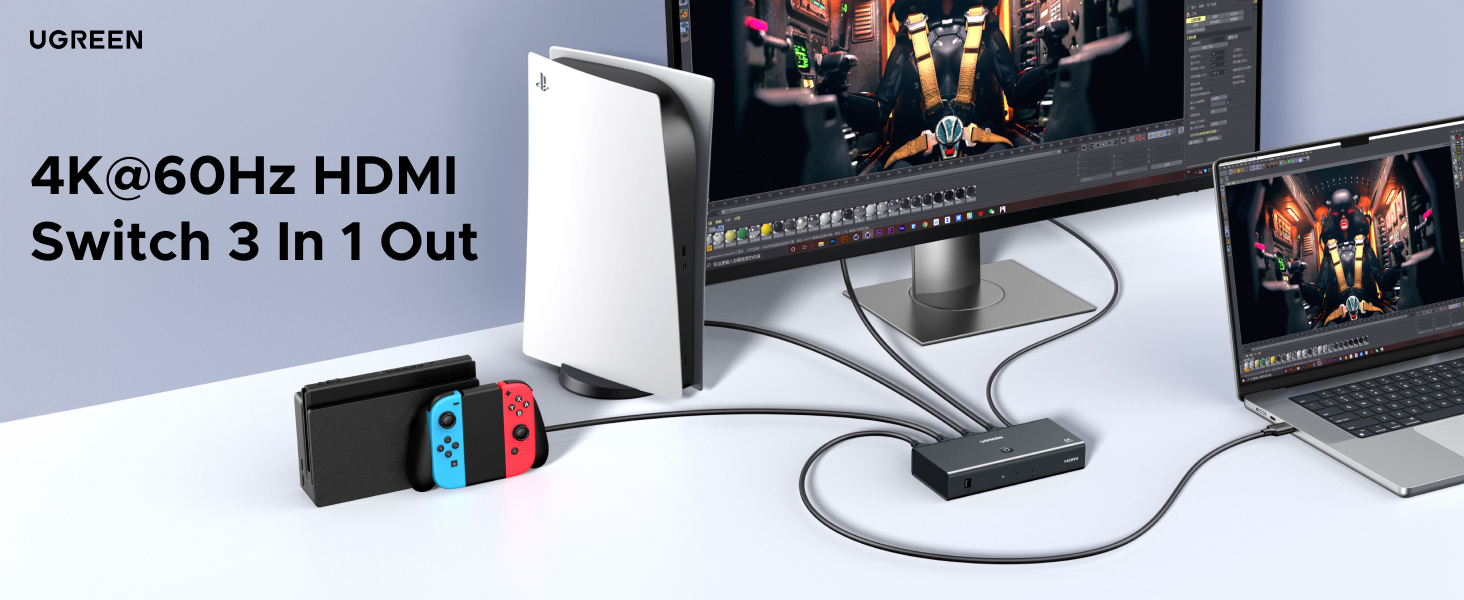

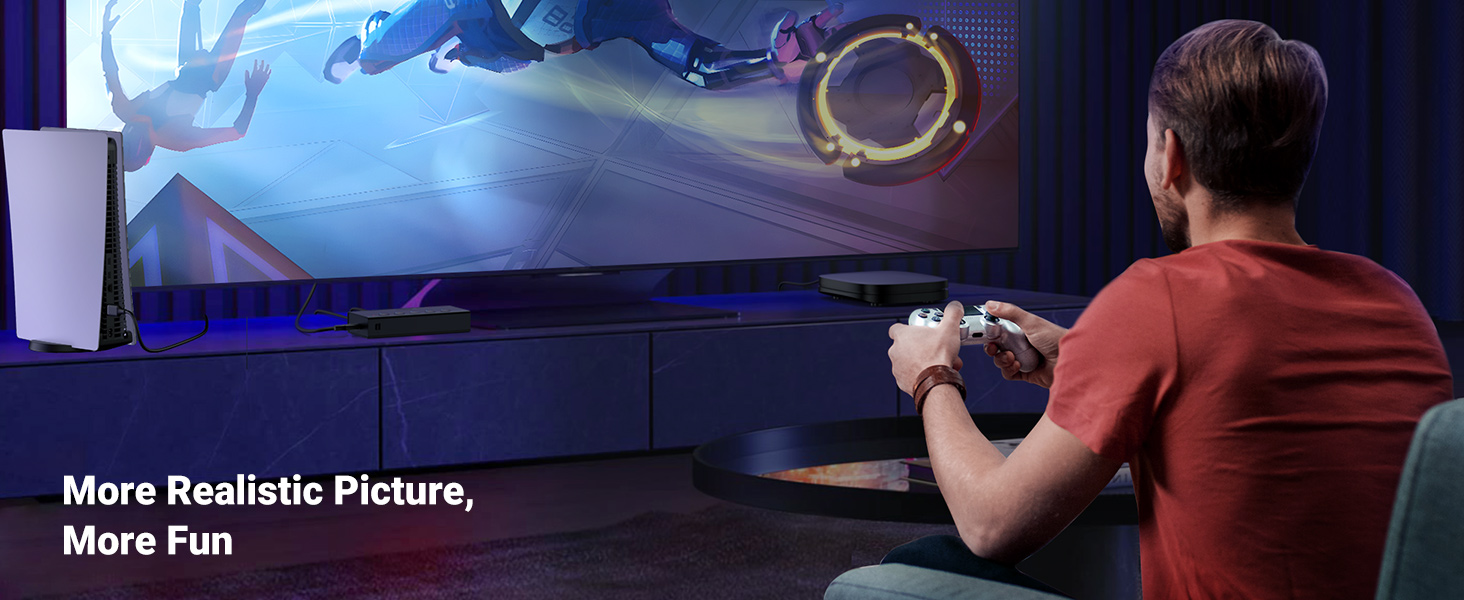
Reduces lag and frame loss for smoother gameplay

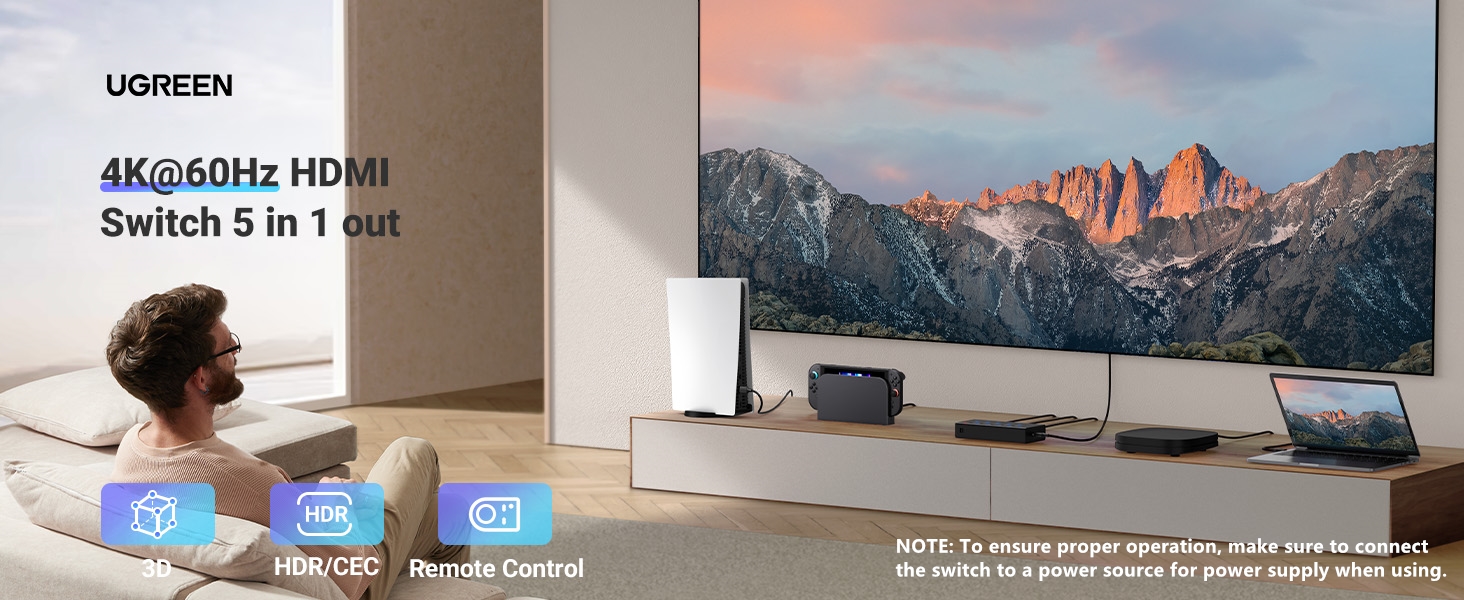
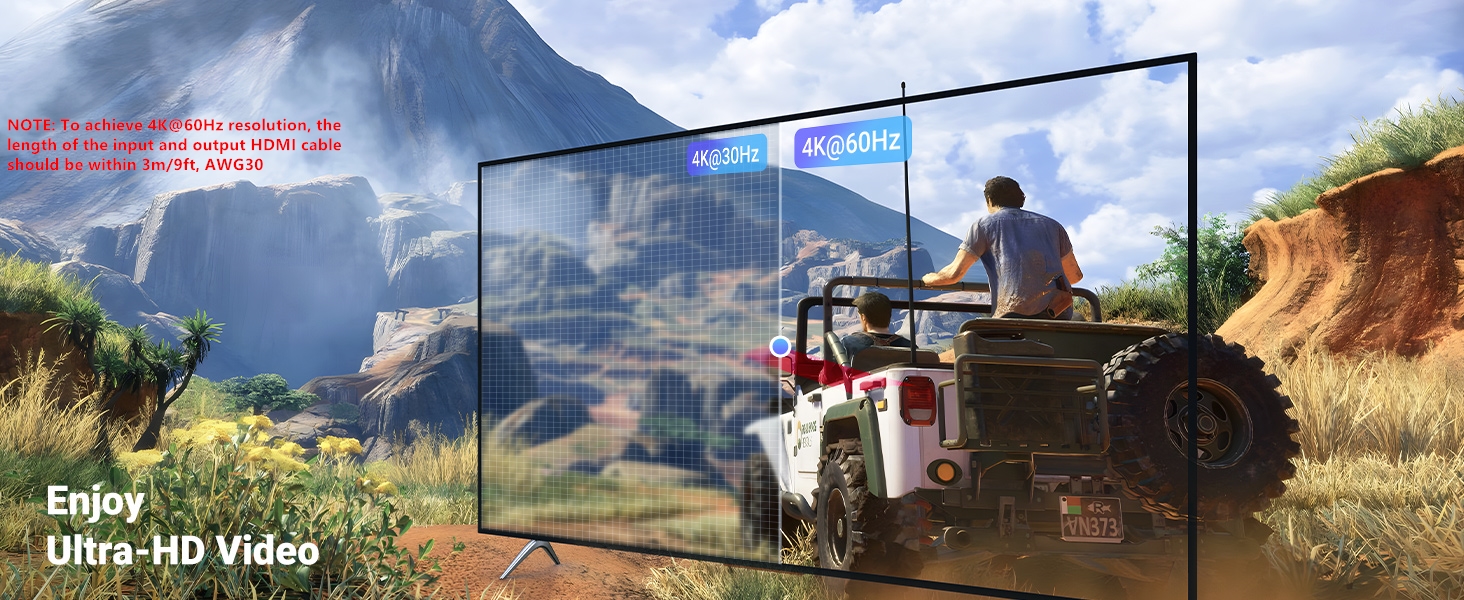
HDR-High Dynamic Range Display. Intensely deep colors, and super-fine details contrast
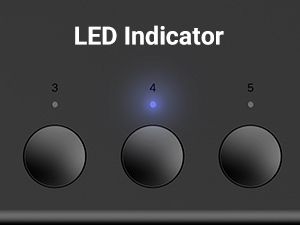
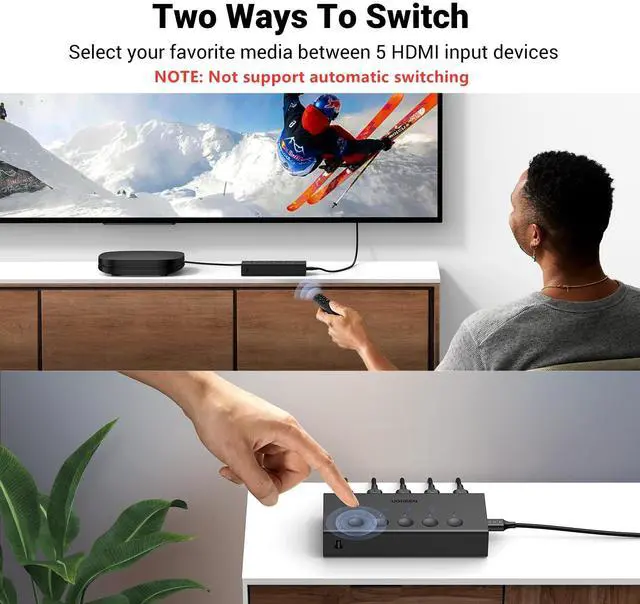
- The indicator shows which HDMI source is in use at present.
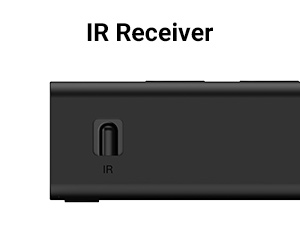
- It is recommended that the remote control be facing the IR receiver.
- Remote control distance: 33FT.
- Not include 2*AAA Batteries.
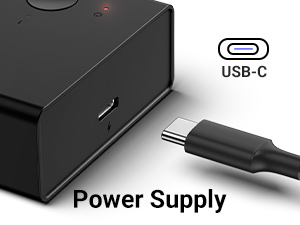
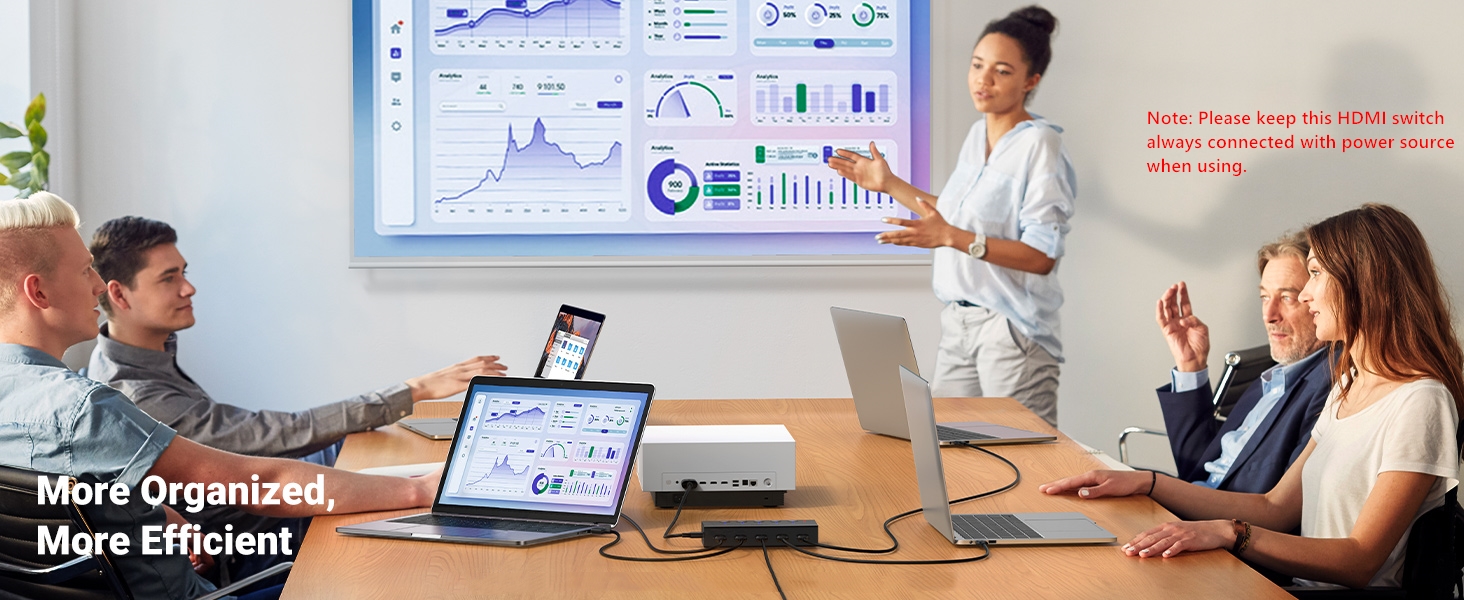
- Please keep this switch always connected to the power source when using.
- USB Cable Included, Power adapter NOT included.
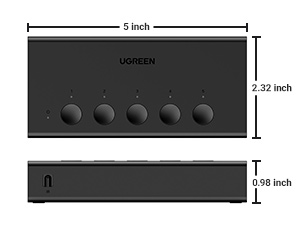
- Portable size, convenient to carry around and go out to work
What can I do if there is no signal at all?
1. Ensure that a 5V1A power adapter or above is connected to the HDMI switch.
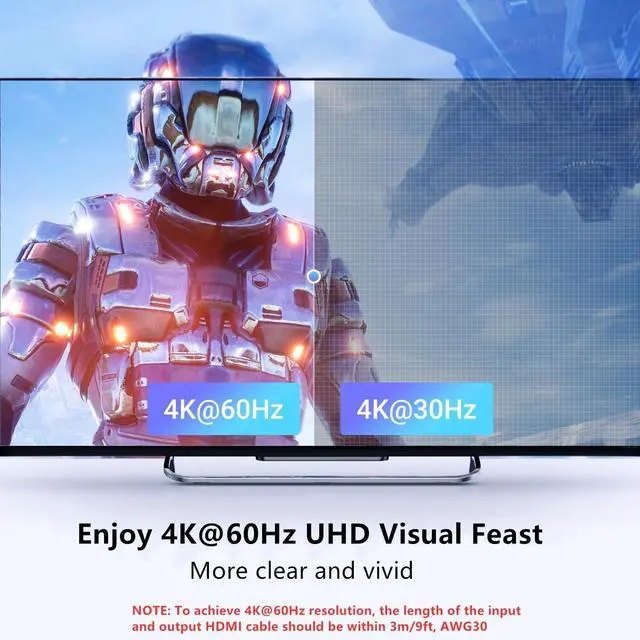
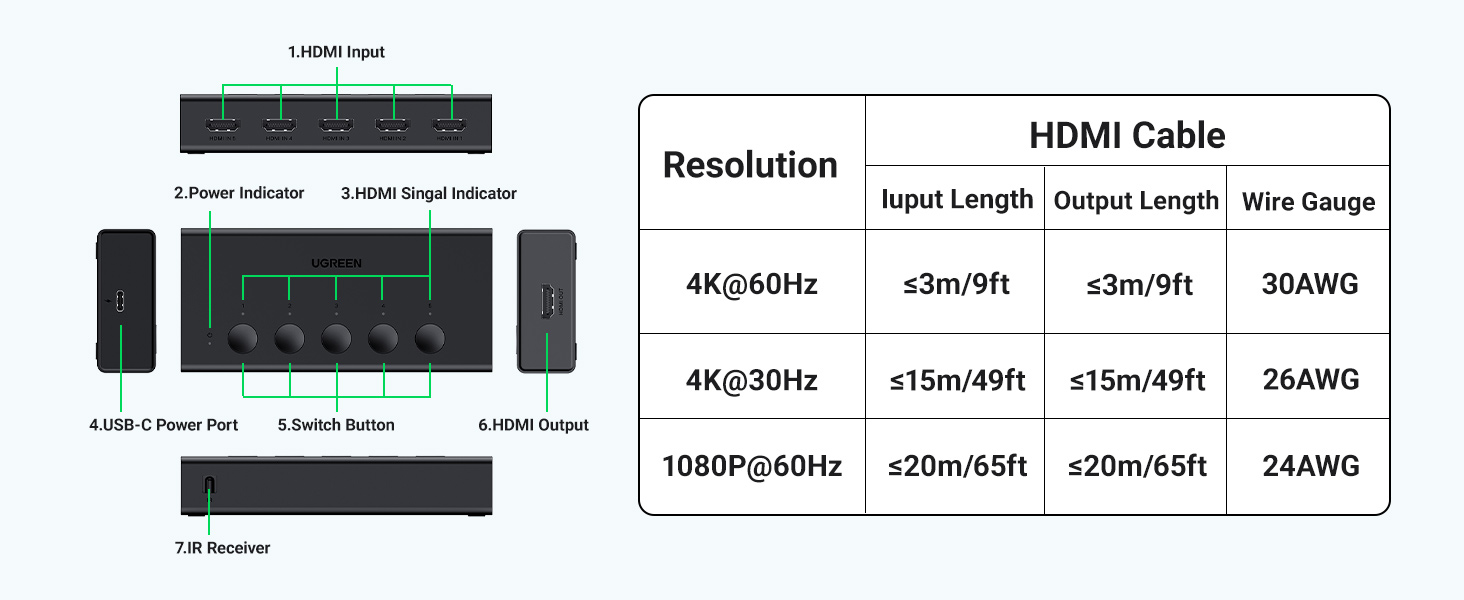
2. To achieve different resolutions, ensure the cable's AWG and length can meet the requirements.
Does it support Automatic Switching?
No, it cannot be automatically switched to the latest activated HDMI port, but only can be switched by buttons or remote control.
What should I do when it suddenly displays a black screen?
If the screen goes black, please check the indicator on the box to confirm whether you have switched to the HDMI source that is not connected to any device by mistake.
How far does the infrared remote work?
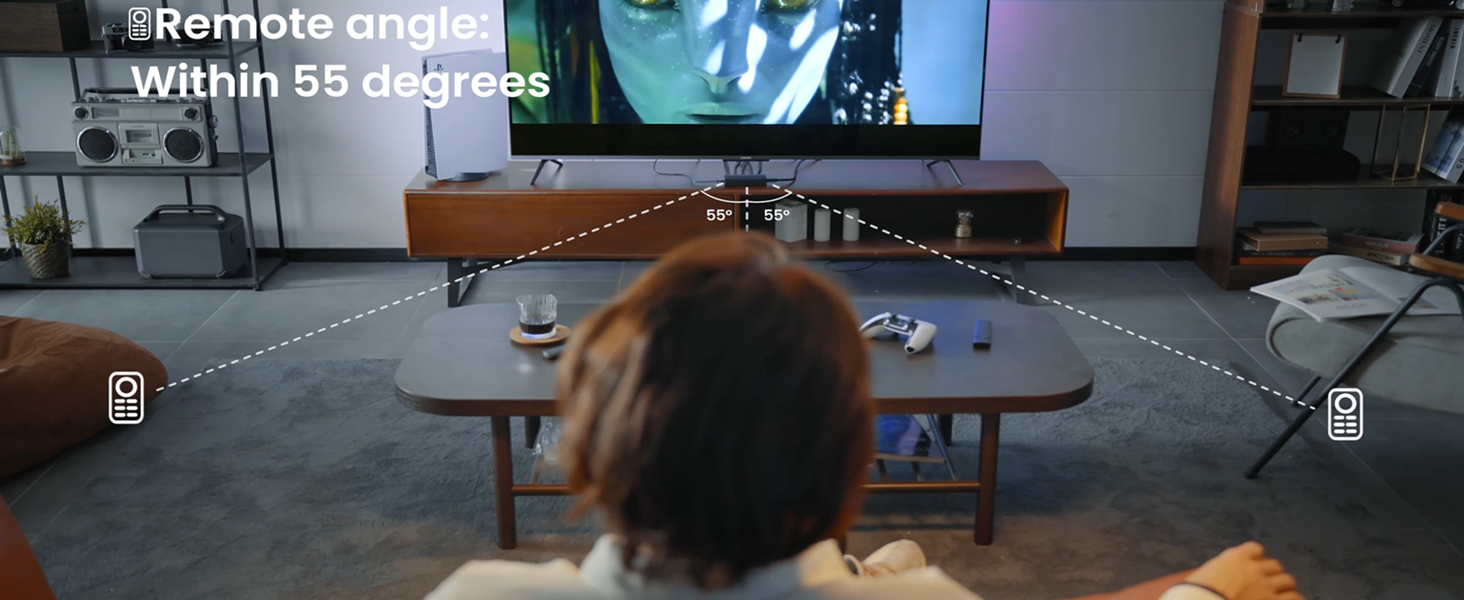
When the remote's battery is sufficient, the distance can reach 33ft if it is straight, and the distance should be within 20ft if the angle is 55 degrees. Do not use the remote with an angle exceeding 55 degrees.
Why will it take about 12s-15s to display the image on the screen once a switch is done on PS5?
It is due to the adjustment of the EDID's recognition when a switch is done on PS5. For other devices, generally, it will only take 6-7s.
Various Types of HDMI Switches & KVM Switches
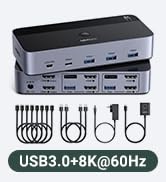
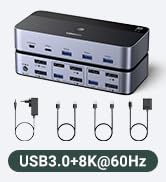
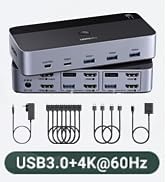
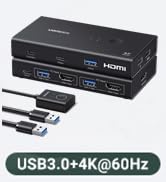
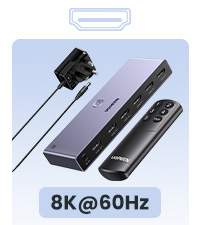 8K HDMI Switch | 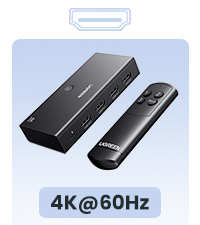 HDMI Switch | 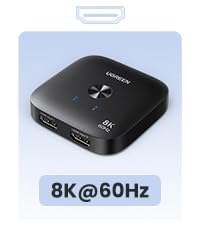 8K HDMI Switch | 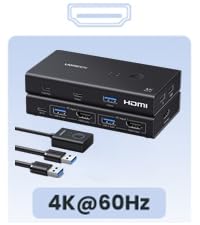 4K HDMI KVM Switch 1 Out | 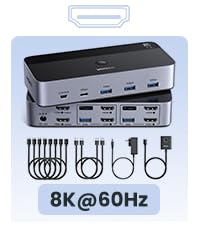 8K HDMI KVM Switch 2 Out |  8K DP KVM Switch 2 Out |  8K DP+USB C Switch | |
|---|---|---|---|---|---|---|---|
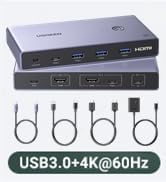
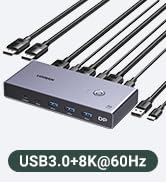
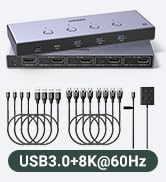
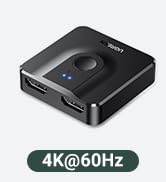
Input & Output | 5 Input 1 Output | 3 Input 1 Output | 2 Input 1 Output | 2 Computers 1 Monitor | 2 Computers 2 Monitors | 2 Computers 2 Monitors | 1 laptop+1 Computer 1 Monitor |
Type | HDMI Input & HDMI Output | HDMI Input & HDMI Output | HDMI Input & HDMI Output | HDMI Input & HDMI Output | HDMI Input & HDMI Output | DP Input & DP Output | USB-C+DP Input & DP Output |
Resolution | 8K@60Hz | 4K@60Hz | 8K@60Hz | 4K@60Hz | 8K@60Hz | 8K@60Hz | 8K@60Hz |
Interface Type | HDMI 2.1 | HDMI 2.0 | HDMI 2.1 | HDMI 2.0 & USB 3.0 | HDMI 2.1 & USB 3.0 | DP 1.4 & USB 3.0 | DP 1.4 |
Control Way | Button & Remote | Button & Remote | Button | Button & Desktop Controller | Button & Desktop Controller | Button & Desktop Controller | Button |
LED Indicator | v | v | v | v | v | v | v |
Connection | Single | Single | Single | Single | Single | Single | Single |
Cable Included | 1*Power Adapter | 1*USB Cable | 1*USB Cable | 2*USB cables | 4*HDMI cable,2*USB A cable etc | 2*USB Cables,1*Power Adapter | 1*Power Cable |

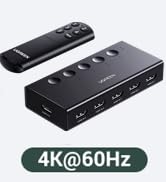
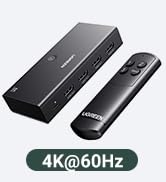
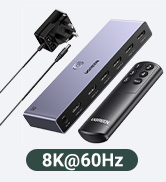
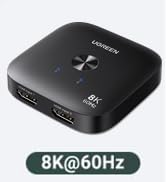
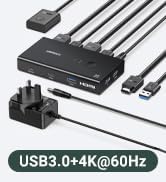
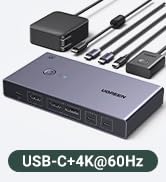
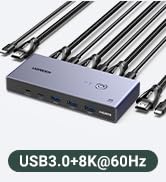
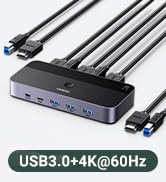
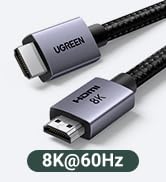

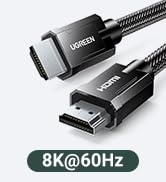
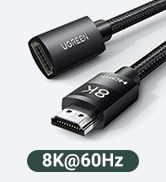
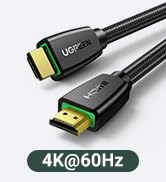


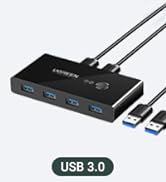
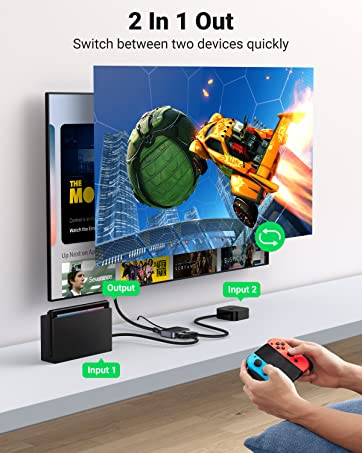
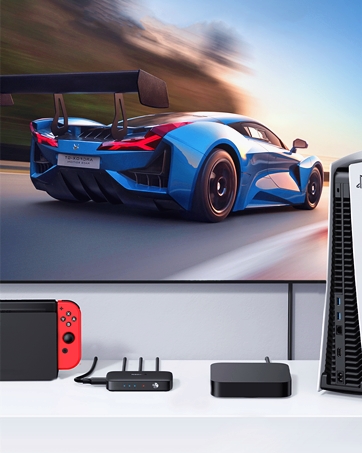
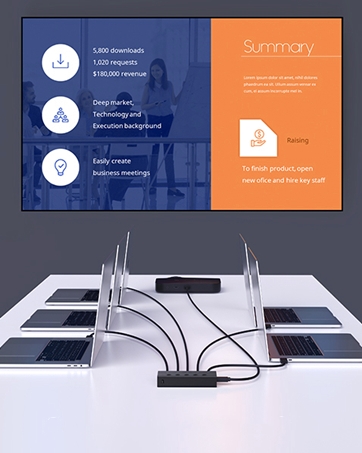
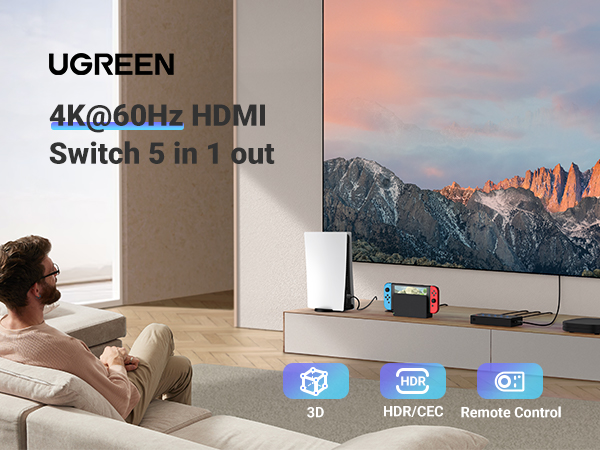
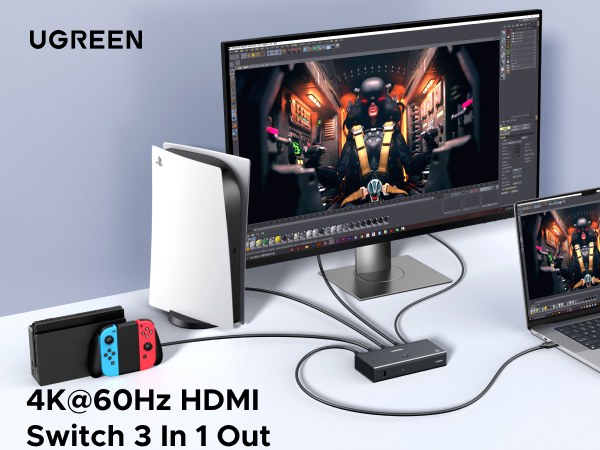

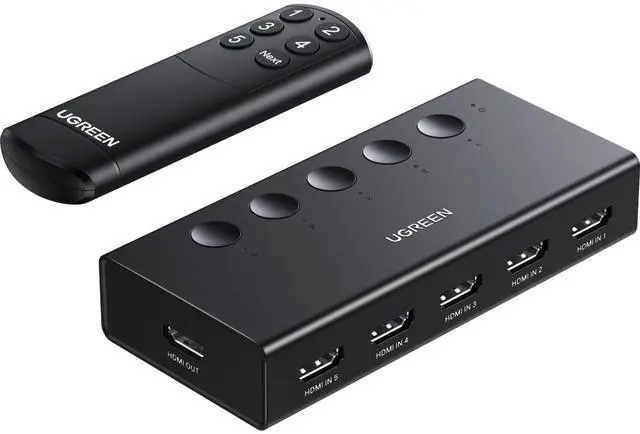
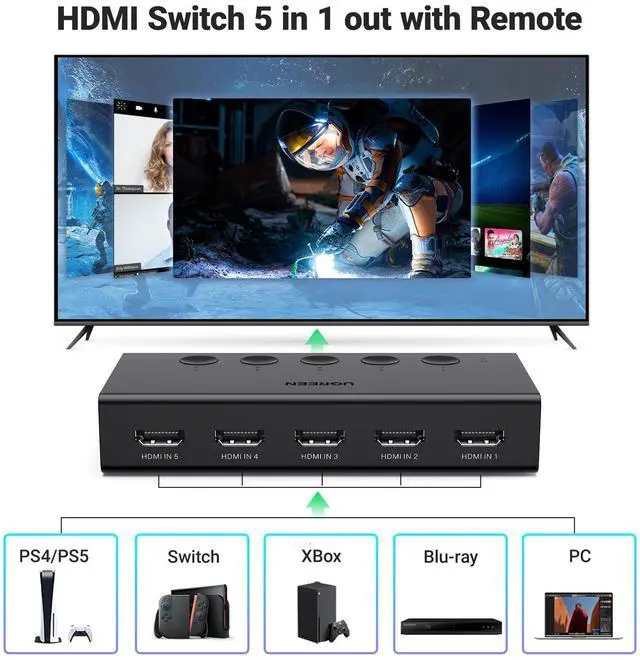
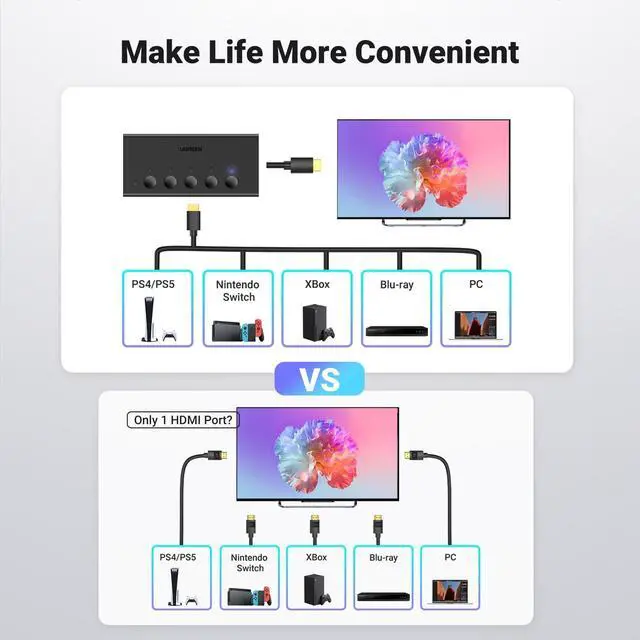
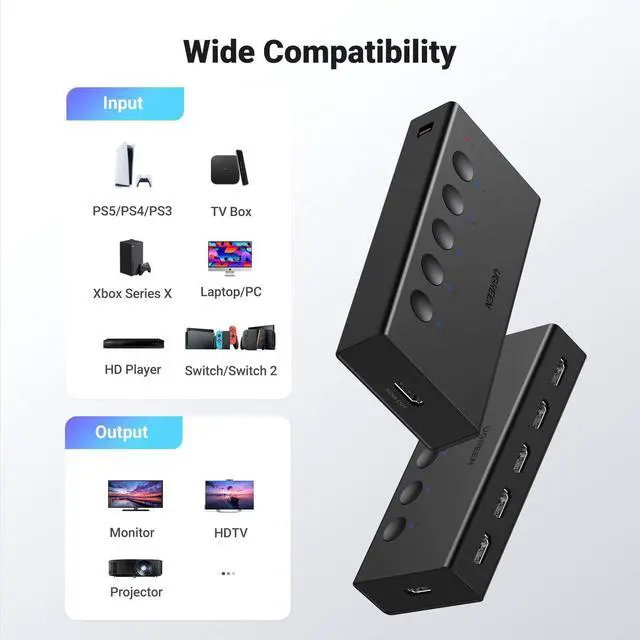
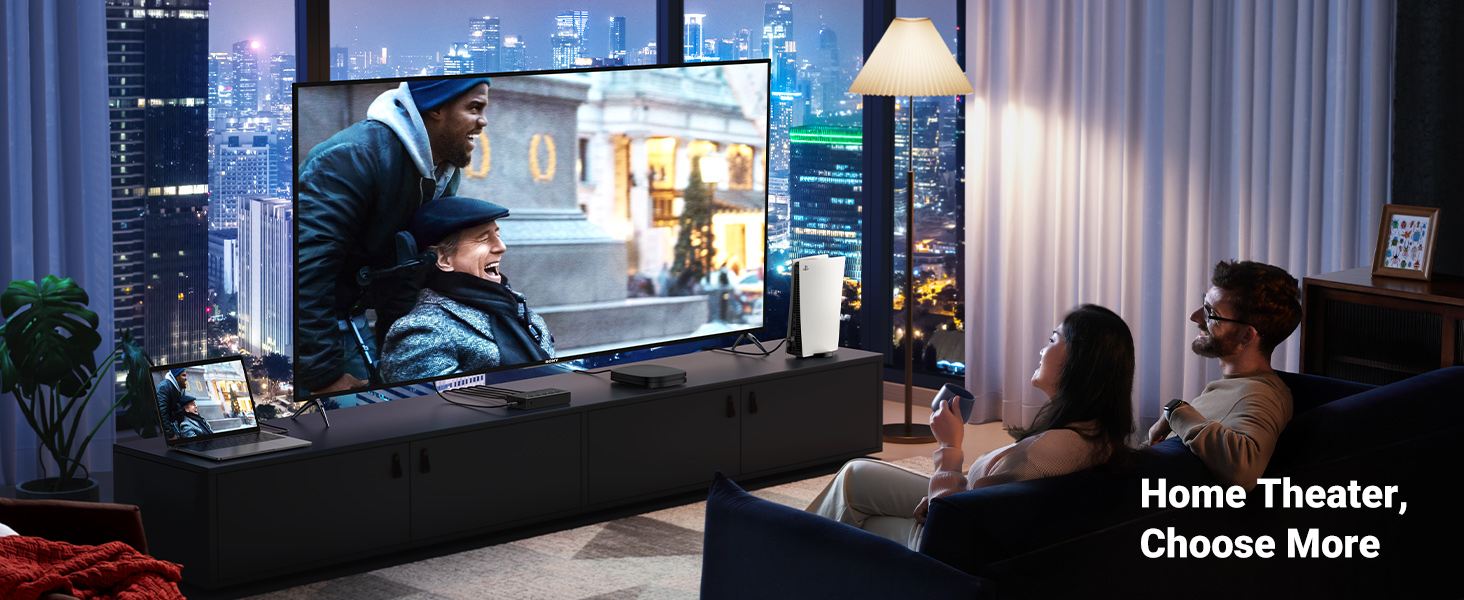
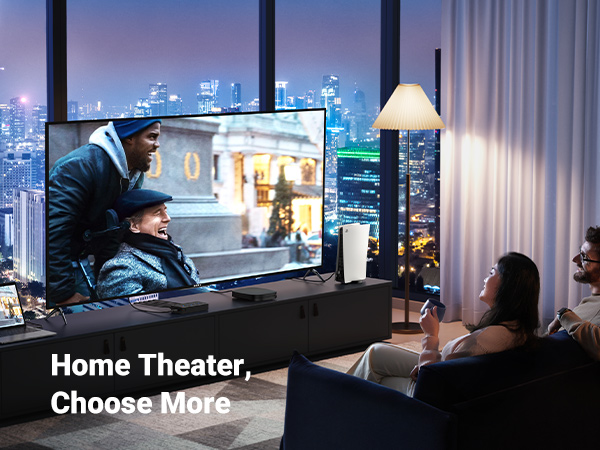
Good for Multi Game Consoles. This HDMI Switch can connect 5 source devices to 1 display without plugging and unplugging.
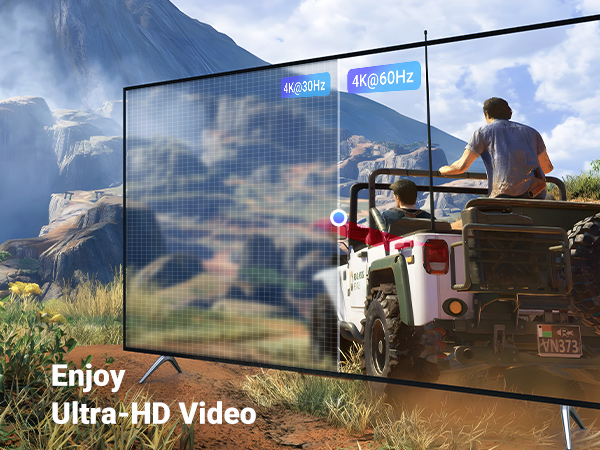
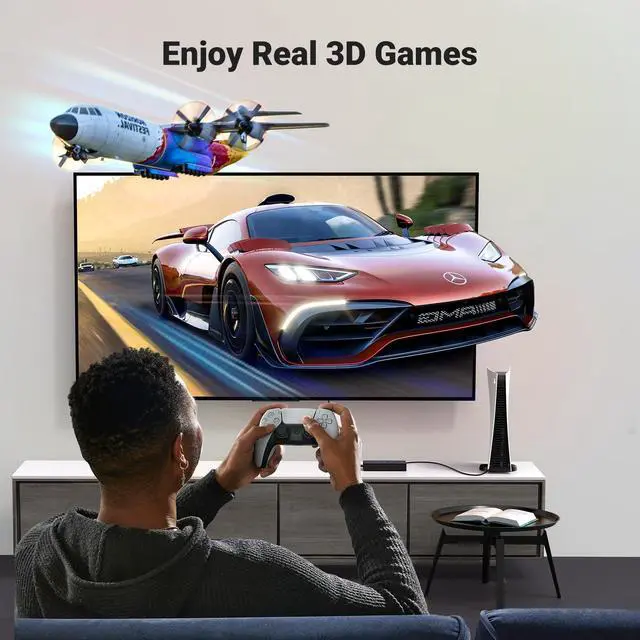
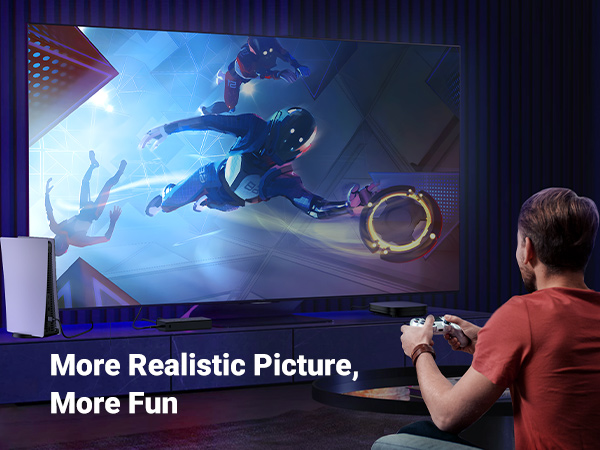
Reduces lag and frame loss for smoother gameplay
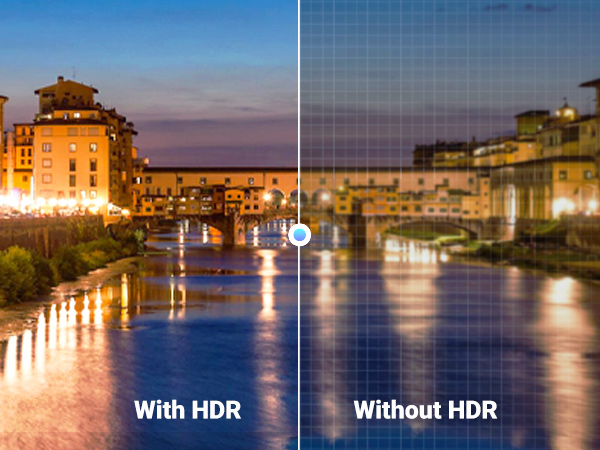
HDR-High Dynamic Range Display. Intensely deep colors, and super-fine details contrast
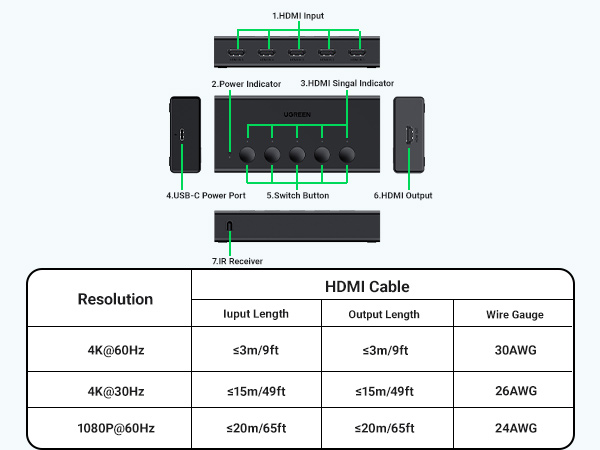
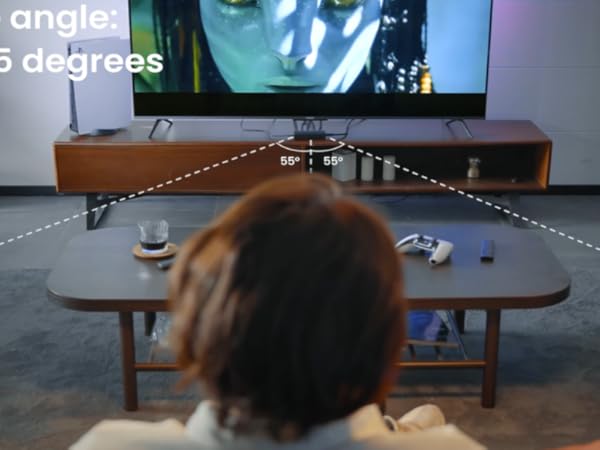
- The indicator shows which HDMI source is in use at present.
- It is recommended that the remote control be facing the IR receiver.
- Remote control distance: 33FT.
- Not include 2*AAA Batteries.
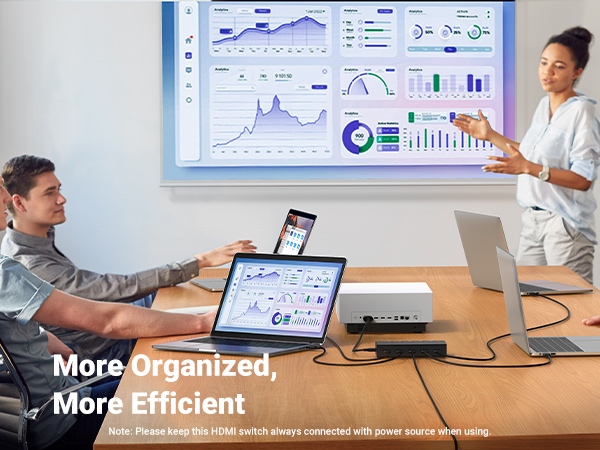
- Please keep this switch always connected to the power source when using.
- USB Cable Included, Power adapter NOT included.
- Portable size, convenient to carry around and go out to work
What can I do if there is no signal at all?
1. Ensure that a 5V1A power adapter or above is connected to the HDMI switch.
2. To achieve different resolutions, ensure the cable's AWG and length can meet the requirements.
Does it support Automatic Switching?
No, it cannot be automatically switched to the latest activated HDMI port, but only can be switched by buttons or remote control.
What should I do when it suddenly displays a black screen?
If the screen goes black, please check the indicator on the box to confirm whether you have switched to the HDMI source that is not connected to any device by mistake.
How far does the infrared remote work?
When the remote's battery is sufficient, the distance can reach 33ft if it is straight, and the distance should be within 20ft if the angle is 55 degrees. Do not use the remote with an angle exceeding 55 degrees.
Why will it take about 12s-15s to display the image on the screen once a switch is done on PS5?
It is due to the adjustment of the EDID's recognition when a switch is done on PS5. For other devices, generally, it will only take 6-7s.
Various Types of HDMI Switches & KVM Switches
8K HDMI Switch | HDMI Switch | 8K HDMI Switch | 4K HDMI KVM Switch 1 Out | 8K HDMI KVM Switch 2 Out | 8K DP KVM Switch 2 Out | 8K DP+USB C Switch |
|---|---|---|---|---|---|---|
| Input & Output | ||||||
| 5 Input 1 Output | 3 Input 1 Output | 2 Input 1 Output | 2 Computers 1 Monitor | 2 Computers 2 Monitors | 2 Computers 2 Monitors | 1 laptop+1 Computer 1 Monitor |
| Type | ||||||
| HDMI Input & HDMI Output | HDMI Input & HDMI Output | HDMI Input & HDMI Output | HDMI Input & HDMI Output | HDMI Input & HDMI Output | DP Input & DP Output | USB-C+DP Input & DP Output |
| Resolution | ||||||
| 8K@60Hz | 4K@60Hz | 8K@60Hz | 4K@60Hz | 8K@60Hz | 8K@60Hz | 8K@60Hz |
| Interface Type | ||||||
| HDMI 2.1 | HDMI 2.0 | HDMI 2.1 | HDMI 2.0 & USB 3.0 | HDMI 2.1 & USB 3.0 | DP 1.4 & USB 3.0 | DP 1.4 |
| Control Way | ||||||
| Button & Remote | Button & Remote | Button | Button & Desktop Controller | Button & Desktop Controller | Button & Desktop Controller | Button |
| LED Indicator | ||||||
| v | v | v | v | v | v | v |
| Connection | ||||||
| Single | Single | Single | Single | Single | Single | Single |
| Cable Included | ||||||
| 1*Power Adapter | 1*USB Cable | 1*USB Cable | 2*USB cables | 4*HDMI cable,2*USB A cable etc | 2*USB Cables,1*Power Adapter | 1*Power Cable |
HDMI Switch
HDMI/DP KVM Switch
KVM Switch/HDMI Switch
USB-C/HDMI KVM Switch

8K HDMI Cables
4K HDMI Cables


Mini or Micro HDMI to HDMI
USB Switch/USB-C Switch
HDMI Switch 2 in 1 Out
HDMI Switch 3 in 1 Out
HDMI Switch 5 in 1 Out
