



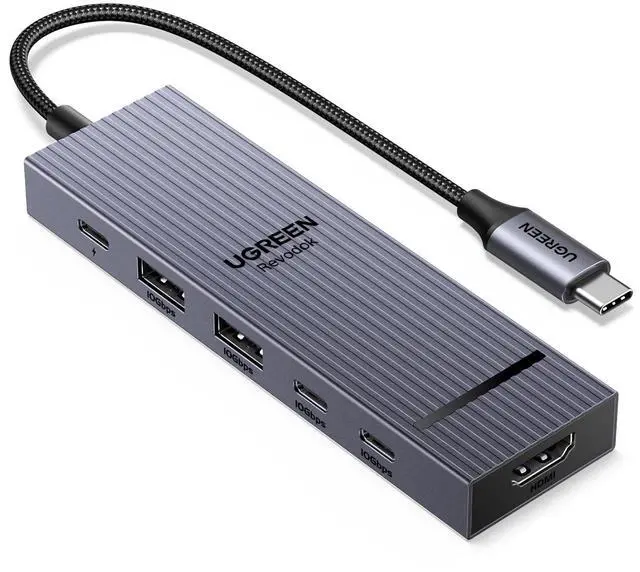
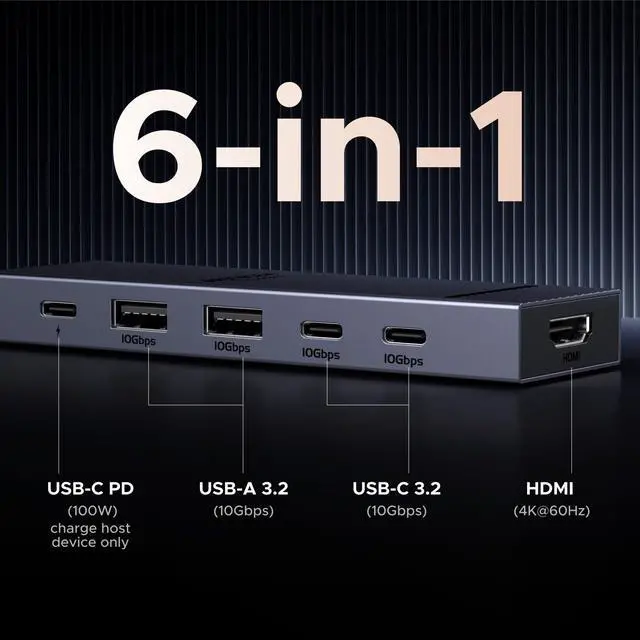


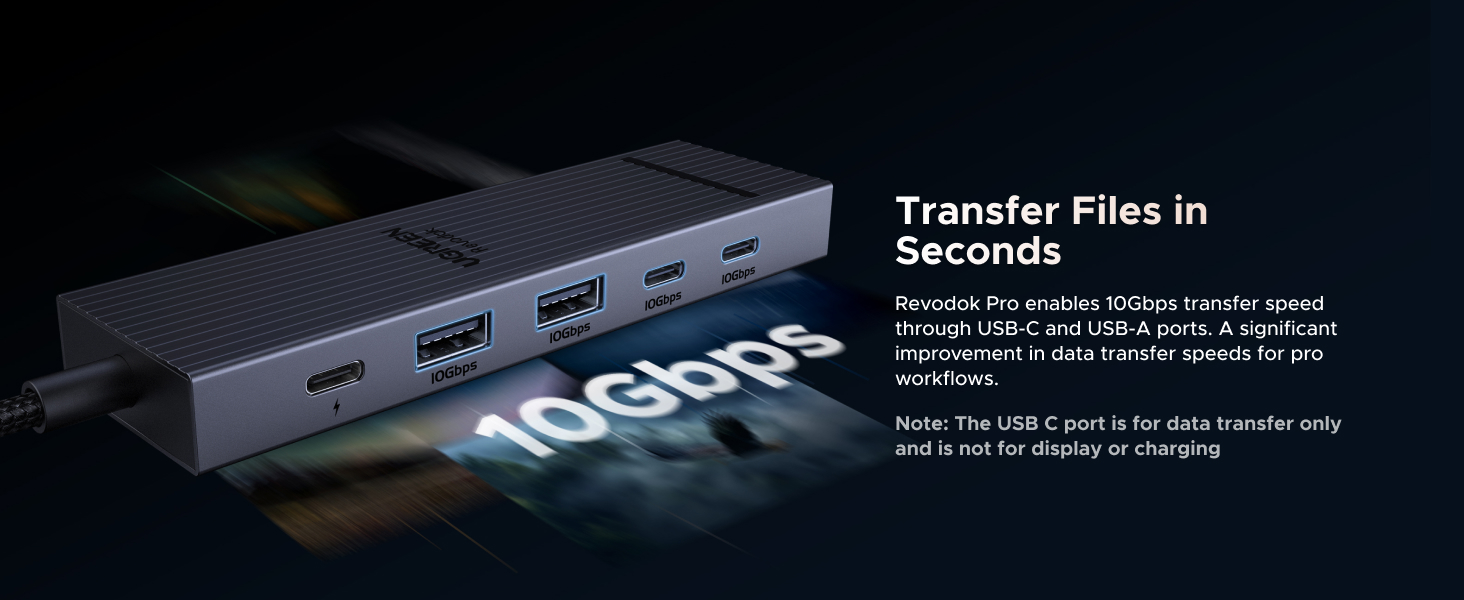
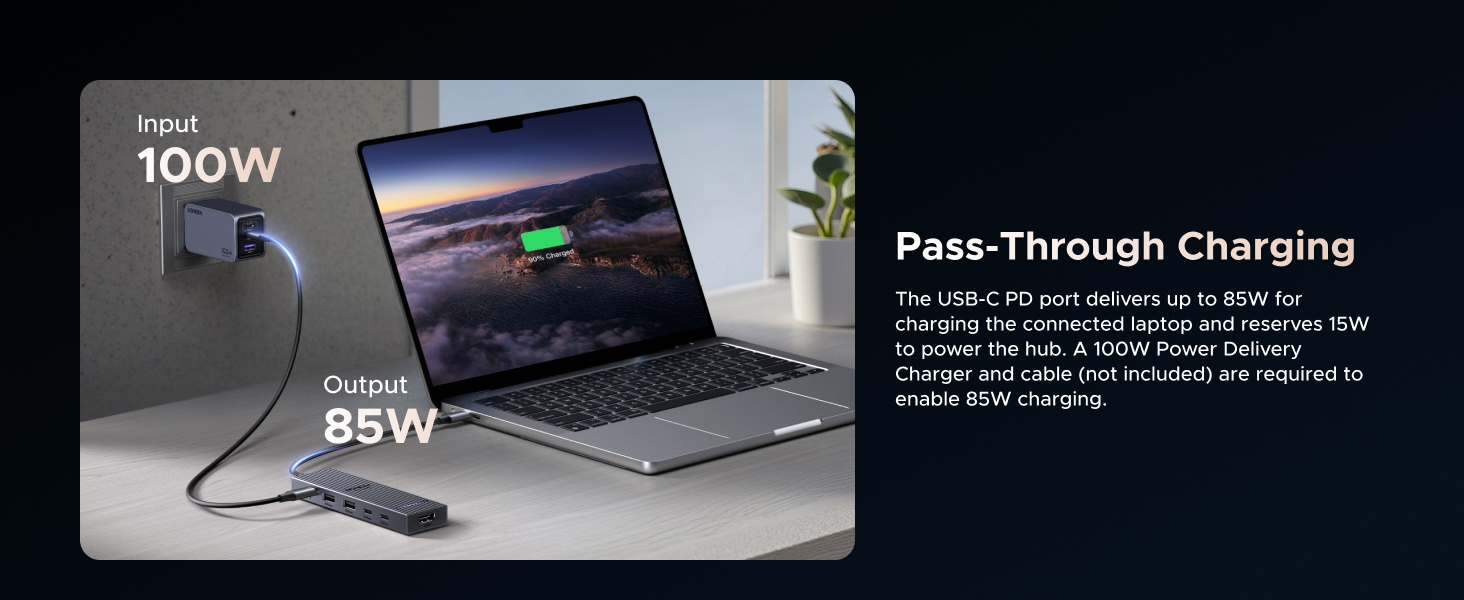
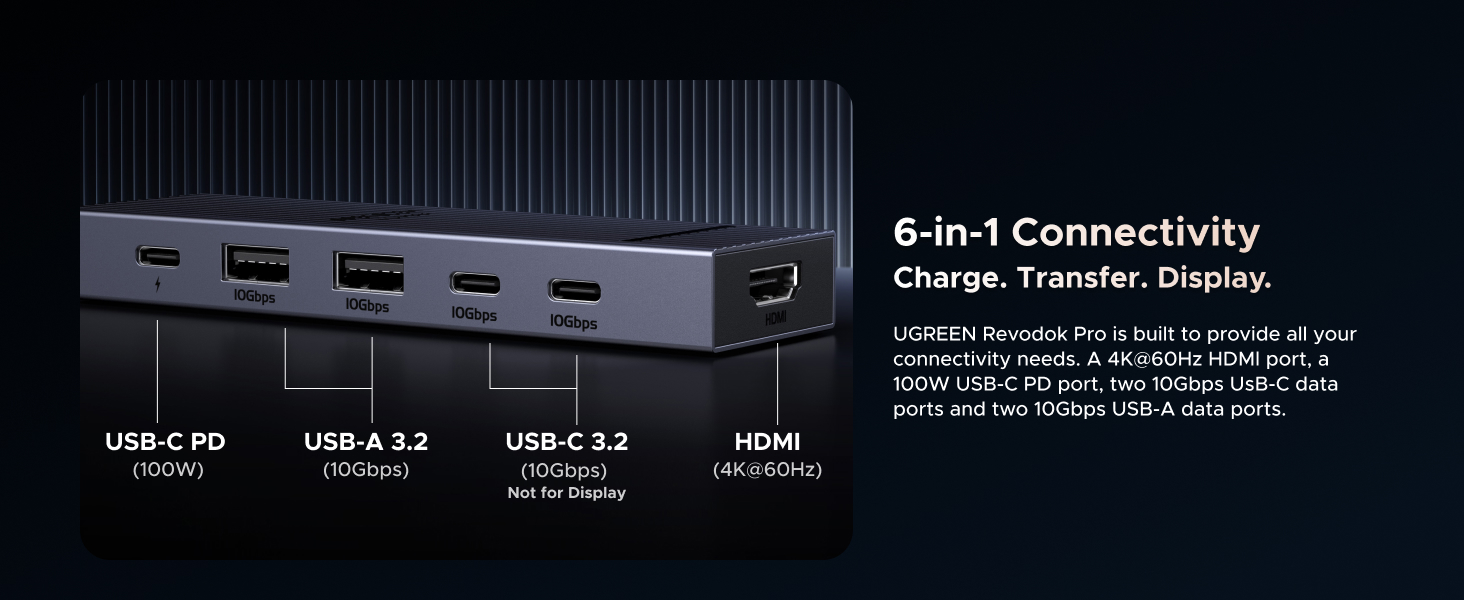
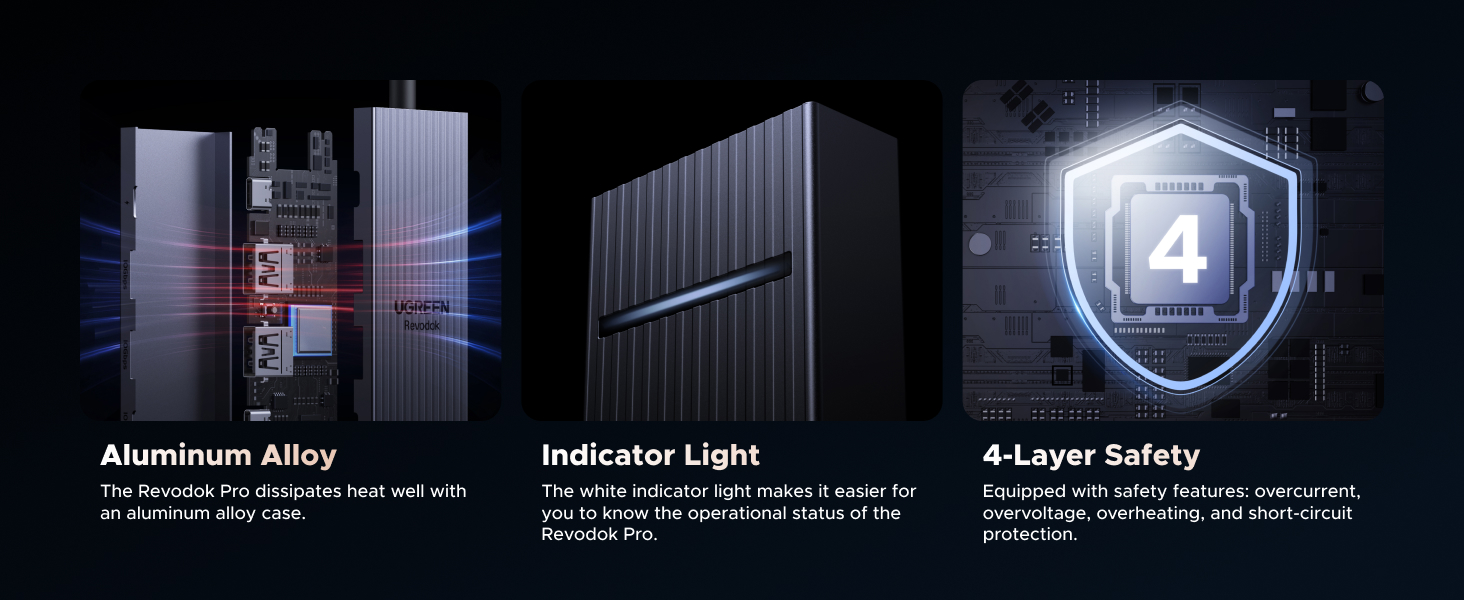
UGREEN USB C Hubs
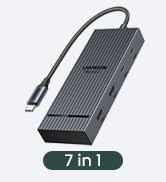
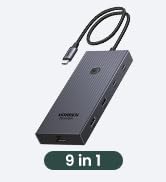
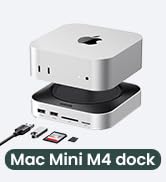
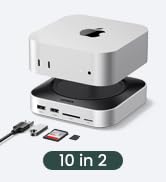
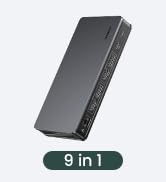
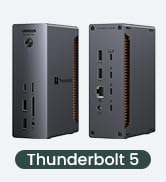
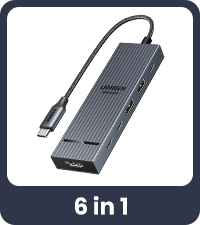 Revodok 10Gbps USB C Hub | 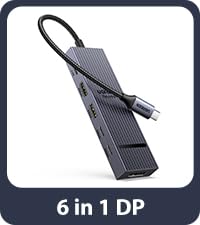 USB C Hub with DP Port | 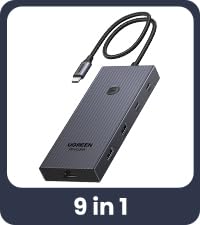 USBC Hub With Screen Lock | 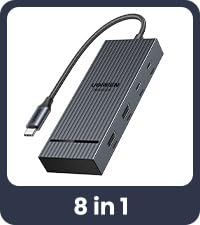 UGREEN 4K 60Hz USB C Hub | 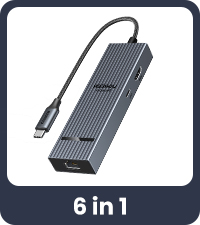 Revodok 10Gbps USB C Hub | 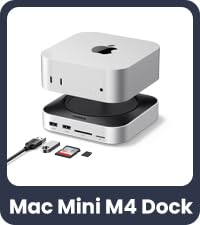 Mac mini M4 Dock | 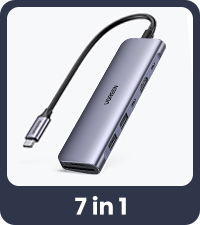 Revodok USB C Hub | |
|---|---|---|---|---|---|---|---|
Customer Reviews | — | — | — | — | — | — | — |
Price | — | — | — | — | — | — | — |
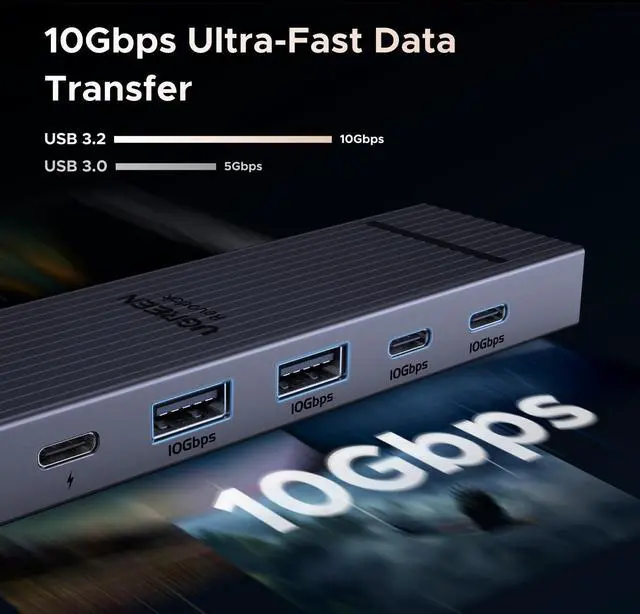
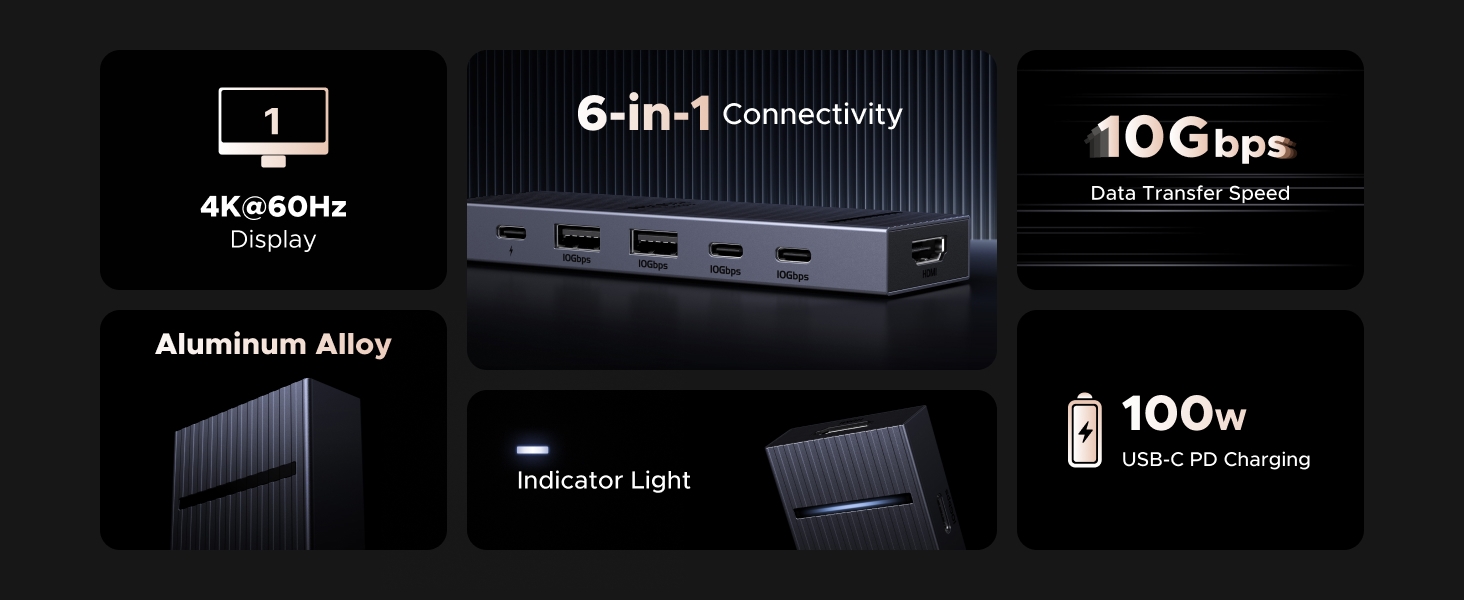
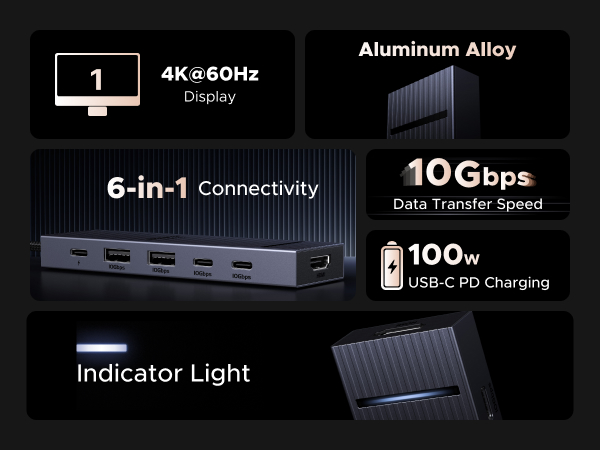
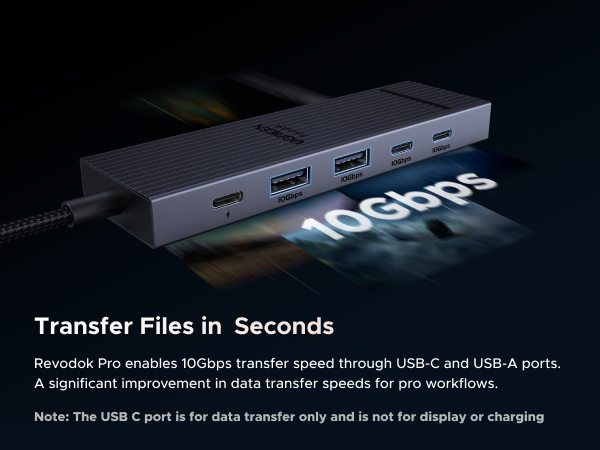
Max Transfer Speed | 10Gbps | 10Gbps | 10Gbps | 10Gbps | 10Gbps | 10Gbps | 5Gbps |
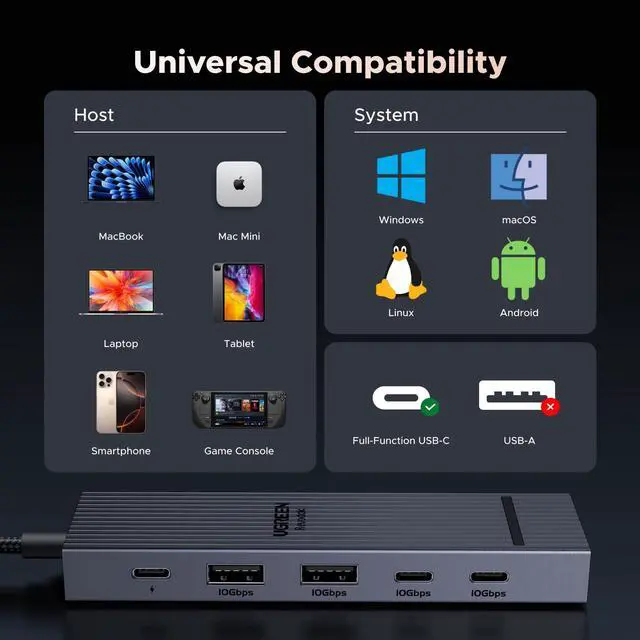
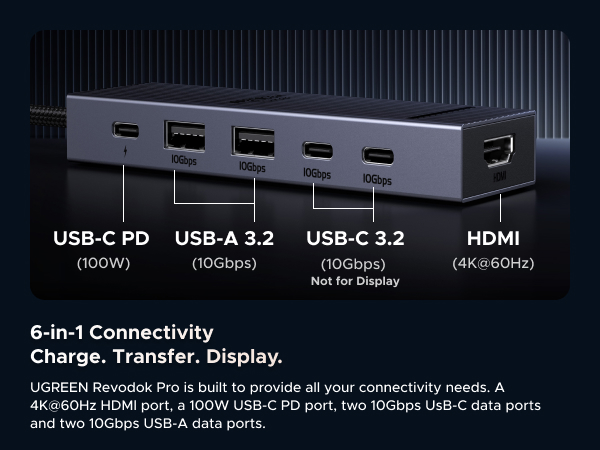
USB Data Ports | 2*USB A+2*USB C | 2*USB A 3.2+USB C 3.2 | 2*USB A +2*USB C | 2*USB A+2*USB C | 2*USB A 3.2+USB C 3.2 | 4*USB A+USB C | 2*USB A+USB C |
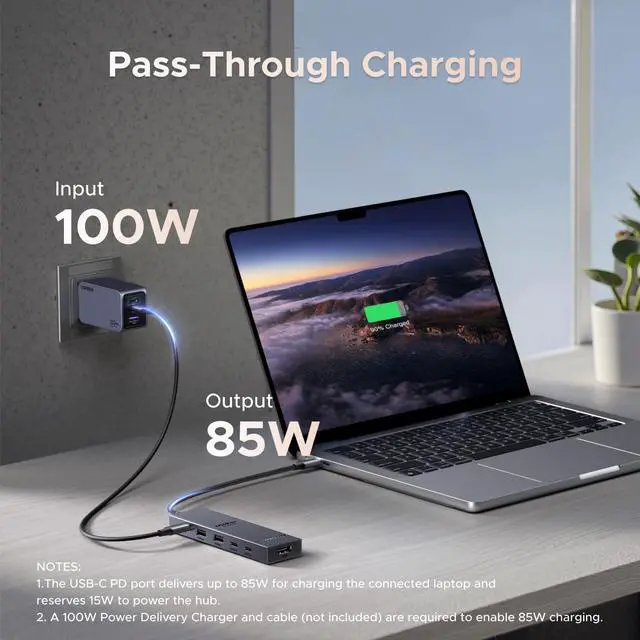
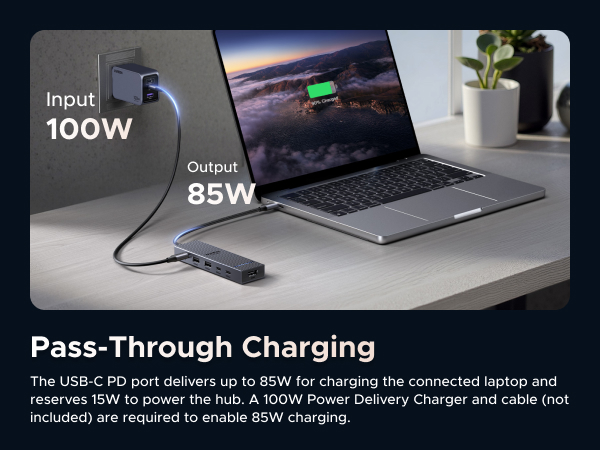
Charging Port | PD 100W | PD 100W | PD 100W | PD 100W | PD 100W | / | PD 100W |
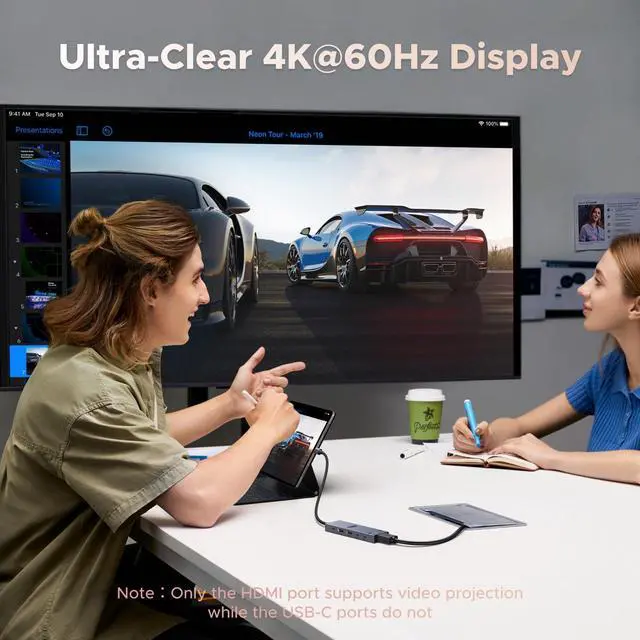
Max Display Resolution | 4K@60Hz | 4K@60Hz | 4K@60Hz | 4K@60Hz | 4K@60Hz | / | 4K@30Hz |
Display Port(s) | HDMI | DP | HDMI | HDMI | HDMI | / | HDMI |
Plug & Play | ? | ? | ? | ? | ? | ? | ? |
SD/TF Card Reader | ? | ? | ? | ? | ? | ? | ? |
Gigabit Ethernet | × | × | 1000Mbps | × | 1000Mbps | × | × |
FAQ
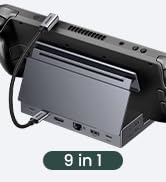
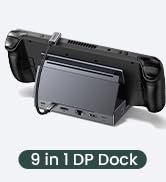
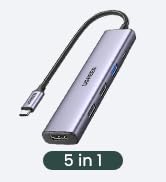
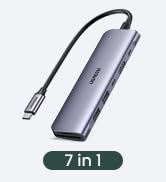
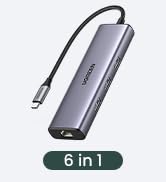
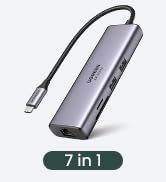
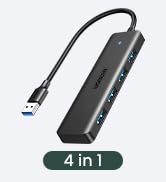
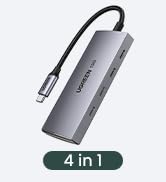
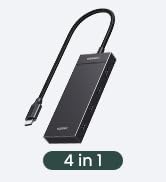
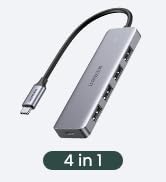

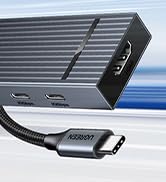




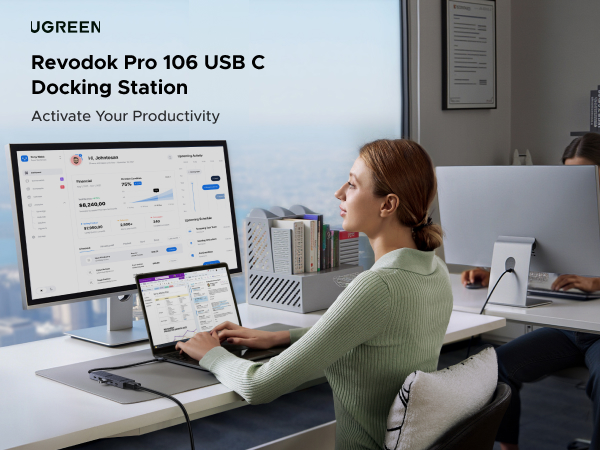
UGREEN USB C Hubs
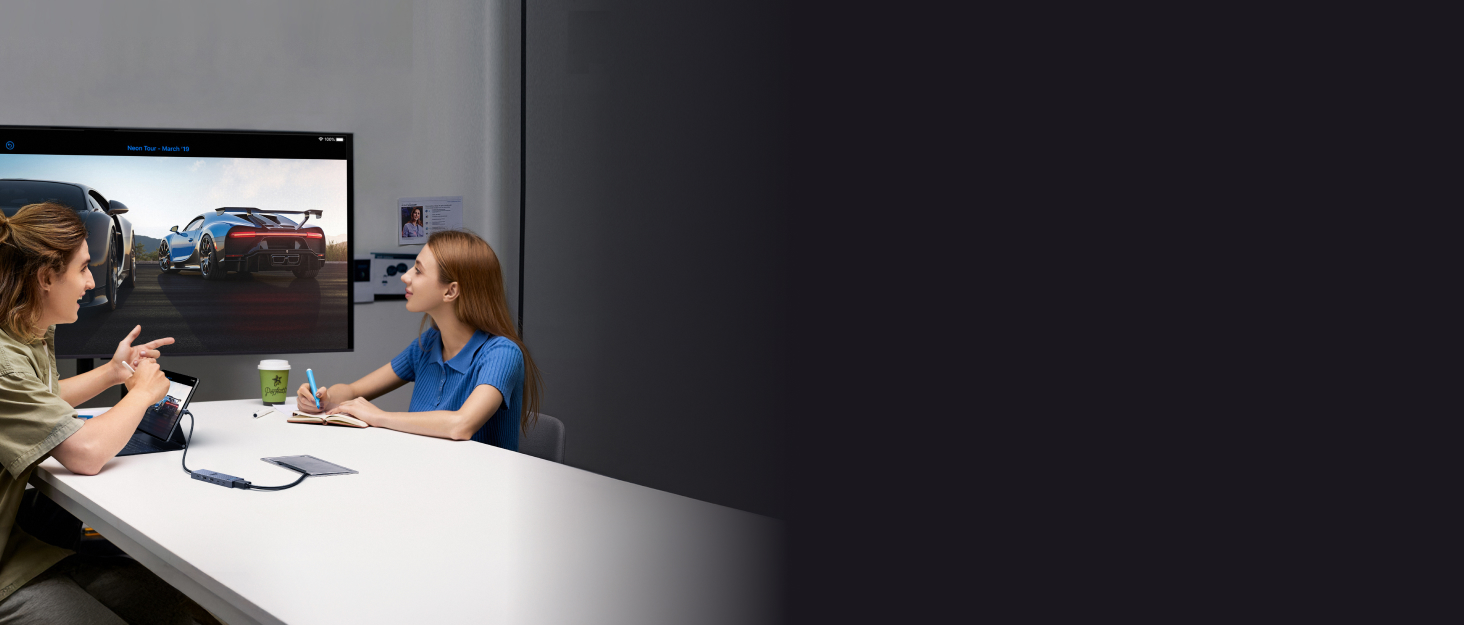
Revodok 10Gbps USB C Hub | USB C Hub with DP Port | USBC Hub With Screen Lock | UGREEN 4K 60Hz USB C Hub | Revodok 10Gbps USB C Hub | Mac mini M4 Dock | Revodok USB C Hub |
|---|---|---|---|---|---|---|
| Customer Reviews | ||||||
| — | — | — | — | — | — | — |
| Price | ||||||
| — | — | — | — | — | — | — |
| Max Transfer Speed | ||||||
| 10Gbps | 10Gbps | 10Gbps | 10Gbps | 10Gbps | 10Gbps | 5Gbps |
| USB Data Ports | ||||||
| 2*USB A+2*USB C | 2*USB A 3.2+USB C 3.2 | 2*USB A +2*USB C | 2*USB A+2*USB C | 2*USB A 3.2+USB C 3.2 | 4*USB A+USB C | 2*USB A+USB C |
| Charging Port | ||||||
| PD 100W | PD 100W | PD 100W | PD 100W | PD 100W | / | PD 100W |
| Max Display Resolution | ||||||
| 4K@60Hz | 4K@60Hz | 4K@60Hz | 4K@60Hz | 4K@60Hz | / | 4K@30Hz |
| Display Port(s) | ||||||
| HDMI | DP | HDMI | HDMI | HDMI | / | HDMI |
| Plug & Play | ||||||
| ? | ? | ? | ? | ? | ? | ? |
| SD/TF Card Reader | ||||||
| ? | ? | ? | ? | ? | ? | ? |
| Gigabit Ethernet | ||||||
| × | × | 1000Mbps | × | 1000Mbps | × | × |
FAQ
| Q1 | How many external monitors can this hub support? |
|---|---|
| A1 | It can only support one external monitor. |
| Q2 | What happens when there is no HDMI image output after the product is connected? |
| A2 | 1) Please make sure that the USB-C interface of the laptop supports the video function; 2) confirm whether the length and specifications of the connected cable meet the requirements; 3) Please adjust the resolution setting, the resolution supported by your monitor may be lower than the highest supported resolution; 4) Please select the correct input signal source (some monitors need to manually select the signal source); 5) You can try to restart the laptop, or re-plug the upstream end |
| Q3 | Why am I charging my docking station so slowly, it doesn't reach 100w? |
| A3 | a. Please confirm whether the USB-C interface of the laptop supports the charging function. If your computer uses a DC interface, please connect the original adapter. b. When your computer is charging slowly, please use the original adapter of the computer or a charger above 65W. |
UGREEN 10Gbps USB C HUB
UGREEN Hub & Stand
UGREEN USB C Hub
UGREEN USB Hub
UGREEN Mouse & Keyboard
UGREEN Multi HDMI Dock
UGREEN 10Gbps USB C HUB
Revodok Basic
Revodok Pro
Revodok Max
