• $26.95
  • Free 30-day Returns
  • Sold by Eirtinkylle

    Shipped by Eirtinkylle

    Price alert
    Shop it at NeweggBusiness.

    Meet Your Seller

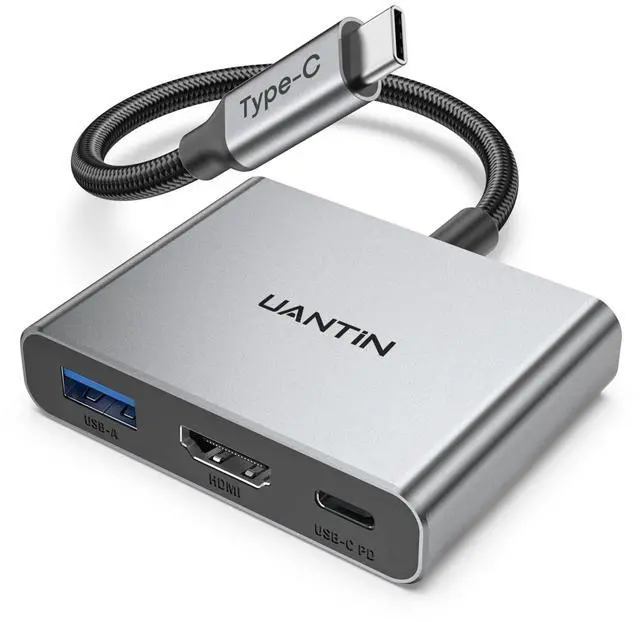
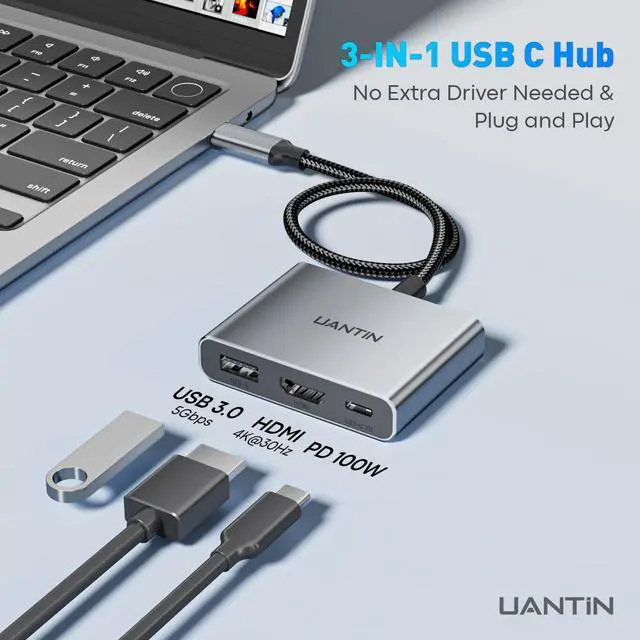
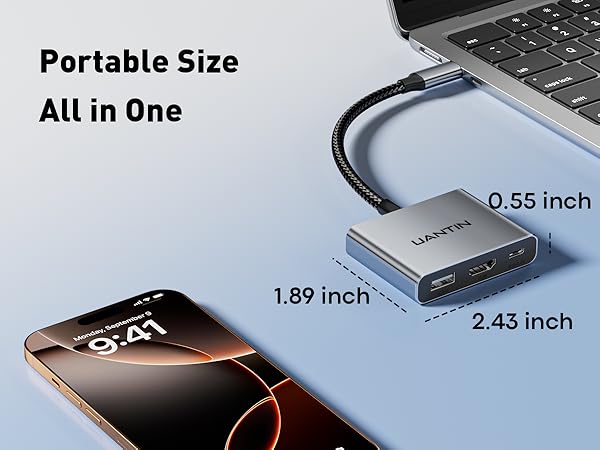
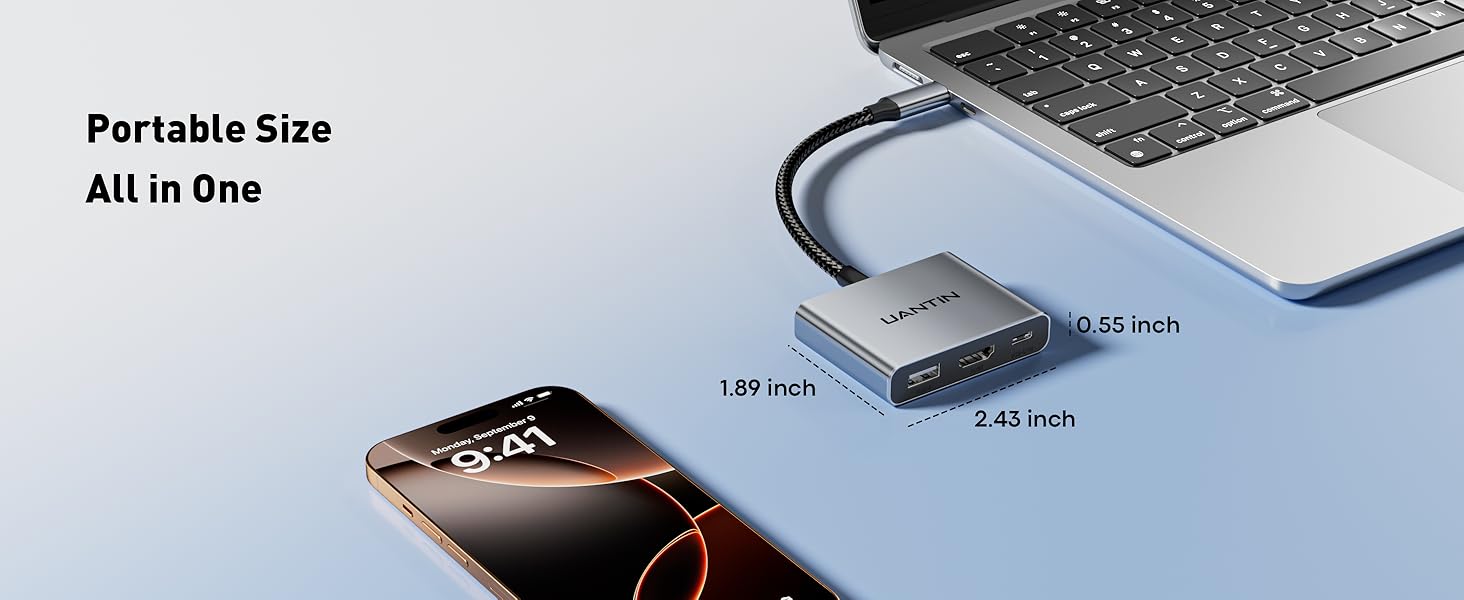
    USB C to HDMI Adapter, 4K USB Type C to HDMI Multiport Digital AV Converter with 100W PD, USB 3.0 Port, USB-C Hub Dongle for MacBook Neo/Pro/Air, iPad, Tablets, TV, Monitor (Gray)

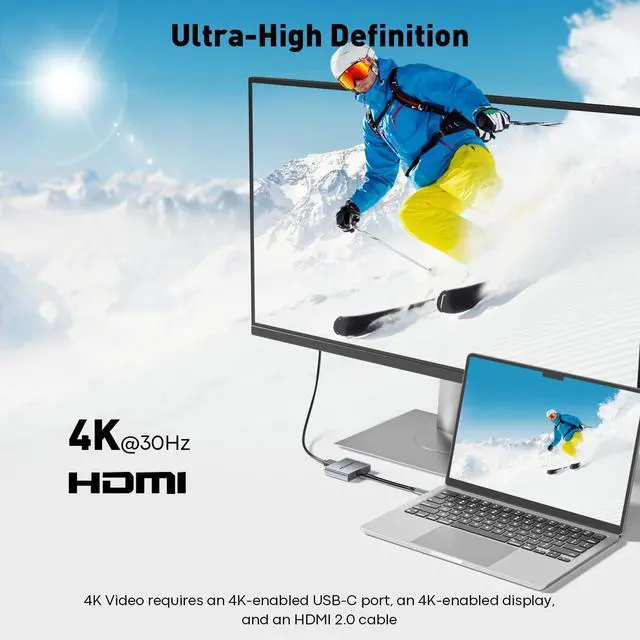
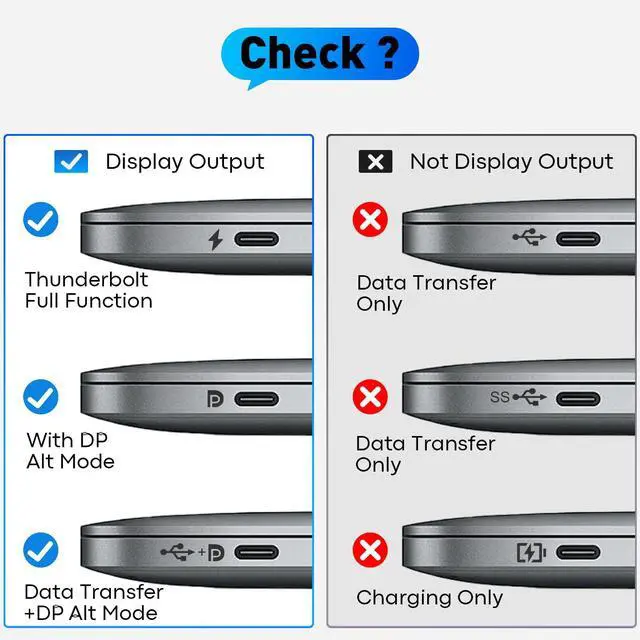
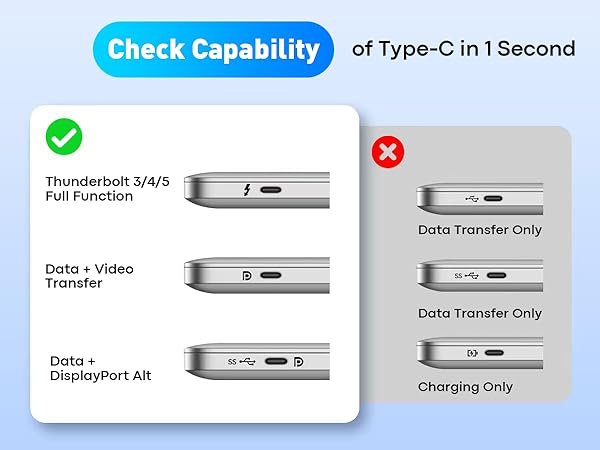
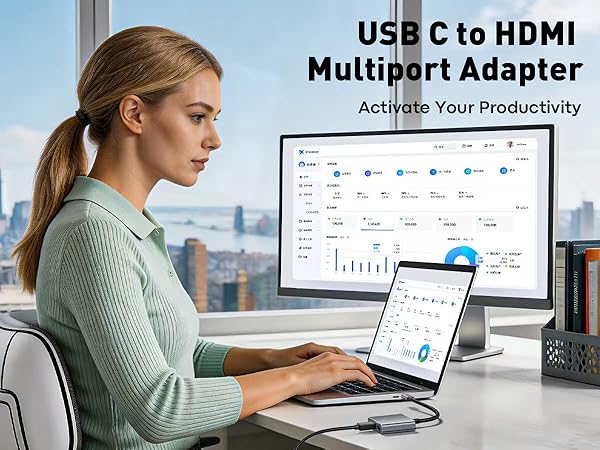
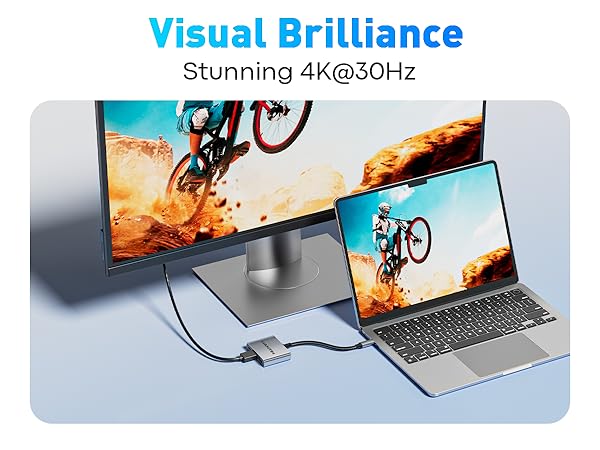
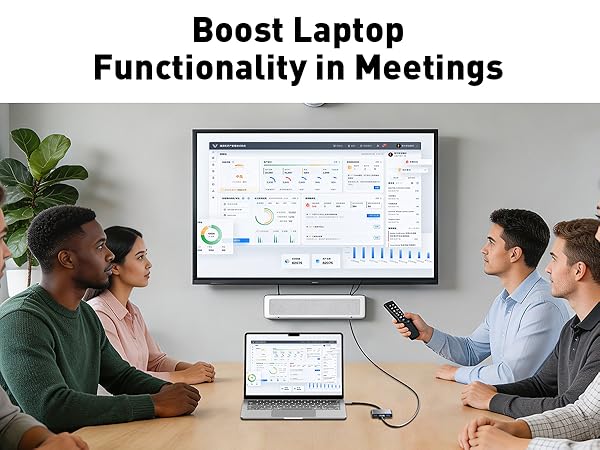
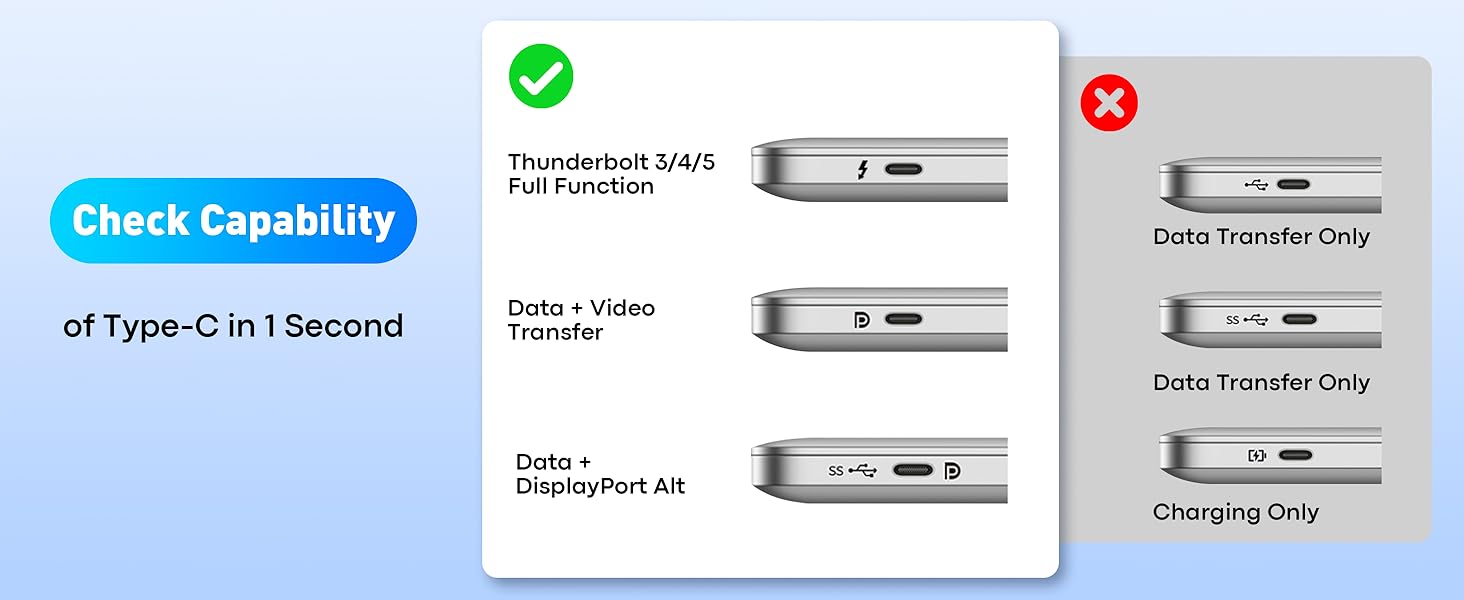
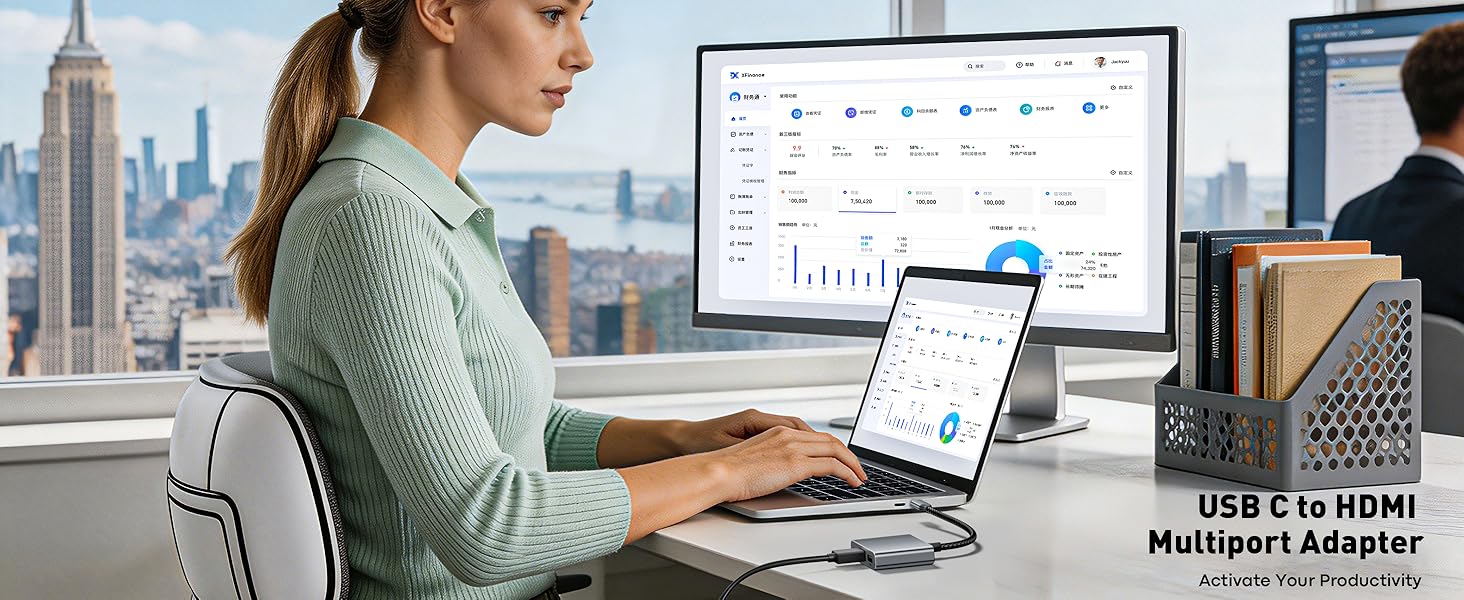
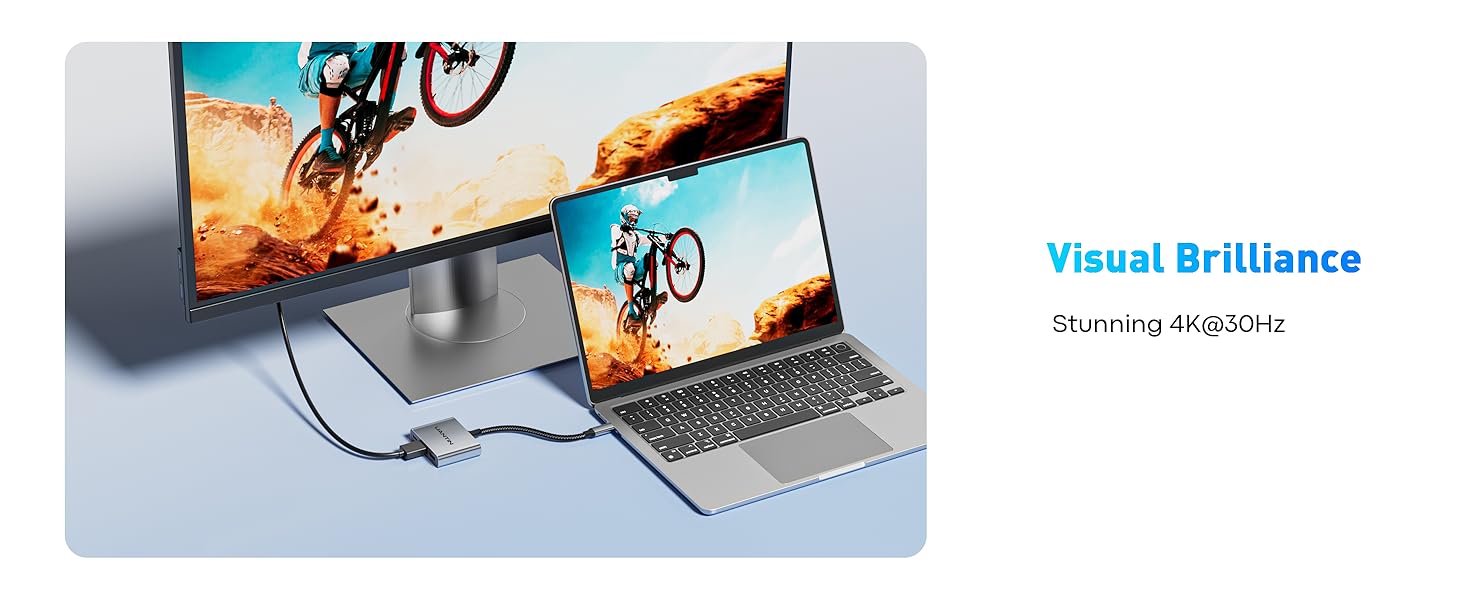
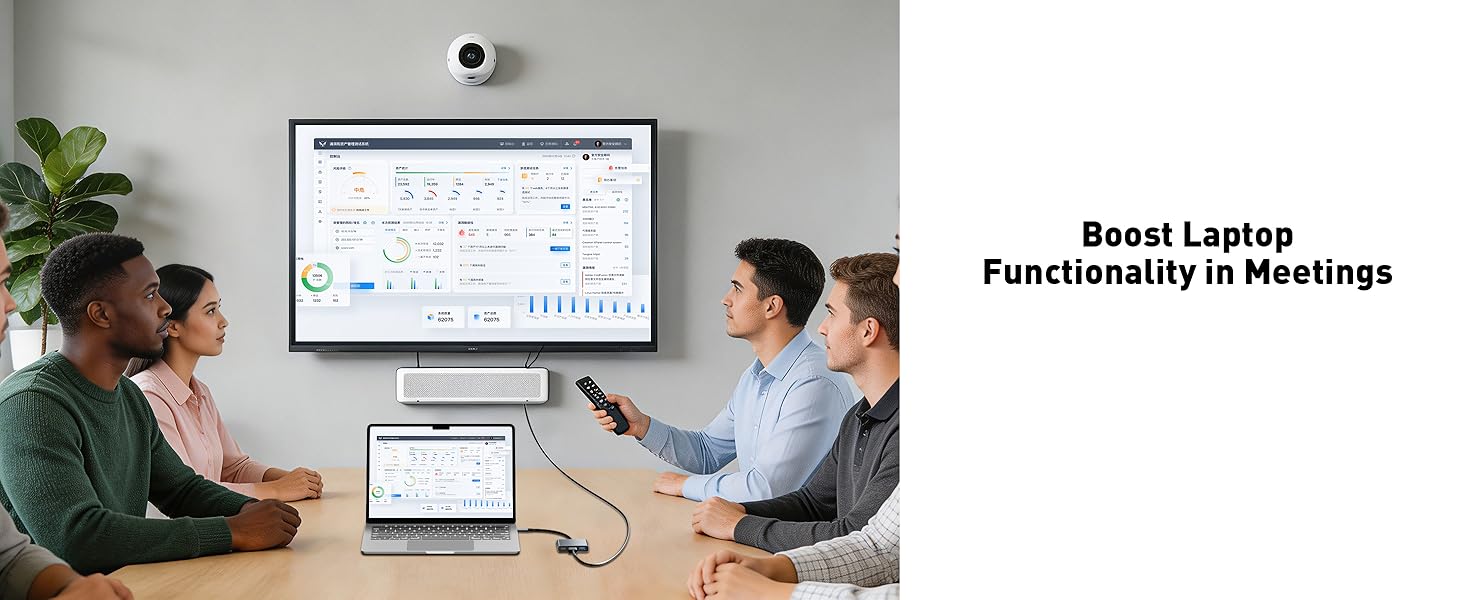
    • 4K Ultra HD Video Output: This USB-C to HDMI adapter supports stunning 4K Ultra HD resolution, delivering crisp, clear video for presentations, streaming, or gaming. It seamlessly mirrors or extends your laptop screen to an HD TV, monitor, or projector with zero lag or flickering. Its plug-and-play, with no drivers required. Note: USB-C port must support "DisplayPort Alternate Mode". NOT support Portable Monitor.
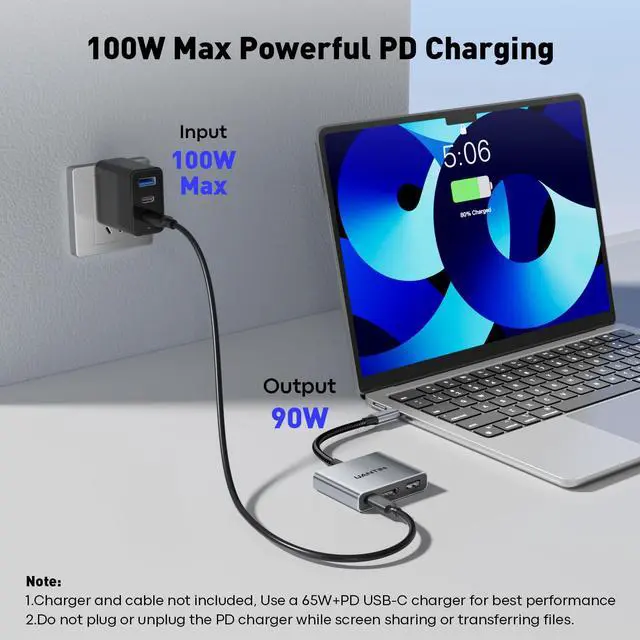
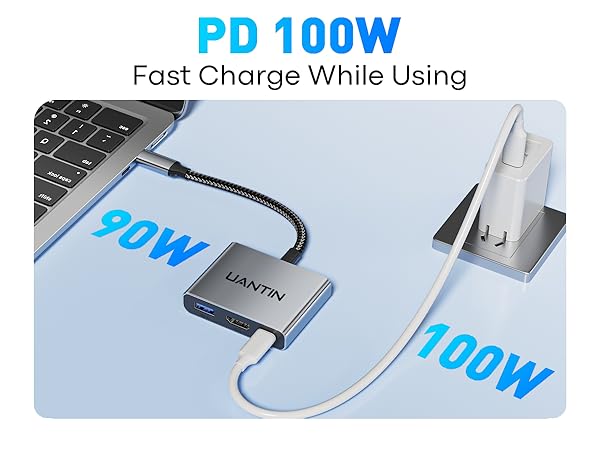
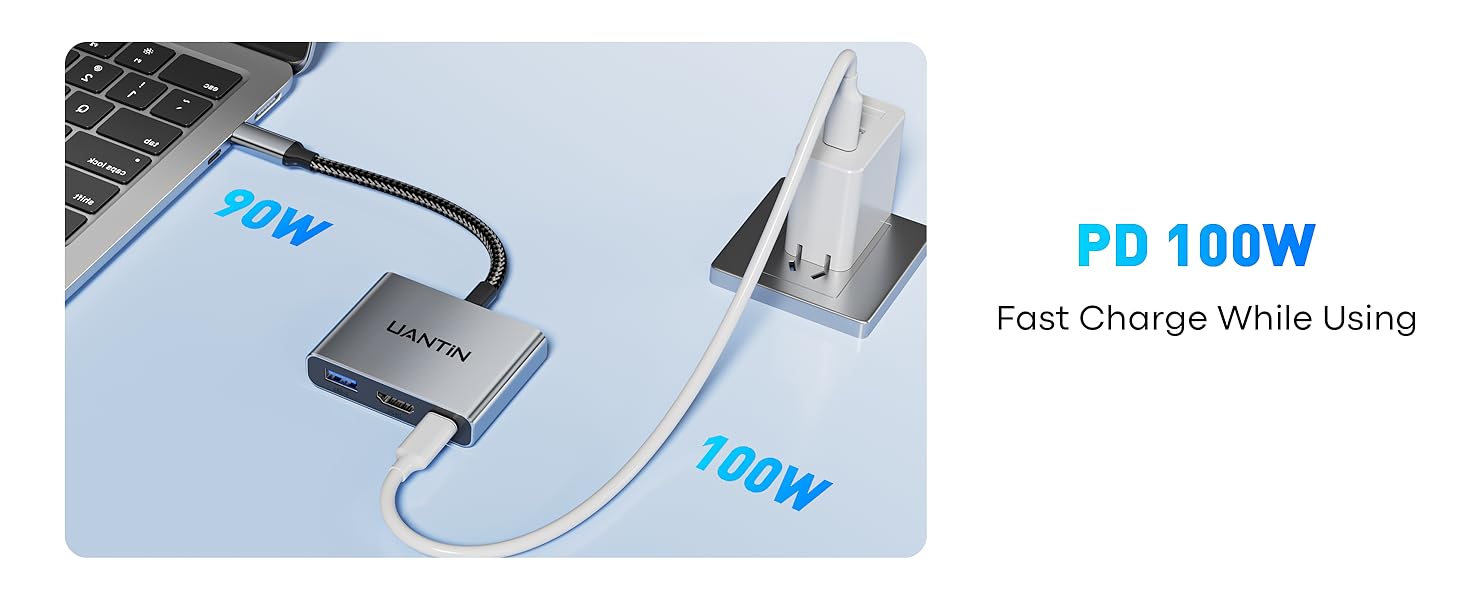
    • 100W USB-C Power Delivery: Equipped with a dedicated USB-C PD 3.0 charging port that delivers up to 100W power passthrough, this USB C hub keeps your laptop, tablet, or phone fully charged even while streaming 4K video and transferring files. Say goodbye to low-battery anxiety during long work sessions.
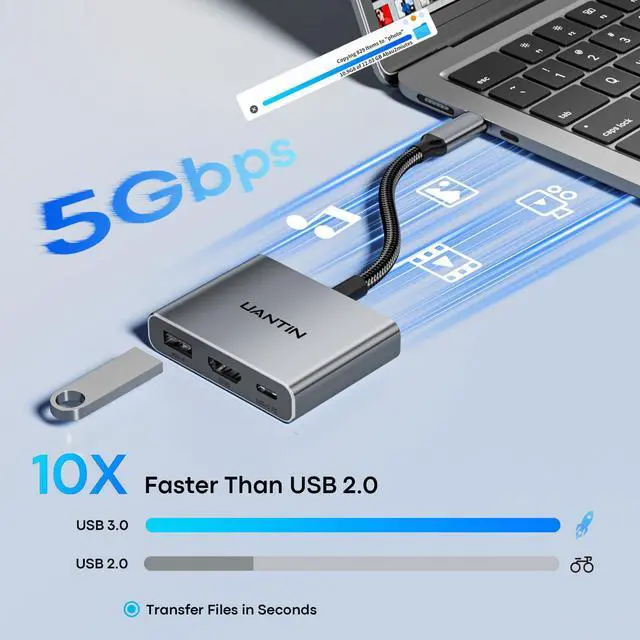
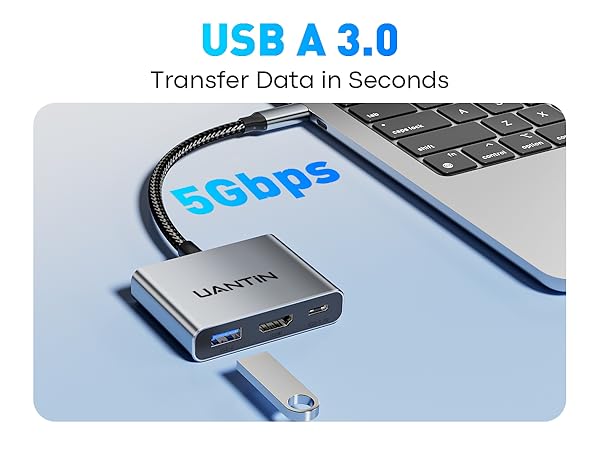
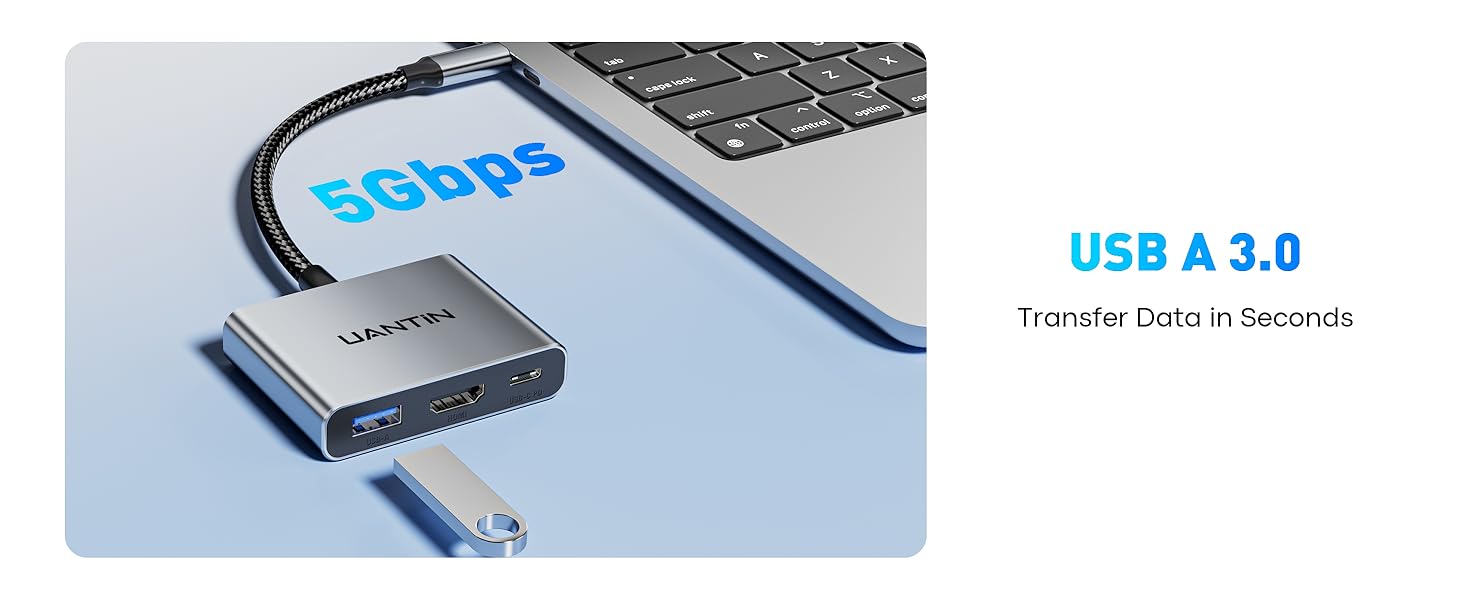
    • 5Gbps USB 3.0 Data Port: The USB 3.0 port supports blazing-fast data transfer speeds up to 5Gbps, allowing you to sync an HD movie in seconds. Backward compatible with USB 2.0/1.1 devices, this USB C to USB adapter ensures seamless connectivity for external hard drives, mice, keyboards, and flash drives.
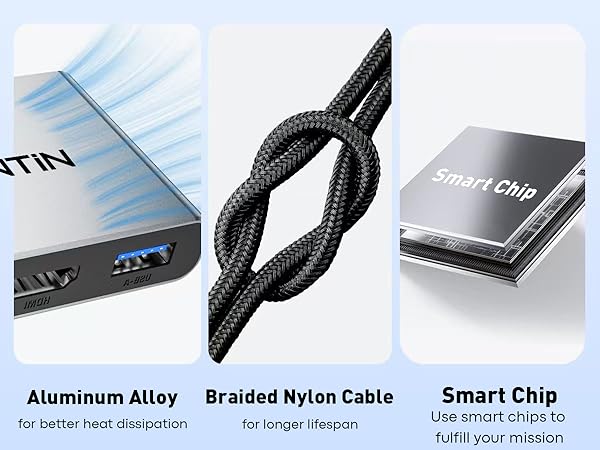
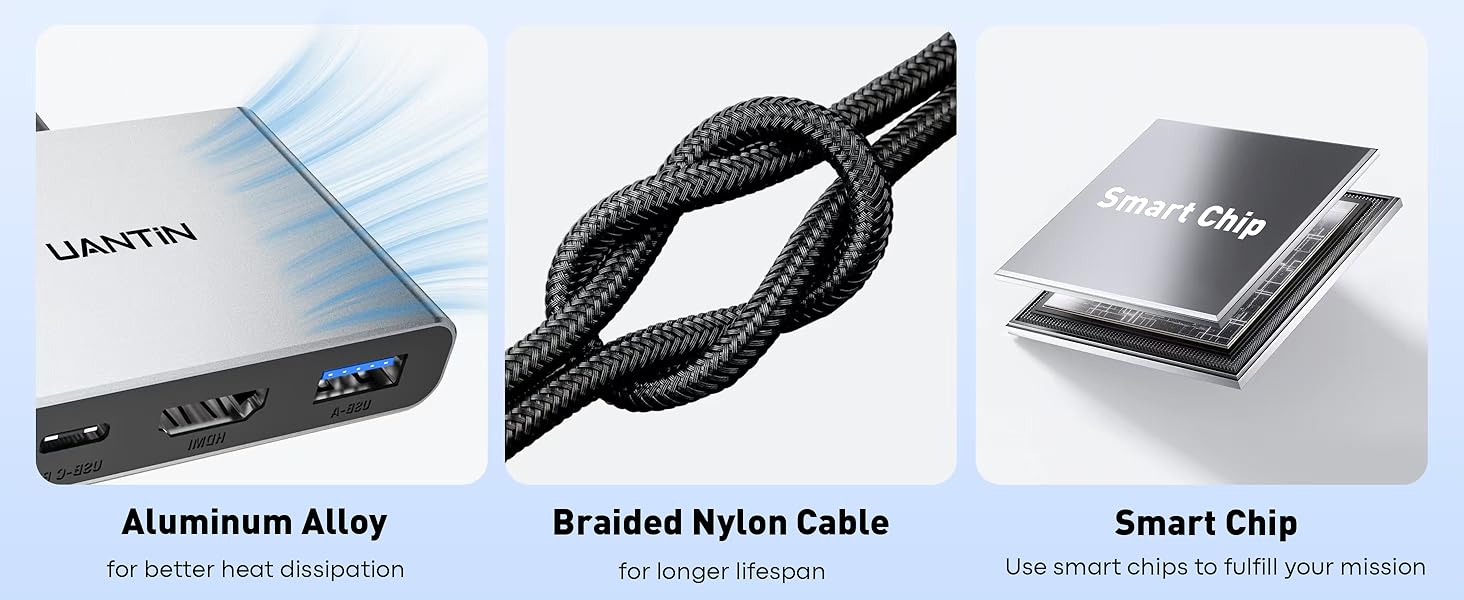
    • Built to Last: Crafted with a high-quality braided nylon cable that resists tangling and fraying, plus a sleek aluminum alloy shell that efficiently dissipates heat, this multiport adapter withstands daily wear and tear. The reinforced connectors provide enhanced strain relief for long-lasting reliability.
    +
    +
    Overview
    Specs
    Reviews
    avatar

    Any questions? Our AI beta will help you find out quickly.

    usb c to hdmi
    usb to hdmi for work
    protable
    c to hdmi
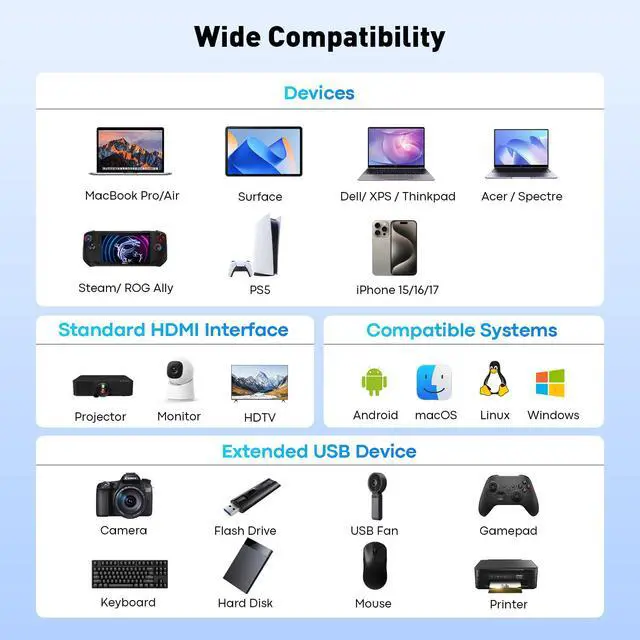
    ?Apple iPhone 15/16/17 Pro / Pro Max; MacBook Pro (Late 2016~2023), MacBook Air (Late 2018~2023), MacBook (Early 2015~2017); iMac (Mid 2017 and newer), iMac Pro, Mac mini (2023 / 2020 / 2018), iPad Pro (2022 / 2021 / 2020 / 2018), iPad mini 6, iPad Air 5 / 4
    ?Laptop Dell Latitude 7373/7280/7480/5570/5490/5400 (2019), XPS 13 / 15 / 17, Insiron 5570, Inspiron 13 7000 2-in-1; HP: Envy 13 x360 2019/2018, Spectre 13/x360
    ?Chromebook Google Chromebook Pixel (2015), Pixelbook, Pixel Slate, Asus Chromebook
    ?Phones Samsung Galaxy S24 Ultra/S24/S23 Ultra/S23/S22 Ultra/S21/S20/S20/S20 Ultra/S10e/S10/S10+/Note 20/Note 9, S8/S8+/ S9/S9+; HTC 10/U Ultra/U11/U11+/U12+, Asus ZenFone/ ROG Phone and more
    ??!!Samsung!! Not compatible with Galaxy A/ Tab A series. Galaxy A01/ A02/ A02S / A03 / A03S / A5 / A7 / A8 / A9 / A10/ A10e / A12 / A13 / A14 / A20 / A20E / A21 / A21s / A22 / A23 / A24 / A30 / A31 / A32 / A40 / A50 / A51 / A53 / A54 / A70 / A71, Samsung S6 / S7 / J6 / J7 / M20 / M30, Galaxy Tab S3 / Tab A / 10.1 / 10.5
    ??!!Phones!! iPhone 15/ 16e (USB 2.0), OnePlus 2 / 6 / 6T, ALL Motorola Phones, LG Stylo, iPhone (Lightning), Pixel 3, ???????? ???? 9 / M8 Lite
    ??!!Others!! ALL Lightning Devices, GoPro, Dock, MacBook Air 7.2, Fire TV, AsusVivobook S513E, Surface Dock 2, Surface Pro, Asus VivoBook, Pixel Phones, Steam Deck
    ??!!NOT Support!! Does not support charging;Does not support dual monitors, the adapter can only extend to 1 single monitor.
    HDMI cable length To avoid signal degradation, it is recommended to use a cable of up to 15 feet. Not 4K@60Hz!!
    Q1: Can't get the sound? If the sound is not transmitted to the TV, please try to choose your TV as the audio output device.
    - For Mac: Settings ? System Preferences ? Sound ? Output ? Select your TV. If it's still not work, please mail for technical assistance.
    Q2: Can't charge at 100W? (??) Please check if your device/charger/charging cable could reach 100W power rating, and all supports PD Protocol. (??) Generally the power loss is 5W, which is the normal power consumption. If the device is working, the power consumption will rise.
    Q3: Can't output video? (??) Make sure the USB-C port of the laptop supports the video function; (??) Check the port is firmly plugged in; Adjust the resolution setting of the laptop; (??) Select the correct input signal source (some require manual selection of the signal source.
    Q4: Can't charge? (??) Connect an external power source to the PD port of the product first, connect the laptop to the USB-C port of the product; (??) Confirm whether the USB-C port of the laptop supports charging function; (??) Disconnect the product from the computer, and then reconnect it
    Q5: The screen is flicking? (??) Try another USB-C port or disconnect and reconnect all ports; (??) Reboot your device; (??)Use a high-quality HDMI cable that supports 4K output (High Speed HDMI); (??)Set the Monitor resolution to 3840×2160 at 30Hz; (??)Make sure that the cable is not connected via a hub but directly to the device and keep the connection point clean. If not, wipe carefully with a cotton swab or soft cloth.
    Kindly Reminder Ask us if you're not sure about the port and your devices' compatibility. The device's USB-C port supports DisplayPort Alt mode or Thunderbolt 3/4, then it is compatible.
    usb c to hdmi
    usb to hdmi for work
    protable
    c to hdmi
    ?Apple iPhone 15/16/17 Pro / Pro Max; MacBook Pro (Late 2016~2023), MacBook Air (Late 2018~2023), MacBook (Early 2015~2017); iMac (Mid 2017 and newer), iMac Pro, Mac mini (2023 / 2020 / 2018), iPad Pro (2022 / 2021 / 2020 / 2018), iPad mini 6, iPad Air 5 / 4
    ?Laptop Dell Latitude 7373/7280/7480/5570/5490/5400 (2019), XPS 13 / 15 / 17, Insiron 5570, Inspiron 13 7000 2-in-1; HP: Envy 13 x360 2019/2018, Spectre 13/x360
    ?Chromebook Google Chromebook Pixel (2015), Pixelbook, Pixel Slate, Asus Chromebook
    ?Phones Samsung Galaxy S24 Ultra/S24/S23 Ultra/S23/S22 Ultra/S21/S20/S20/S20 Ultra/S10e/S10/S10+/Note 20/Note 9, S8/S8+/ S9/S9+; HTC 10/U Ultra/U11/U11+/U12+, Asus ZenFone/ ROG Phone and more
    ??!!Samsung!! Not compatible with Galaxy A/ Tab A series. Galaxy A01/ A02/ A02S / A03 / A03S / A5 / A7 / A8 / A9 / A10/ A10e / A12 / A13 / A14 / A20 / A20E / A21 / A21s / A22 / A23 / A24 / A30 / A31 / A32 / A40 / A50 / A51 / A53 / A54 / A70 / A71, Samsung S6 / S7 / J6 / J7 / M20 / M30, Galaxy Tab S3 / Tab A / 10.1 / 10.5
    ??!!Phones!! iPhone 15/ 16e (USB 2.0), OnePlus 2 / 6 / 6T, ALL Motorola Phones, LG Stylo, iPhone (Lightning), Pixel 3, ???????? ???? 9 / M8 Lite
    ??!!Others!! ALL Lightning Devices, GoPro, Dock, MacBook Air 7.2, Fire TV, AsusVivobook S513E, Surface Dock 2, Surface Pro, Asus VivoBook, Pixel Phones, Steam Deck
    ??!!NOT Support!! Does not support charging;Does not support dual monitors, the adapter can only extend to 1 single monitor.
    HDMI cable length To avoid signal degradation, it is recommended to use a cable of up to 15 feet. Not 4K@60Hz!!
    Q1: Can't get the sound? If the sound is not transmitted to the TV, please try to choose your TV as the audio output device.
    - For Mac: Settings ? System Preferences ? Sound ? Output ? Select your TV. If it's still not work, please mail for technical assistance.
    Q2: Can't charge at 100W? (??) Please check if your device/charger/charging cable could reach 100W power rating, and all supports PD Protocol. (??) Generally the power loss is 5W, which is the normal power consumption. If the device is working, the power consumption will rise.
    Q3: Can't output video? (??) Make sure the USB-C port of the laptop supports the video function; (??) Check the port is firmly plugged in; Adjust the resolution setting of the laptop; (??) Select the correct input signal source (some require manual selection of the signal source.
    Q4: Can't charge? (??) Connect an external power source to the PD port of the product first, connect the laptop to the USB-C port of the product; (??) Confirm whether the USB-C port of the laptop supports charging function; (??) Disconnect the product from the computer, and then reconnect it
    Q5: The screen is flicking? (??) Try another USB-C port or disconnect and reconnect all ports; (??) Reboot your device; (??)Use a high-quality HDMI cable that supports 4K output (High Speed HDMI); (??)Set the Monitor resolution to 3840×2160 at 30Hz; (??)Make sure that the cable is not connected via a hub but directly to the device and keep the connection point clean. If not, wipe carefully with a cotton swab or soft cloth.
    Kindly Reminder Ask us if you're not sure about the port and your devices' compatibility. The device's USB-C port supports DisplayPort Alt mode or Thunderbolt 3/4, then it is compatible.
    USB C to HDMI Adapter, 4K USB Type C to HDMI Multiport Digital AV Converter with 100W PD, USB 3.0 Port, USB-C Hub Dongle for MacBook Neo/Pro/Air, iPad, Tablets, TV, Monitor (Gray)

    Warranty & Returns

    Warranty, Returns, And Additional Information

    Warranty

    • Please contact the Seller directly for warranty information. Warranty information may also be found on the Manufacturer's website.
    • CONTACT

    Return Policies

    Manufacturer Contact Info

    LOADING...