
 Holiday Shipping Details & Extended Holiday Returns





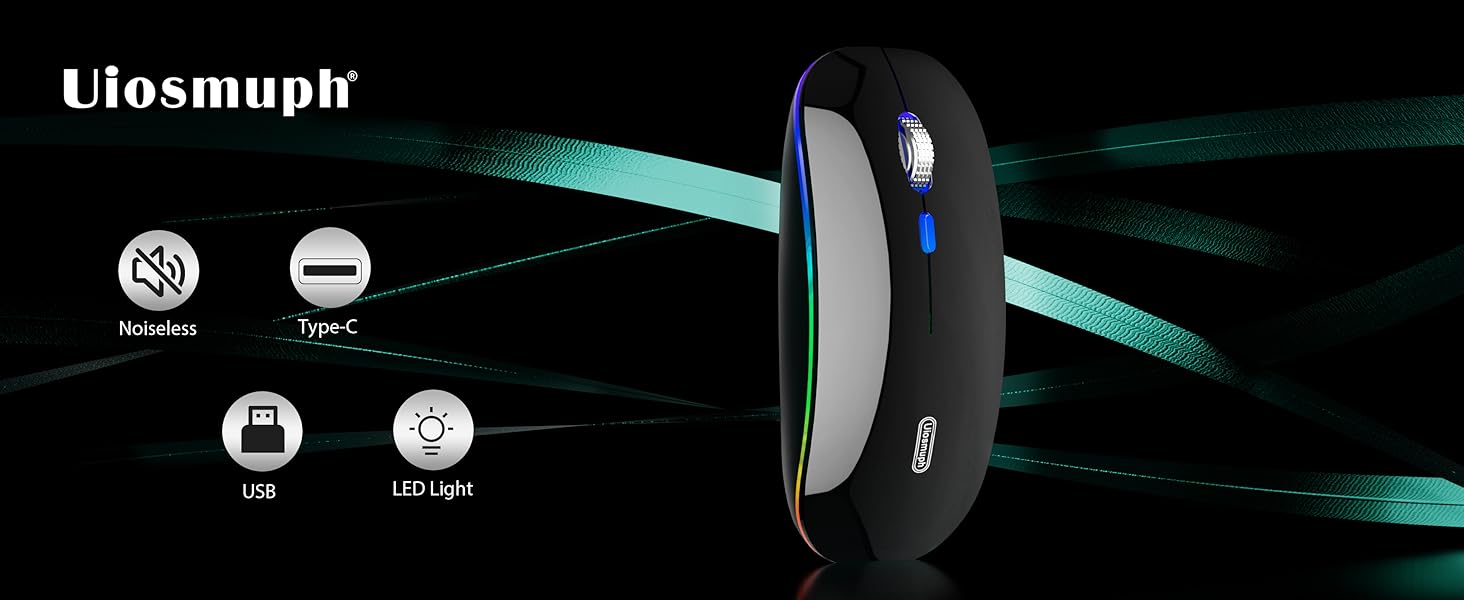

3 Adajustable DPI
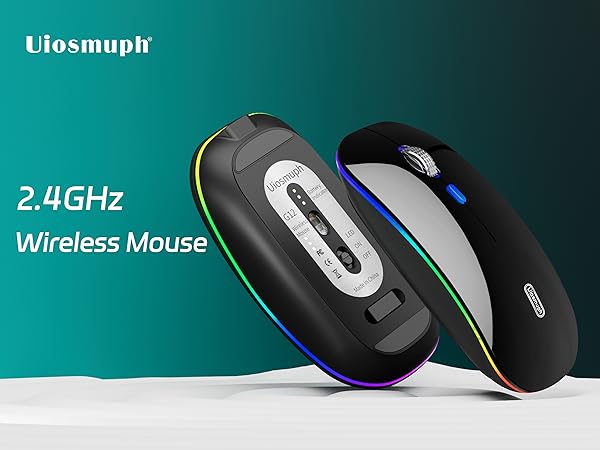
- With 1000-1200-1600, 3 adjustable DPI with optical sensor settings, press the button behind the scroll wheel to switch, making it precise and sensitive cursor movement that suits different use environments.

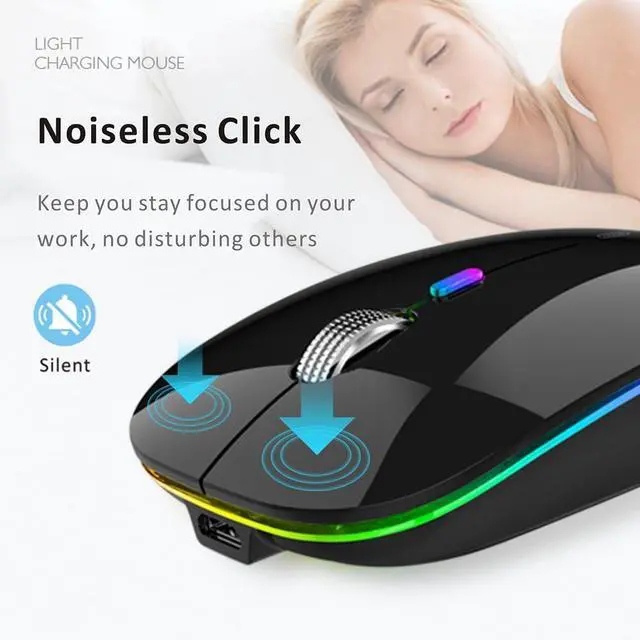
Silent Click
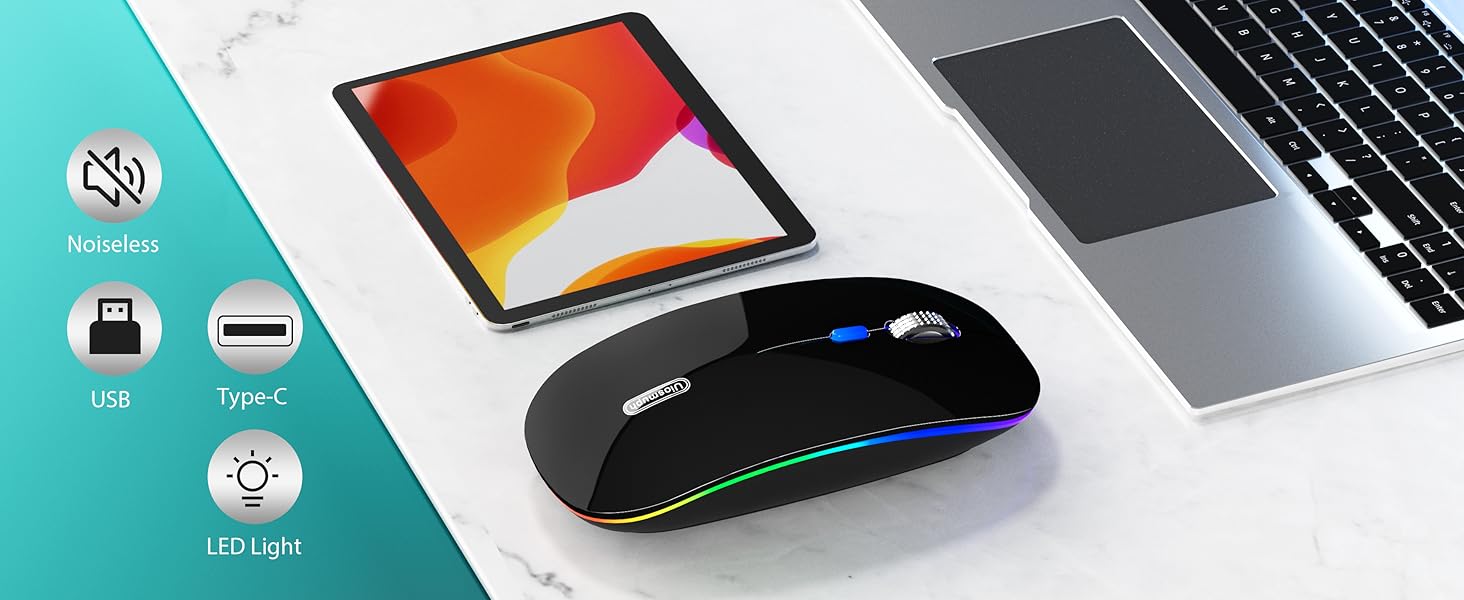
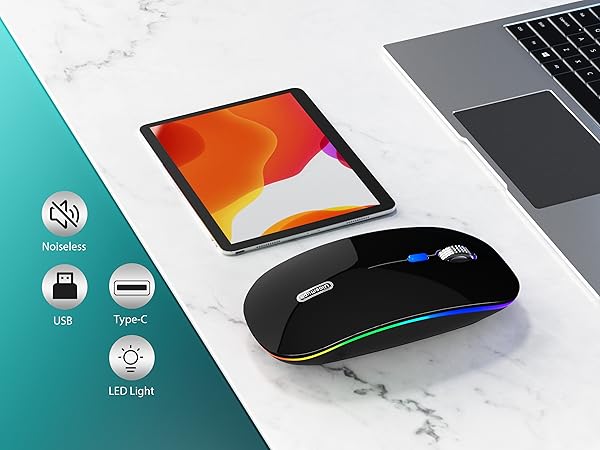
- Silent click for left and right buttons creates a quiet environment at home or office.
- Yon can use the mouse efficiently and won’t be bothered by the annoying clicking sound.

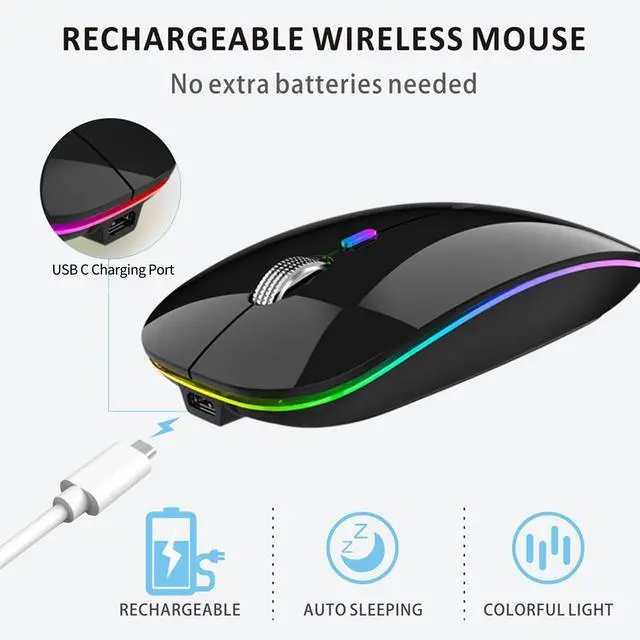
USB C Rechargeable
- With built-in rechargeable battery, simply charge the mouse with Type C charging cable (included).
- No need to change batteries.

Comfortable Feel
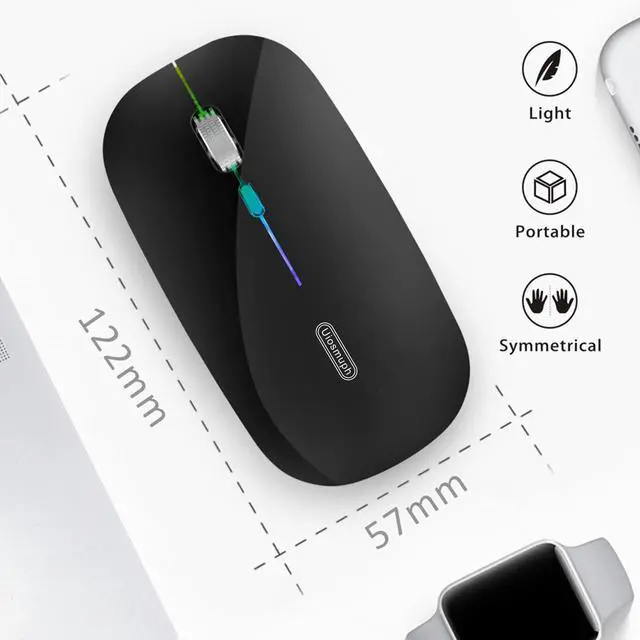
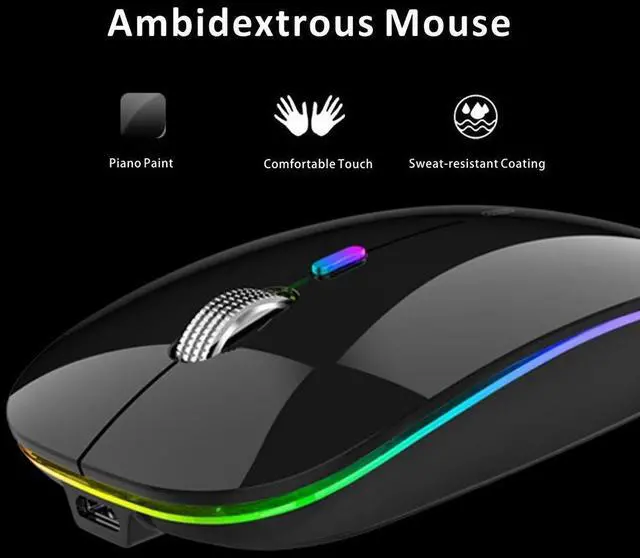
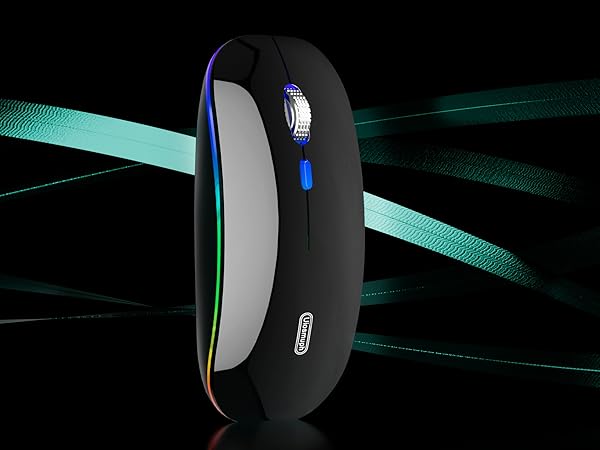
- Designed with your comfort in mind, the smooth touching of this mouse ensures a comfortable grip for long time use.

Note
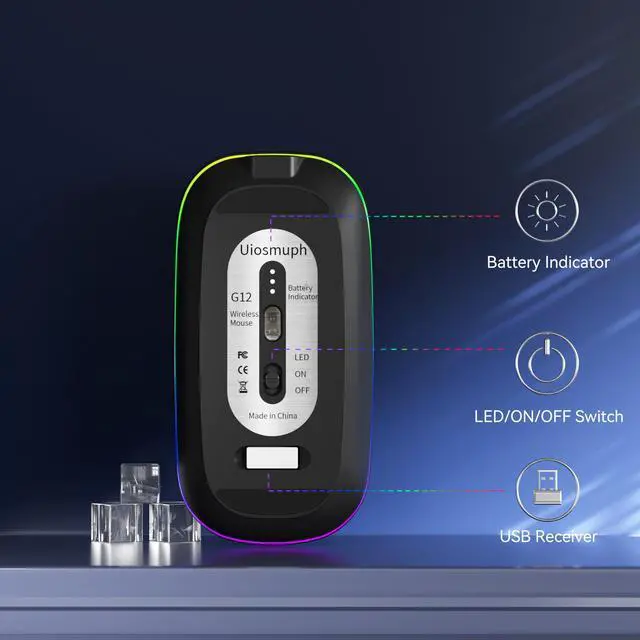
1. For USB C connection, simply plug the USB receiver into the type c adapter, then plug adapter into your device, turn on the power switch and the mouse will work.
2. The mouse cursor will move slowly or stop moving when the mouse is low battery. Please charge it on time.
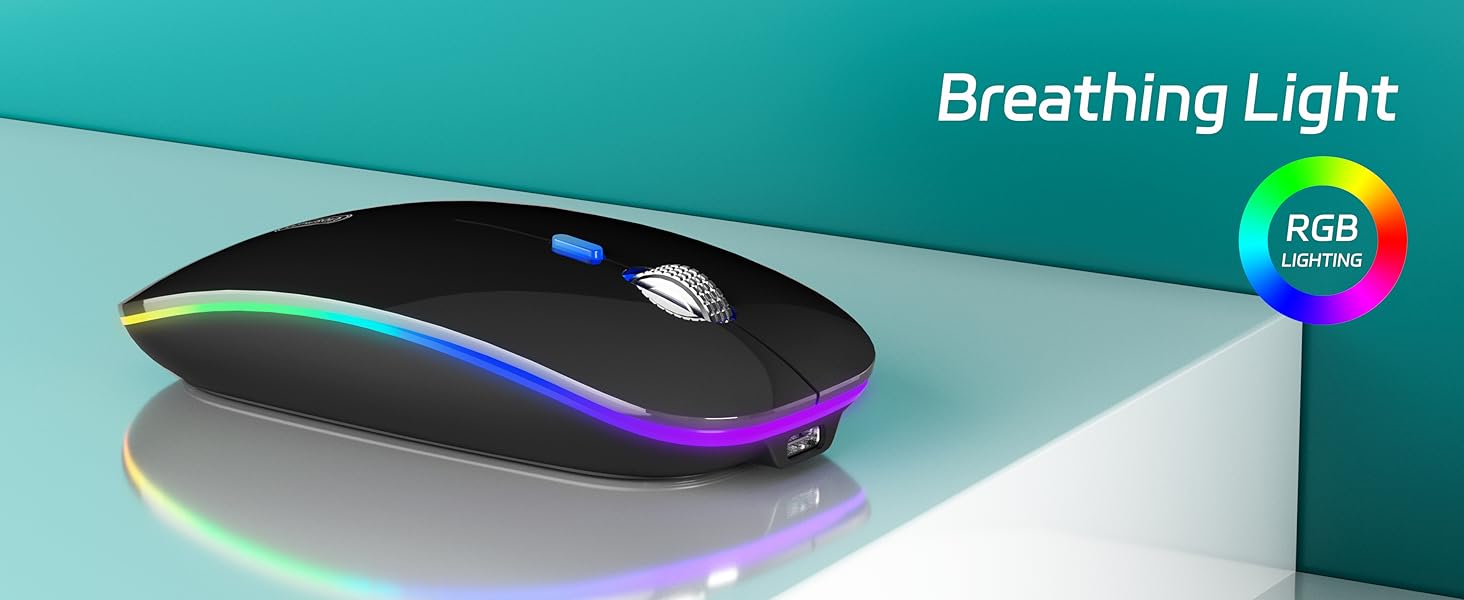
3. The blue light beside the scroll wheel will be on while charging, and then goes off when the mouse is fully charged.
4. Please use computer's USB interface to charging the wireless mouse.
Uiosmuph Wireless Mouse
 LED Wireless Mouse |  G11 White Wireless Mouse |  G21 Transparent Mouse |  G01 Wireless Mouse |  USB C Wireless Mouse |  Bluetooth Wireless Mouse |  G01 Wireless Mouse | |
|---|---|---|---|---|---|---|---|
Customer Reviews | — | — | — | — | — | — | — |
Price | — | — | — | — | — | — | — |
Connection | USB Receiver / Type C Adapter | 2 in 1 USB and USB C Receiver | Dual Bluetooth / USB Receiver | USB Receiver / Type C Adapter | 2 in 1 USB and USB C Receiver | Dual Bluetooth / USB Receiver | USB Receiver / Type C Adapter |
LED Light | 7 color LED Light | No LED Light | Logo Light | No LED Light | No LED Light | Logo Light | No LED Light |
DPI Level | 1000 - 1200 - 1600 | 1000 - 1200 - 1600 | 1000 - 1200 - 1600 | 1000 - 1200 - 1600 | 1000 - 1200 - 1600 | 1000 - 1200 - 1600 | 1000 - 1200 - 1600 |
USC C Charging | ? | ? | ? | ? | ? | ? | ? |
Home Botton | ? | ? | ? | ? | ? | ? | ? |

Uiosmuph
Enjoy Wireless Life in Your Hand
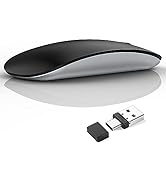
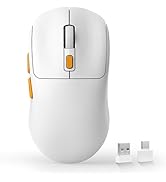
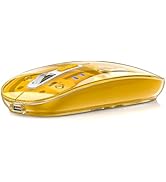
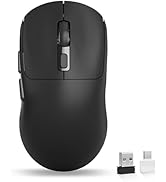
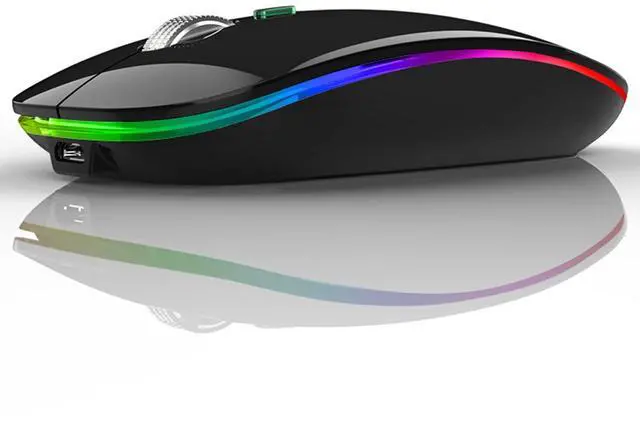
USB C Wireless Mouse
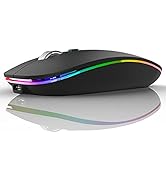
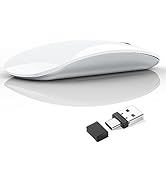
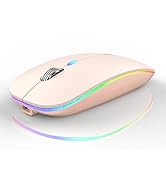
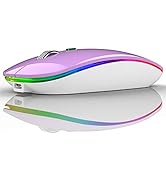
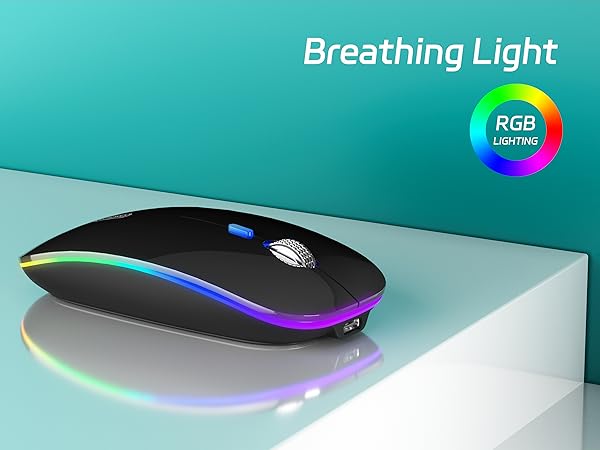
G12 LED Wireless Mouse

Uiosmuph consistently devote to making quality wireless and Bluetooth mouse with high performance. Our company has always insist on independent research and development, and strictly control the quality of our products. We are always committed to satisfying high-quality products and services for our customers.
Making life easier, simpler, convenient and more enjoyable is mission and original intention!
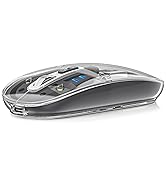
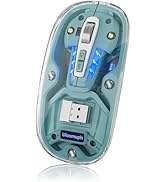
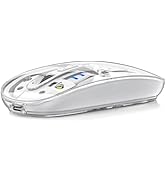
Bluetooth Wireless Mouse
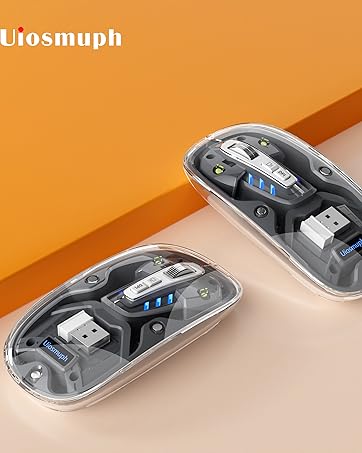
Bluetooth Wireless Mouse


3 Adajustable DPI
- With 1000-1200-1600, 3 adjustable DPI with optical sensor settings, press the button behind the scroll wheel to switch, making it precise and sensitive cursor movement that suits different use environments.
Silent Click
- Silent click for left and right buttons creates a quiet environment at home or office.
- Yon can use the mouse efficiently and won’t be bothered by the annoying clicking sound.
USB C Rechargeable
- With built-in rechargeable battery, simply charge the mouse with Type C charging cable (included).
- No need to change batteries.
Comfortable Feel
- Designed with your comfort in mind, the smooth touching of this mouse ensures a comfortable grip for long time use.

Note
1. For USB C connection, simply plug the USB receiver into the type c adapter, then plug adapter into your device, turn on the power switch and the mouse will work.
2. The mouse cursor will move slowly or stop moving when the mouse is low battery. Please charge it on time.
3. The blue light beside the scroll wheel will be on while charging, and then goes off when the mouse is fully charged.
4. Please use computer's USB interface to charging the wireless mouse.
Uiosmuph Wireless Mouse
Uiosmuph
Enjoy Wireless Life in Your Hand
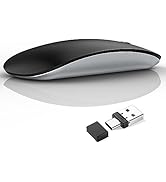
USB C Wireless Mouse
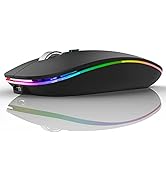
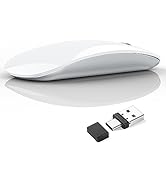
G12 LED Wireless Mouse
Uiosmuph consistently devote to making quality wireless and Bluetooth mouse with high performance. Our company has always insist on independent research and development, and strictly control the quality of our products. We are always committed to satisfying high-quality products and services for our customers.
Making life easier, simpler, convenient and more enjoyable is mission and original intention!
Bluetooth Wireless Mouse
Bluetooth Wireless Mouse