here!
here!
I’m your shopping assistant for PC builds, upgrades, and everything tech.
Got questions? Ask away!
Start a conversation
here!
I’m your shopping assistant for PC builds, upgrades, and everything tech.
Got questions? Ask away!
Start a conversation




Any questions? Ask CelesteSM will help you find out quickly.

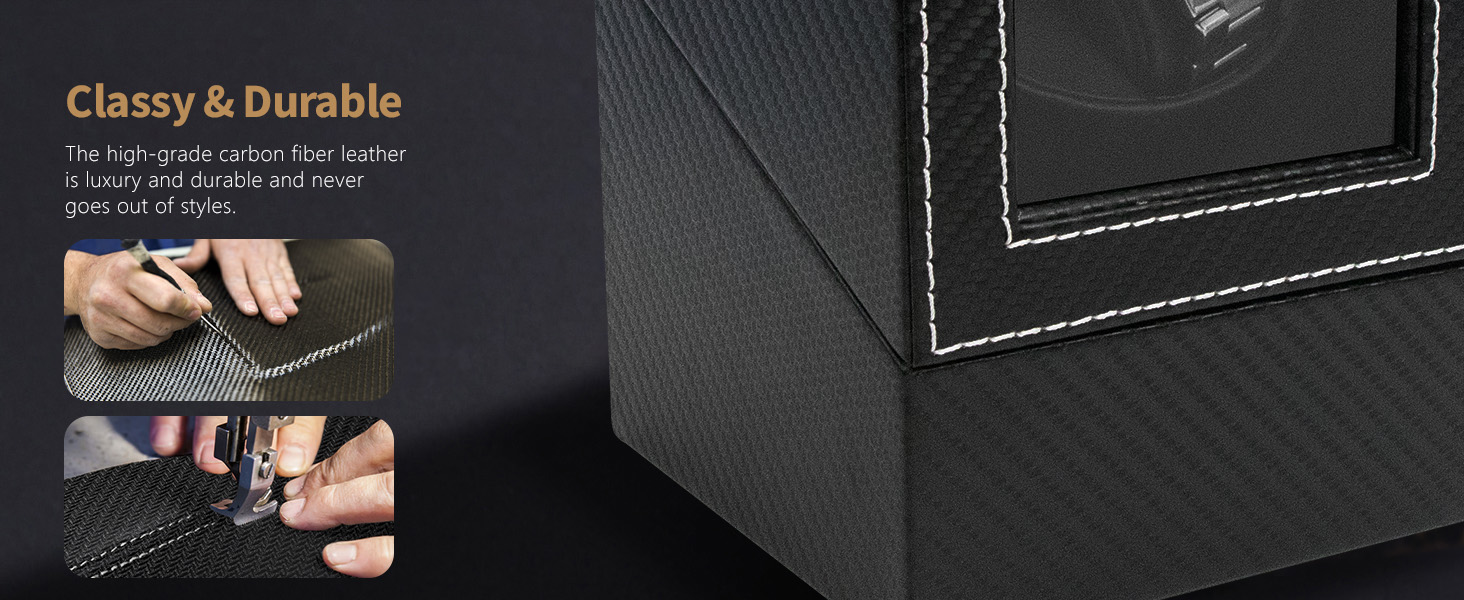
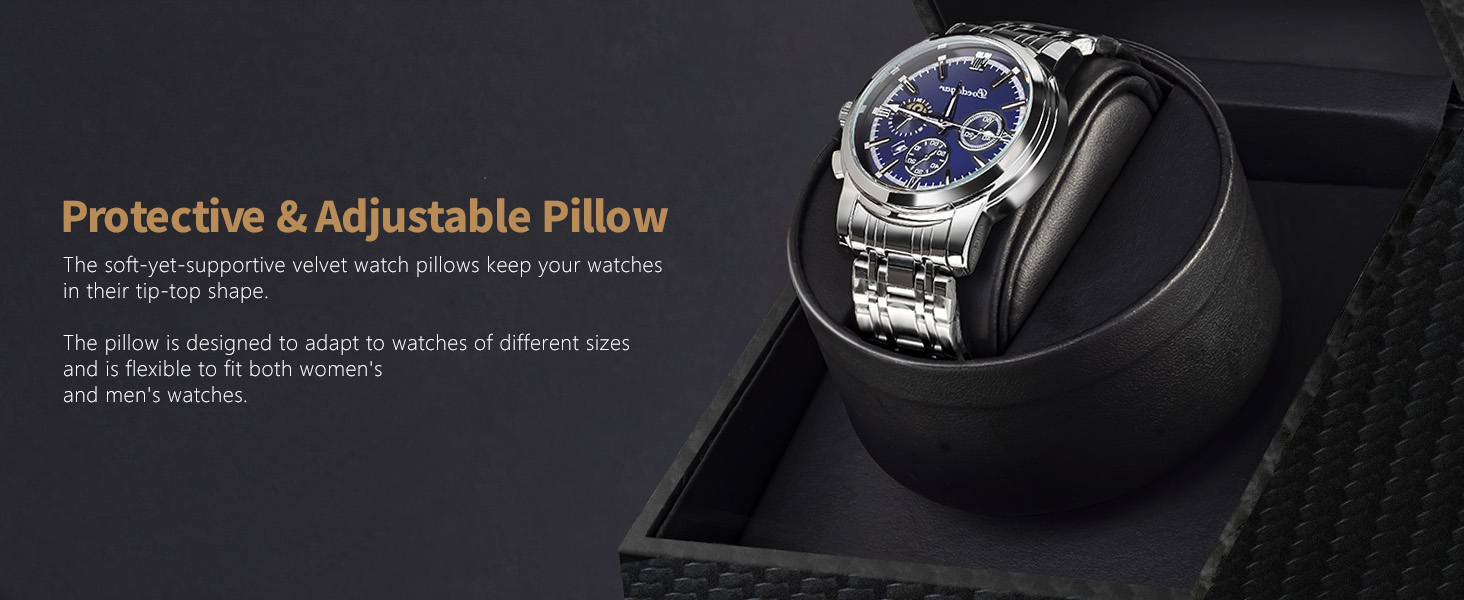
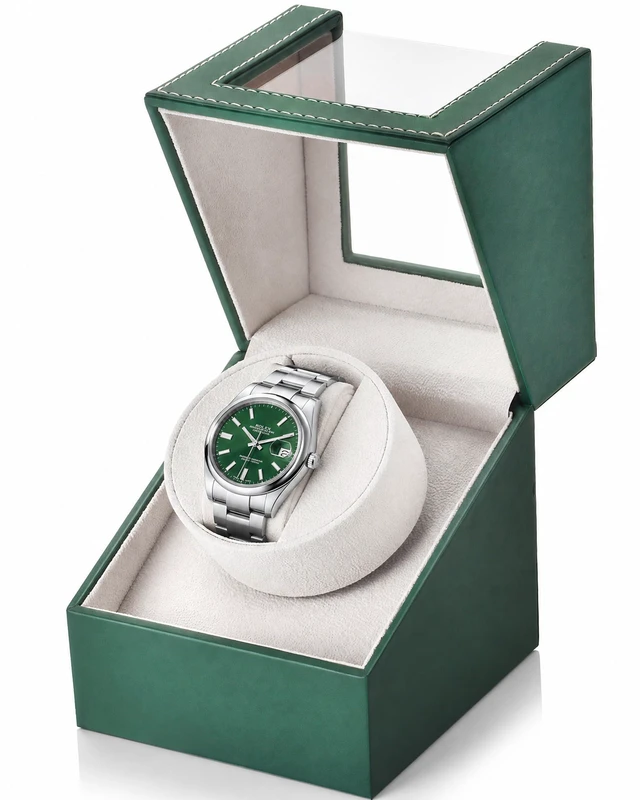
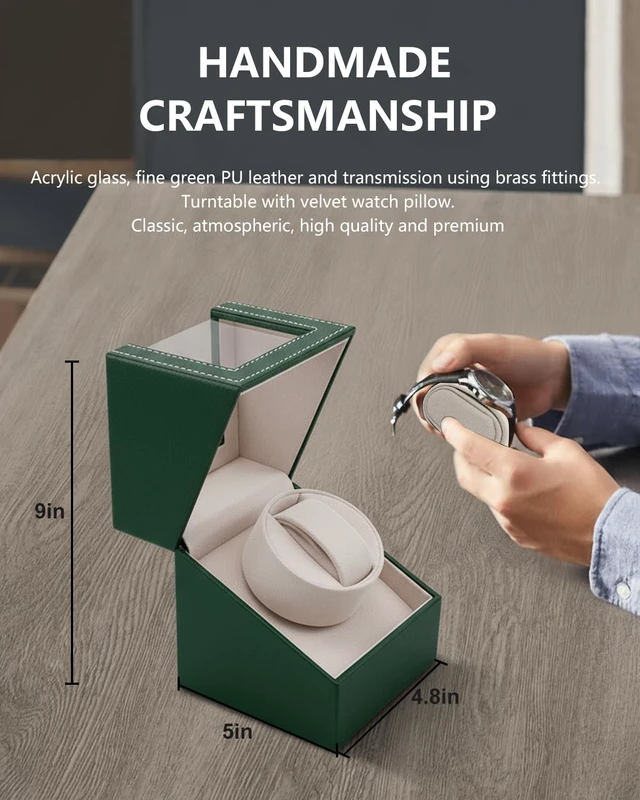
The UnaMela Automatic Single Watch Winder is meticulously handcrafted by our master craftsmen to accommodate watches from such as Rolex, Seiko, Omega, Invicta, Breitling, Tissot, Cartier, Hamilton, Citizen, TAG Heuer, Audemars Piguet, Patek Philippe, and a wide range of other watch brands on the market.

Why does my watch winder always stop after 2 minutes?
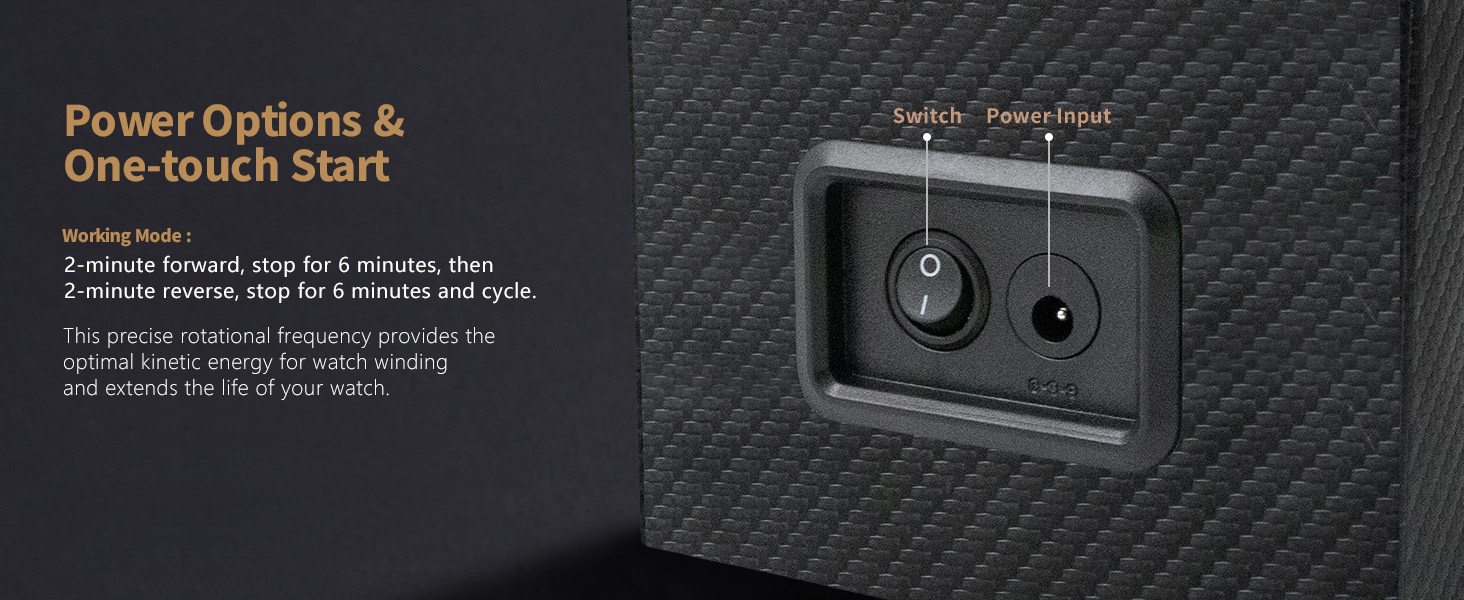
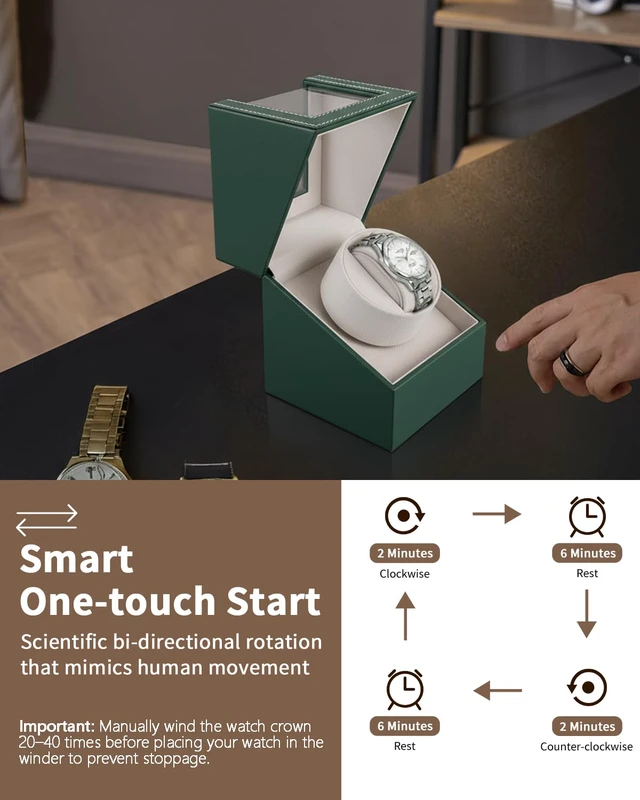
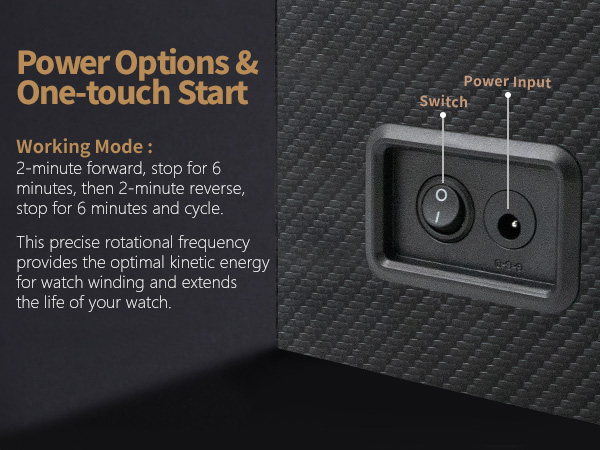
The Unamela Watch Winder is designed to operate intermittently to help prevent overwinding. It rotates for 2 minutes, rests for 6 minutes, then rotates in the opposite direction and rests again. This cycle is normal.
My watch stops after being in the winder for a week. Is the rotation insufficient?
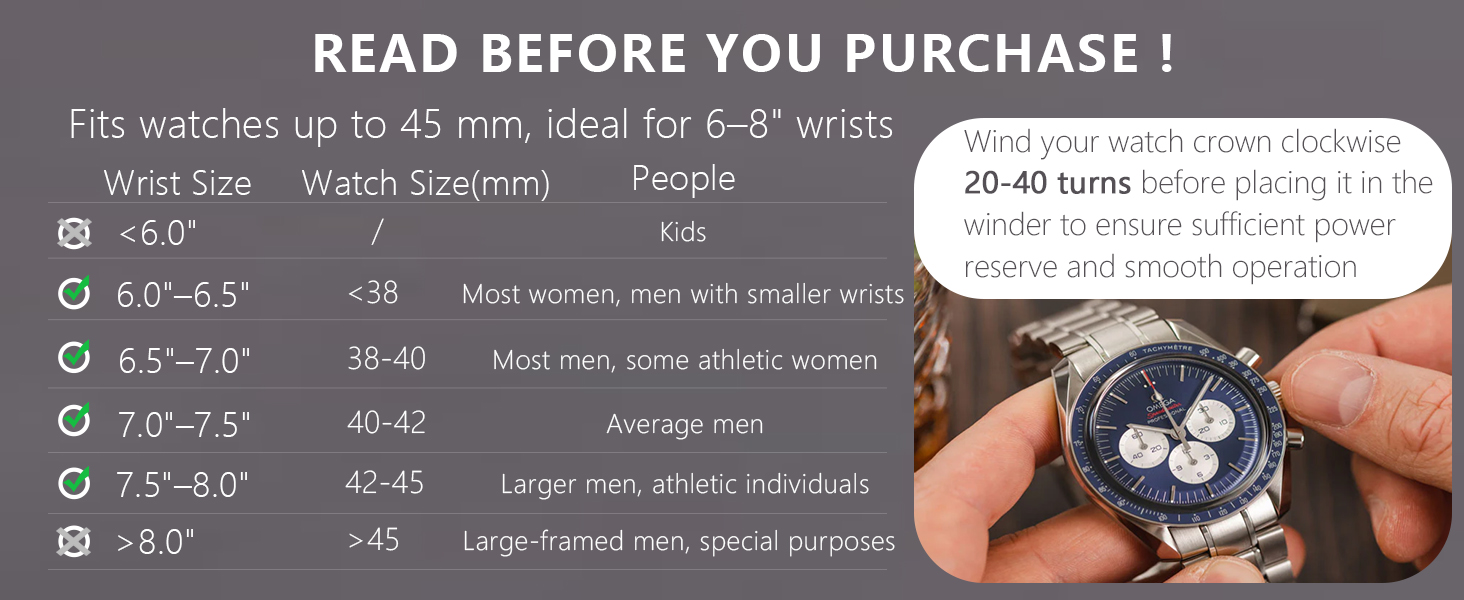
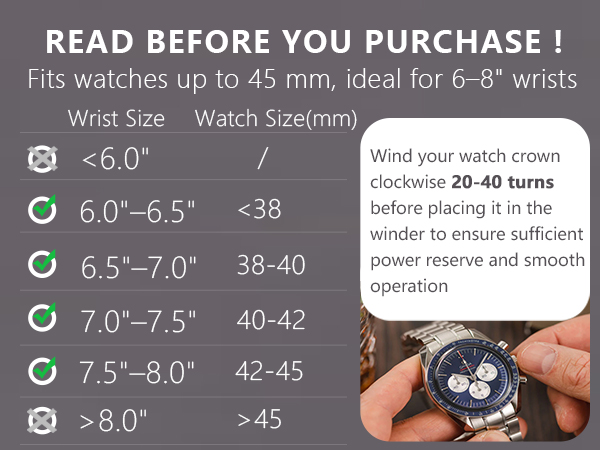
A watch winder keeps an automatic watch running — it won't fully wind a dead one. Before using, manually wind the crown 20–40 turns or wear the watch for 2+ hours. Then put it in the winder to maintain power.
Why doesn’t the watch winder turn on or respond when plugged in?
This may be caused by an unstable power supply or an incompatible adapter. Please try using a different USB cable or power adapter to check whether the issue is related to the accessories.

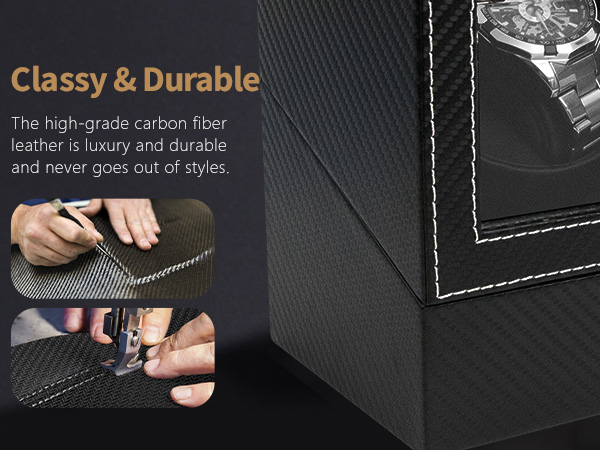
The UnaMela Automatic Single Watch Winder is meticulously handcrafted by our master craftsmen to accommodate watches from such as Rolex, Seiko, Omega, Invicta, Breitling, Tissot, Cartier, Hamilton, Citizen, TAG Heuer, Audemars Piguet, Patek Philippe, and a wide range of other watch brands on the market.




Why does my watch winder always stop after 2 minutes?
The Unamela Watch Winder is designed to operate intermittently to help prevent overwinding. It rotates for 2 minutes, rests for 6 minutes, then rotates in the opposite direction and rests again. This cycle is normal.
My watch stops after being in the winder for a week. Is the rotation insufficient?
A watch winder keeps an automatic watch running — it won't fully wind a dead one. Before using, manually wind the crown 20–40 turns or wear the watch for 2+ hours. Then put it in the winder to maintain power.
Why doesn’t the watch winder turn on or respond when plugged in?
This may be caused by an unstable power supply or an incompatible adapter. Please try using a different USB cable or power adapter to check whether the issue is related to the accessories.