








Fellowes Office Suites Underdesk Keyboard Drawer
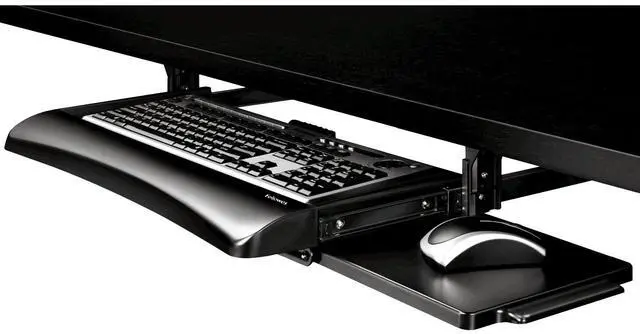
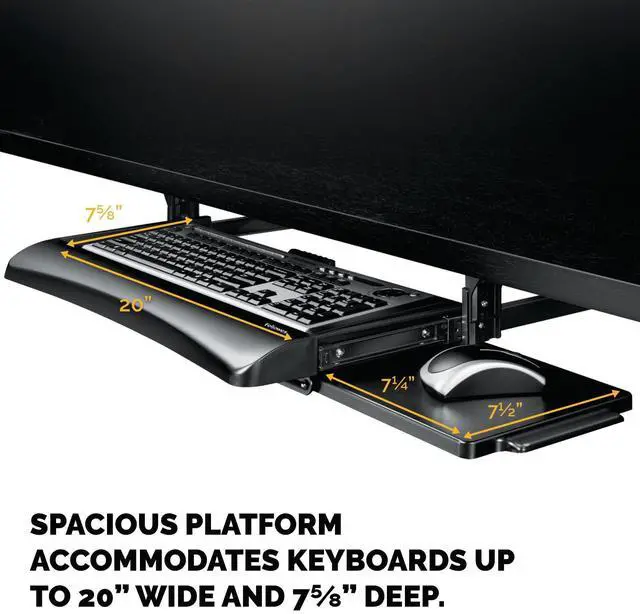
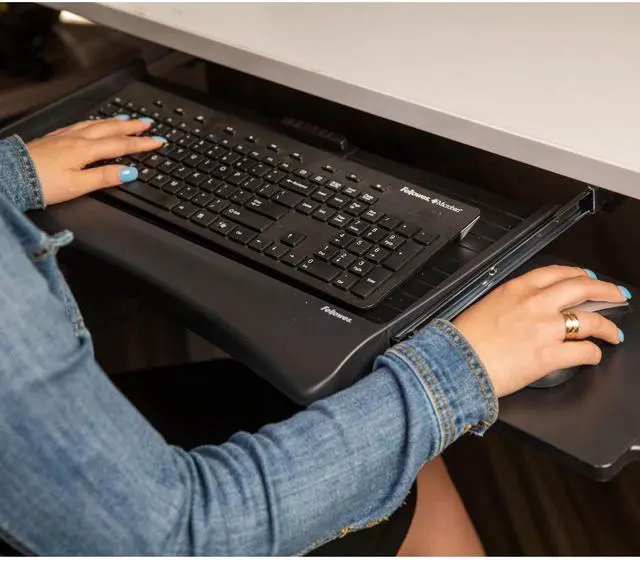
Fellowes Office Suites Underdesk Keyboard Drawer moves keyboard and mouse off the desktop to save workspace. Features 3 height adjustments to suit preferred work position. Mouse tray mounts to right or left side of keyboard tray or stows underneath when not in use. Attractive new look and color blends with any office décor. Sturdy, impact-resistant tray fits standard keyboards. 23 ½” wide space required for installation
At A Glance:
- Height adjustable unit moves keyboard and mouse off the desktop to save workspace
- Features 3 height adjustments to suit preferred work position
- Mouse tray mounts to right or left side of keyboard tray or stows underneath
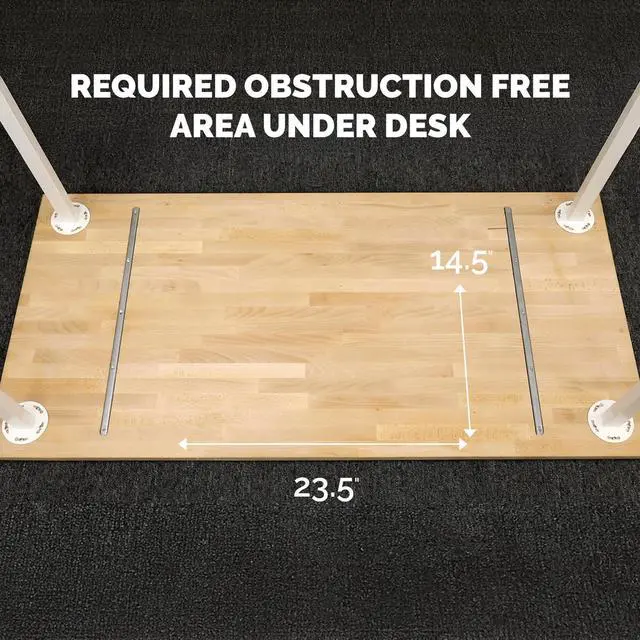
- 23 ½” wide space required for installation
How To Install

Step 1
Align drawer slide with the keyboard tray. Insert 1/2" chrome self tapping screws. Repeat for other side of tray.

Step 2
Secure adjustable mounting brackets on right side with 1/4" brass machine screws. Repeat for other side of tray.

Step 3
The instruction sheet serves as the drill hole template. Using masking tape, place the template at the desired location underside of your desk. Drill 3/22" (2.5mm) diameter pilot holes approximately 3/8" (9.5mm) deep in the 4 locations indicated. Be careful not to drill through the top of the desk.

Step 4
Insert 1/2" chrome self tapping screws into adjustable mounting brackets. Repeat for other side.

World's Toughest Shredders
Fast, Perfect Lamination
The Clear Choice
Designed for Comfort
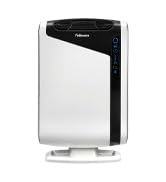
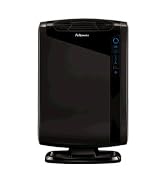
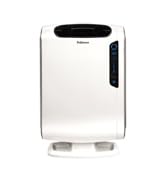

Maximum Virus Protection
For over 100 years, Fellowes has been committed to inspiring WorkLife to unleash the human potential in everyone.
While the world has changed over that time, our sense of responsibility and dedication to that mission has not.
You can depend on us to bring you innovative, inspiring, and high-quality products that make your Worklife healthier, more productive, and more successful.
Fellowes Office Suites Underdesk Keyboard Drawer
Fellowes Office Suites Underdesk Keyboard Drawer moves keyboard and mouse off the desktop to save workspace. Features 3 height adjustments to suit preferred work position. Mouse tray mounts to right or left side of keyboard tray or stows underneath when not in use. Attractive new look and color blends with any office décor. Sturdy, impact-resistant tray fits standard keyboards. 23 ½” wide space required for installation
At A Glance:
- Height adjustable unit moves keyboard and mouse off the desktop to save workspace
- Features 3 height adjustments to suit preferred work position
- Mouse tray mounts to right or left side of keyboard tray or stows underneath
- 23 ½” wide space required for installation
How To Install
Step 1
Align drawer slide with the keyboard tray. Insert 1/2" chrome self tapping screws. Repeat for other side of tray.
Step 2
Secure adjustable mounting brackets on right side with 1/4" brass machine screws. Repeat for other side of tray.
Step 3
The instruction sheet serves as the drill hole template. Using masking tape, place the template at the desired location underside of your desk. Drill 3/22" (2.5mm) diameter pilot holes approximately 3/8" (9.5mm) deep in the 4 locations indicated. Be careful not to drill through the top of the desk.
Step 4
Insert 1/2" chrome self tapping screws into adjustable mounting brackets. Repeat for other side.
World's Toughest Shredders
Fast, Perfect Lamination
The Clear Choice
Designed for Comfort
Maximum Virus Protection
For over 100 years, Fellowes has been committed to inspiring WorkLife to unleash the human potential in everyone.
While the world has changed over that time, our sense of responsibility and dedication to that mission has not.
You can depend on us to bring you innovative, inspiring, and high-quality products that make your Worklife healthier, more productive, and more successful.