




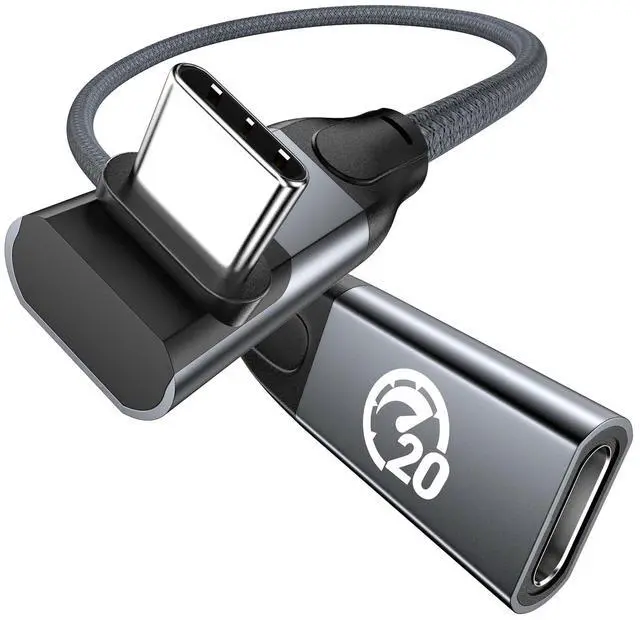
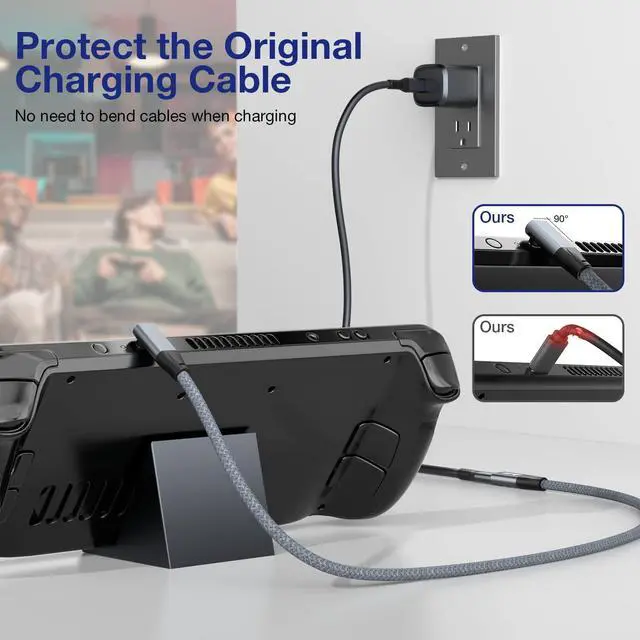
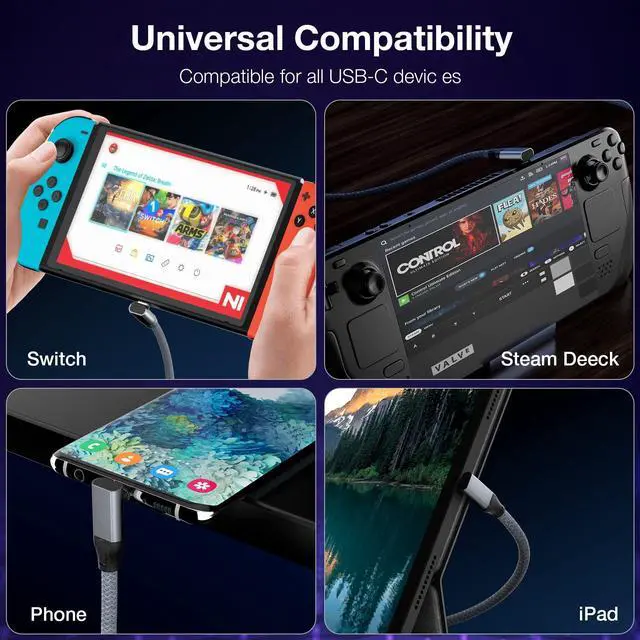



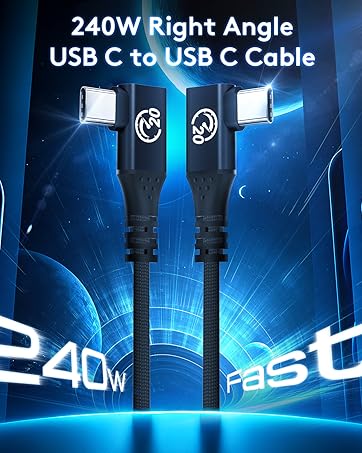
90 Degree Right Angled USB C 3.1/3.2 Gen 2 Extension Cable
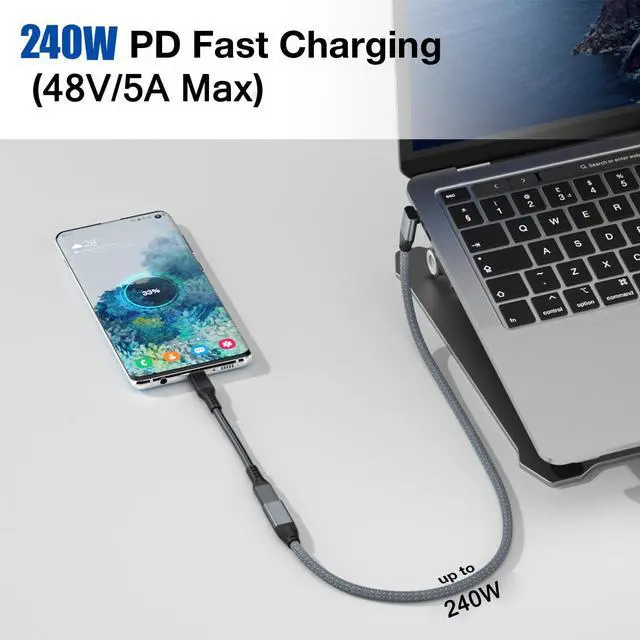
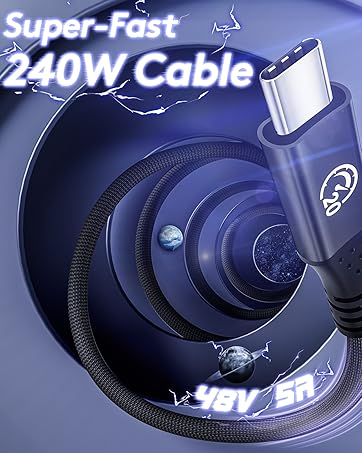
Max Output:48V 5A 240W
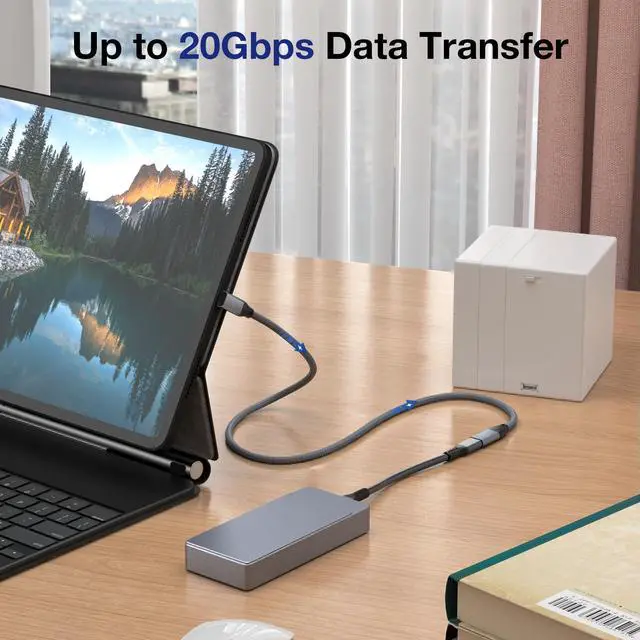
Date transfer:USB 3.2, up to 20Gbps
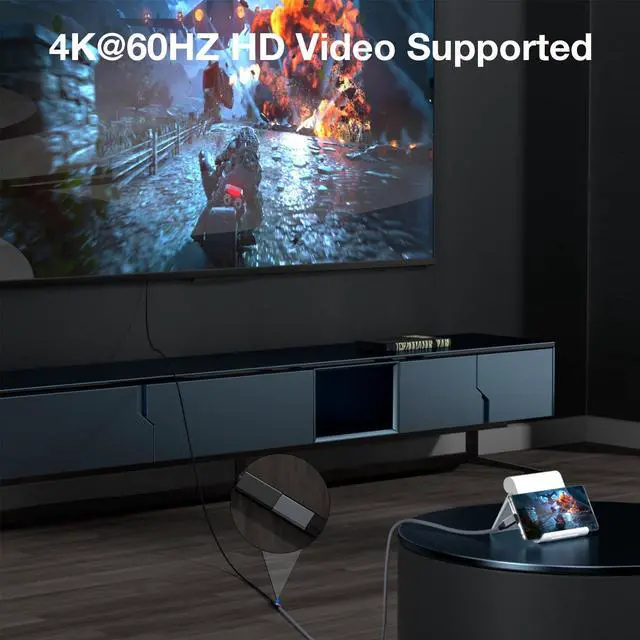
Video Resolution:Support 4K@60Hz
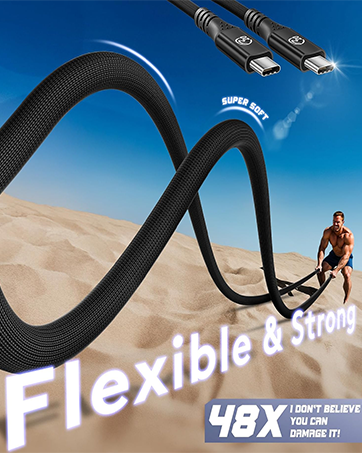
Material:Aluminum-alloy housing
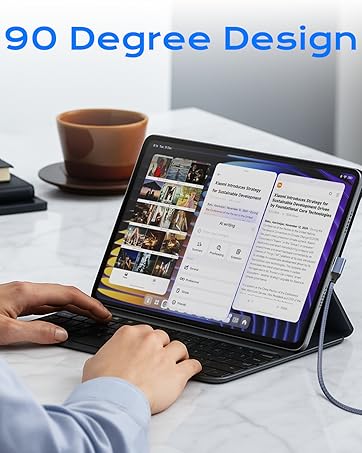
Key Features:90-Degree design to reduce wear and tear

Say Goodbye to Red-Bar Panic
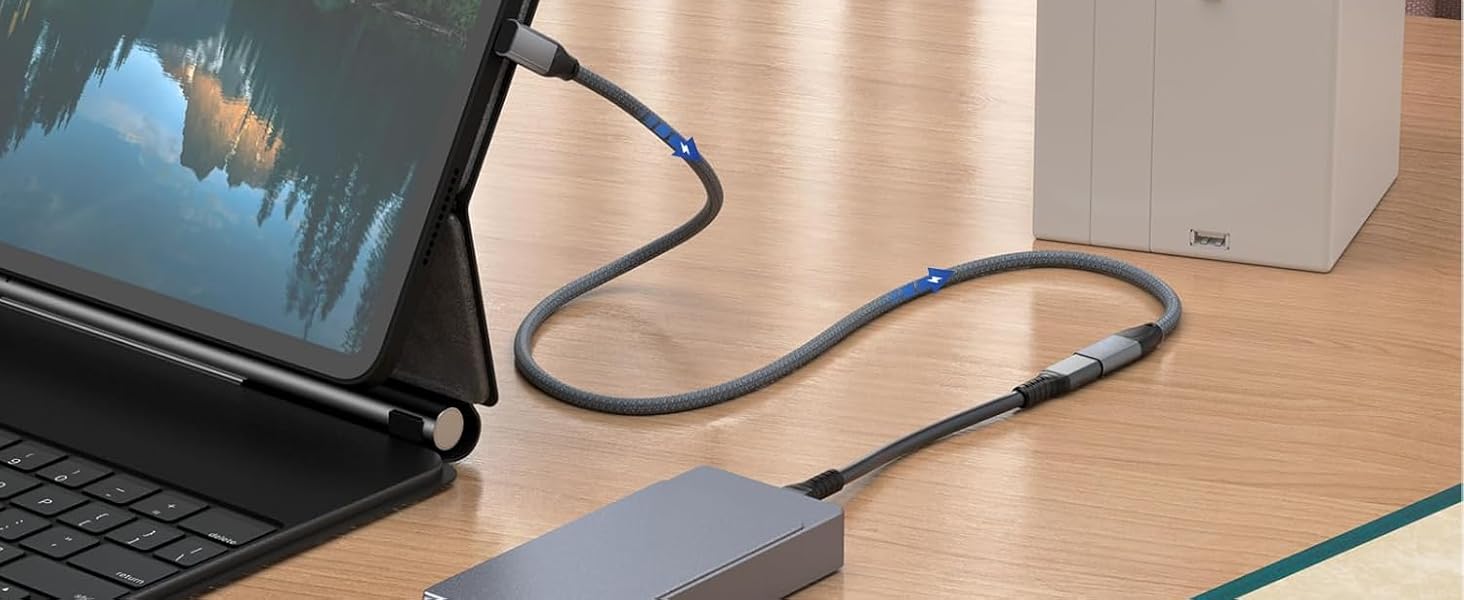
20Gbps Data Transfer
Supports data transfer up to 20Gbps ;Lets you transfer movies, videos, music, pictures in a second. (NOTE: The transfer speed depends on the speed supported by your device port.)
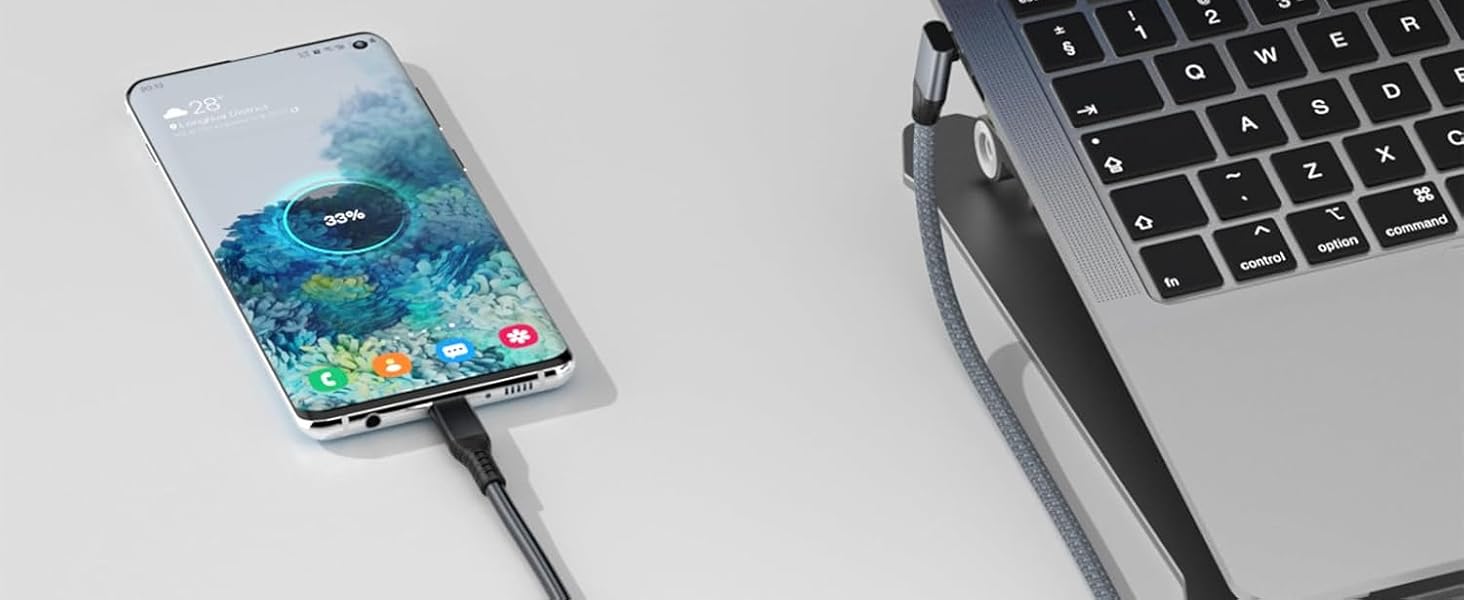
Up to 240W Fast Charging
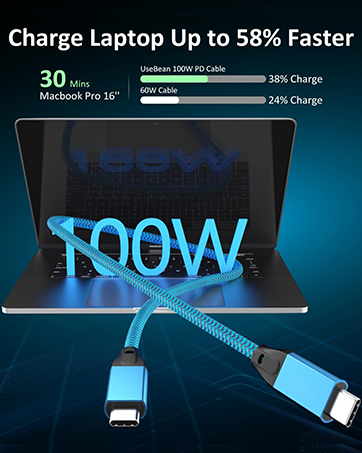
Charge anything from phones to laptops with up to 240W (48V/5A) power delivery charging. (Note: Charging speed may be dependent on the host device's charging capability)
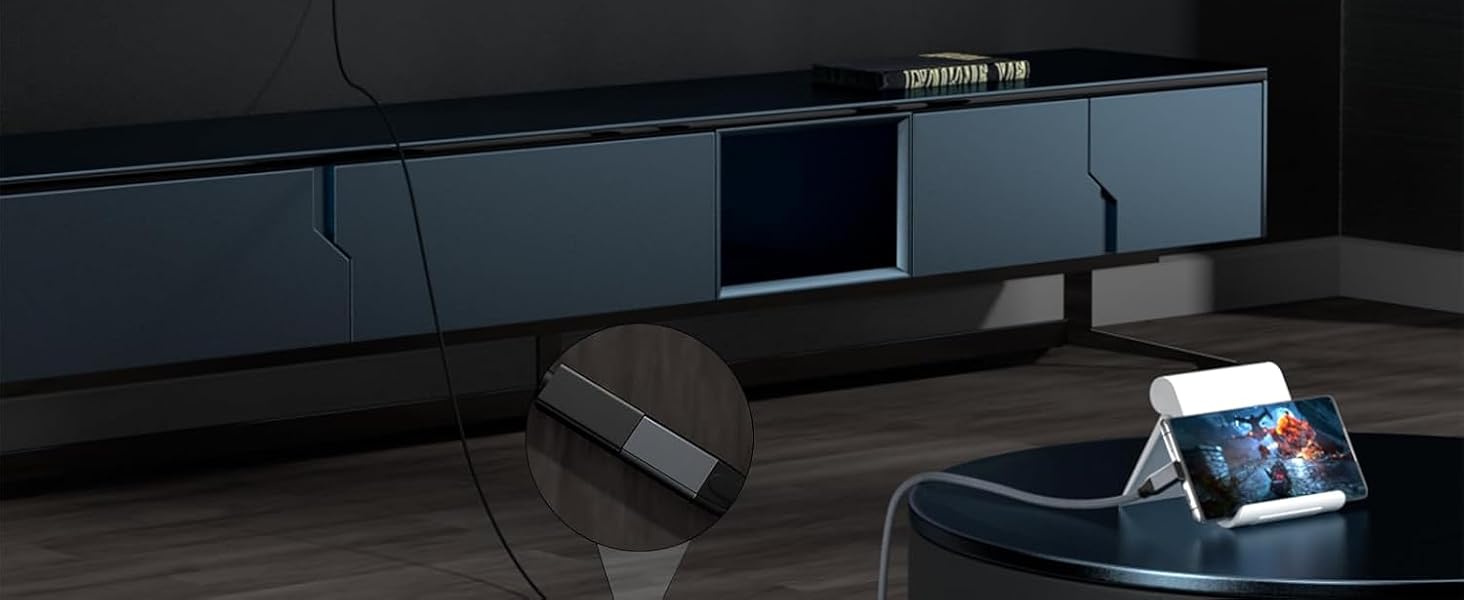
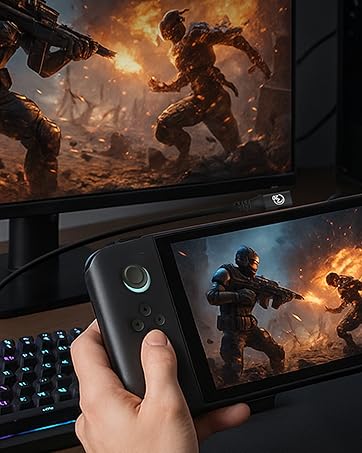
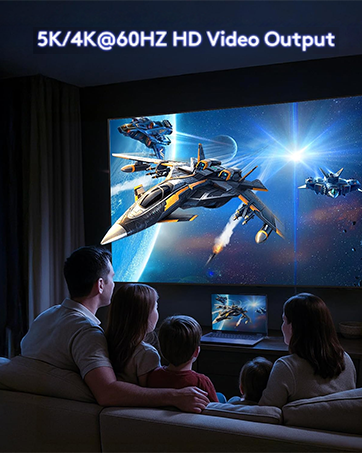
4K HD Video Supported
Supports up to 4K(4096x2160)@60Hz video transmission.[NOTE:Please make sure your USB C device supports DisplayPort Alternate Mode (Alt Mode)].
ALWAYS READY


Important Tips:

UseBean——
About Compatibility:
*Note: This cable NOT work with any thunderbolt 3/4 docking/hub/cable, Most Dell docking station is based on the thunderbolt 3/4 input. So this extender cable is not compatible, for example : Dell TB15,16 with 240W Adapter, thunderbolt 3/4 docking station and the Belkin thunderbolt 3/4 dock,HP thunderbolt 3/4 dock, Oculus Quest Link, GoPro Camera; NOT compatible with pple USB C Digital AV Multiport Adapter etc .
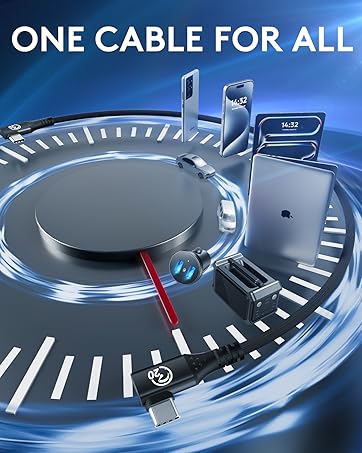
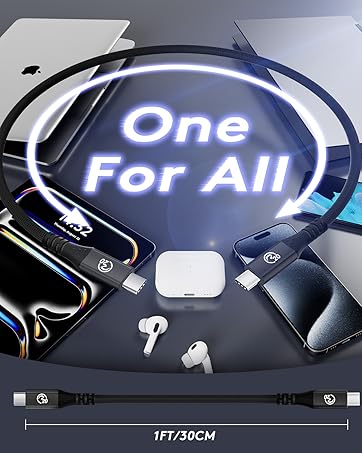
ONE CABLE FOR ALL(Not a complete list):



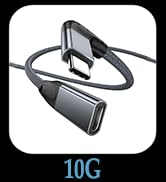
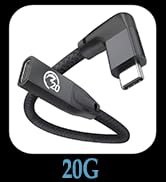
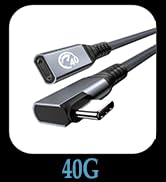
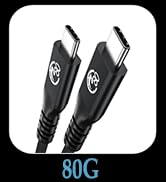
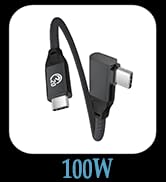
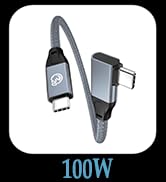
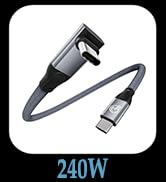
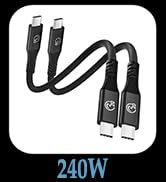


90 Degree Right Angled USB C 3.1/3.2 Gen 2 Extension Cable
Max Output:48V 5A 240W
Date transfer:USB 3.2, up to 20Gbps
Video Resolution:Support 4K@60Hz
Material:Aluminum-alloy housing
Key Features:90-Degree design to reduce wear and tear
Say Goodbye to Red-Bar Panic
20Gbps Data Transfer
Up to 240W Fast Charging
4K HD Video Supported


Supports data transfer up to 20Gbps ;Lets you transfer movies, videos, music, pictures in a second. (NOTE: The transfer speed depends on the speed supported by your device port.)
Charge anything from phones to laptops with up to 240W (48V/5A) power delivery charging. (Note: Charging speed may be dependent on the host device's charging capability)
Supports up to 4K(4096x2160)@60Hz video transmission.[NOTE:Please make sure your USB C device supports DisplayPort Alternate Mode (Alt Mode)].
ALWAYS READY


Important Tips:
| Important Note 1 | If you hook up a USB-C 2.0 peripheral( mouse,keyboard,etc.) to this USB-C 3.1/3.2 extension cable and it doesn't work as you expected, flip the connector over and try once more. It happens as a result of the compatibility issue of USB-C protocols and you need to connect a USB-C 2.0 peripheral to a USB-C 3.1/3.2 port in a specific direction. |
|---|---|
| Important Note 2 | Video transmissions can degrade or fail if you want to connect a long cable carrying video signal (HDMI, DP, and more). |
| Important Note 3 | Please locate a USB-C or Thunderbolt 3/4 port on your device that supports video output since not all USB-C ports are able to carry a video signal. |
| Important Note 4 | The recommended total length is 10ft: If the total length is too long, there will be severe signal attenuation. We recommend using this extension cable to connect cable with a total length within 10 feet to achieve the best charging, syncing, and 4k video performance. |
| Important Note 5 | The transfer speed is limited to Max 20Gbps, NOT 40Gbps. |
UseBean——
About Compatibility:
*Note: This cable NOT work with any thunderbolt 3/4 docking/hub/cable, Most Dell docking station is based on the thunderbolt 3/4 input. So this extender cable is not compatible, for example : Dell TB15,16 with 240W Adapter, thunderbolt 3/4 docking station and the Belkin thunderbolt 3/4 dock,HP thunderbolt 3/4 dock, Oculus Quest Link, GoPro Camera; NOT compatible with pple USB C Digital AV Multiport Adapter etc .
ONE CABLE FOR ALL(Not a complete list):

USB C 4.0/3.2/3.1 Series
USB C to USB C Cable
