







Why Choose This KVM Switch Dock for 2 PCs & 1 Laptop?
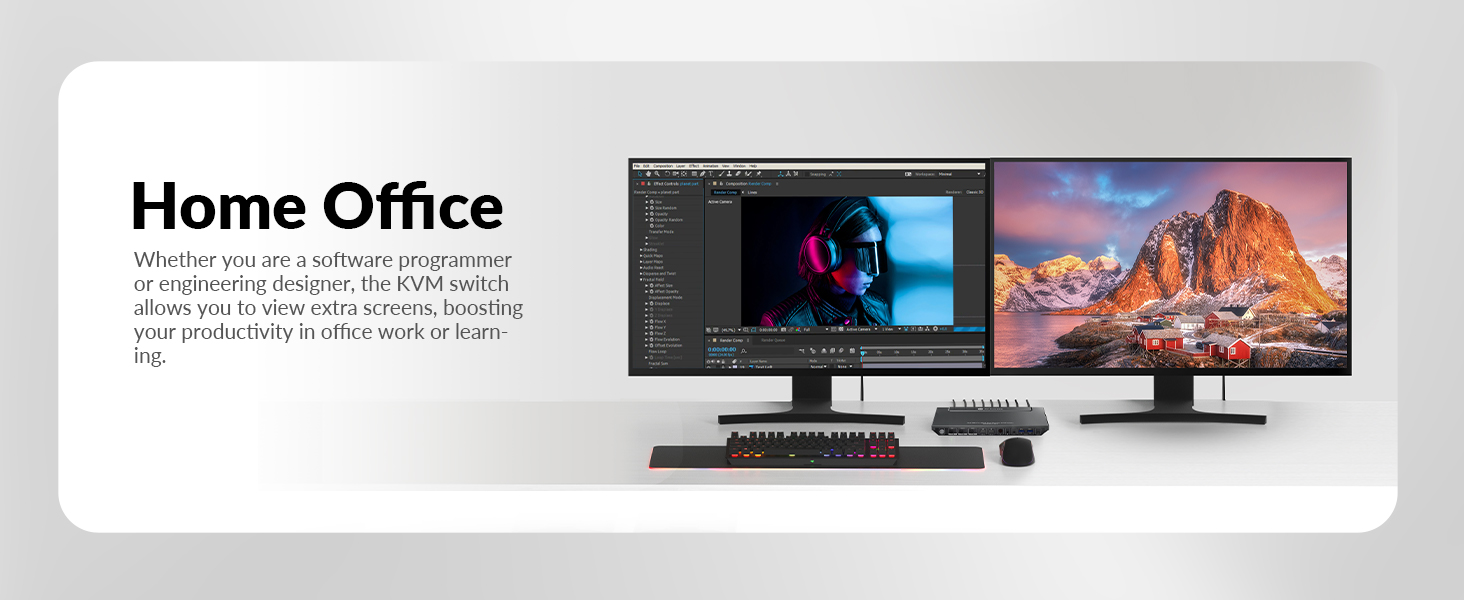
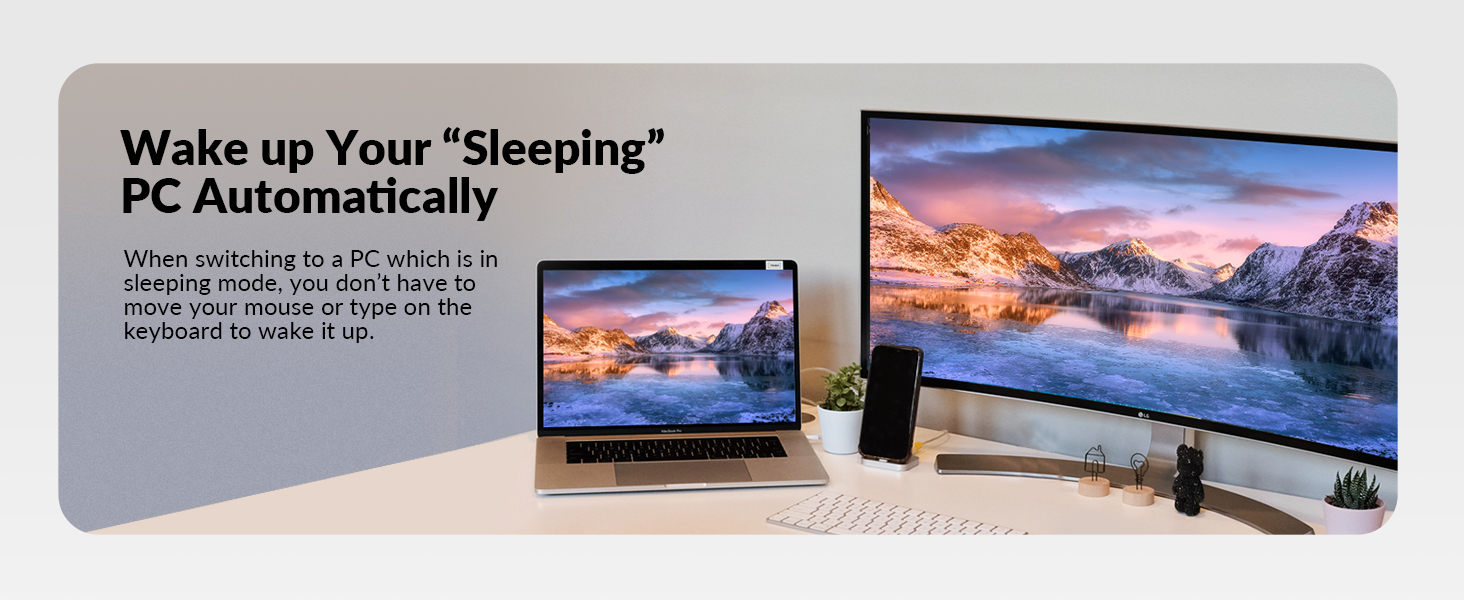
Streamlined Connectivity: Unlike single KVM switch with limited connectivity, our KVM switch with docking combines the benefits of both devices, offering users a single solution for managing multiple devices and peripherals seamlessly.
Space-saving Design: Managing multiple peripherals and devices with separate KVM switches can lead to a cluttered and disorganized workspace. By integrating KVM switching and docking capabilities into a single device, we help users declutter their workspace and optimize their setup for improved productivity.
Versatile Performance: Single docking stations may lack the versatility needed to accommodate various devices and peripherals, leading to limited functionality for users. With support for multiple devices and peripherals, including monitors, keyboards, mice, and more, our KVM switch with docking function offers unparalleled versatility for users with diverse needs.
Convenient Portability: Single docking stations may not be easily portable, making it inconvenient for users who frequently switch between different work environments.Designed with portability in mind, our docking station with KVM switch allows users to easily transition between different work environments without sacrificing functionality or connectivity.
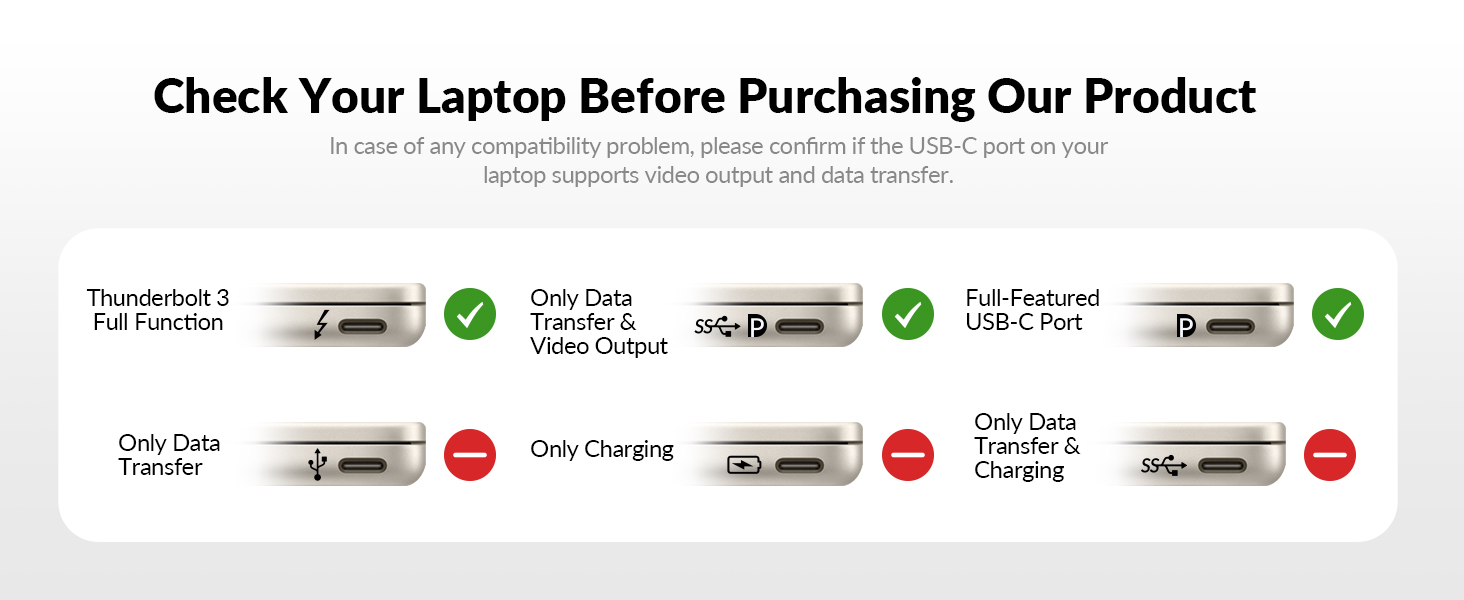
Enhanced Compatibility: Our product ensures compatibility with a wide range of devices, operating systems, and hardware configurations, eliminating the hassle of dealing with compatibility issues.
By addressing those pain points and offering a comprehensive solution that combines the functionality of both KVM switches and docking stations, our kvm switch with docking stands out as the ideal choice for clients seeking convenience, versatility, and efficiency in managing their devices and peripherals.
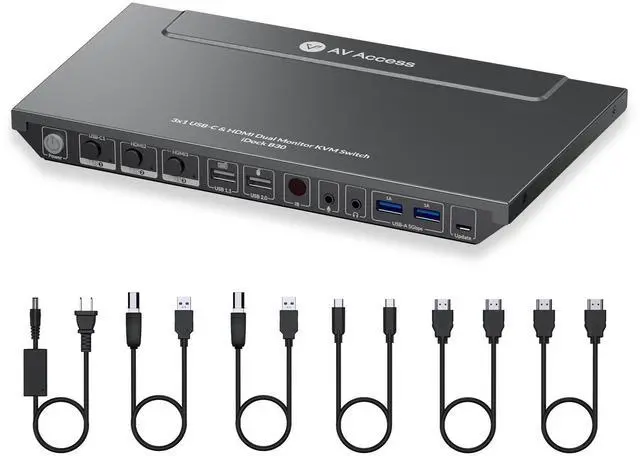
AV Access KVM Switch Dual Monitor
 iDock B30 ( 4KSW31C-DM ) | 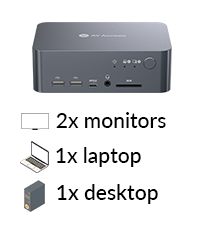 iDock C10 ( 4KSW21-DK ) | 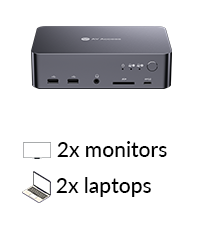 iDock C20 | 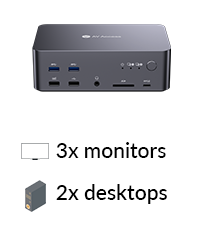 iDock D23 | |
|---|---|---|---|---|
Customer Reviews | — | — | — | — |
Price | — | — | — | — |
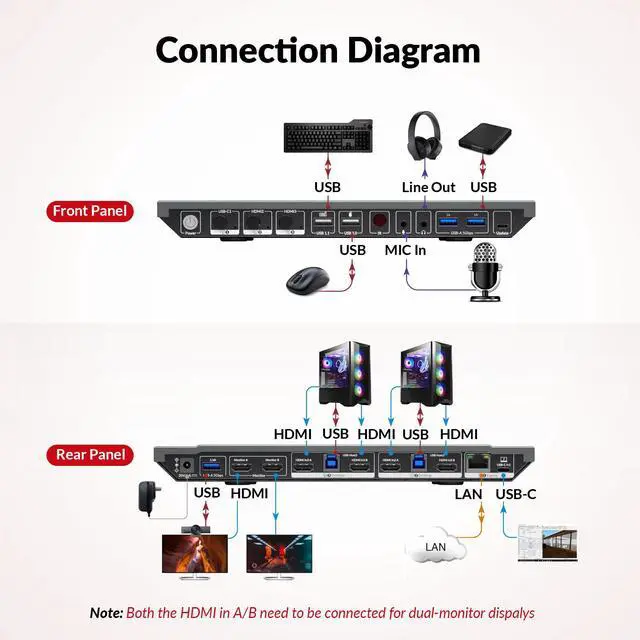
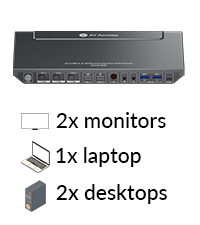
Computer | 1 Laptop + 2 Desktops | 1 Laptop + 1 Desktop | 2 Laptops | 2 Desktop (NOT for laptop) |
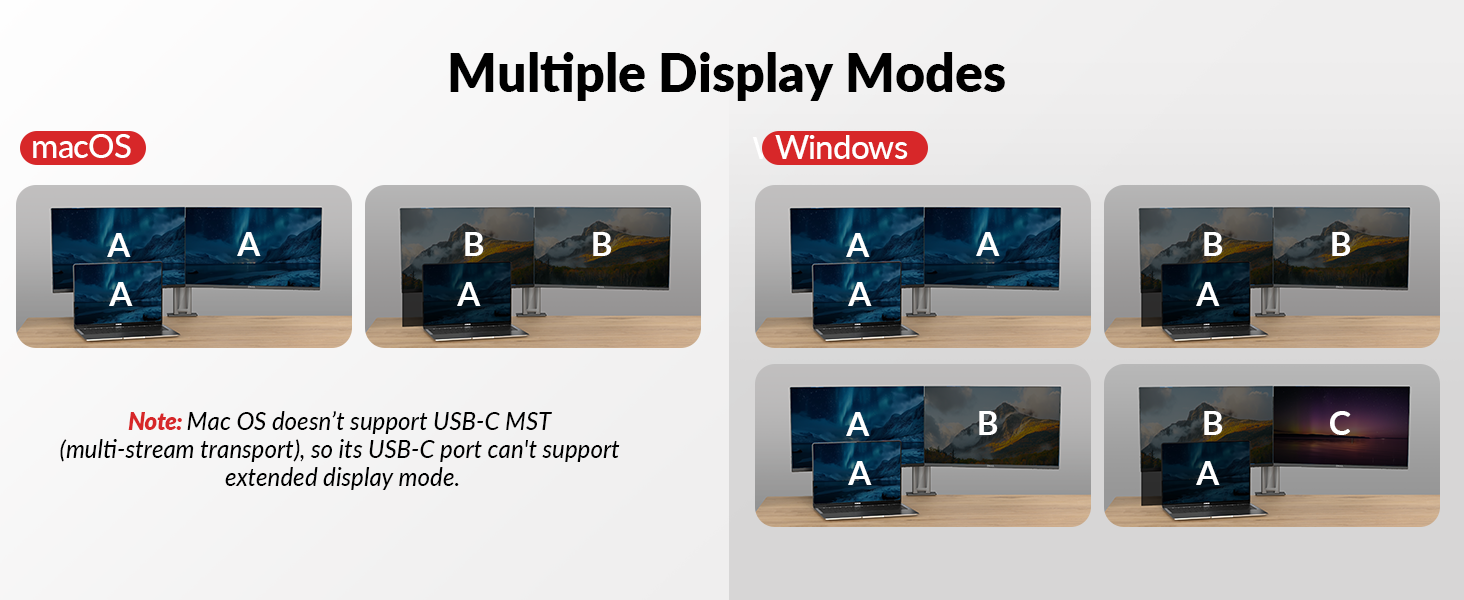
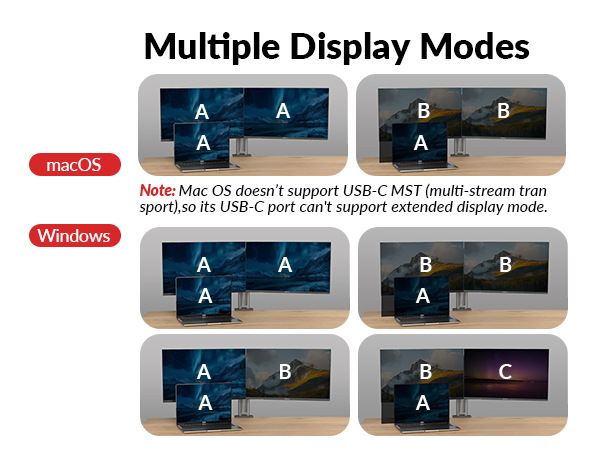
Monitors | Dual Monitor | Dual Monitor | Dual Monitor | Triple Monitor |
Video Resolution | Type-C, HDMI | Type-C, DP, HDMI | Type-C, HDMI | DP |
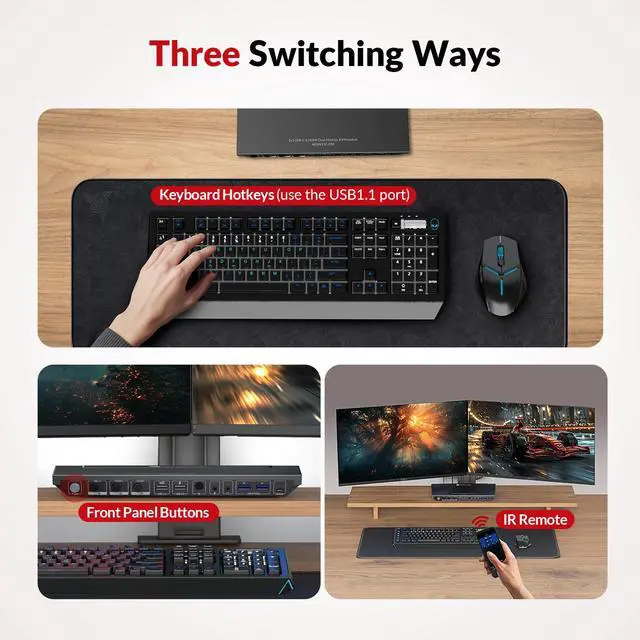
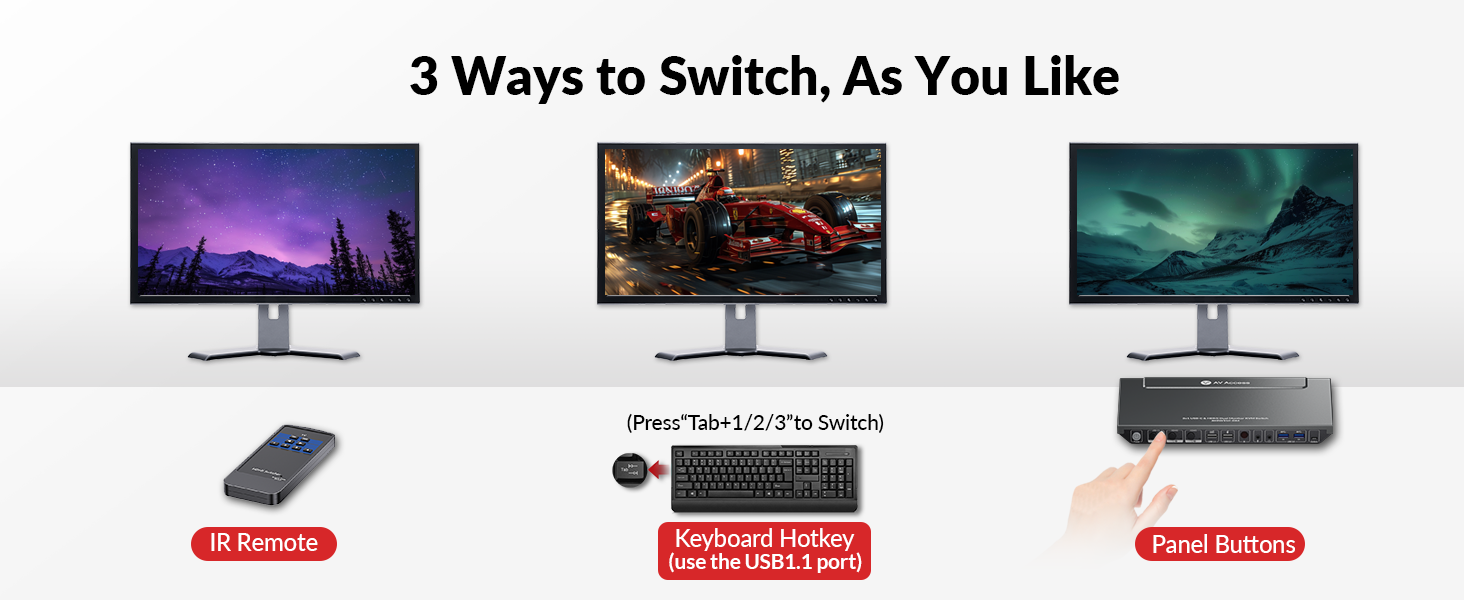
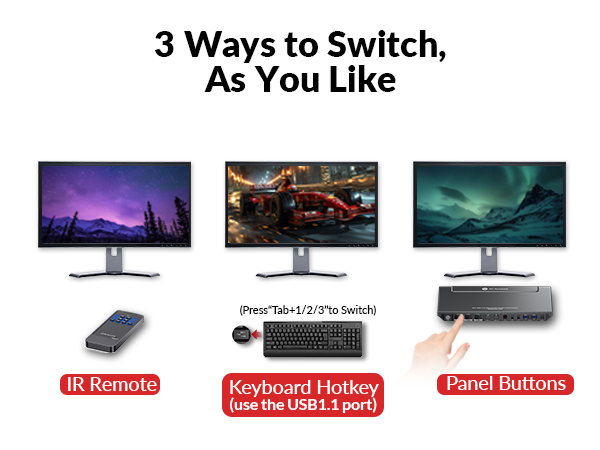
Control | Panel Button/IR Remote/Hotkey | Panel Button | Panel Button | Switch Button/Hotkey |
Remote Switch Button | × | × | v(not included) | v(not included) |
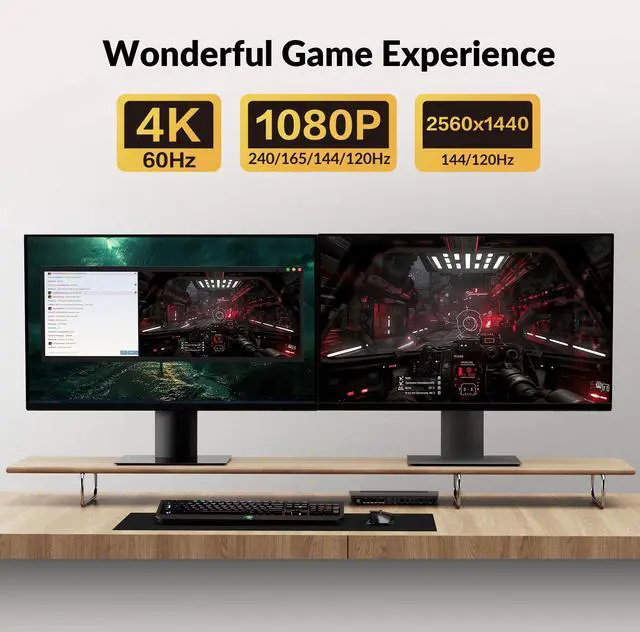
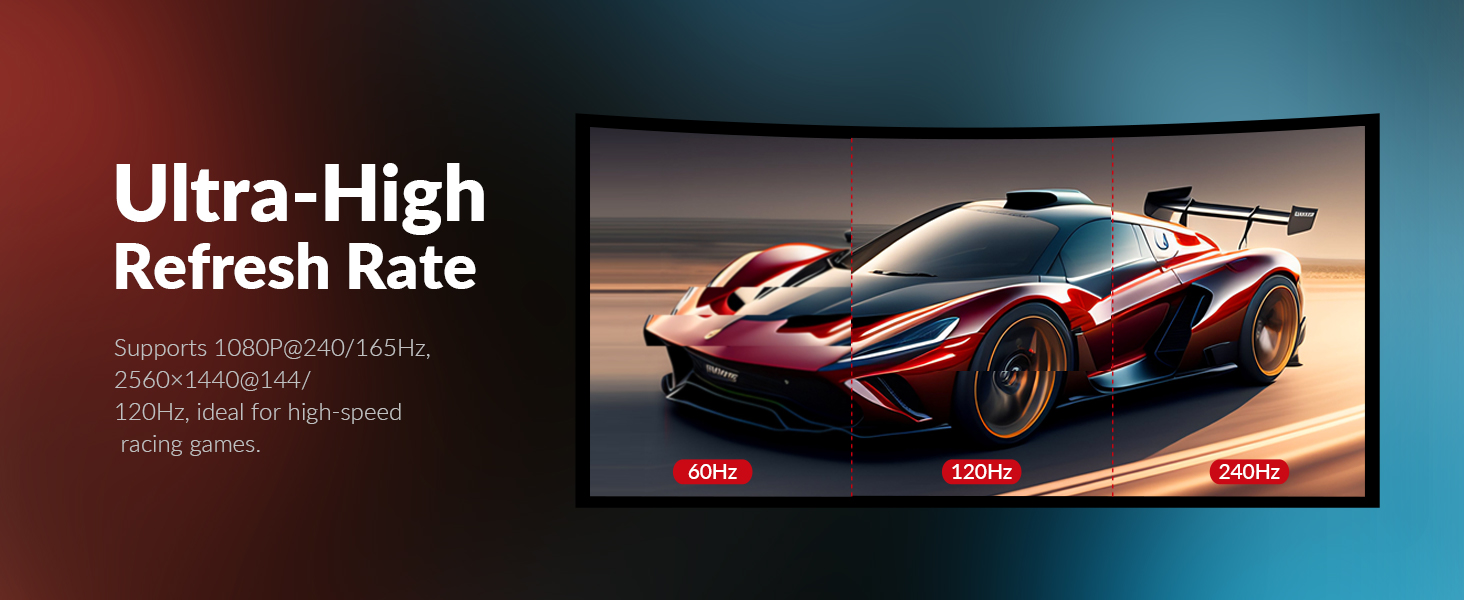
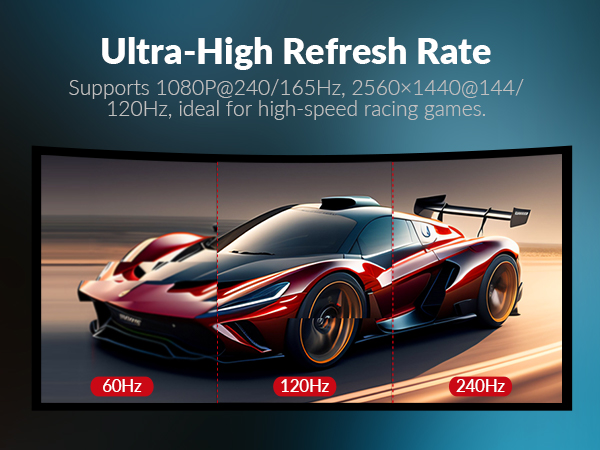
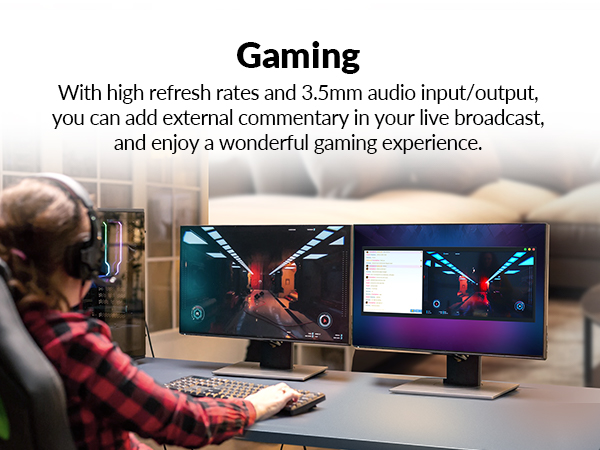
Video Resolution | 4K@60Hz 2K@144Hz 1080P@240Hz | 4K@60Hz 2K@144Hz 1080P@240Hz | 4K@60Hz 2K@144Hz 1080P@240Hz | 8K@60Hz 4K@165Hz 1080P@144Hz |
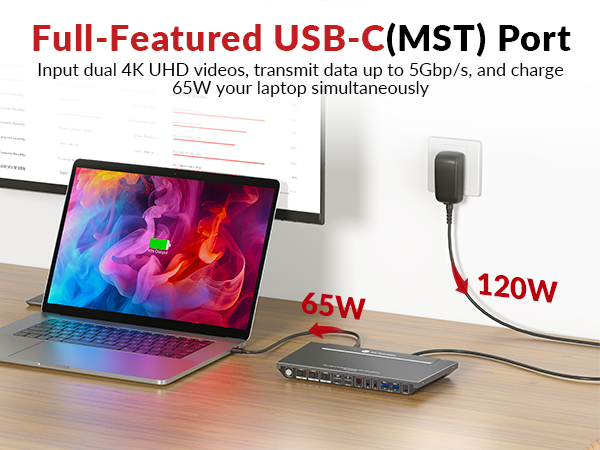
Power Delivery | v (Laptop only) | v (Laptop only) | v | × |
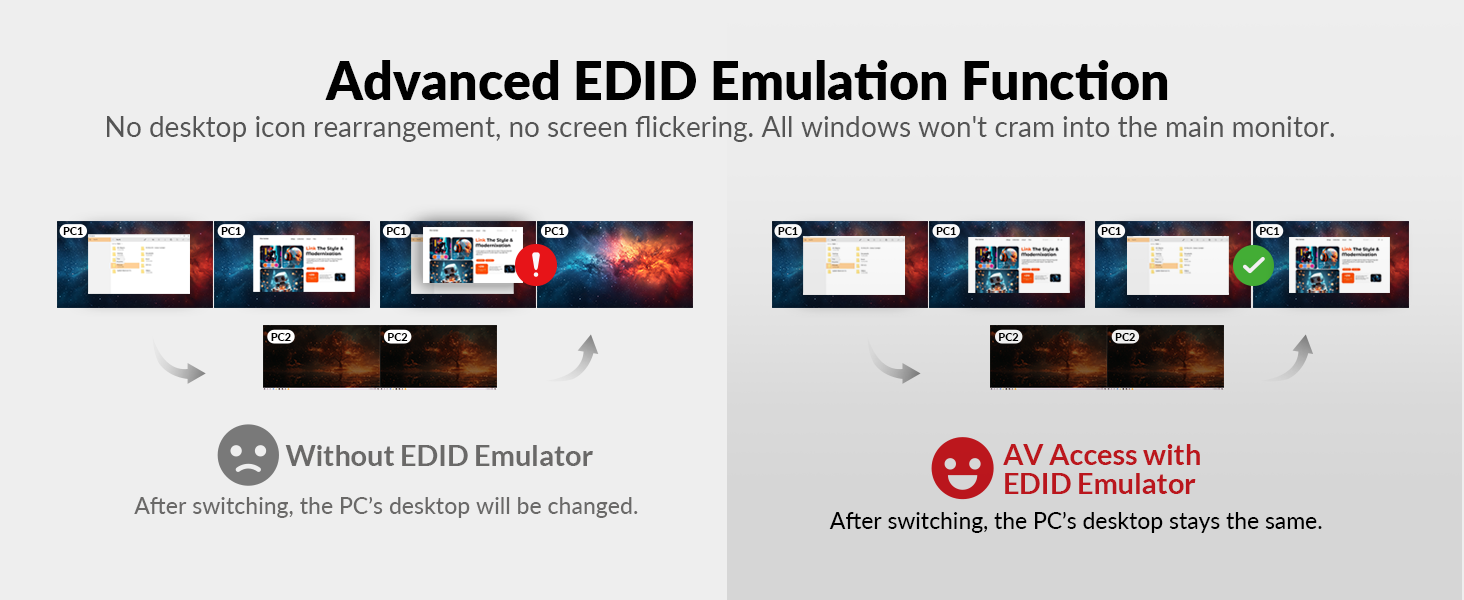
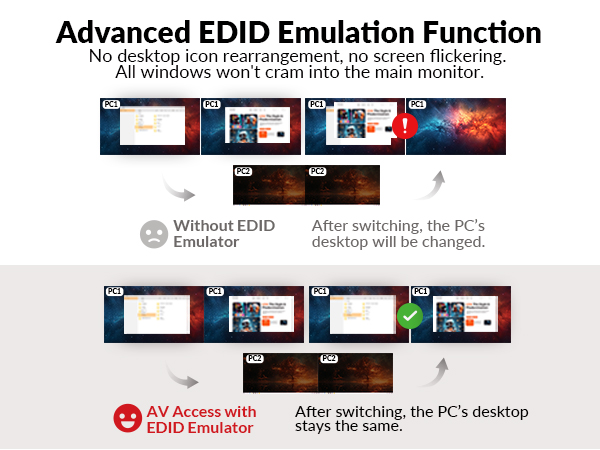
EDID Emulation | v | v | v | × |
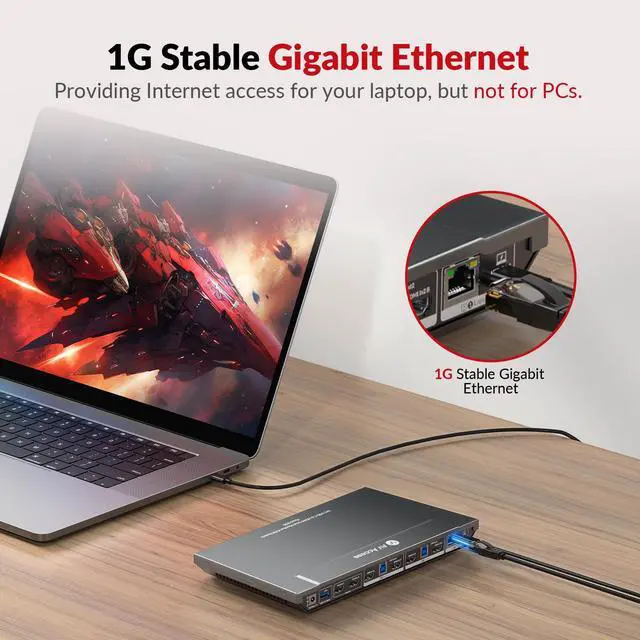
Ethernet Connection | v (Laptop only) | v (Laptop only) | v | v |
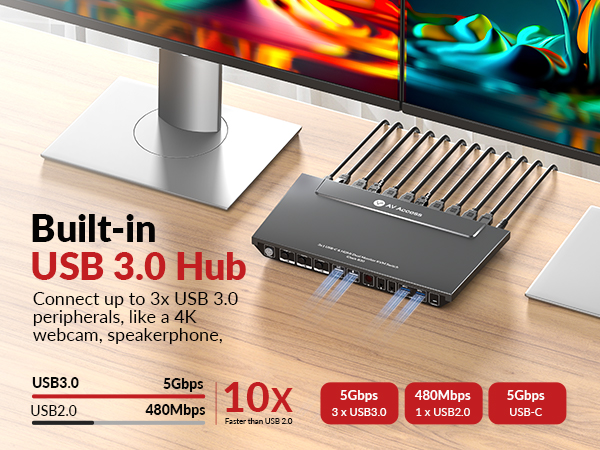
USB Peripherals | 1*USB 1.1,1*USB 2.0,3*USB 3.0 | 1*USB-C3.0,2*USB2.0,3*USB3.0 | 1*USB-C 3.0,4*USB 2.0,2*USB3.0 | 1*USB1.1,1*USB2.0,4*USB3.0 |
SD Card | × | v | v | v |
Cables inlcuded | 2*USB A-B, 2*HDMI, 1*Type-C | 1*USB B-A,1*DP,1*HDMI,1*Type-C | 2* Type-C | 2*USB-B to A, 6*DP |


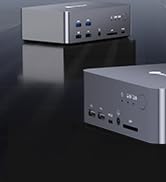
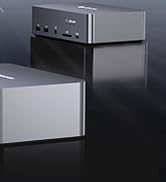




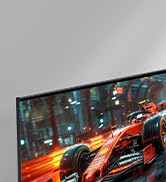
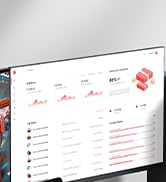
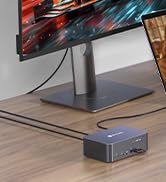
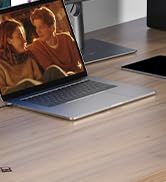

Why Choose This KVM Switch Dock for 2 PCs & 1 Laptop?
Streamlined Connectivity: Unlike single KVM switch with limited connectivity, our KVM switch with docking combines the benefits of both devices, offering users a single solution for managing multiple devices and peripherals seamlessly.
Space-saving Design: Managing multiple peripherals and devices with separate KVM switches can lead to a cluttered and disorganized workspace. By integrating KVM switching and docking capabilities into a single device, we help users declutter their workspace and optimize their setup for improved productivity.
Versatile Performance: Single docking stations may lack the versatility needed to accommodate various devices and peripherals, leading to limited functionality for users. With support for multiple devices and peripherals, including monitors, keyboards, mice, and more, our KVM switch with docking function offers unparalleled versatility for users with diverse needs.
Convenient Portability: Single docking stations may not be easily portable, making it inconvenient for users who frequently switch between different work environments.Designed with portability in mind, our docking station with KVM switch allows users to easily transition between different work environments without sacrificing functionality or connectivity.
Enhanced Compatibility: Our product ensures compatibility with a wide range of devices, operating systems, and hardware configurations, eliminating the hassle of dealing with compatibility issues.
By addressing those pain points and offering a comprehensive solution that combines the functionality of both KVM switches and docking stations, our kvm switch with docking stands out as the ideal choice for clients seeking convenience, versatility, and efficiency in managing their devices and peripherals.
AV Access KVM Switch Dual Monitor
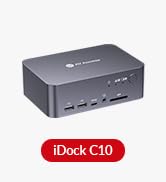
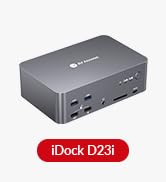
iDock B30 ( 4KSW31C-DM ) | iDock C10 ( 4KSW21-DK ) | iDock C20 | iDock D23 |
|---|---|---|---|
| Customer Reviews | |||
| — | — | — | — |
| Price | |||
| — | — | — | — |
| Computer | |||
| 1 Laptop + 2 Desktops | 1 Laptop + 1 Desktop | 2 Laptops | 2 Desktop (NOT for laptop) |
| Monitors | |||
| Dual Monitor | Dual Monitor | Dual Monitor | Triple Monitor |
| Video Resolution | |||
| Type-C, HDMI | Type-C, DP, HDMI | Type-C, HDMI | DP |
| Control | |||
| Panel Button/IR Remote/Hotkey | Panel Button | Panel Button | Switch Button/Hotkey |
| Remote Switch Button | |||
| × | × | v(not included) | v(not included) |
| Video Resolution | |||
| 4K@60Hz 2K@144Hz 1080P@240Hz | 4K@60Hz 2K@144Hz 1080P@240Hz | 4K@60Hz 2K@144Hz 1080P@240Hz | 8K@60Hz 4K@165Hz 1080P@144Hz |
| Power Delivery | |||
| v (Laptop only) | v (Laptop only) | v | × |
| EDID Emulation | |||
| v | v | v | × |
| Ethernet Connection | |||
| v (Laptop only) | v (Laptop only) | v | v |
| USB Peripherals | |||
| 1*USB 1.1,1*USB 2.0,3*USB 3.0 | 1*USB-C3.0,2*USB2.0,3*USB3.0 | 1*USB-C 3.0,4*USB 2.0,2*USB3.0 | 1*USB1.1,1*USB2.0,4*USB3.0 |
| SD Card | |||
| × | v | v | v |
| Cables inlcuded | |||
| 2*USB A-B, 2*HDMI, 1*Type-C | 1*USB B-A,1*DP,1*HDMI,1*Type-C | 2* Type-C | 2*USB-B to A, 6*DP |
Idock Series
No Latency Extenders
Renovate Your Hybrid Life
KVM HDMI Extenders
Dual Monitor KVM Switch
Other Products from AV Access
