














Can it support MacBook or laptop?
The device is equipped with DP IN ports only while most of the MacBook or laptops do not support DP, extra docking station or conversion adapter is necessary for connection between them. Thus, compatibility cannot be guaranteed in this state of use.
Can the device work with single or dual monitor?
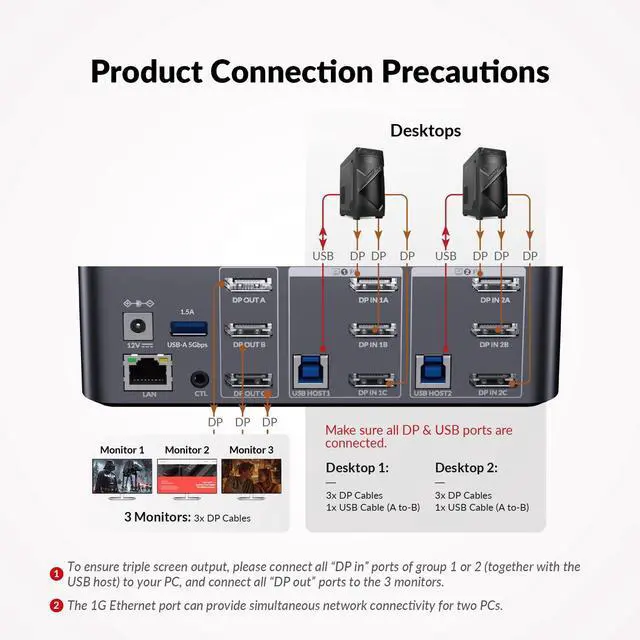
Yes, there is one-to-one correspondence between the DP IN A/B/C and DP OUT A/B/C ports, so correct input port needs to be connected accordingly for single or dual monitor display.
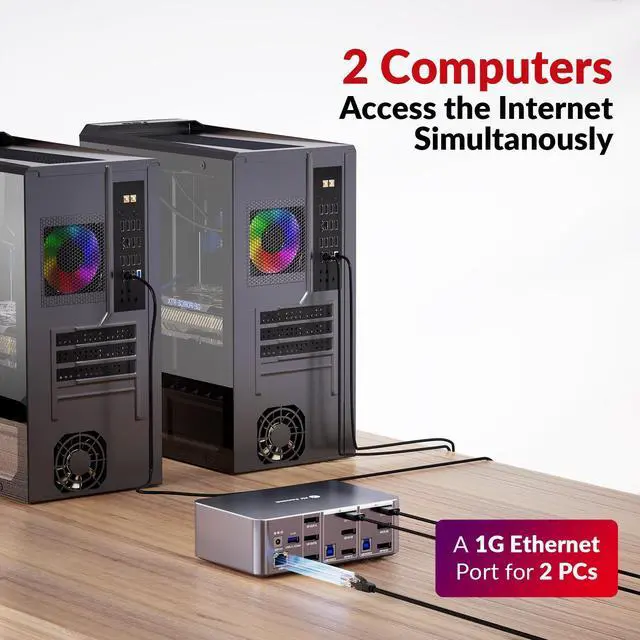
Either of my desktops has Internet access after connecting ethernet cable to LAN port of the device. What should I do?
Please ensure that the included USB-A to USB-B cable is securely connected to both your desktop and the device. For stable transmission, we recommend using the USB ports on the back of your computer.
What is audio format of DP or 3.5mm unembed audio?
DP: PCM 2.0/5.1/7.1, D0lby TrueHD/Atmos, DTS-HD Master Audio/X; Headphone: Stereo
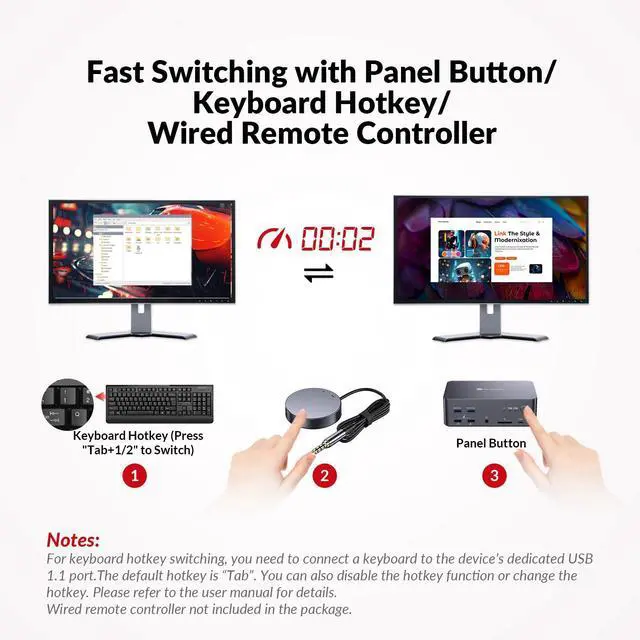
What can I do if the hotkey switching function does not work?
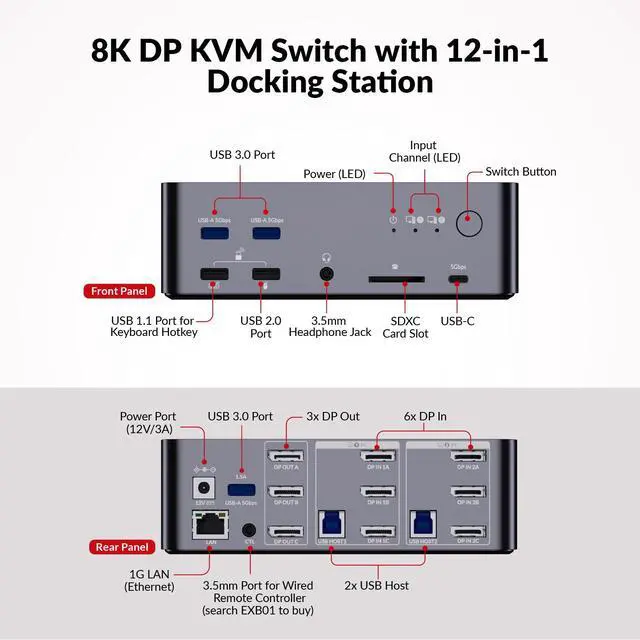
Please make sure the keyboard is connected to the front USB-A 1.1 port. You can also quick press "Tab" or "CapsLk" twice to redefine the hotkey if you may have switched to another hotkey by mistake.
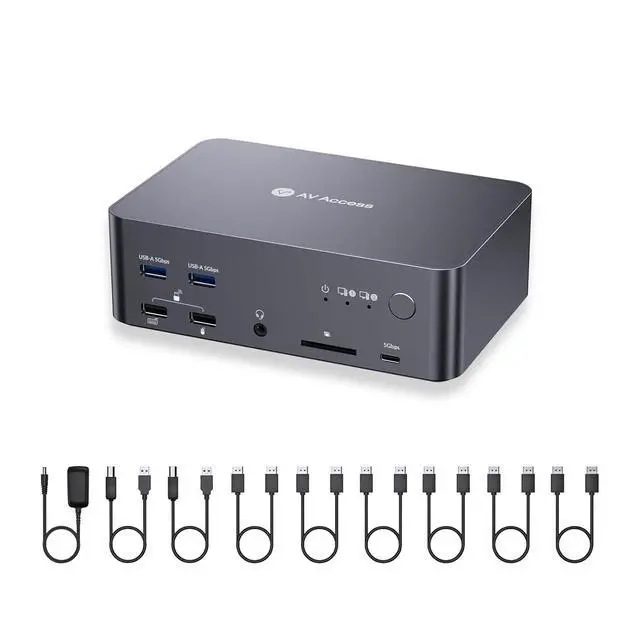
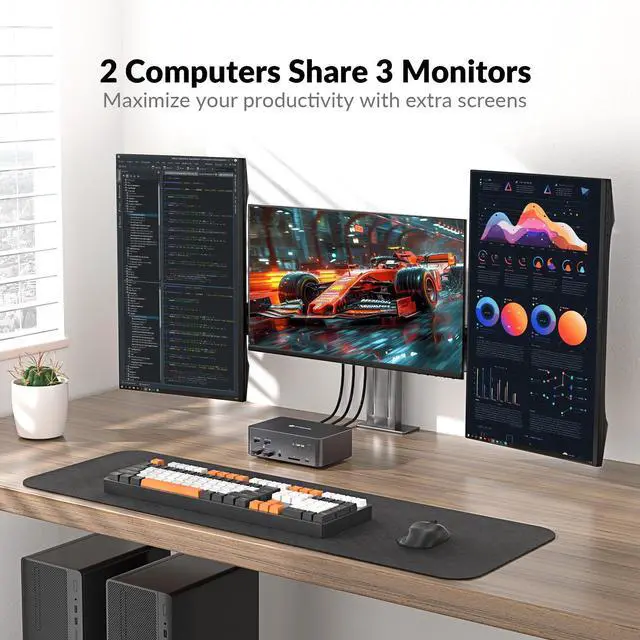
AV Access KVM Switch with Docking Station
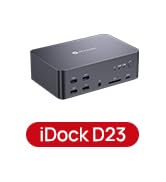
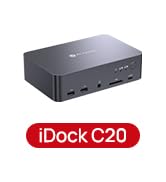
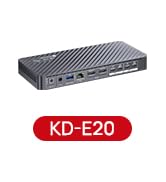
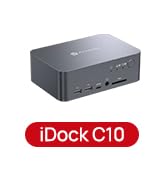
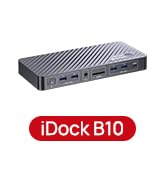
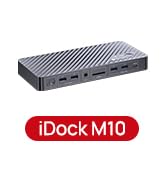
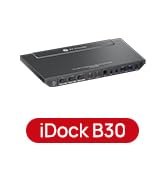
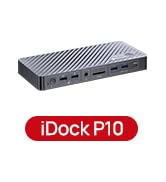
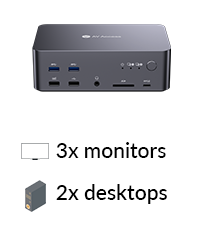 iDock D23 | 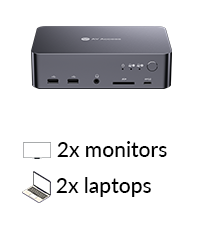 iDock C20 | 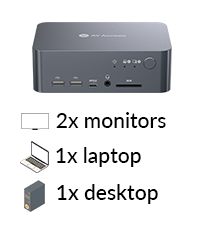 iDock C10 | 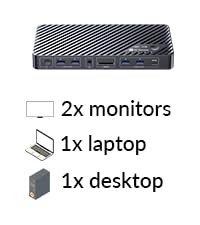 iDock B10 (8K KVM) |  iDock M10 (for MacBook) |  iDock P10 | 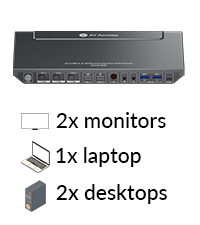 iDock B30 | |
|---|---|---|---|---|---|---|---|
Computers | 2 Desktops (NOT for laptop) | 2 Laptops | 1 Laptop + 1 Desktop | 1 Laptop + 1 Desktop | 1 MacBook + 1 Desktop | 1 Laptop + 1 Desktop | 1 Laptop + 2 Desktops |
Monitors | Triple Monitor | Dual Monitor | Dual Monitor | Dual Monitor | Dual Monitor | Dual Monitor | Dual Monitor |
Video Interface | DP | Type-C, HDMI | Type-C, DP, HDMI | Type-C, DP, HDMI | Type-C, DP, HDMI | Type-C, DP, HDMI | Type-C, HDMI |
Control | Switch Button/Hotkey | Panel Button | Panel Button | Panel Button/Remote Controller | Panel Button/Remote Controller | Panel Button/Remote Button | Panel Button/IR Remote/Hotkey |
Remote Switch Button | â??(not included) | â??(not included) | Ã? | â??(included) | â??(included) | â??(included) | Ã? |
Video Resolution | 8K@60Hz 4K@165Hz 1080P@144Hz | 4K@60Hz 2K@144Hz 1080P@240Hz | 4K@60Hz 2K@144Hz 1080P@240Hz | 8K@60Hz, 4K@165Hz | 4K@60Hz 2K@144Hz 1080P@240Hz | 4K@60Hz 3440x1440@60Hz | 4K@60Hz 2K@144Hz 1080P@240Hz |
Power Delivery | Ã? | â?? | â?? (Laptop only) | â?? (Laptop only) | â?? (Laptop only) | â?? (Laptop only) | â?? (Laptop only) |
EDID Emulation | Ã? | â?? | â?? | Ã? | â?? | â?? | â?? |
Ethernet Connection | â?? | â?? | â?? (Laptop only) | â?? | â?? | â?? (Laptop only) | â?? (Laptop only) |
USB Peripherals | 1*USB1.1,1*USB2.0,4*USB3.0 | 1*USB-C 3.0,4*USB 2.0,2*USB3.0 | 1*USB-C3.0,2*USB2.0,3*USB3.0 | 1*USB-C3.2,2*USB 3.0,3*USB 3.2 | 1*USB-C3.2, 2*USB3.0, 2*USB3.2 | 1*USB-C3.0,2*USB2.0,2*USB3.0 | 1*USB 1.1,1*USB 2.0,3*USB 3.0 |
SD Card | â?? | â?? | â?? | â?? | â?? | â?? | Ã? |
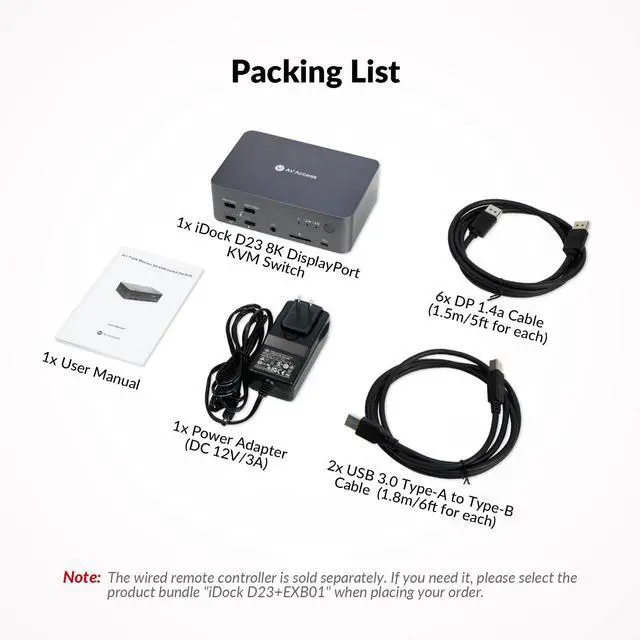
Cables included | 2*USB B-A,6*DP | 2*USB-C | 1*USB B-A,1*DP,1*HDMI,1* USB-C | USB-A,USB-C 3.2,HDMI 2.1,DP1.4 | USB-A to C,Dual-USB-C ,HDMI,DP | USB-A to C, USB-C | 2*USB B-A,2*HDMI,1* Type-C |


Can it support MacBook or laptop?
The device is equipped with DP IN ports only while most of the MacBook or laptops do not support DP, extra docking station or conversion adapter is necessary for connection between them. Thus, compatibility cannot be guaranteed in this state of use.
Can the device work with single or dual monitor?
Yes, there is one-to-one correspondence between the DP IN A/B/C and DP OUT A/B/C ports, so correct input port needs to be connected accordingly for single or dual monitor display.
Either of my desktops has Internet access after connecting ethernet cable to LAN port of the device. What should I do?
Please ensure that the included USB-A to USB-B cable is securely connected to both your desktop and the device. For stable transmission, we recommend using the USB ports on the back of your computer.
What is audio format of DP or 3.5mm unembed audio?
DP: PCM 2.0/5.1/7.1, D0lby TrueHD/Atmos, DTS-HD Master Audio/X; Headphone: Stereo
What can I do if the hotkey switching function does not work?
Please make sure the keyboard is connected to the front USB-A 1.1 port. You can also quick press "Tab" or "CapsLk" twice to redefine the hotkey if you may have switched to another hotkey by mistake.
AV Access KVM Switch with Docking Station
iDock D23 | iDock C20 | iDock C10 | iDock B10 (8K KVM) | iDock M10 (for MacBook) | iDock P10 | iDock B30 |
|---|---|---|---|---|---|---|
| Customer Reviews | ||||||
| — | — | — | — | — | — | — |
| Price | ||||||
| — | — | — | — | — | — | — |
| Computers | ||||||
| 2 Desktops (NOT for laptop) | 2 Laptops | 1 Laptop + 1 Desktop | 1 Laptop + 1 Desktop | 1 MacBook + 1 Desktop | 1 Laptop + 1 Desktop | 1 Laptop + 2 Desktops |
| Monitors | ||||||
| Triple Monitor | Dual Monitor | Dual Monitor | Dual Monitor | Dual Monitor | Dual Monitor | Dual Monitor |
| Video Interface | ||||||
| DP | Type-C, HDMI | Type-C, DP, HDMI | Type-C, DP, HDMI | Type-C, DP, HDMI | Type-C, DP, HDMI | Type-C, HDMI |
| Control | ||||||
| Switch Button/Hotkey | Panel Button | Panel Button | Panel Button/Remote Controller | Panel Button/Remote Controller | Panel Button/Remote Button | Panel Button/IR Remote/Hotkey |
| Remote Switch Button | ||||||
| v(not included) | v(not included) | × | v(included) | v(included) | v(included) | × |
| Video Resolution | ||||||
| 8K@60Hz 4K@165Hz 1080P@144Hz | 4K@60Hz 2K@144Hz 1080P@240Hz | 4K@60Hz 2K@144Hz 1080P@240Hz | 8K@60Hz, 4K@165Hz | 4K@60Hz 2K@144Hz 1080P@240Hz | 4K@60Hz 3440x1440@60Hz | 4K@60Hz 2K@144Hz 1080P@240Hz |
| Power Delivery | ||||||
| × | v | v (Laptop only) | v (Laptop only) | v (Laptop only) | v (Laptop only) | v (Laptop only) |
| EDID Emulation | ||||||
| × | v | v | × | v | v | v |
| Ethernet Connection | ||||||
| v | v | v (Laptop only) | v | v | v (Laptop only) | v (Laptop only) |
| USB Peripherals | ||||||
| 1*USB1.1,1*USB2.0,4*USB3.0 | 1*USB-C 3.0,4*USB 2.0,2*USB3.0 | 1*USB-C3.0,2*USB2.0,3*USB3.0 | 1*USB-C3.2,2*USB 3.0,3*USB 3.2 | 1*USB-C3.2, 2*USB3.0, 2*USB3.2 | 1*USB-C3.0,2*USB2.0,2*USB3.0 | 1*USB 1.1,1*USB 2.0,3*USB 3.0 |
| SD Card | ||||||
| v | v | v | v | v | v | × |
| Cables included | ||||||
| 2*USB B-A,6*DP | 2*USB-C | 1*USB B-A,1*DP,1*HDMI,1* USB-C | USB-A,USB-C 3.2,HDMI 2.1,DP1.4 | USB-A to C,Dual-USB-C ,HDMI,DP | USB-A to C, USB-C | 2*USB B-A,2*HDMI,1* Type-C |
iDock B10
iDock M10
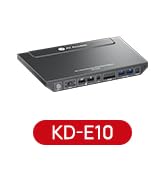
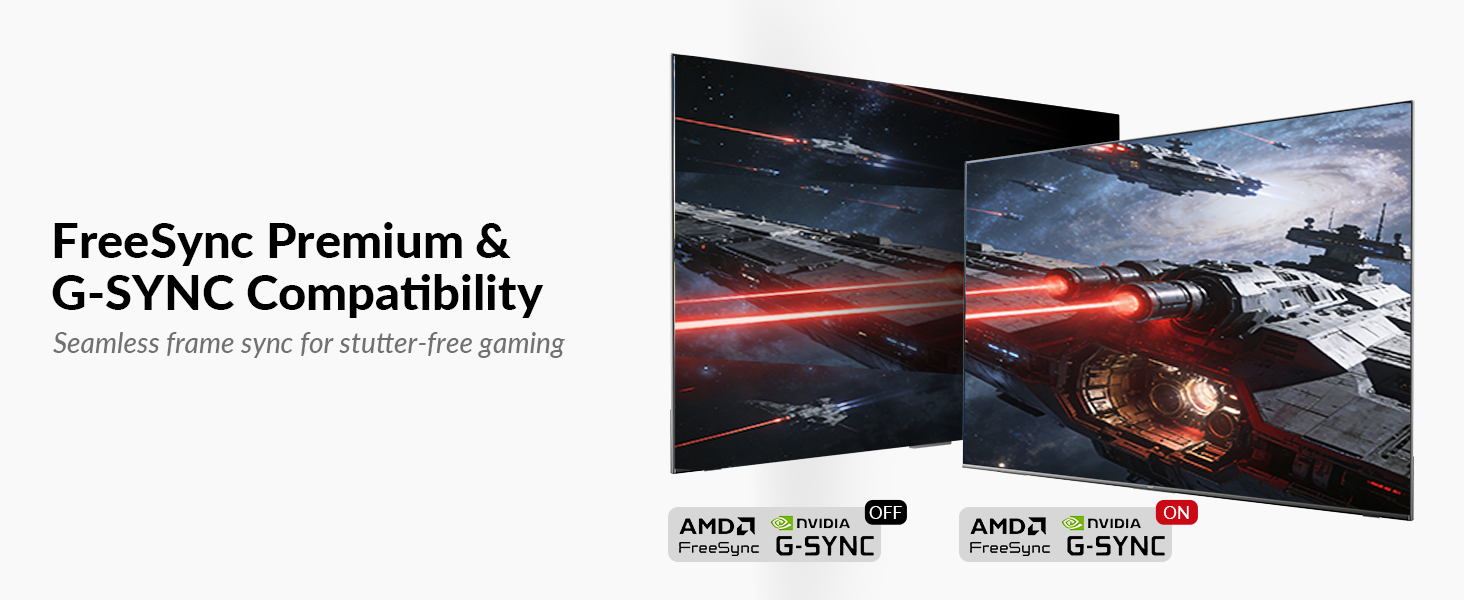
KVM Docking 3 Monitors
KVM Docking 2 Laptops
KVM Docking for 1 PC 1 Laptop
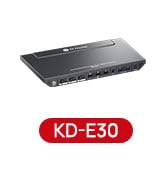
KVM Docking for 2 PCs 1 Laptop
KVM Docking for 1 PC 1 Laptop