







Provide Stable & High-Speed Wired Network for Laptop


FAQ:
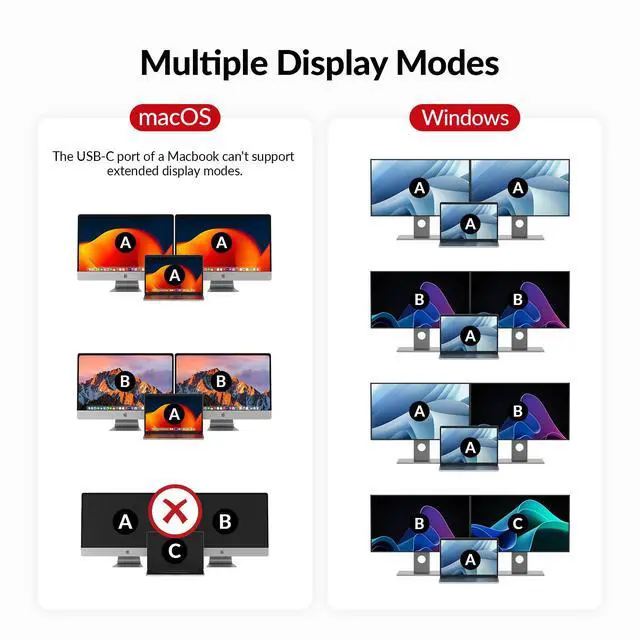
Q: My MacBook only outputs mirrored dual screens but can't output extended dual screens. Why is that?A: MacBook's USB-C port itself only supports single stream transport (SST), not multi stream transport (MST). Thus, the dual screens can only display in mirror copy mode. If you need extended dual screen output with your MacBook, please let us know.
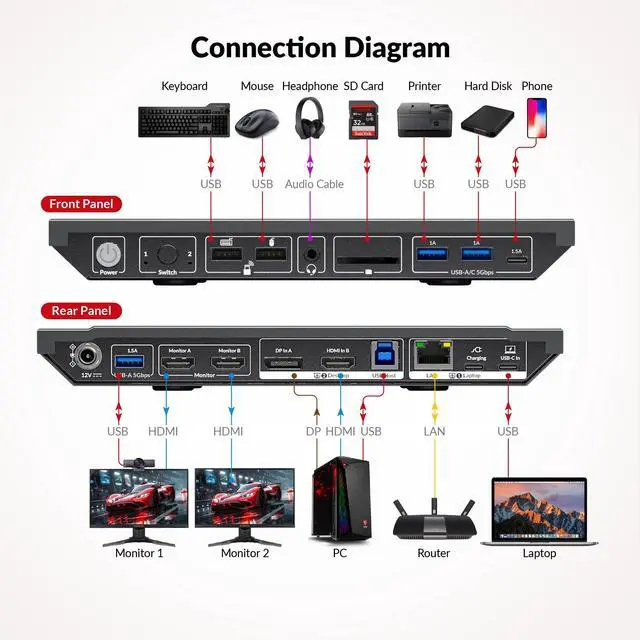
Q: My USB device doesn’t work when switching to desktop input, but it works fine with the laptop. What should I do?
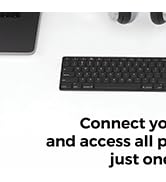
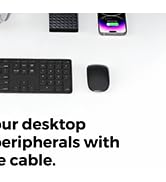
A: Ensure that the included USB-A to USB-B cable is securely connected to both your desktop and the device. For stable transmission, we recommend using the USB ports on the back of your computer.
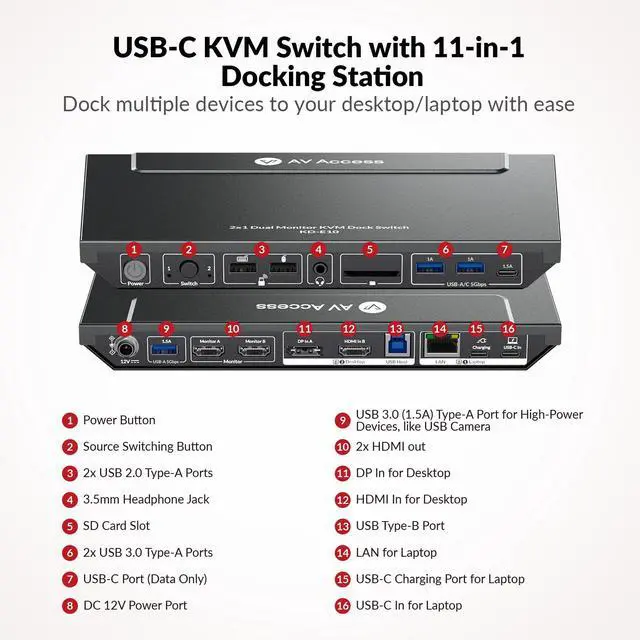
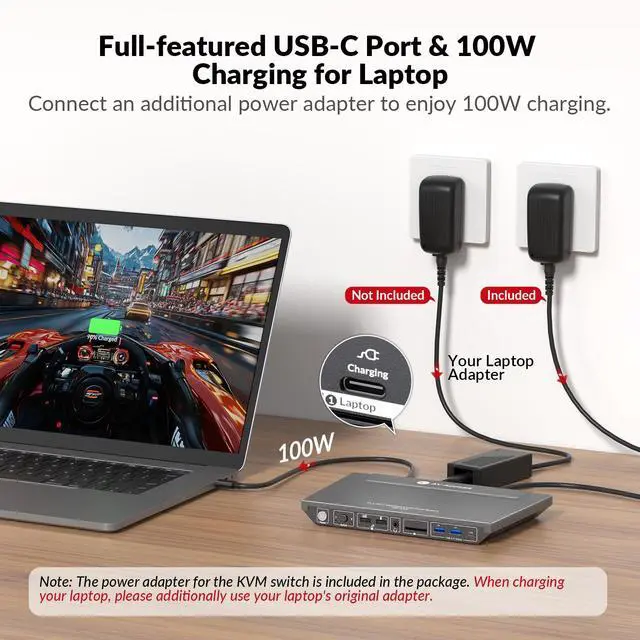
Q: Why doesn’t my laptop charge when connected to the USB-C In port?
A: Please connect another USB-C power adapter to the USB-C charging port next to the USB-C IN port. Please prioritize using the USB-C adapter that comes with the laptop. If purchasing separately, select a suitable power adapter according to the laptop specifications, please let me know if you have any question.
Q: What is audio format of HDMI/DP or 3.5mm unembed audio?
A: HDMI&DP: PCM 2.0/5.1/7.1, D0lby TrueHD/Atmos, DTS-HD Master Audio/X; Headphone: Stereo



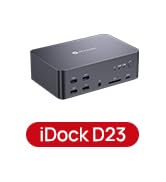
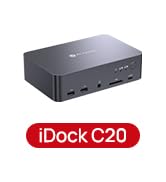
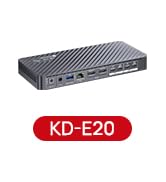
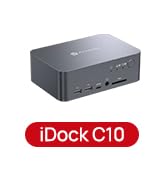

Provide Stable & High-Speed Wired Network for Laptop


FAQ:
Q: My MacBook only outputs mirrored dual screens but can't output extended dual screens. Why is that?A: MacBook's USB-C port itself only supports single stream transport (SST), not multi stream transport (MST). Thus, the dual screens can only display in mirror copy mode. If you need extended dual screen output with your MacBook, please let us know.
Q: My USB device doesn’t work when switching to desktop input, but it works fine with the laptop. What should I do?
A: Ensure that the included USB-A to USB-B cable is securely connected to both your desktop and the device. For stable transmission, we recommend using the USB ports on the back of your computer.
Q: Why doesn’t my laptop charge when connected to the USB-C In port?
A: Please connect another USB-C power adapter to the USB-C charging port next to the USB-C IN port. Please prioritize using the USB-C adapter that comes with the laptop. If purchasing separately, select a suitable power adapter according to the laptop specifications, please let me know if you have any question.
Q: What is audio format of HDMI/DP or 3.5mm unembed audio?
A: HDMI&DP: PCM 2.0/5.1/7.1, D0lby TrueHD/Atmos, DTS-HD Master Audio/X; Headphone: Stereo
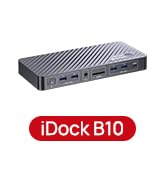
iDock B10
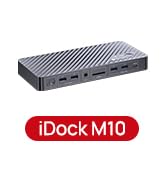
iDock M10
KVM Docking 3 Monitors
KVM Docking 2 Laptops
KVM Docking for 1 PC 1 Laptop
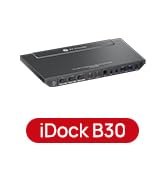
KVM Docking for 2 PCs 1 Laptop
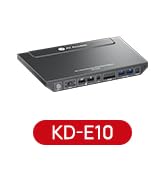
KVM Docking for 1 PC 1 Laptop