here!
I’m your shopping assistant for PC builds, upgrades, and everything tech.
Got questions? Ask away!
Start a conversation
here!
I’m your shopping assistant for PC builds, upgrades, and everything tech.
Got questions? Ask away!
Start a conversation




Any questions? Ask CelesteSM will help you find out quickly.
Welcome to VANPIR:
We are a professional laptop battery manufacturer, dedicated to manufacture and provide high-quality different types of laptop batteries for our customers.
Specification:
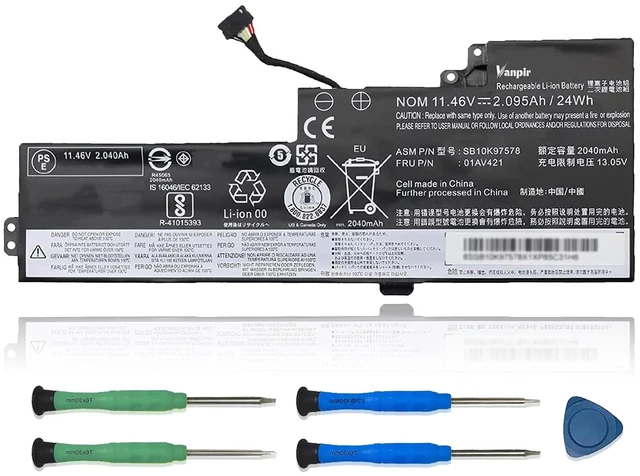
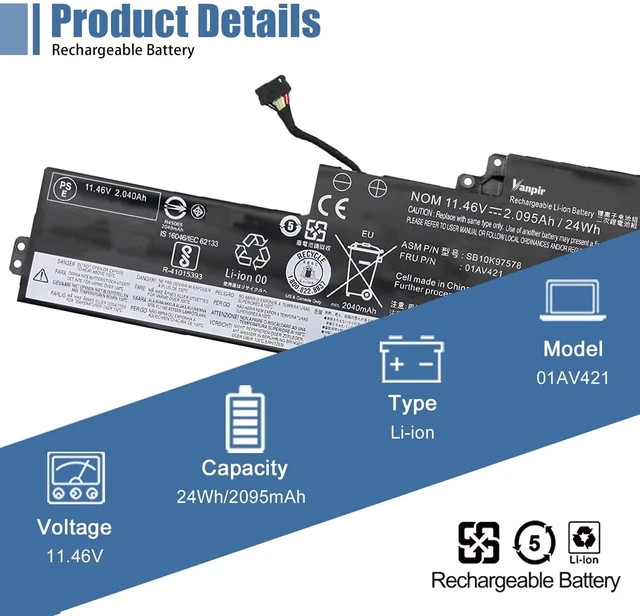
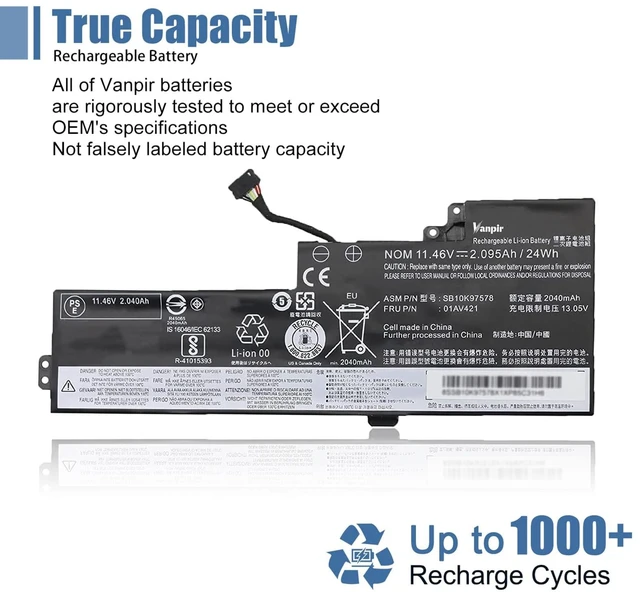
Model:01AV421 Battery Type: Li-ion
Voltage: 11.46V Capacity: 24Wh 2095mAh
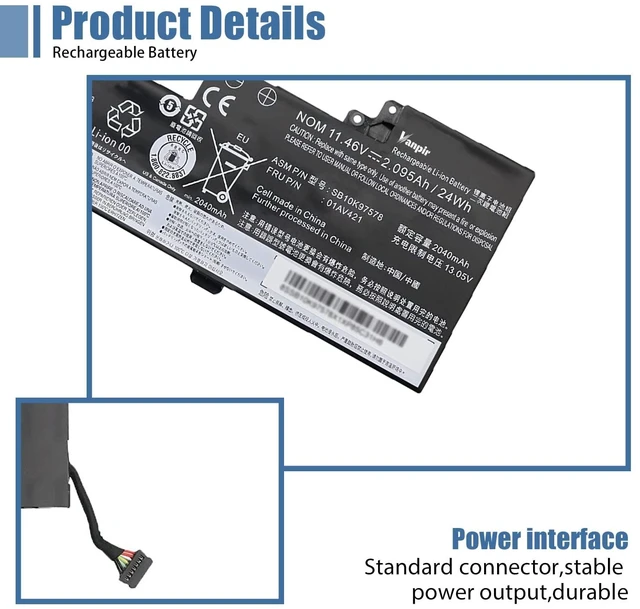
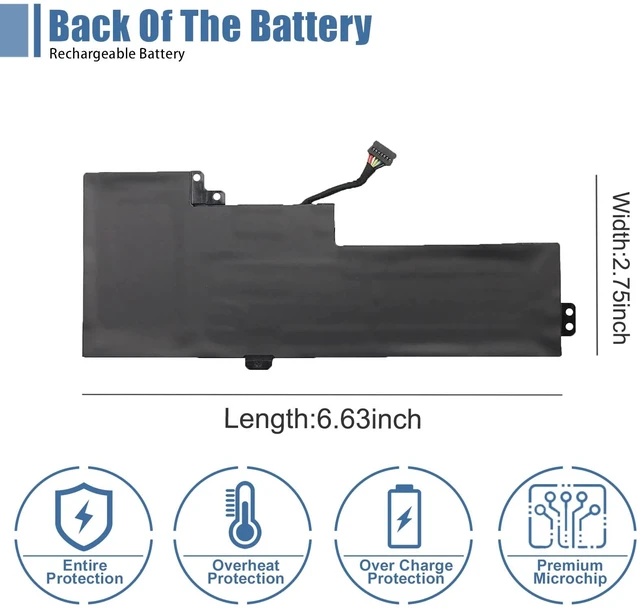
Location of connector and Cable length: Please refer to the battery picture and compare it with your original battery
Replacement Part Number:
01AV421 01AV419 01AV420 01AV489 SB10K97576 SB10K97577 SB10K97578
Compatible Models: (use "Ctrl+F to find your model quickly")
Fit for Lenovo ThinkPad T470 Series
Fit for Lenovo ThinkPad T480 Series
Fit for Lenovo ThinkPad A475 Series
Fit for Lenovo ThinkPad A485 Series
Fit for Lenovo ThinkPad TP25 (Anniversary Edition 25) Series
Note: For more accurate, please check the part number of your original battery
Packing Included:
1* 01AV421 battery
1* Instruction manual
Warm tips before purchase:
Please open your laptop case, check and confirm your original battery model and appearance, compared with our battery image, make sure that's what you need. Especially the location of the connector and the cable length (long or short)
Battery Maintenance Method for Optimal Use:
When you get the new battery, discharge the battery to 5% (not 0%), then charge and cycle 3-4 times to wake up the new battery The important point is to perform a full discharge and charge every other month to extend the battery life Do not connect the adapter for a long time while using the battery. It may damage the battery Avoid artificial shocks, disassembly, crush, or puncture. Do not dispose of it in fire or water