here!
here!
I’m your shopping assistant for PC builds, upgrades, and everything tech.
Got questions? Ask away!
Start a conversation
here!
I’m your shopping assistant for PC builds, upgrades, and everything tech.
Got questions? Ask away!
Start a conversation




Any questions? Ask CelesteSM will help you find out quickly.
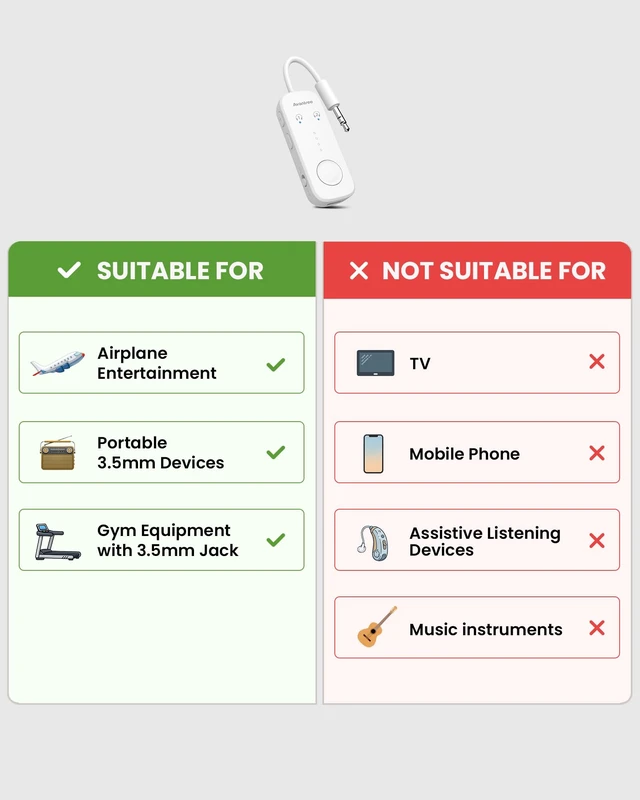
BEST FOR
NOT FOR
Audio Sources (3.5 mm Audio Jack)
Bluetooth Audio Devices


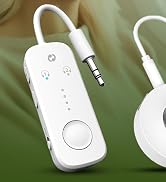
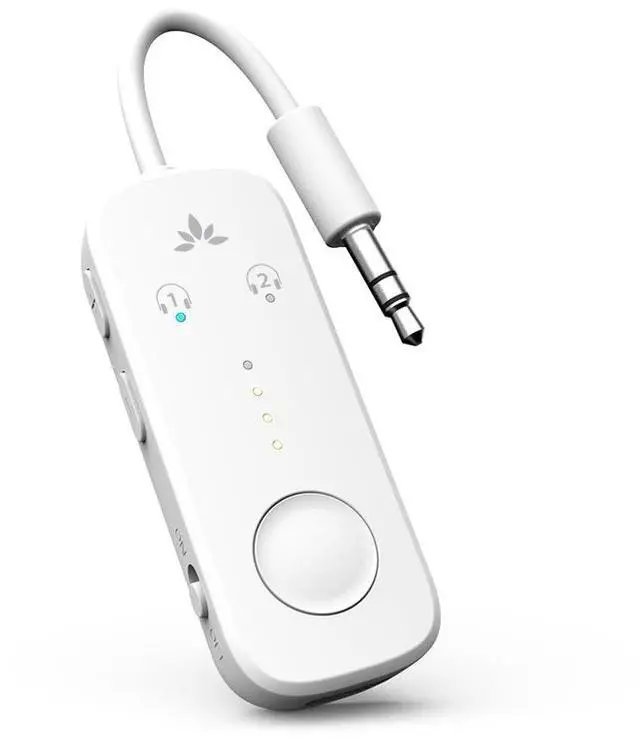
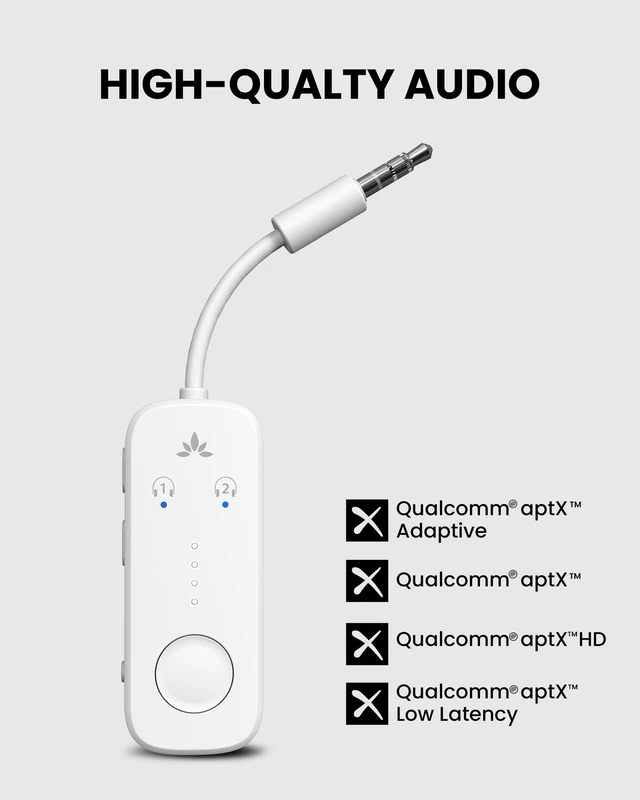
The Relay’s intuitive LEDs allow you to easily connect up to two audio devices and share the audio.

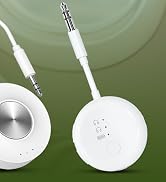
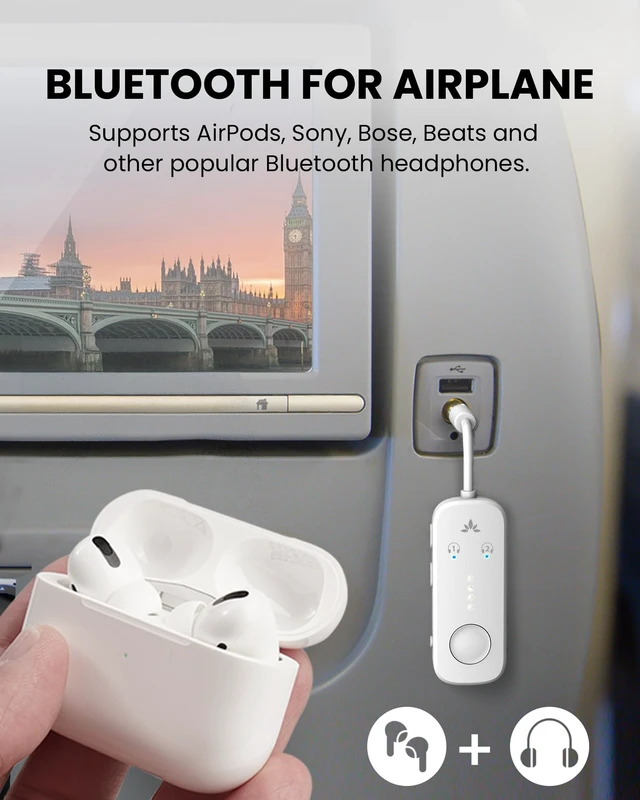
Connect to any plane with the double 3.5mm adapter – no need to purchase separately.

A battery life of up to 25 hours provides sufficient battery life to last you through any flight.
Q1: How can I connect the Relay with my headphones?
A1: 1. Plug the Relay into airplane jack; 2.Turn it on and press and hold the pairing button until the LED flashes red and blue; 3.Put your Bluetooth headphones in pairing mode. (not just powered on); 4. Wait until the Relay LED turns solid blue – connection successful. Note: If you need help, scan the code on the product for a quick pairing guide.
Q2: Why won’t my headphones connect to Avantree Relay?
A2: Most likely, your headphones are still connected to another device such as your phone. Please turn off Bluetooth on your phone or other devices first. Then, make sure both the Relay (red-blue flashing) and your headphones are in pairing mode. Once your headphones are free, they’ll pair automatically within seconds.
Q3: Can I connect two headphones at the same time?
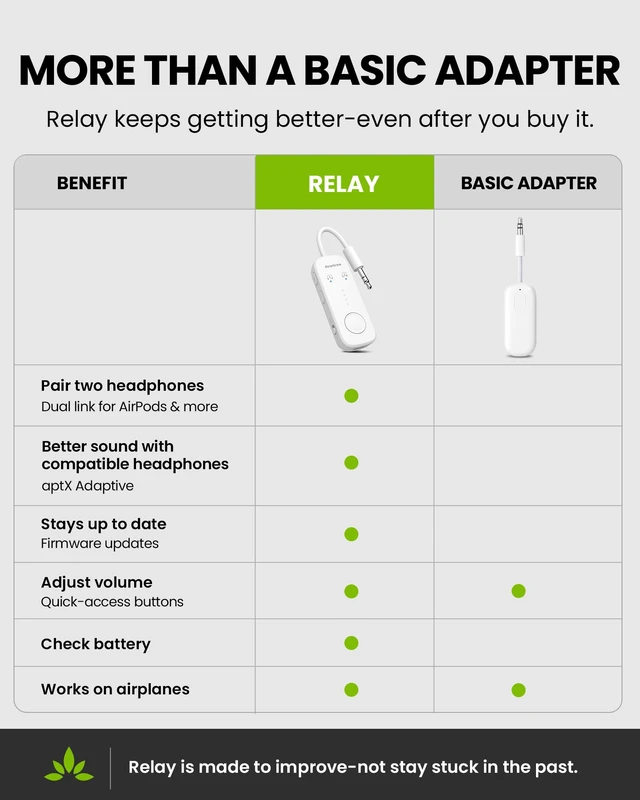
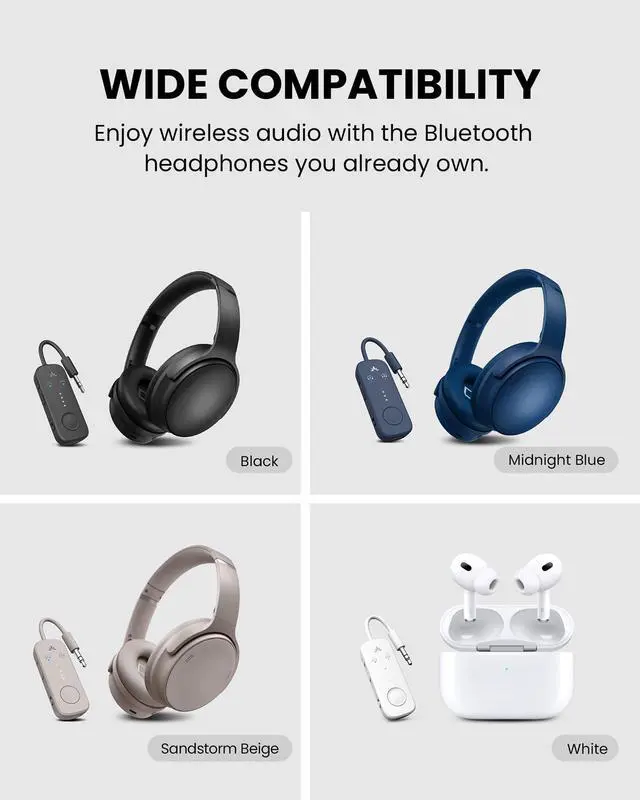
A: Yes, you can pair two Bluetooth headphones to share audio simultaneously.
Q4: Can I use it with my phone or tablet?
A: No, it's a transmitter only, it doesn't receive audio from phones or tablets.
Q5: How is this different from other adapters?
A: It uses a Qualcomm premium chip for better sound, stable connection, low latency, and broad headphone support, unlike basic models with limited performance.
 Avantree Relay |  Avantree Relay |  Avantree SoundJet R1 |  Avantree Voyager | |
|---|---|---|---|---|
Customer Reviews | — | — | — | — |
Price | — | — | — | — |
Supported Audio Codecs | aptX-Adaptive/HD, aptX, SBC | aptX-Adaptive/HD, aptX, SBC | aptX-Adaptive/HD, aptX, SBC | aptX Adaptive & HD, SBC,LC3 |
Included Dual AUX Adapter | ? | ? | ? | ? |
Built-In Volume Controls | ? | ? | ? | ? |
Dual Link | ? | ? | ? | ? |
Playtime | Up to 25hr | Up to 25hr | Up to 25hr | Up to 15hr |
Special Feature | 4 battery level LED indicators | 4 battery level LED indicators | Compact with glossy finish | OLED Screen |
BEST FOR
NOT FOR
Audio Sources (3.5 mm Audio Jack)
Bluetooth Audio Devices

The Relay’s intuitive LEDs allow you to easily connect up to two audio devices and share the audio.
Connect to any plane with the double 3.5mm adapter – no need to purchase separately.
A battery life of up to 25 hours provides sufficient battery life to last you through any flight.


Q1: How can I connect the Relay with my headphones?
A1: 1. Plug the Relay into airplane jack; 2.Turn it on and press and hold the pairing button until the LED flashes red and blue; 3.Put your Bluetooth headphones in pairing mode. (not just powered on); 4. Wait until the Relay LED turns solid blue – connection successful. Note: If you need help, scan the code on the product for a quick pairing guide.
Q2: Why won’t my headphones connect to Avantree Relay?
A2: Most likely, your headphones are still connected to another device such as your phone. Please turn off Bluetooth on your phone or other devices first. Then, make sure both the Relay (red-blue flashing) and your headphones are in pairing mode. Once your headphones are free, they’ll pair automatically within seconds.
Q3: Can I connect two headphones at the same time?
A: Yes, you can pair two Bluetooth headphones to share audio simultaneously.
Q4: Can I use it with my phone or tablet?
A: No, it's a transmitter only, it doesn't receive audio from phones or tablets.
Q5: How is this different from other adapters?
A: It uses a Qualcomm premium chip for better sound, stable connection, low latency, and broad headphone support, unlike basic models with limited performance.
| Bluetooth Version | V5.3 |
|---|---|
| Supported Bluetooth Profiles | A2DP, AVRCP |
| Supported Audio Codecs | aptX, aptX Adaptive, aptX HD, aptX Low Latency, SBC |
| Play Time | 25 Hours |
| Charging Time | 2 Hours |
| Audio Latency | aptX: ~120ms; aptX HD: ~200ms; aptX Adaptive: ~80–110ms; aptX LL: ~40ms; SBC: ~220ms |
| Input Voltage / Current | DC 5.0V / 500mA~2A |
| Operating Range | Up to 33ft / 10m |
| Product Dimensions | 125mm x 24mm x 12mm |
| Product Net Weight | 15g |
Avantree Relay | Avantree Relay | Avantree SoundJet R1 |  Avantree Voyager |
|---|---|---|---|
| Customer Reviews | |||
| — | — | — | — |
| Price | |||
| — | — | — | — |
| Supported Audio Codecs | |||
| aptX-Adaptive/HD, aptX, SBC | aptX-Adaptive/HD, aptX, SBC | aptX-Adaptive/HD, aptX, SBC | aptX Adaptive & HD, SBC,LC3 |
| Included Dual AUX Adapter | |||
| ? | ? | ? | ? |
| Built-In Volume Controls | |||
| ? | ? | ? | ? |
| Dual Link | |||
| ? | ? | ? | ? |
| Playtime | |||
| Up to 25hr | Up to 25hr | Up to 25hr | Up to 15hr |
| Special Feature | |||
| 4 battery level LED indicators | 4 battery level LED indicators | Compact with glossy finish | OLED Screen |