


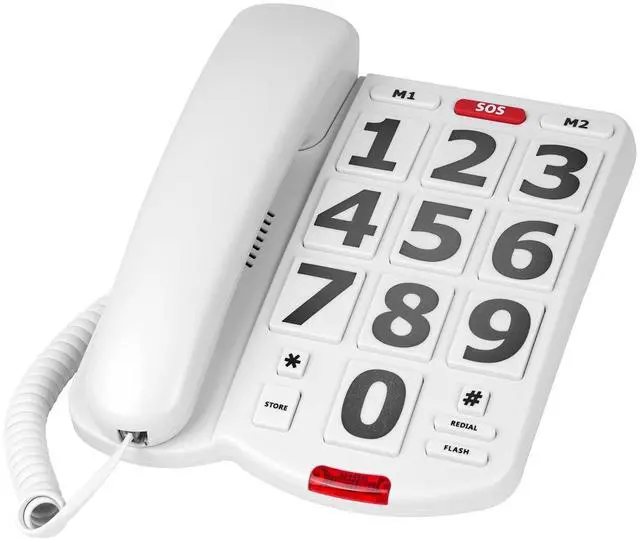
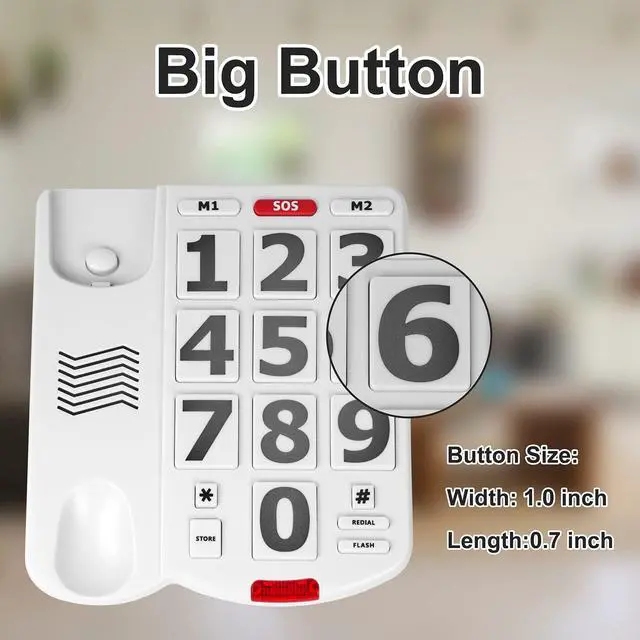
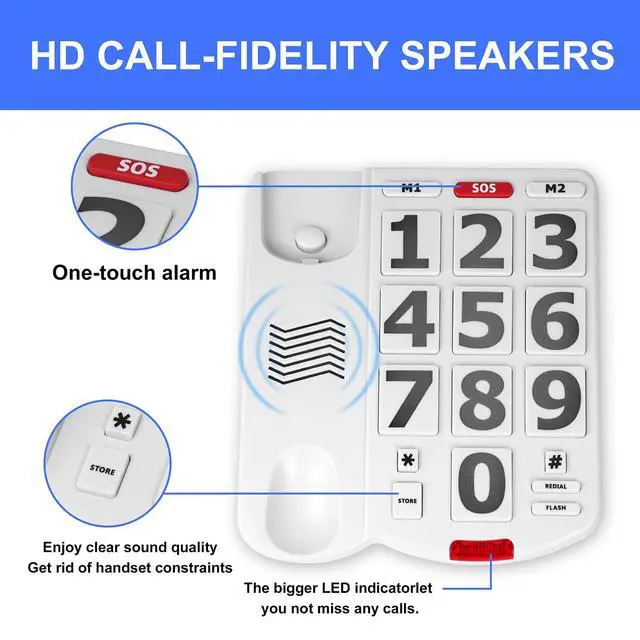
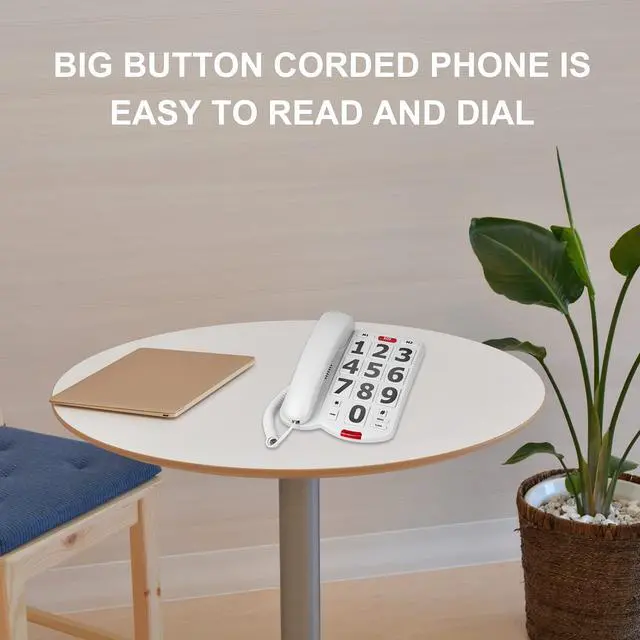
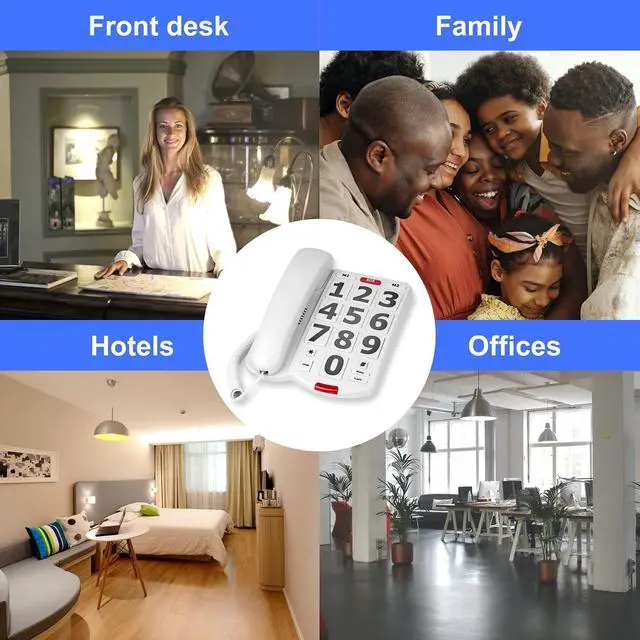


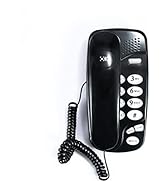
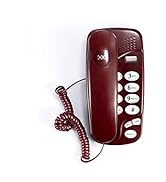
The VDTG ultra large button wired desktop telephone, with huge dialing buttons, huge call indicator light, enhanced volume, and enhanced material, is designed with care for the elderly in all aspects

Simple and easy to understand minimalist design
Extremely simplified style design that is convenient for the elderly to use, avoiding the problem that the elderly may find the operation too cumbersome and do not want to use it

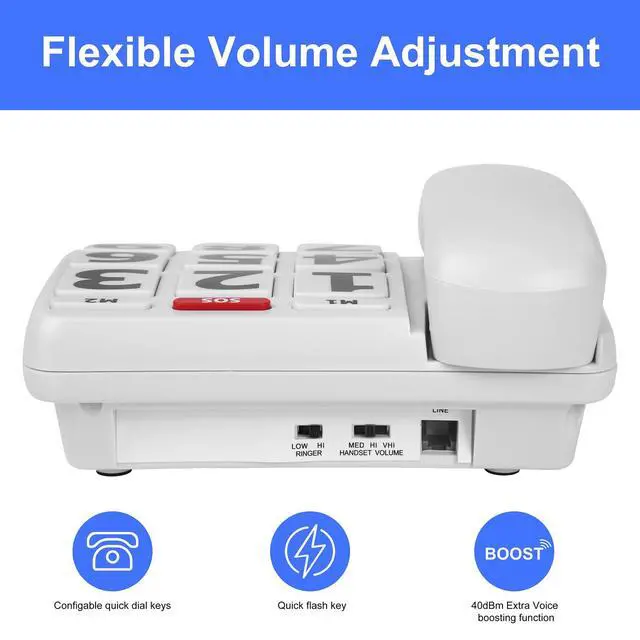
Adjustable volume
The volume of the handle earpiece can be adjusted in three levels (large, medium, and small)
The volume of the incoming call ringtone is high or low, and the second gear is adjustable
Suitable for use by patients with varying degrees of hearing impairment and elderly individuals with reduced ear strength, adjusted to their preferred volume for use
Storage of speed dial numbers

Teaching 1
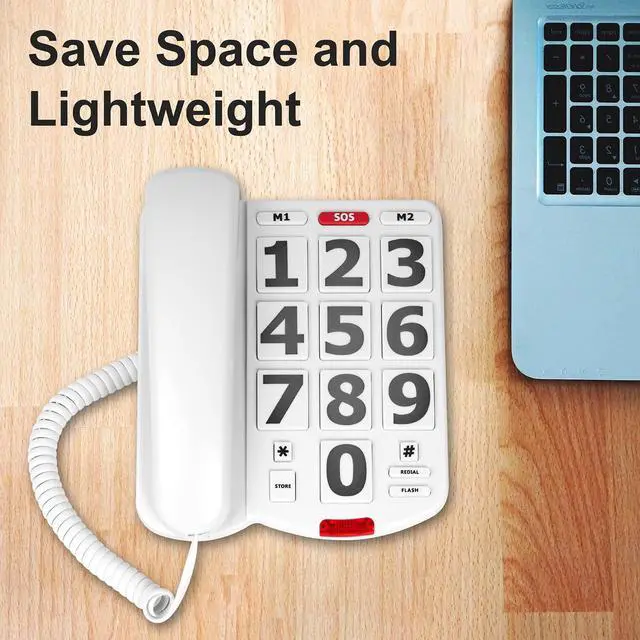
Lift the receiver, press the "STORE" storage key once, and then enter the phone number to be stored

Teaching 2
After entering the number, press the "STORE" storage key again, and then press the "N" button on the desired location to store it. (N represents M1, SOS, M2).

For Example
For example, the number of 911 needs to be stored in the location of SOS.
The steps are as follows: pick up the phone ? press the STORE key ? enter 911 ? press the STORE key ? N exists (N represents M1, SOS, M2).
The use of one click speed dial
Pick up the receiver and press the N (N represents M1, SOS, M2) key on the phone to dial the number stored in the N key.

Redial function
Pick up the receiver and press the "REDIAL" button, and the caller will directly redial the last dialed phone number.

Effective anti slip pad
There are four anti slip pads on the back, which prevent the desktop phone from slipping away easily or sliding around with slight force when pressing the number

List of color boxes:
- Telephone * 1
- Telephone line * 1
- Telephone handle * 1
- Telephone handle connection cable * 1
- User manual * 1


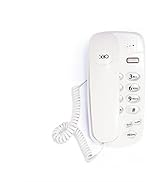
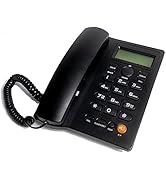
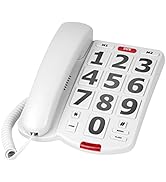
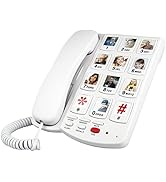
The VDTG ultra large button wired desktop telephone, with huge dialing buttons, huge call indicator light, enhanced volume, and enhanced material, is designed with care for the elderly in all aspects
Simple and easy to understand minimalist design
Extremely simplified style design that is convenient for the elderly to use, avoiding the problem that the elderly may find the operation too cumbersome and do not want to use it
Adjustable volume
The volume of the handle earpiece can be adjusted in three levels (large, medium, and small)
The volume of the incoming call ringtone is high or low, and the second gear is adjustable
Suitable for use by patients with varying degrees of hearing impairment and elderly individuals with reduced ear strength, adjusted to their preferred volume for use
Storage of speed dial numbers
Teaching 1
Lift the receiver, press the "STORE" storage key once, and then enter the phone number to be stored
Teaching 2
After entering the number, press the "STORE" storage key again, and then press the "N" button on the desired location to store it. (N represents M1, SOS, M2).
For Example
For example, the number of 911 needs to be stored in the location of SOS.
The steps are as follows: pick up the phone ? press the STORE key ? enter 911 ? press the STORE key ? N exists (N represents M1, SOS, M2).
The use of one click speed dial
Pick up the receiver and press the N (N represents M1, SOS, M2) key on the phone to dial the number stored in the N key.
Redial function
Pick up the receiver and press the "REDIAL" button, and the caller will directly redial the last dialed phone number.
Effective anti slip pad
There are four anti slip pads on the back, which prevent the desktop phone from slipping away easily or sliding around with slight force when pressing the number
List of color boxes:
- Telephone * 1
- Telephone line * 1
- Telephone handle * 1
- Telephone handle connection cable * 1
- User manual * 1
This May Be Of Interest
This May Be Of Interest