


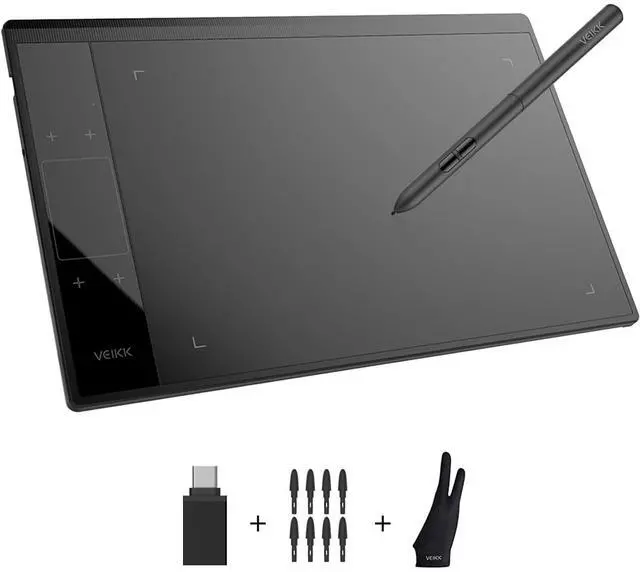


Founded in 2009, VEIKK has been dedicated to connect user experiences with continuous innovative technology and products, introduce new technologies that democratize creativity, and build a colorful digital creative world.
VEIKK developed EMR technology for pen tablet and display devices to enable a precise and speedy pen input with highly accurate pressure sensitivity.
Fill the digital world with possibilities.
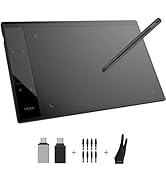
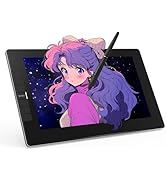
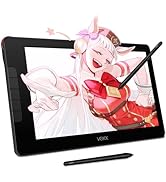
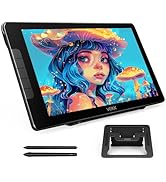
Our Hot Models
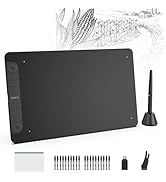
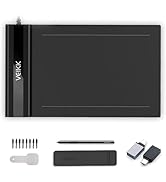
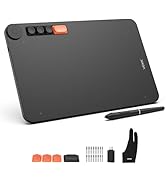
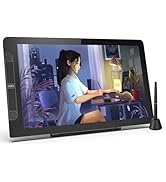
New Release
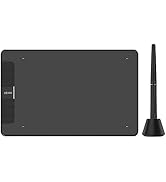
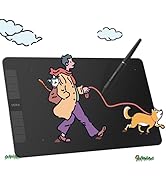
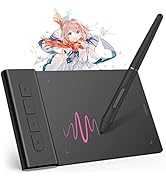
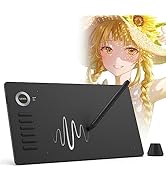
10*6 Size
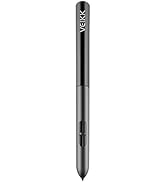
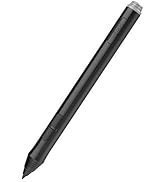
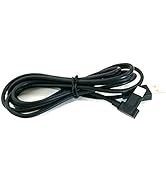
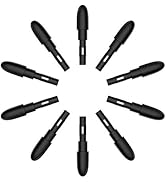
Drawing Tablet Accessories
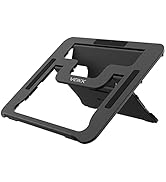
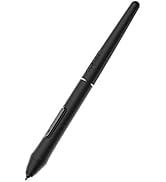
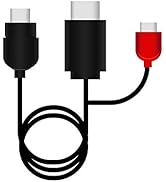
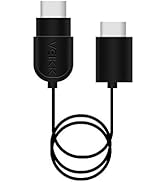
Pen Display Accessories


Feel Every Unique Touch Moment
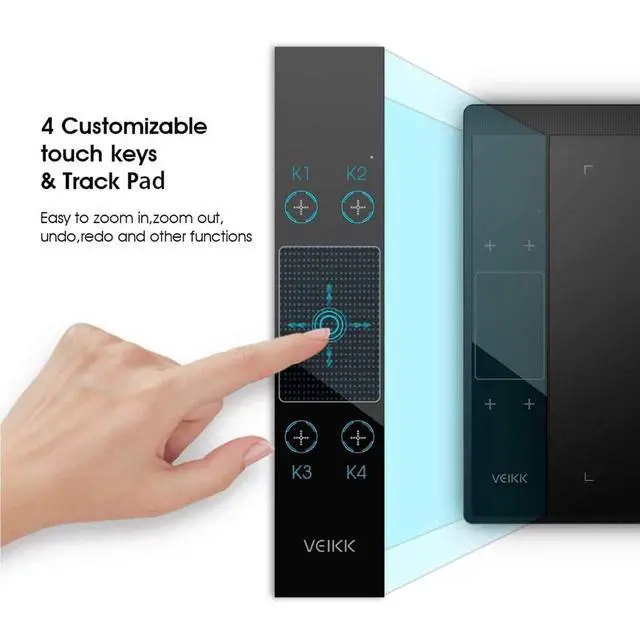
By default, The A30 Graphics Tablet's Touch keys functions are set up for Photoshop. All touch keys can be customized to different functions on driver according to your drawing habit. With the TrackPad, you are able to rapidly adjust brush size, hardness, flow, and opacity, as well as perform actions like zooming in and out and dragging an image.

Easy Connect
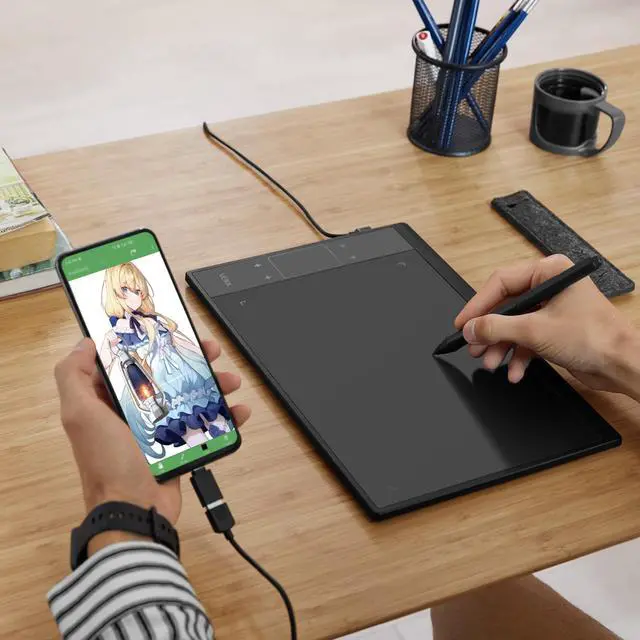
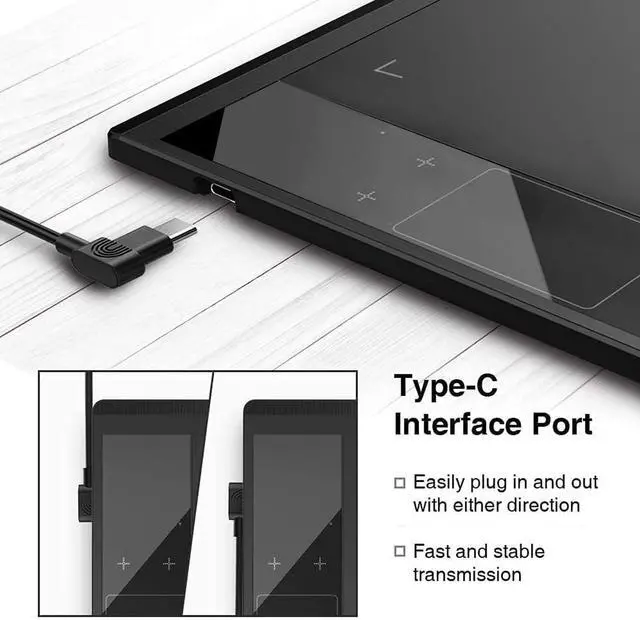
NOT a standalone product. Compatible with Windows 7 or later, Mac OS X 10.12 or later, Android 6.0 or later and Linux.

Battery-free,High Performance
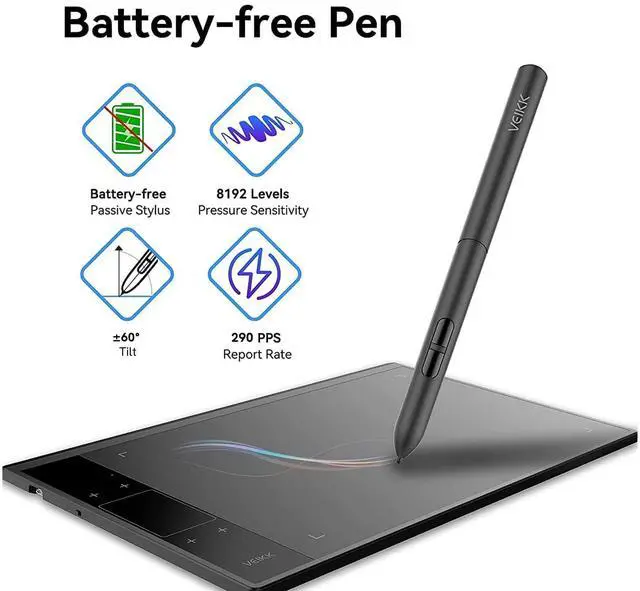
8192 levels of pressure sensitivity, 290 PPS and 60° tilt battery-free stylus constantly deliver precise and natural lines and strokes.

Large Creative Area
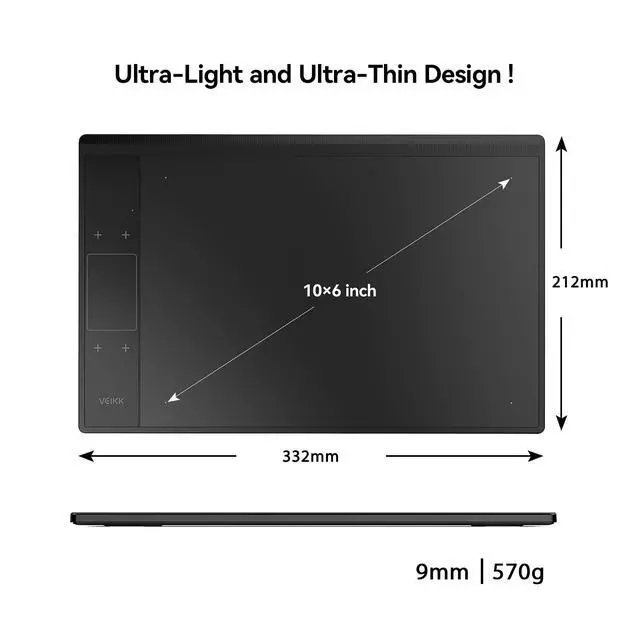
10 x 6 inch large working area, which provides more space for art creation. Only 9 mm thickness and 570g lightweight, it’s portable to take anywhere.

Multi-Software Support
Compatible with most software,such as Adobe Creative Software, Sai, Corel Painter, MediBang Paint,Clip Studio, Krita, ibisPaint,Zbrush, Zoom and etc.
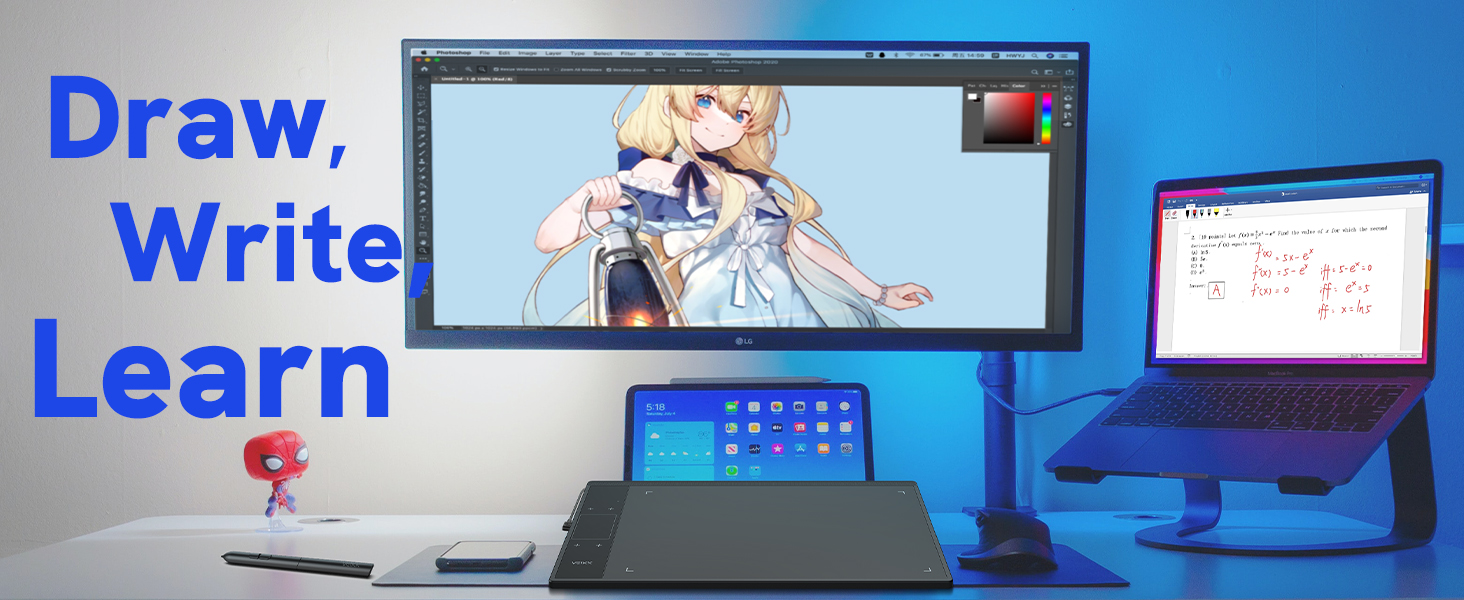
Draw, Write and Learn with A30 Drawing Pad
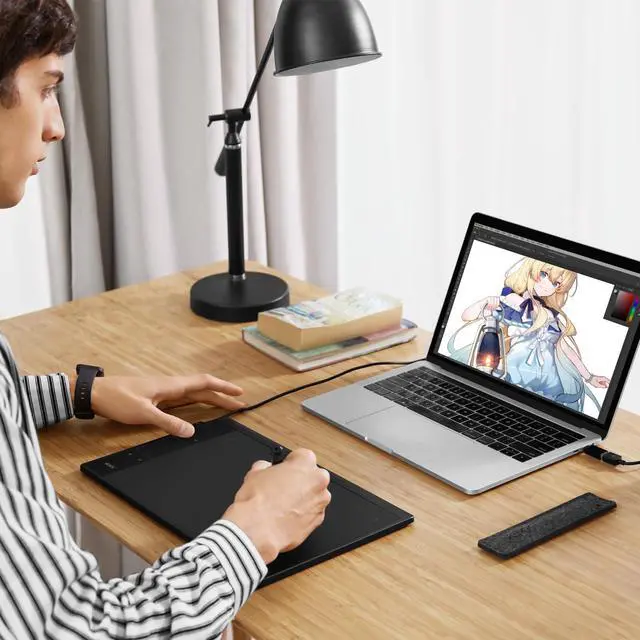
Supports digital drawing, painting, sketching, E-signatures, E-learning, remote work, photo editing, etc. One pen tablet, can be used for at least 5 different fields.
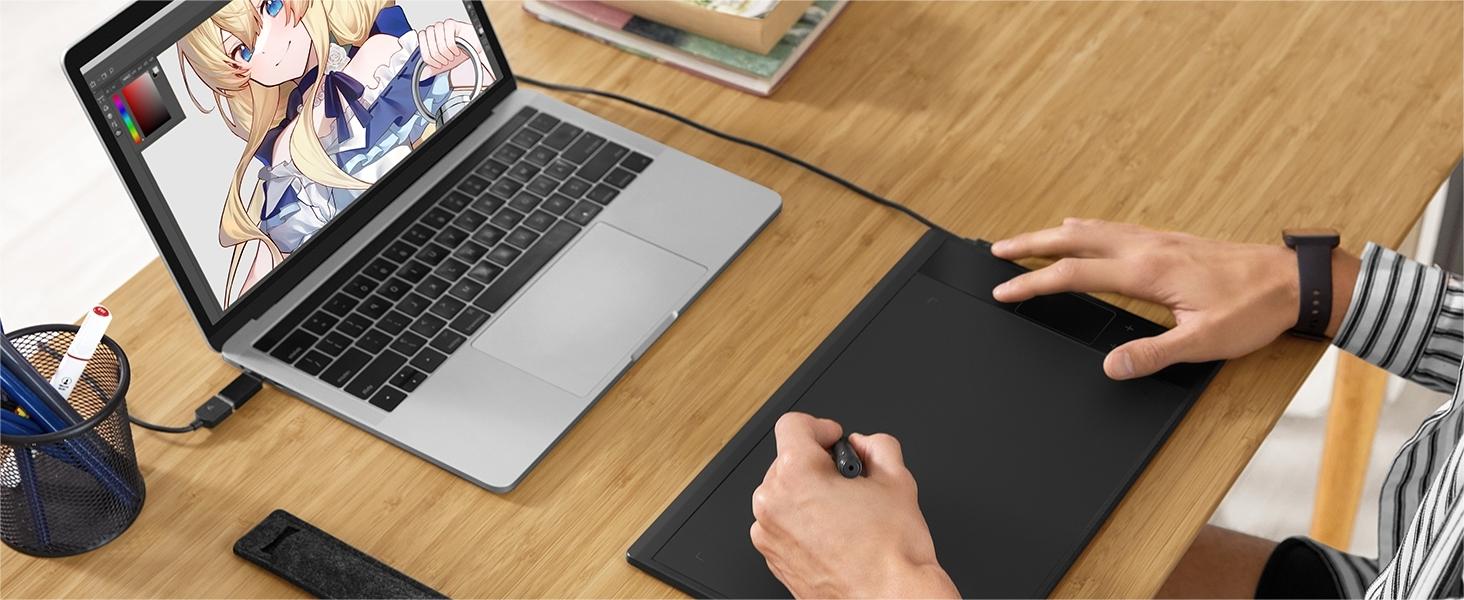
Start Your Drawing Journey
Instead of drawing on paper, using a A30 drawing tablet to help you start your art creation easier, simply and environmentally. Come join us to build a digital art world!

Learn and Work From Home
Whether your study or job requires a lot of annotations, video conference presentations, A30 drawing tablet will make it easier to interact with and engage your students, teachers or colleagues.
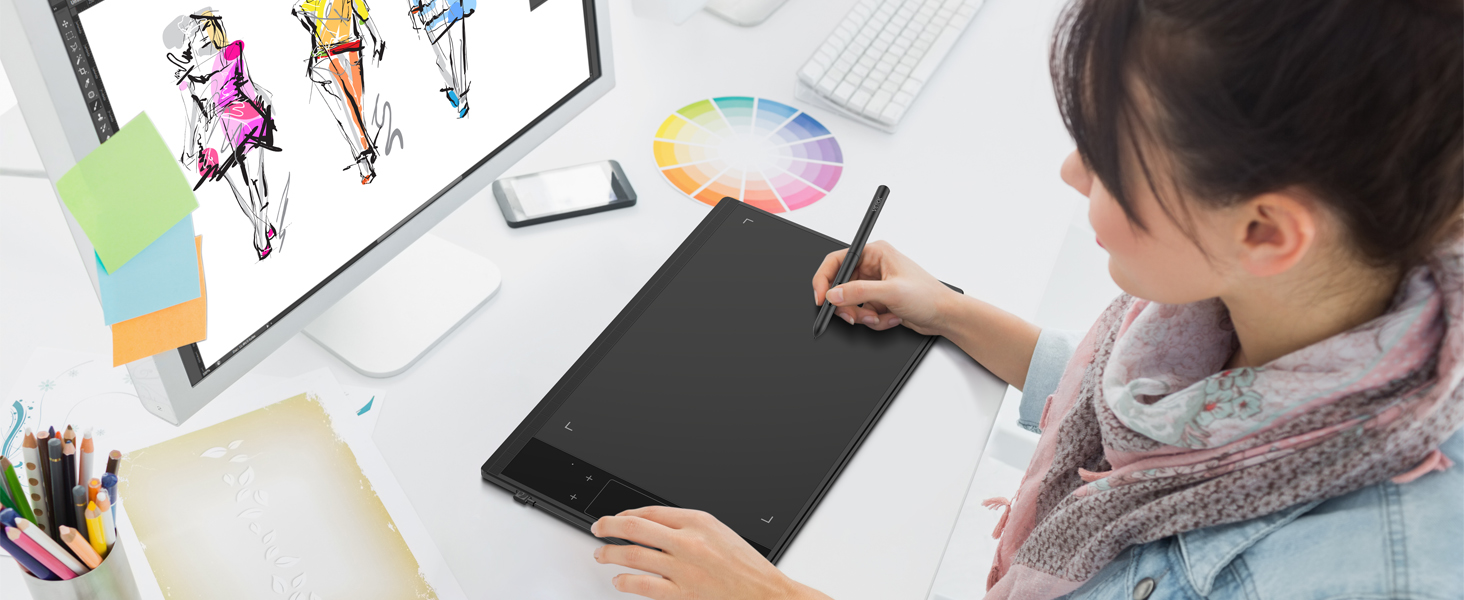
Make Design Quicker and More Fun
You have no need to lift up and move when you want or go to a differnet part of the computer screen with a pen tablet, which giving you the natural flow of your hand motions.
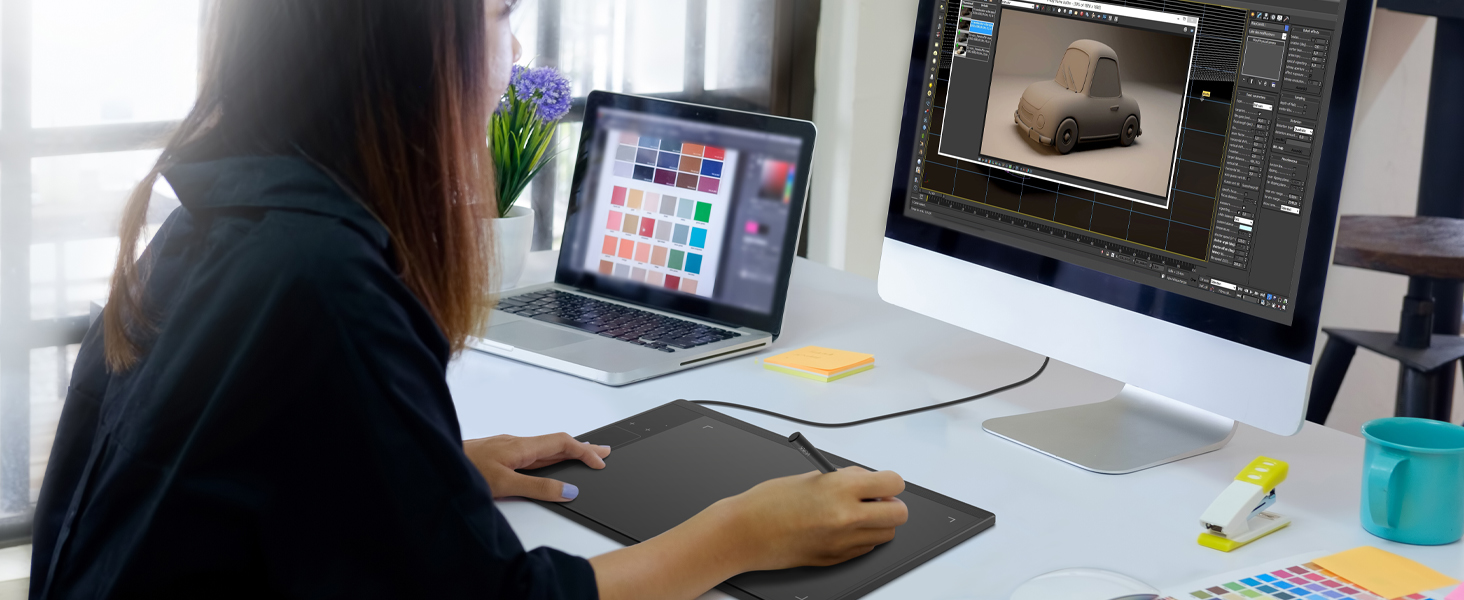
Build Your Own Role
It can utilize the tablet’s pressure sensitivity to make tasks such as digital sculpting and texturing easier on Zbrush, Blender or Maya.
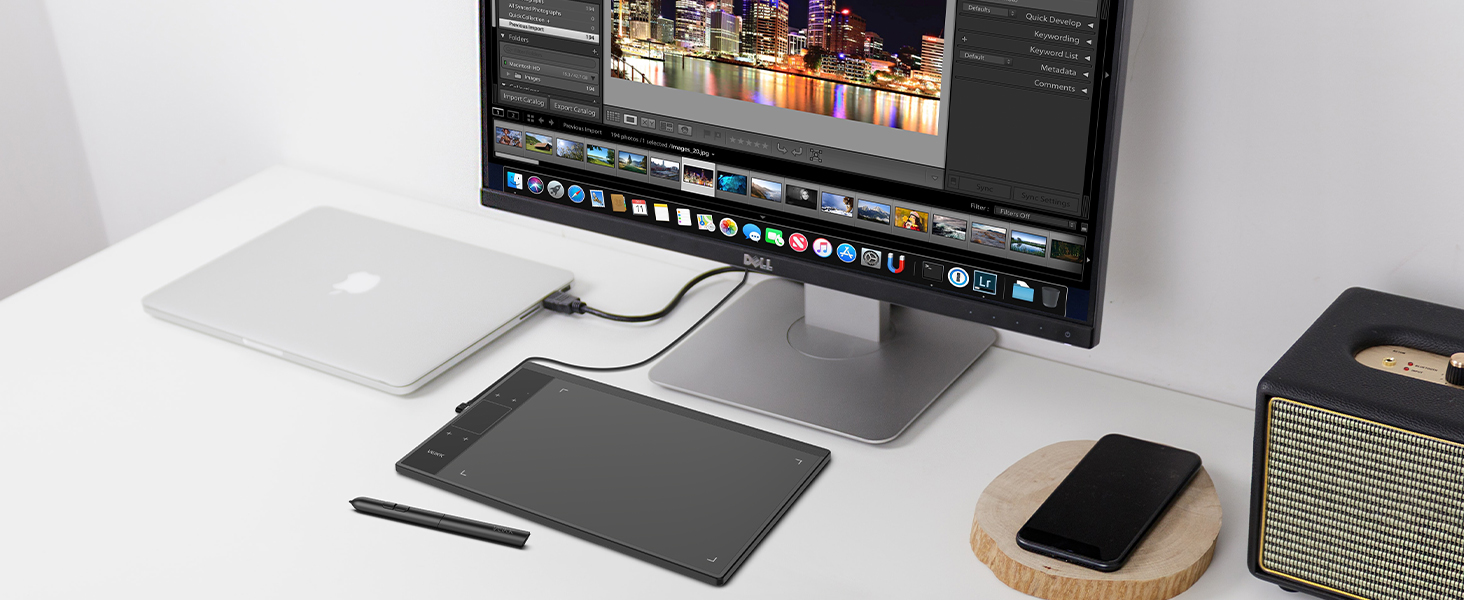
Edit Photos Precisely
With the pressure settings on the pen, paired with the freedom of movement using a stylus instead of a mouse, allow for more precise changes while working on fine details like dodging, burning, etc.
A30 Graphics Drawing Tablet Technical Specifications
VEIKK Creator Series Drawing Tablet
 A30 Drawing Tablet |  VK1060 V2 Graphic Tablet |  VK430 Osu Tablet |  VK1060PRO Drawing Tablet |  VK640 Drawing Tablet | |
|---|---|---|---|---|---|
Customer Reviews | — | — | — | — | — |
Price | — | — | — | — | — |
Work Area (Inch) | 10 x 6 Inch | 10 x 6 Inch | 4 x 3 Inch | 10 x 6 Inch | 6 x 4 Inch |
Express Keys | 4 Touch Keys&Gesture Touch Pad | 8 Express Keys | 4 Shortcut Keys | 6 Express Keys&2 Scroll Wheels | 6 Express Keys |
Interface | USB-C | USB-C | USB-C | USB-C | USB-C |
Pen Technology | P01 Battery-free | P05 Battery-free | P05 Battery-free | P05 Battery-free | P05 Battery-free |
Pen Pressure | 8192Levels | 8192Levels | 8192Levels | 8192Levels | 8192Levels |
Tilt | ? | ? | × | ? | ? |
Report Rate | 290PPS | 290PPS | 290PPS | 290PPS | 290PPS |
Phone OS Support | Android 6.0 above,Harmony OS | Android 6.0 above,Harmony OS | Android 6.0 above,Harmony OS | Android 6.0 above,Harmony OS | Android 6.0 above,Harmony OS |
PC OS Support | Windows/Mac/Linux OS | Windows/Mac/Linux OS | Windows/Mac/Linux OS | Windows/Mac/Linux OS | Windows/Mac/Linux OS |
VEIKK Drawing Tablet x Medibang Paint

All you need is a Veikk Drawing Tablet and MediBang Paint.

Feel Every Unique Touch Moment
By default, The A30 Graphics Tablet's Touch keys functions are set up for Photoshop. All touch keys can be customized to different functions on driver according to your drawing habit. With the TrackPad, you are able to rapidly adjust brush size, hardness, flow, and opacity, as well as perform actions like zooming in and out and dragging an image.
Easy Connect
NOT a standalone product. Compatible with Windows 7 or later, Mac OS X 10.12 or later, Android 6.0 or later and Linux.
Battery-free,High Performance
8192 levels of pressure sensitivity, 290 PPS and 60° tilt battery-free stylus constantly deliver precise and natural lines and strokes.
Large Creative Area
10 x 6 inch large working area, which provides more space for art creation. Only 9 mm thickness and 570g lightweight, it’s portable to take anywhere.
Multi-Software Support
Compatible with most software,such as Adobe Creative Software, Sai, Corel Painter, MediBang Paint,Clip Studio, Krita, ibisPaint,Zbrush, Zoom and etc.
Draw, Write and Learn with A30 Drawing Pad
Start Your Drawing Journey
Learn and Work From Home
Make Design Quicker and More Fun
Build Your Own Role
Edit Photos Precisely


Supports digital drawing, painting, sketching, E-signatures, E-learning, remote work, photo editing, etc. One pen tablet, can be used for at least 5 different fields.
Instead of drawing on paper, using a A30 drawing tablet to help you start your art creation easier, simply and environmentally. Come join us to build a digital art world!
Whether your study or job requires a lot of annotations, video conference presentations, A30 drawing tablet will make it easier to interact with and engage your students, teachers or colleagues.
You have no need to lift up and move when you want or go to a differnet part of the computer screen with a pen tablet, which giving you the natural flow of your hand motions.
It can utilize the tablet’s pressure sensitivity to make tasks such as digital sculpting and texturing easier on Zbrush, Blender or Maya.
With the pressure settings on the pen, paired with the freedom of movement using a stylus instead of a mouse, allow for more precise changes while working on fine details like dodging, burning, etc.
A30 Graphics Drawing Tablet Technical Specifications
| Dimension | 332mm x 212mm x 9mm |
|---|---|
| Pressure Sensitivity | 8192Levels |
| Tilt Support | ±60° |
| Working Area | 10 x 6 inch |
| Report Rate | 290 PPS |
| Pen Resolution | 5080 LPI |
| Reading Height | 10 mm |
| Interface | USB-C |
| Net Weight | 570g |
| Keys | 4 Touch Keys & Gesture Touch Pad |
| Pen | Battery-free Pen P01 |
VEIKK Creator Series Drawing Tablet
A30 Drawing Tablet | VK1060 V2 Graphic Tablet | VK430 Osu Tablet | VK1060PRO Drawing Tablet | VK640 Drawing Tablet |
|---|---|---|---|---|
| Customer Reviews | ||||
| — | — | — | — | — |
| Price | ||||
| — | — | — | — | — |
| Work Area (Inch) | ||||
| 10 x 6 Inch | 10 x 6 Inch | 4 x 3 Inch | 10 x 6 Inch | 6 x 4 Inch |
| Express Keys | ||||
| 4 Touch Keys&Gesture Touch Pad | 8 Express Keys | 4 Shortcut Keys | 6 Express Keys&2 Scroll Wheels | 6 Express Keys |
| Interface | ||||
| USB-C | USB-C | USB-C | USB-C | USB-C |
| Pen Technology | ||||
| P01 Battery-free | P05 Battery-free | P05 Battery-free | P05 Battery-free | P05 Battery-free |
| Pen Pressure | ||||
| 8192Levels | 8192Levels | 8192Levels | 8192Levels | 8192Levels |
| Tilt | ||||
| ? | ? | × | ? | ? |
| Report Rate | ||||
| 290PPS | 290PPS | 290PPS | 290PPS | 290PPS |
| Phone OS Support | ||||
| Android 6.0 above,Harmony OS | Android 6.0 above,Harmony OS | Android 6.0 above,Harmony OS | Android 6.0 above,Harmony OS | Android 6.0 above,Harmony OS |
| PC OS Support | ||||
| Windows/Mac/Linux OS | Windows/Mac/Linux OS | Windows/Mac/Linux OS | Windows/Mac/Linux OS | Windows/Mac/Linux OS |
VEIKK Drawing Tablet x Medibang Paint

All you need is a Veikk Drawing Tablet and MediBang Paint.
Founded in 2009, VEIKK has been dedicated to connect user experiences with continuous innovative technology and products, introduce new technologies that democratize creativity, and build a colorful digital creative world.
VEIKK developed EMR technology for pen tablet and display devices to enable a precise and speedy pen input with highly accurate pressure sensitivity.
Fill the digital world with possibilities.
Our Hot Models
New Release
10*6 Size
Drawing Tablet Accessories
Pen Display Accessories
