here!
I’m your shopping assistant for PC builds, upgrades, and everything tech.
Got questions? Ask away!
Start a conversation
here!
I’m your shopping assistant for PC builds, upgrades, and everything tech.
Got questions? Ask away!
Start a conversation



Any questions? Ask CelesteSM will help you find out quickly.
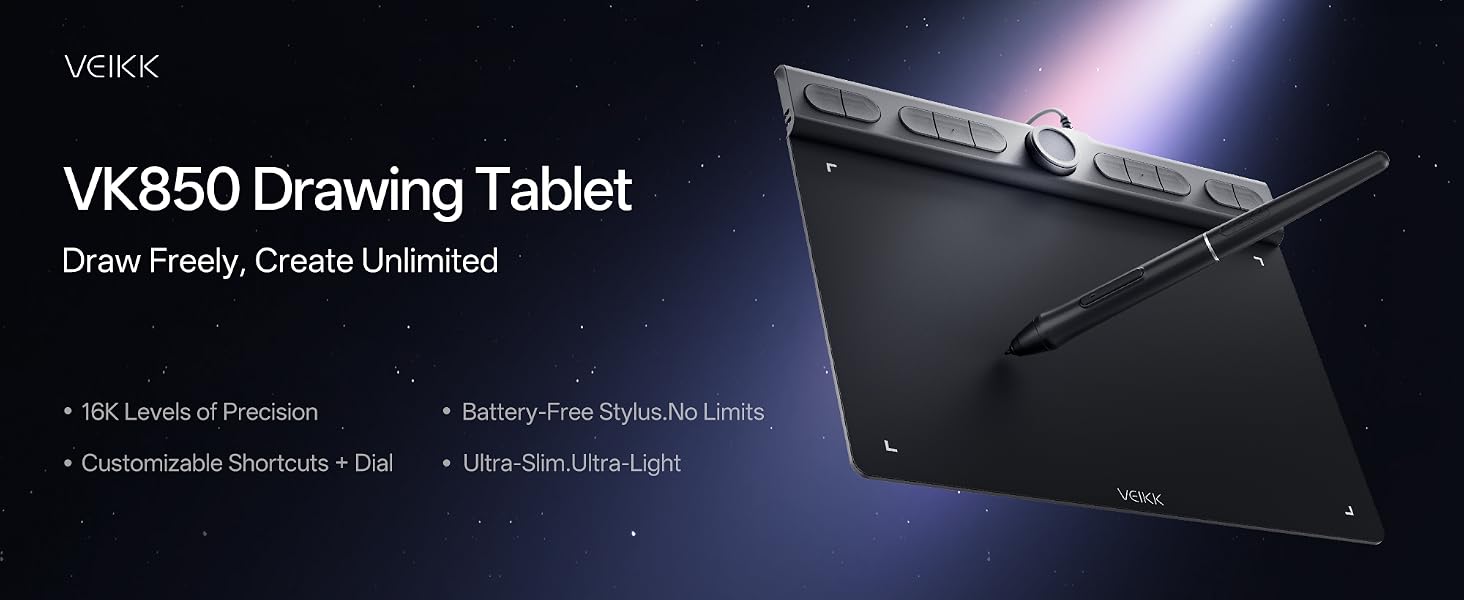
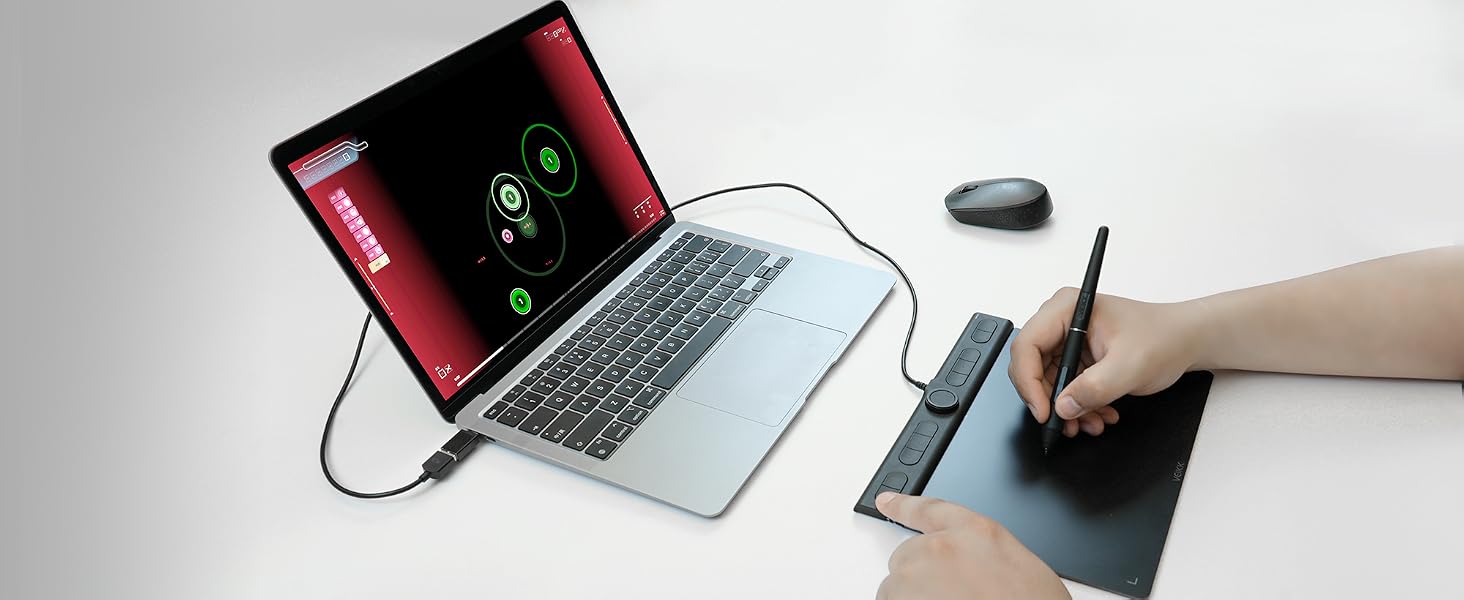
The tablet offers precise pen control to hit rhythm notes accurately.
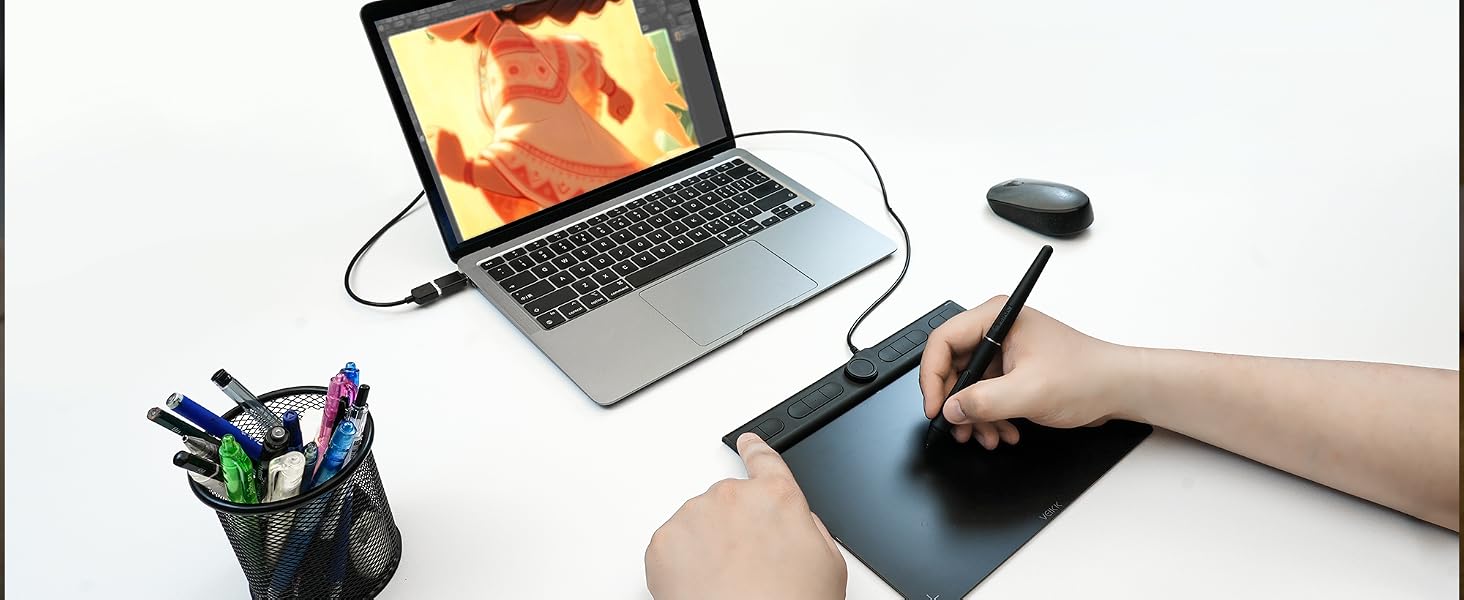
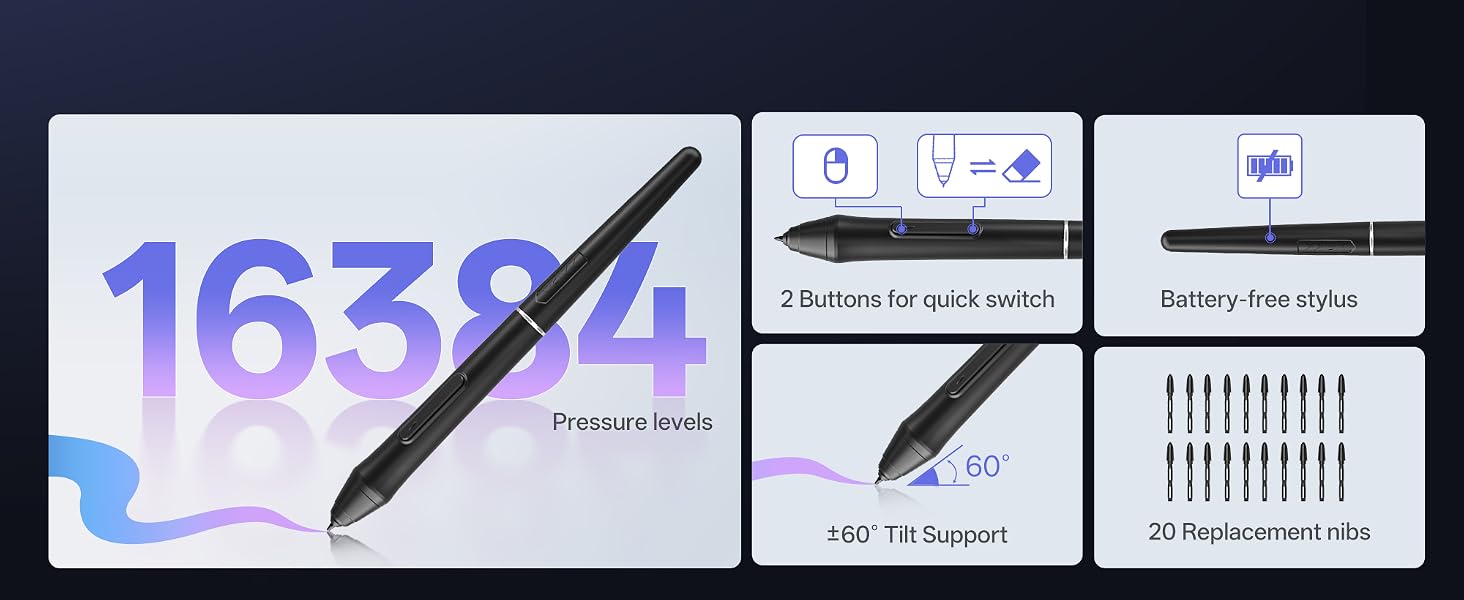
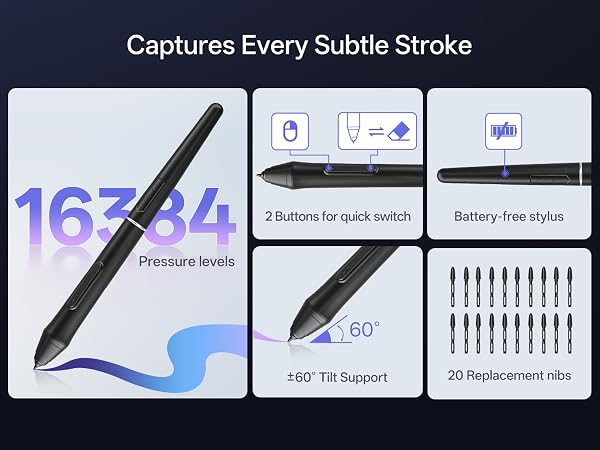
Natural pressure sense simulates real brushes for sketching and coloring.
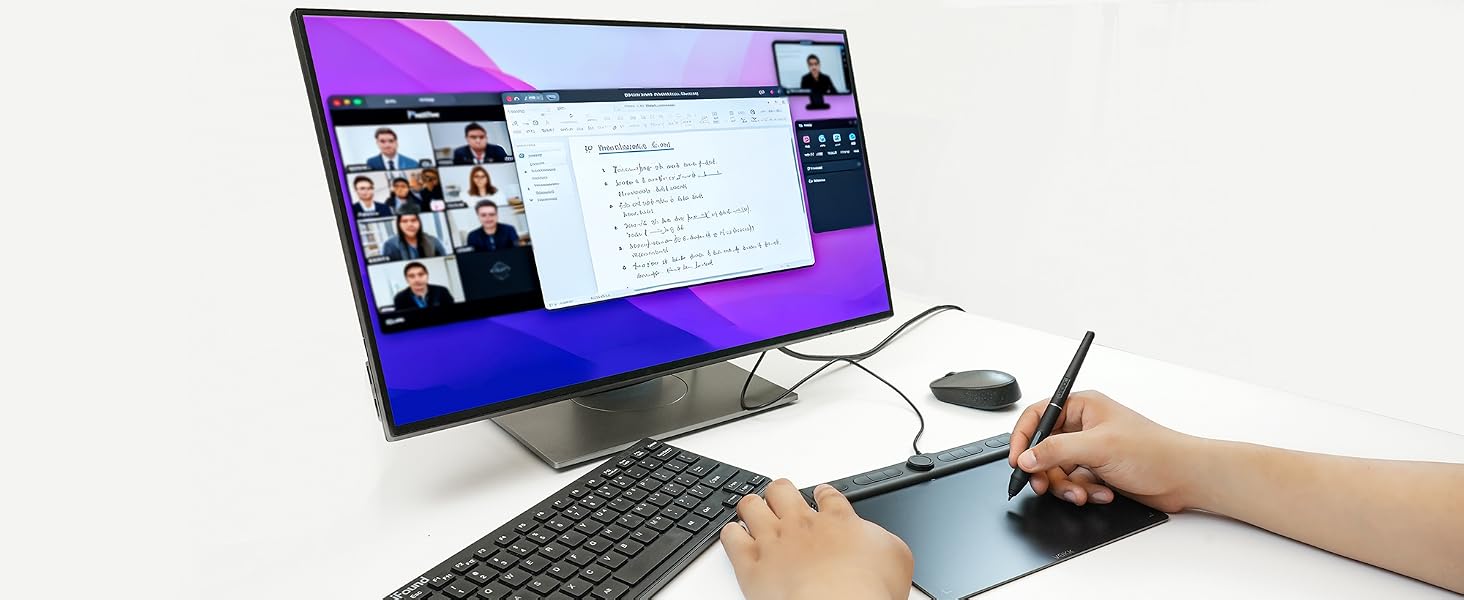
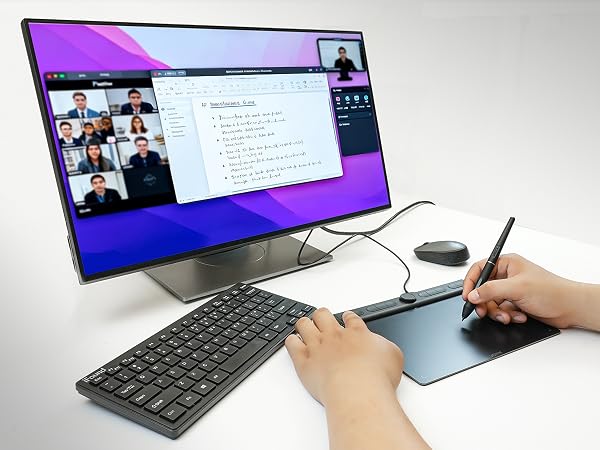
Handwrite notes during online lessons
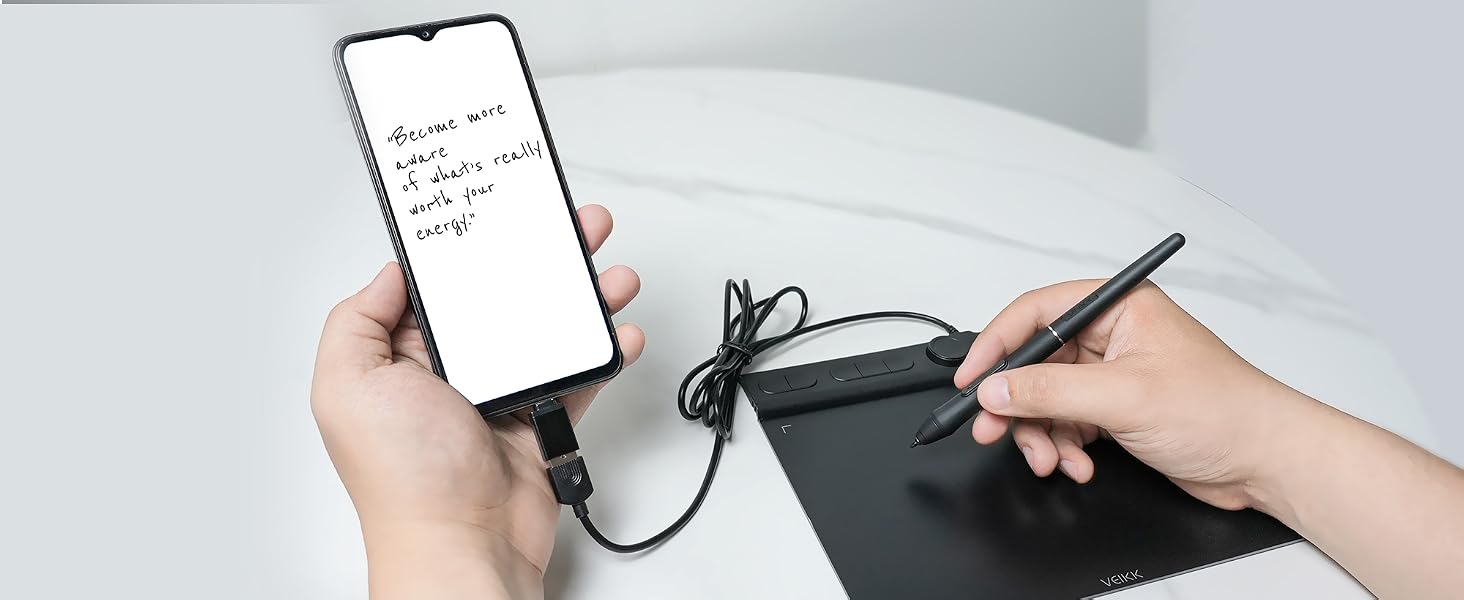
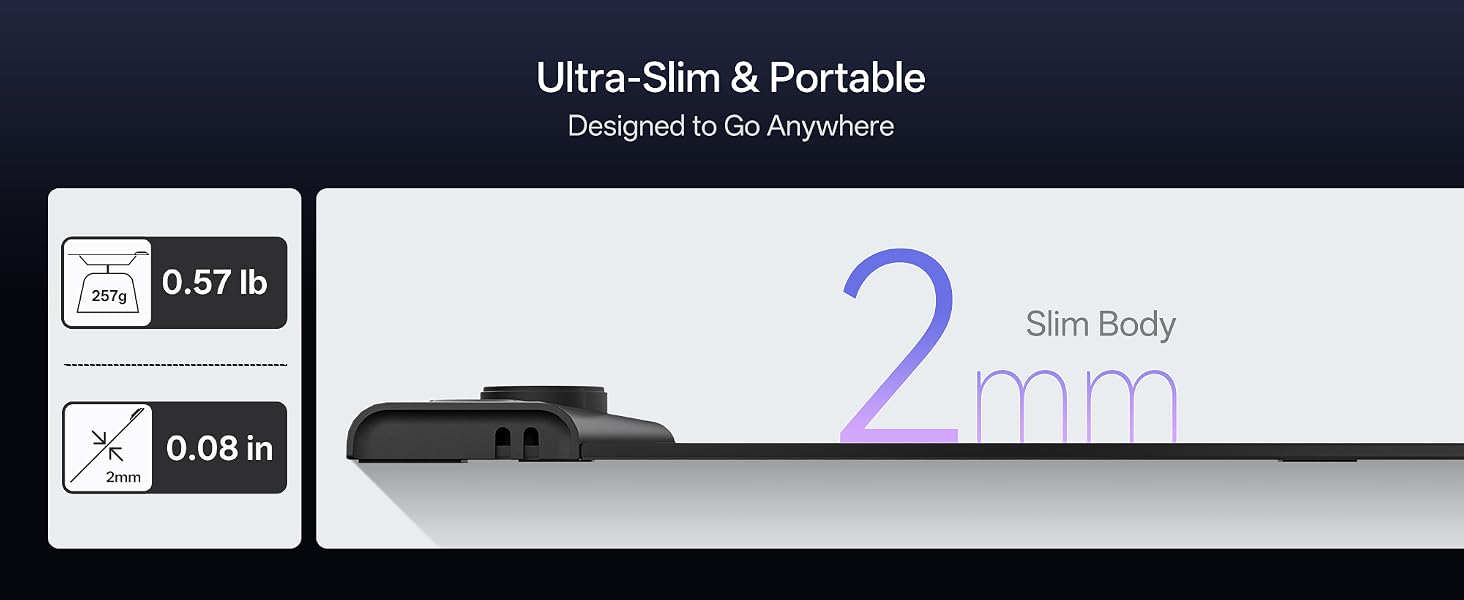
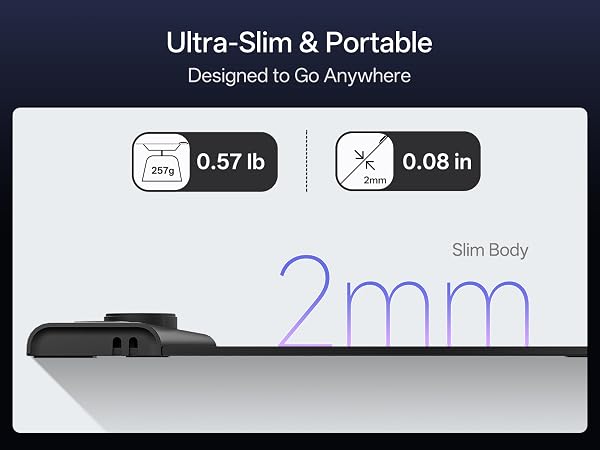
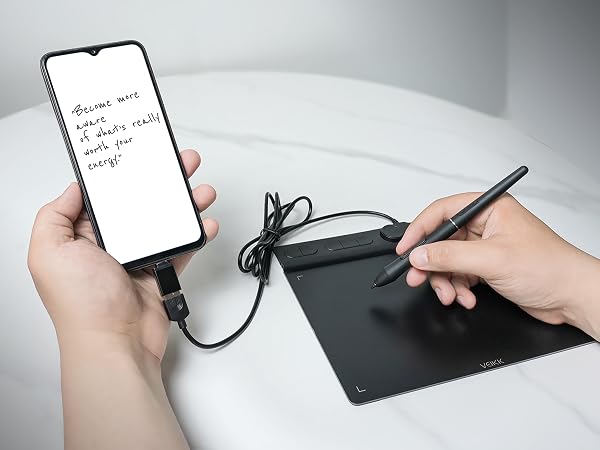
Carry it anywhere, finish digital signatures instantly
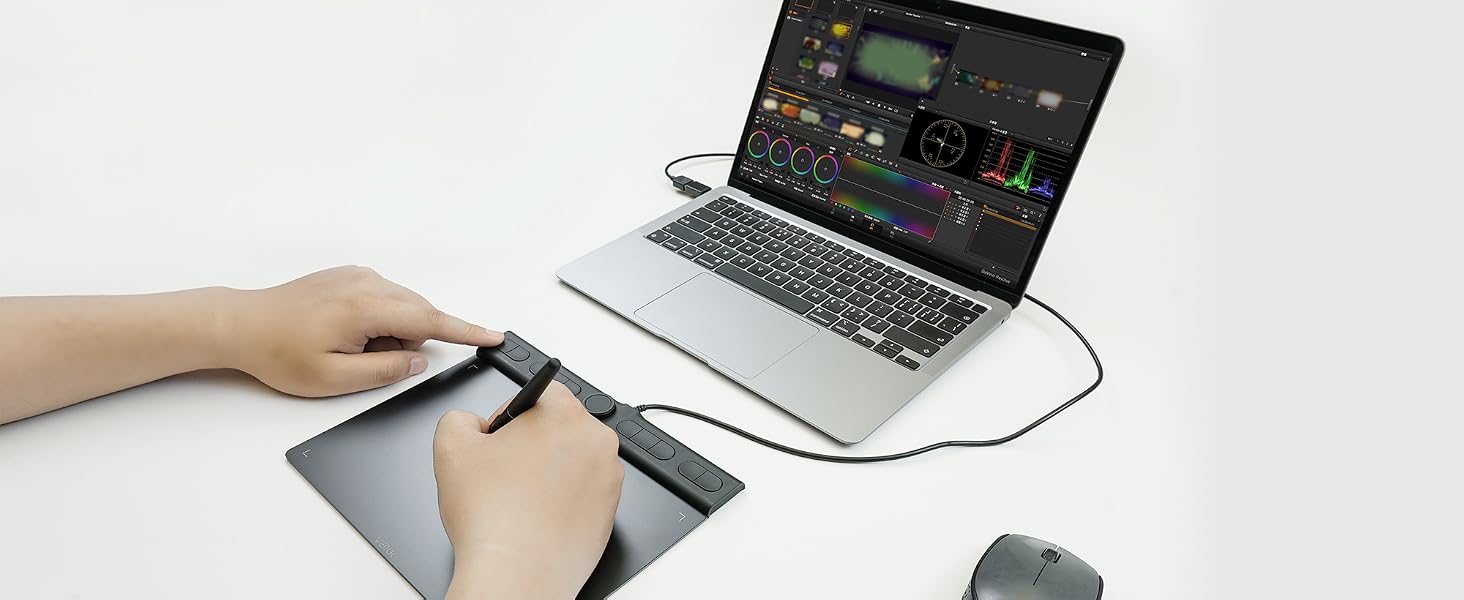
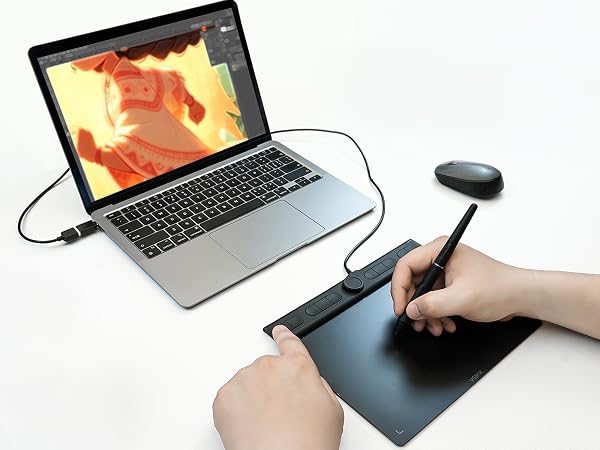
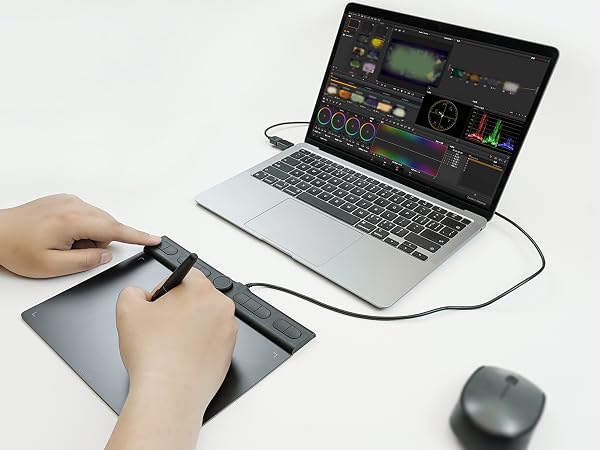
Pressure-sensitive pen helps smooth mask drawing and frame retouching.
Is this tablet good for a beginner who is just starting out with digital art?
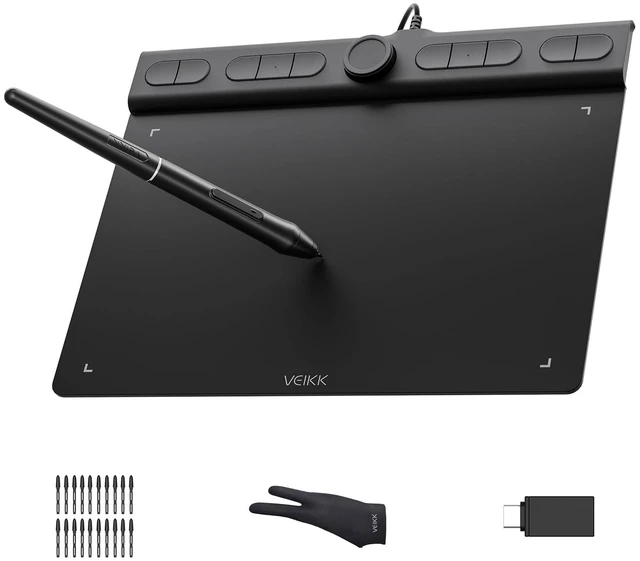
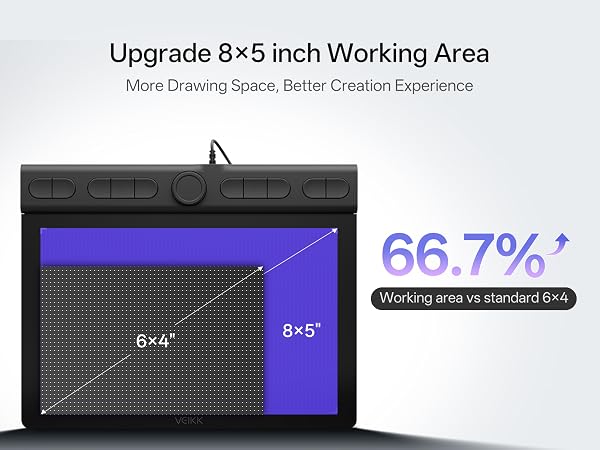
Yes, the VK850 is great for beginners. Its large active area and responsive pen make learning easy. All accessories come in the box, no extra purchases needed. Plug-and-play setup on most systems is also very user-friendly.
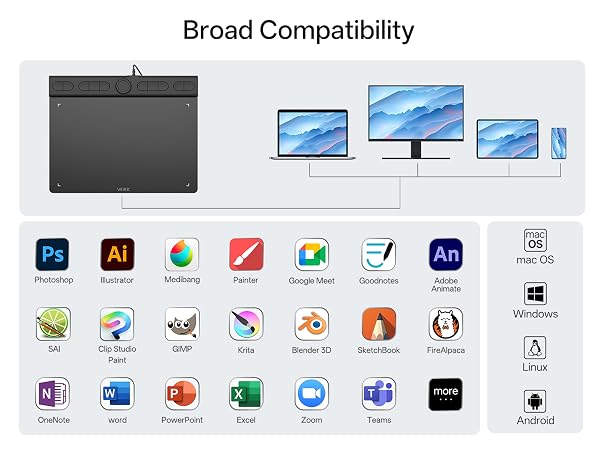
Is this tablet compatible with MAC OS?
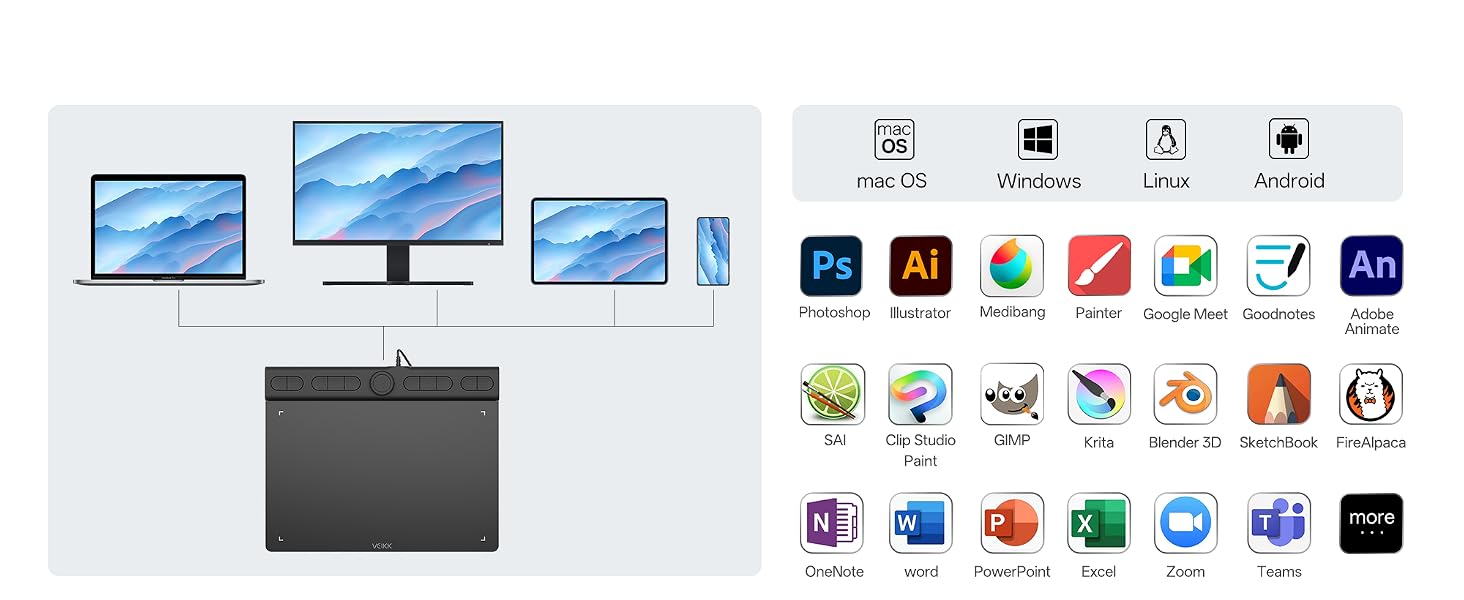
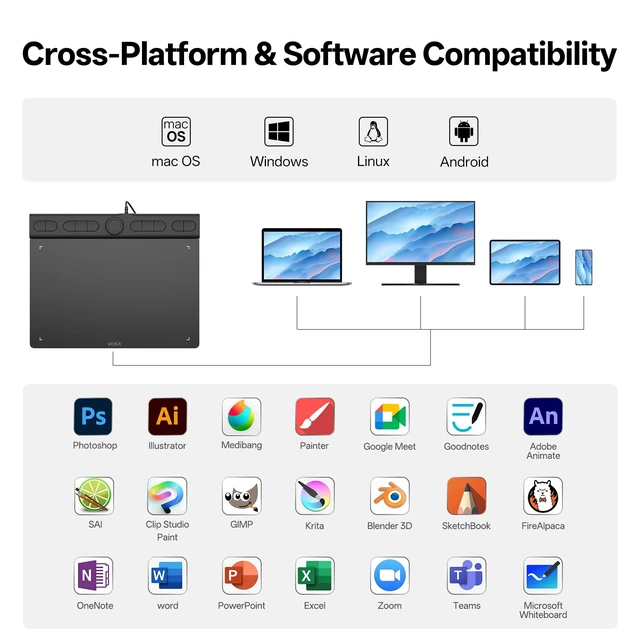
Yes, it compatible with not only Mac OS 10.12 or later , but alsoWindows 11/10/8/7, Linux OS, Android 6.0 or above.
How to download the driver?
Please go to VEIKK official web to dowmload.
Is it only for drawing or can I use it with other software?
It can replace a computer mouse and support image editing, illustration, animation, graphic design, and annotation. It works with most creative software, online learning apps and platforms on both PC and Mac for remote study and remote work.
How can I check if my phone or tablet is compatible with this drawing tablet?
This drawing tablet is compatible with Android 6.0+ devices with OTG support. Please message us if you are not sure about your device.
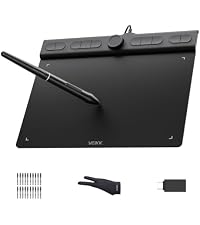 VK850 Drawing Tablet | 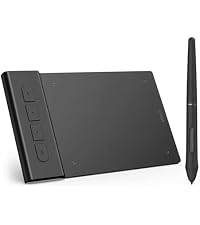 VK430 Drawing Tablet | 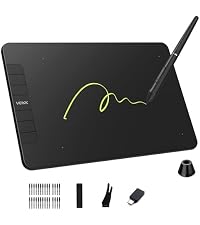 VK640 Drawing Tablet | 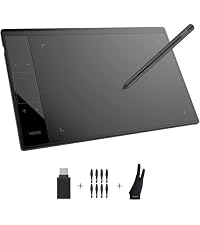 A30 V2 Drawing Tablet | 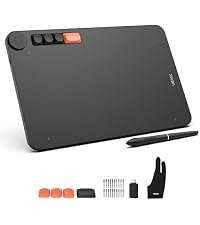 Voila L Drawing Tablet | 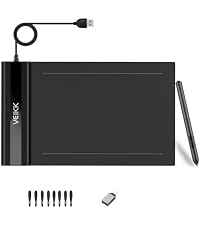 S640 Drawing Tablet | |
|---|---|---|---|---|---|---|
Customer Reviews | — | — | — | — | — | — |
Price | — | — | — | — | — | — |
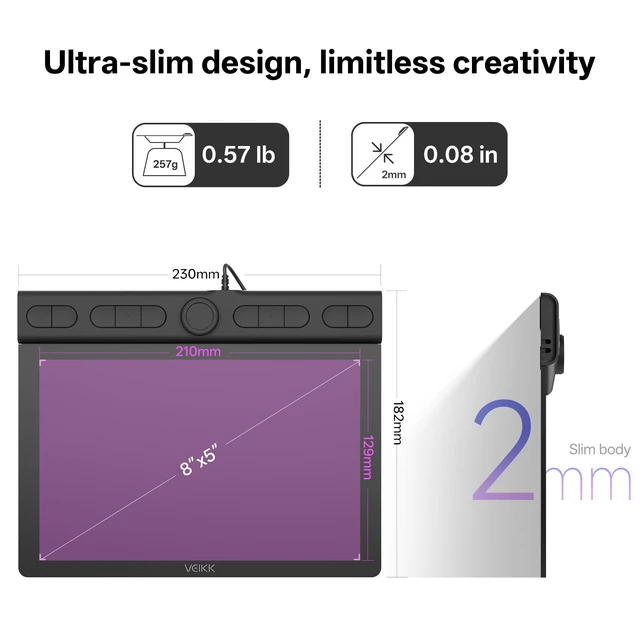
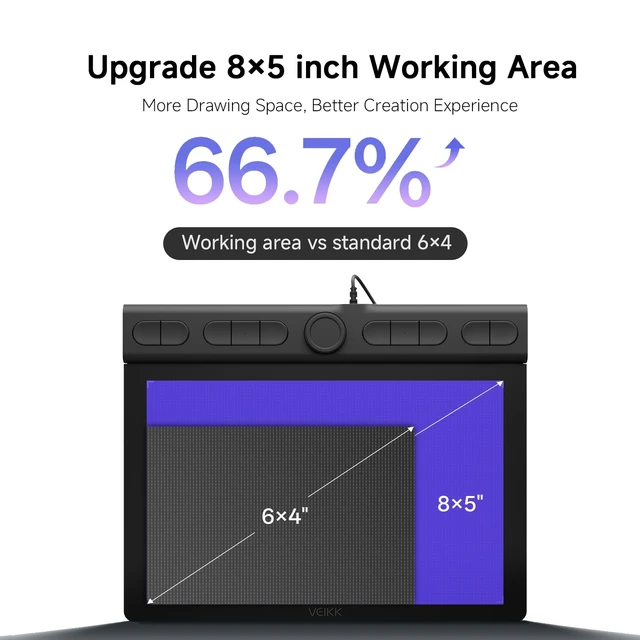
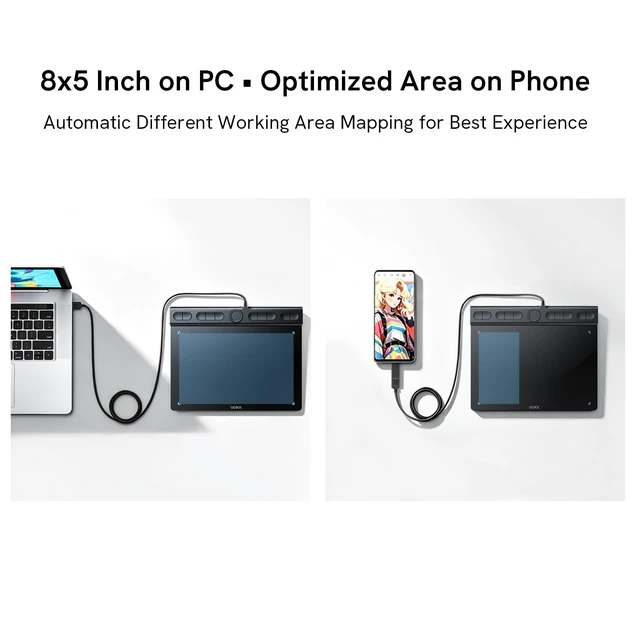
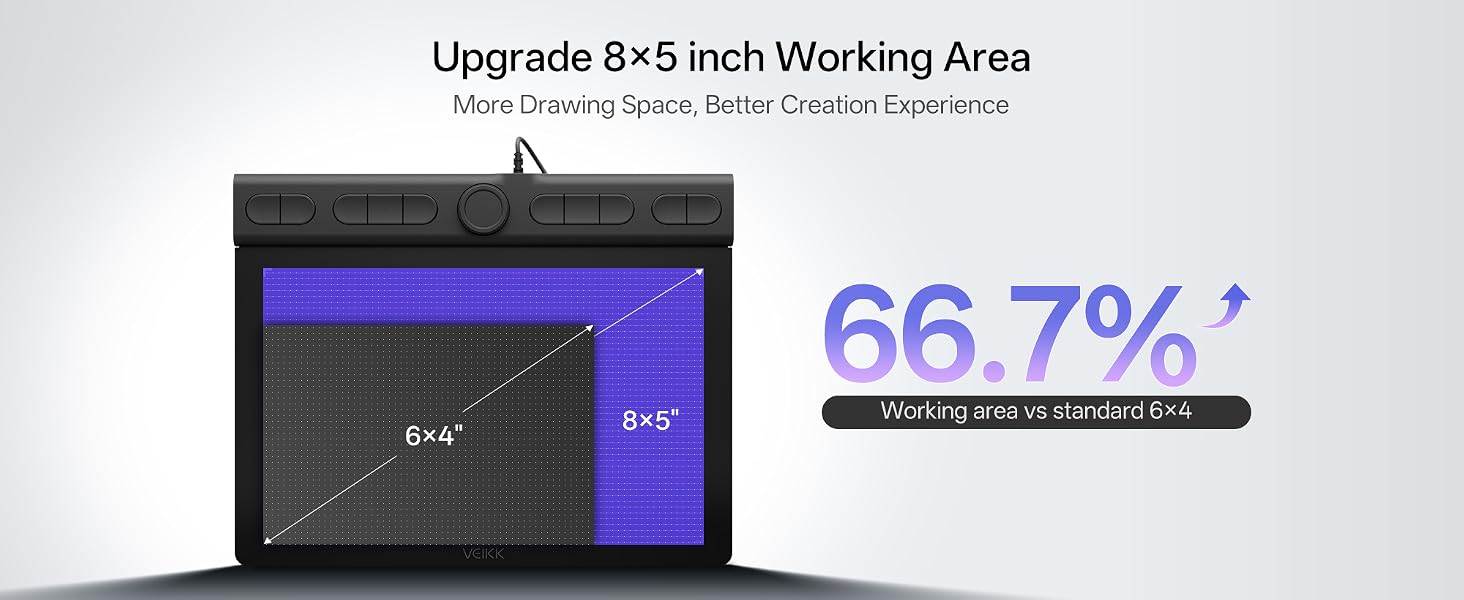
Work Area (Inch) | 8 x 5 | 4 x 3 | 6 x 4 | 10 x 6 | 10 x 6 | 6 x 4 |
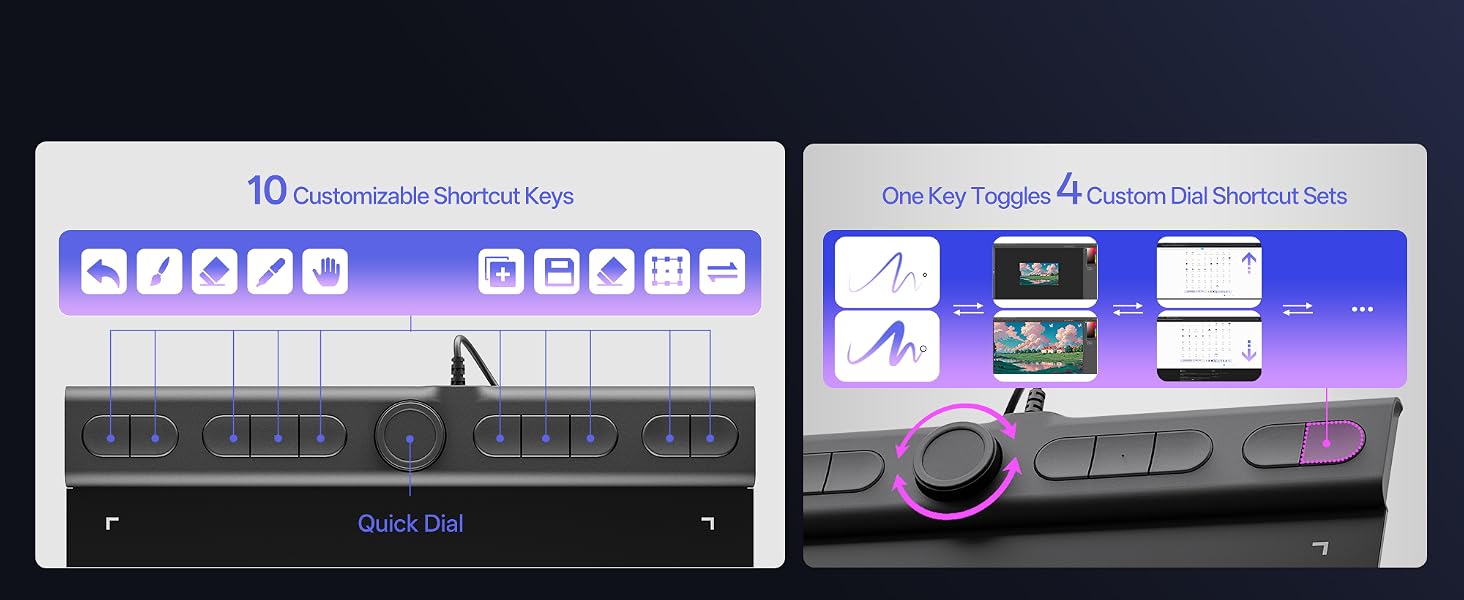
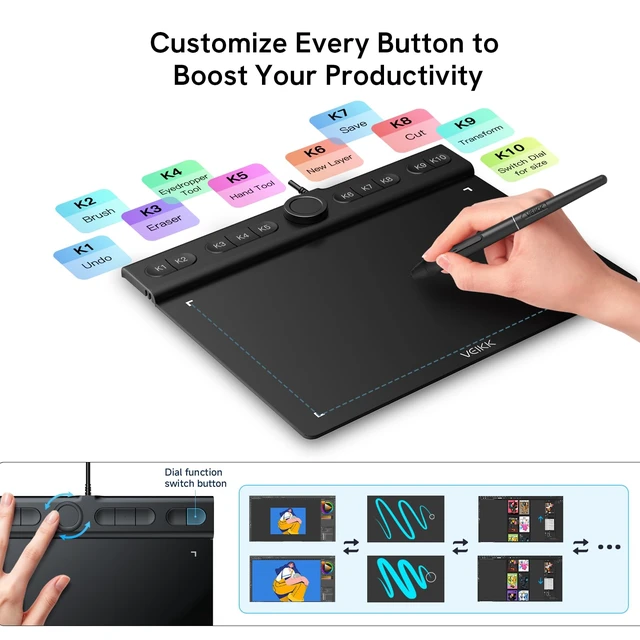
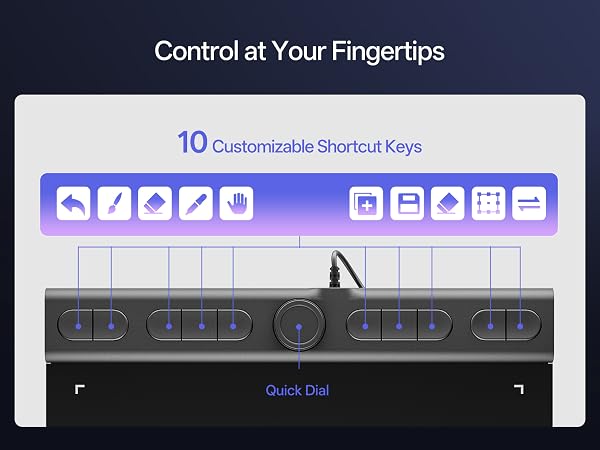
Hot Keys | 10 Shortcuts Key&1Quick Dials | 4 Shortcuts Key | 6 Shortcuts Key | 4 Touch Keys & 1 Gesture Pad | 4 Keyboard Keys&1 Quick Dials | NO |
Pen Model | P05 Battery-free Pen | P05 Battery-free Pen | P05 Battery-free Pen | P05 Battery-free Pen | P05 Battery-free Pen | P05 Battery-free Pen |
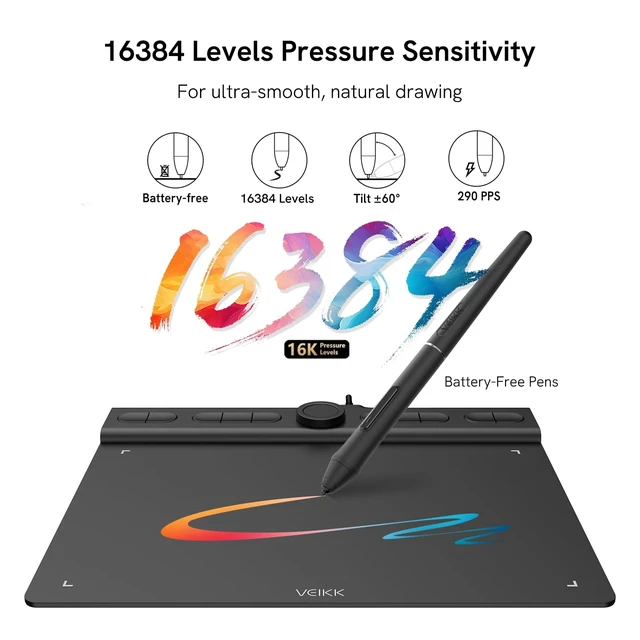
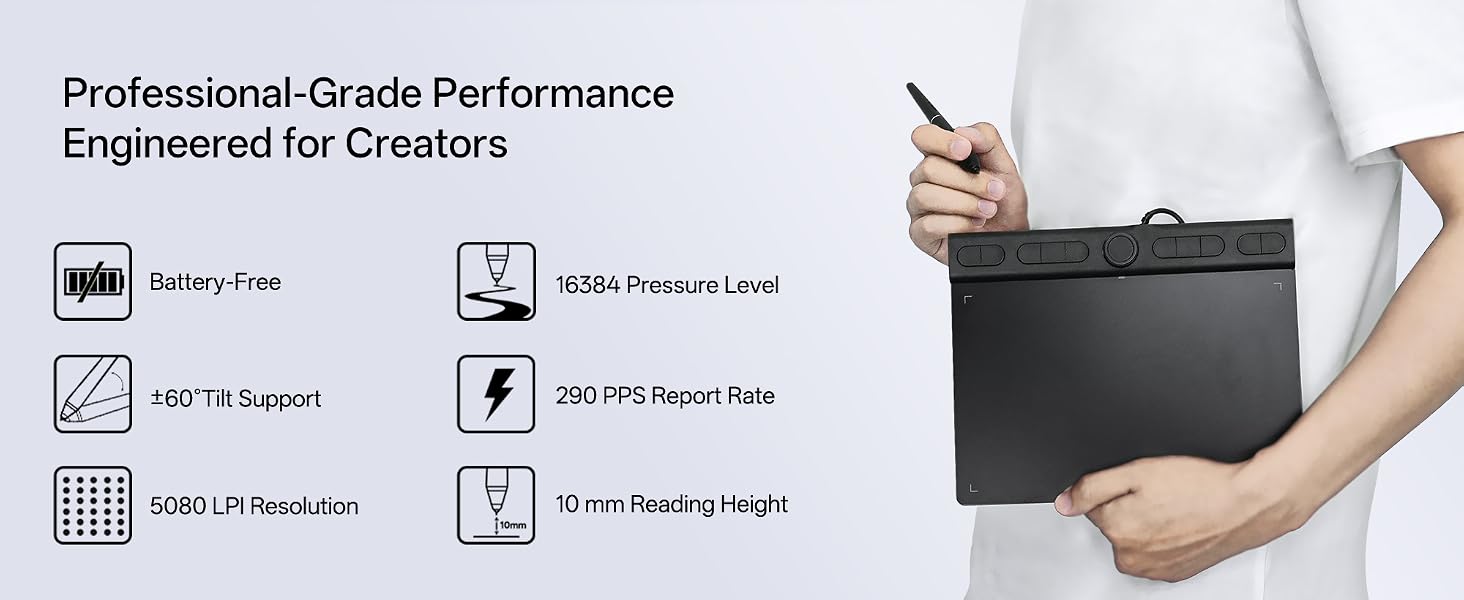
Pen Pressure | 16384 Levels | 8192 Levels | 8192 Levels | 8192 Levels | 8192 Levels | 8192 Levels |
Tilt 60° | ? | X | ? | ? | ? | ? |
Report Rate | 290PPS | 290PPS | 290PPS | 290PPS | 290PPS | 290PPS |
OS Support | Win/Mac/Linux /Android | Win/Mac/Linux /Android | Win/Mac/Linux /Android | Win/Mac/Linux /Android | Win/Mac/Linux /Android | Win/Mac/Linux /Android |
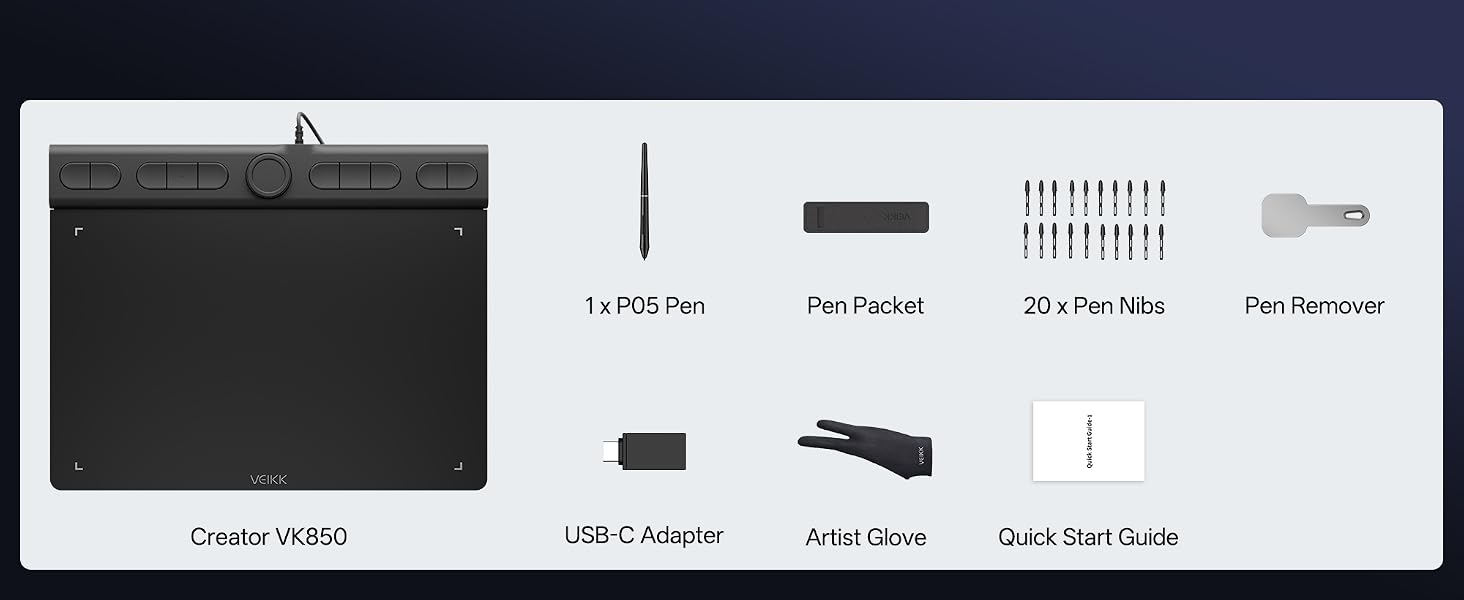
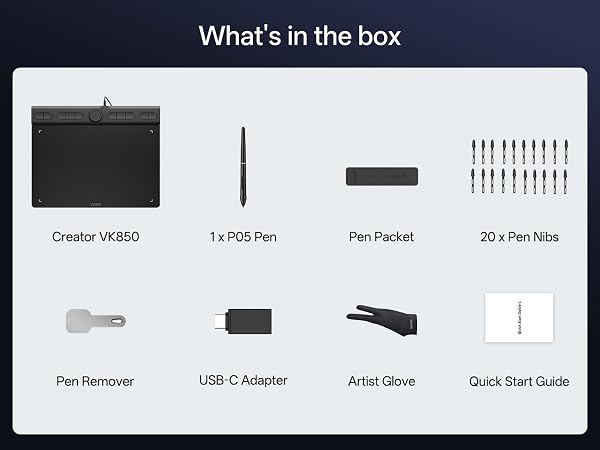
Accessories | 20 Pen Nibs+OTG Adapter+Glove | 8 pen nibs | 8 Pen Nibs+OTG Adapter+Glove | 8 Pen Nibs+ OTG Adapter+Glove | 20 Pen Nibs+C-OTG + Glove | 8 Pen Nibs+OTG Adapter |
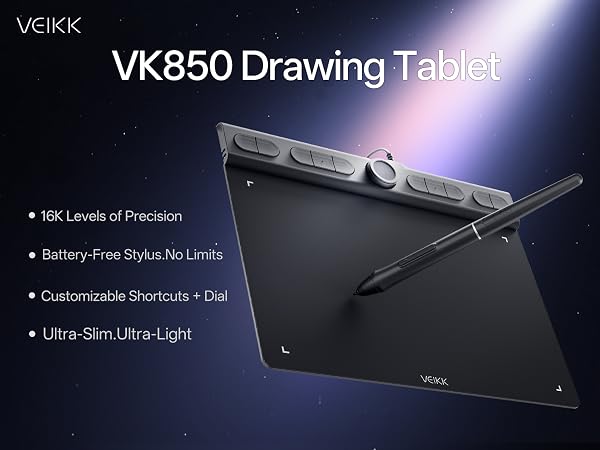
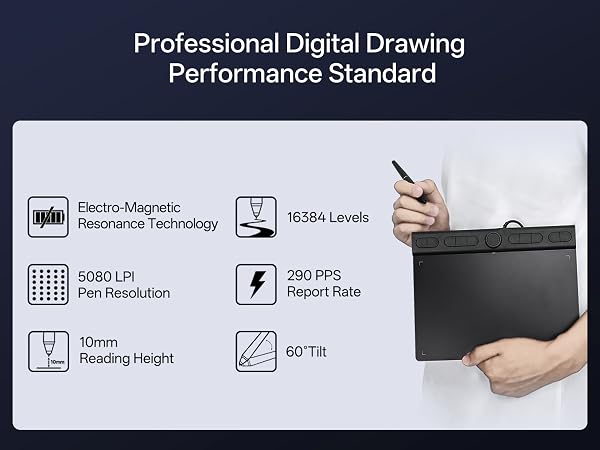
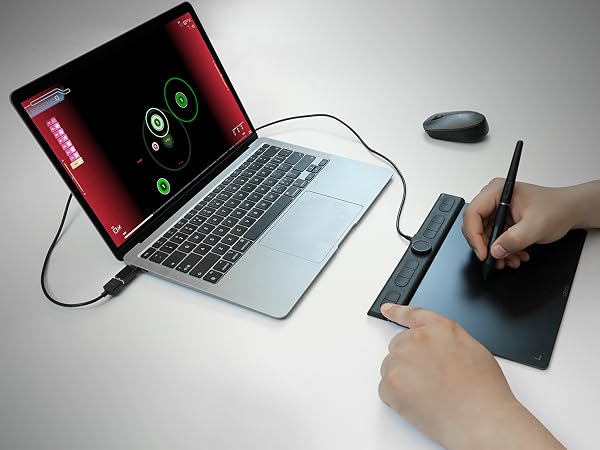
The tablet offers precise pen control to hit rhythm notes accurately.
Natural pressure sense simulates real brushes for sketching and coloring.
Handwrite notes during online lessons
Carry it anywhere, finish digital signatures instantly
Pressure-sensitive pen helps smooth mask drawing and frame retouching.
Is this tablet good for a beginner who is just starting out with digital art?
Yes, the VK850 is great for beginners. Its large active area and responsive pen make learning easy. All accessories come in the box, no extra purchases needed. Plug-and-play setup on most systems is also very user-friendly.
Is this tablet compatible with MAC OS?
Yes, it compatible with not only Mac OS 10.12 or later , but alsoWindows 11/10/8/7, Linux OS, Android 6.0 or above.
How to download the driver?
Please go to VEIKK official web to dowmload.
Is it only for drawing or can I use it with other software?
It can replace a computer mouse and support image editing, illustration, animation, graphic design, and annotation. It works with most creative software, online learning apps and platforms on both PC and Mac for remote study and remote work.
How can I check if my phone or tablet is compatible with this drawing tablet?
This drawing tablet is compatible with Android 6.0+ devices with OTG support. Please message us if you are not sure about your device.
VK850 Drawing Tablet | VK430 Drawing Tablet | VK640 Drawing Tablet | A30 V2 Drawing Tablet | Voila L Drawing Tablet | S640 Drawing Tablet |
|---|---|---|---|---|---|
| Customer Reviews | |||||
| — | — | — | — | — | — |
| Price | |||||
| — | — | — | — | — | — |
| Work Area (Inch) | |||||
| 8 x 5 | 4 x 3 | 6 x 4 | 10 x 6 | 10 x 6 | 6 x 4 |
| Hot Keys | |||||
| 10 Shortcuts Key&1Quick Dials | 4 Shortcuts Key | 6 Shortcuts Key | 4 Touch Keys & 1 Gesture Pad | 4 Keyboard Keys&1 Quick Dials | NO |
| Pen Model | |||||
| P05 Battery-free Pen | P05 Battery-free Pen | P05 Battery-free Pen | P05 Battery-free Pen | P05 Battery-free Pen | P05 Battery-free Pen |
| Pen Pressure | |||||
| 16384 Levels | 8192 Levels | 8192 Levels | 8192 Levels | 8192 Levels | 8192 Levels |
| Tilt 60° | |||||
| ? | X | ? | ? | ? | ? |
| Report Rate | |||||
| 290PPS | 290PPS | 290PPS | 290PPS | 290PPS | 290PPS |
| OS Support | |||||
| Win/Mac/Linux /Android | Win/Mac/Linux /Android | Win/Mac/Linux /Android | Win/Mac/Linux /Android | Win/Mac/Linux /Android | Win/Mac/Linux /Android |
| Accessories | |||||
| 20 Pen Nibs+OTG Adapter+Glove | 8 pen nibs | 8 Pen Nibs+OTG Adapter+Glove | 8 Pen Nibs+ OTG Adapter+Glove | 20 Pen Nibs+C-OTG + Glove | 8 Pen Nibs+OTG Adapter |